-
Free HD Photo Converter
Inspiration
We wanted to build a tool that solves a simple but frustrating problem: many people have photos that are blurry, low-resolution, compressed, or too small to reuse. Whether it is an old family photo, a social media image, a product picture, or a screenshot, improving image quality often feels more complicated than it should be. Free HD Photo Converter was inspired by the idea that anyone should be able to enhance a photo in seconds without installing software, learning editing skills, or paying upfront.
What it does
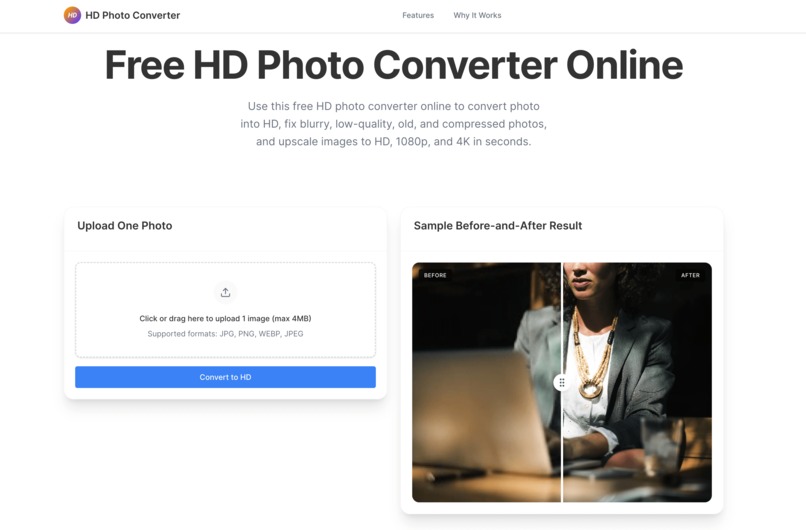
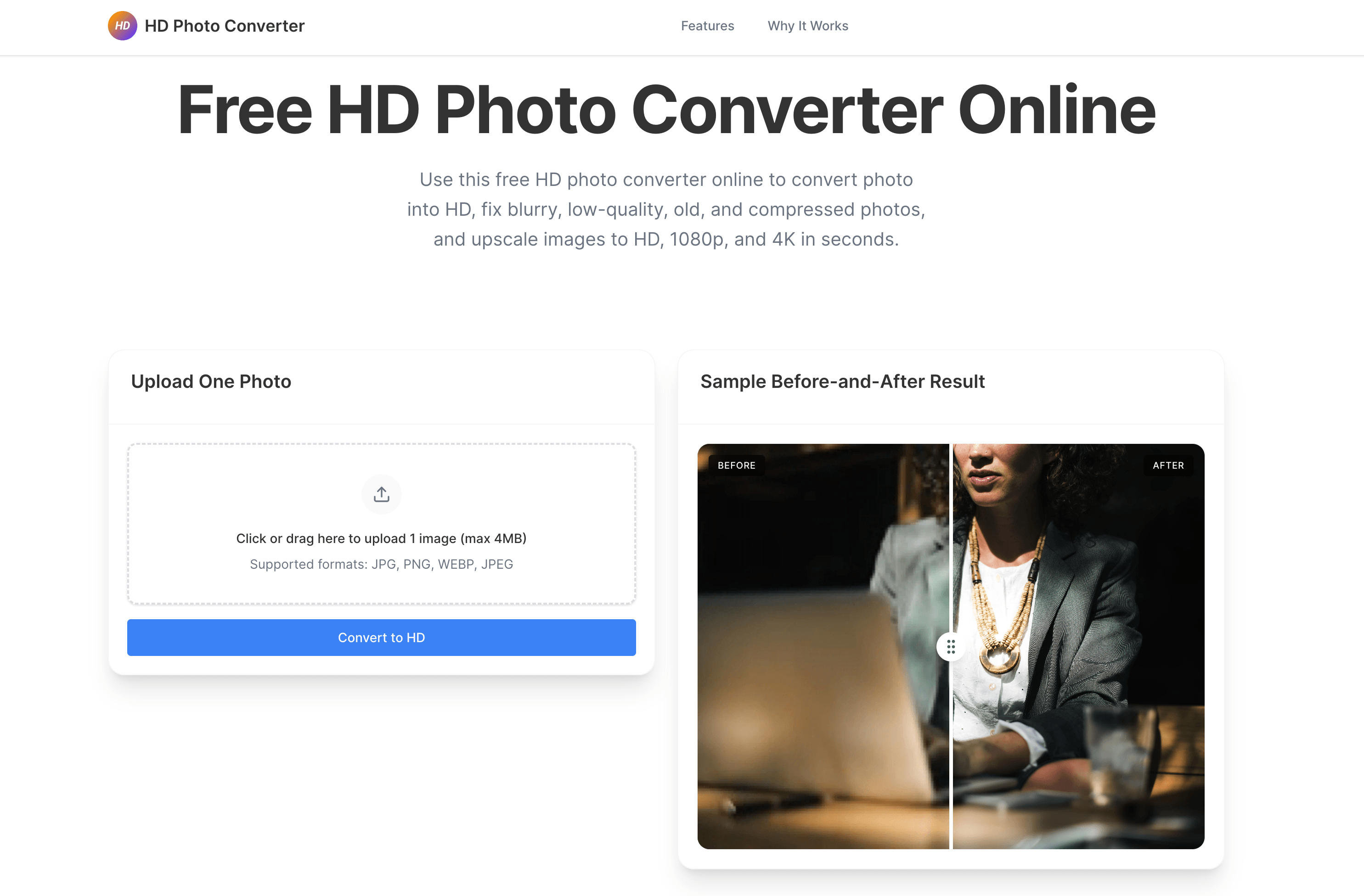
Free HD Photo Converter is an online tool that helps users turn blurry or low-quality images into clearer, sharper HD photos. Users can upload an image and quickly improve its visual quality for personal or professional use. It is designed to be simple, fast, and accessible, making it useful for restoring old photos, improving social media content, upgrading product images, and preparing visuals for presentations or websites.
How I built it
I built Free HD Photo Converter as a lightweight web product focused on speed, clarity, and ease of use. The product flow was designed to be straightforward: upload an image, process it through an AI-powered enhancement pipeline, and return an improved result with minimal friction. On the frontend, I focused on a clean user experience that makes the tool approachable even for non-technical users. On the backend, I structured the image-processing workflow to handle uploads, enhancement requests, and result delivery efficiently. I also paid close attention to the landing page copy, SEO structure, and feature presentation so the product is not only functional, but also easy for users to discover and understand.
Challenges I ran into
One of the biggest challenges was balancing quality, speed, and cost. Users expect image enhancement to feel instant, but high-quality processing can be resource-intensive. Another challenge was setting the right expectations: users want dramatic improvements, but the output still depends on the quality of the original image. I also had to think carefully about product positioning, because terms like HD, upscale, enhance, and sharpen can overlap, while users may still have slightly different expectations behind each search. Creating a simple experience without oversimplifying the real value of the tool was an important part of the process.
Accomplishments that I'm proud of
I am proud that Free HD Photo Converter turns a technically complex task into a very simple user experience. I am also proud of building a product that feels practical right away: the value is easy to understand, the workflow is fast, and the result is immediately useful. Beyond the tool itself, I am proud of shaping it as a focused product rather than just a demo, with clear use cases, strong landing-page messaging, and room to grow into a more complete image enhancement platform.
What I learned
I learned that users do not just want AI for the sake of AI — they want a fast, trustworthy result for a specific problem. I also learned how important positioning is in image tools: sometimes the difference between a confusing product and a compelling one is not the technology, but how clearly the benefit is communicated. On the product side, I learned that small UX decisions, like reducing steps and making the output feel immediate, can have a huge impact on perceived value.
What's next for Free HD Photo Converter
Next, I want to improve both the enhancement quality and the range of supported use cases. That includes adding more specialized modes for portraits, old photo restoration, product images, and social media content. I also plan to expand format support, improve batch processing, and explore more user controls so people can choose between faster results and stronger enhancement. In the longer term, I want Free HD Photo Converter to become a more complete image improvement toolkit, not just a single-purpose converter.
Built With
- nextjs

Log in or sign up for Devpost to join the conversation.