-
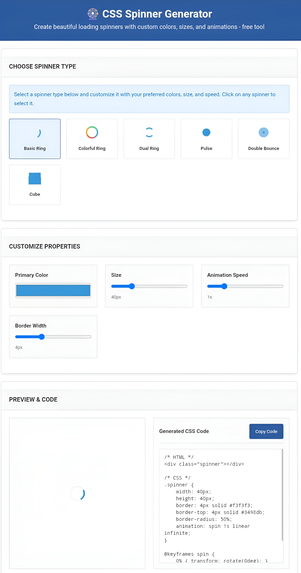
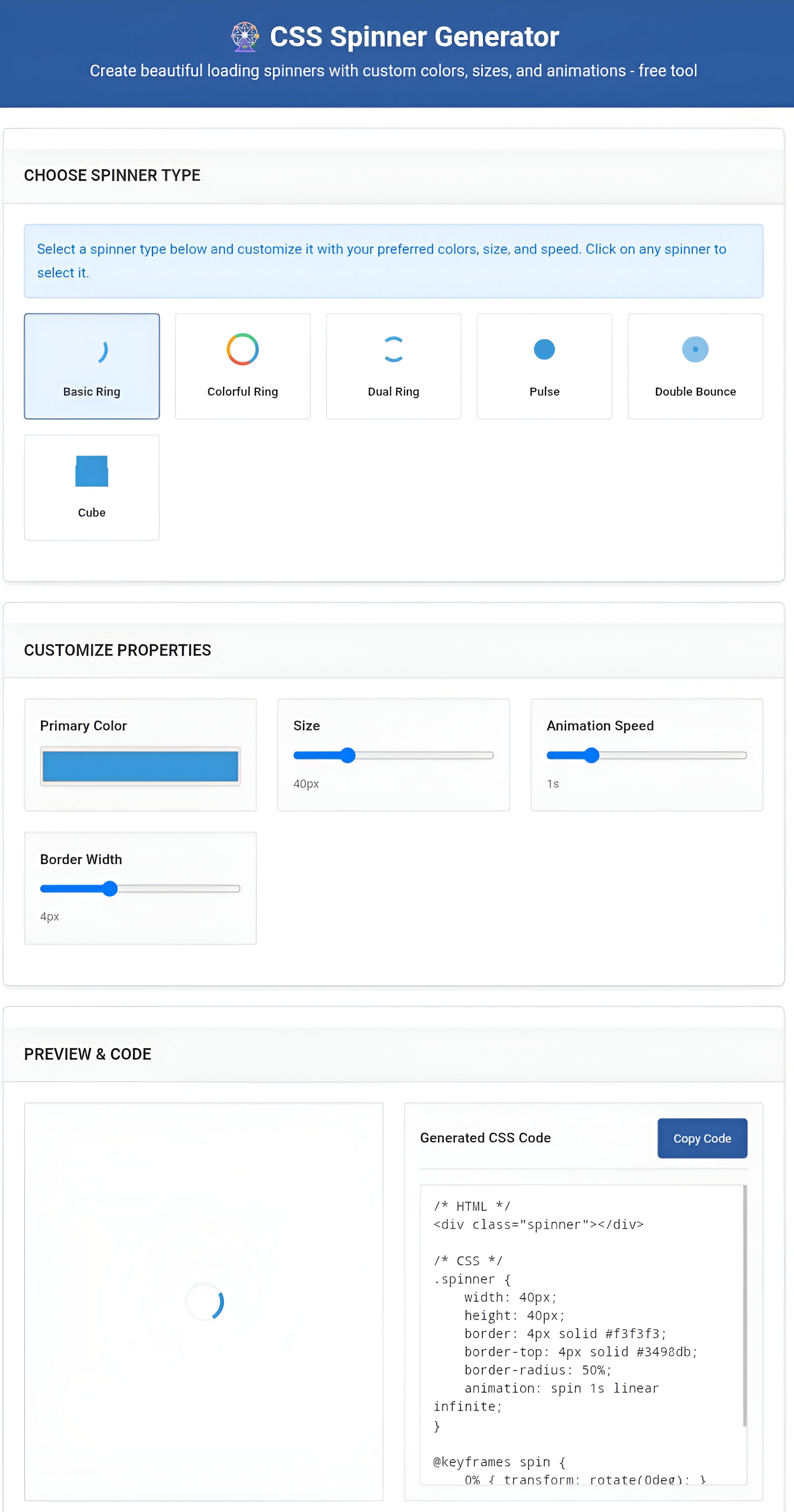
Image of CSS SPINNER GENERATOR TOOL
Inspiration
Every time I started a new project, I had to search for spinner code again and again. You know that feeling - you need a simple loading animation, but you either find big complex libraries or spend 20 minutes writing CSS from scratch.
What I learned
- Vanilla JS works great for simple tools - no frameworks needed
- CSS animations get tricky when updating properties in real-time
- Good UX matters for developer tools too - keep it fast and easy
- One-click copy saves so much time
How I built it
Started with basic HTML, then added 6 spinner types using pure CSS animations. The hard part was making the live preview update smoothly when users change colors or size.
Used vanilla JavaScript for everything - color picker, sliders, copy button. No external stuff needed.
Made it work on mobile because devs code everywhere.
Challenges I faced
Animation problems - When users changed settings, spinners would freeze or restart badly. Fixed by clearing old animations before adding new ones.
Mobile view - Spinners looked too small on phones. Made better responsive layout.
Copy button - Worked on new browsers but broke on old ones. Added error handling and better feedback.
Weekend project that actually saves me time now. Best tools solve your own problems first.
Built With
- css
- html
- javascript
- vanilla


Log in or sign up for Devpost to join the conversation.