-
-
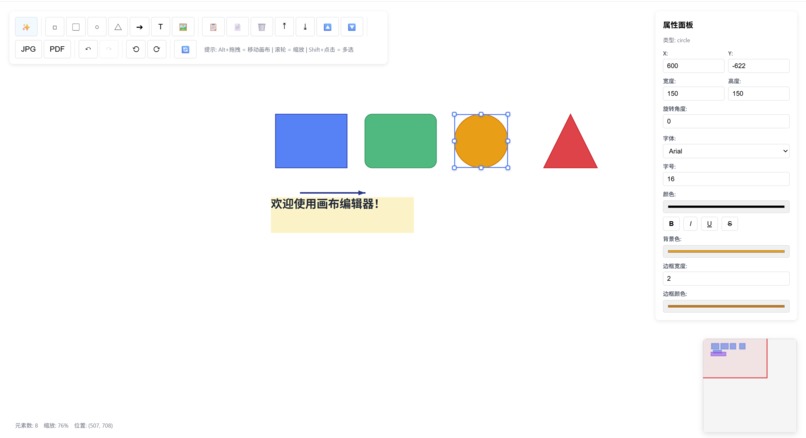
appearance
-
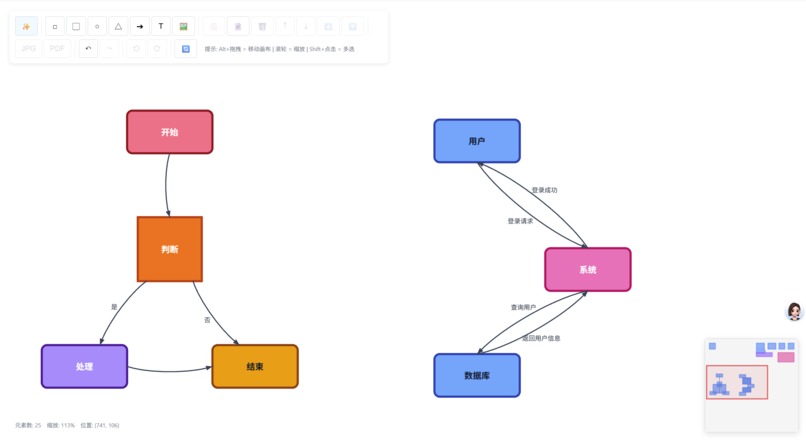
flow chart
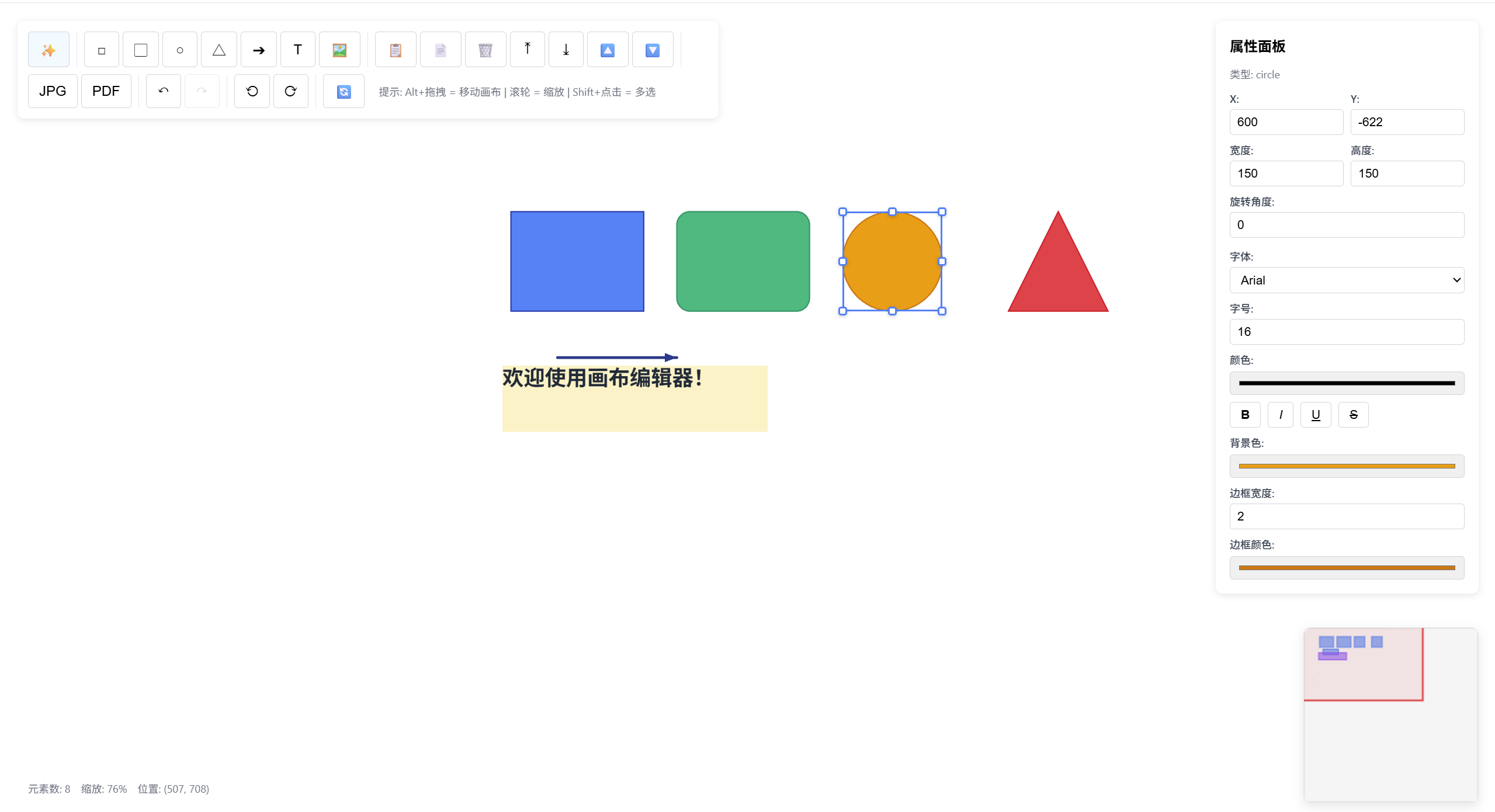
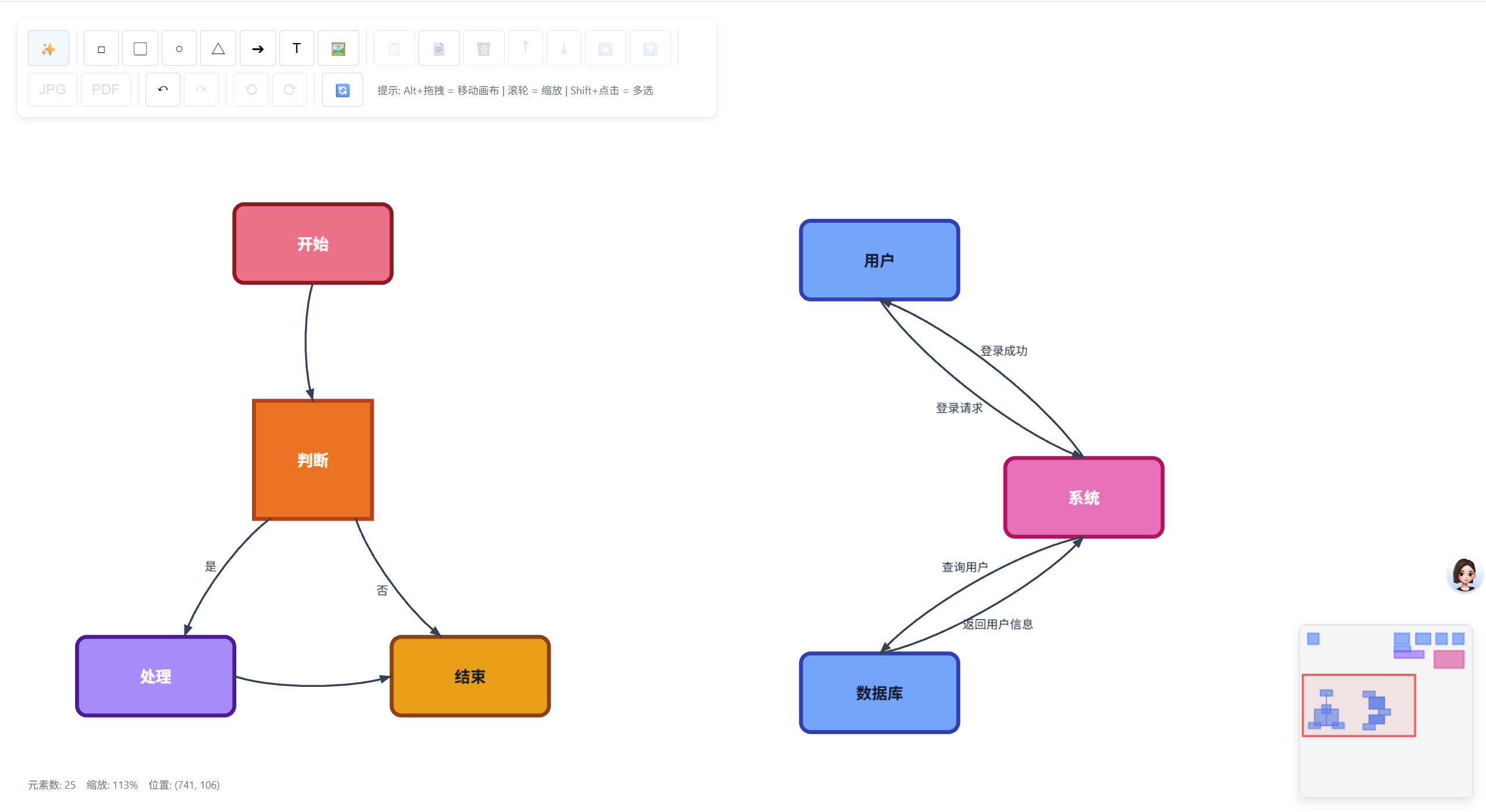
Inspiration
In daily development and note-taking, we often use Mermaid or Markdown lists to quickly record logic, but these tools frequently lack interactivity, making fine-tuned layout adjustments difficult. Conversely, traditional canvas tools (like Figma or Excalidraw) offer flexibility but cannot directly convert text-based logic into graphics with one click. Free-canvas was born to bridge this gap: we aimed to build a canvas editor that combines high-performance native WebGL rendering with deeply integrated text parsing algorithms, allowing users to switch freely between "auto-generation" and "manual adjustment."
What it does
Free-canvas is a high-performance online canvas editor with the following core features:
- Intelligent Parsing System: Supports one-click conversion of Mermaid, Markdown indented lists, and PlantUML into aesthetically pleasing flowcharts or tree diagrams.
- Extreme Rendering Performance: Powered by the PixiJS (WebGL) engine, supporting smooth 60FPS operations even with 100+ elements and a response latency of less than 1ms.
- Full-featured Graphic Editing: Provides basic shapes (rectangles, circles, arrows, etc.), rich text editing, and image imports with built-in filters (Grayscale, Sepia, Blur).
- Professional Interaction Experience: Includes an intelligent guideline snapping system, element grouping/ungrouping, infinite zoom and pan, and layer management (Bring to Front/Send to Back). Robust State Management: Supports up to 50 steps of Undo/Redo, along with local data persistence, JSON export, and PDF generation.
How we built it
- Tech Stack: Built with React 19 and TypeScript for code robustness, using Vite 7 as a lightning-fast build tool.
- Rendering Layer: Moved away from traditional Canvas 2D in favor of PixiJS 8 to fully leverage GPU acceleration for high-performance rendering.
- State Management: Developed a custom useCanvasState hook (1,100+ lines of code) using Refs and a double-stack design to efficiently handle complex graphic states and history.
- Layout Algorithms: Integrated the Sugiyama Layered Layout algorithm to process parsed flowcharts, ensuring scientific and visually balanced automatic positioning.
Challenges we ran into
- Rendering Performance Optimization: Handling high-frequency mouse events (like dragging) initially caused frame rate stuttering during full state updates. We solved this by implementing RAF (RequestAnimationFrame) throttling and Incremental Transform updates, successfully stabilizing the frame rate at 60 FPS.
- Complex History Tracking: Undo/Redo operations involve not just element positions but also viewport scale, grouping relationships, and more. We designed a double-stack mechanism with snapshot deduplication to prevent memory leaks while ensuring state consistency.
- Parser Compatibility: Mapping unstructured Markdown/Mermaid text accurately to canvas coordinates required handling numerous edge cases. We resolved this by building an intermediate semantic layer.
Accomplishments that we're proud of
- Performance Breakthrough: Reduced the latency for single graphic updates from 100ms to under 1ms, a nearly 100x performance improvement.
- Seamless Integration: Successfully implemented an automated pipeline from text parsing to canvas rendering that still allows for manual fine-tuning.
- User Experience: Created a silky-smooth snapping system and a comprehensive hotkey framework, giving the project the polished feel of a professional productivity tool.
What we learned
Gained a deep understanding of WebGL rendering pipelines and underlying optimization strategies for 2D graphic engines.
Mastered the application of complex graph theory algorithms (such as topological sorting and crossing reduction) in real-world frontend scenarios.
Gained experience in improving performance in large-scale React projects by decoupling rendering logic from business state.
What's next for Free-canvas
- Real-time Collaboration: Implementing WebSocket and CRDT algorithms to enable multi-user collaborative editing similar to Figma.
- Component Library Extension: Supporting custom UI component libraries, allowing users to turn canvas elements into reusable templates.
- Mobile Optimization: Enhancing touch gestures for a better experience on tablets and smartphones.
- Enhanced Smart Layouts: Introducing more diverse automatic layout strategies, such as force-directed graphs and orthogonal layouts.
Built With
- javascript
- jspdf
- mermaid
- pixijs
- react
- react-compiler
- typescript
- vite


Log in or sign up for Devpost to join the conversation.