Inspiration
During this year during FRC season which both of us are part of we noticed during our first comp that our driver was inexperienced and that would cause us to score less than that we could be. Even though we ended up winning the competition as alliance 1 captain we felt we could still improve this stage of our pipeline
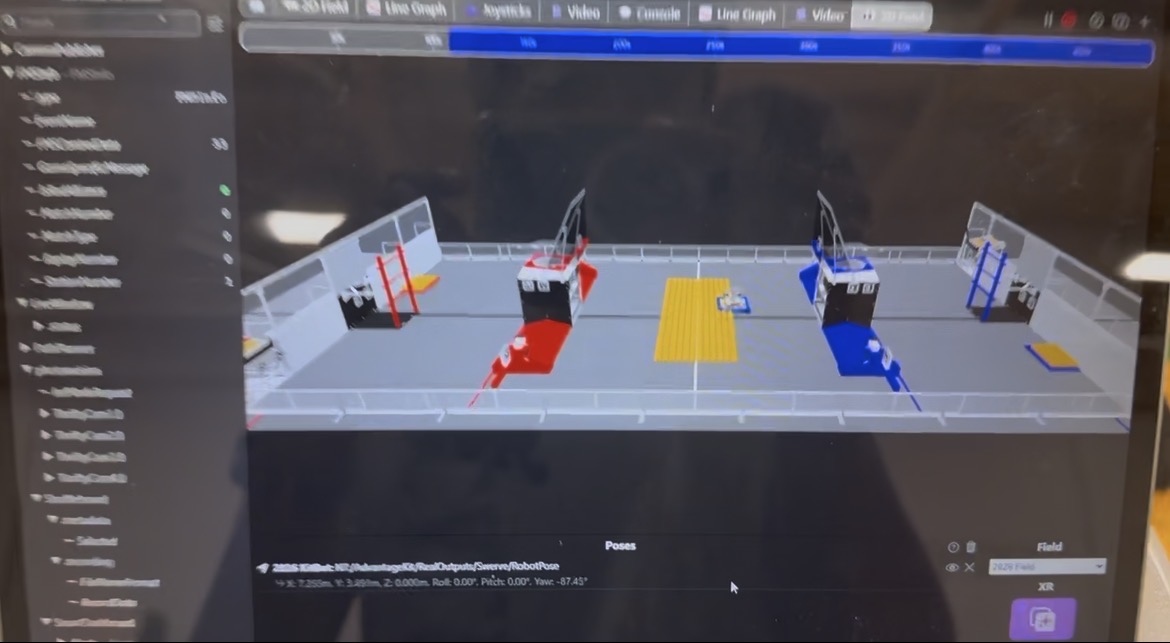
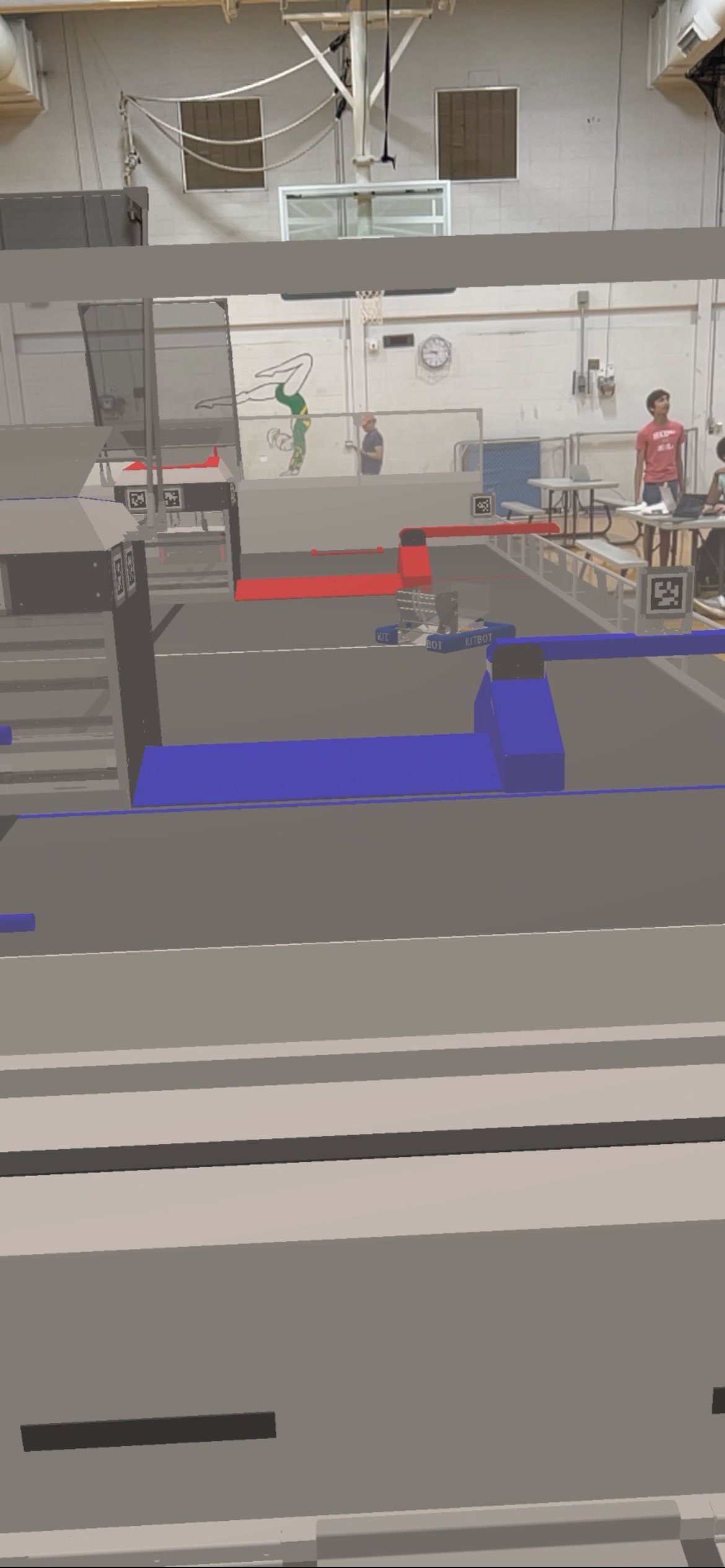
So we started looking into ways we could streamline the driver acquisition process. Our first step was to research ways we could get a working robot simulation. Thankfully Advantage Scope + Hal_SimGui provided this base we could build off of. Our second step was to understand how XR works so we researched that and eventually settled on advantage scopes built in XR because it was a streamlined no server process and provided the necessary functionality. We then got hard at work implementing a sim first robot base with a proprietary command based system. Which is the repo below. We also had to write a custom script to use the specific hackathons nintendo joysticks instead of the normal xbox controller wpilib already provides
What it does
It simulates the robot in 3D space as well as any other functions which may exist only requiring a screen be it a computer or vr system. It only requires the driver (Unfortunately not included) and a joystick. We are believers in FOSS so we are keeping this free and open source
What's next for FRC DRIVING MODULE
Collision detection with field elements which is already in the works. Fuel simulation to fully simulate the game. Importing arbitrary CAD models for both the field and robot. Multiple robots simulated together. These will all be implemented in the future. We already have plans for these improvement's building on top of the amazing framework from frc we are alr provided
To Run
connect a xbox controller to your computer pull the github repo below and download wpilib 2026. Simulate the project from wpilib and enable the robot. Then open advantage scope and hit ctrl+shift+k and pull out any fields you want to display on the 3d field. For the robot it should be under advantage scope/real outputs/swerve/robotPose. now pull the joysticks into the proper slot for simulation and then click the xr button scan with your phone get the app and then once u follow the onscreen instructions it should be running

Log in or sign up for Devpost to join the conversation.