Project Story: FrameForge
The Vision: From Prompt to Production
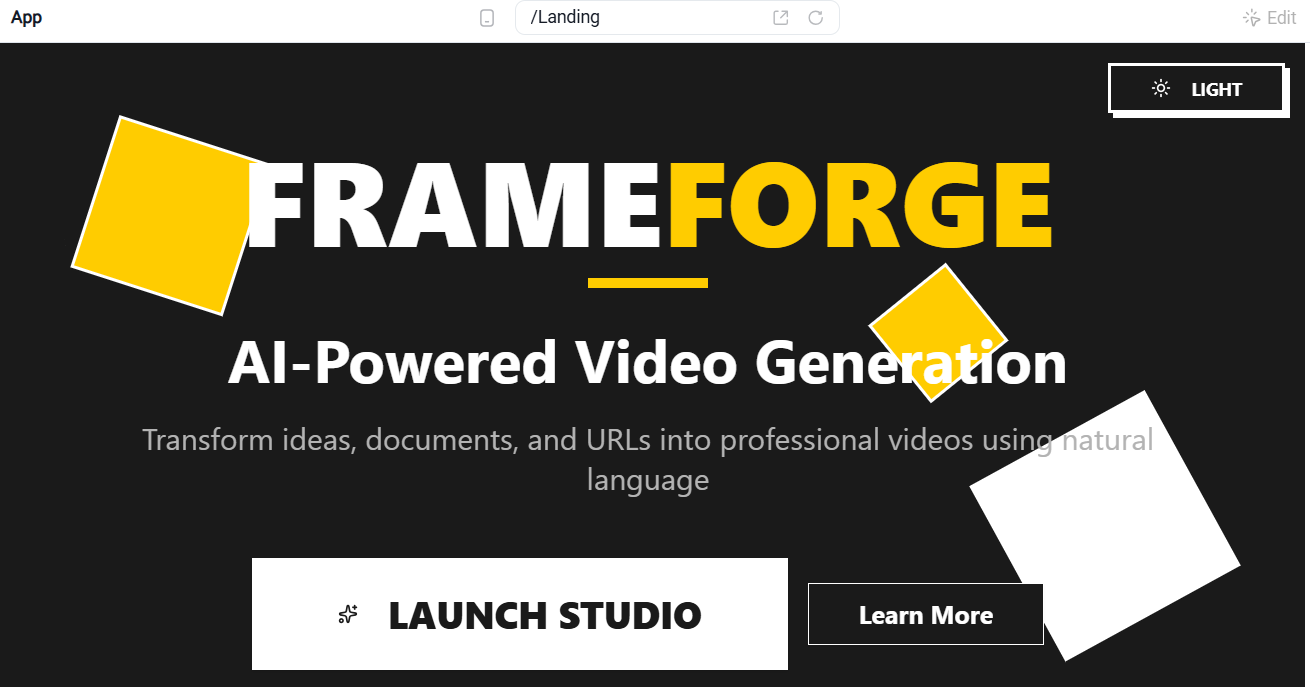
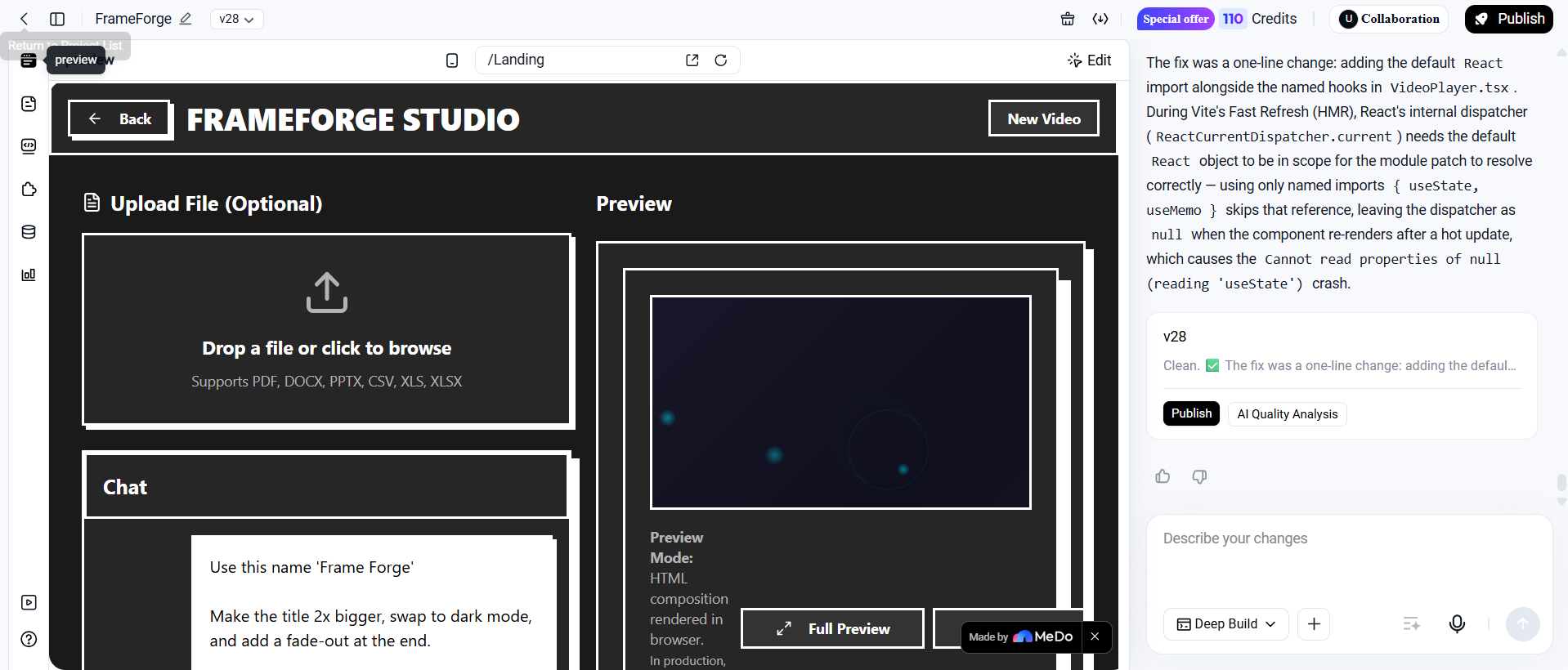
I’ve always felt that video creation has a massive "barrier to entry" problem. Most tools require steep learning curves, expensive subscriptions, or complex timelines. I wanted to build something that felt like magic: a stateless, "open and download" studio where you could simply "Write a prompt. Get a video". The goal was to bridge the gap between static content—like a messy CSV or a long PDF—and dynamic visual storytelling without requiring a single login or account.
How I Built the Forge
Building FrameForge required orchestrating three distinct technical layers into a unified pipeline:
- The Ingestor (Python Sidecar): I integrated MarkItDown via a Python subprocess to handle the "dirty work" of document parsing. It takes raw files (PDFs, Word docs, Excel sheets) and transforms them into clean markdown context for the AI.
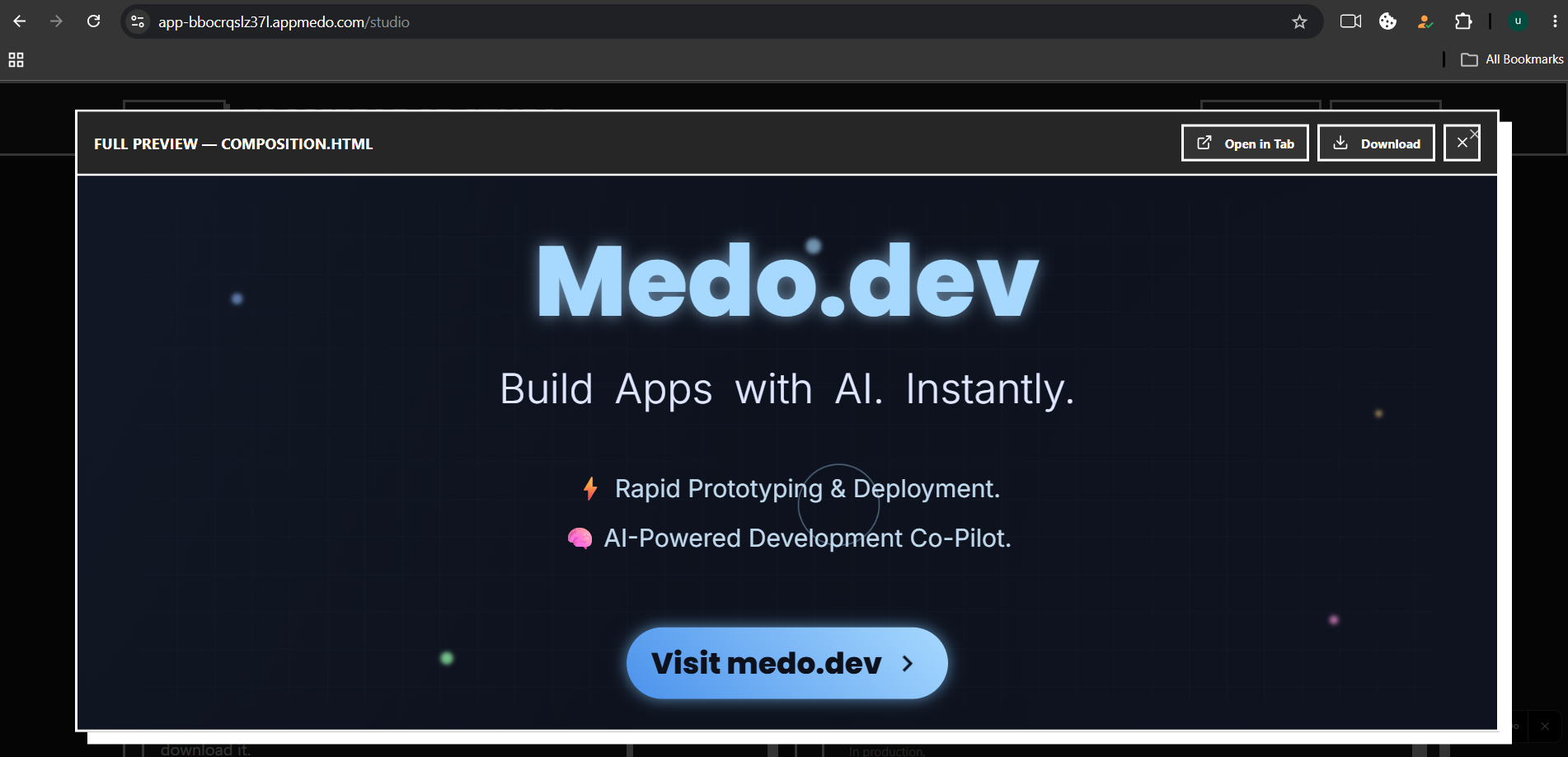
- The Brain (Google Gemini): I used the Gemini API as the core engine. Instead of just chatting, the AI acts as a director, outputting a complete, self-contained HyperFrames composition in HTML.
- The Renderer (The "Forge"): The actual video isn't "recorded" in the browser; it's forged on the server. I used the HyperFrames CLI, FFmpeg, and Chromium (via Puppeteer) to render the HTML animation frame-by-frame into a high-quality MP4 file.
The Challenges & Learning Curves
The biggest technical hurdle was the computational cost of rendering. Rendering is a linear function of video duration and frame rate. If we define the total frames $F$ to be rendered for a video of duration $D$ at a frame rate $R$:
$$F = D \times R$$
With a target of 60fps for a 60-second video, the server must process $F = 3600$ individual frames. This is CPU-intensive, which taught me the importance of server-side job management and the need for future horizontal scaling with dedicated render workers.
Another challenge was AI hallucinations in the code. Sometimes the Gemini model would output invalid HyperFrames syntax. To solve this, I implemented a validation layer that checks the HTML and performs up to two "error correction" retries if the composition isn't render-ready.
The "Signature" Moment
During development, I realized that a 45–60 second wait time for a render could feel like an eternity. To fix the user experience, I created the "Cooking Animation". It’s a terminal-style "theatre of motion" that simulates the video assembly process. Even though it uses staged, synthetic progress rather than real-time events, it keeps the user engaged by showing the "thoughts" of the machine as it works.
Through this project, I learned that building for the AI era isn't just about the model—it's about the infrastructure that validates, renders, and secures the AI's output. FrameForge is the result of that realization: a professional-grade video studio that lives entirely in a browser tab.
Built With
- edgefunction
- ffmpeg
- markdown
- react18
- reactrouter
- supabase
- tailwindcss
- typescript
- vite

Log in or sign up for Devpost to join the conversation.