-
HomePage
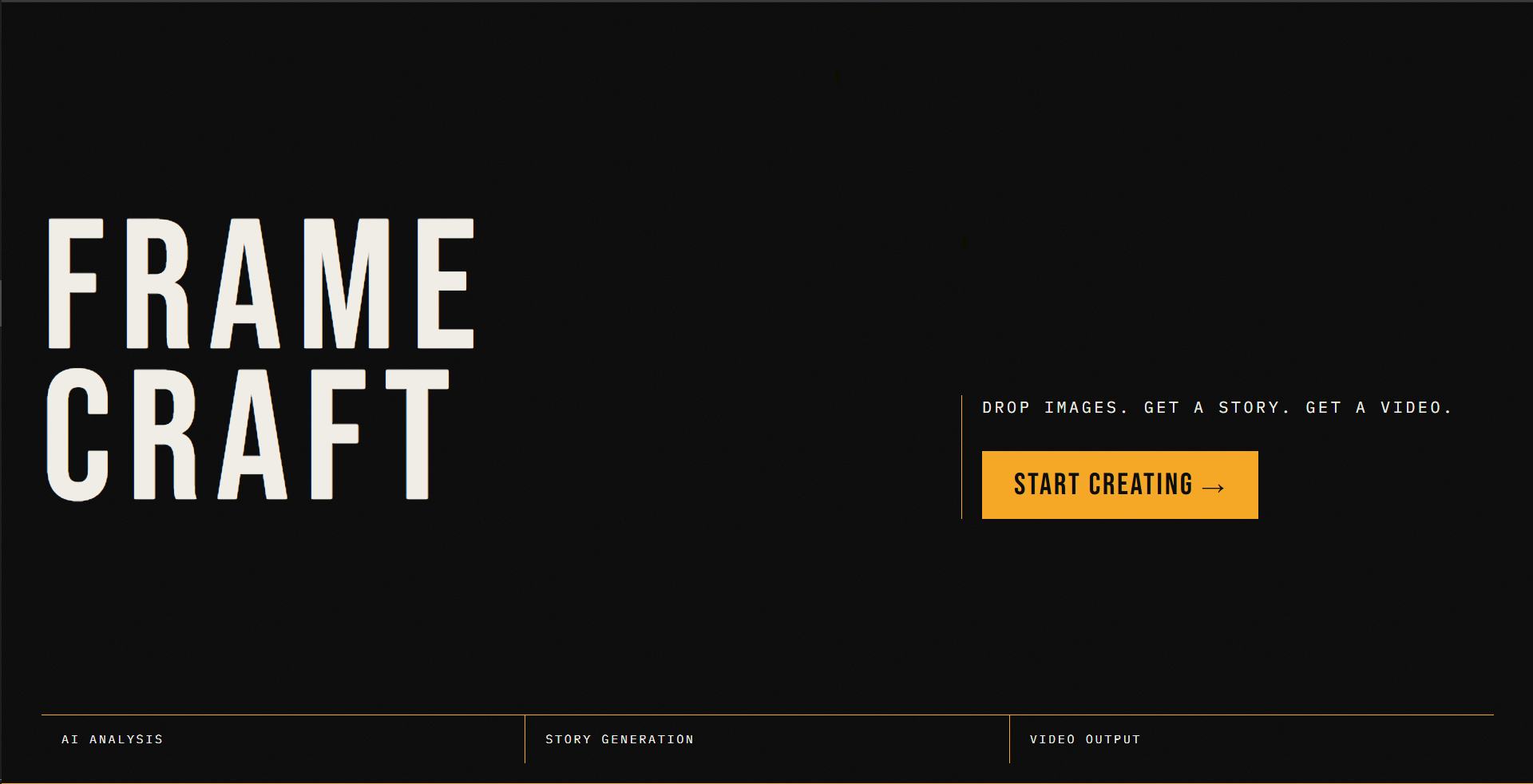
FRAMECRAFT. Frames In. Story Out.
What Inspired FRAMECRAFT
We have all had a lot of photos and no time to make a video from them. You need to pay for video editors. It takes a long time to learn how to use them.. The story is already there in the photos.
The problem is that it is hard to turn a bunch of photos into a video. That is what FRAMECRAFT was made to solve. We thought: what if a computer program could make a video in 30 seconds that would take a person 3 hours to make?
We also thought about using intelligence to make the whole process automatic. The computer program would look at the photos put them in order add words to explain what is happening and put it all together. No person would be needed to help.
How We Made FRAMECRAFT
FRAMECRAFT is a web application that runs entirely in your browser. It does not need any servers or special equipment. It is free to use.
The process of making a video has five steps:
- Looking at the Photos
We take each photo. Make it smaller so it can be sent to a computer program called Gemini. Gemini looks at the photo. Tells us what is in it how it makes us feel and what the main subject is.
- Creating the Story
We take all the information from the photos. Send it to Gemini. Gemini puts the photos in order. Adds words to explain what is happening in each one.
- Putting the Photos in Order
We take the order that Gemini suggested and rearrange the photos accordingly.
- Making the Video
This is the part. We use a program called FFmpeg to make the video. It runs entirely in your browser. Does not need any special equipment. The program:
Takes each photo. Adds it to the video
Puts the photos in order and adds transitions between them
Adds words to explain what is happening in each photo
Makes a real video file that you can watch
The timing of the video is simple: we take the total time of the video and divide it by the number of photos.
- Managing the Computer Program
To make sure we do not use up all the time on Gemini we made a special program that sends requests to Gemini one at a time. If Gemini says we are sending many requests our program waits a little while before sending the next one.
What We Learned
The program we used to make the video is very powerful. It can be difficult to use. We had to figure out how to make it work with the browser.
The computer program that looks at the photos is very good at telling us what is in them long as we ask it the right questions. We had to make sure we were asking the questions so that the program would give us good answers.
Most people use equipment to make videos but we found that we could do it all in the browser. It is slower. It is free and keeps your photos private.
We also learned that artificial intelligence does not have to mean using a computer program to do everything. Sometimes it is better to use a program that is designed to do one thing well.
Challenges We Faced
The program we used to make the video takes a seconds to start up. We solved this problem by not starting it up until the user's ready to make the video. We also added a progress bar so the user can see what is happening.
The computer program that looks at the photos has limits on how requests we can send. We had to make sure we were not sending many requests at once. We solved this problem by sending the requests one at a time with a delay between each one.
We also had to figure out how to add words to the video. The program we used requires a special font file, which was not well documented. We had to embed the font file in the program so that it would work.
Making the user interface for the program was also a challenge. We had to make sure it would work well on screens, like phones.
Impact and Whats Next
FRAMECRAFT is a tool that can be used by anyone who has photos and wants to make a video. It is free to use. Can be set up in just a few minutes.
Next we want to add music to the video and support, for languages. We also want to add a timeline editor so that users can fine-tune the video before making it.
We made FRAMECRAFT using free tools and it runs entirely in the browser.
Built With
- bebas-neue
- canvas-api
- ffmpeg.wasm
- framer-motion
- gemini-vision
- google-gemini-api-(gemini-1.5-flash)
- ibm-plex-mono
- localstorage
- next.js-14
- react
- sessionstorage
- tailwind-css
- typescript
- vercel
- web-audio-api
- webassembly


Log in or sign up for Devpost to join the conversation.