-
-
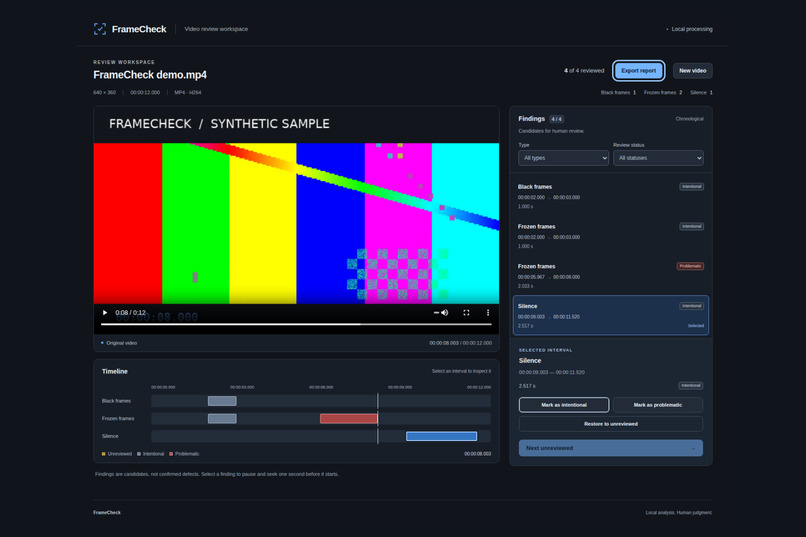
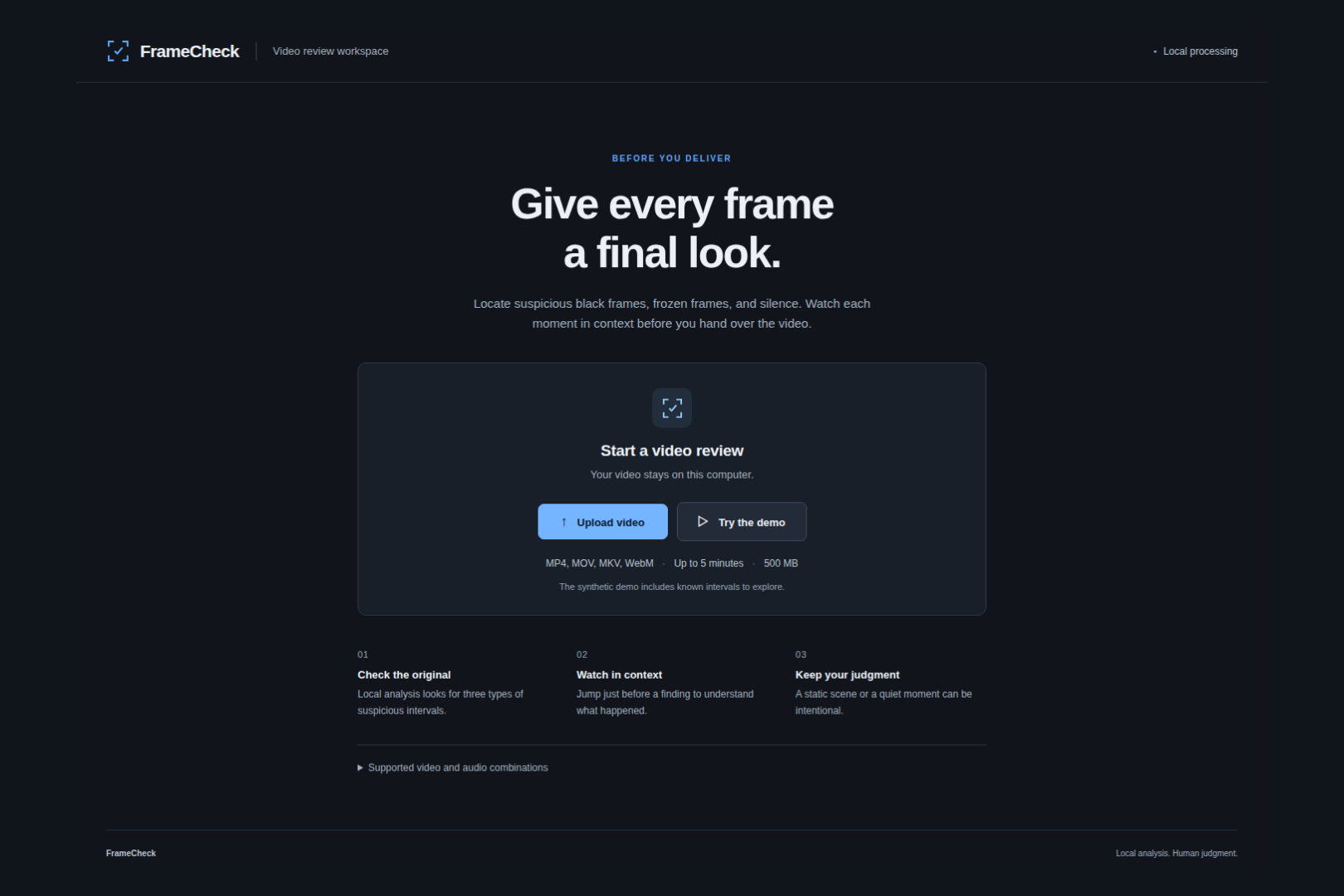
Locate suspicious intervals, watch them in context, and mark each finding as intentional or problematic.
-
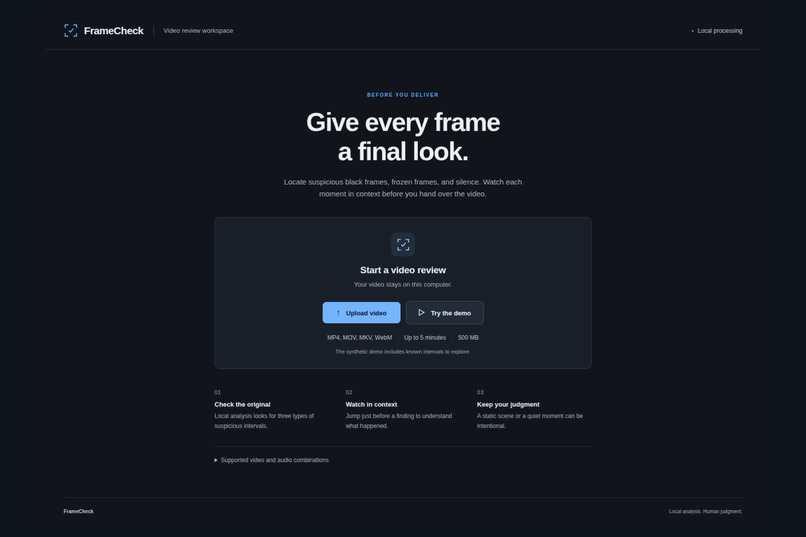
Upload a video or try the built-in demo, with all processing kept on your computer.
-
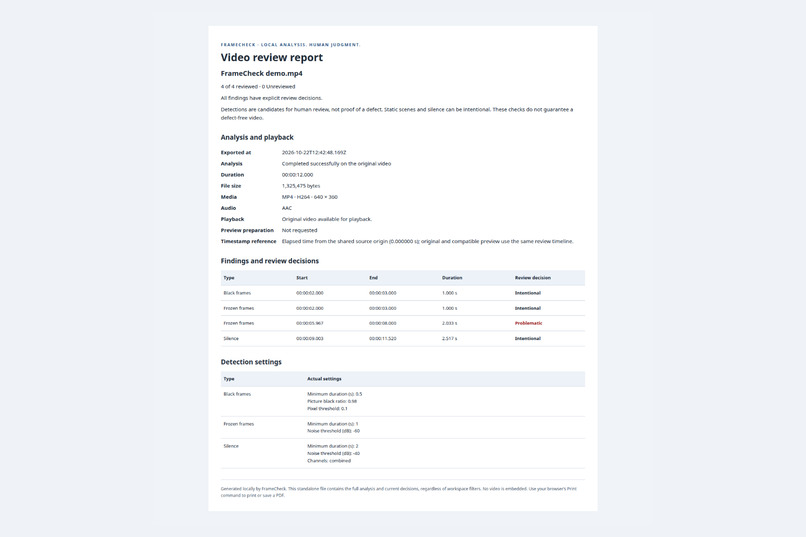
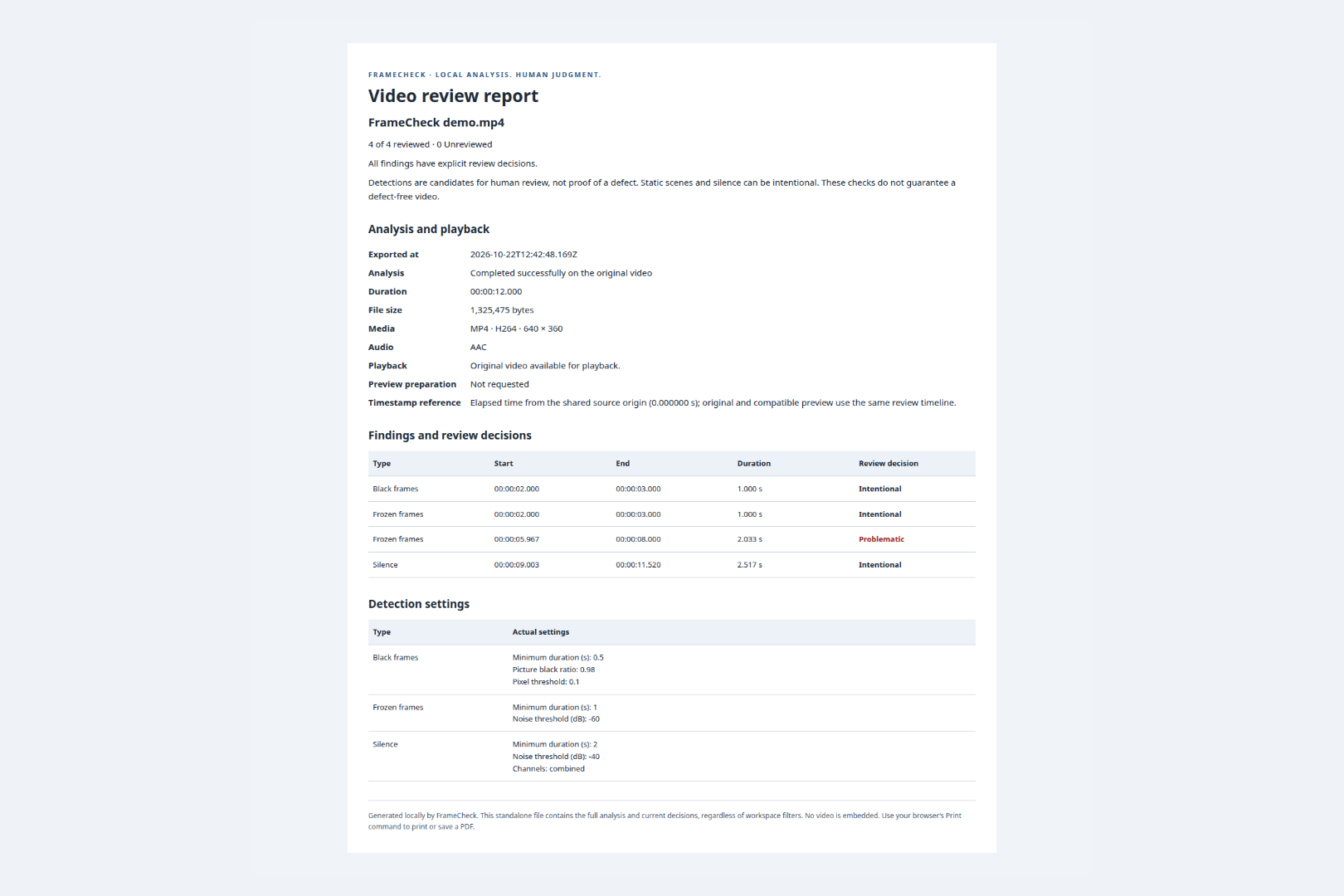
Export an offline, printable report with findings, timestamps, detection settings, and review decisions.
Inspiration
I’m a software engineer working on integrations with AI video enhancement products. That work exposes an important gap: a processing job can finish successfully while the resulting video still contains black frames, frozen images, or unexpected silence.
Finding those moments manually means watching the output. I wanted to build a focused workspace that helps reviewers locate suspicious intervals, understand the context, and make a decision before delivery.
That became FrameCheck.
What it does
FrameCheck is a local video review workspace built around one sequence: locate, watch, decide, export.
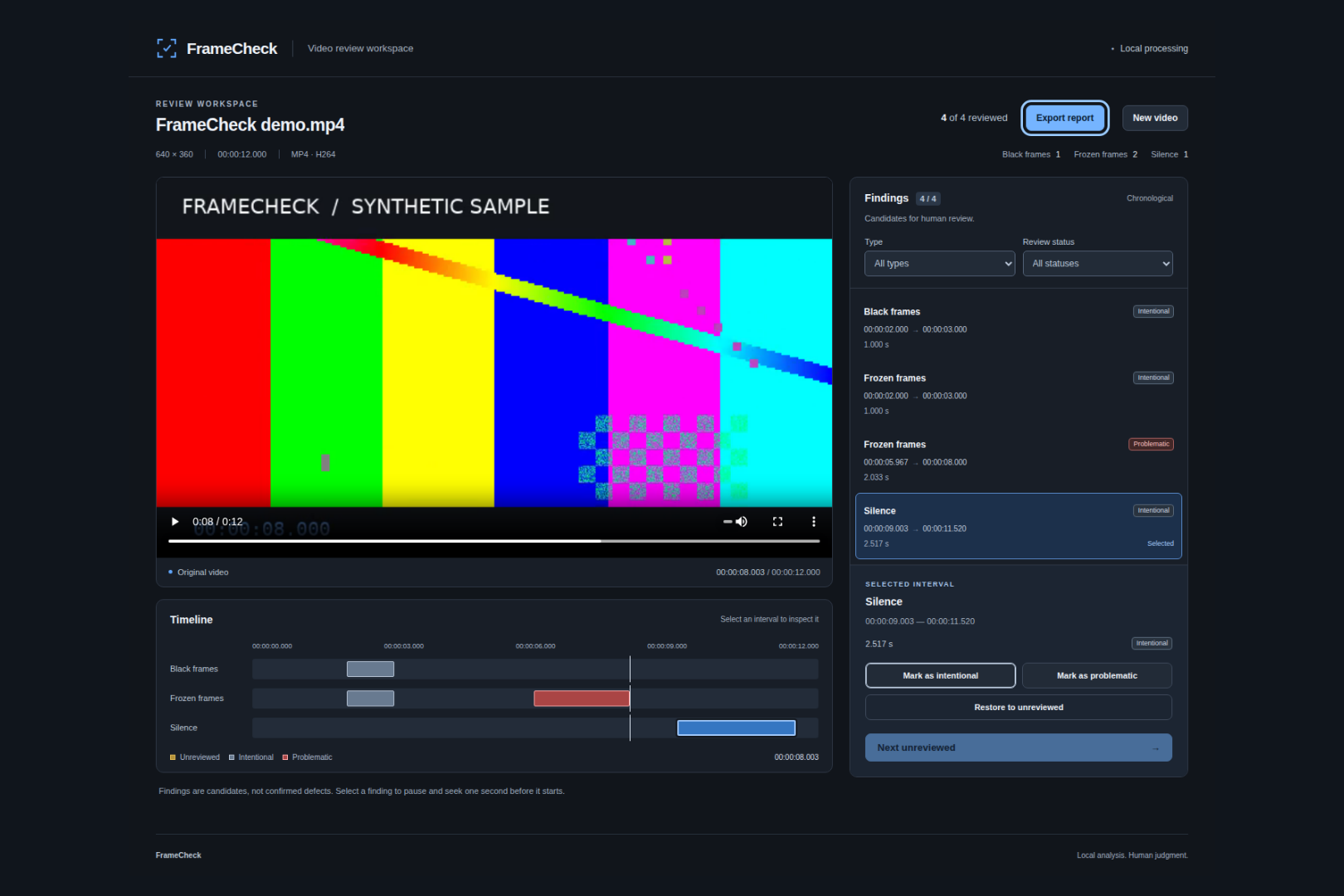
Upload a video or try the included synthetic demo. FFmpeg analyzes the original file for black frames, frozen frames, and prolonged silence. Findings appear beside a video player and on three synchronized timeline tracks.
Selecting a finding pauses playback and seeks one second before it starts. The reviewer can watch the surrounding footage, mark the interval as intentional or problematic, and move to the next unreviewed finding at their own pace.
The distinction matters: a static shot or a quiet moment can be intentional. FrameCheck identifies candidates for human review.
A standalone HTML report preserves timestamps, detection settings, and review decisions. It opens offline, supports printing, and clearly identifies any findings left unreviewed.
How I built it
I built the interface with React, TypeScript, and Vite, and the local backend with Python, FastAPI, and native FFmpeg.
I used Codex with the Devpost Learn Skill Pack to move from a firsthand problem through scope, product requirements, a technical specification, implementation, and validation. The planning documents are included in the repository.
I already had experience with AI coding agents, so I focused on directing the work through explicit product decisions and observable acceptance criteria.
Challenges I faced
Analysis and browser playback are different problems. A file that FFmpeg can analyze may not play directly in a browser. FrameCheck keeps the original for analysis and generates a compatible local preview when needed. Preserving timestamp alignment was essential: selecting a finding must take the reviewer to the correct moment.
Detection needs context. Black frames can also trigger frozen-frame detection, and silence can be deliberate. I designed the interface around explicit human decisions, with no automatic classification or jump to the next finding.
Failure should preserve useful work. If preview preparation fails, successful analysis results remain available for review and export. The interface and report disclose the playback failure, and findings remain unreviewed until explicitly classified.
A small feature set still needs a complete experience. Upload feedback, filters, keyboard access, empty results, review progress, and report export all needed to work together.
What I’m proud of
FrameCheck completes the entire journey from a video file to a review report while keeping the video and the reviewer’s decisions at the center of the experience.
I validated detection against synthetic samples with known intervals, included a normal sample, checked original-to-preview timestamp alignment, and tested a dense timeline with 57 findings.
On my development machine, a synthetic 483 MB, nearly five-minute 1080p video completed upload and analysis in approximately 12.8 seconds. These are workload-specific measurements; broader real-world validation is still needed.
What I learned
This project reinforced the value of defining behavior before asking an AI agent to implement it. Details such as what happens when a decision removes an item from the active filter, or when analysis succeeds but playback fails, directly affect whether the product feels trustworthy.
It also reinforced that media compatibility is about containers, codecs, and timestamps together—not file extensions alone.
The most useful outcome was a repeatable process: define a narrow problem, make product decisions explicit, and verify the complete user journey with evidence.
What’s next
My next priority is testing representative processed videos to evaluate detection usefulness, preview compatibility, and performance beyond synthetic samples.
I also want to validate timeline readability with reviewers working through many findings, while keeping the core experience focused: watch the relevant moment, make a decision, and keep a clear record.
Built With
- codex
- css
- fastapi
- ffmpeg
- playwright
- python
- react
- typescript
- vite
- vitest

Log in or sign up for Devpost to join the conversation.