-
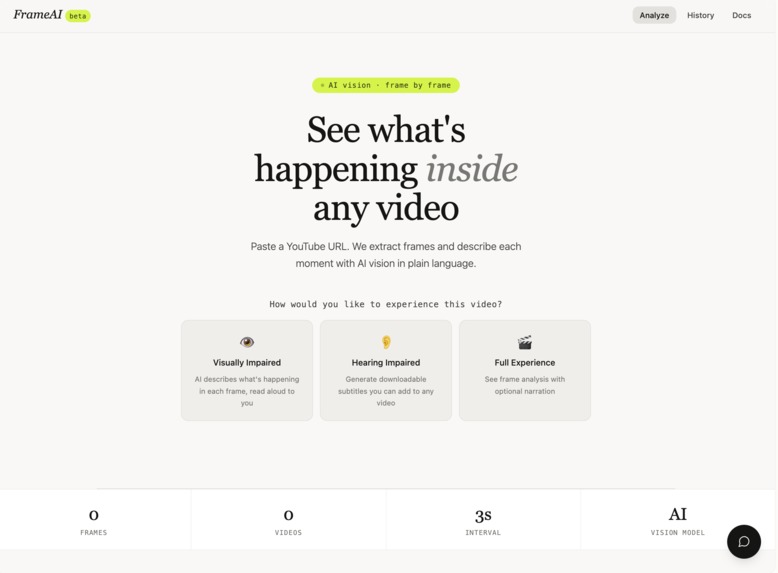
how the interface looks
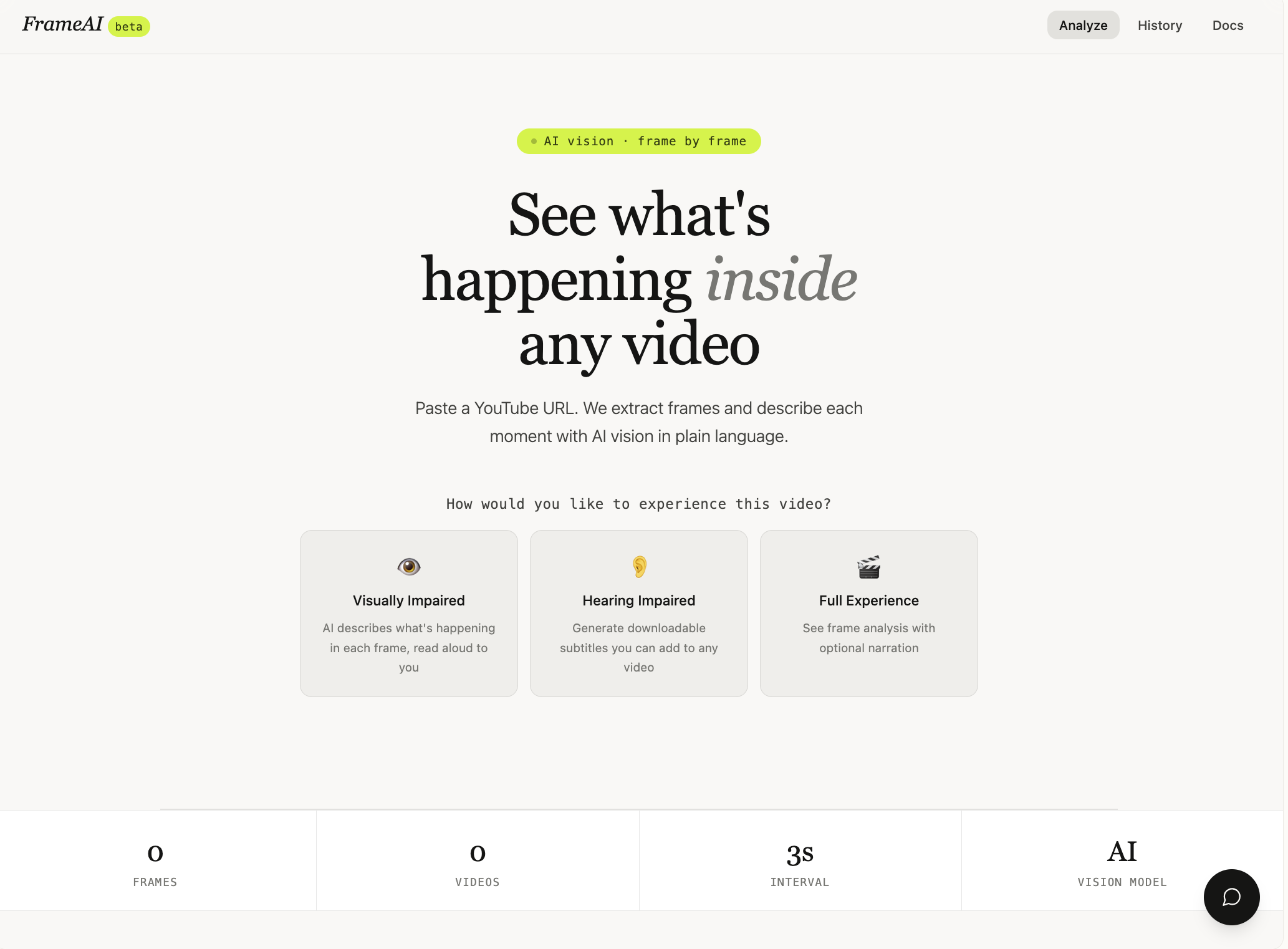
I built this project to explore how AI can make video content more accessible and easier to understand. I realized that while platforms like YouTube have massive amounts of content, they aren’t fully accessible for visually or hearing-impaired users, and even for general users, it can be hard to quickly grasp what’s happening in a video. I wanted to create something that acts as an “AI layer” on top of videos — helping people not just watch, but truly understand and experience them.
To build this, I created a full-stack application where users can paste a YouTube link and instantly analyze the video. I integrated a video processing pipeline using api.video to extract frames, then used a vision AI model (Gemini) to generate descriptions of what’s happening in each frame. These are displayed in a visual timeline UI. I also added narration features using browser-based text-to-speech, allowing users to listen to a structured audio description or a more engaging story version. For accessibility, I implemented subtitle generation in multiple languages that users can download and use.
One of the biggest challenges was handling video processing. Since edge functions can’t run tools like ffmpeg, I had to rethink the architecture and integrate external APIs to extract frames. Another challenge was making the output feel natural; early versions sounded too robotic and “academic,” so I iterated on prompts and narration flow to make the experience smoother and more engaging. Supporting different YouTube formats (like Shorts) and ensuring a seamless frontend experience also required careful debugging and iteration.
Through this project, I learned how to design around real-world constraints, integrate multiple AI systems into a cohesive product, and think beyond just building features; focusing instead on user experience and accessibility. This project pushed me to think like a product builder, not just a developer.
Built With
- assistantui
- googledeepmind
- lovable

Log in or sign up for Devpost to join the conversation.