-
-
Frame Creator Canva App
-
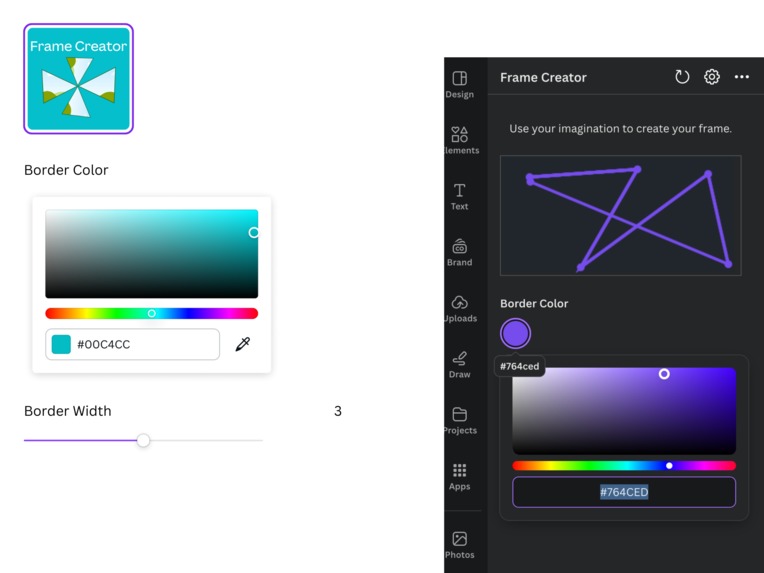
Frame Creator Editing Controls
-
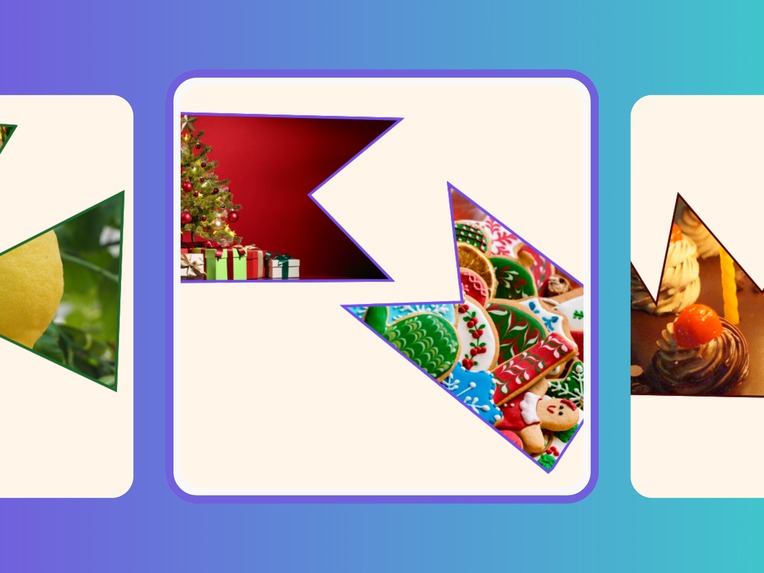
Frame Creator Examples
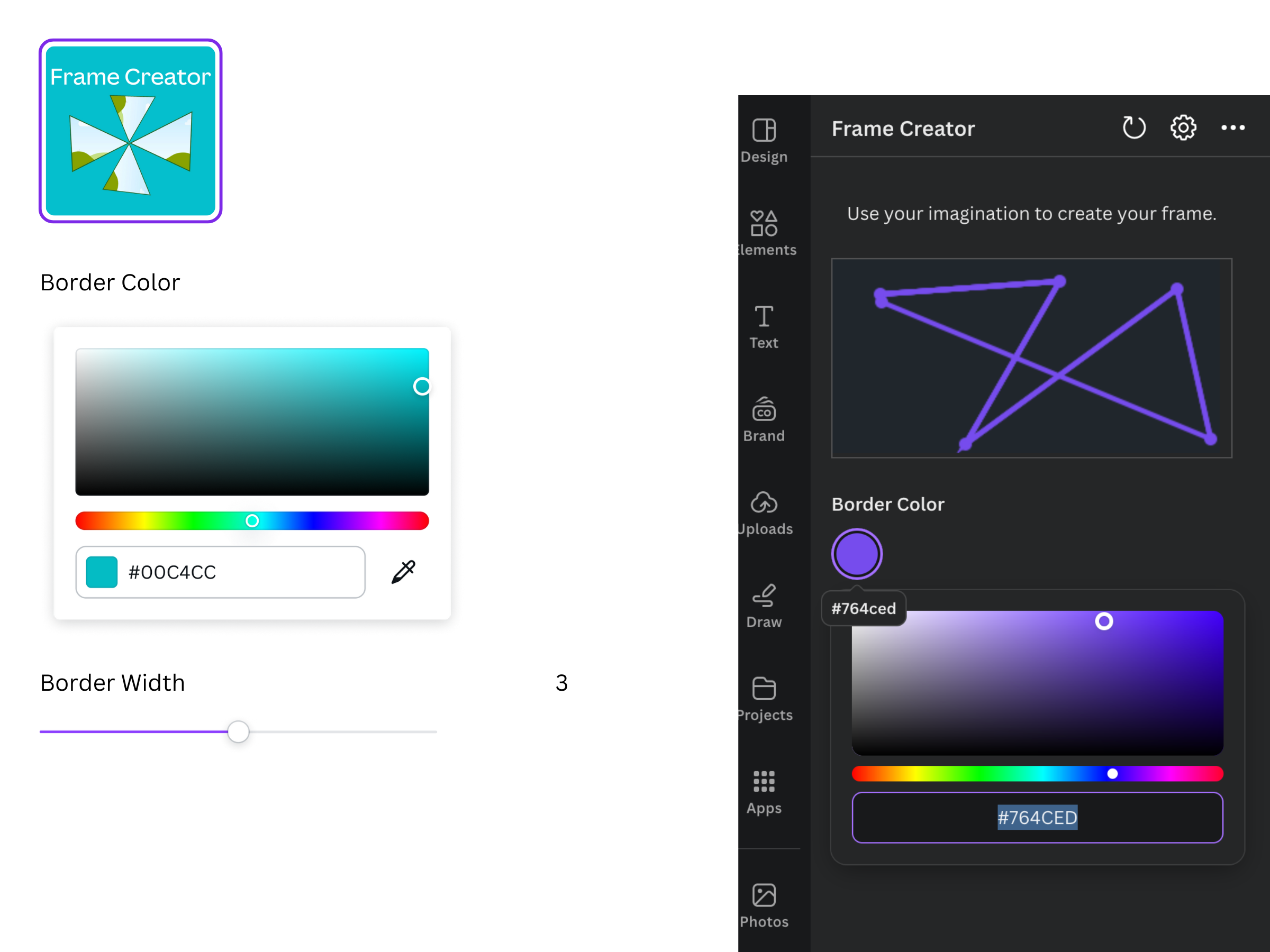
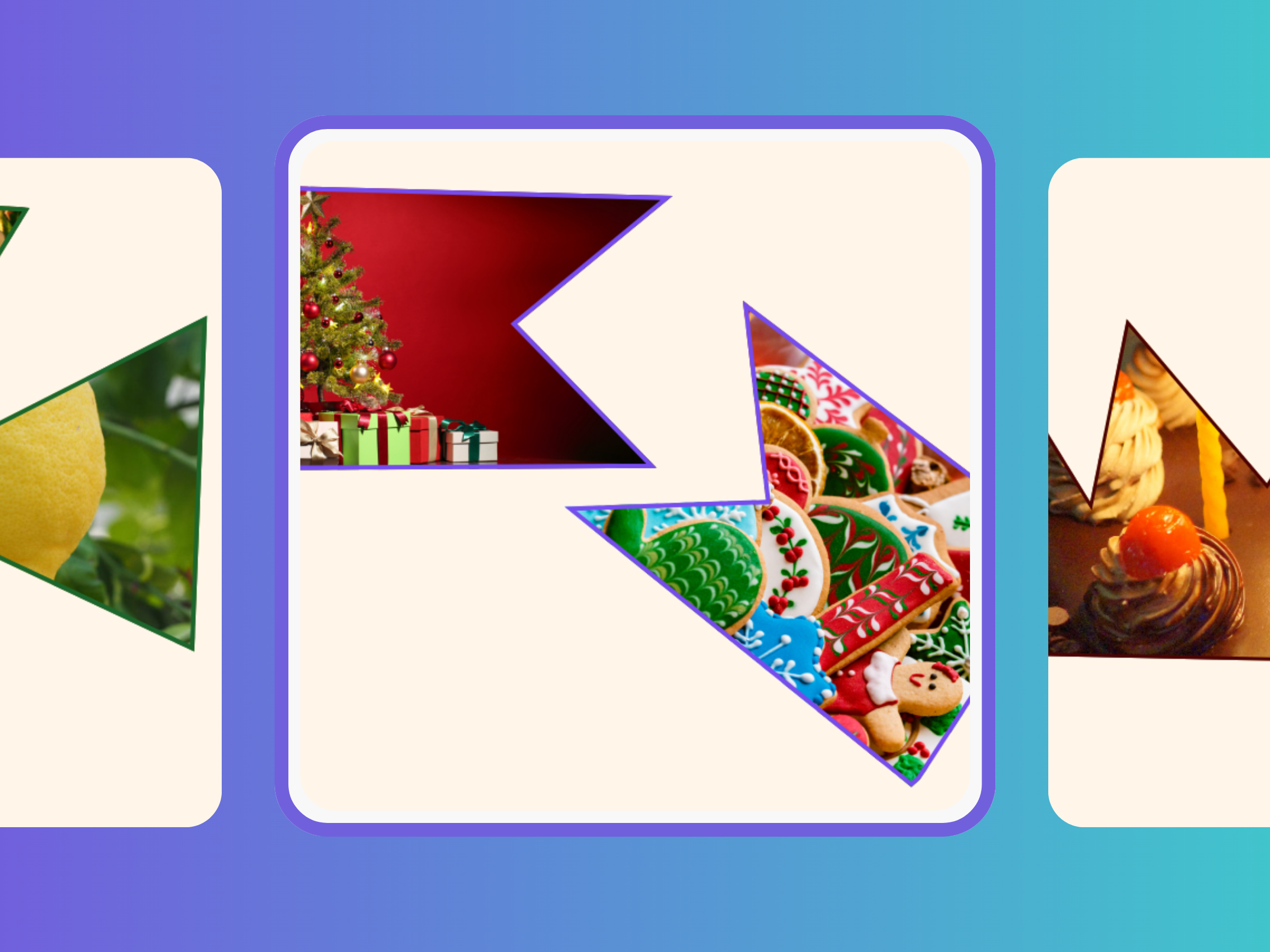
Frame Creator
Inspiration
The idea for Frame Creator came from the desire to give Canva users more creative control over their designs. We noticed that while Canva offers a vast selection of pre-made frames, there was a lack of tools allowing users to create their own custom frames directly within the platform. We wanted to build an app that lets users draw, adjust, and perfect their own unique frames, adding a personal touch to their projects.
What it does
Frame Creator is an app that allows Canva users to draw custom frames on a canvas. Users can create line paths by clicking on the canvas, and modify the shape and style of their frames in real-time. Once satisfied with their design, users can add their custom frames to their designs, and incorporate them into any Canva project.
How we built it
We built the this application using React and TypeScript, integrating it with the Canva Apps SDK to ensure seamless functionality within the Canva platform. The core feature of the app is an interactive canvas that tracks user inputs, allowing them to draw and edit line paths. We focused on making the drawing experience intuitive and smooth, ensuring that users could easily create and modify their designs.
Challenges we ran into
One of the biggest challenges was ensuring that the canvas interactions were both responsive and precise. Handling real-time drawing and editing, required careful attention to performance and user experience. We also faced challenges in optimizing the SVG export function to accurately reflect the users' drawings while maintaining scalability and compatibility with Canva's design tools.
Accomplishments that we're proud of
We’re proud of creating an app that truly enhances the creative possibilities within Canva. The Frame Creator successfully fills a gap we identified, providing users with a tool that’s both powerful and easy to use. The positive feedback from initial testers, who appreciated the flexibility and control the app offers, has been particularly gratifying.
What we learned
When we started this project, we had no experience with React or TypeScript, so it was a steep learning curve. We had to quickly familiarize ourselves with the fundamentals of React, including component-based architecture and state management.
Throughout this project, we also learned about the Canva Apps SDK and the potential it offers for building creative tools.
What's next for Frame Creator
In the next phase of development for the application, our primary focus will be on implementing the feature that allows users to drag the endpoints of lines to adjust and modify their frames. This functionality is crucial for giving users more flexibility and control over their designs, and we’re excited to bring it to life.
Additionally, we plan to introduce more advanced drawing tools, such as the ability to create curved paths and add decorative elements directly within the frame. As we continue to develop the app, our goal is to make it an indispensable tool for Canva users who want to personalize their projects with unique, handcrafted designs.
Built With
- canva
- react
- typescript


Log in or sign up for Devpost to join the conversation.