-
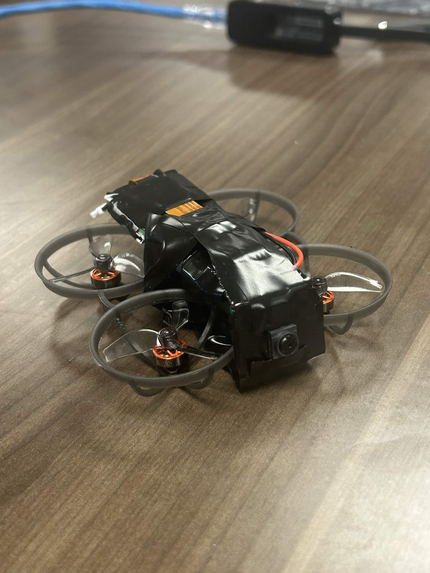
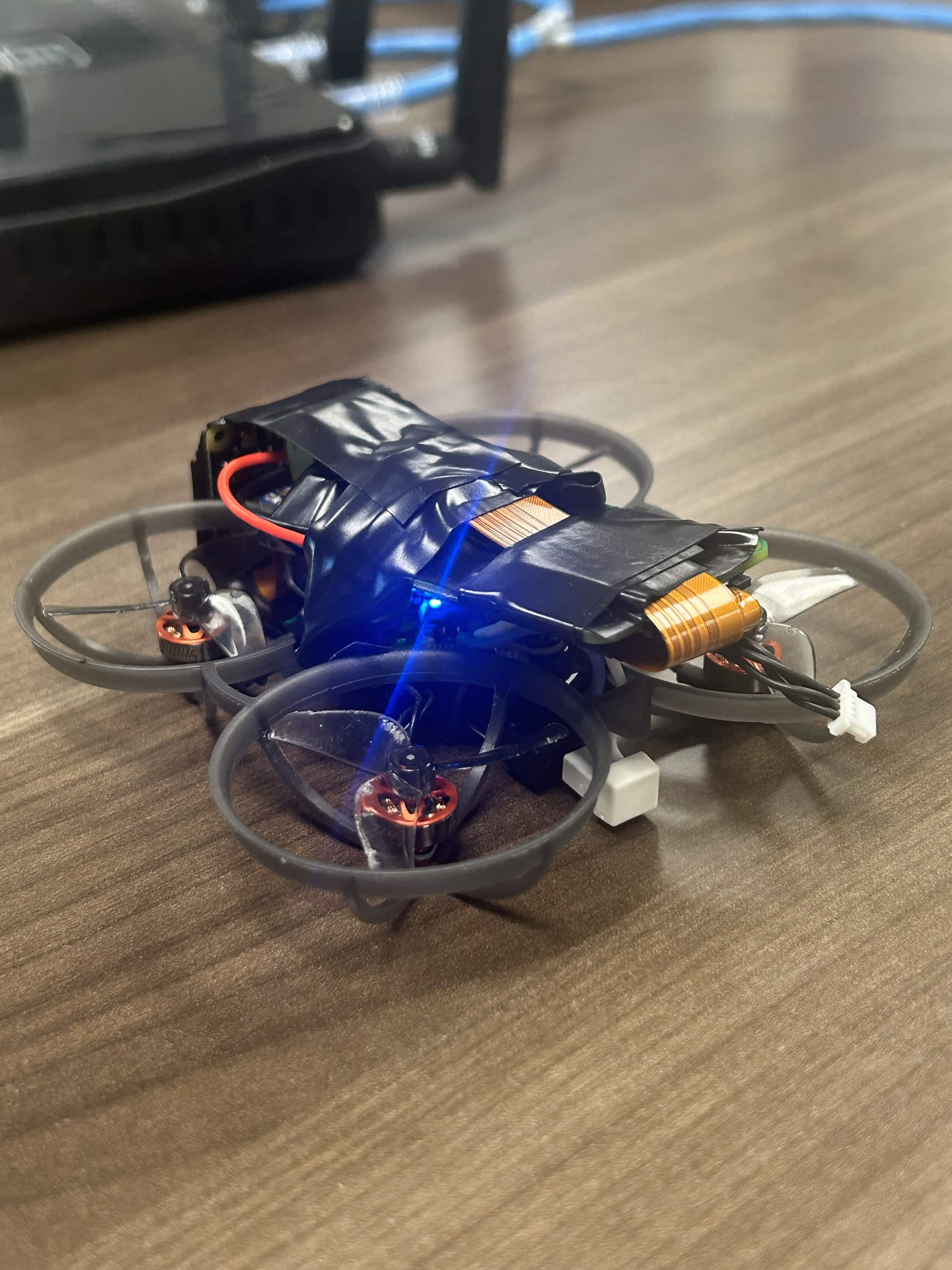
Front 3/4 View
-
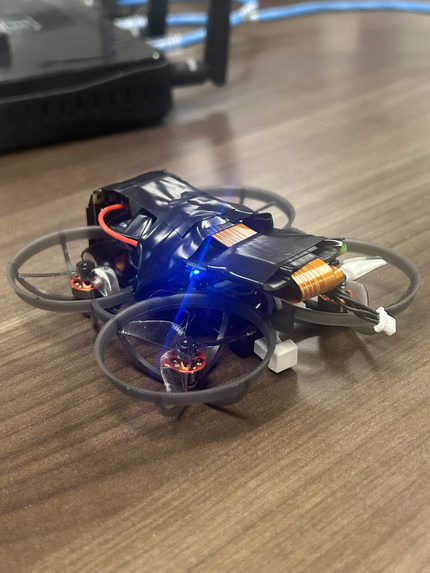
Rear 3/4 View
-
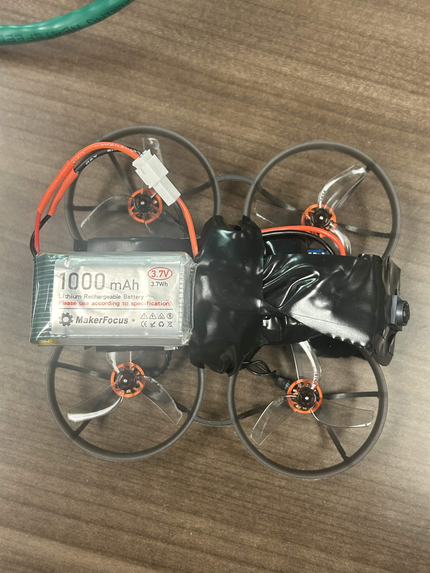
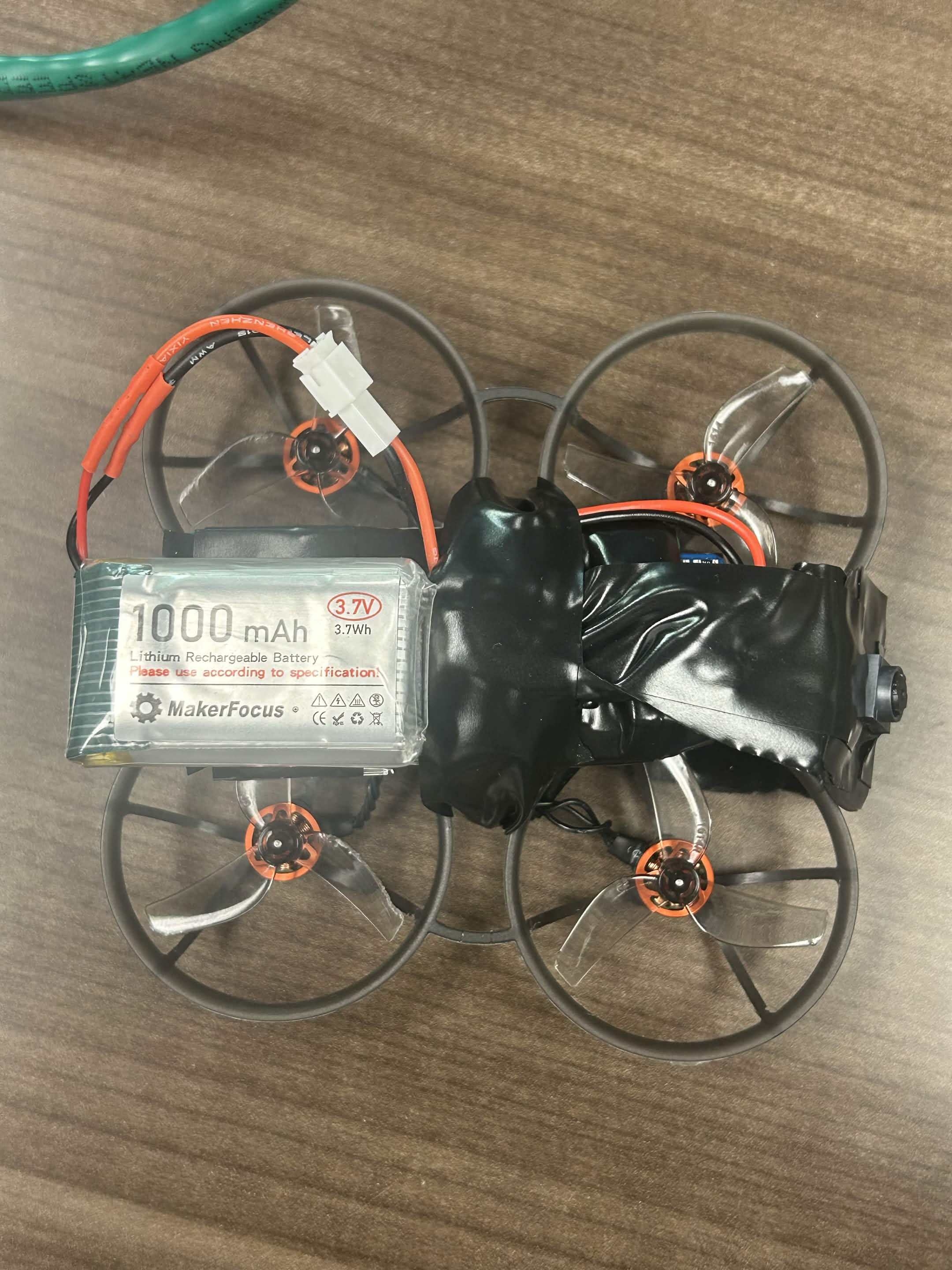
Top View
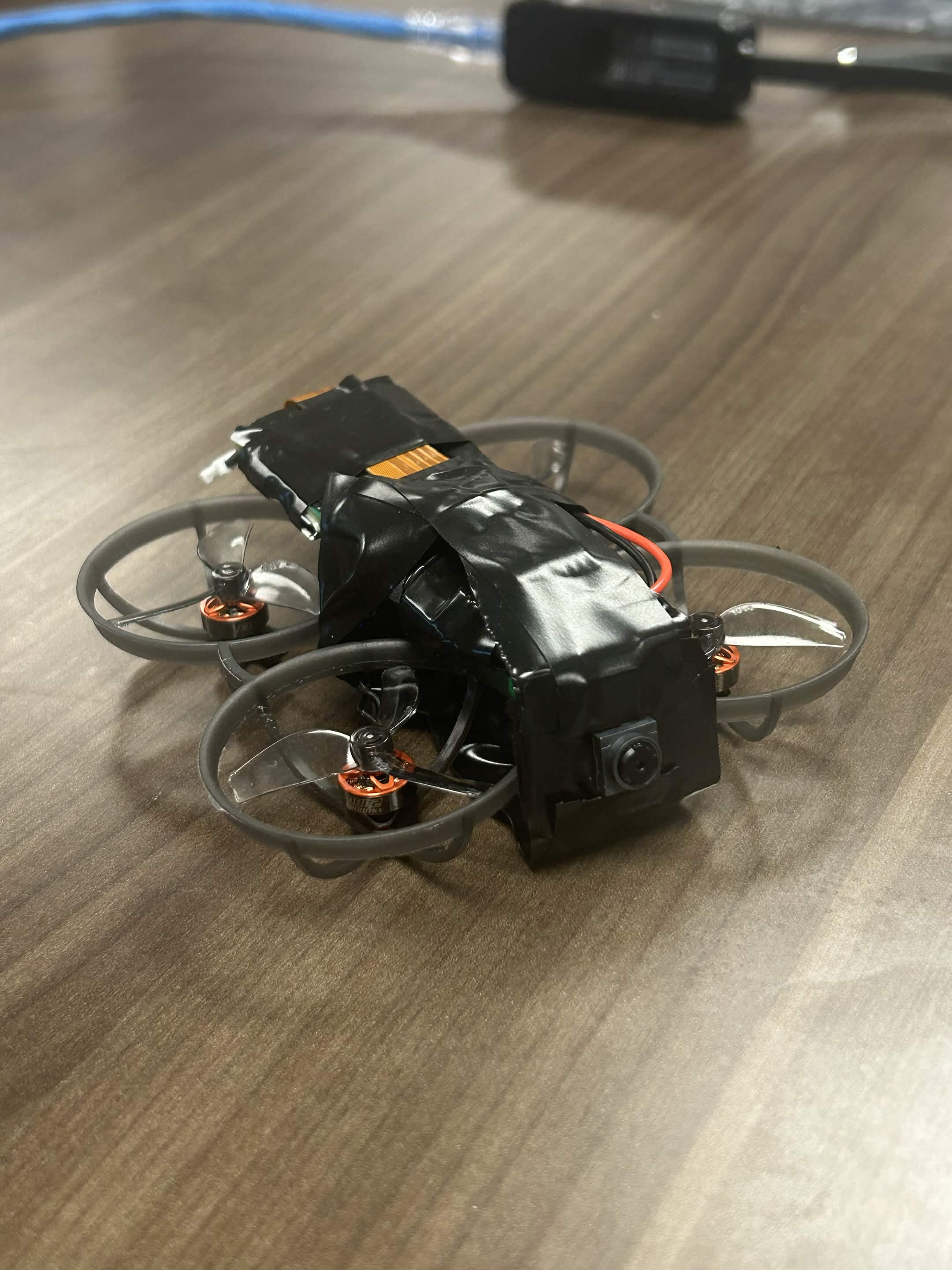
Inspiration
We had a small FPV drone and a few simple questions: what if it could be operated from a PC, and what if we could access the video feed? From modifying onboard networking chips to bridging pads with tweezers. From late night microcenter runs to tiresome gamepad support, we finally came across a rudimentary way to control an FPV drone from a PC, and process video data for image recognition.
What it does
FPVcognition lets you control a drone from a PC without using the higher entry cost radio transmitters via our custom firmware. Our system also utilizes the drones custom video feed from an additional Pi Zero to use image recognition with YOLO11n.
We have 2 (somewhat operable) control modes:
- Wi-Fi control: The PC sends control inputs over 2.4 GHz Wi-Fi straight to the drone.
- USB tether control: The PC sends stick commands down a cable plugged into the flight controller.
- Live video and face recognition: The drone's video streams to a web app over WebRTC, where faces are detected and identified in real time with YOLO11n.
How we built it
- Wi-Fi link: The drone has a small ESP8285 chip that normally runs an ExpressLRS radio receiver. We replaced its firmware so it accepts control packets over Wi-Fi and passes them on to the flight controller.
- USB tether: As a second approach, we connected the PC directly to the flight controller over USB and sent stick commands down the cable, with gamepad input on the PC side.
- Web server: An Express server handles WebRTC signaling and the API that connects the drone's video stream to the browser.
- Face recognition: [teammate: which library or model, and where it runs, in the browser or on the server].
- Tuning: We debugged the flight controller's configuration, including control smoothing that delayed throttle by seconds and a tilt calibration that was about 6° off.
Challenges we ran into
-We had written a completely new firmware for the 2.4ghz WiFi signal--all for nothing. The module failed, and cost us tons of time. Thankfully, we learned a lot setting this up in the first place, so the next rework for the tether was a lot quicker (and less complicated). -The onboard camera the drone came with was analog exclusively, and the only spot on the board for it was wired directly to a 5.8GHz radio emitter, which evidently, we didn't have access to from our PCs/network.
- Unfortunately, the motors drowned out/disrupted the Wi-Fi signal. With the motors off, the link was solid. Once they spun up, it dropped packets for 250–500ms at a time, right before the drone could produce enough thrust to lift off. The Wi-Fi chip and its tiny antenna sit next to the motor controllers, which are very electrically noisy. Radios like ExpressLRS are built to cope with that, and Wi-Fi isn't. Slowing Wi-Fi down made it fail even faster.
- The cable fought the drone. On the USB tether, the cable pulls on the back of a 20 g drone and tips it backward. When the cable went taut and then suddenly released, the drone flipped. Airmode made it worse in one way (surging against the cable) and better in another (losing control when throttle drops).
- The drone has a hard time knowing where it is. It only has a gyro and accelerometer, with no downward camera or height sensor, so it drifts constantly and vibration swamps its sense of vertical speed. -The controls were very imprecise. The drone hovers at low throttle, in a narrow band of a short gamepad trigger, so tiny finger movements caused big altitude changes. -Fragile tooling. A bad Wi-Fi firmware update meant falling back to a wired flash, which was unreliable on this board. Windows also periodically paused Wi-Fi to scan for networks, and the laptop's built-in Wi-Fi interfered with our USB adapter. -Countless networking issues. We had over a dozen devices and protocols all talking to each other, and it often got convoluted and
Accomplishments that we're proud of
- We replaced the firmware on a radio receiver chip and got a drone taking commands over Wi-Fi, and we figured out exactly why it can't fly that way.
- We found and fixed hidden setup bugs (throttle smoothing and a miscalibrated level) that were making the drone seem too weak to lift.
- Live drone video running through a WebRTC pipeline with face recognition on top. [teammate: confirm and add anything specific, like latency or how many faces it handles]
- We learned more about drone radio, firmware, and flight control in one weekend than we expected to.
What we learned
- A 20g drone notices every gram of cable, and a "light" USB-C cable isn't light.
- A drone with no position sensors needs constant correction to hover.
- Sometimes the most useful result is a clear map of why something doesn't work.
What's next for FPVcognition
- Better radio: Move control back to a proper long-range link, or put the antenna far from the motor controllers.
- Lighter tether: Replace the USB-C cable with three thin wires soldered to the board's spare serial pads.
- Position sensing: Add a downward camera and height sensor so it can hold position on its own.
- More professional frame: Our's currently cobbled together with solder and electrical tape; it would be awesome to have a nice 3d printed frame that fits all of our tech.

Log in or sign up for Devpost to join the conversation.