-
-

FPL Widgets - App Icon
-
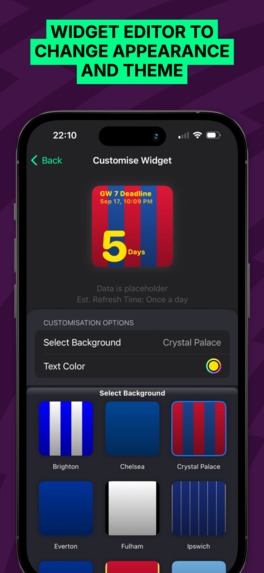
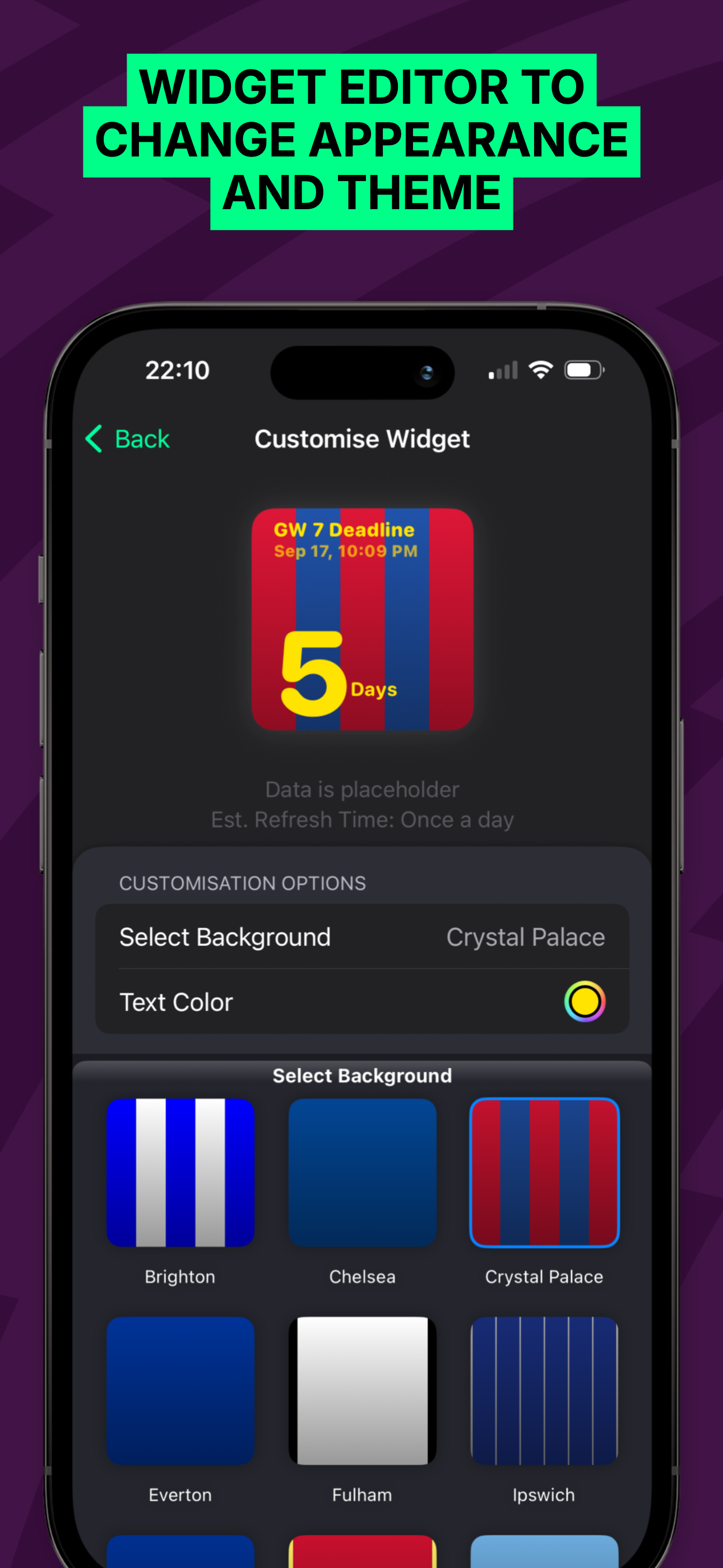
4. Widget Editor
-
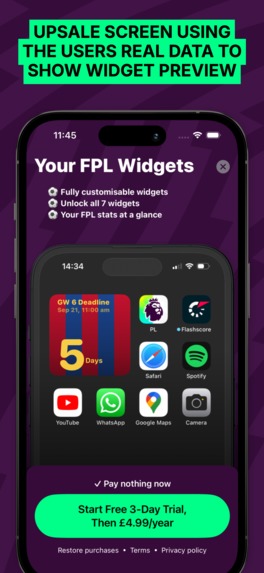
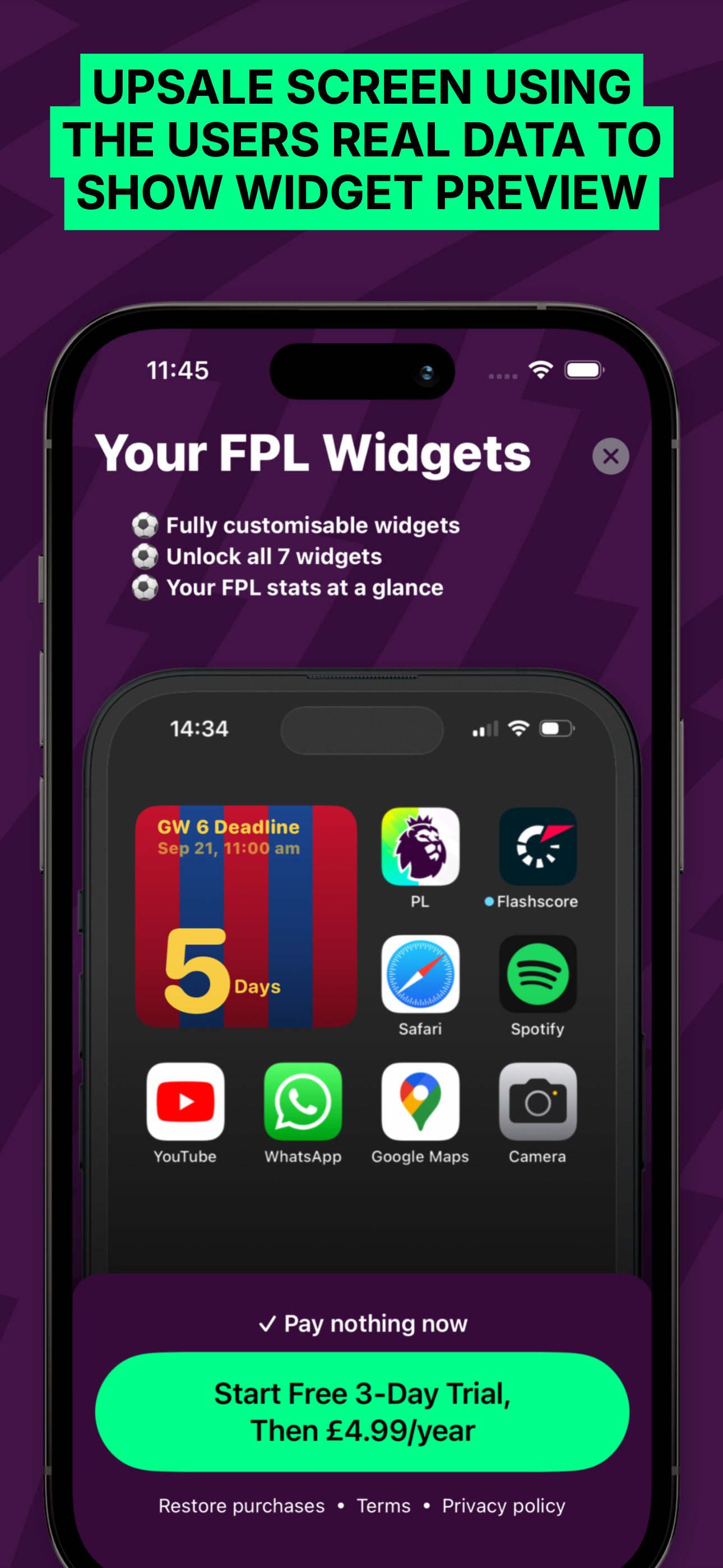
5. Upsale Screen Using User Stats
-
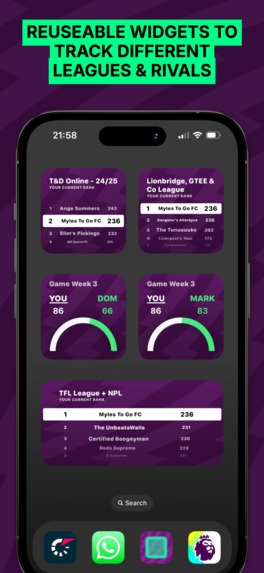
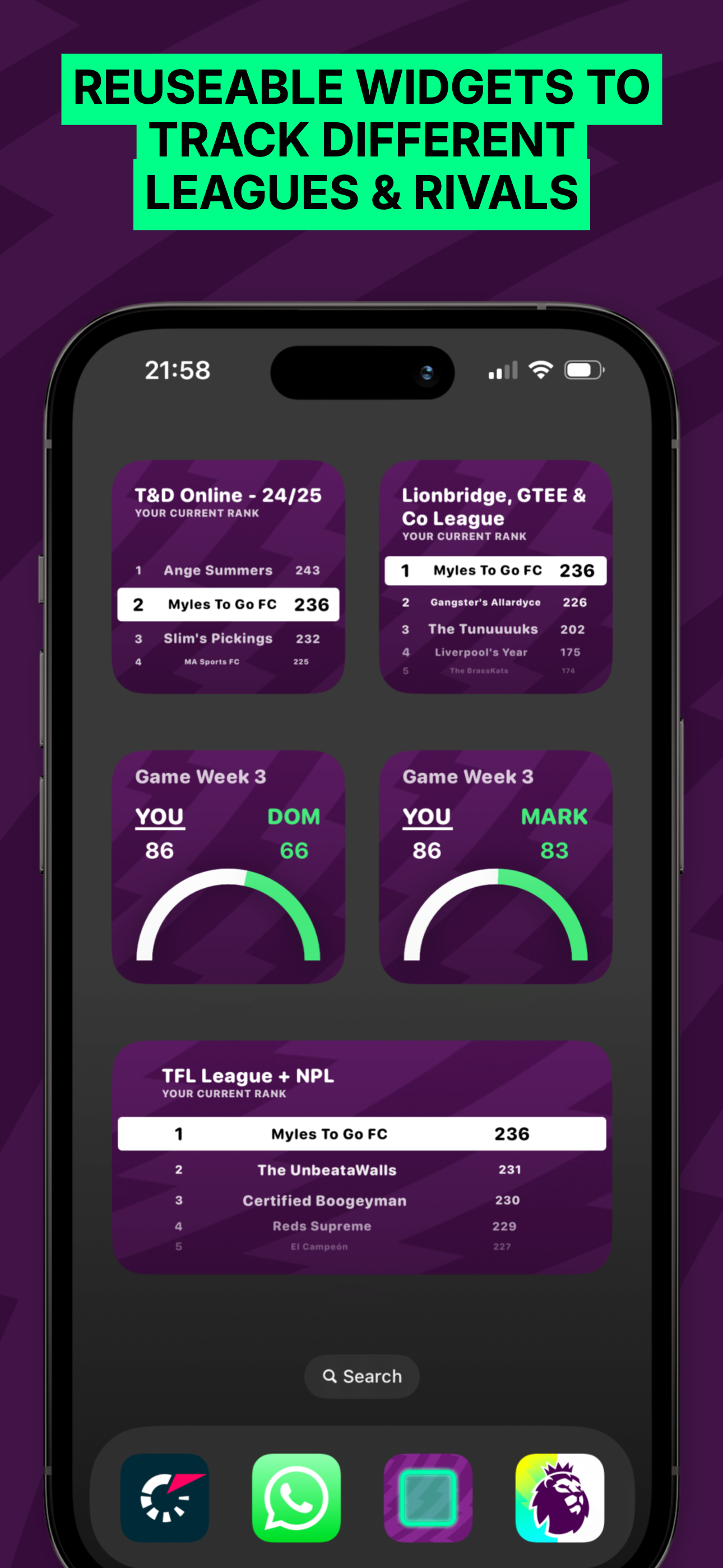
2. Configurable & Reusable Widgets
-
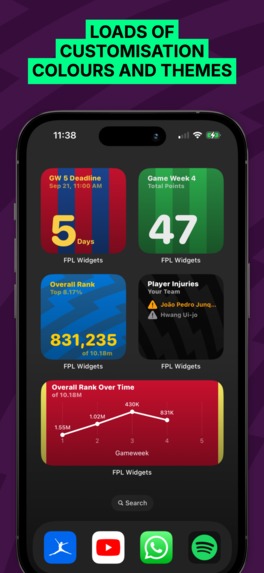
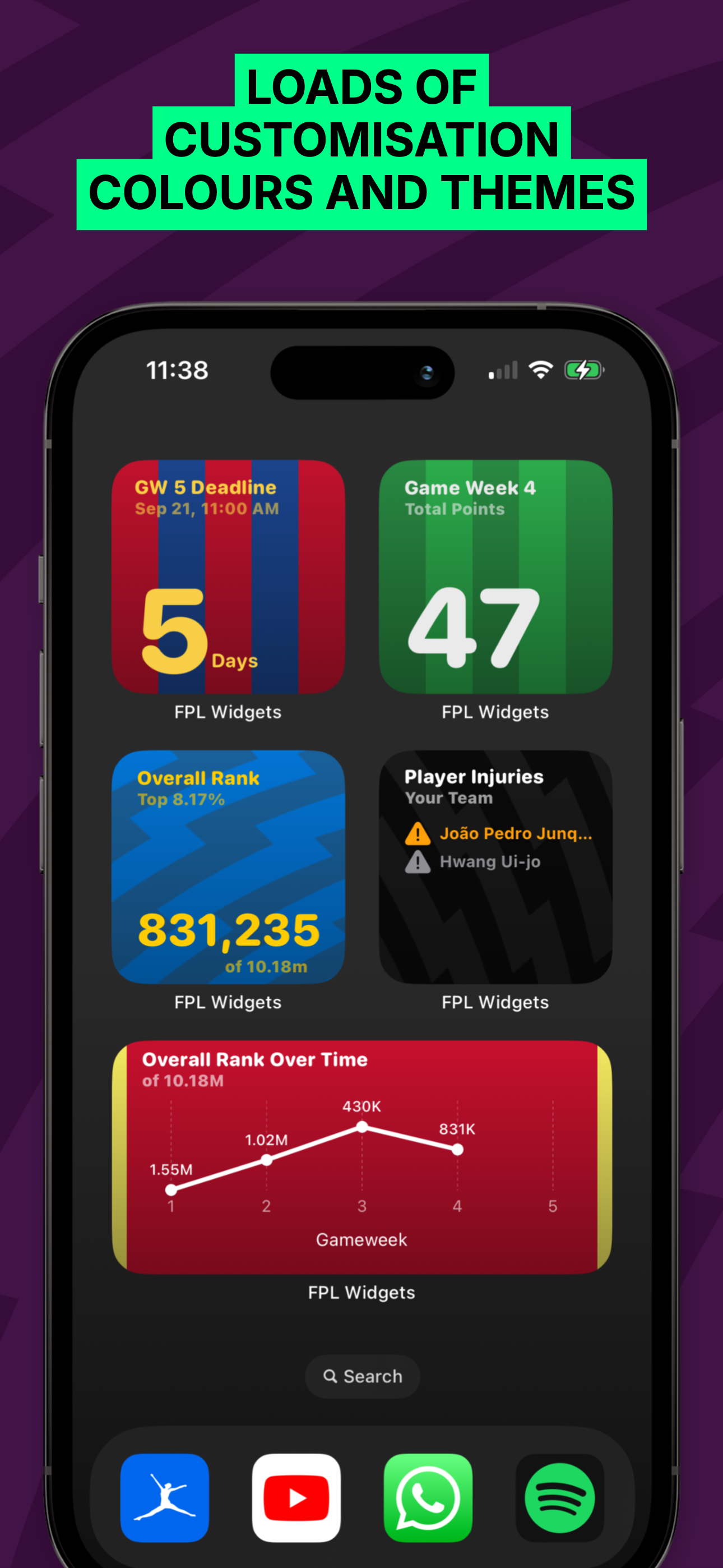
3. Colours and Themes
-
1. Themes
-
No Frame 1
-
No Frame 2
-
No Frame 3

Inspiration
As a keen Fantasy Premier League(FPL) player, I was suprised to find that there wasn't a dedicated FPL Widgets app on the App Store. I knew it was a great opportunity to learn SwiftUI and publish my first solely SwiftUI app.
FPL has over 10 million active players and is incredibly popular in the UK football(Soccer for you Americans!) scene.
What is Fantasy Premier League?
Fantasy Premier League (FPL) is a free online game where users create and manage a virtual football team using real Premier League players. Points are earned based on the actual performance of these players in real matches (e.g., goals, assists, clean sheets). Managers compete against friends or in global leagues, making transfers and tactical changes each week to improve their team's score.
What it does
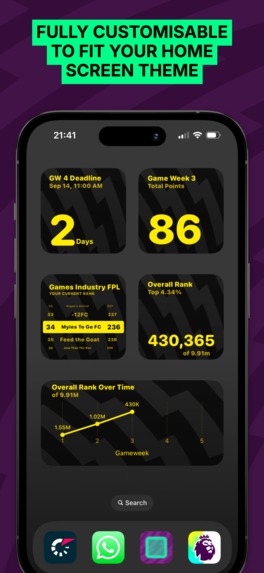
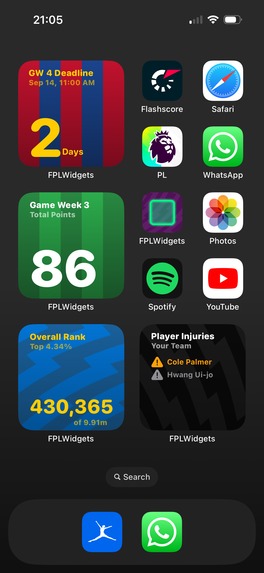
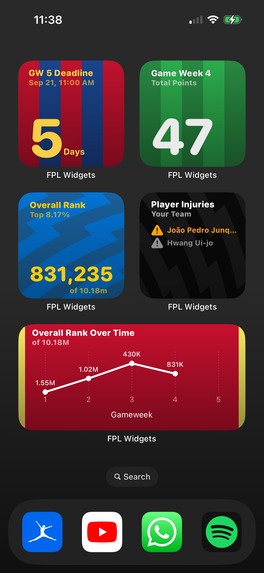
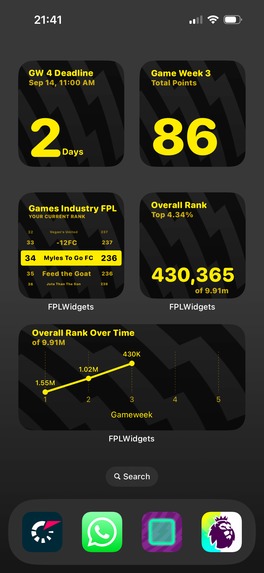
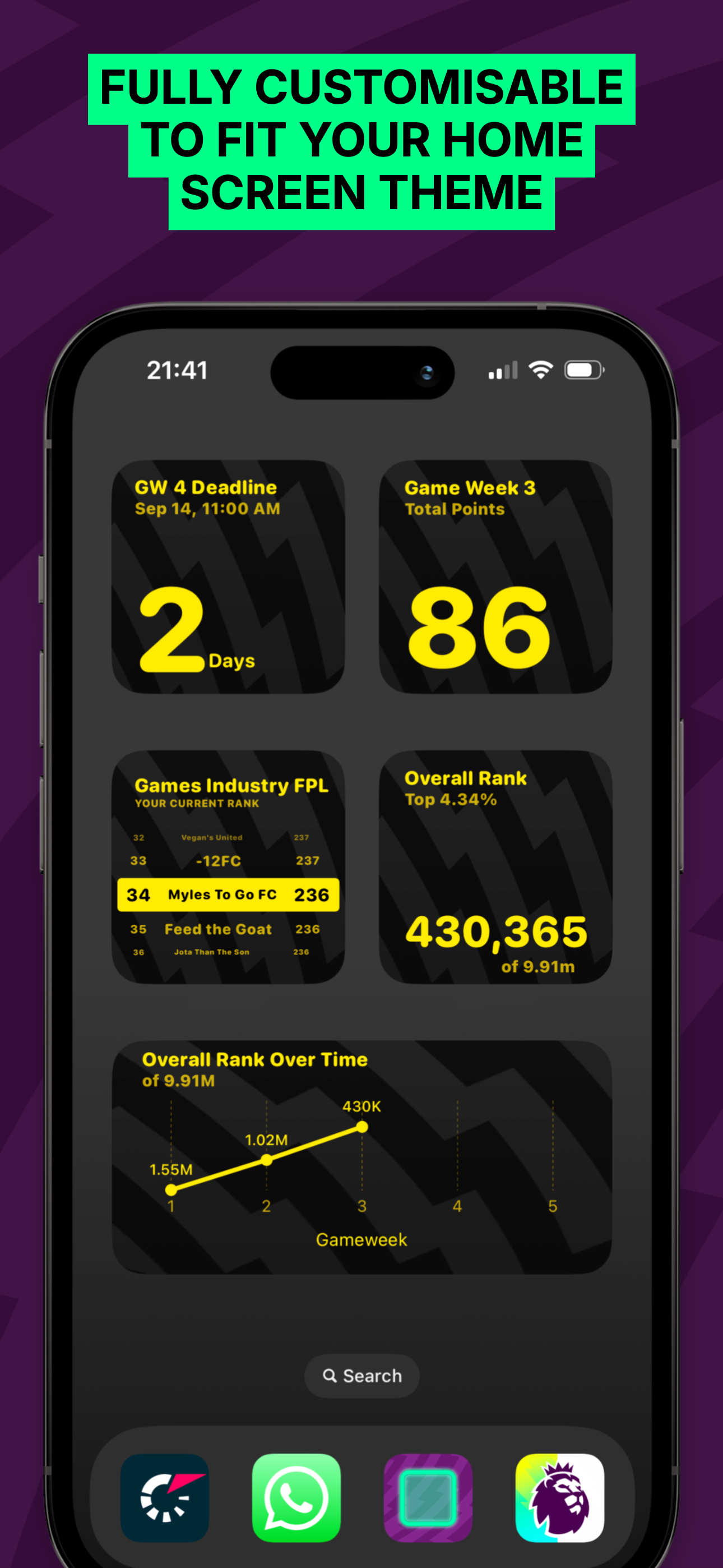
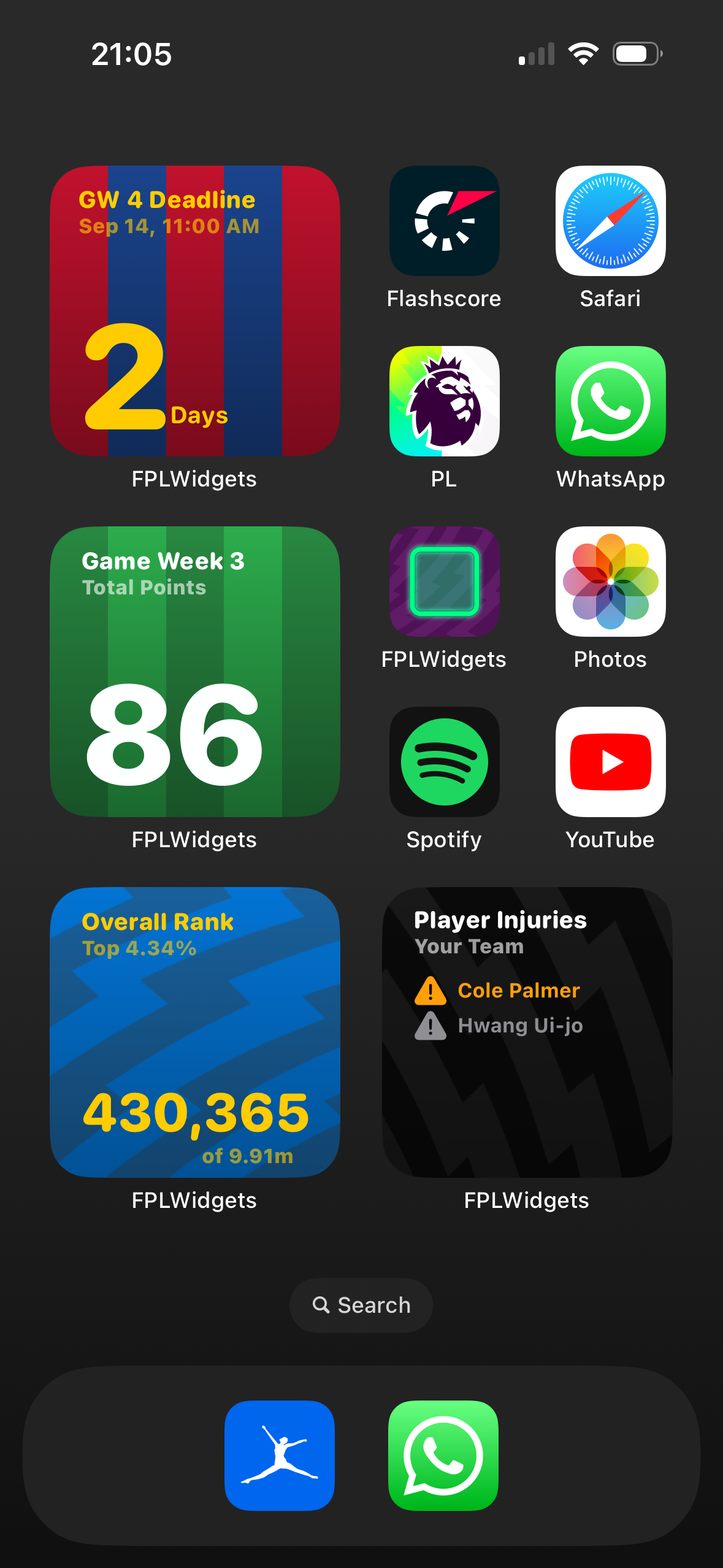
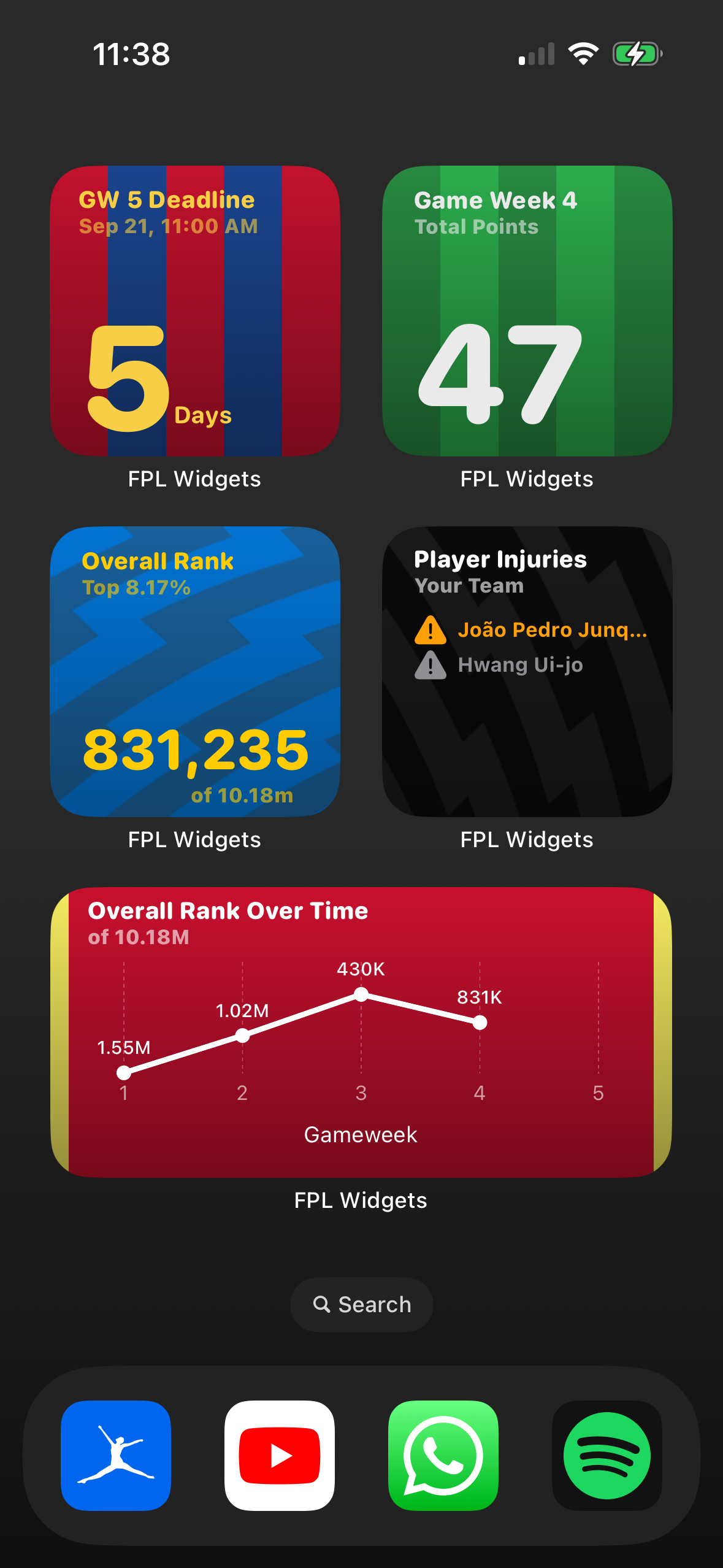
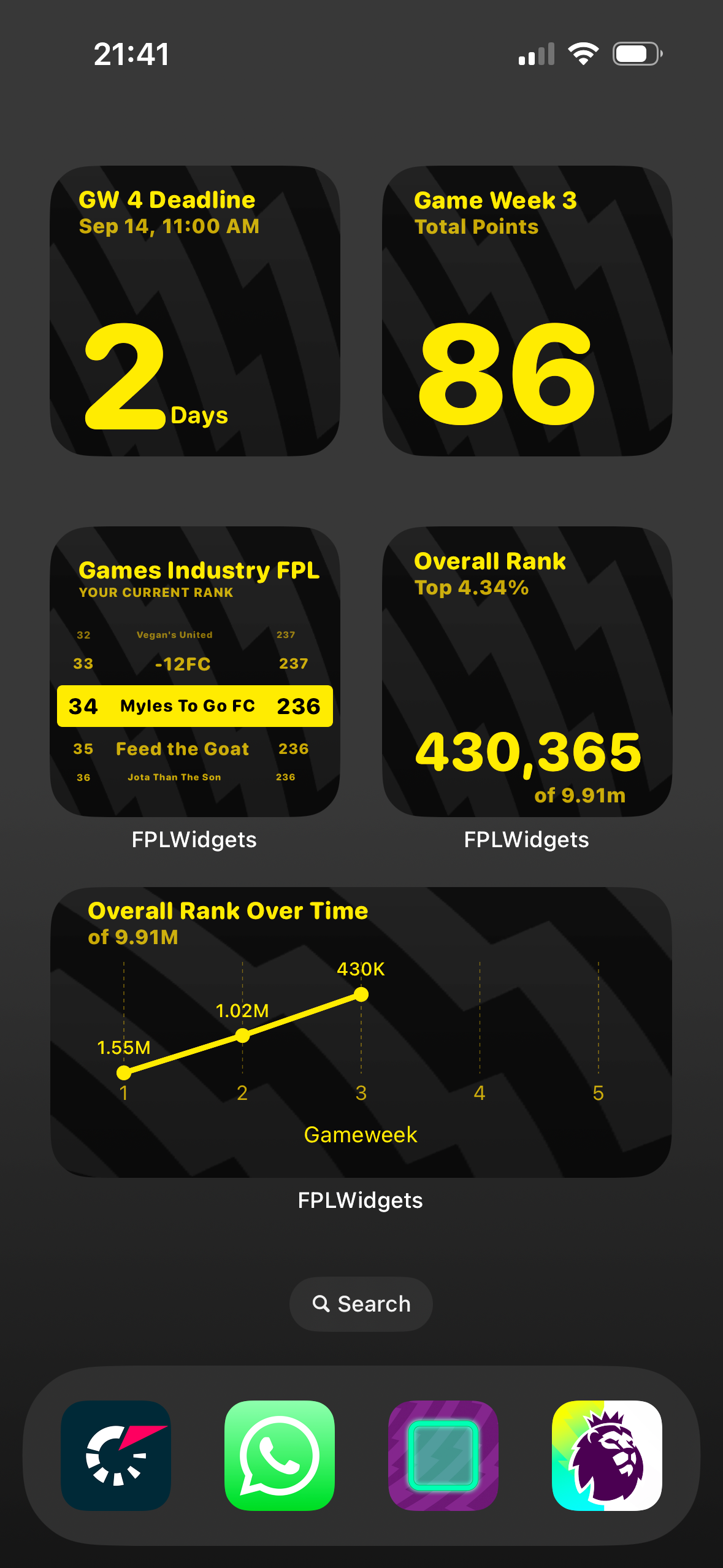
The app is bundled with 7 widgets that can be added to a users home screen to allow the to see their FPL stats at a glance. The 7 widgets include:
- Game Week Deadline: Counts down to the deadline of the next gameweek.
- Game Week Points: See your live gameweek points.
- Overall Rank: Track your progress in the global leaderboard.
- Mini-League Rank: Stay updated with your position in your mini-leagues.
- You vs Rival: GW Points: Compare your gameweek score with your rival’s.
- Player Injuries & Doubts: Instantly see which players are flagged as injured or doubtful.
- Overall Rank Over Time: Visualize how your rank changes over the season.
How I built it
The app was built completely in SwiftUI. It is my first time using SwiftUI as I am a bit of a UIKit lover.
Challenges I ran into
As it was my first time using SwiftUI, I had to wrap my head around using Bindings and States to control the UI and update accordingly.
Widgets are also something I have never worked on before, so this whole project was a first for me! Widgets are actually quite fun to make, but I wish Apple had a way of showing a preview of the Widget in the main app, as remaking the app for use in the customisation screen was quite a big of hassle.
An important element of providing FPL information to the user is them providing their Manager ID. Their Manager ID is public so it is not a senstitive piece of information. However, the only way to get it is for the user to find it on the FPL website. This gave me a bit of a trouble as I need the user to provide the ID in order to get their stats to use. So when it came to the onboarding I needed to decide if I wanted to make it madatory that they provide their Manager ID, or make it optional and allow them to provide it later. I opted for allowing them to provide it later as my assumption would be that most people wouldn't go through the hassle of providing it straight away and if it was mandatory they would just quit the onboarding and uninstall.
Accomplishments that I'm proud of
I am really happy with the way the upsale screen works. If the user does provide their Manager ID, I make an API call and get their most recent Overall Rank and Gameweek points and present what they would look in widget form on the upsale screen. I feel it really shows the user exactly what they're going to be getting from the app.
What's next for FPL Widgets - Widgets for Fantasy Premier League
Updates! I want to continue to provide more useful widgets for users. I'll also be monitoring the number of free trial starts and tweaking pricing when I need to.
Built With
- revenuecat
- swift
- swiftui

Log in or sign up for Devpost to join the conversation.