-
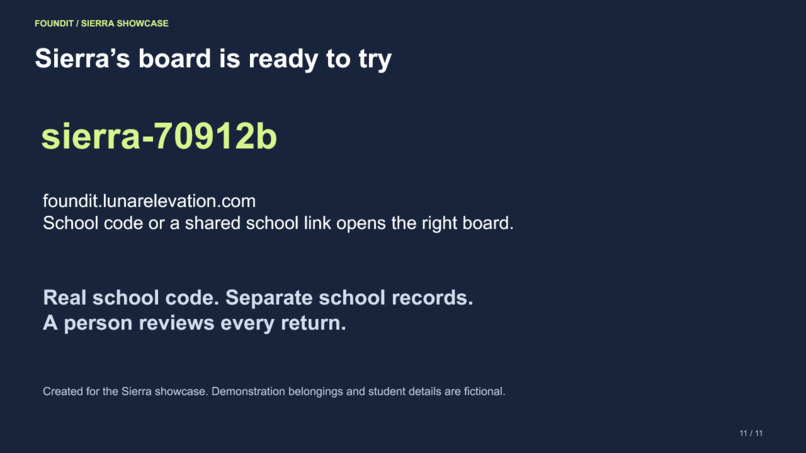
Sierra’s empty board is ready for its own items.
-
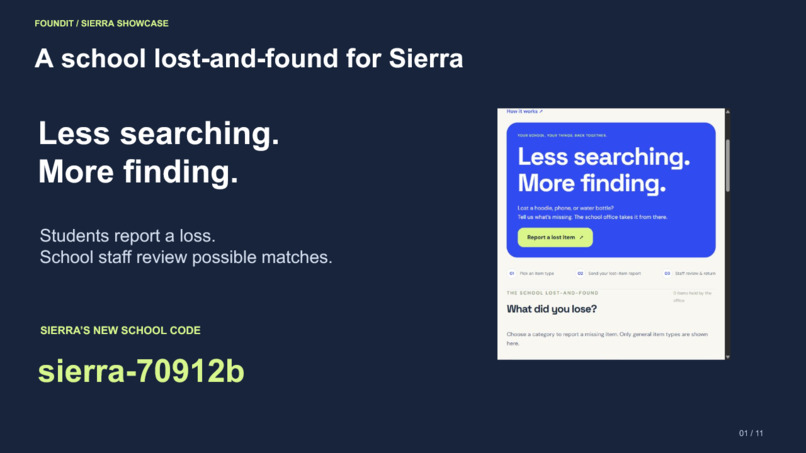
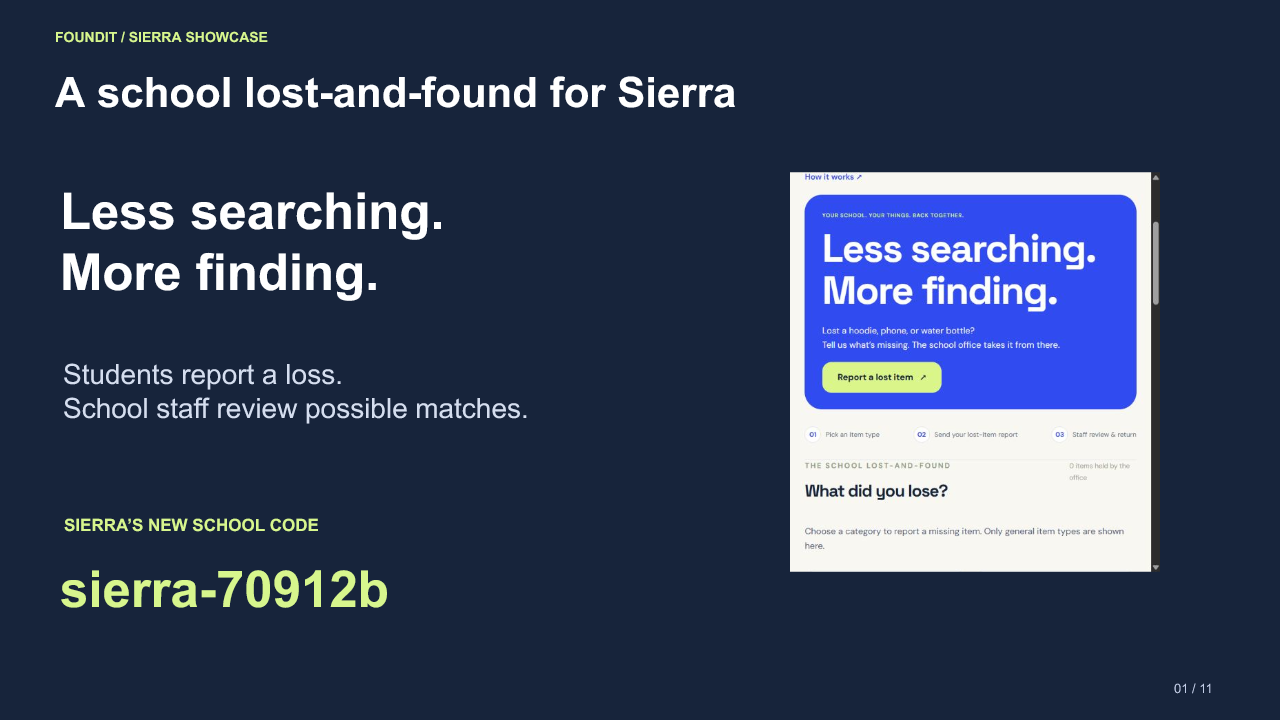
FoundIt and Sierra’s new school code.
-
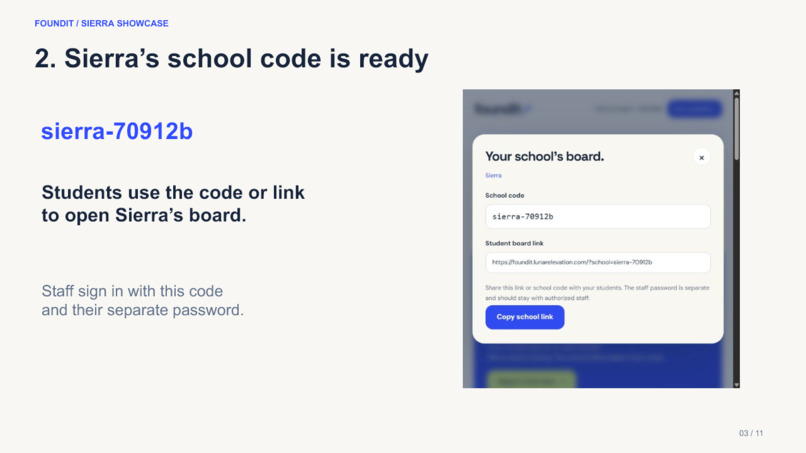
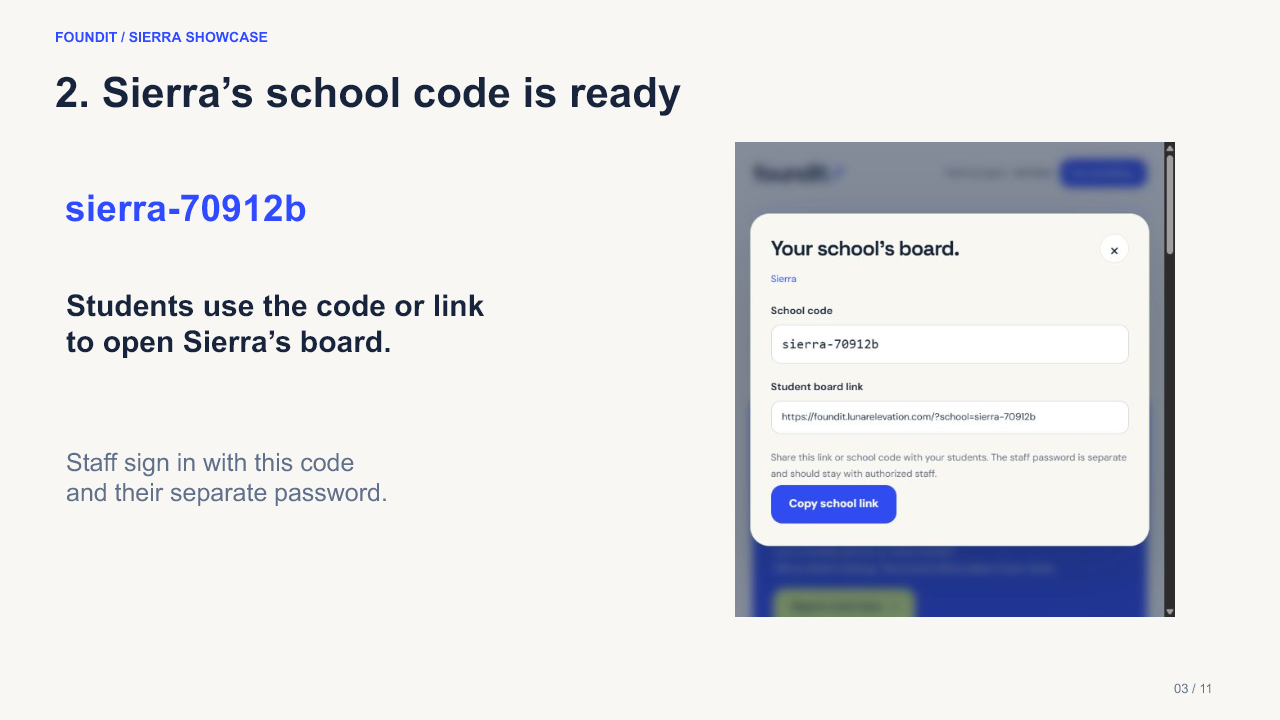
Sierra school workspace and shareable board link.
-
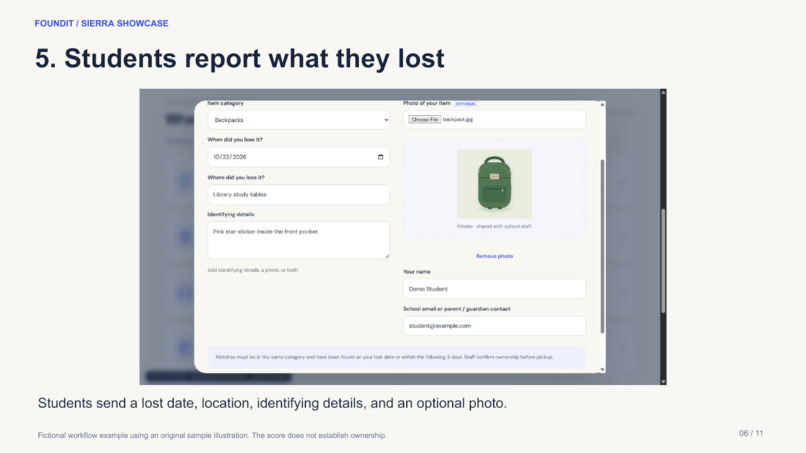
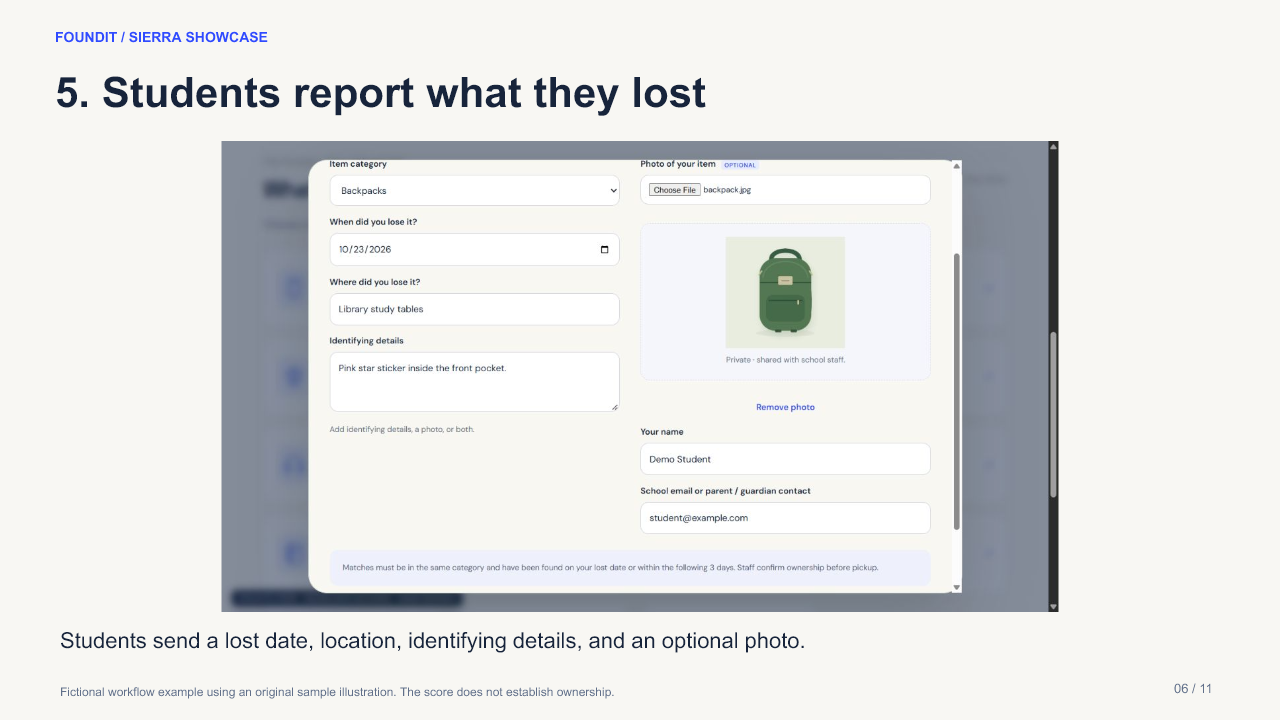
Fictional demo: a student submits a lost-item report.
-
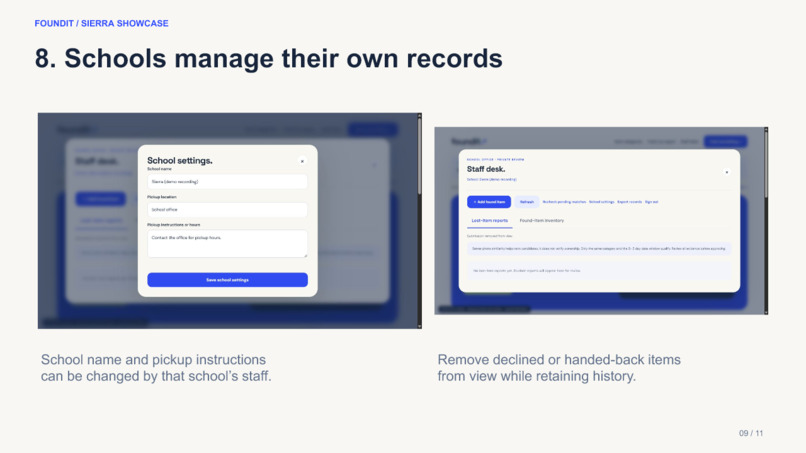
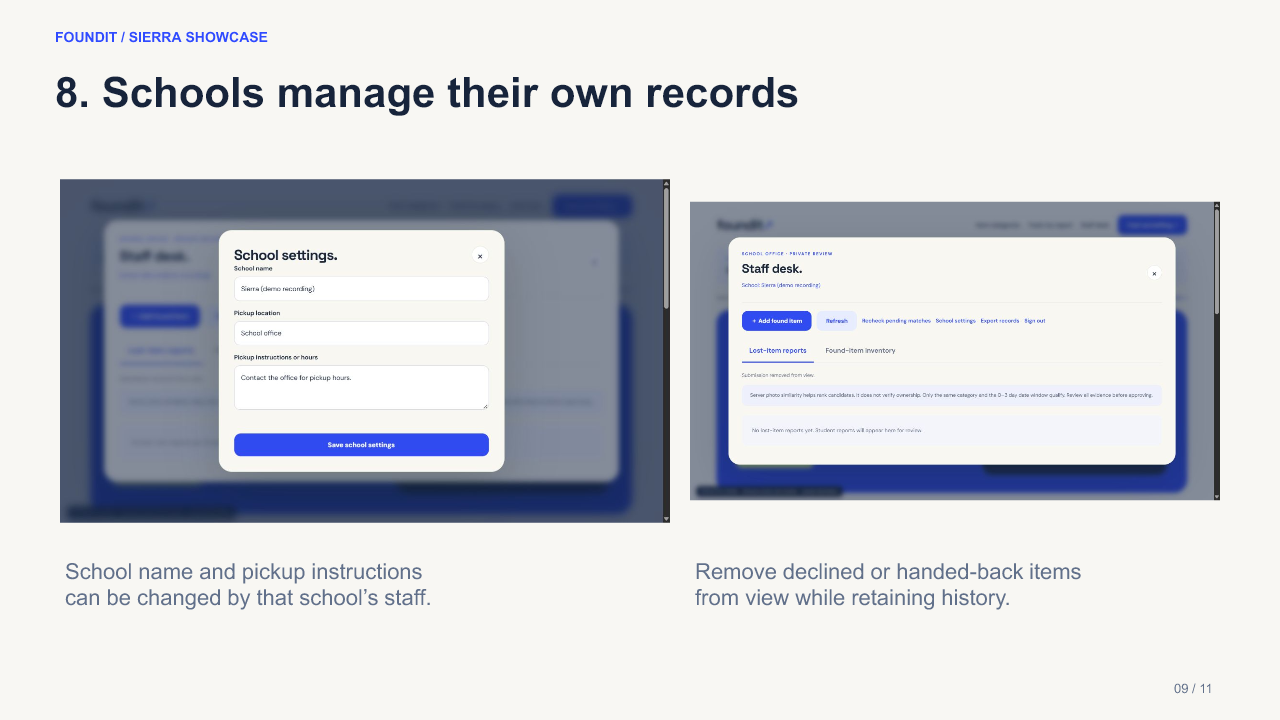
Fictional demo: staff review and manage school records.
Sierra showcase
Watch the 95-second FoundIt showcase Download the concise slide deck Open Sierra's school board
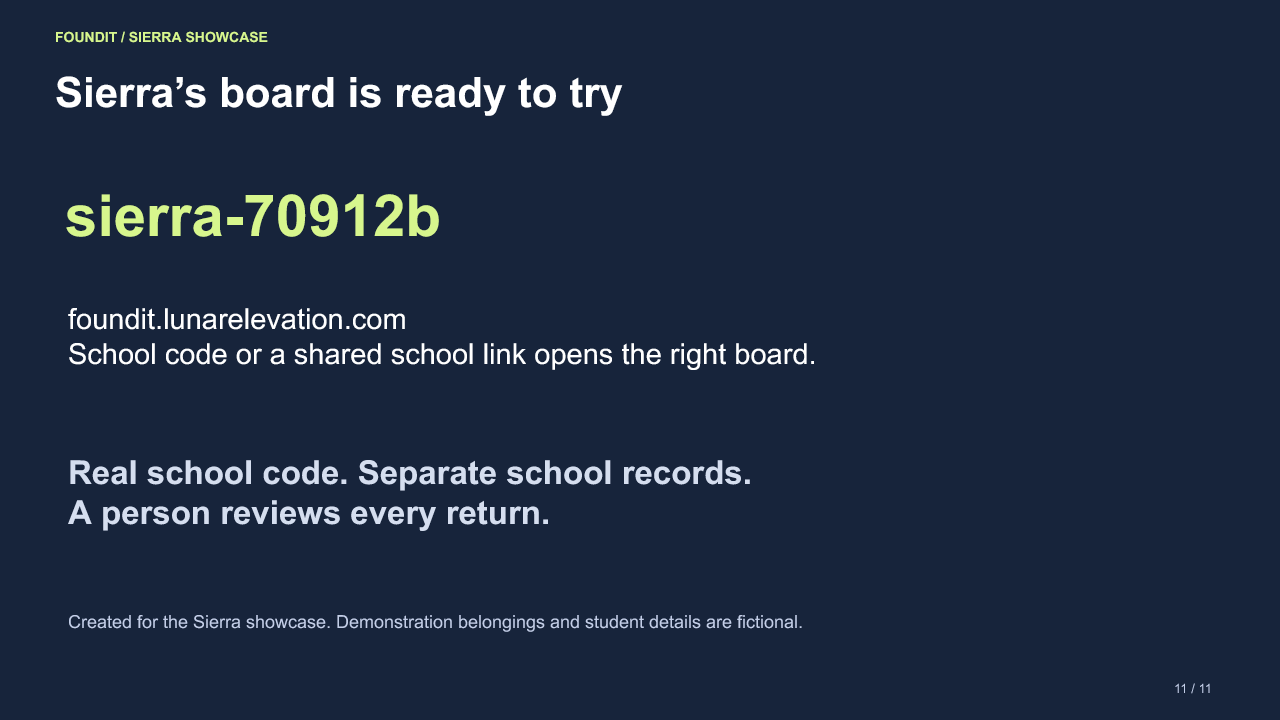
Sierra's school code is sierra-70912b. The new Sierra workspace is empty and ready for its own staff and lost-and-found items.
Inspiration
A student who loses a hoodie, notebook, or water bottle needs a simple way to ask whether it has been turned in. School offices need to protect private details while reviewing possible matches. FoundIt brings that workflow into one school-specific online lost-and-found, designed for the education and community-life track and Central Valley schools.
What it does
Students choose broad item categories, add when and where they lost the item, and can include a photo or private details with a claim. Staff sign into their school's workspace and post an item with its category, found date, location, photo, and optional identifying notes. Students see a discreet category-based board; staff review possible claims and decide whether to approve pickup and confirm the handover.
The system only considers items from the same school and category that were found no more than three days after the reported loss. Found locations, staff notes, and match scores are kept for staff review rather than shown on the public board.
How it works
FoundIt is a solo-built Python and Flask application backed by SQLite, with HTML, CSS, and JavaScript in the browser. Each school has a separate code and workspace. Password-protected staff controls publish and manage found items; the server scopes records and reviews to the selected school.
For image claims, the server runs a compact pretrained MobileNetV2 feature extractor converted to ONNX. It creates image embeddings and compares their cosine similarity, then sends a percentage to the staff review queue. This score is a visual similarity signal, not a probability of ownership. Staff make the decision using the images, dates, locations, and private clues. The three-day rule is enforced separately from the AI score. No paid inference API or browser-side AI is used.
Challenges and next steps
The main challenge was balancing useful matching with a small server and student privacy. Keeping inference on the server avoids trusting a score produced by a student's browser; separating school workspaces and hiding identifying found-item details help protect the review process. The next step is a school-office pilot with permission and held-out examples, measuring false matches, useful matches, and staff workload before making claims about accuracy or impact.
AI and credits
The model is pretrained MobileNetV2 from the ONNX Model Zoo; it was not trained for this project. Python ONNX Runtime runs inference, with NumPy and Pillow supporting image processing. The interface, illustrations, and application code were created for FoundIt with AI coding assistance. The showcase video includes the real empty Sierra workspace and its generated code; sample workflow artwork is clearly presented as demonstration material. No school partnership or measured real-world impact is claimed.

Log in or sign up for Devpost to join the conversation.