foundeas
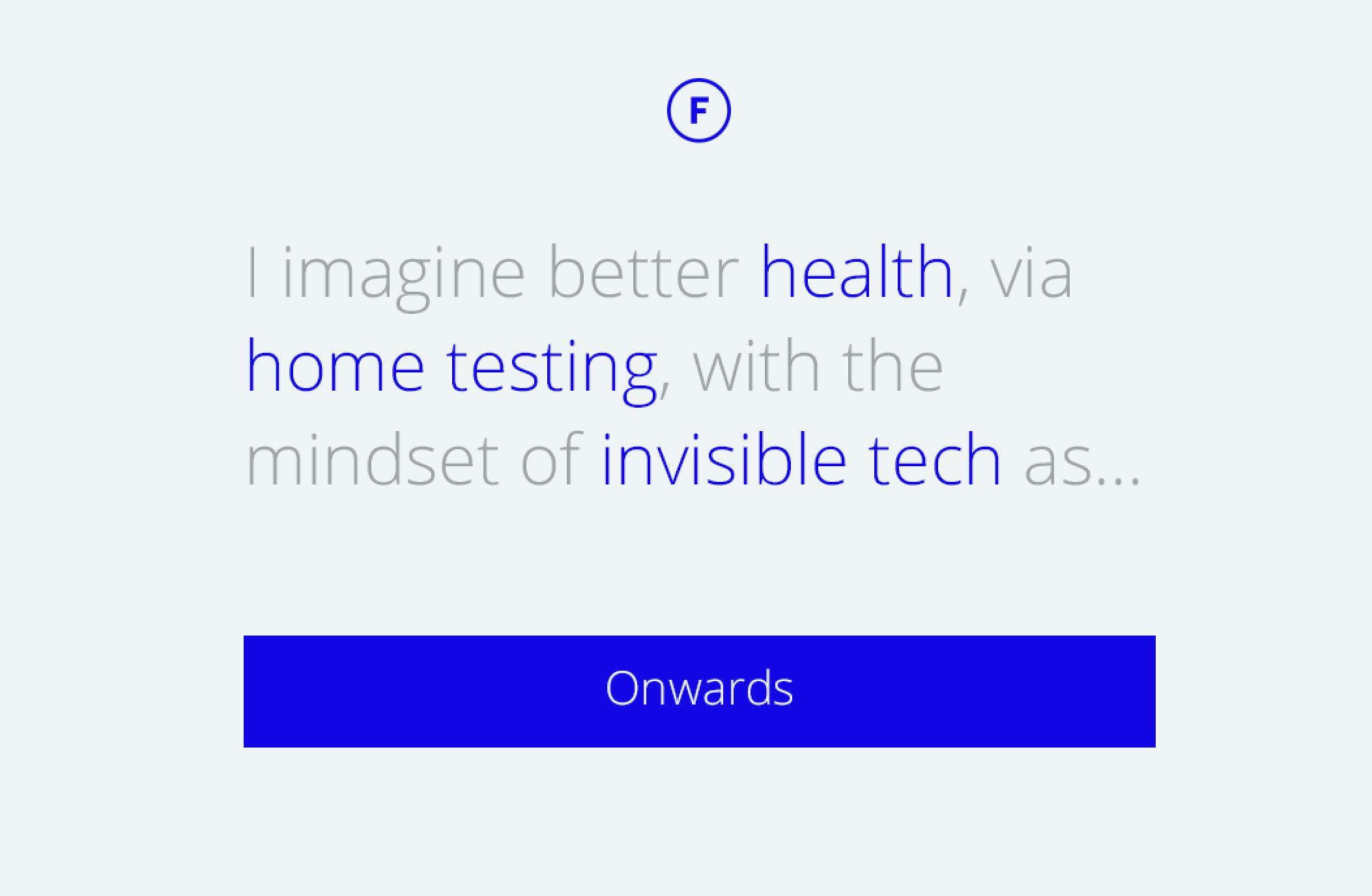
Get your creative juices flowing! Foundeas generates random combinations of Themes / Trends with Drivers of change.
Power by Google Spreadsheets
Setup
Create a Google Spreadsheet with a Themes column and Trend & Market (within theme) columns
Create a Google Spreadsheet with a Drivers column
Create a Google Form with just a "Paragraph text" which will save the output of your Ideas.
Make sure all of these are public.
Press this button to create a new Heroku app:

Add they Spreadsheet keys for to the app. Also the ENTRY_KEY is the field name of the "Paragraph text". Something like
entry.1738149998Deploy the app.
After deployment, click "View it" to open your idea generator


Log in or sign up for Devpost to join the conversation.