-
-
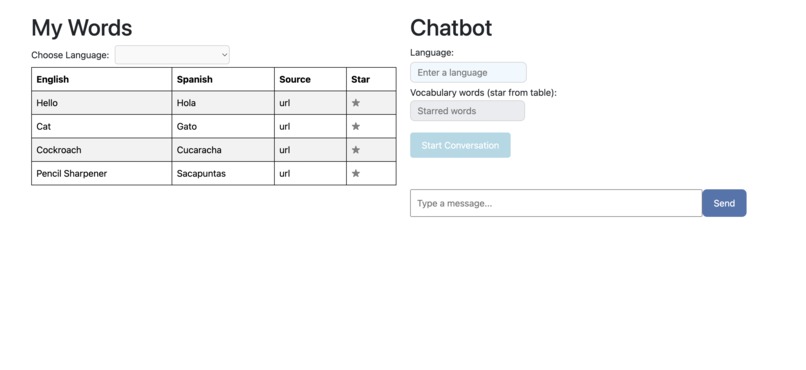
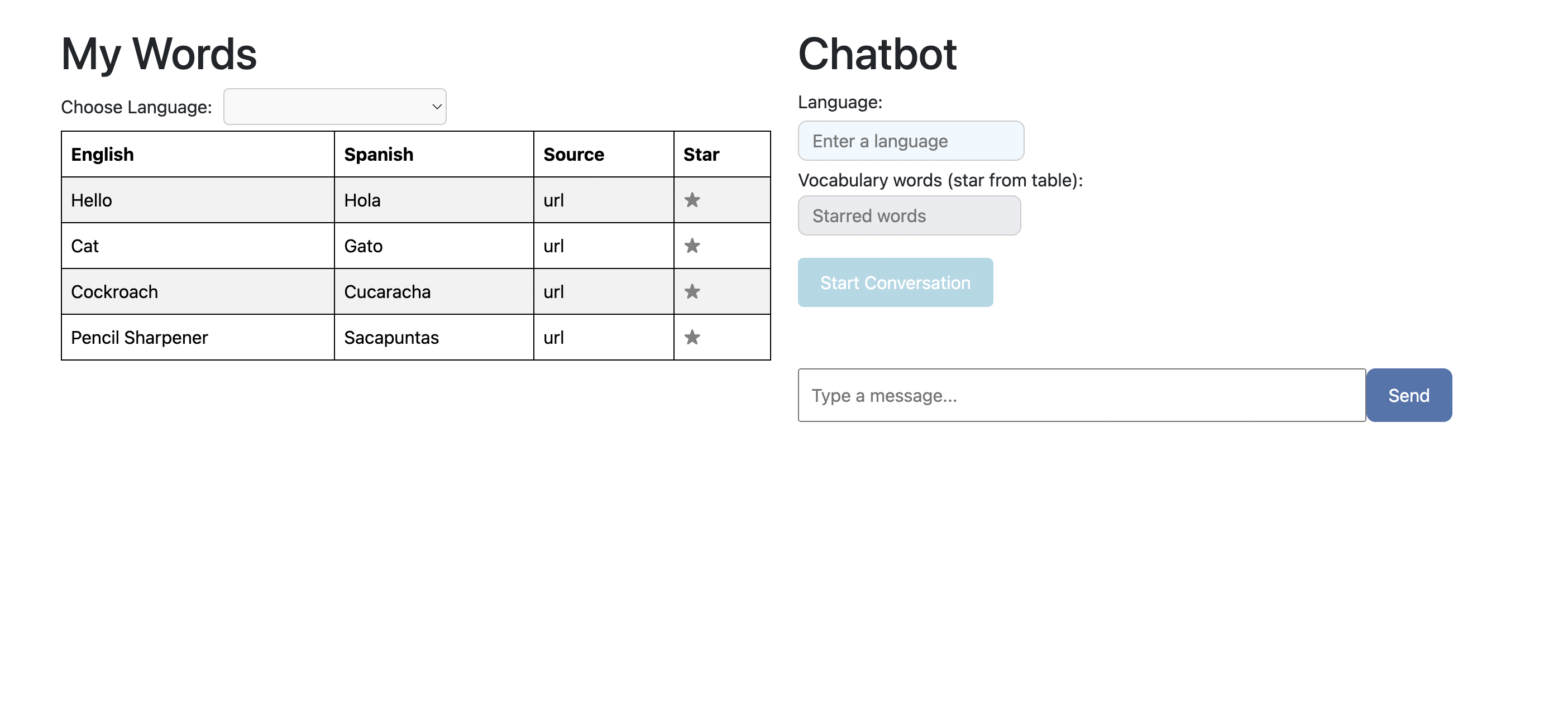
Product -- Landing Page
-
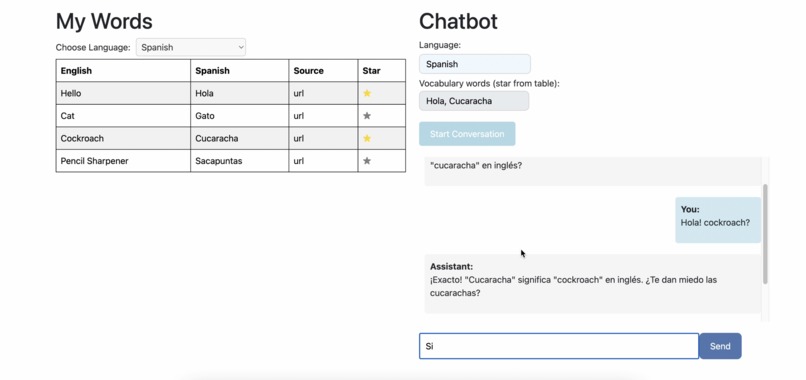
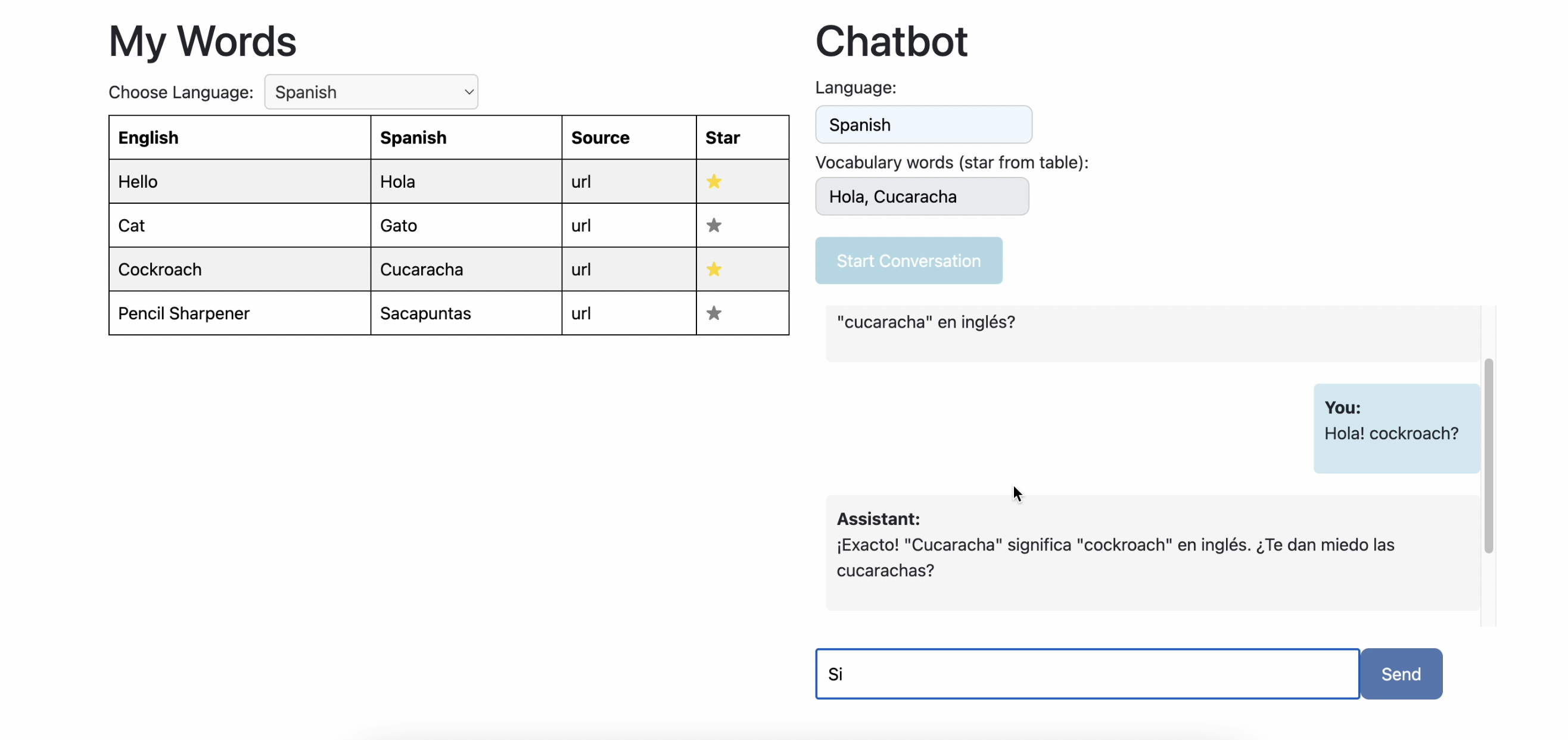
Product -- Chatbot Discussion with Starred Words
-
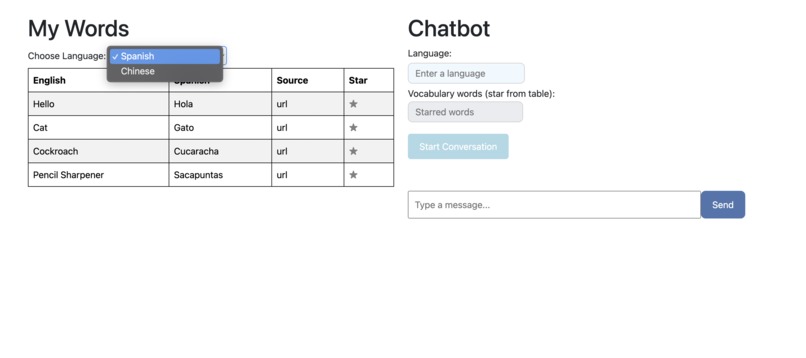
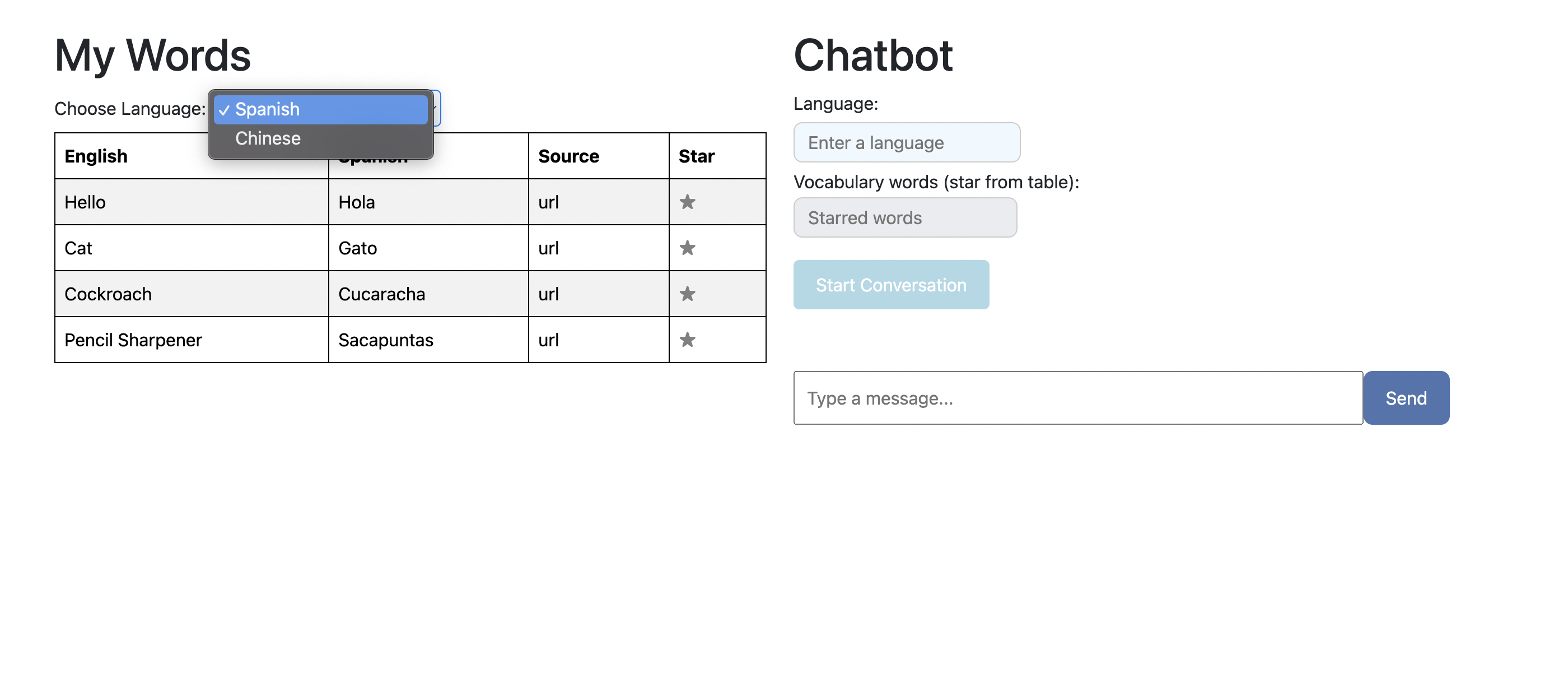
Product -- Language Select Feature
-
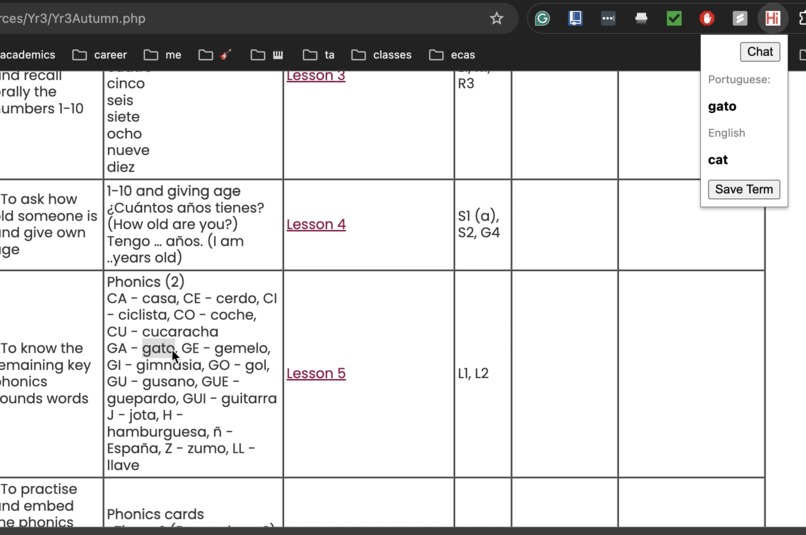
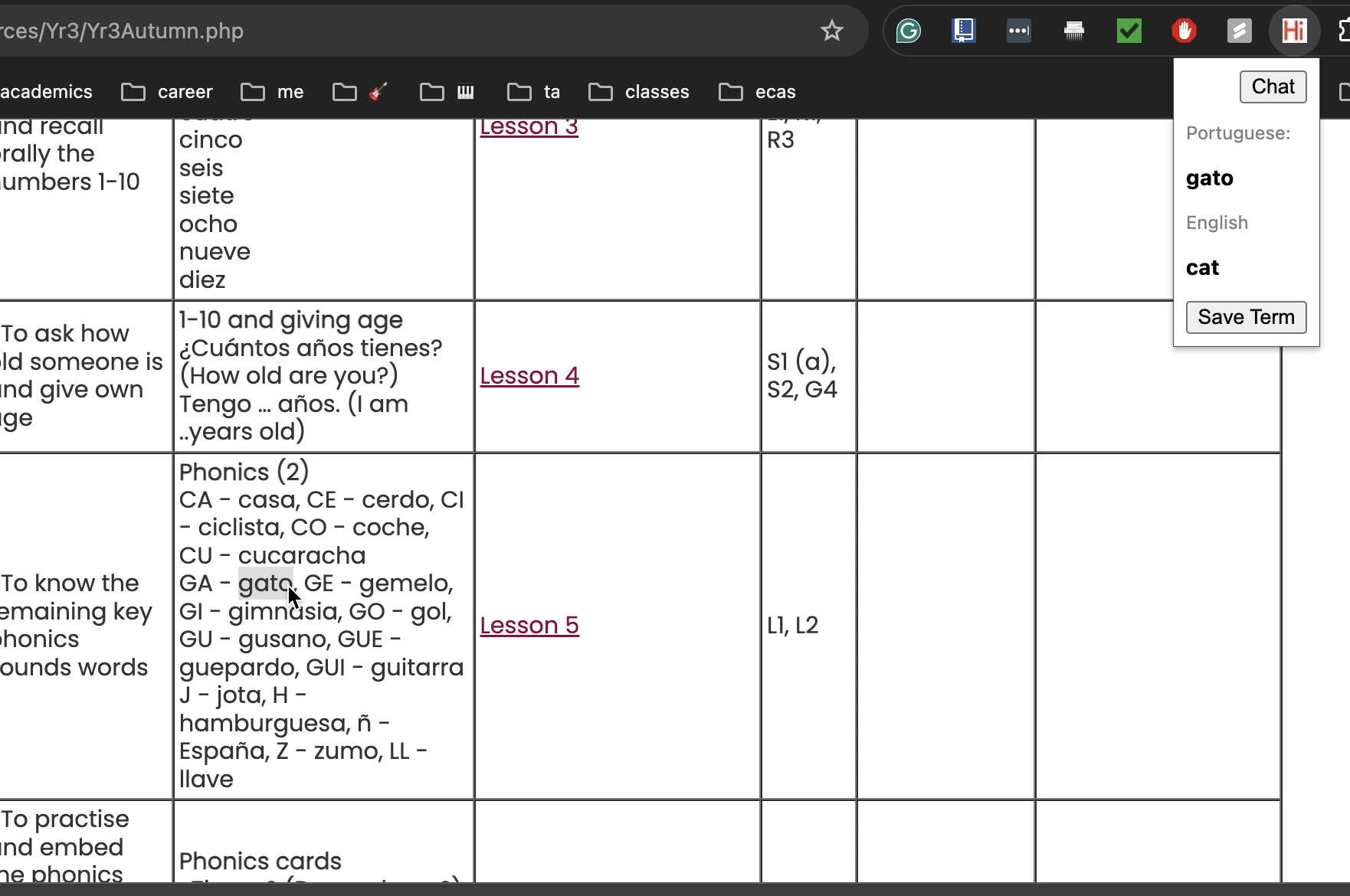
Extension -- Highlight, translate, and save term for practice
-
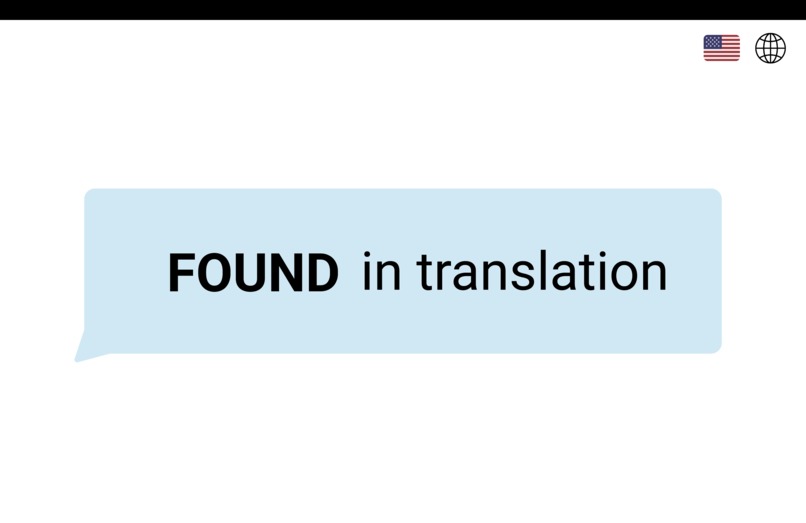
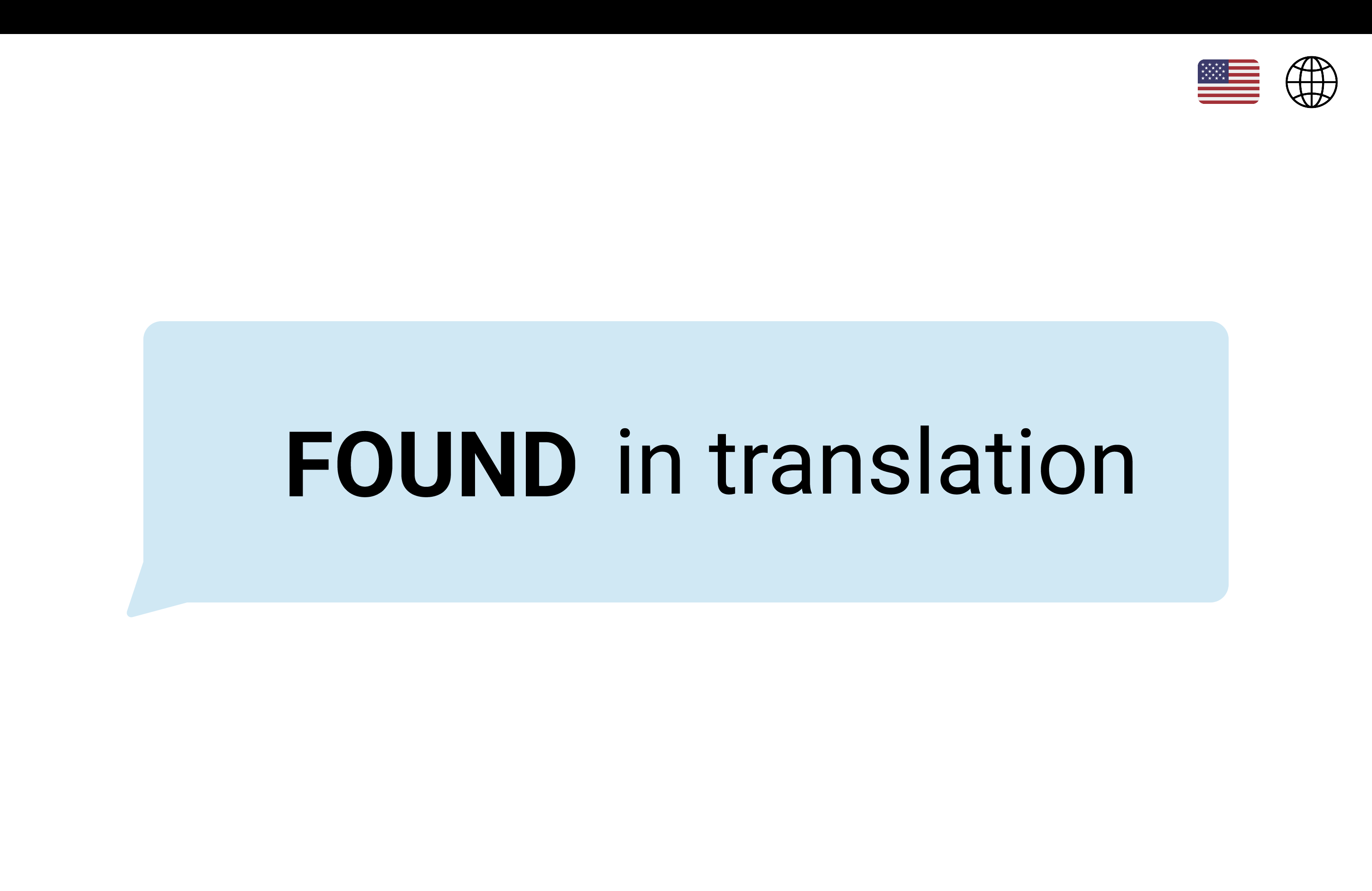
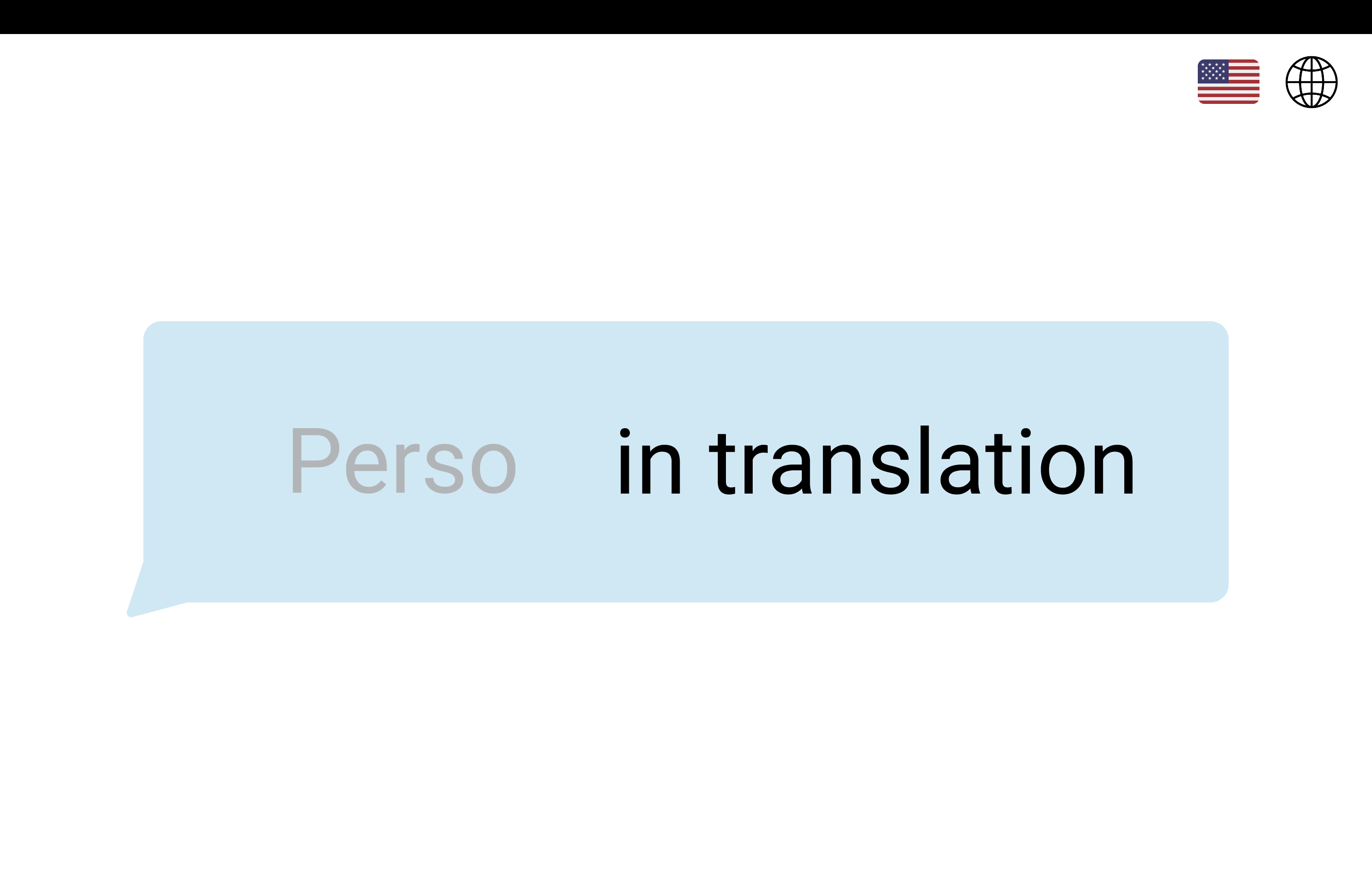
Figma Design -- Loading Page
-
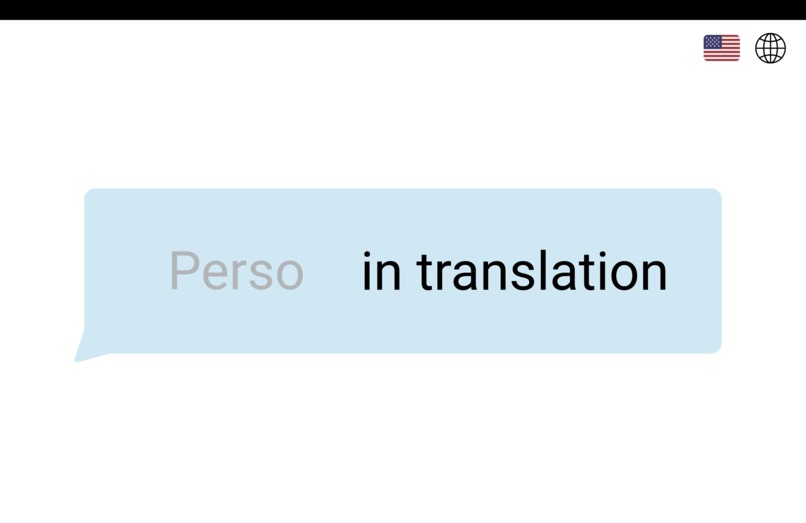
Figma Design -- Loading Page Multi-Lingual Design
-
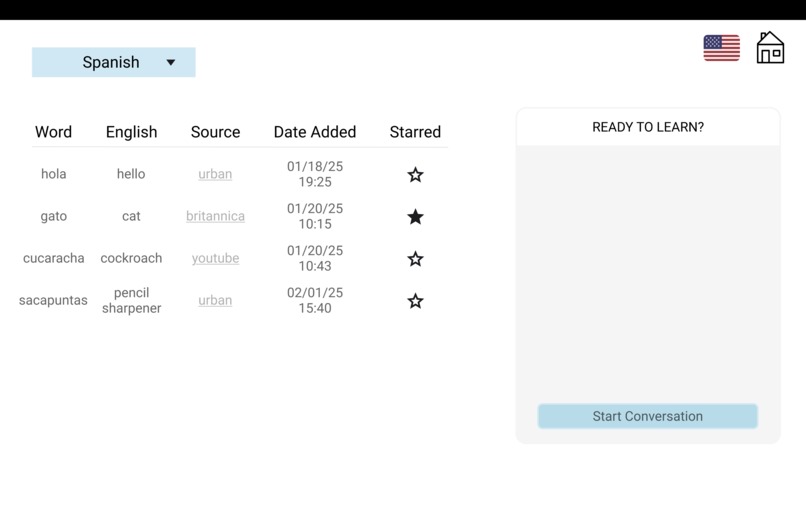
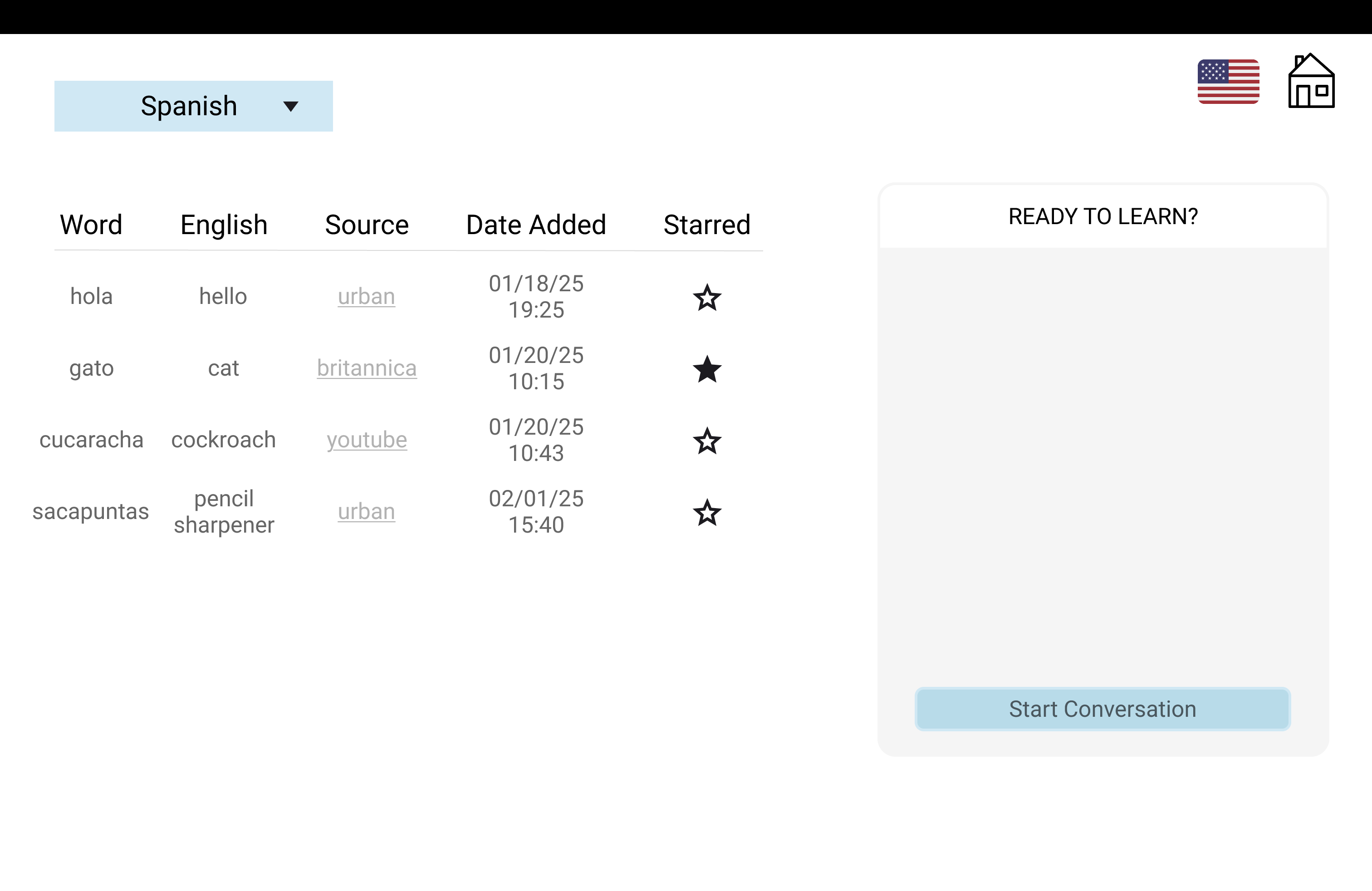
Figma Design -- Landing Page
-
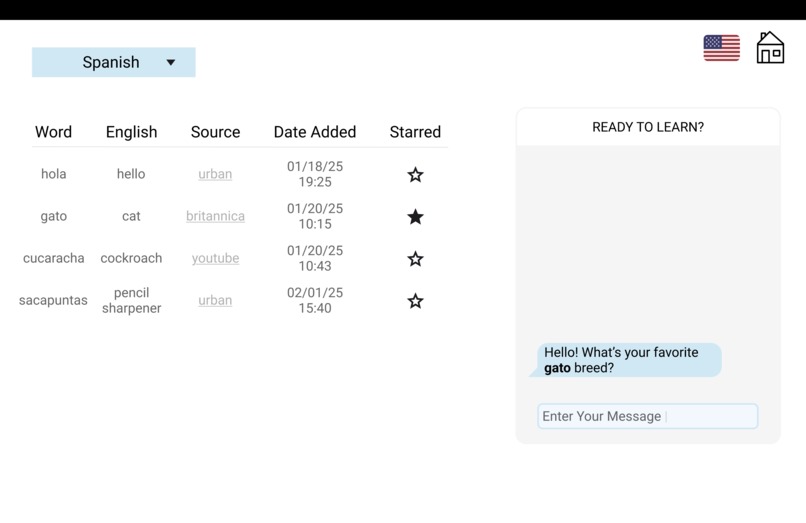
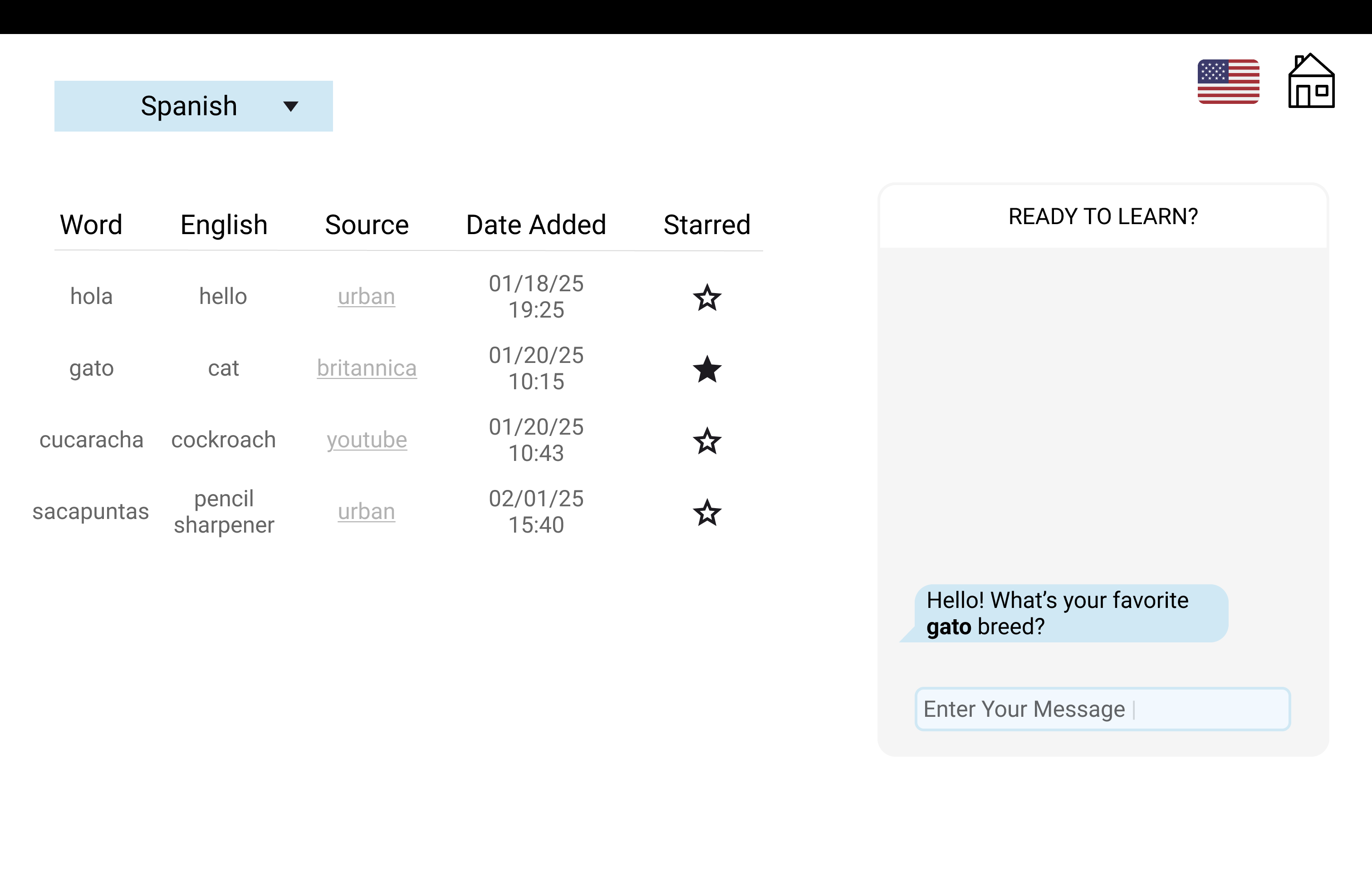
Figma Design -- Chatbot Discussion with Starred Words
Found in Translation
What it does
Found in Translation (a play on lost in translation) is a streamlined language learning tool that helps users reinforce vocabulary from everyday web browsing through conversational practice. The Chrome extension detects the language of highlighted text and translates it into English. Users can then save terms they want to practice in conversation. These saved terms, along with an interactive AI chatbot, are accessible via a companion web app.
Inspiration
We identified three key challenges that inspired us to create this language learning tool:
- Personalized Vocabulary – Many language learners want to focus on words and phrases relevant to their daily lives, rather than generic vocabulary lists.
- Inefficient Study Methods – Apps like Quizlet require users to manually create flashcards, which can be repetitive and time-consuming.
- Lack of Contextual Practice – Traditional language learning apps often fail to provide interactive, real-world conversation practice, making it harder to apply new vocabulary effectively.
Found in Translation addresses these issues by integrating an AI chatbot that dynamically engages users with their saved words. This approach bridges the gap between passive learning and active usage, fostering deeper language retention.
How we built it
Figma -- interactive UI mockup
- Decided on themes
- Decided on effective flow
- Formatted interface of each page
- See design here: [https://www.figma.com/files/team/1470133136368142001/project/336378762/Team-project?fuid=1289369928410265773]
Built a web application in React to serve as the personalized language learning hub - Code can be seen in this Github Repo (https://github.com/aryapsinha/languagelearner)
- Broke our program into smaller, reusable components.
- Built a Node.js server to host a personalized chatbot on the application
- Built a clean UI with a table of vocabulary terms and interactive chatbot using Bootstrap
- Added a "starred" feature to choose specific terms to tailor the chatbot's conversation
Connected to OpenAI API to integrate a conversational assistant into Found in Translation web app.
Built a Chrome Extension with Google Translate API to detect the language of and translate any highlighted word, and then save to local storage for further practice if necessary.
Challenges we ran into
One of our biggest challenges was integrating multiple components—Chrome extension, stored data, web app, and chatbot—into a seamless and cohesive product. To tackle this, we embraced iterative development, merged frequently, and collaborated effectively. This approach taught us how to divide and conquer while leveraging the strengths of our teammates.
Through continuous communication, adaptability, and creative problem-solving, we overcame these challenges and built a robust language-learning tool.
Accomplishments that we're proud of
Personalized AI Chatbot – Successfully integrated OpenAI’s API to create a chatbot that engages users in dynamic conversations.
Customizable Chrome Extension – Built a Chrome extension that allows users to personalize their learning with real-world vocabulary and provides real-time translations.
Seamless Vocabulary Integration – Streamlined chatbot interactions by enabling users to star specific terms they want to practice in conversation.
What we learned
Full-Stack Development – Gained experience in building a web application using Node.js for the backend and React for the frontend, while refining our HTML/CSS skills with tools like Bootstrap.
AI Integration – Learned to leverage OpenAI’s API to develop a chatbot tailored for language learning, seamlessly incorporating user-selected vocabulary into conversations.
Version Control & Package Management – Improved our ability to manage packages and environments efficiently using GitHub.
What's next for Found in Translation
- Audio/voice chatbot
- Vocabulary defintions
- Starred terms
Environment set up
- React
- Node.js
- npm install openai
- npm install bootstrap
- npm install express
- npm install dotenv
- npm install web-vitals
- npm install axios
- npm install concurrently
Built With
- axios
- bootstrap
- chrome-extensions-api
- cloud-translation-api
- cors
- css
- express.js
- figma
- gpt4omini
- html5
- javascript
- jsx
- node.js
- react


Log in or sign up for Devpost to join the conversation.