-
-
-
designer
-
designer
Inspiration
What it does
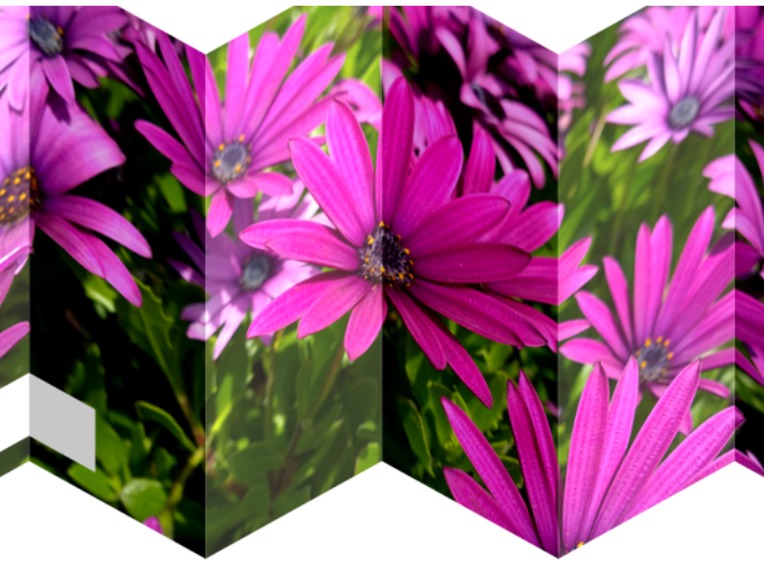
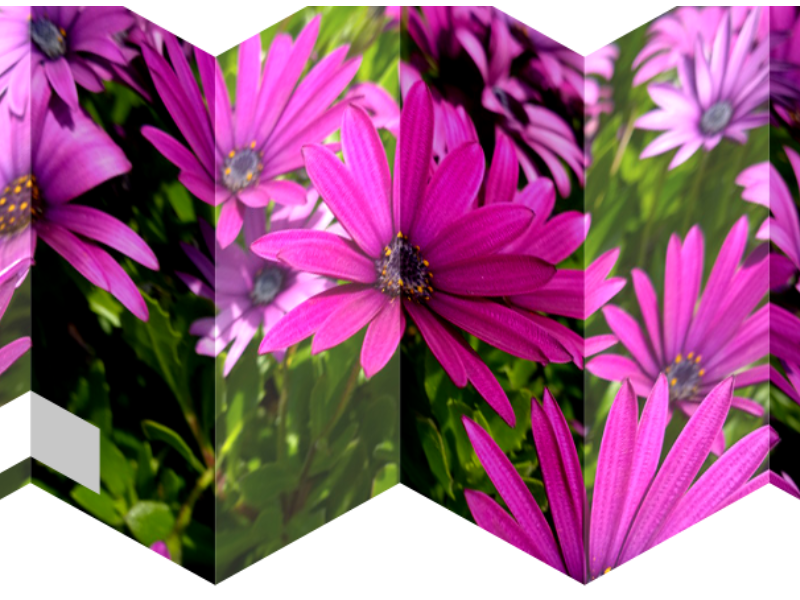
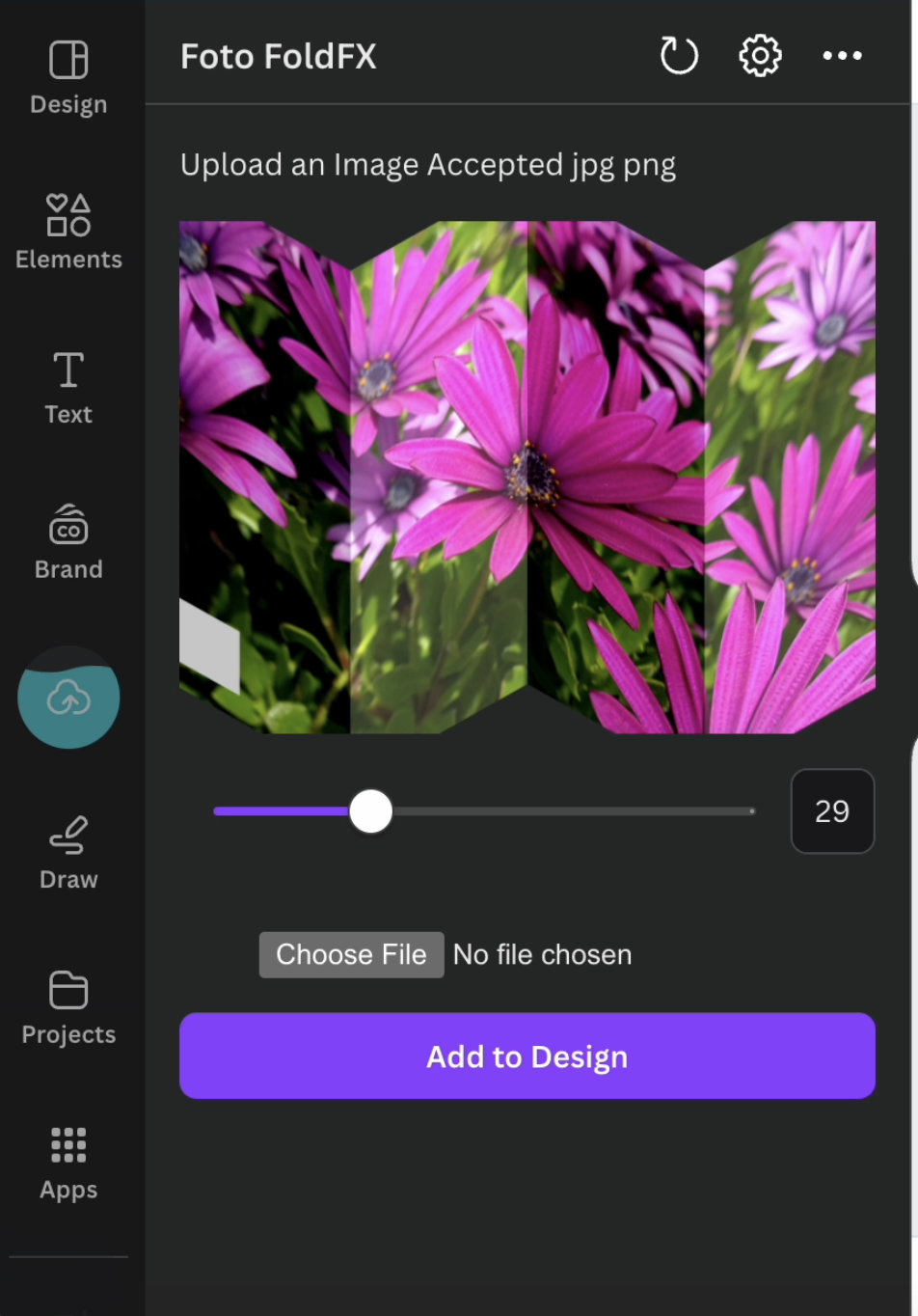
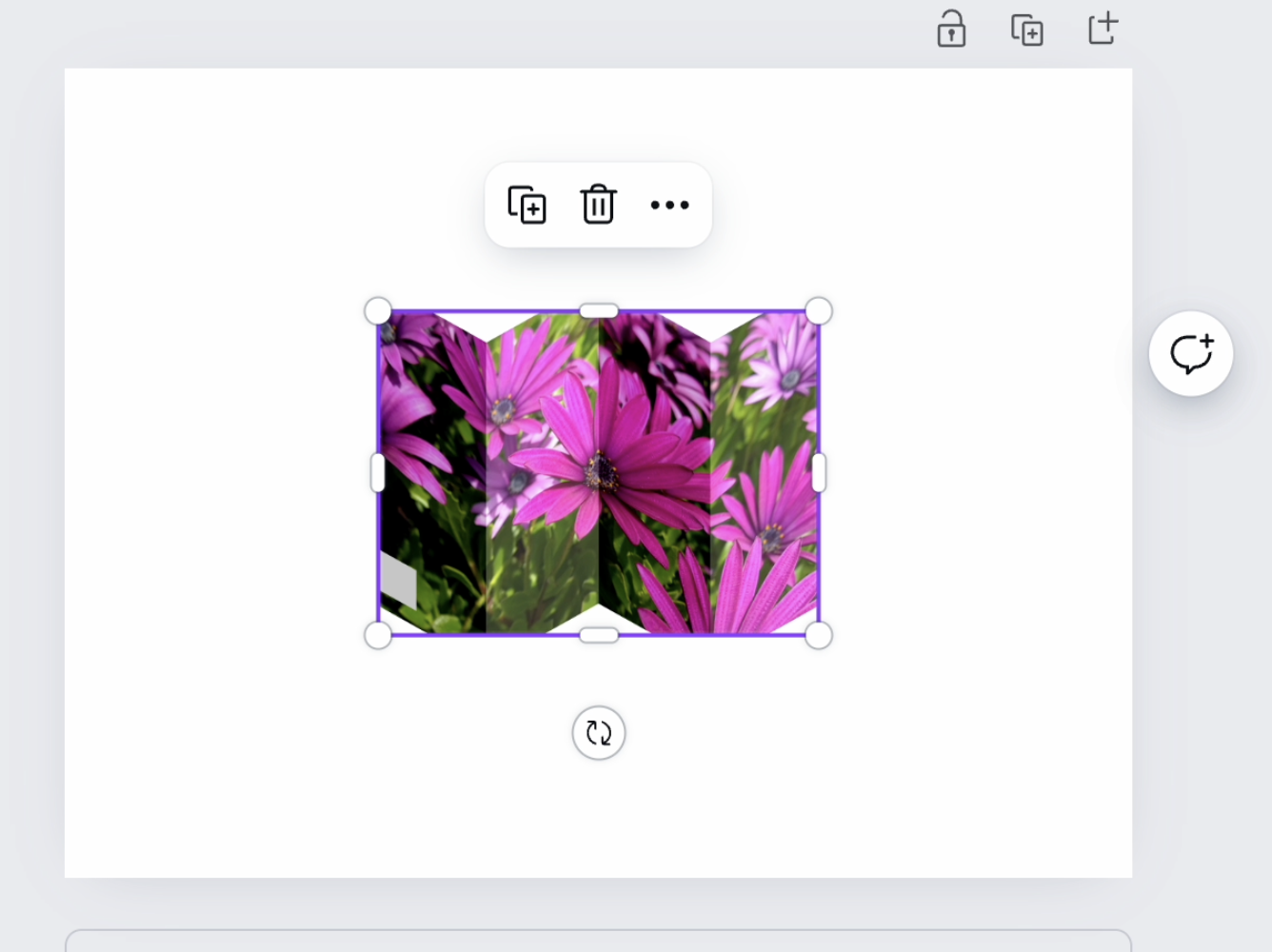
FotoFold is a web-based application that uses HTML5 Canvas and a JS library to create an interactive image transformation effect. Here's what it does:
Image Slicing: The app takes a single input image and programmatically slices it into several vertical strips.
Skew Transformation: The primary visual effect is achieved through the application of a skew transformation to each slice of the image. Skewing changes the angle of the image slice without changing its scale, which is key to creating the folding illusion.Interactive Folding Effect: Using a slider control, users can adjust the degree of the folding effect applied to the image. As the slider moves, the app manipulates these slices to create an accordion-like folding effect.
Alternating Skew: The app applies skew in alternating directions to odd and even slices. This alternating skew is what creates the zigzag or accordion-like appearance of the folding effect.
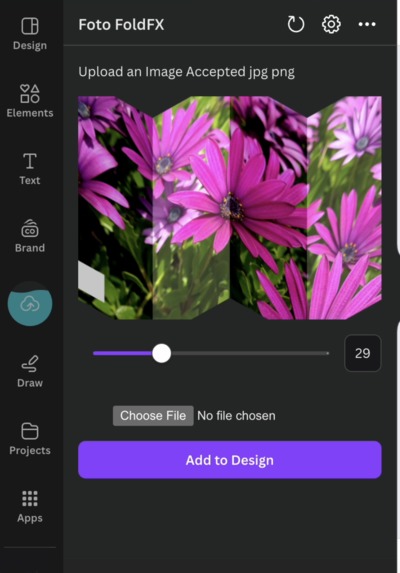
Dynamic Skew Angle: The degree of skew is controlled by the slider, allowing users to interactively adjust the intensity of the effect.
Dynamic Positioning: As the folding effect is applied, the position of each slice is recalculated to maintain the overall shape and proportion of the image while still conveying the illusion of folding.
Skew-based Positioning: The horizontal position of each slice is recalculated based on its skew angle, which helps maintain the overall width and proportion of the image as it's "folded".Shading Effect: The app applies a subtle shading effect to each slice based on its fold angle, enhancing the 3D appearance of the fold.
Real-time Interactivity: All these effects are calculated and rendered in real-time as the user moves the slider, providing a smooth, interactive experience.
How we built it
We started by setting up a React application using Create React App, which provides a modern build setup with no configuration Integrating CreateJS: CreateJS, a library for working with the HTML5 Canvas element, was integrated to manage and manipulate the canvas. We imported specific modules from CreateJS to enable efficient use within our React components. We added an input range slider to control the effect applied to the image slices. The slider’s value dynamically updated the canvas in real-time, leveraging state management with React. created functions to apply visual transformations to the image slices. This included skewing, positioning, and applying color filters to each slice based on the slider’s value. The transformations were computed using trigonometric functions to achieve smooth animations
Challenges we ran into
One of the initial challenges was effectively integrating createJS, which is typically used in vanilla JavaScript projects, with the Canva apps sdk in React . React’s approach and component-based structure required careful planning to ensure that CreateJS’s imperative style of manipulation fit seamlessly into our Canva apps in React. Ensuring that the canvas updated in real-time as the slider value changed was another challenge. Implementing the file upload functionality and reading the uploaded image as a data URL is another.
Accomplishments that we're proud of
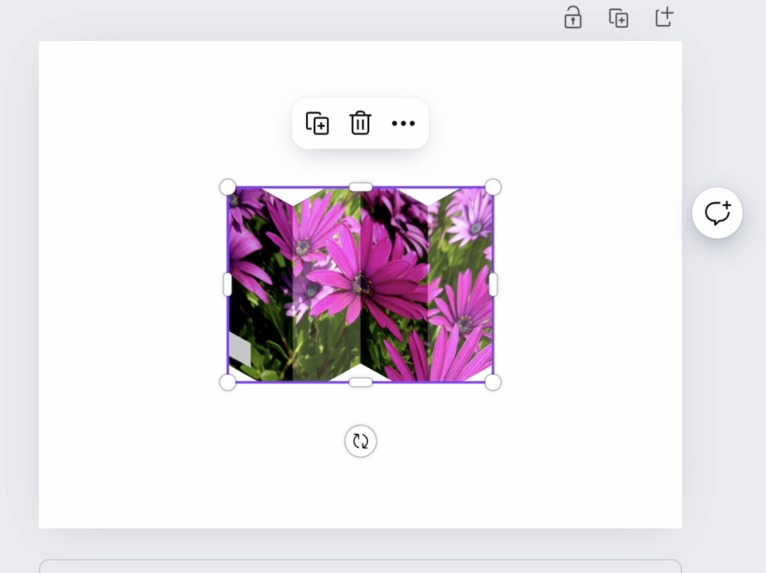
Development of seamless experience to bring images to life with an interactive accordion-like effect to the Canva design. while user has precise control over the intensity of the effect.
What we learned
there is a learning curve to the canva apps SDK .
FotoFold App Video Script
[Opening shot: FotoFold interface with a sample image]
Welcome to FotoFold, the web application that brings your images to life with an interactive accordion-like effect. Let's dive in and see how it works!
[Zoom in on the slider at the bottom of the interface]
At the heart of FotoFold is this simple slider. As we move it...
[Slowly move the slider, showing the folding effect]
...watch how our image transforms. It's not just bending – it's folding in on itself in a zigzag pattern, creating an accordion-like effect.
[Split screen: Original image on one side, folded image on the other]
Let's break down what's happening here. FotoFold takes your original image and slices it into vertical strips. Then, it applies a clever skew effect to each slice.
[Highlight alternating slices]
Notice how the odd and even slices fold in opposite directions? This alternating skew is what creates that distinctive zigzag look.
[Zoom in on a single fold]
As we increase the effect, each slice is not only skewed but also repositioned. This maintains the overall shape of the image while accentuating the fold.
[Highlight the shading on the folds]
See how the folds seem to have depth? That's because FotoFold automatically adds subtle shading based on the angle of each fold.
[Show slider at different positions]
The real magic is in the interactivity. You're not limited to fully folded or unfolded – you have precise control over the intensity of the effect.
[Demonstrate rapid movements of the slider]
And all of this happens in real-time, smoothly animating as you move the slider.
[Show FotoFold running on different devices]
Because FotoFold is built with modern web technologies, it works seamlessly across devices – from desktops to tablets to smartphones.
[Return to full interface view]
Whether you're a photographer looking to add flair to your portfolio, a designer seeking to create engaging web elements, or just someone who loves playing with cool image effects, FotoFold offers a unique way to transform your images.
[Closing shot: Fully folded image slowly unfolding]
Give it a try and watch your images unfold in a whole new way!
[Fade to logo]
FotoFold: Where every image has a new dimension.
What's next for Foto FoldFX
Built With
- canva-apps-sdk
- html5
- javascript
- react


Log in or sign up for Devpost to join the conversation.