-
-
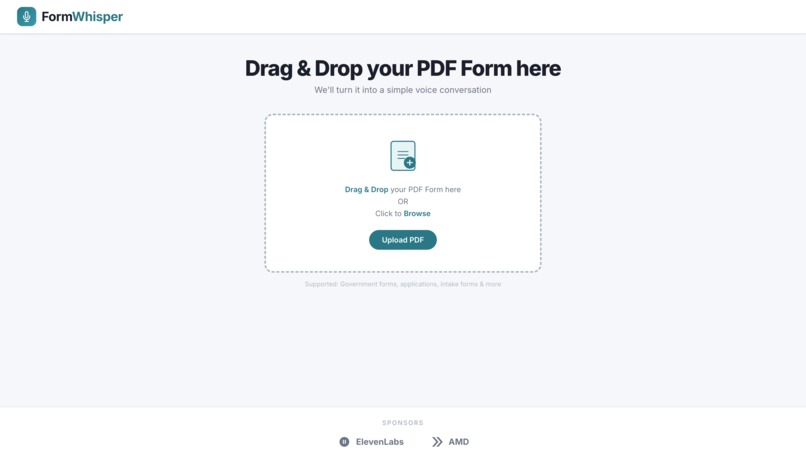
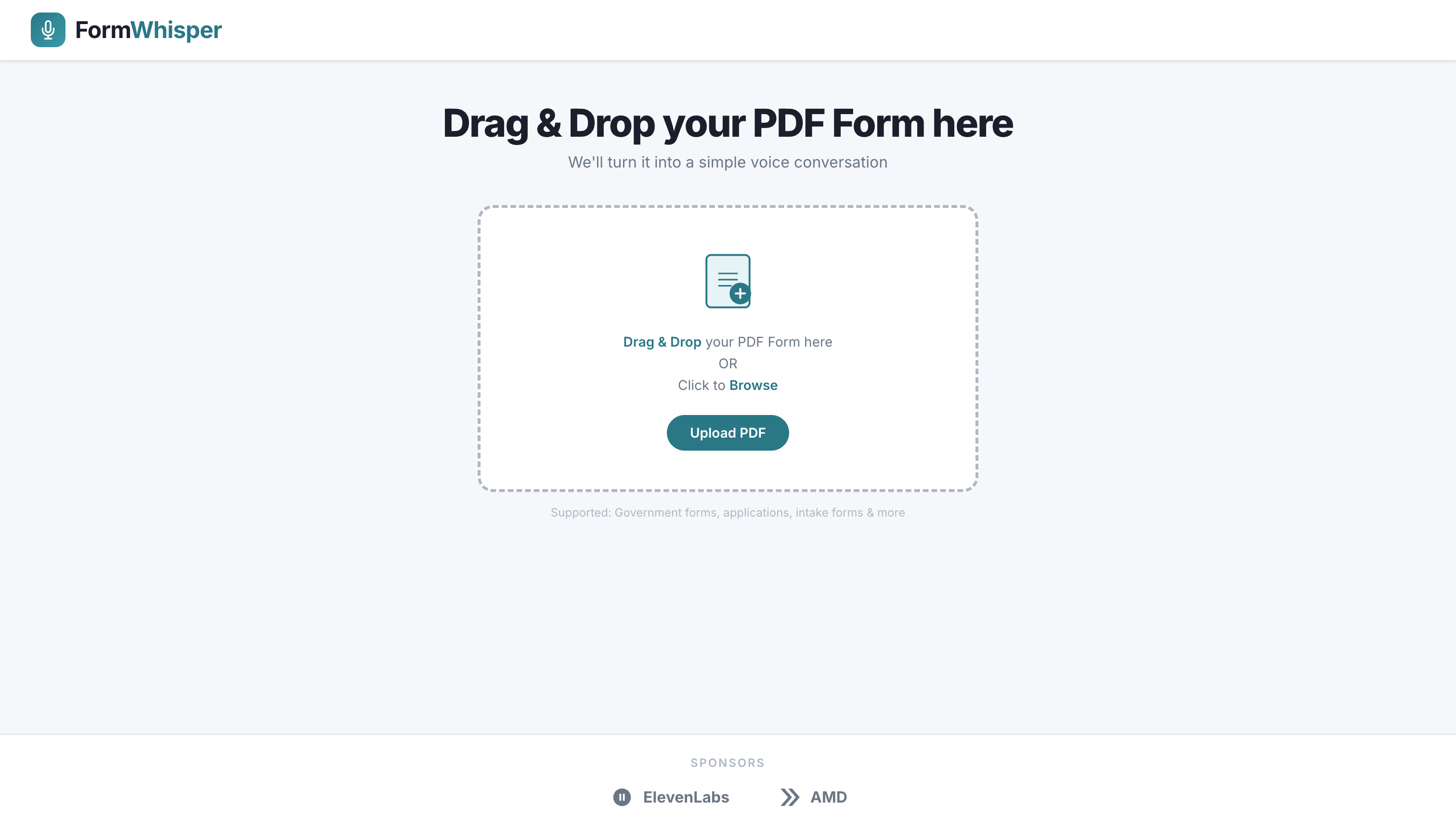
HomePage
-
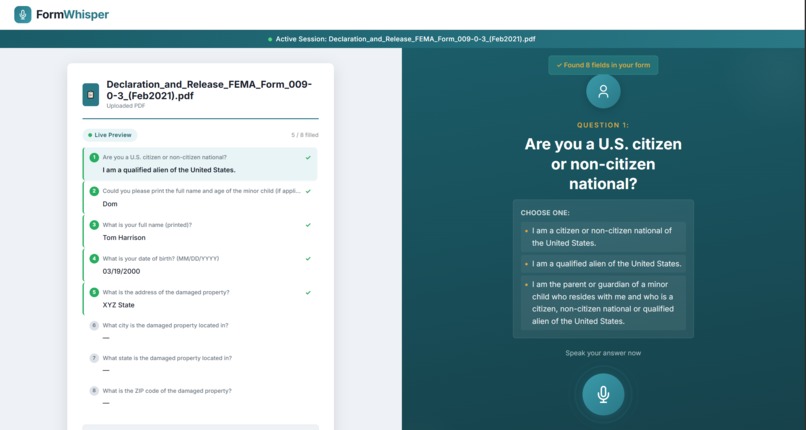
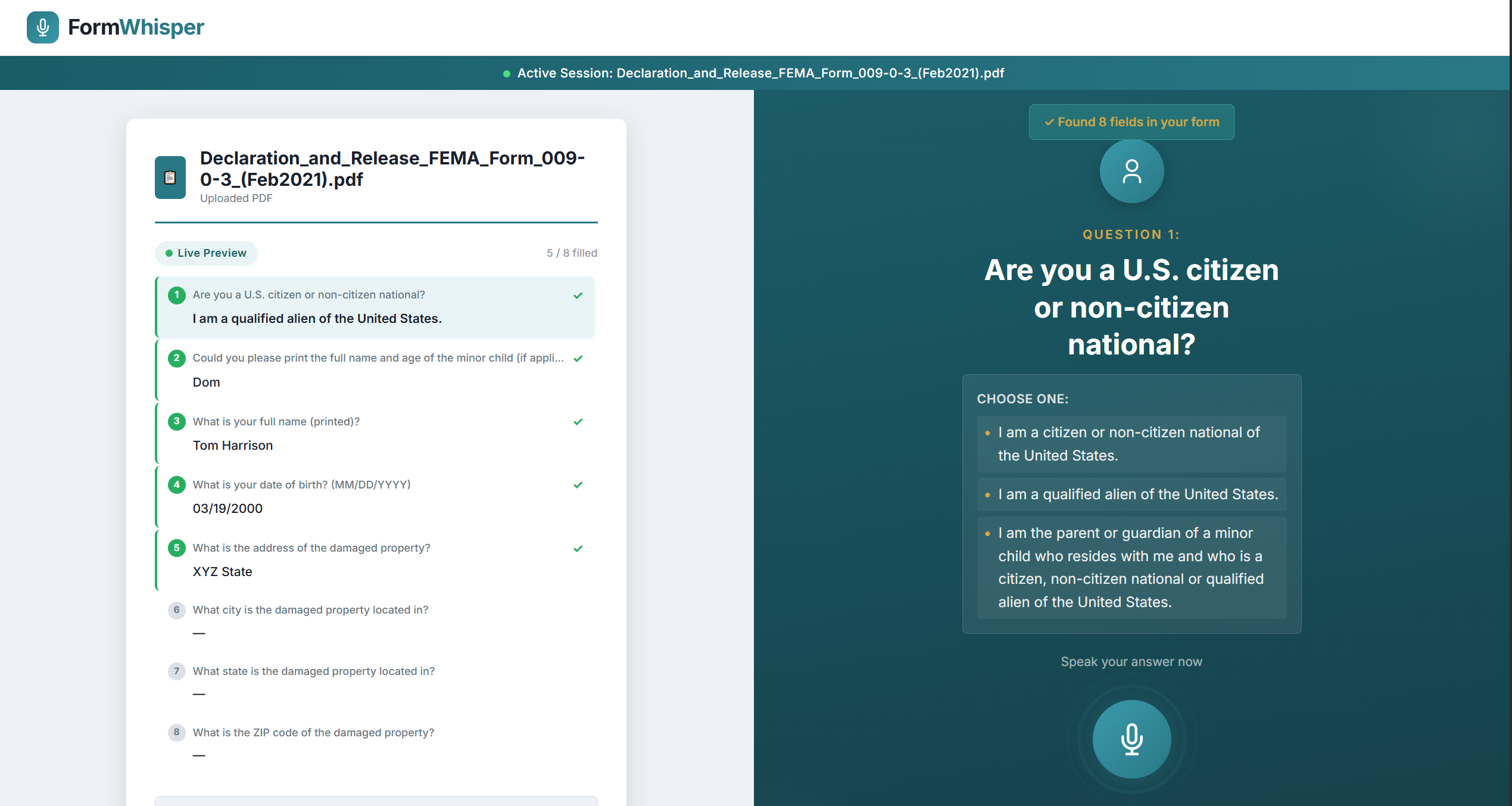
Voice Based Form filling
FormWhisper
Inspiration
Filling out government forms is hard enough when you're comfortable with technology and fluent in written English. For elderly individuals, people with low literacy, or anyone who finds bureaucratic paperwork overwhelming, a single government application or benefits form can feel impossible. We wanted to remove every barrier between a person and the help they deserve. No typing, no reading dense legalese, no confusion about which box to fill in.
What it does
FormWhisper turns any government PDF form into a friendly voice conversation. You upload a PDF, and FormWhisper automatically reads every fillable field, generates plain-language spoken questions, and walks you through the form one question at a time. You answer out loud. FormWhisper transcribes your voice, verifies your answer makes sense for the field, and fills the correct box in the PDF. When you're done, you download a completed, ready-to-submit document. No typing, no reading, no confusion.
How we built it
- Frontend: React + Vite with a clean, accessible UI. The browser captures microphone audio using the Web Audio API with silence detection to auto-stop recording after the user finishes speaking.
- Backend: Python FastAPI serving a REST API for PDF upload, form analysis, transcription, answer verification, and PDF filling.
- Vision LLM: Qwen2.5-VL-32B-Instruct (hosted on AMD hardware) visually reads each page of the uploaded PDF and extracts every fillable field, generating a conversational question for each one.
- Speech-to-Text: OpenAI Whisper for accurate voice transcription.
- Text-to-Speech: ElevenLabs for natural, warm audio question delivery.
- PDF Filling: PyMuPDF (fitz) maps each answer back to the correct AcroForm widget using positional matching, handling both text fields and checkboxes.
Challenges we ran into
- PDF field mapping: AcroForm fields use internal names like
TextField1[6]with no relation to their visual label. Matching a user's answer to the right box required positional sorting of both VLM-extracted questions and fitz widgets by their on-page coordinates. - Checkbox handling: Checkboxes in XFA-based PDFs store full internal paths. fitz resolves these differently than pypdf, requiring short-name fallback matching.
- Silence detection: Keeping the microphone open for the right amount of time without cutting the user off mid-sentence or waiting forever required tuning a Web Audio RMS-based VAD with per-field thresholds.
- VLM prompt engineering: Getting the vision model to reliably distinguish fillable fields from authorization statements, legal disclaimers, and instructional text took many iterations.
Accomplishments that we're proud of
- A fully working end-to-end pipeline: upload a PDF → hear spoken questions → answer by voice → download a filled PDF, all in under 5 minutes.
- Generic design: FormWhisper works on any AcroForm PDF, not just one specific form type.
- Clean, accessible UI that a non-technical user could navigate without any instructions.
- Robust positional field assignment that requires zero hardcoded field names.
What we learned
- Vision-language models are surprisingly capable at reading and interpreting scanned government forms, but need careful prompting to avoid hallucinating non-existent fields.
- PDF internals (AcroForm vs XFA, field name paths, widget types) are far more complex than they appear from the outside.
- Accessibility-first design forced us to make better engineering decisions if it's too complicated to explain to a first-time user in one sentence, it's too complicated.
What's next for FormWhisper
- Multi-language support: serve users who speak Spanish, Mandarin, Vietnamese, and other languages common in underserved communities.
- Mobile app: a phone-native version so users can fill forms anywhere without needing a laptop.
- Form library: pre-analyzed versions of the most common government forms so analysis is instant.
- Assisted mode: a caregiver or caseworker can sit with a user and guide them through the form together in the same session.
- Offline mode: local Whisper + smaller LLM for use in areas with limited connectivity after a disaster.
Built With
- amd
- elevenlabs
- fastapi
- huggingface
- javascript
- python
- react.js


Log in or sign up for Devpost to join the conversation.