-
-
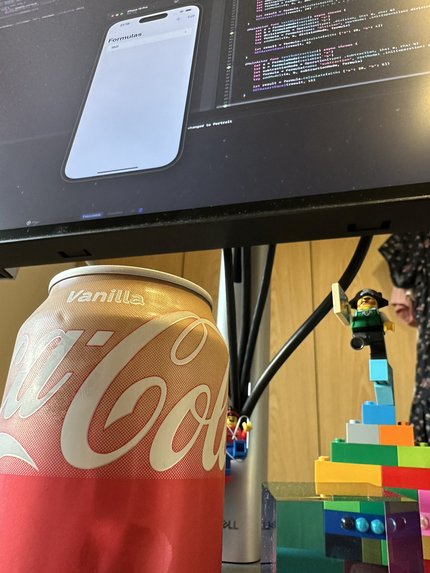
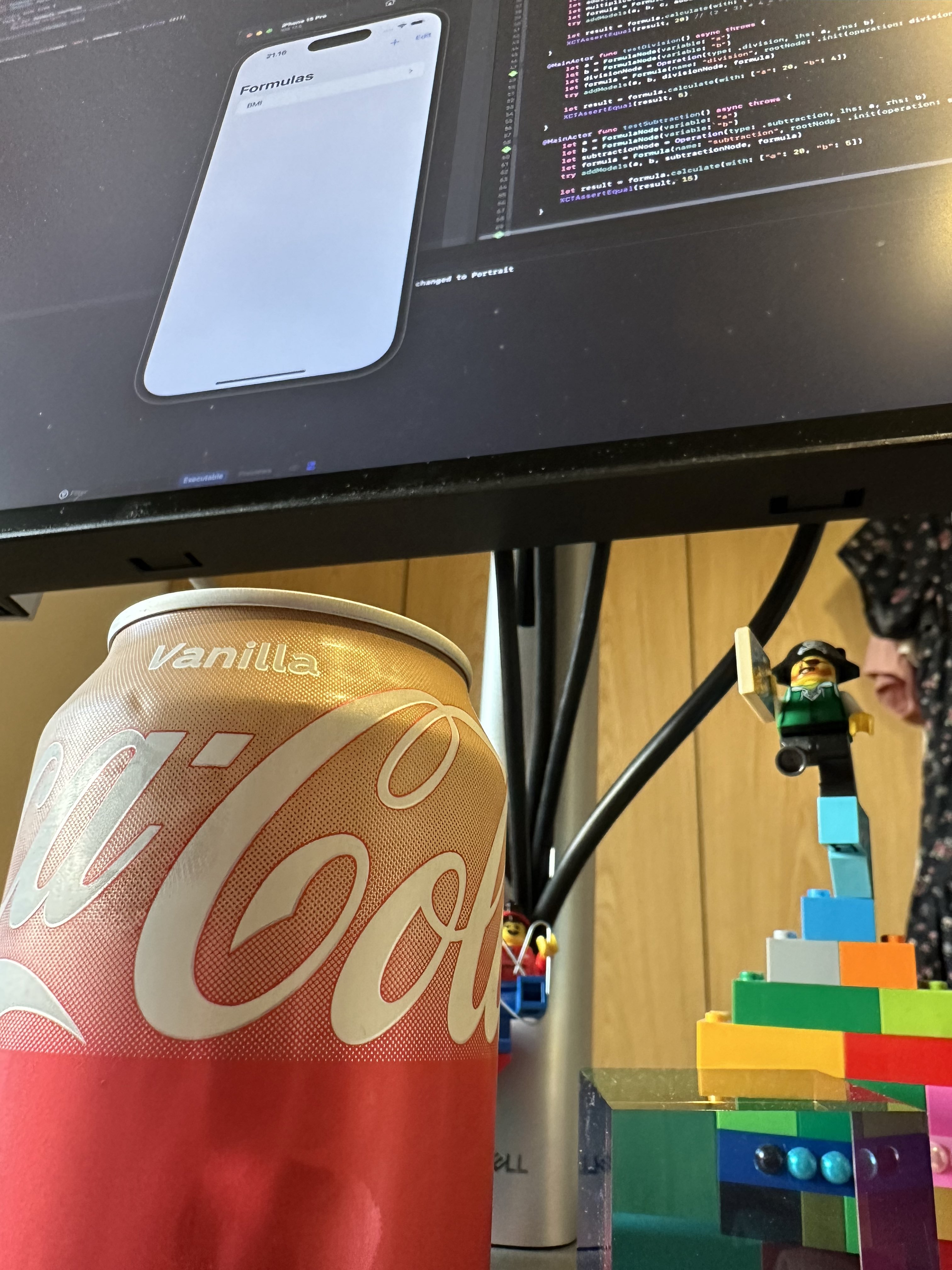
I love so many things in this image! SwiftUI, green tests, Vanilla Coke and my LEGO debug buddies
-
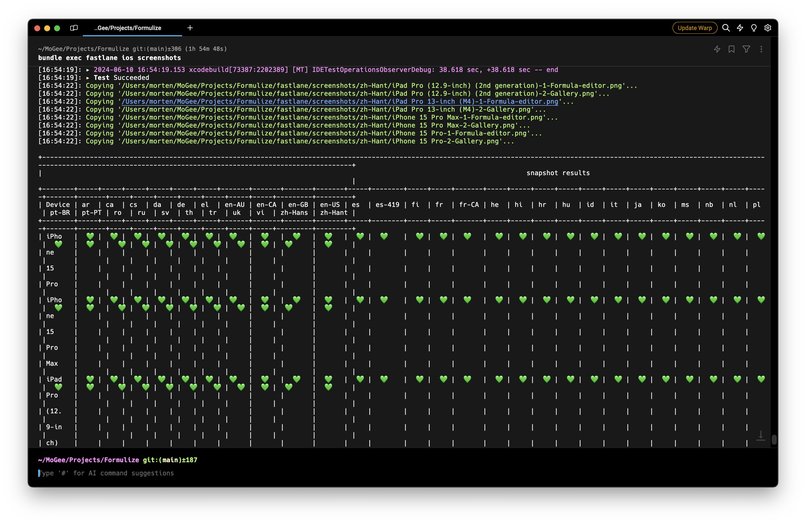
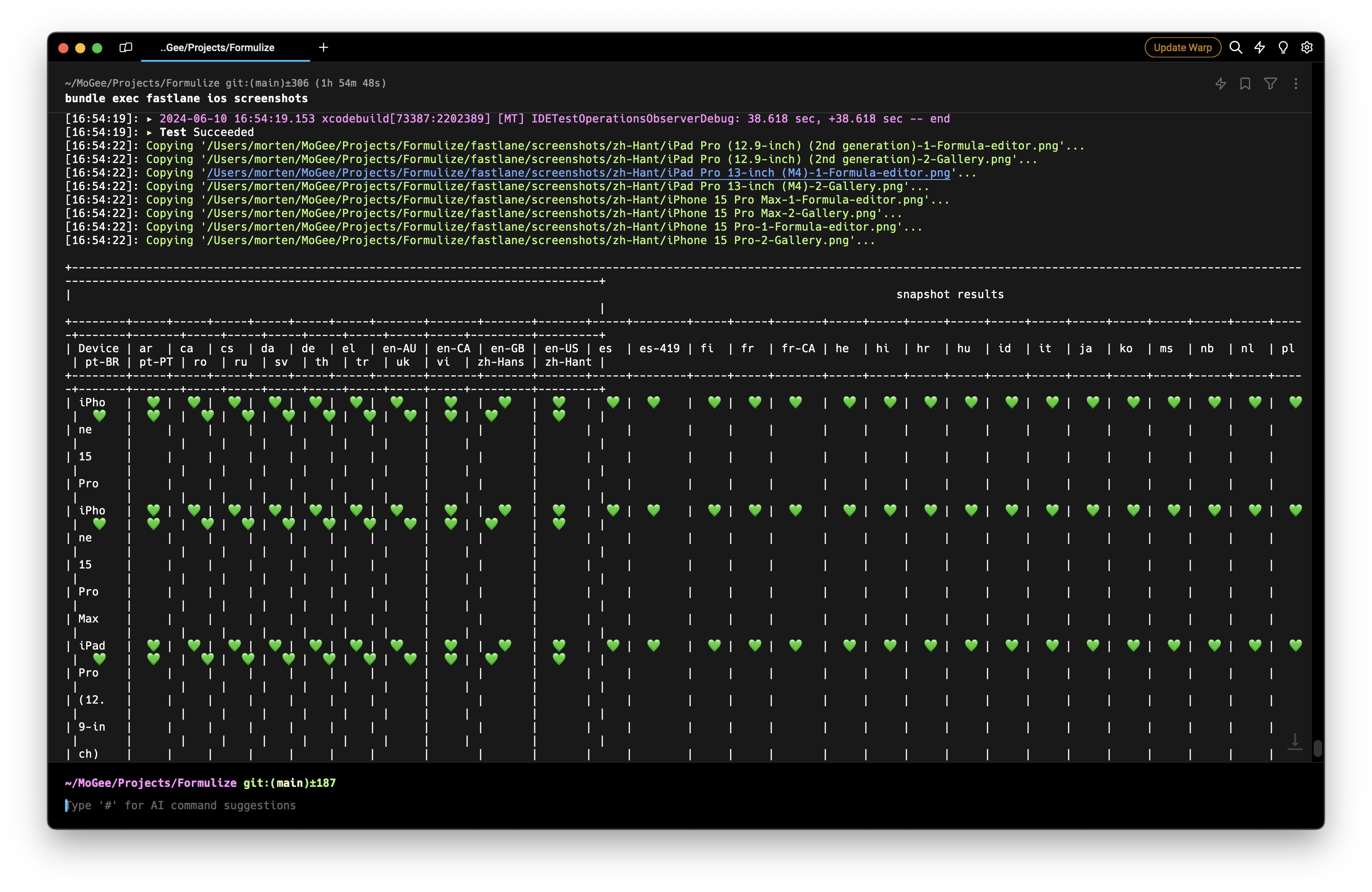
I think I broke fastlane when generating screenshots for all those localizations...
Inspiration
The inspiration for Formulize came from a simple request by a fellow parent who struggled with calculating reimbursements for charging his company car. He had been using Excel sheets but found the process cumbersome and time-consuming. This request made me realize that many of us face similar challenges when dealing with repetitive, complex calculations. Whether it’s calculating the area of a round cake pan or working out compound interest, there was a clear need for a tool that could simplify these tasks. I wanted to create an app that could not only scratch someone else’s itch but also address my own needs.
What it does
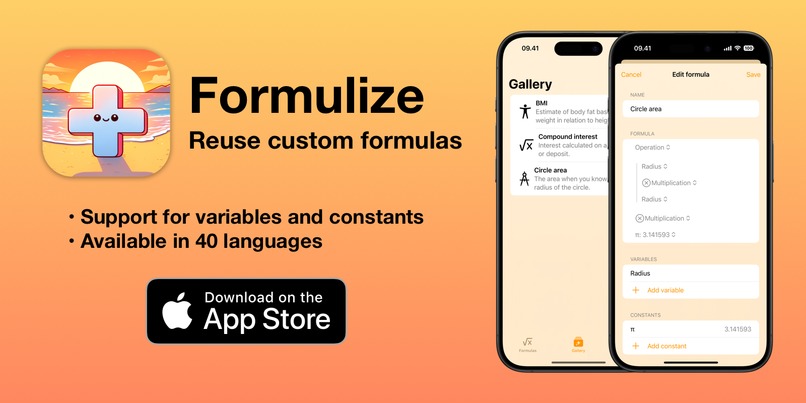
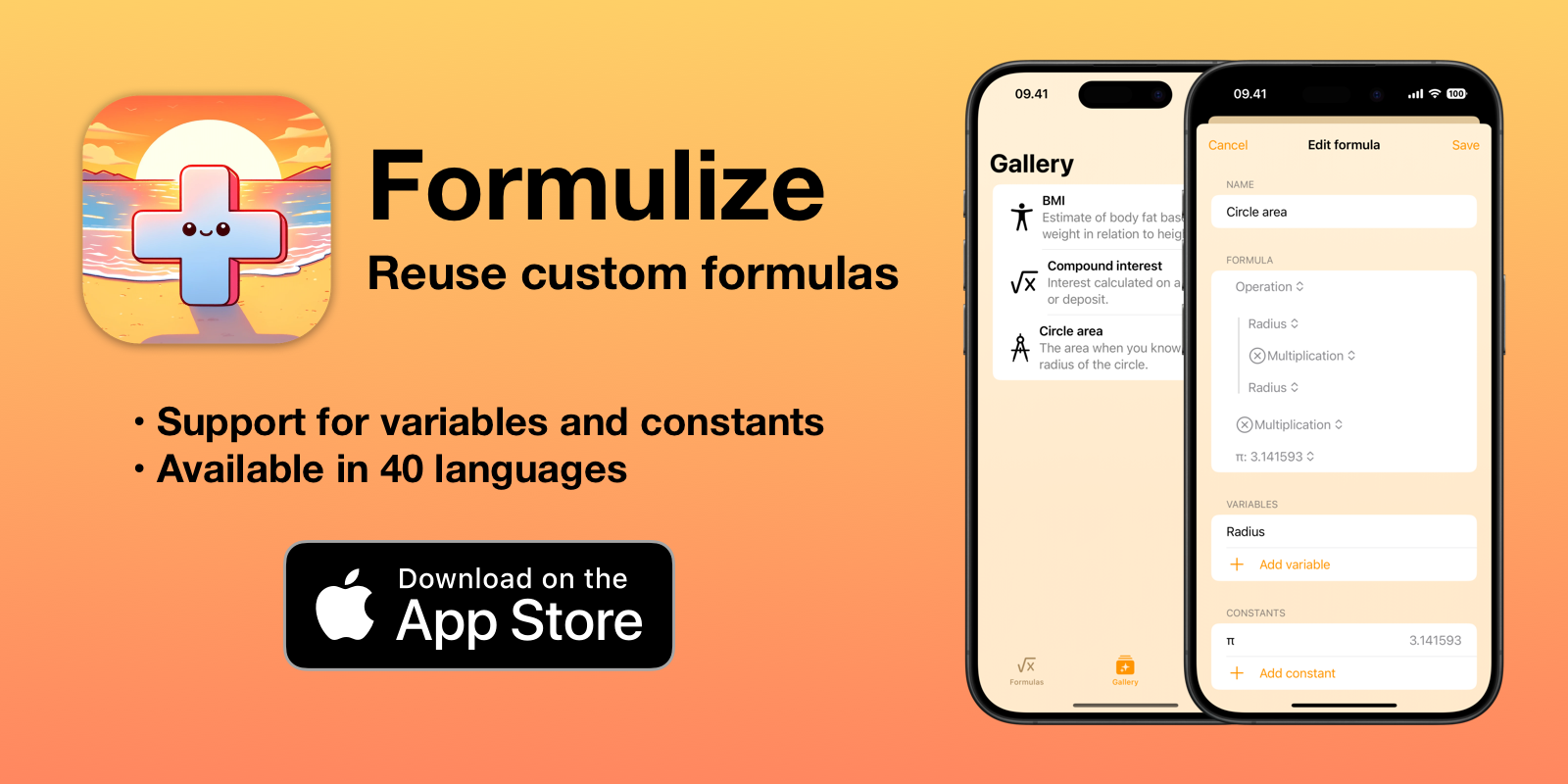
Formulize is a user-friendly calculator app designed to help users create, save, and reuse custom formulas for various calculations. It supports basic arithmetic operations and allows for dynamic input through variables, making it versatile for both everyday and specialized calculations. With an intuitive interface, Formulize ensures that even complex math becomes accessible and manageable for everyone, whether you're a student, professional, or just someone who needs a reliable tool for calculations. The app is available exclusively for iPhone and iPad.
How I built it
I built Formulize using modern development tools, focusing on delivering a seamless experience for iPhone and iPad users. The app was developed with Swift and SwiftUI, and I made extensive use of SwiftData for iCloud integration. All operations within the app are covered by unit tests to ensure accuracy and reliability. Throughout the development process, I documented my progress on Twitter/X and Mastodon using the #buildinpublic hashtag, sharing insights and challenges with the community.
Challenges we ran into
One of the main challenges was creating an intuitive interface that balances simplicity with the ability to handle complex formulas. Ensuring that users could easily input variables and understand operator precedence without confusion required careful design and testing.
Another challenge was obtaining permission from YouTube to live stream the app development process, which unfortunately did not go as planned. Additionally, I faced difficulties in modeling the data structures to work with SwiftData in iCloud, as there are specific restrictions that needed to be navigated.
Accomplishments that I am proud of
I'm proud of successfully launching Formulize and receiving positive feedback from early users who found it genuinely helpful in their daily lives. Another accomplishment is how quickly I was able to go from having nothing to a fully functioning app, thanks to focused development and a clear vision. I'm also proud of the app’s multilingual support, which makes it accessible to a global audience by offering the app in 40 languages. Additionally, I'm pleased with the app’s clean, intuitive design, which has been well-received by users who appreciate the ease with which they can create and manage their formulas.
What I learned
Throughout the development of Formulize, I learned a great deal about data modeling, especially when it comes to ensuring compatibility with SwiftData and iCloud. I also deepened my understanding of SwiftUI, which was crucial in building an intuitive and responsive user interface. The experience reinforced the importance of user-centric design, particularly when dealing with complex functionalities.
What's next for Formulize
Moving forward, I plan to expand the library of pre-built formulas for common calculations, providing even more value to users. Additionally, I’ll continue to gather user feedback to further refine and enhance the app, ensuring it remains an indispensable tool for anyone needing quick and reliable calculations.

Log in or sign up for Devpost to join the conversation.