Inspiration
67% of people abandon government forms at the first confusing field. We've all been there — staring at a 40-field form that asks for your CIN number, your GSTIN, your TDS rate, and nobody explains what any of it means. In India alone, 900 million voters interact with the Election Commission's Form 6. Millions fill out business registrations, insurance enrollments, and rental applications every year. Most people either pay someone to fill these forms or give up entirely.
We asked: what if an AI agent could fill the form for you — explain every confusing field — and you just approve at the end?
What it does
Formulate is a WebMCP-powered form assistant with three parts:
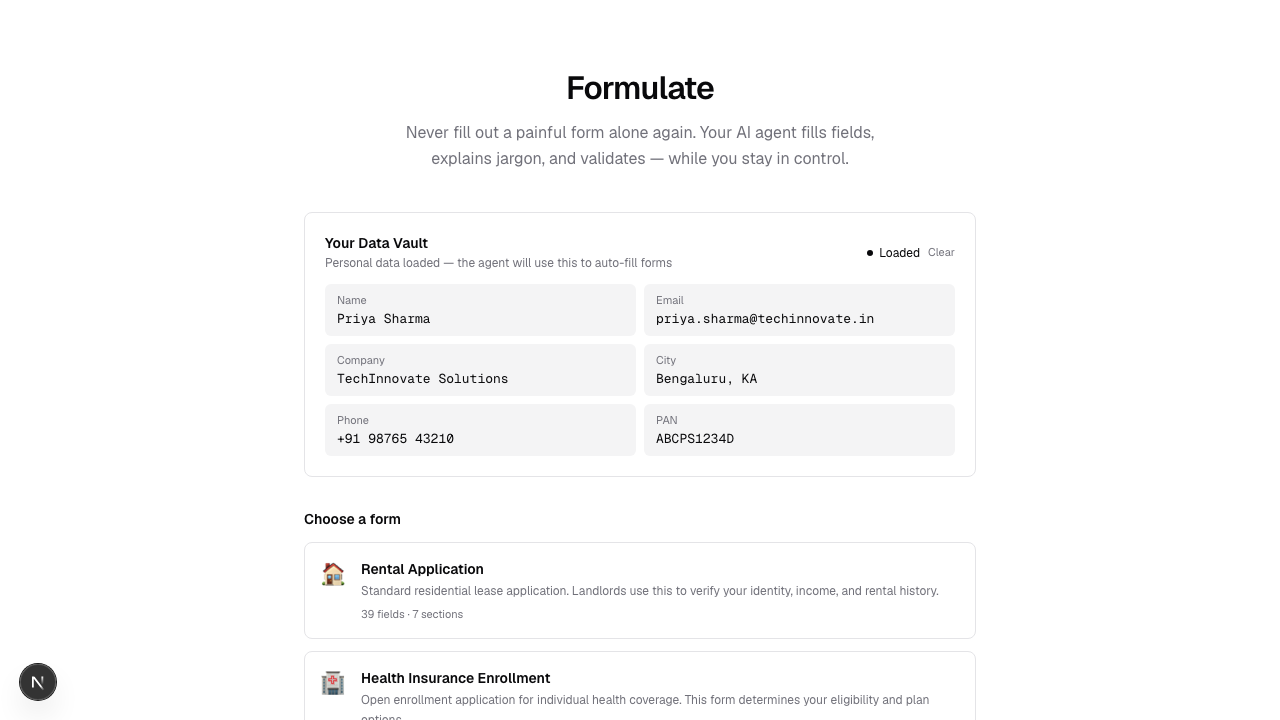
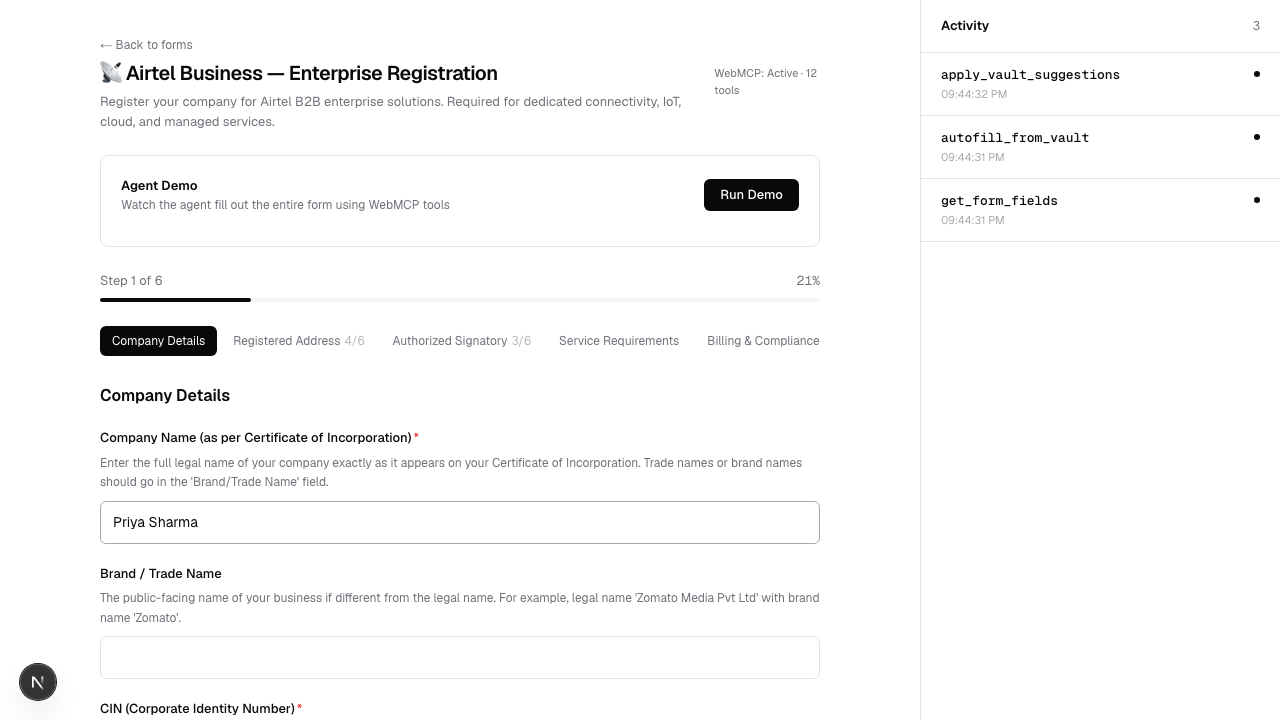
1. Natural Language Data Vault You describe yourself in plain text: "My name is Mohammed, I work at TechVentures in Bengaluru, my PAN is ABCPM1234K." The vault extracts your data using pattern recognition — PAN format, Aadhaar format, phone numbers, PIN codes, email, employer, job title, city, state. No form to set up a form-filler.
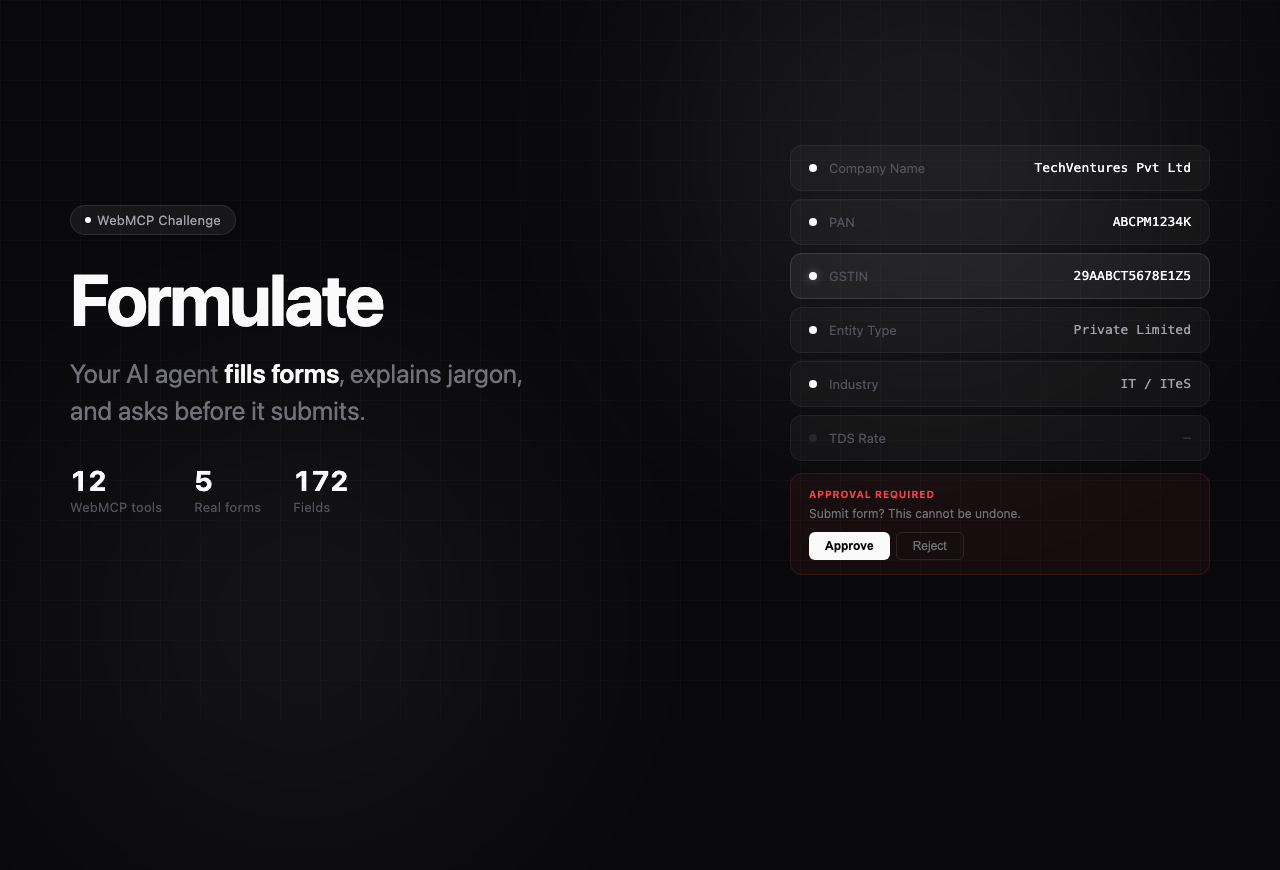
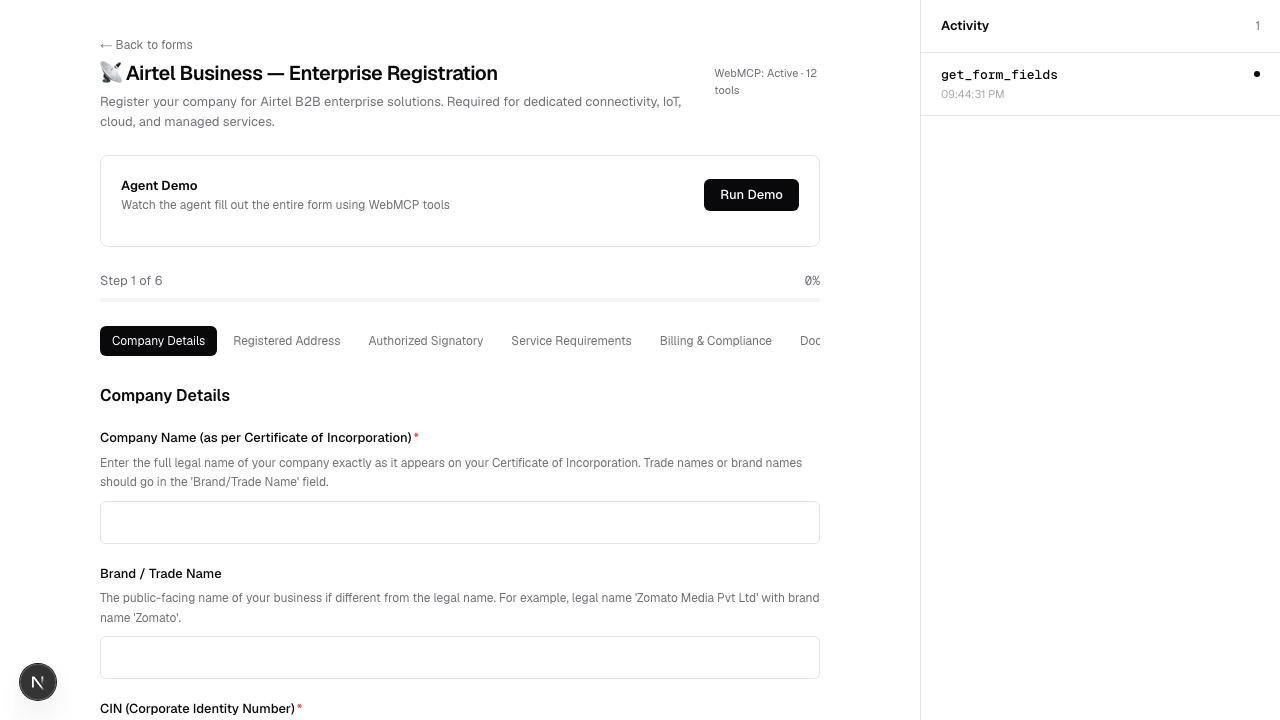
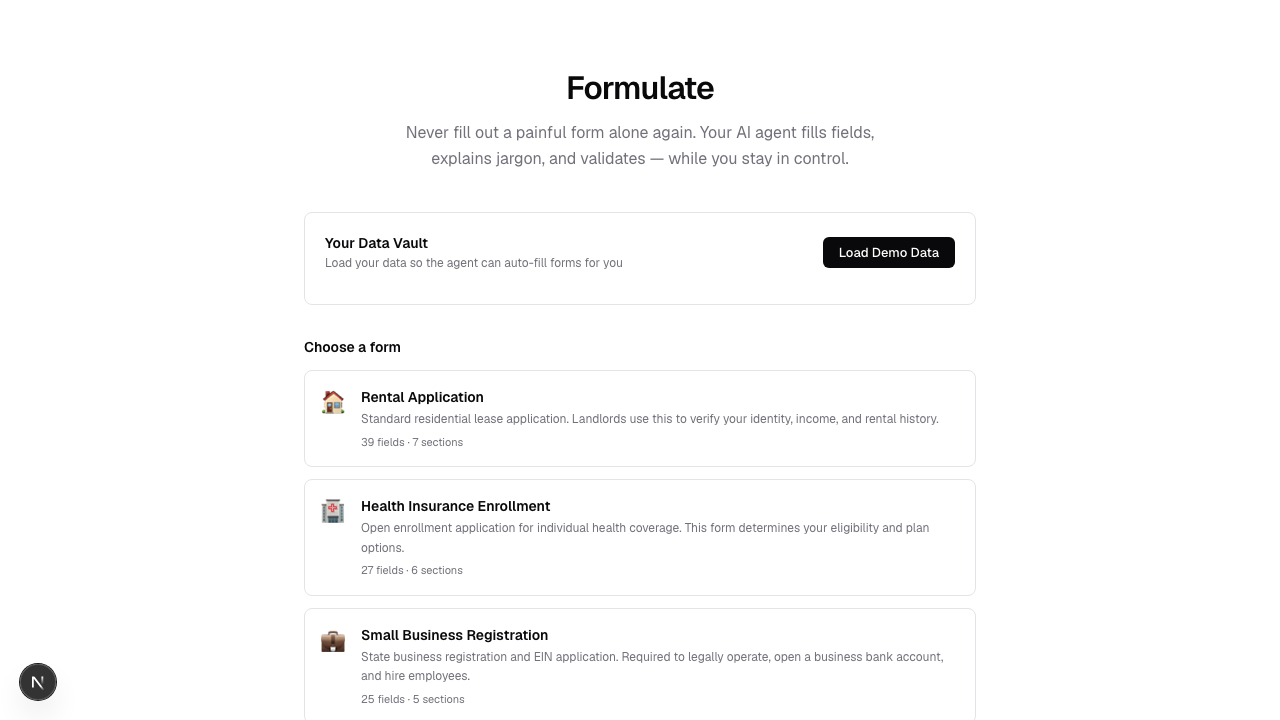
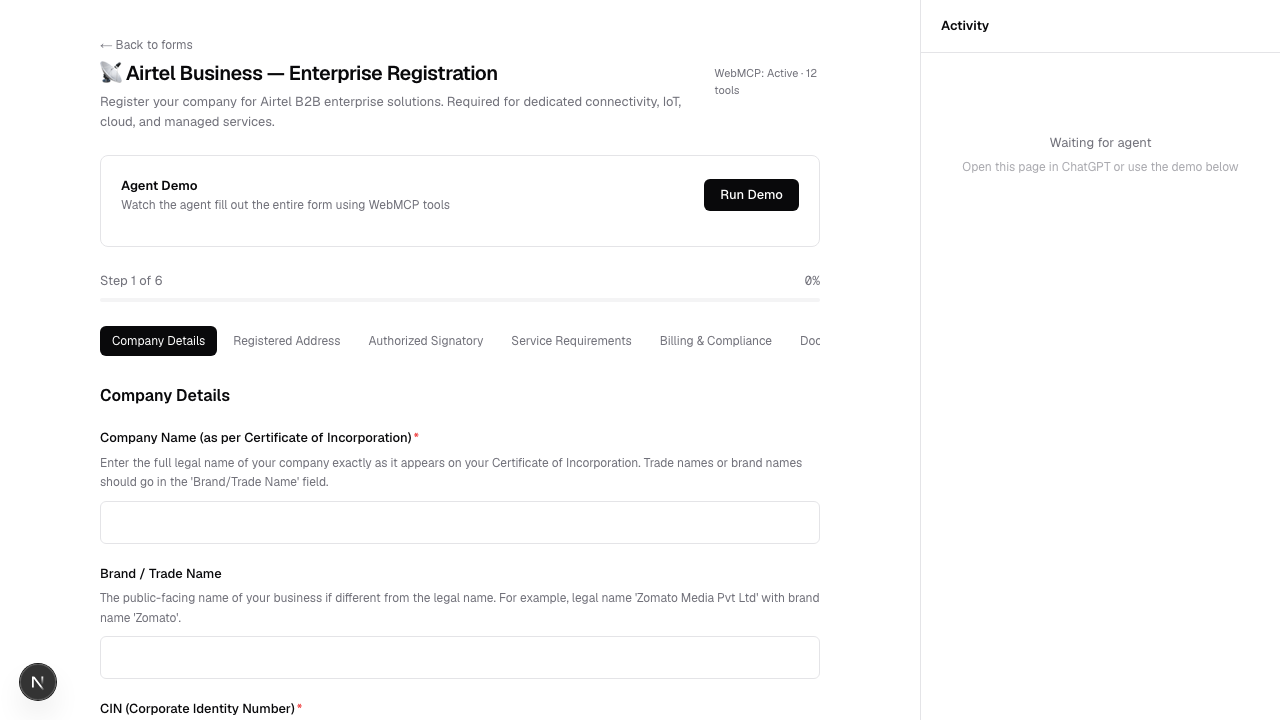
2. Smart Form Engine Five real-world forms with 172 total fields: Rental Application (39 fields), Health Insurance Enrollment (27 fields), Small Business Registration (25 fields), Airtel Business Enterprise Registration (40 fields), and India's Election Commission Voter ID Form 6 (41 fields). Every confusing field has an inline plain-language explanation.
3. 12 WebMCP Tools
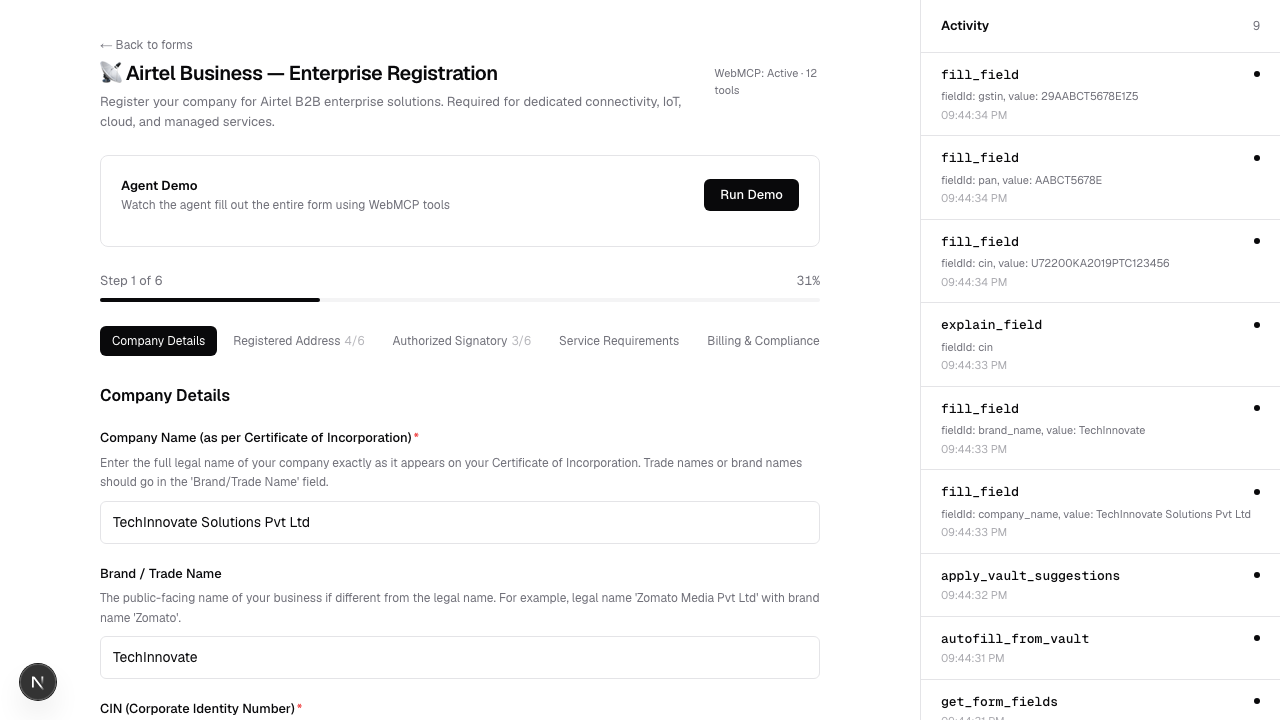
Registered via document.modelContext.registerTool() — the agent calls structured tools instead of scraping the page:
get_form_fields— reads the entire form structurefill_field— fills a text/number/date/phone fieldselect_option— selects from a dropdowncheck_checkbox— toggles a checkboxexplain_field— returns a plain-language explanationvalidate_form— checks for empty required fieldsget_form_progress— returns filled/total countsreview_form— summarizes all values before submissionclear_field— removes a valueautofill_from_vault— checks what can be auto-filledapply_vault_suggestions— fills all matching fields from vaultsubmit_form— requires human approval before proceeding
How we built it
- Next.js 16 with App Router and TypeScript
- Tailwind CSS v4 with shadcn-style design tokens (2 colors: foreground and muted)
- WebMCP — supports both
document.modelContextandnavigator.modelContextfor Chrome compatibility - Pattern recognition vault — regex-based extraction for PAN, Aadhaar, GSTIN, CIN, Udyam, phone, email, PIN codes, plus keyword extraction for name, employer, job title, address
- Playwright — 30 end-to-end tests covering tool registration, field filling, validation, approval flow, and activity panel
- Vercel for deployment
The execute function returns { content: [{ type: "text", text: "..." }] } per the Chrome WebMCP spec. Input parsing handles both JSON strings and parsed objects so it works regardless of how the host agent calls the tools.
Challenges we faced
The biggest challenge was WebMCP spec compliance. The API migrated from navigator.modelContext to document.modelContext in July 2026, and different hosts (Chrome vs ChatGPT) may use either surface. We had to support both. We also discovered that executeTool sends arguments as a JSON string in some hosts but a parsed object in others — so we added defensive input parsing.
The natural language vault was tricky because names, cities, and job titles don't have fixed formats. We combined regex patterns for structured data (PAN, Aadhaar, GSTIN) with keyword-based extraction for unstructured data (name, employer, address), with confidence scoring to show users what was extracted and how sure we are.
What we learned
WebMCP changes the relationship between websites and AI agents from "scrape and guess" to "structured collaboration." A form that registers 12 tools gives the agent complete understanding of what's possible, what's required, and what needs human approval. That's fundamentally different from an agent trying to parse HTML and click buttons.
What's next
- Let users add custom forms by pasting any form URL
- Support for PDF form filling (upload a PDF, agent fills it)
- Multi-language field explanations for non-English speakers
- Integration with DigiLocker for verified document data in India
Built With
- css
- next.js
- playwright
- react
- tailwind
- typescript
- vercel
- webmcp

Log in or sign up for Devpost to join the conversation.