-
-
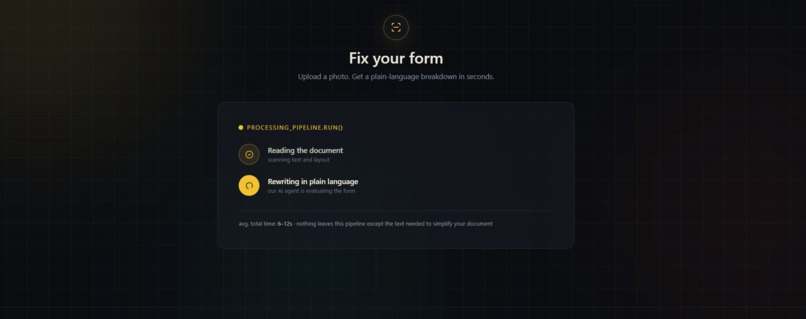
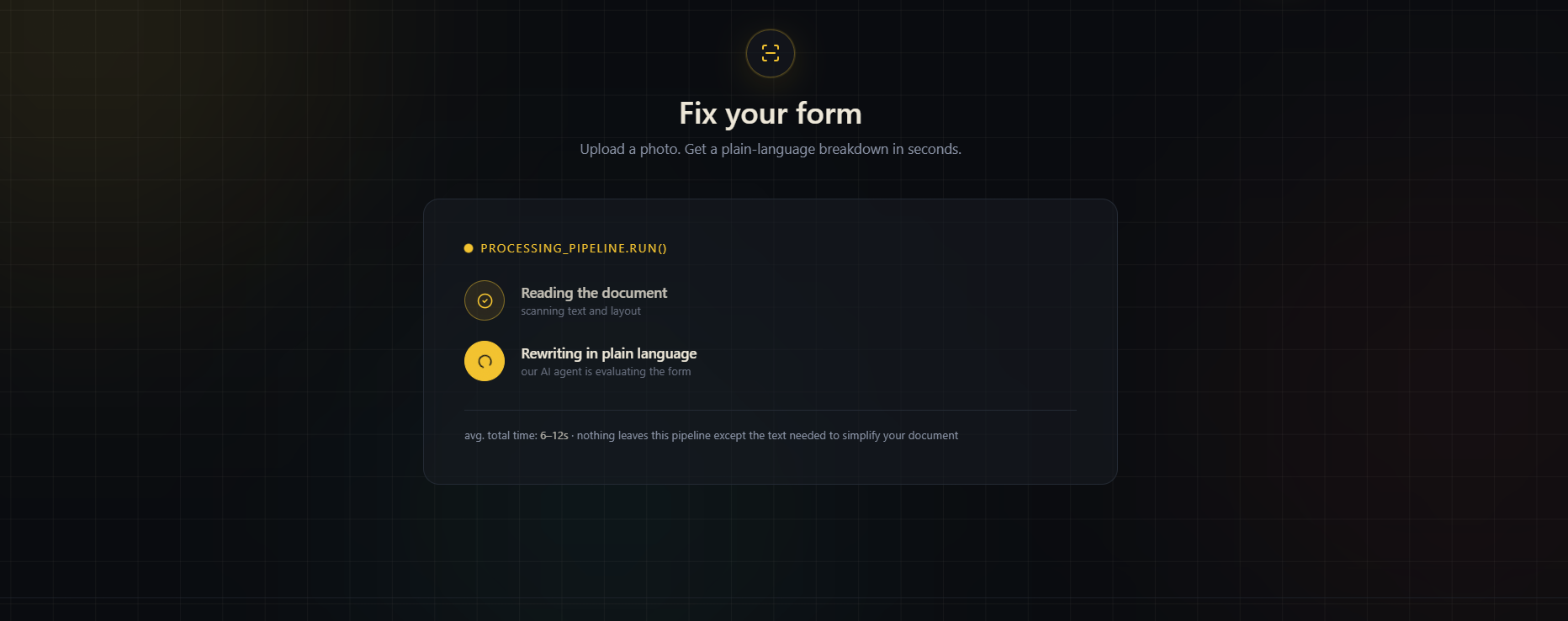
This image shows a workflow which is under process right now .
-
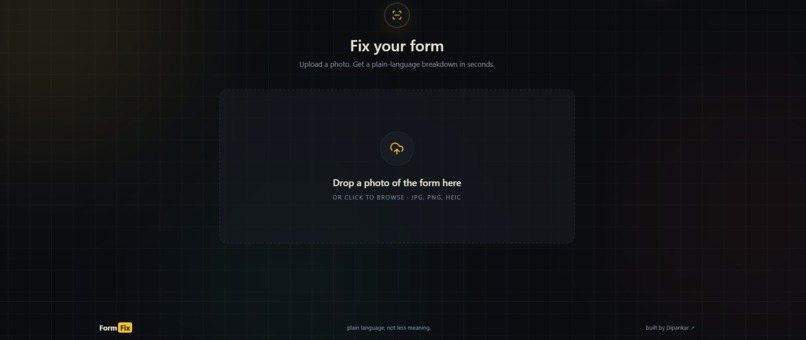
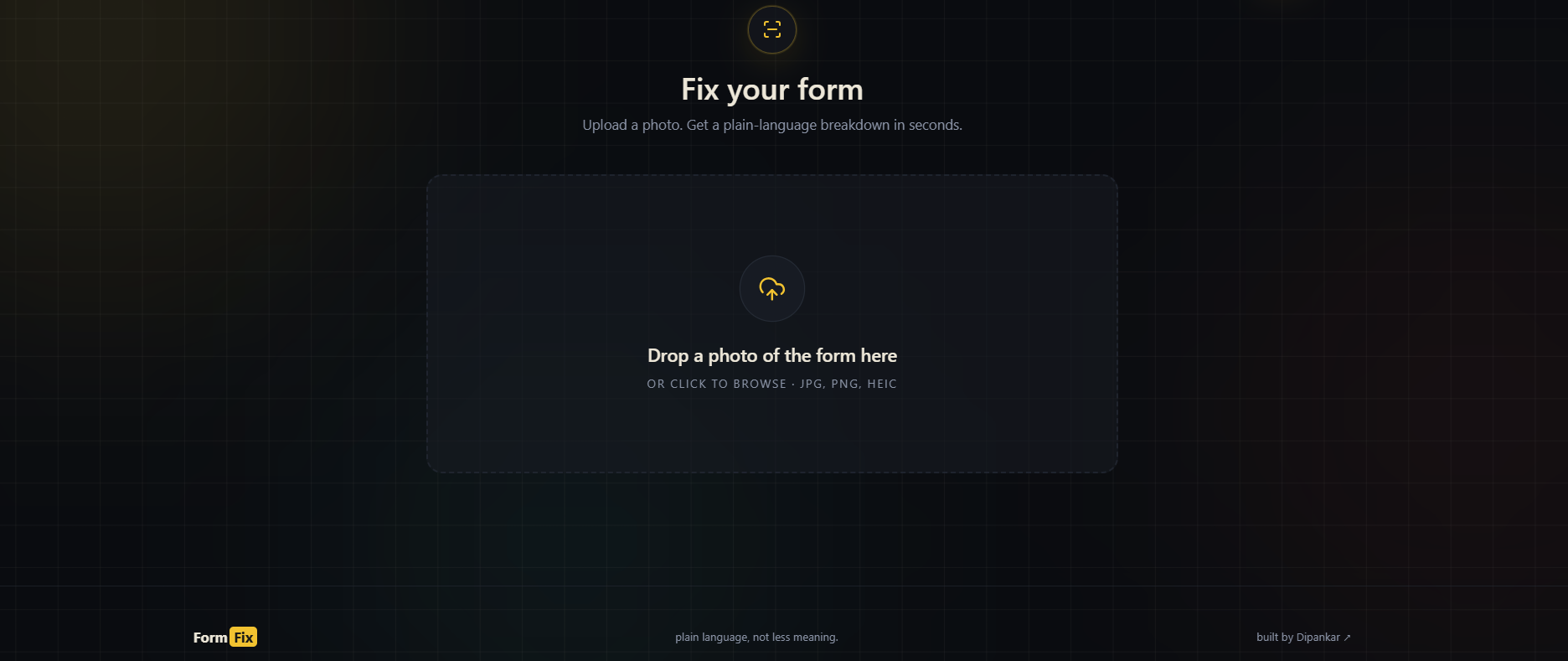
This is the image upload section where the user can upload the image to be scanned .
-
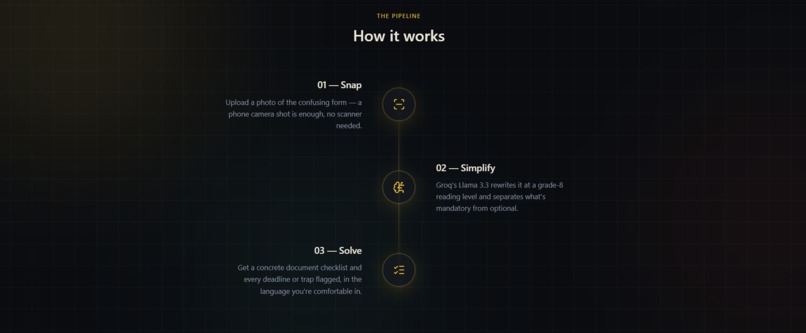
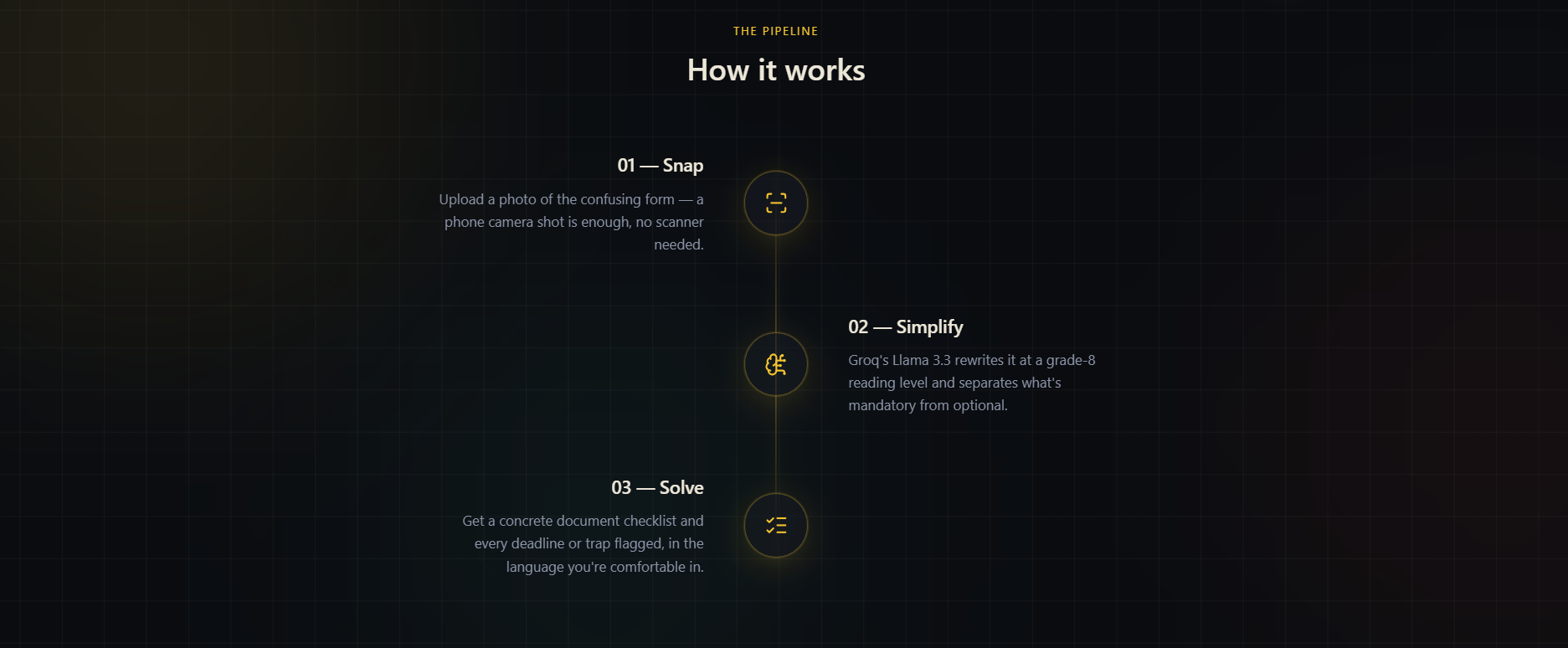
This shows the workflow and it does the work .
-
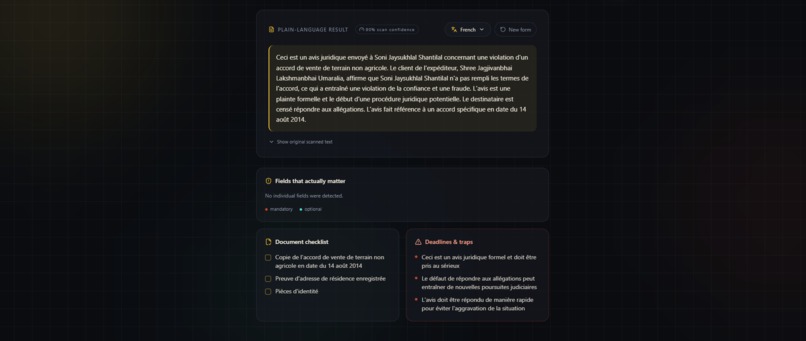
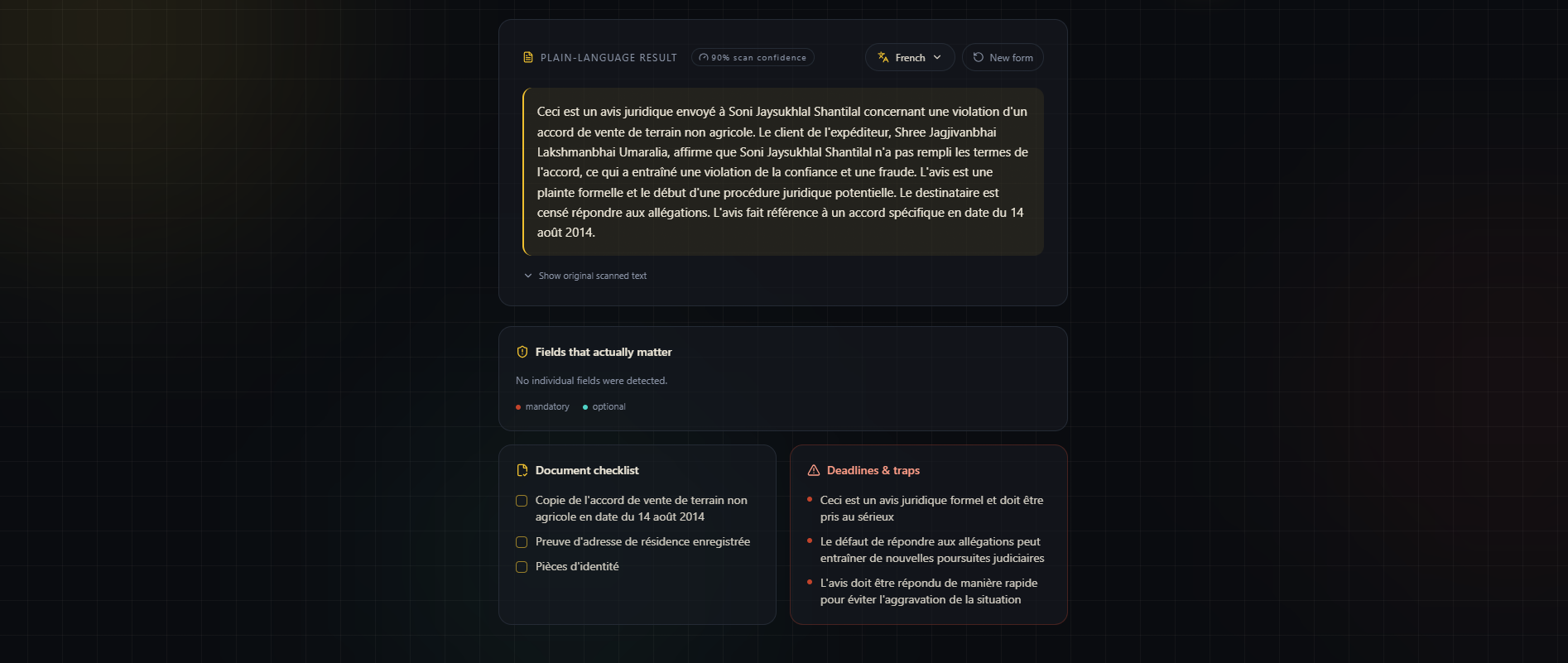
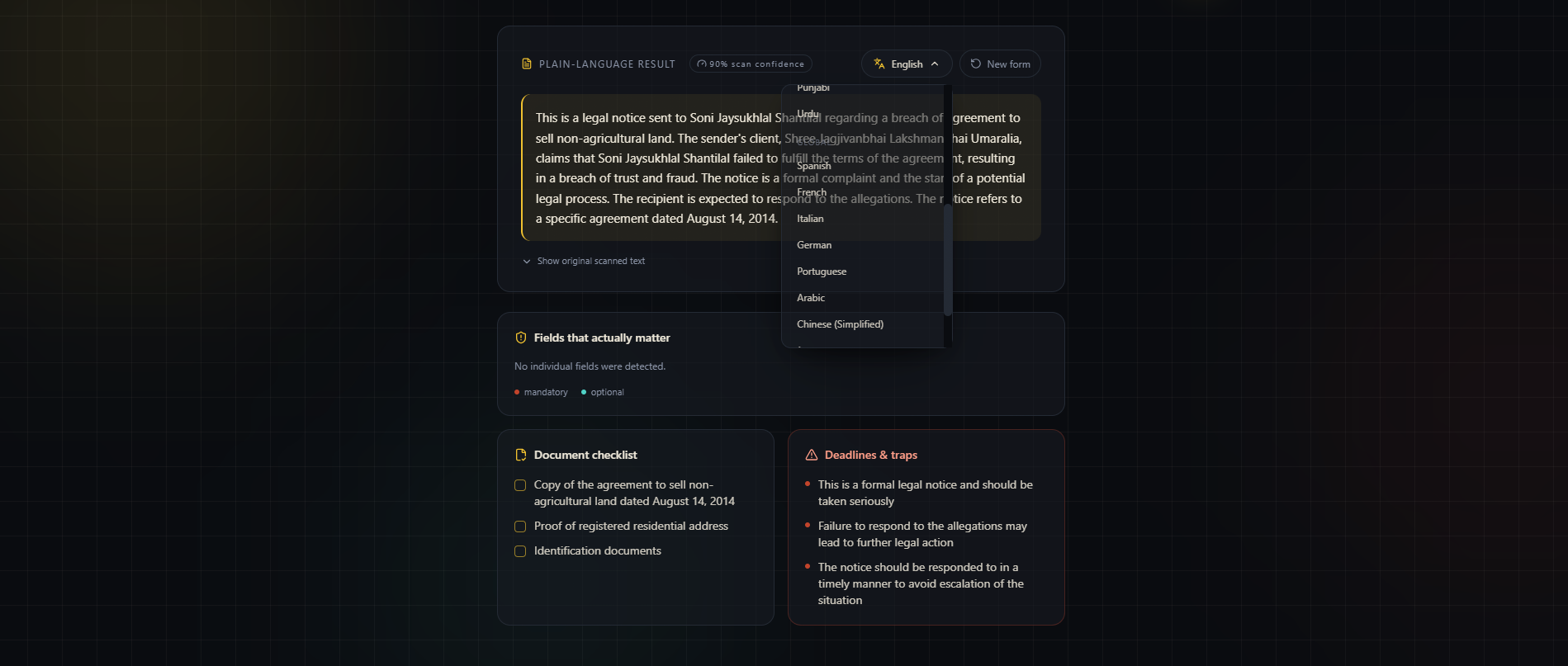
This image shows a language conversion from default English to French .
-
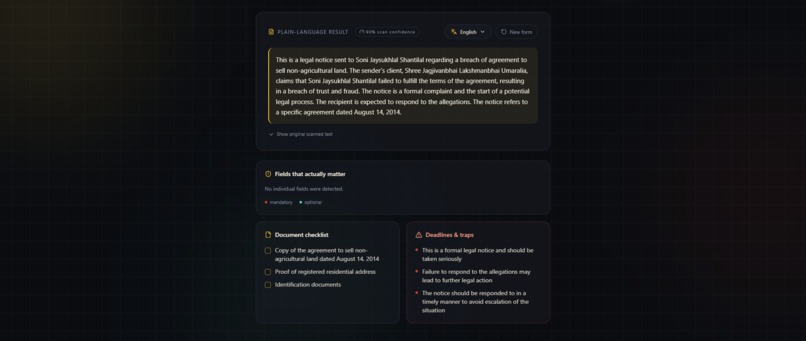
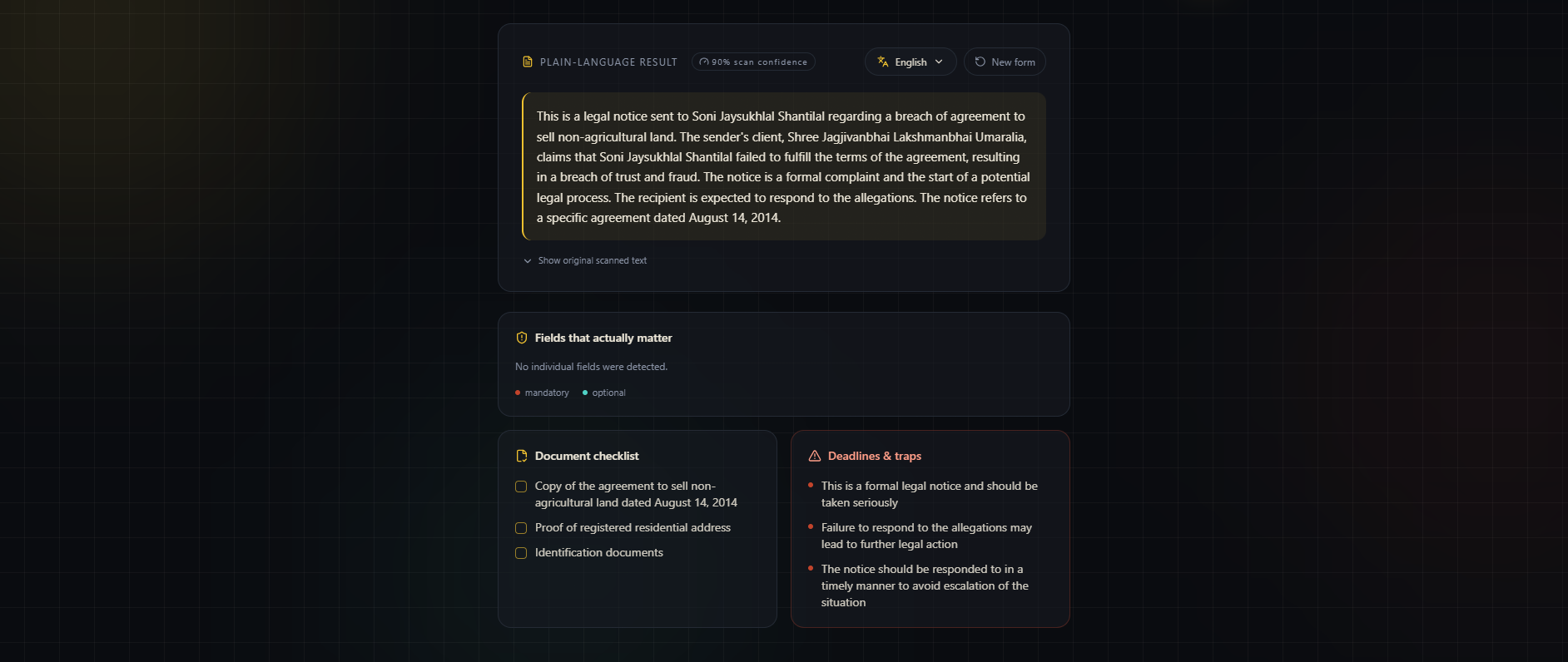
This shows the desired or the expected output that we will achieve .
-
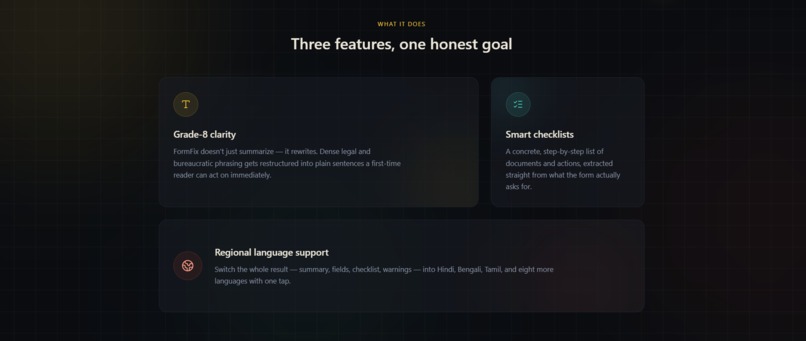
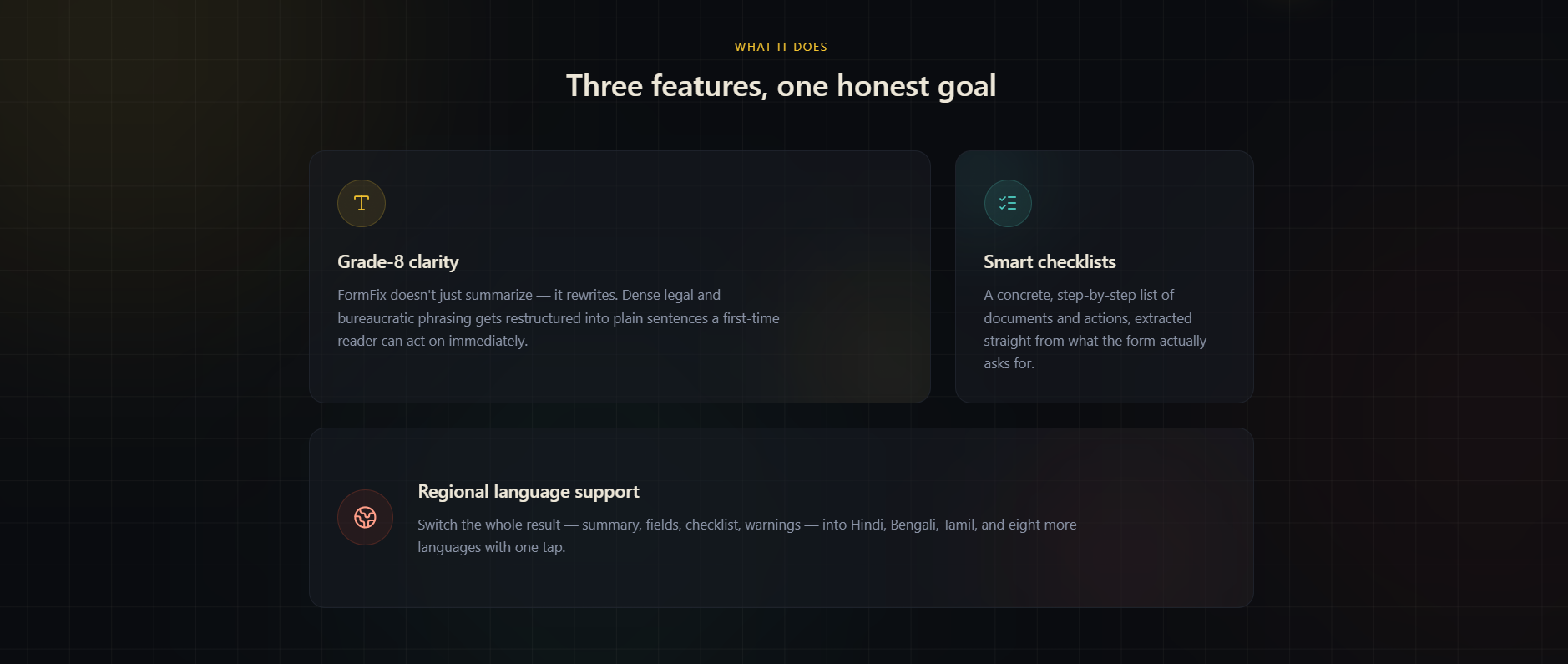
This shows the overview or the aim of the project .
-
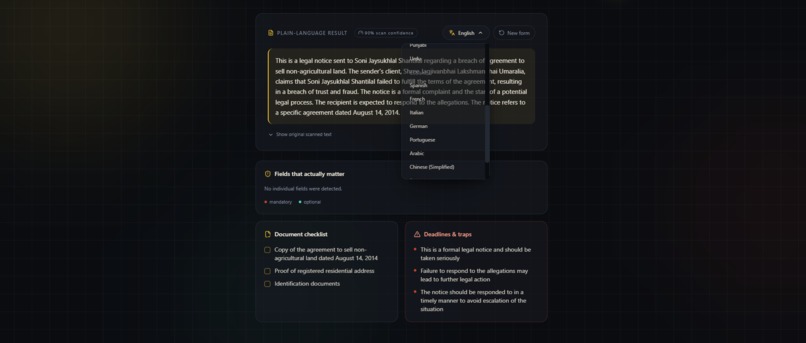
This shows the versatility of languages that we have included in the project for betterment
-
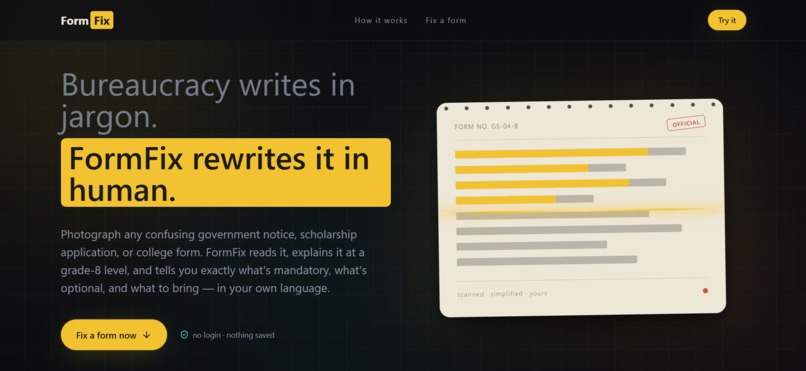
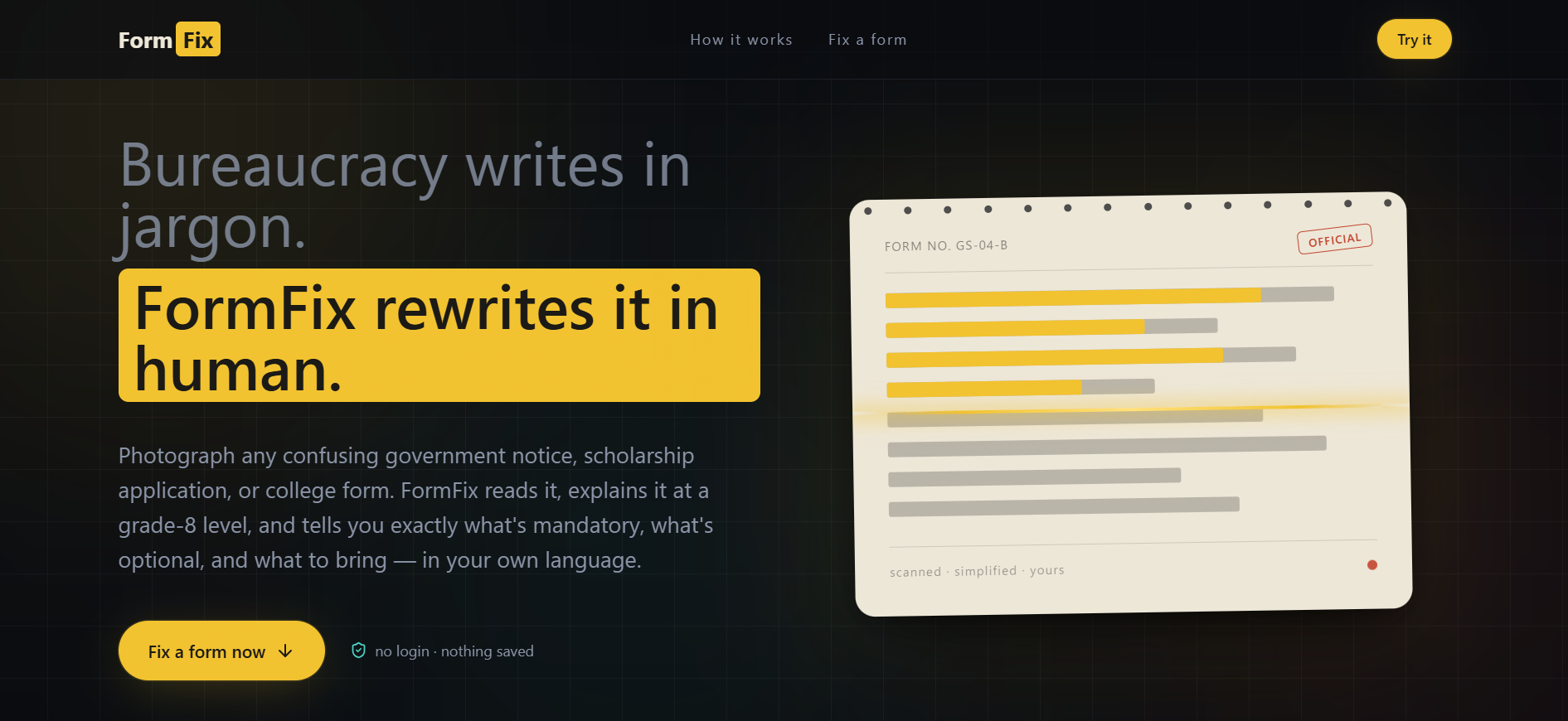
This is the first thing that appears when we open the website containing all the details in brief .
Inspiration
I've watched my own family struggle with government paperwork — income certificates, welfare scheme forms, school fee remission applications — written in dense bureaucratic language that assumes you already know what it's asking for. The people these forms are for are often the ones least equipped to decode them: first-generation students, families without English fluency, anyone without someone at home who can "translate" bureaucracy for them.
The form itself usually isn't hard. The language is hostile. FormFix exists to fix that specific gap.
What it does
FormFix takes a photo of any confusing form — a government notice, a scholarship application, a college document — and gives you back:
- A plain-language summary, rewritten at a grade-8 reading level
- A clear split of mandatory vs. optional fields, so you know what actually matters
- A document checklist of exactly what to bring or attach
- Warnings for deadlines and easy-to-miss traps in the fine print
- The entire result translated into 20 languages (10 Indian regional + 10 global) with one tap
No login, nothing saved after your session ends — you upload, you get your answer, you're done.
How we built it
The stack is Next.js (App Router) end to end — one project, frontend and backend together. React + Tailwind for the UI, Framer Motion for the animations, lucide-react for icons.
The pipeline itself has three stages:
- OCR — Tesseract.js extracts raw text from the uploaded photo, running entirely in the browser via WebAssembly and real Web Workers.
- Simplification — the extracted text is sent to Groq's Llama 3.3 70B model, prompted to return structured JSON: summary, mandatory fields, optional fields, checklist, warnings.
- Translation (optional) — the same structured result gets re-translated field by field into whichever of the 20 supported languages the user picks.
To handle Groq's free-tier rate limits during a live demo, requests are spread across a pool of 4 API keys with automatic retry-on-rate-limit logic, so one overloaded key doesn't take down the whole flow.
Challenges we ran into
The biggest one: Tesseract.js's Node.js worker script uses a dynamically computed require() internally, which Vercel's serverless bundler can't statically trace — so OCR worked perfectly on localhost but threw MODULE_NOT_FOUND errors the moment it was deployed. This is a known, long-standing incompatibility between tesseract.js and serverless environments, not something fixable with more config.
The real fix was architectural, not a patch: move OCR entirely into the browser instead of running it server-side. tesseract.js's browser build uses genuine Web Workers and WebAssembly, so it never touches the serverless runtime at all — the server only ever receives already-extracted text, never the image. That turned out to be a better design anyway: it keeps image data off the server entirely and sidesteps serverless execution time limits for a potentially slow OCR pass.
Accomplishments that we're proud of
- Getting the full pipeline — OCR, AI simplification, and translation — working end to end and deployed live within a single day
- Solid error handling throughout: blurry/low-confidence scans get flagged instead of silently returning garbage, malformed AI output falls back to safe defaults instead of crashing the UI, and translation failures fall back to English instead of breaking the whole result
- Diagnosing and properly fixing the Tesseract.js/Vercel incompatibility with an architectural change instead of a workaround
- A UI that actually reflects what the product does — the hero's signature animation shows a highlighter literally scanning down a form and revealing plain language underneath, instead of a generic upload screen
What we learned
Real-world deployment constraints don't show up in local development. Something that runs flawlessly on localhost can fail entirely in a serverless environment for reasons that have nothing to do with your application logic — understanding why a library breaks under serverless bundling (rather than just patching around the symptom) was the most valuable part of this build. I also learned that structured LLM output (forcing JSON responses) is far more reliable for a product like this than parsing free-form text, and that validating the shape of that output before trusting it is non-negotiable.
What's next for FormFix
- OCR support for handwritten forms, not just printed ones
- A "save my checklist" option (with explicit opt-in) so users can track progress across multiple sittings
- Partnering with actual scholarship/government portals to pull form templates directly, instead of relying purely on photo uploads
- Expanding language coverage further based on real user requests
Built With
- css
- framer
- groq
- javascript
- llama3.3
- lucide-react
- motion
- next.js
- react
- tailwind
- tesseract.js
- vercel


Log in or sign up for Devpost to join the conversation.