-
-
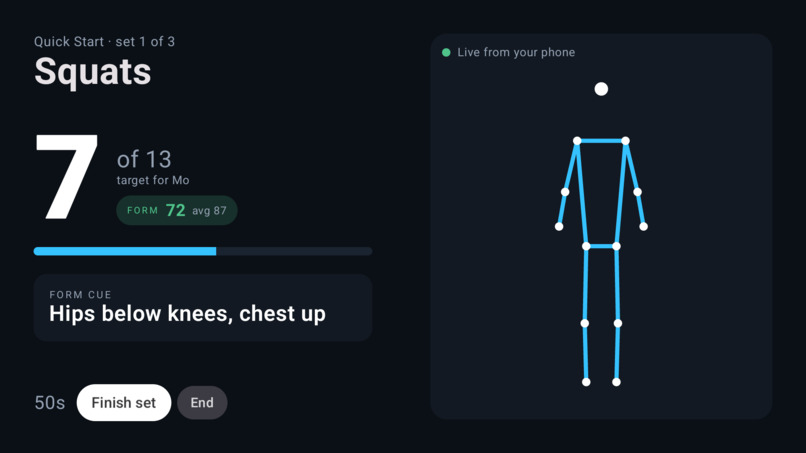
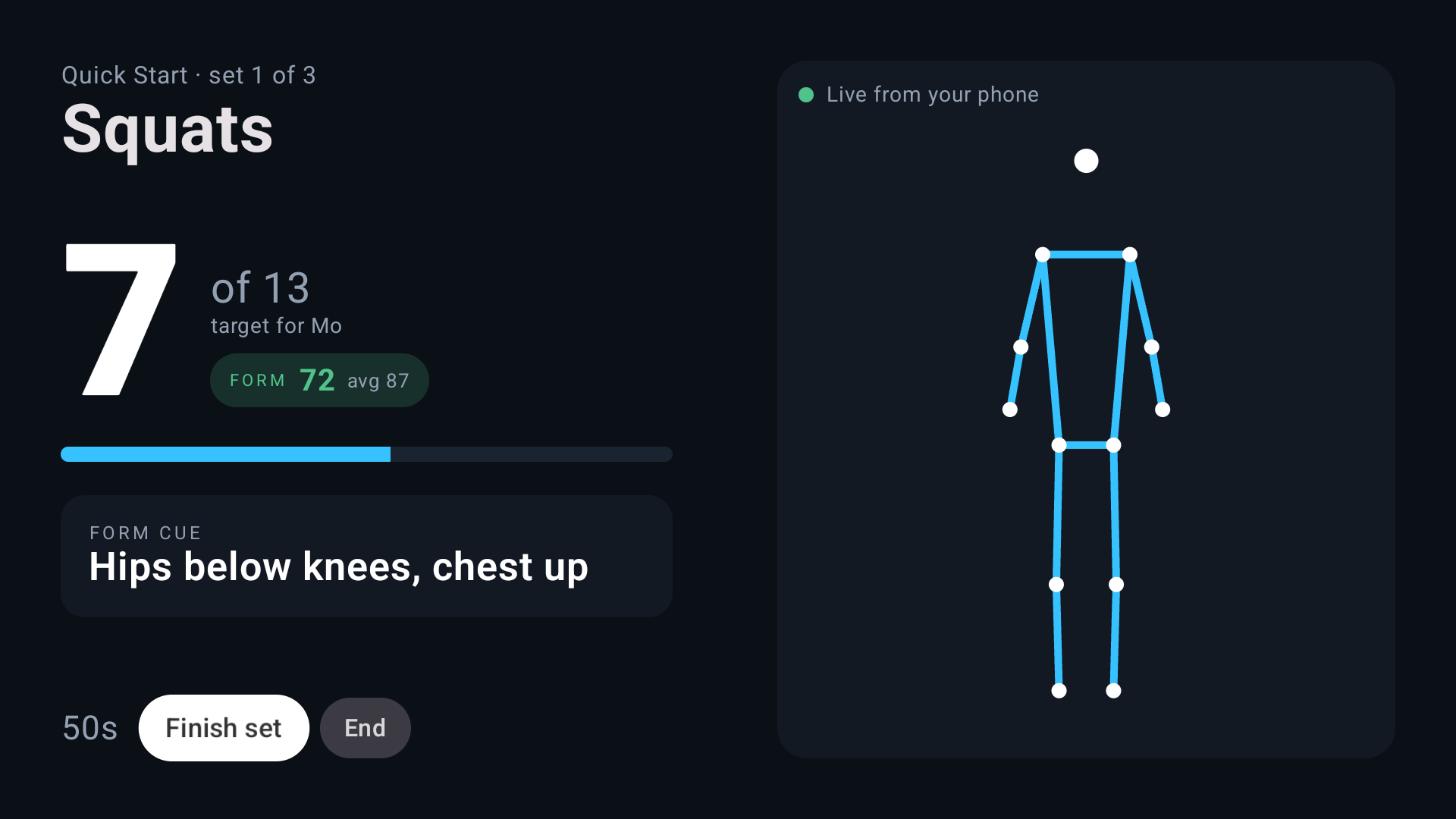
Live set through the production relay: reps, per-rep form score, cues (synthetic pose feed)
-
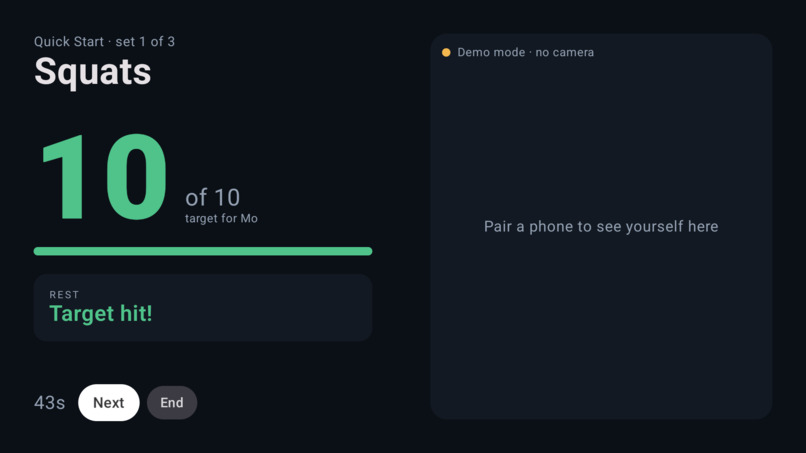
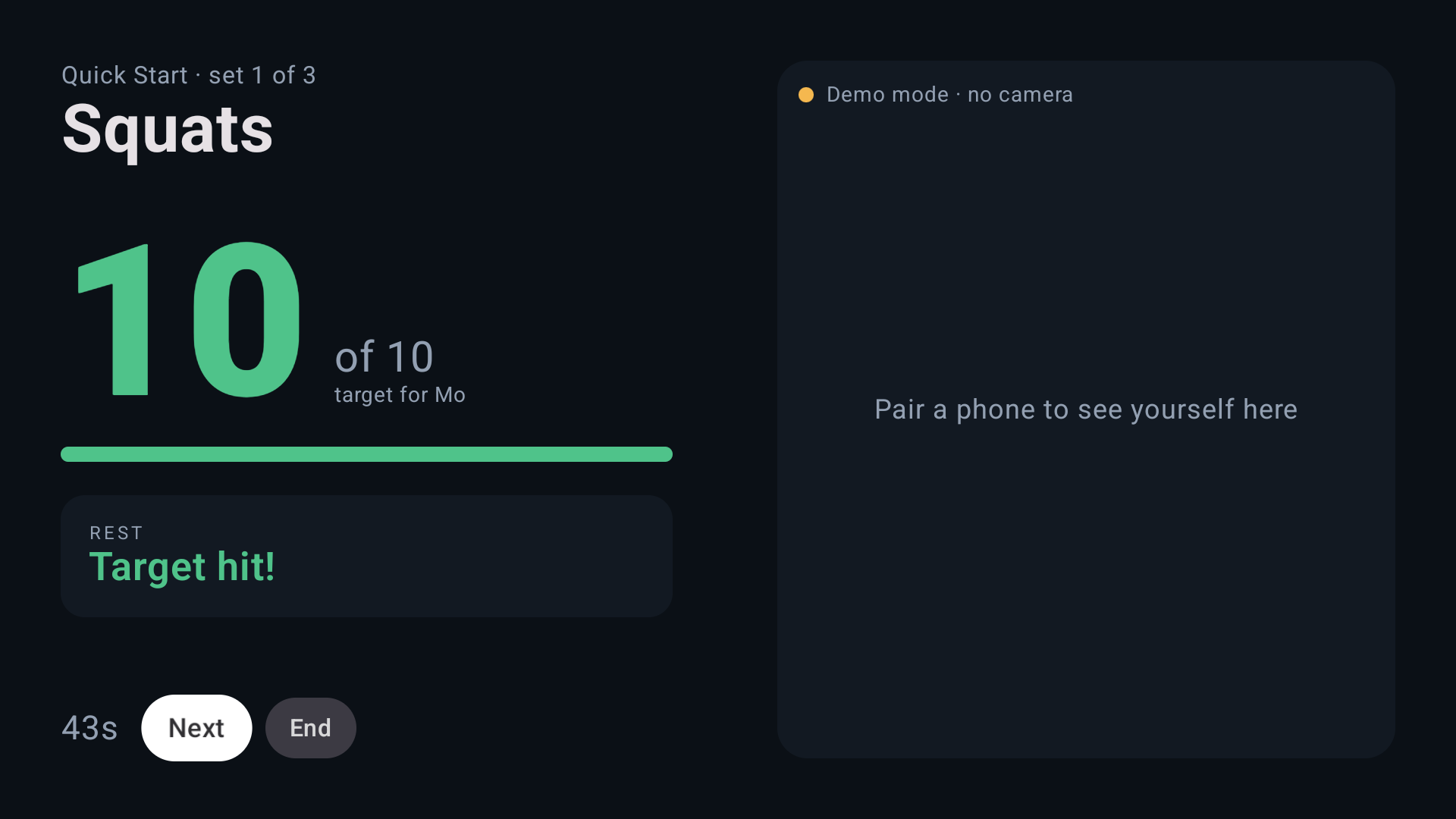
Labelled demo mode: the same session without a phone
-
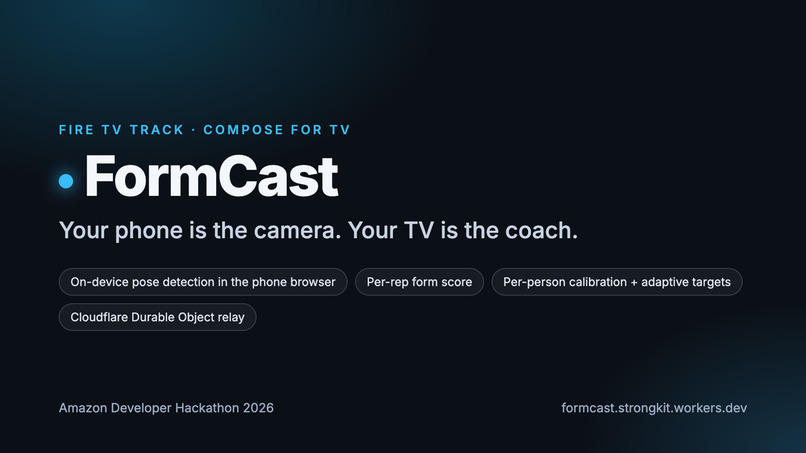
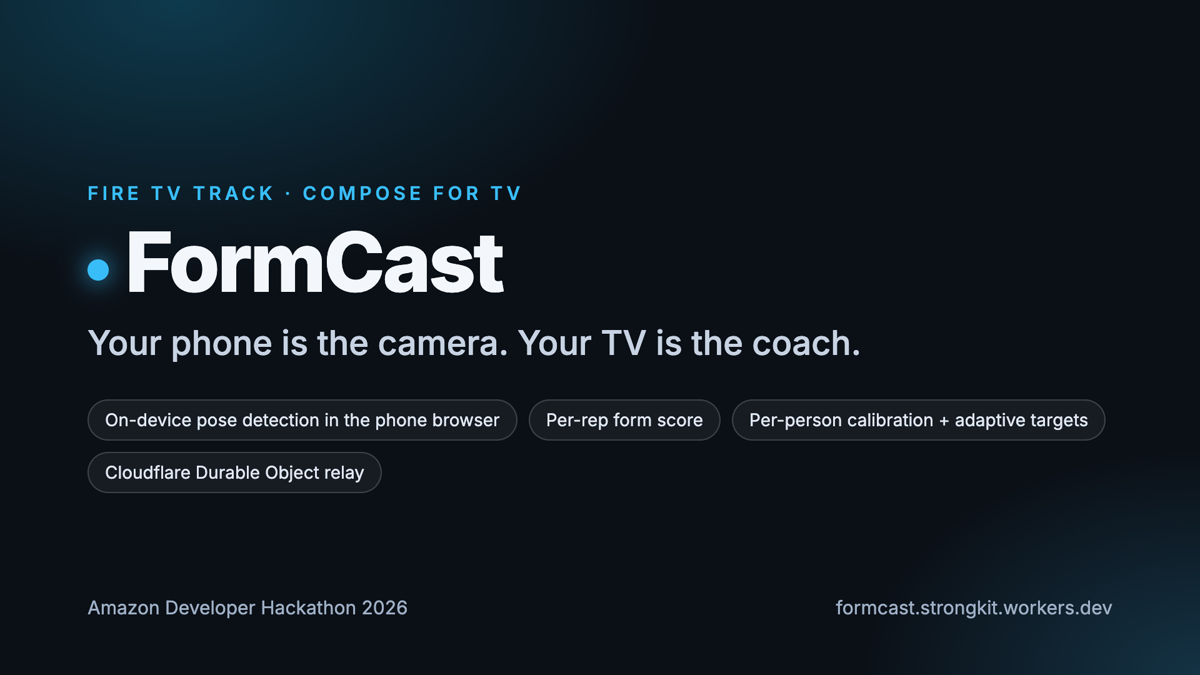
FormCast: your phone is the camera, your TV is the coach (cover)
-
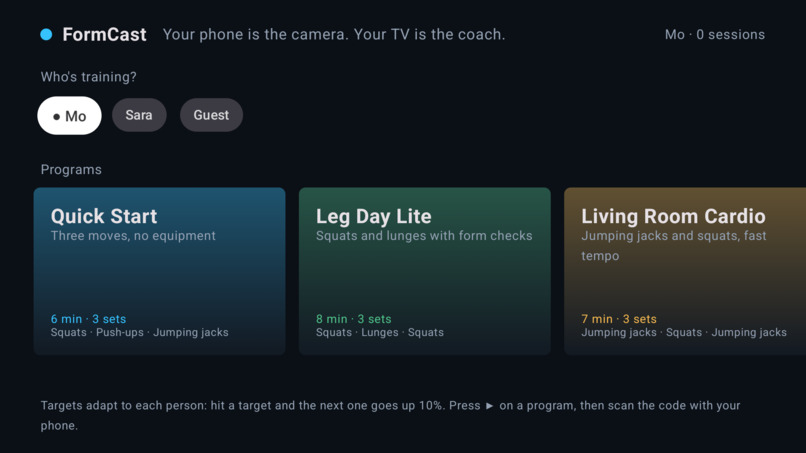
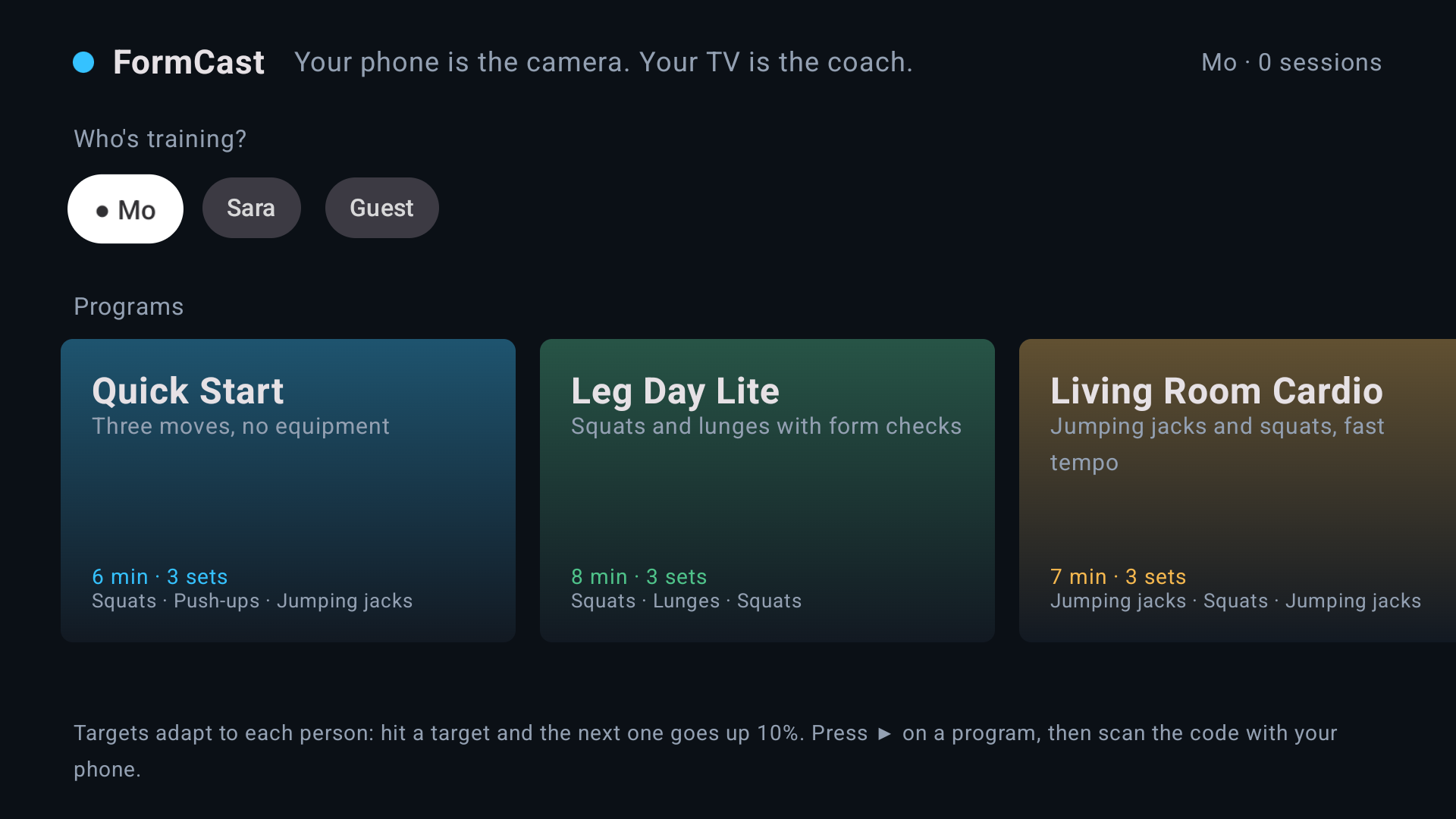
Home screen on the Android TV emulator: per-person profiles and programs, D-pad navigation
-
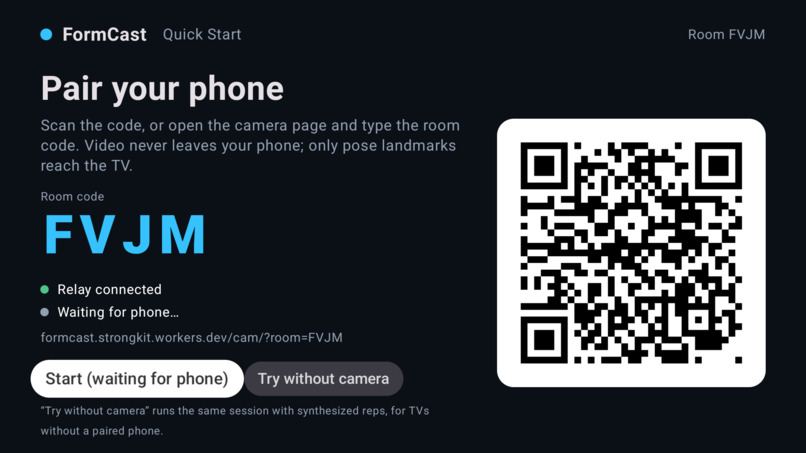
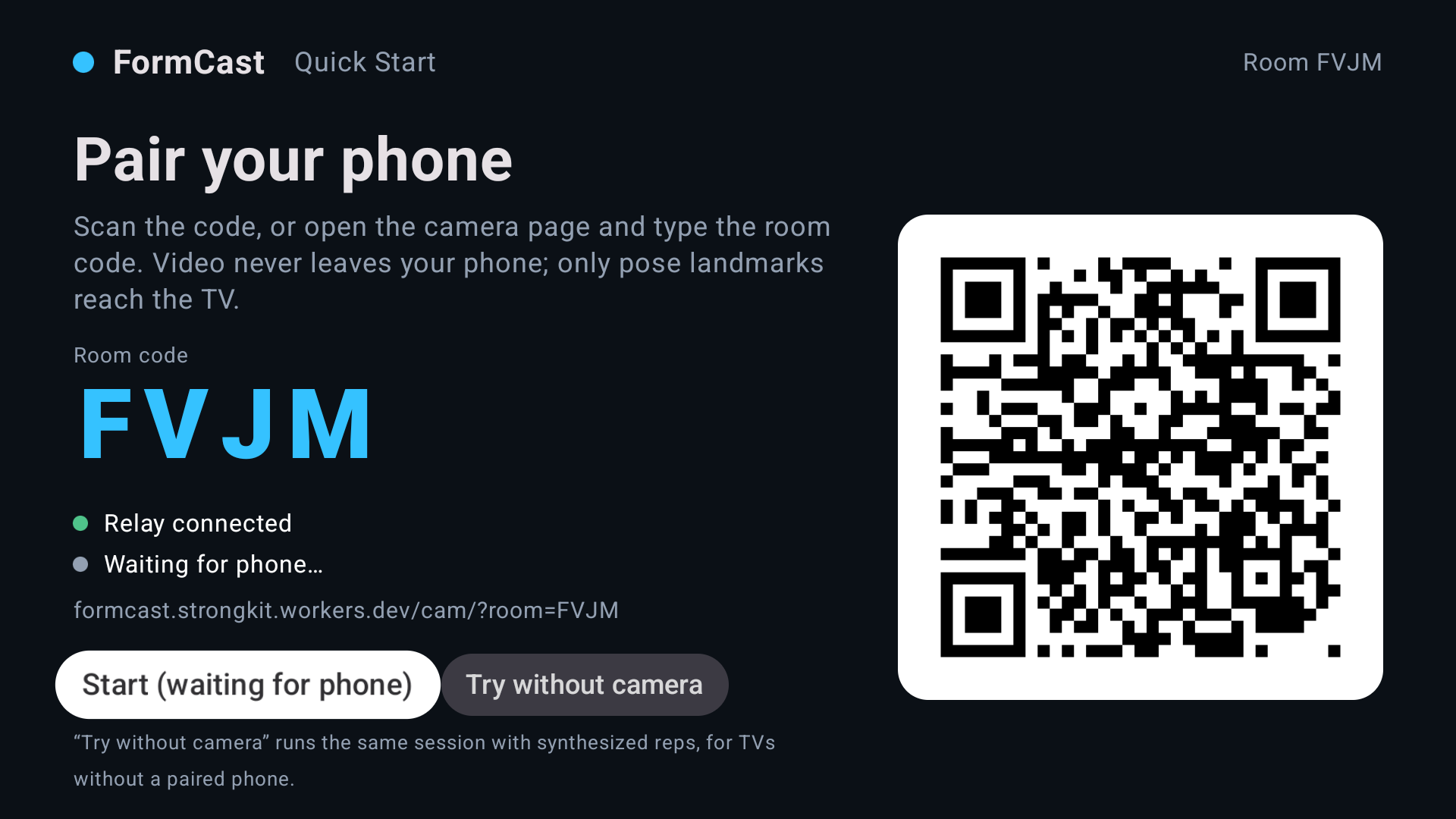
Pairing screen connected to the production relay (wss://formcast.strongkit.workers.dev): room code, QR and camera URL
-
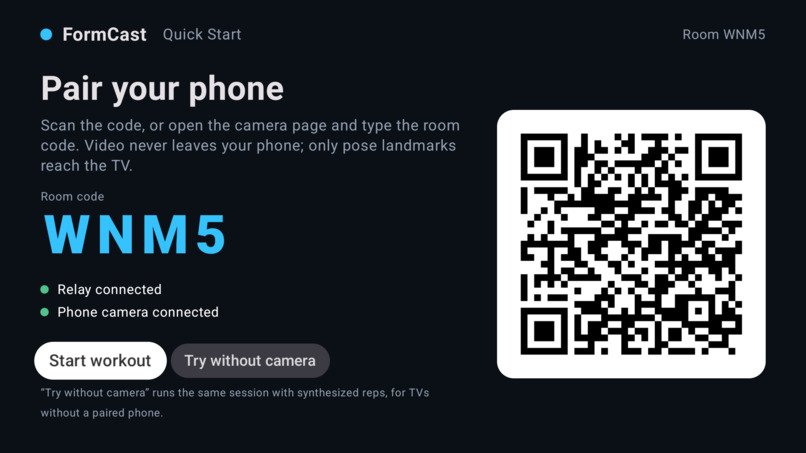
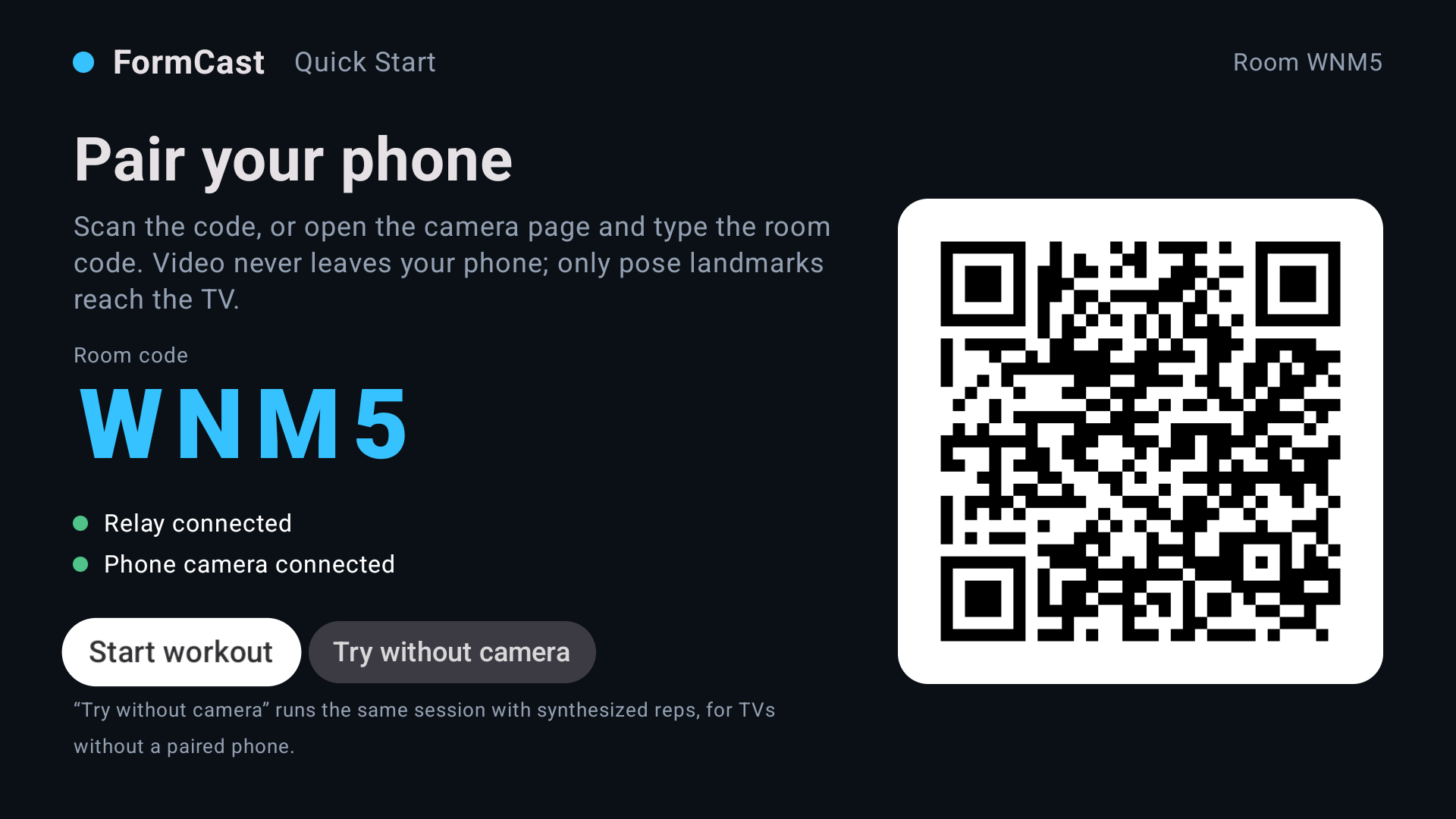
Phone joined through the hosted Durable Object relay
Inspiration
The judges asked for "a computer vision fitness app using the TV camera". Fire TVs don't have one. Every household has a phone that does.
What it does
Pick who's training, pick a program, scan the QR code on the TV with your phone, prop it up. The phone learns your standing pose for a second (calibration), then the TV draws your skeleton live, counts reps, scores the form of every rep (depth and range against the ideal, 0-100), calls out cues ("push knees out", "keep hips in line", "go a little deeper"), runs the timer and rest, and adapts each person's targets: hit the target and next time it is 10 % higher. No video ever leaves the phone; only 13 joint coordinates per frame reach the TV through a tiny relay. A clearly labelled demo mode runs the same session without a phone.
About the demo video (what is real, what is simulated)
The video is captured on the Android TV emulator (API 34), which the hackathon FAQ accepts for the Fire TV track ("an emulator (Android TV Emulator or the Fire TV/Vega simulator) is fine"). The phone side in the video is the repo's synthetic pose feed (relay/fake-phone.js) streaming landmarks through the relay, not a phone camera; the narration and two on-screen labels say so. The session footage was recorded against a local wrangler dev instance of the same Durable Object relay because the Cloudflare path from our network was unstable during the recording window (labelled on screen); the production relay at formcast.strongkit.workers.dev is the one judges reach, verified by the live protocol test and by the pairing screenshots in the gallery. The TV app runs the same code path a real phone drives; the camera page is live at the hosted URL for judges to try with their own phone. The TV app, pairing, rep counting, form scores, adaptive targets and persisted history are all real.
Added after the video (2026-10-22, all tested)
- Spoken coaching on the TV (voice + D-pad + visual in one flow): the TV announces each set and target, speaks actionable form cues, "Halfway", "Target hit. Rest." and the summary, through the platform text-to-speech engine; Voice on/off button; verified on the emulator (12 utterances in a three-set session, no ANR after moving the engine off the main thread).
- Record and replay real sessions: a "rec" control on the camera page downloads the raw landmark stream;
node relay/replay.js session.jsonruns it through the same counters offline, so a real workout becomes a reproducible test fixture. - Jumping jacks now get a real range-of-motion form score instead of a constant.
How we built it
Kotlin + Jetpack Compose for TV (tv-material 1.1.0), Leanback launcher, D-pad-first UI, QR pairing (ZXing), OkHttp WebSocket client with backoff and mid-set re-sync, DataStore for adaptive targets and history. The phone page runs MediaPipe Pose Landmarker in the browser; rep counting is a shared, tested module with per-person calibration, EMA smoothing, hysteresis + 250 ms debounce and a per-rep form score. The relay exists twice with the same protocol: a 150-line Node ws server for local work and a Cloudflare Durable Object (one per room, WebSocket hibernation, $0) that also serves the HTTPS camera page so any phone can pair.
Challenges
Phone cameras require HTTPS and an HTTPS page cannot talk to a TV on the LAN, hence the relay. Fixed joint-angle thresholds double-counted on jitter and missed shallow reps, hence calibration + debounce + form scoring. Toolchain mismatches (Compose BOM vs AGP) and a TV system image that needs 8 GB on a laptop with 9 GB free. Producing the video found a real bug: the TV's exercise-switch message omitted its discriminator field (kotlinx.serialization default), so only the first set ever counted; fixed and re-verified end to end.
Accomplishments
A complete D-pad journey on the Android TV emulator; live skeleton, rep counting and form scores end to end through the relay; 12 Node tests (relay, counters, replay) plus a 9-check live protocol test against the hosted relay; adaptive targets and form history that survive restarts; a hosted relay path so judges can pair their own phone.
What's next
More exercises and a tempo metronome, two-phone multi-user sessions, a Vega OS build (React Native for Vega reusing the relay and phone page unchanged), on-TV voice cues, and a real phone-camera recording for the next cut of the video.
Links
- Repo (MIT): https://github.com/mogohary99/formcast
- Hosted relay + phone camera page: https://formcast.strongkit.workers.dev (camera page: https://formcast.strongkit.workers.dev/cam/?room=XXXX)
- Demo video: https://youtu.be/2na8fK6y4wM
Testing instructions
- Build and install:
cd tv && ./gradlew assembleDebug -PRELAY_URL=wss://formcast.strongkit.workers.dev -PCAM_URL=https://formcast.strongkit.workers.dev/cam/, thenadb install -r app/build/outputs/apk/debug/app-debug.apkon an Android TV emulator (API 28+) or a Fire TV via ADB. - Open a program; scan the QR code with any phone (iOS Safari / Android Chrome); allow the camera; stand back so hips-to-ankles are visible; hold still for one second.
- Do squats: reps, form score and cues appear on the TV; the summary shows the adapted next target.
- Without a phone: Try without camera runs the labelled demo mode. For automated testing,
node relay/fake-phone.js <room>streams synthetic poses to a TV started with--es room <room>. npm testinrelay/runs relay and rep-counter tests;RELAY_WS=wss://formcast.strongkit.workers.dev npm run test:liveinworker/checks the hosted relay.
Built With
- android-tv
- cloudflare-durable-objects
- fire-tv
- javascript
- jetpack-compose
- kotlin
- mediapipe
- node.js
- websockets


Log in or sign up for Devpost to join the conversation.