-
FormBridge
Inspiration
Scholarship applications can feel overwhelming before students even begin. FormBridge was inspired by the need for a calmer first step: a place to unpack a confusing question, gather thoughts, and approach an application without losing sight of your own story.
What it does
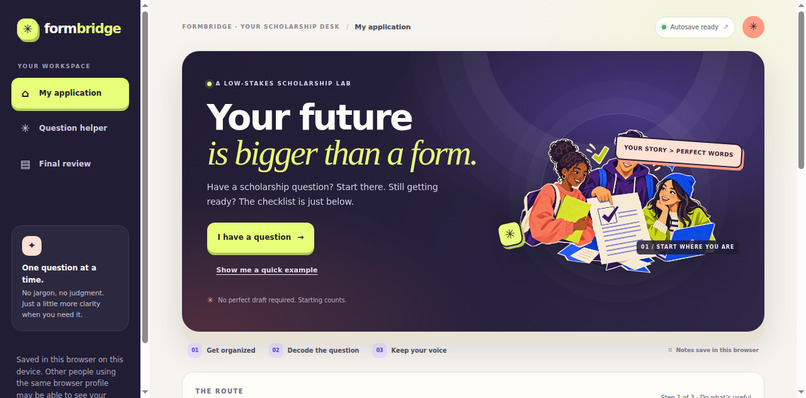
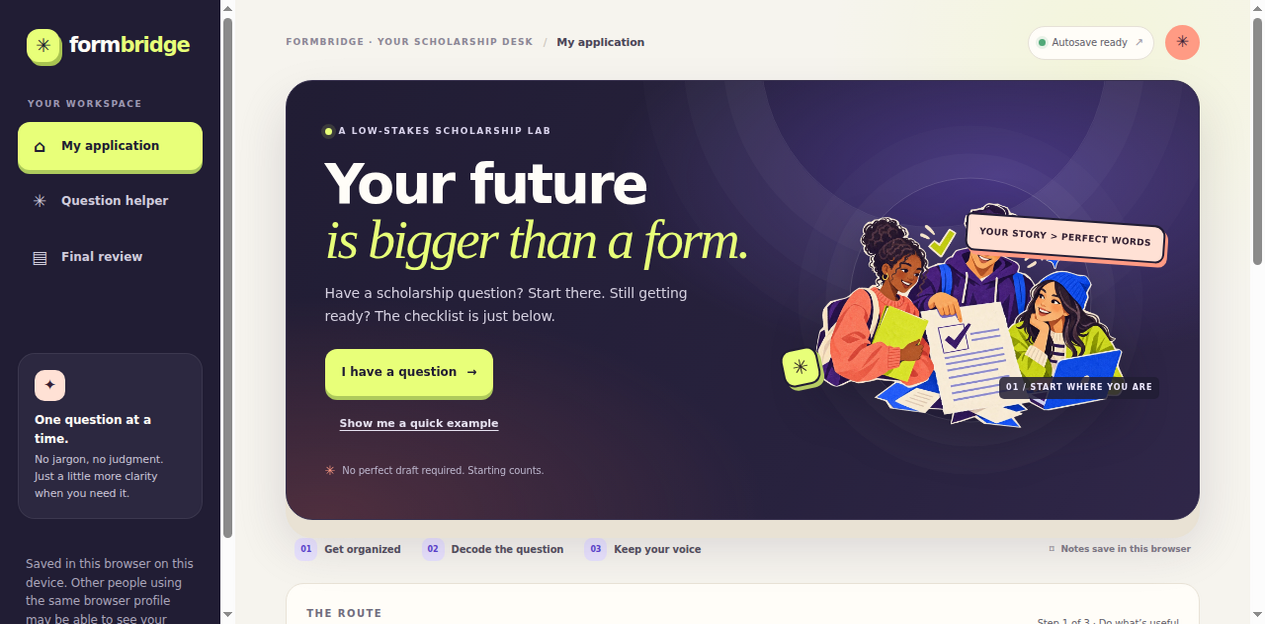
FormBridge guides students through three steps: Get ready, Decode questions, and Review & go. Students can start with a question, use an optional checklist, or try a fictional example. The question helper offers a plain-language first read, reflection prompts, and a possible next step. A story builder helps students organize a real experience by thinking about what happened, what they did, what changed, and what they learned.
The helper uses local keyword rules, not AI, and is not official scholarship guidance. FormBridge does not write essays, invent experiences, or submit applications. Notes are saved in the browser on the student’s device, and sample questions include an Urdu translation.
How we built it
FormBridge is a working front-end prototype built with HTML, CSS, and vanilla JavaScript. It uses browser localStorage to save checklist progress and notes, so it needs no backend or account. The interface includes a responsive layout, keyboard-friendly controls, visible focus states, and reduced-motion support.
Challenges we ran into
The main challenge was making the guidance useful without speaking for students or pretending to know exactly what a scholarship committee means. We also wanted students to be able to start without entering personal details, while making clear that notes saved in a browser may be visible to someone else using the same profile.
Accomplishments that we're proud of
We’re proud that FormBridge is an interactive preparation flow, not just a static mockup. It offers a question-first path, an optional checklist, a fictional demo, a transparent question helper, a student-led story builder, review and download tools, and Urdu sample translations—all without requiring an account or sending notes to a backend.
What we learned
Good UX is more than visual polish. A low-pressure first step, clear language, honest limits, and visible privacy choices can help people feel more confident while keeping control in their hands.
What's next for FormBridge
Next, we’d test the flow with scholarship applicants and use their feedback to improve it. We’d also validate examples against the official instructions for the scholarships students use, expand language support carefully, and evaluate the experience with mobile users and assistive technologies.


Log in or sign up for Devpost to join the conversation.