-
-
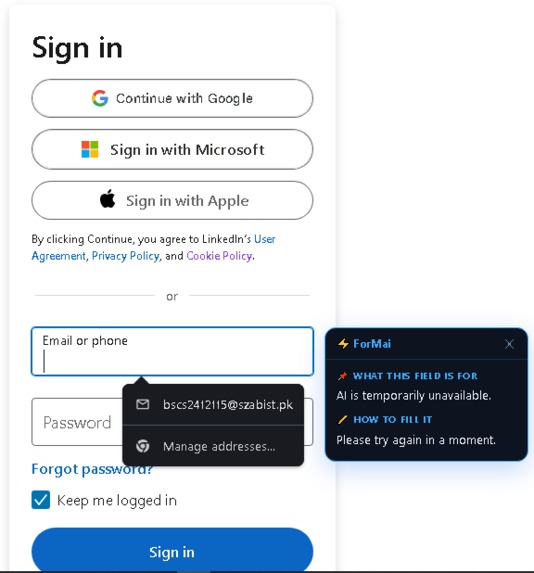
text checking demo 1
-
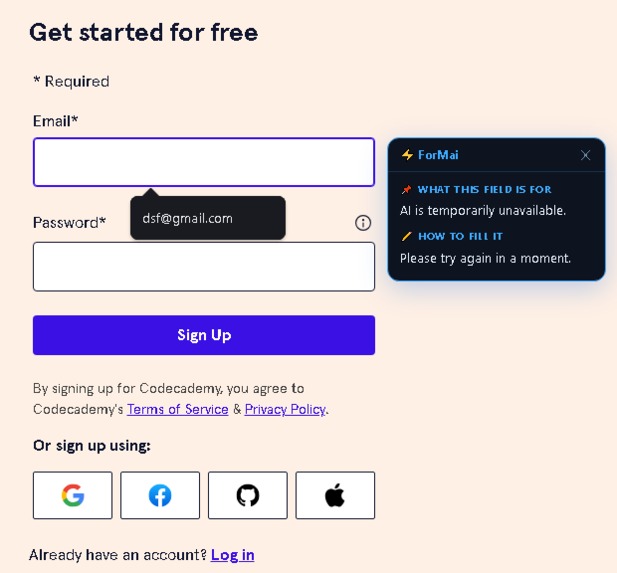
text checking demo 2
-
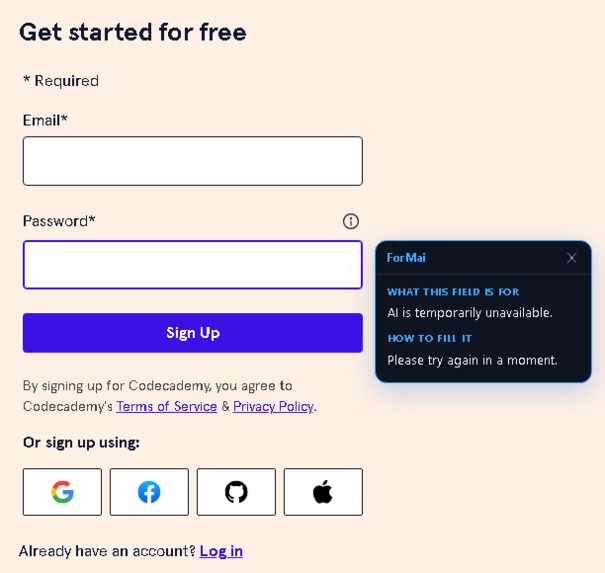
text checking demo 3
-
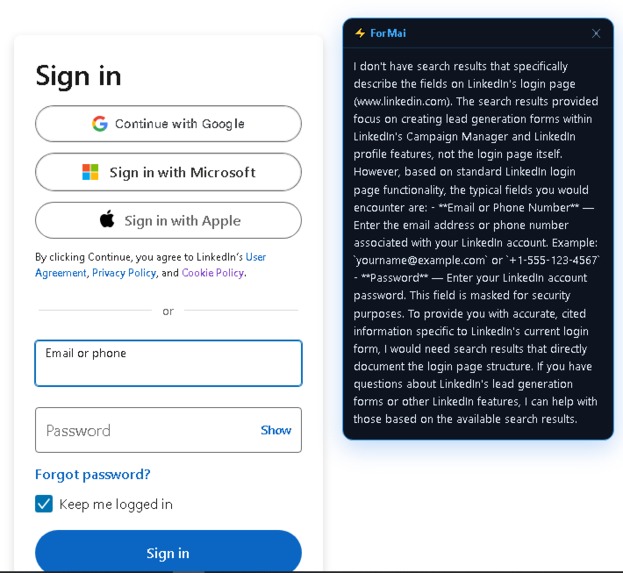
snipping checking demo
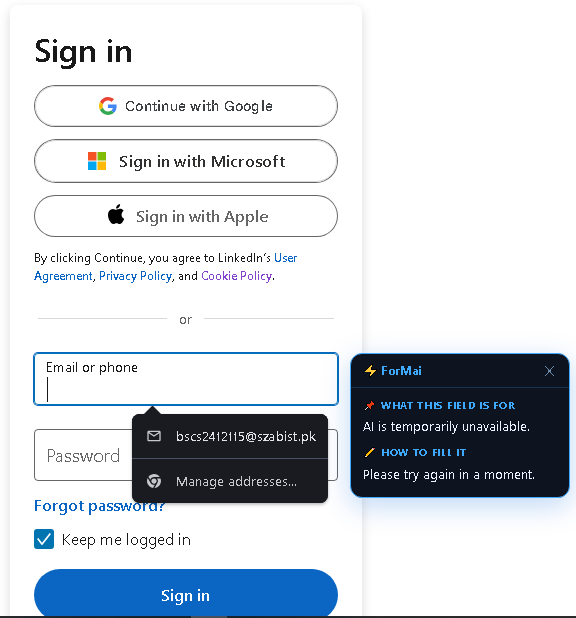
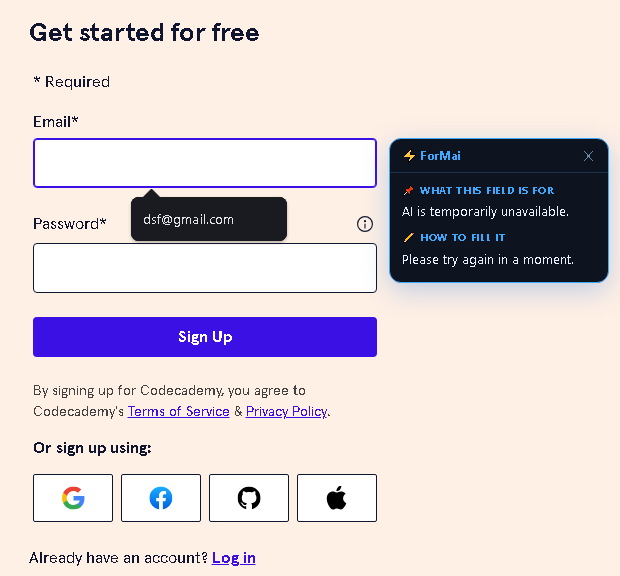
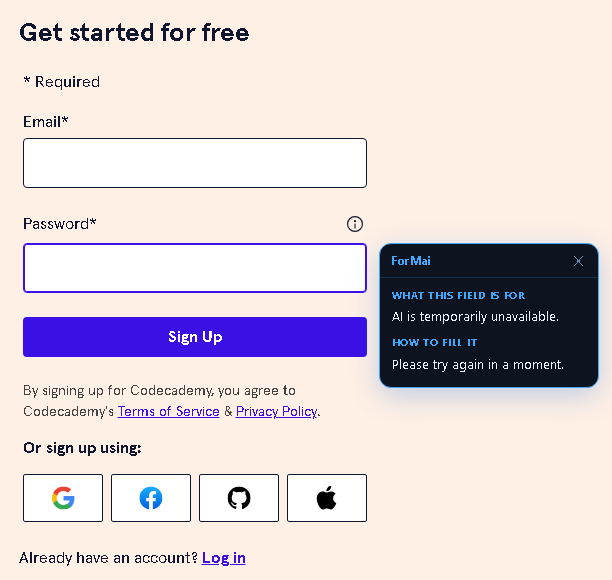
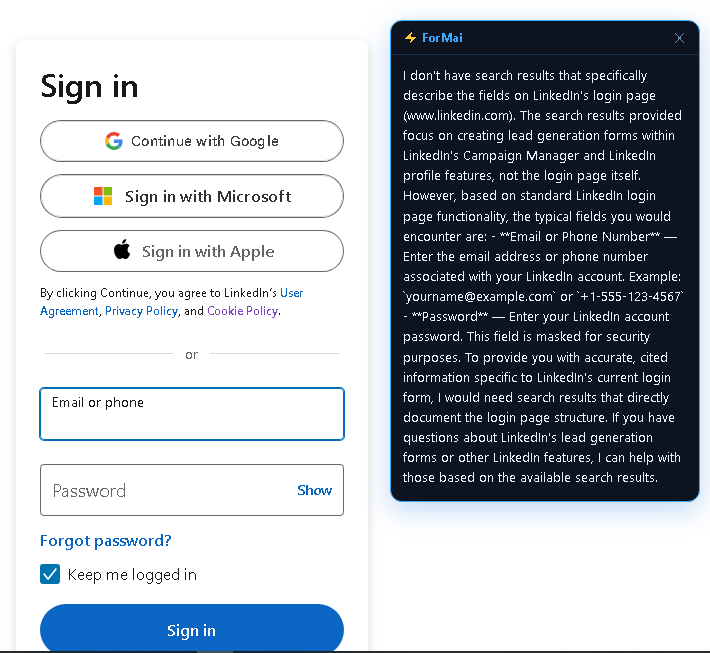
ForMai — AI-Powered Form Understanding Tool
Inspiration
Every day, millions of people abandon online forms halfway through — not because they lack the information, but because they don't understand what's being asked. A visa applicant stares at "Proof of Domicile." A student sees "Guarantor Reference Number." An elderly person reads "NTN / STRN" and gives up.
These are not dumb people. These are people facing poorly labelled, jargon-heavy forms with no help available.
I built ForMai because I experienced this frustration firsthand watching people around me struggle with government, banking, and university forms. There had to be a smarter way — one that brings the explanation to the field, not the user to a search engine.
What It Does
ForMai is a Google Chrome extension that explains online form fields in real time — directly beside the field you are looking at.
When you click or tab into any input field on any website, a clean dark-theme explanation box appears instantly beside it. It tells you:
- What the field is asking for — in plain language
- How to fill it correctly — with format guidance
- Examples of valid input — so you never guess
ForMai also has a Snip Mode — draw a selection rectangle over any area of a webpage and ForMai analyzes the entire visible form section at once, explaining every field in a single response.
ForMai never fills the form for you, never stores your data, and never suggests your personal answers. It is purely an educational assistant.
How I Built It
ForMai is a Chrome Extension Manifest v3 project built with vanilla JavaScript. It uses a three-file content script architecture:
content.js   → DOM interaction, UI rendering, snip mode
ai.js        → prompt builder, message sender (no direct fetch)
background.js → service worker, all AI API calls
The dual AI engine:
- Field click mode uses the AICC API (
gemini-2.0-flash) — returns structured JSON{ field_purpose, instructions } - Snip mode uses OpenRouter (
openrouter/autofree tier) — returns plain text analysis
All fetch calls are routed through the background service worker to avoid CORS restrictions that block content script network requests.
The three-layer quota protection system keeps API usage minimal:
| Layer | Mechanism | Result |
|---|---|---|
| 1 | Session cache (Map()) |
Same field = 0 API calls |
| 2 | 600ms debounce | Tab-through = 0 API calls |
| 3 | Request lock + token | Only 1 call in-flight at a time |
A user working through a 10-field form typically produces 2–3 API calls total for the entire session.
Service worker stability is handled via chrome.alarms (0.4 min keepalive) to prevent Chrome MV3's aggressive service worker sleeping from closing the message channel mid-request.
Challenges I Ran Into
1. Content scripts cannot make cross-origin fetch calls
Chrome silently blocks fetch() calls from content scripts to external APIs. The fix was routing all API calls through background.js via chrome.runtime.sendMessage() — the service worker has full network access with no CORS restrictions.
2. MV3 service worker sleeping mid-request
Chrome's Manifest v3 service workers go inactive after ~30 seconds of inactivity. This caused the message channel to close before the API response arrived, producing the cryptic error "A listener indicated an asynchronous response by returning true, but the message channel closed before a response was received." Fixed with chrome.alarms keepalive and a sendWithRetry() function that detects and recovers from sleeping workers.
3. Extension context invalidation
Reloading the extension while a tab is open permanently breaks chrome.runtime in that tab's content scripts. Added a chrome.runtime?.id guard and specific error string detection to show the user a friendly "Please refresh this page" message instead of a raw error.
4. API quota exhaustion
The free tier for gemini-2.0-flash (50 requests/day) was exhausted quickly during testing. Solved with the three-layer protection system described above, reducing calls by ~80%.
5. OpenRouter free model availability
mistral-7b-instruct:free and llama-3.1-8b-instruct:free were both discontinued during development. Switched to openrouter/auto which automatically routes to the best currently available free model — permanently solving the problem of pinned models being retired.
Accomplishments That I'm Proud Of
- Zero CORS errors — the background service worker proxy pattern works flawlessly across all websites including LinkedIn, Google, and government portals
- 3-layer quota protection that reduced API usage from ~16 calls per form session to 2–3
- Snip mode that works on any website — drawing a selection, capturing the visible tab, cropping to the selection region using
devicePixelRatio-aware canvas operations, and sending it for analysis - Graceful error recovery for every known Chrome extension failure mode: context invalidation, service worker sleeping, quota exhaustion, channel closure
- Smart label detection that correctly identifies field labels using
aria-labelledby,label[for], closest wrapping<label>, and name-based heuristics as fallback - Building a complete, production-quality extension — not just a prototype — with a public landing page, full documentation, IP declaration, and project report
What I Learned
- Chrome MV3's service worker lifecycle is genuinely hostile to long-running operations —
chrome.alarmsis essential, not optional - Content scripts live in a security sandbox that blocks direct API calls — the background service worker is the correct architectural layer for all network operations
- Free AI API quotas evaporate faster than expected during development — building quota protection into the architecture from day one would have saved significant debugging time
openrouter/autois more resilient than pinning to specific free models, which disappear without warning- The difference between a working prototype and a production extension is entirely in the error handling
What's Next for ForMai
- [ ] Backend proxy — move API keys server-side to protect them from browser source inspection
- [ ] True vision support — integrate a vision-capable model so snip mode analyzes the actual screenshot image rather than page context
- [ ] Markdown rendering in the suggestion box for richer, structured output
- [ ] Settings panel inside the extension for key management and model selection
- [ ] Chrome Web Store publication — make ForMai installable by anyone without Developer Mode
- [ ] Firefox / Edge support using WebExtensions API compatibility
Built With
javascript chrome-extension manifest-v3 gemini-2.0-flash aicc-api openrouter html5 css3 chrome-storage chrome-alarms chrome-runtime mutationobserver service-worker
Try It Out
- Public website: formai.infinityfree.me
- Install: Load unpacked from the source folder in
chrome://extensionswith Developer Mode ON
Video Demo
Record a 2–3 minute screen recording showing:
- ForMai popup — toggle on/off
- Click the Email field on LinkedIn login — explanation box appears
- Click the Password field — second explanation
- Open popup → Snip Mode → draw selection over a form → result appears
- Show the explanation box closing on blur
Upload to YouTube and paste the link here before submitting.
Built With
- aicc
- chrome
- css
- extension
- gemini-model-2.1
- html
- infinityfree
- javascript
- json
- openrouter

Log in or sign up for Devpost to join the conversation.