-
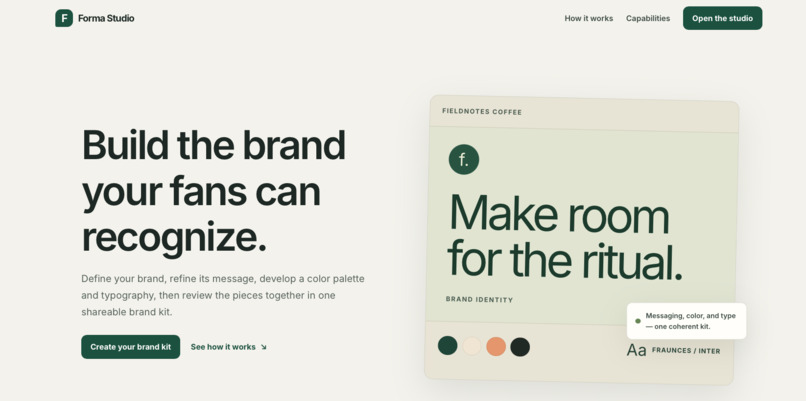
Landing Page
-
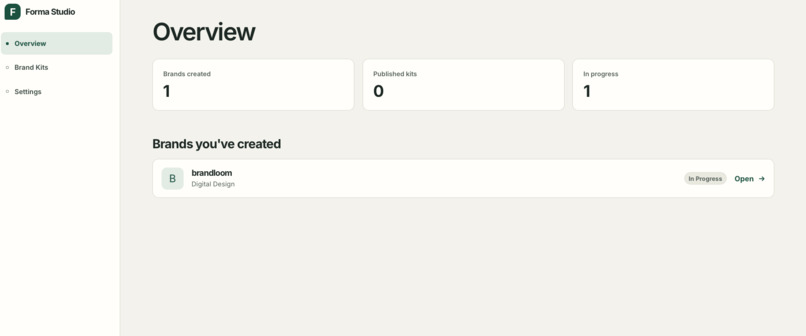
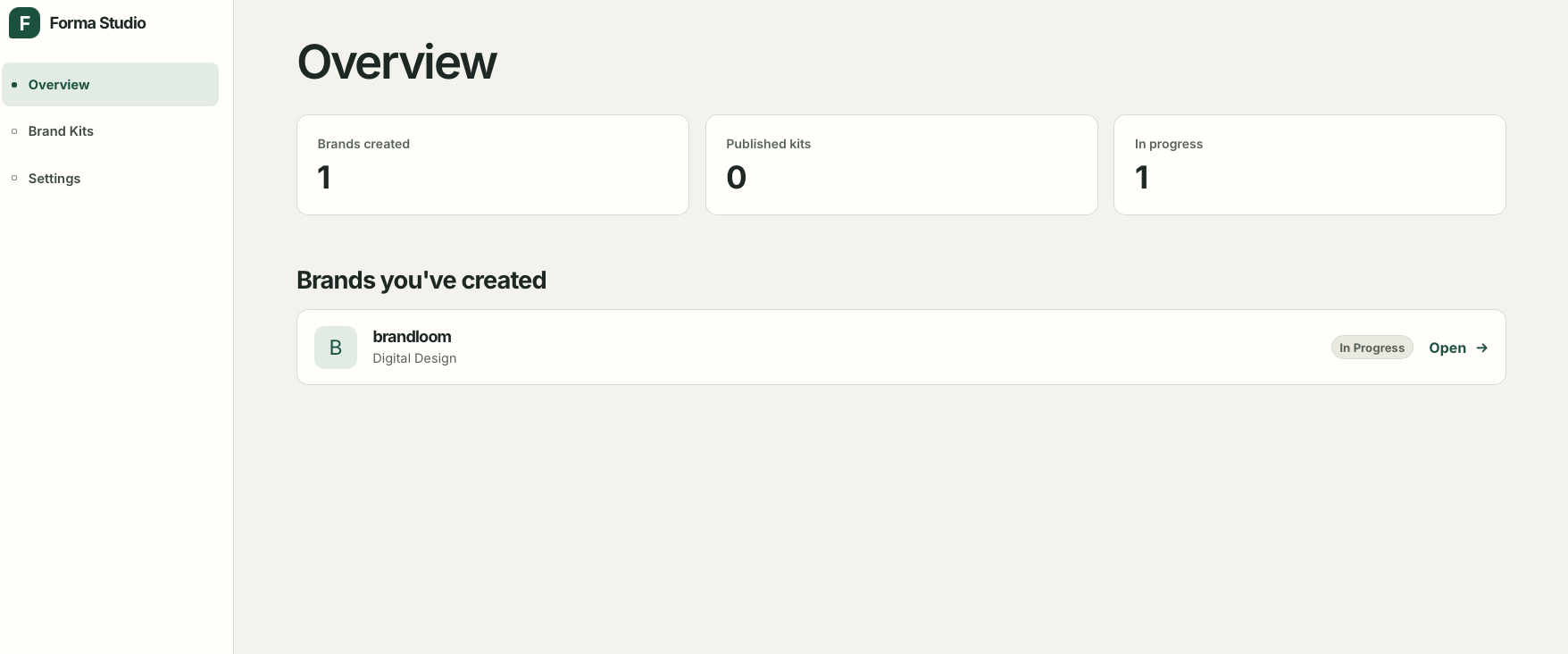
Overview
-
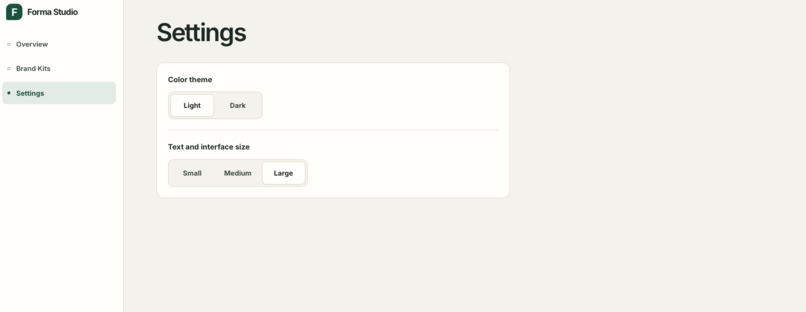
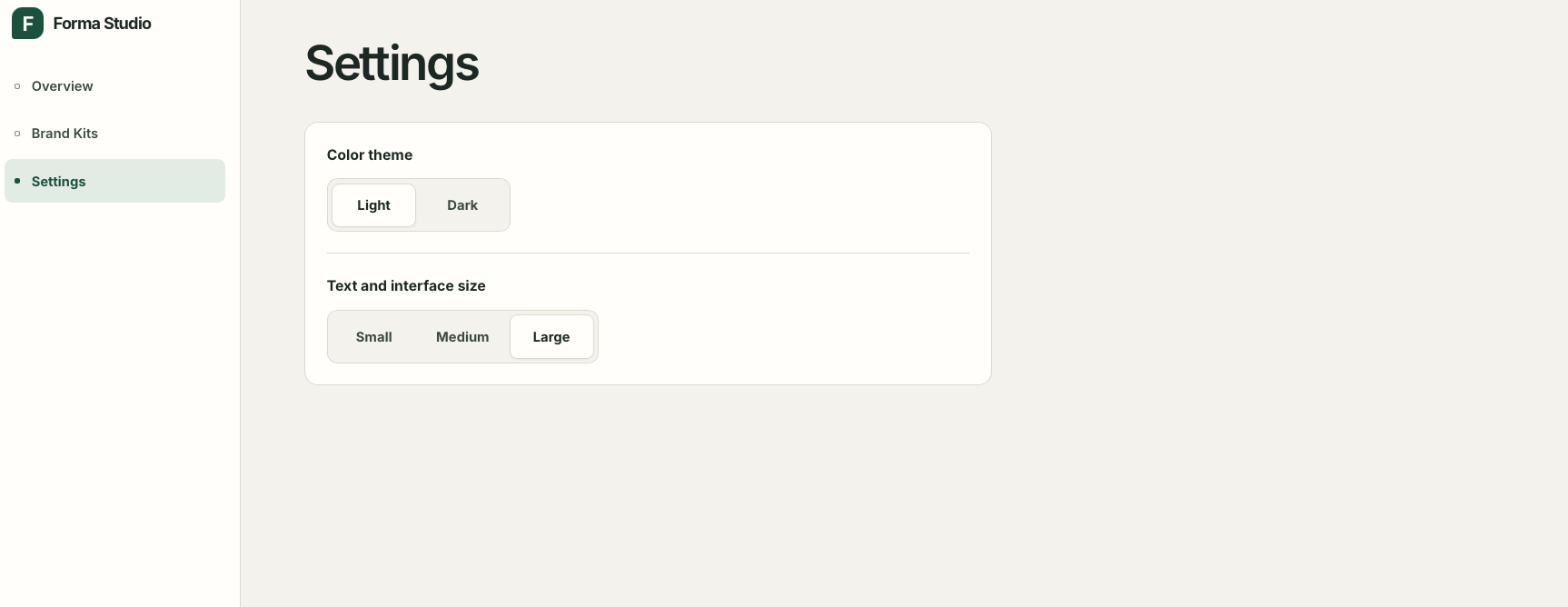
Settings
-
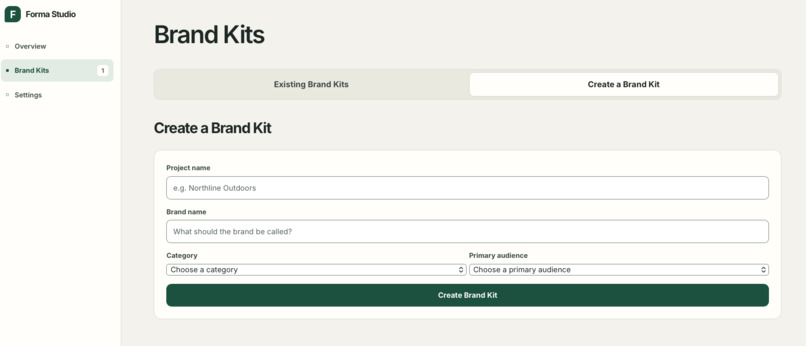
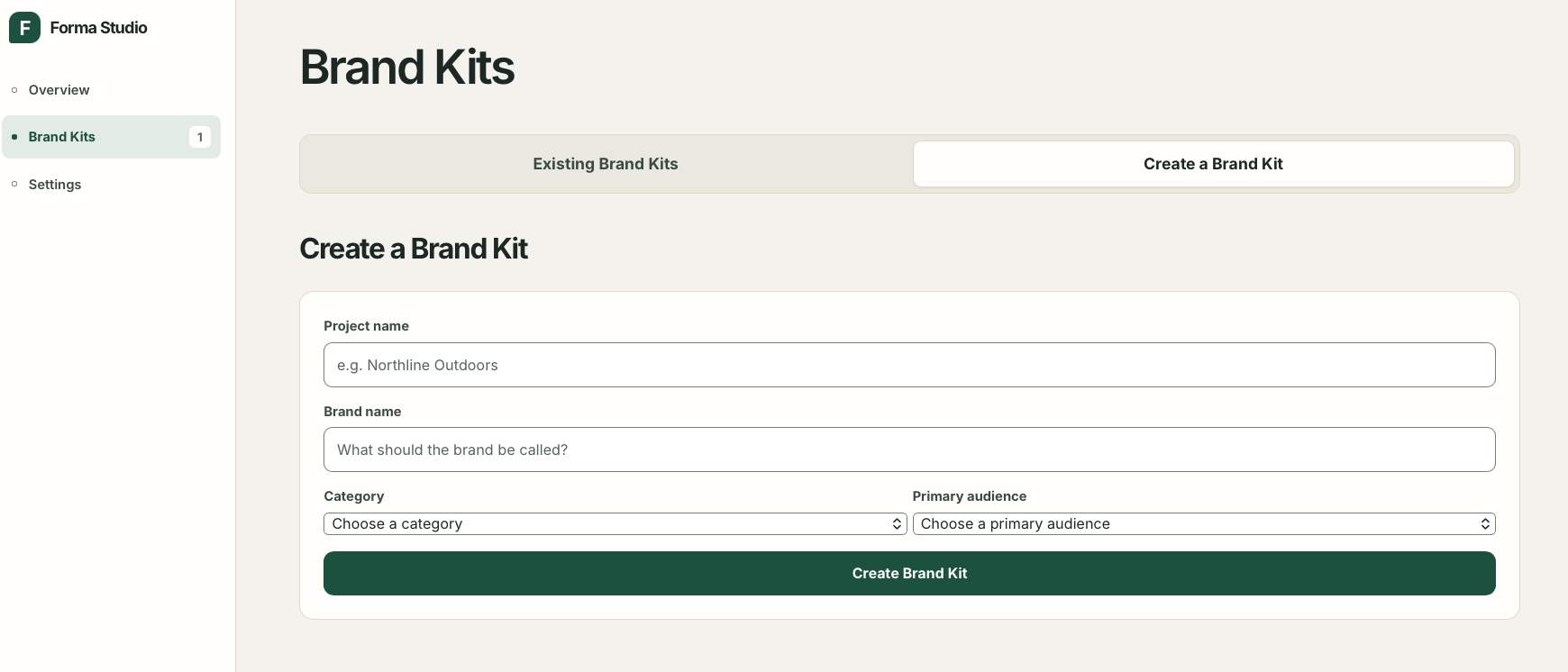
Brand Kit - create new kit
-
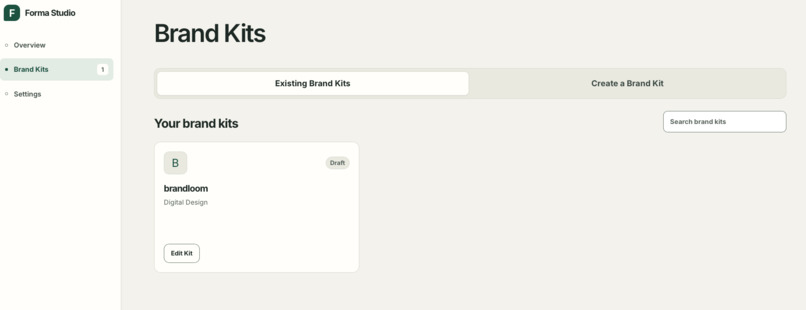
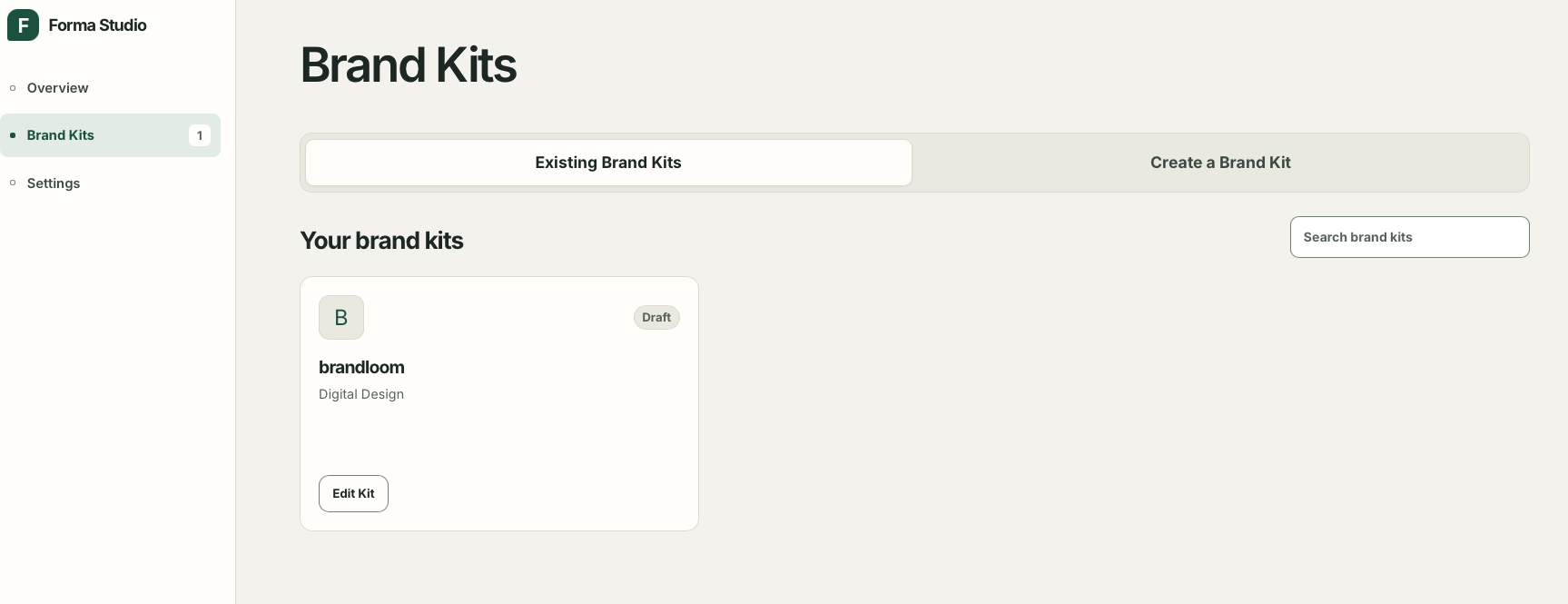
Brand Kit - Existing
-
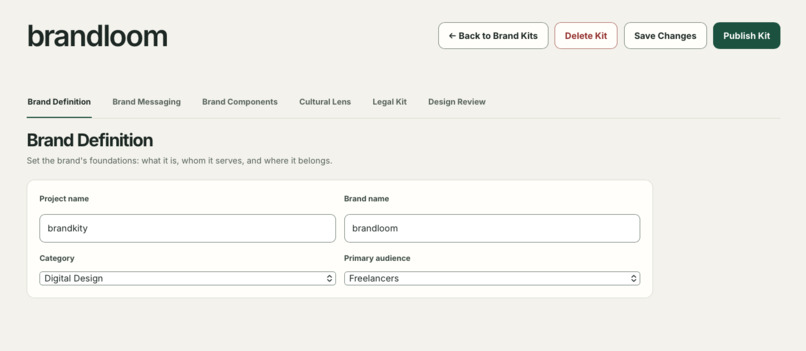
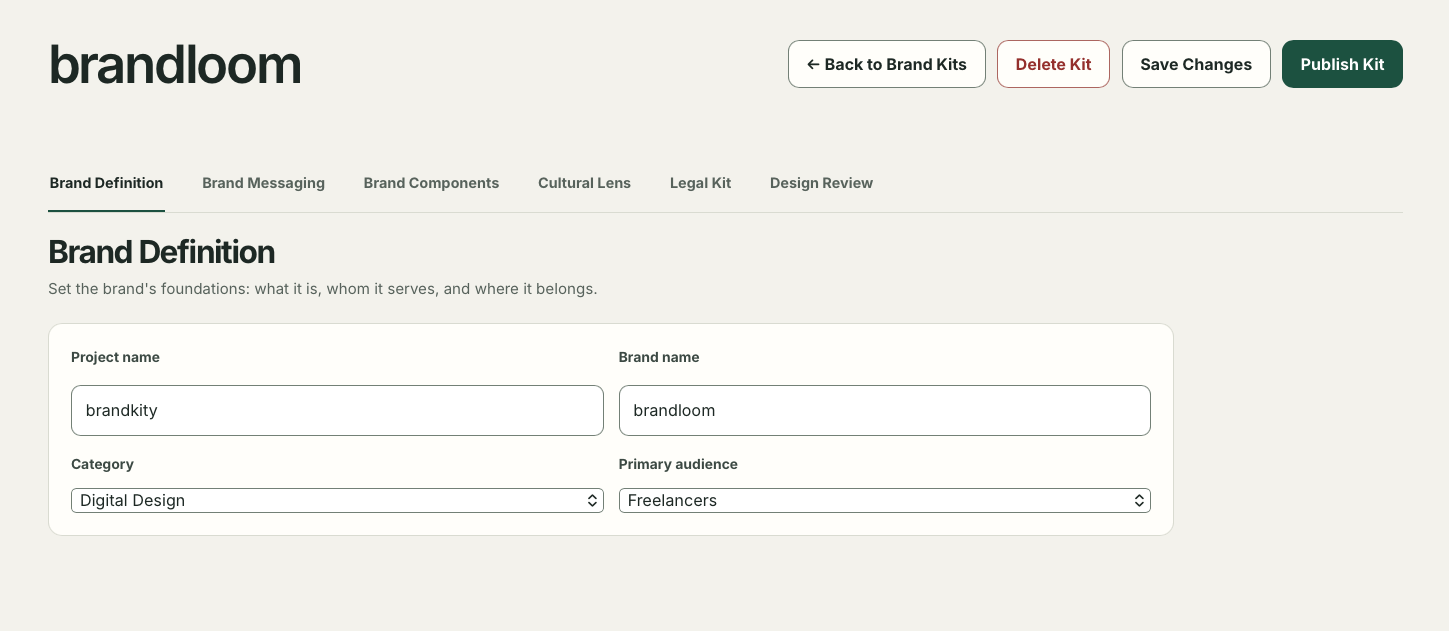
Brand Kit - Brand Definition
-
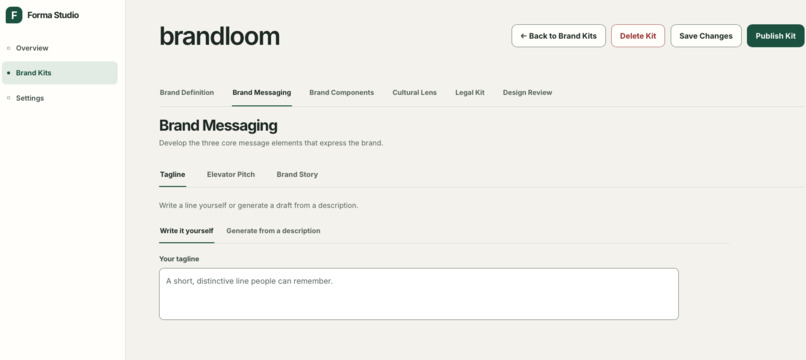
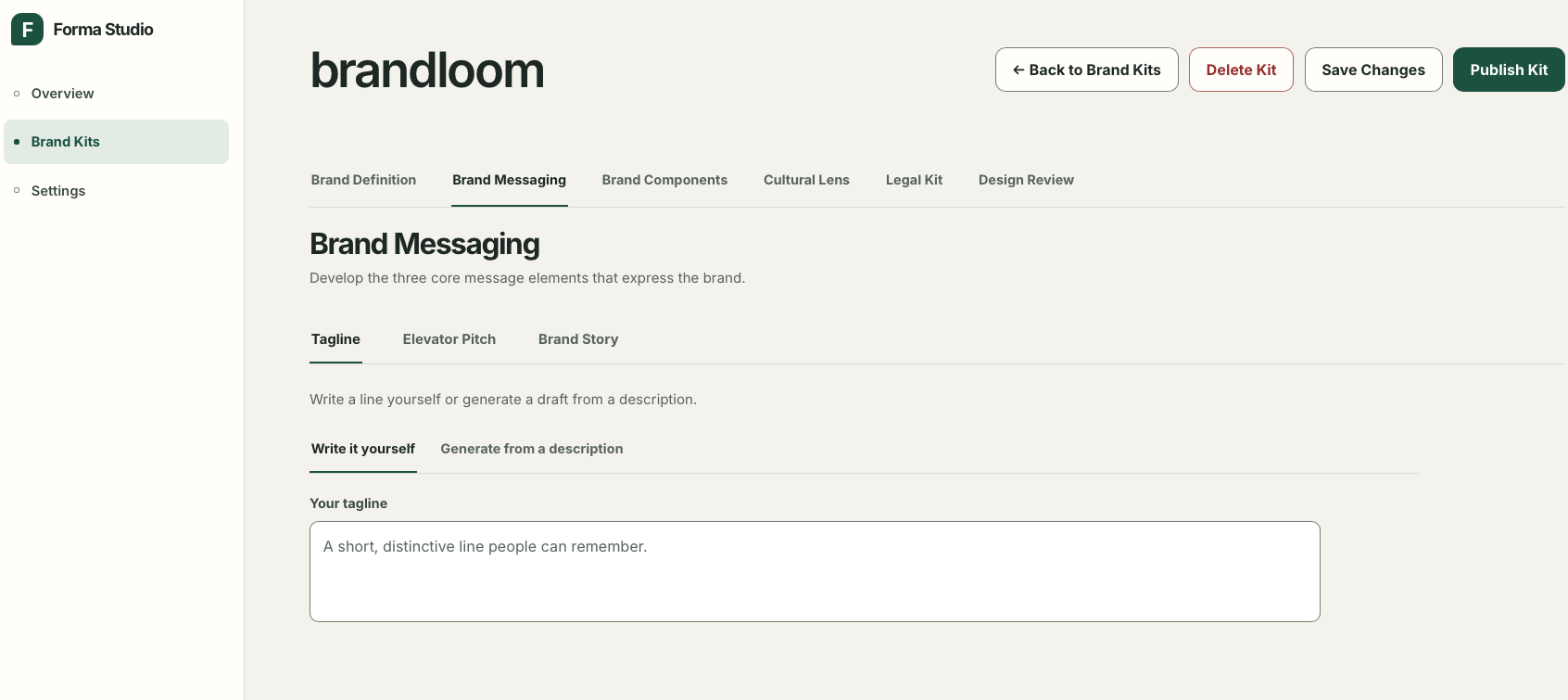
Brand Kit - Brand Messaging
-
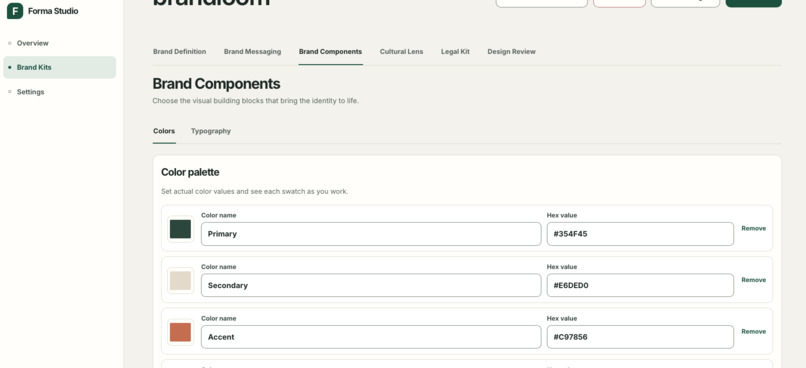
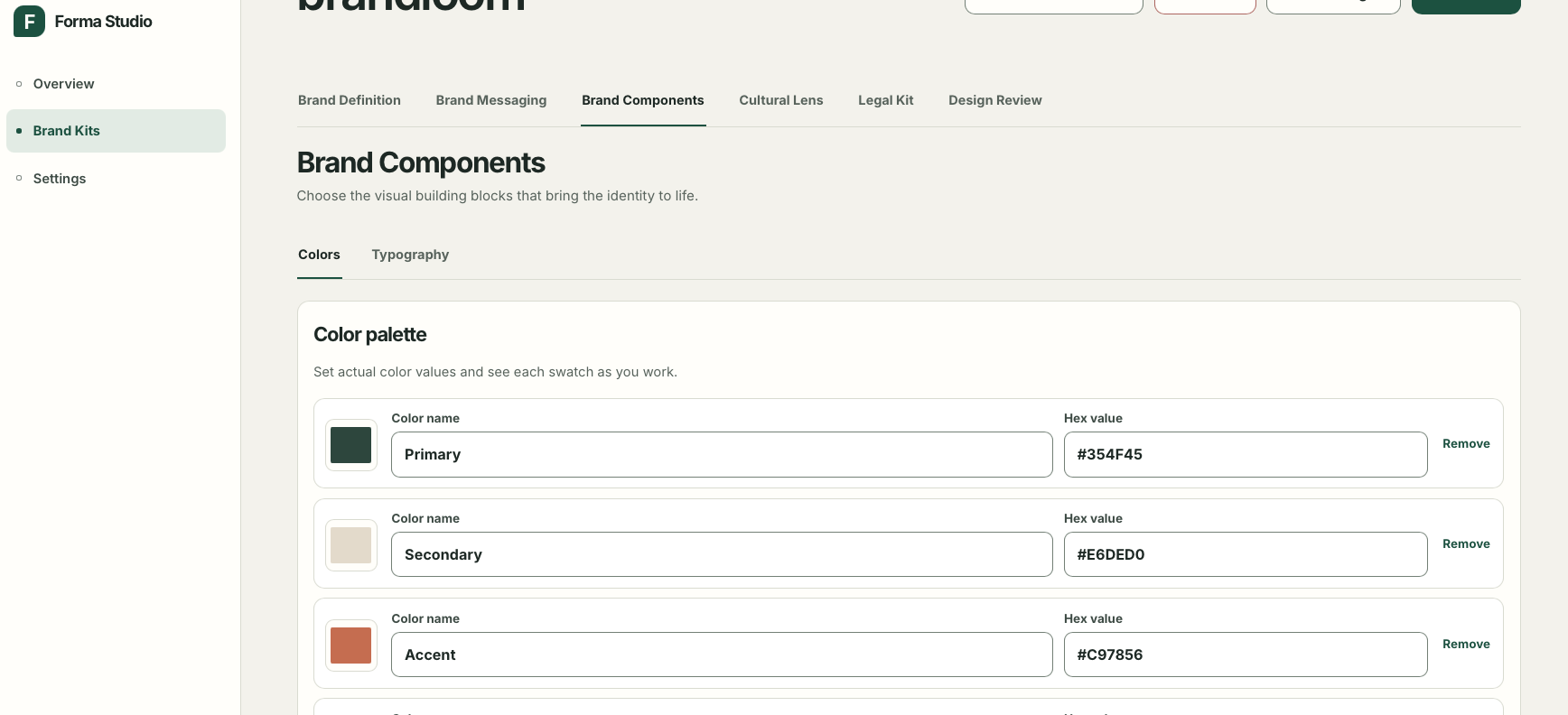
Brand Kit - Brand Components
-
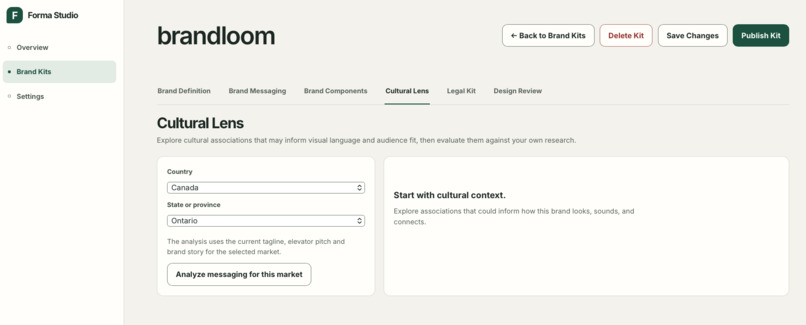
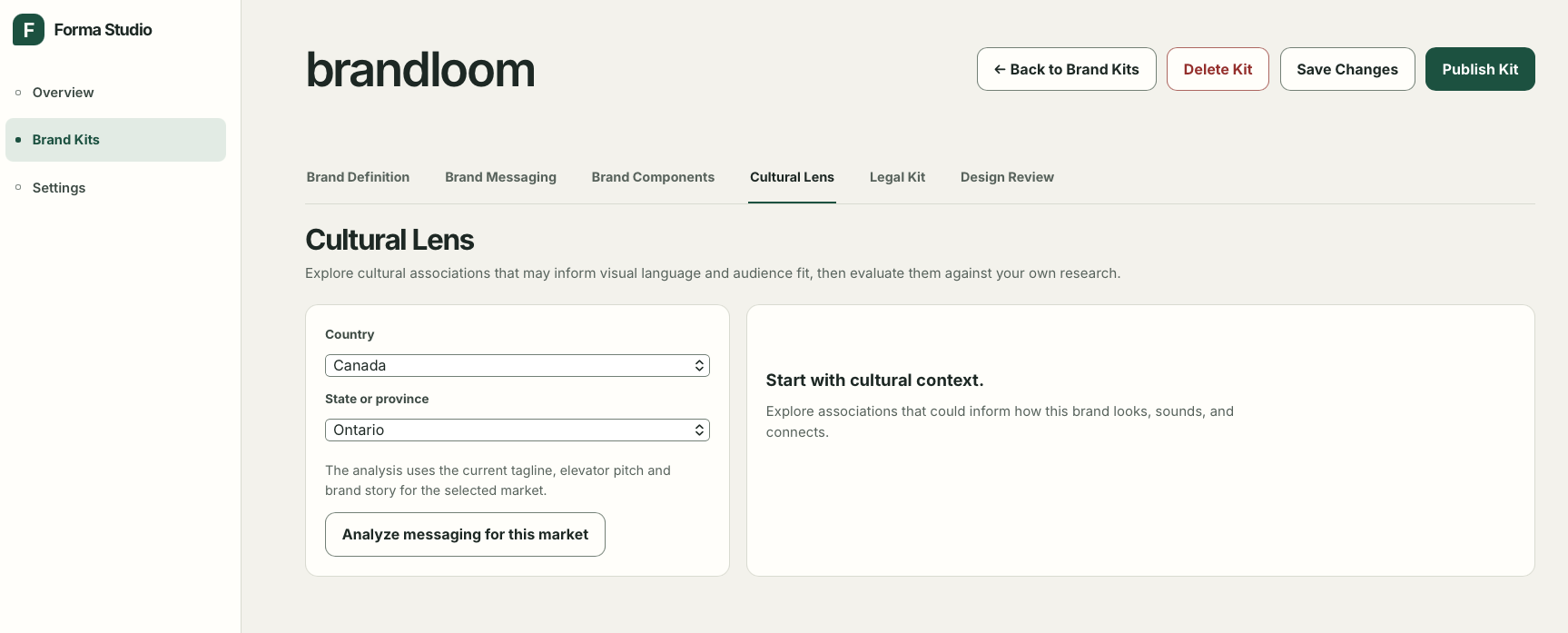
Brand Kit - Cultural Lens
-
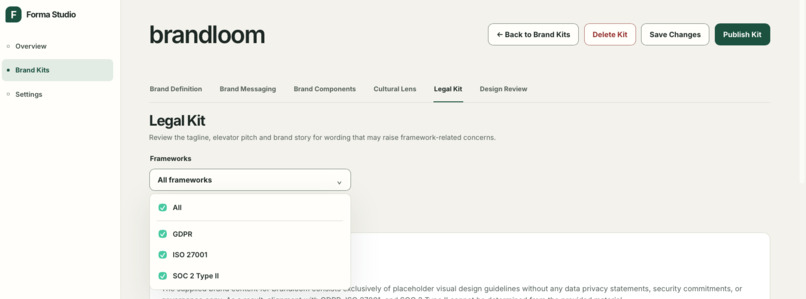
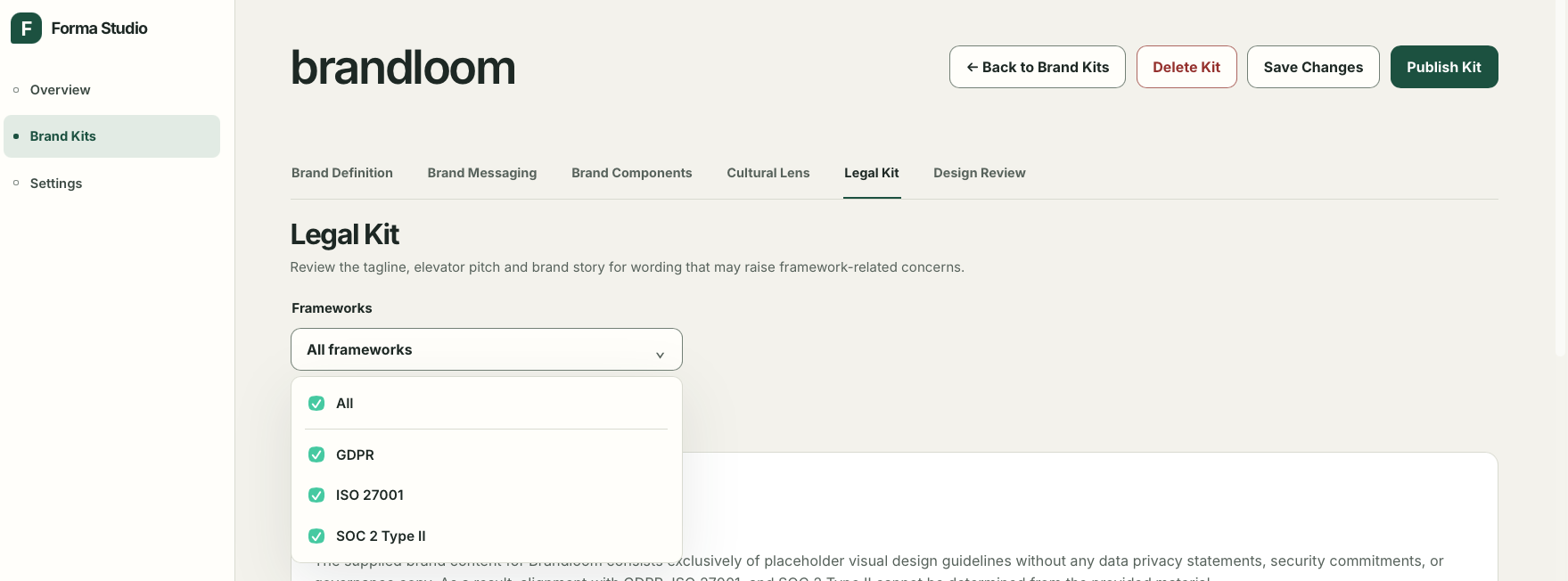
Brand Kit - Legal Kit
-
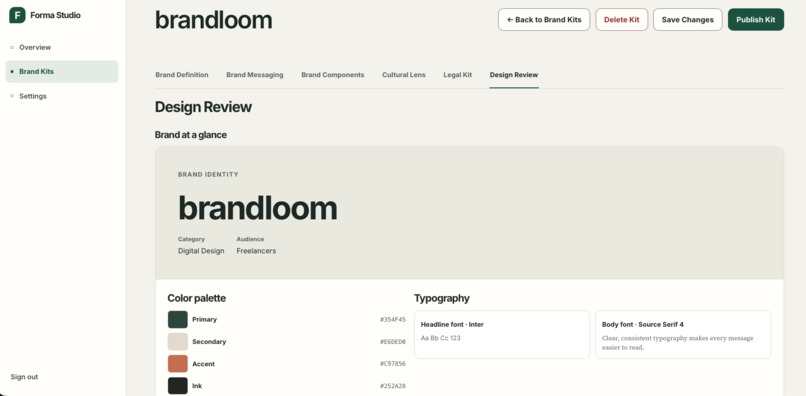
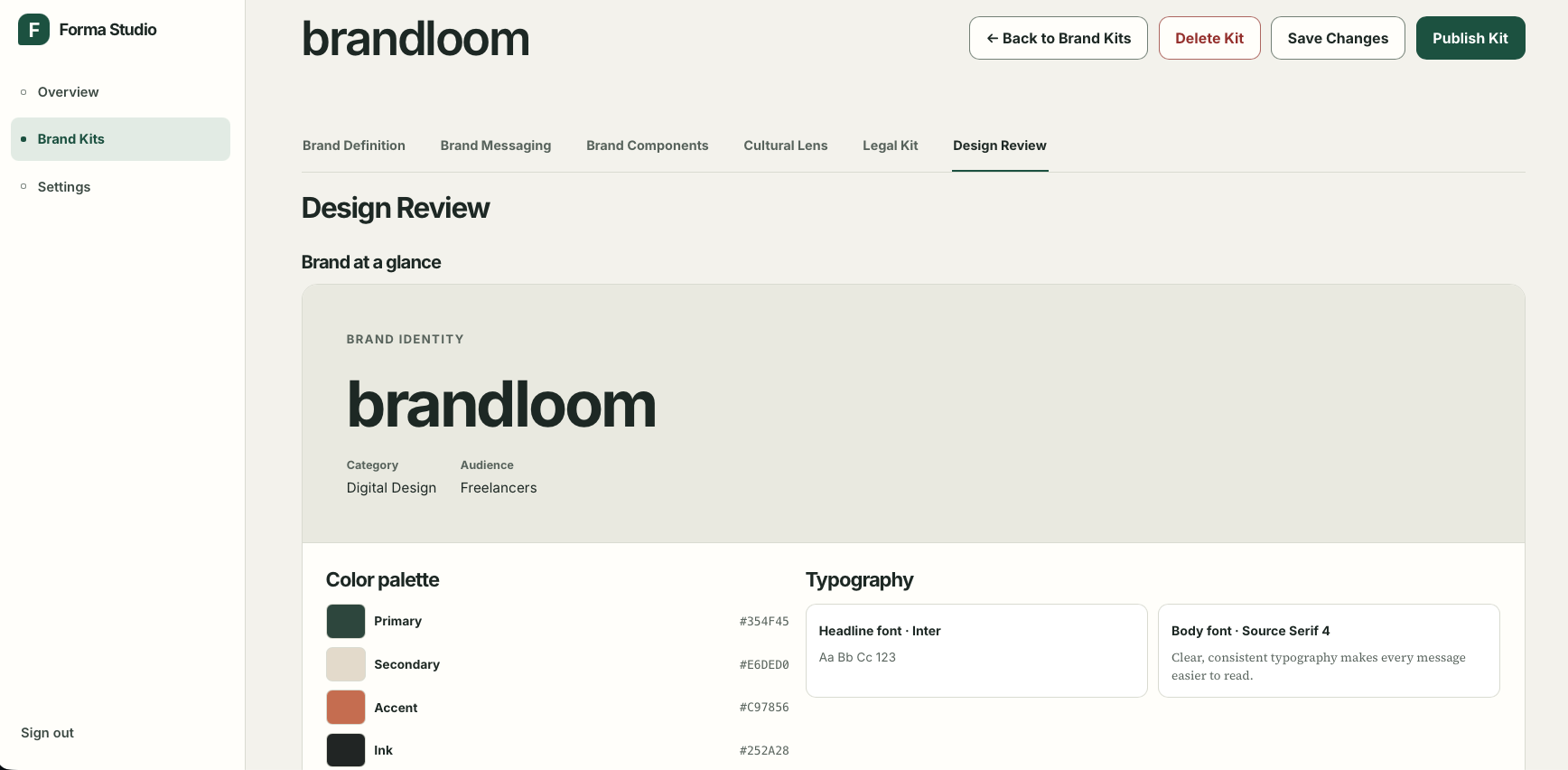
Brand Kit - Design Review
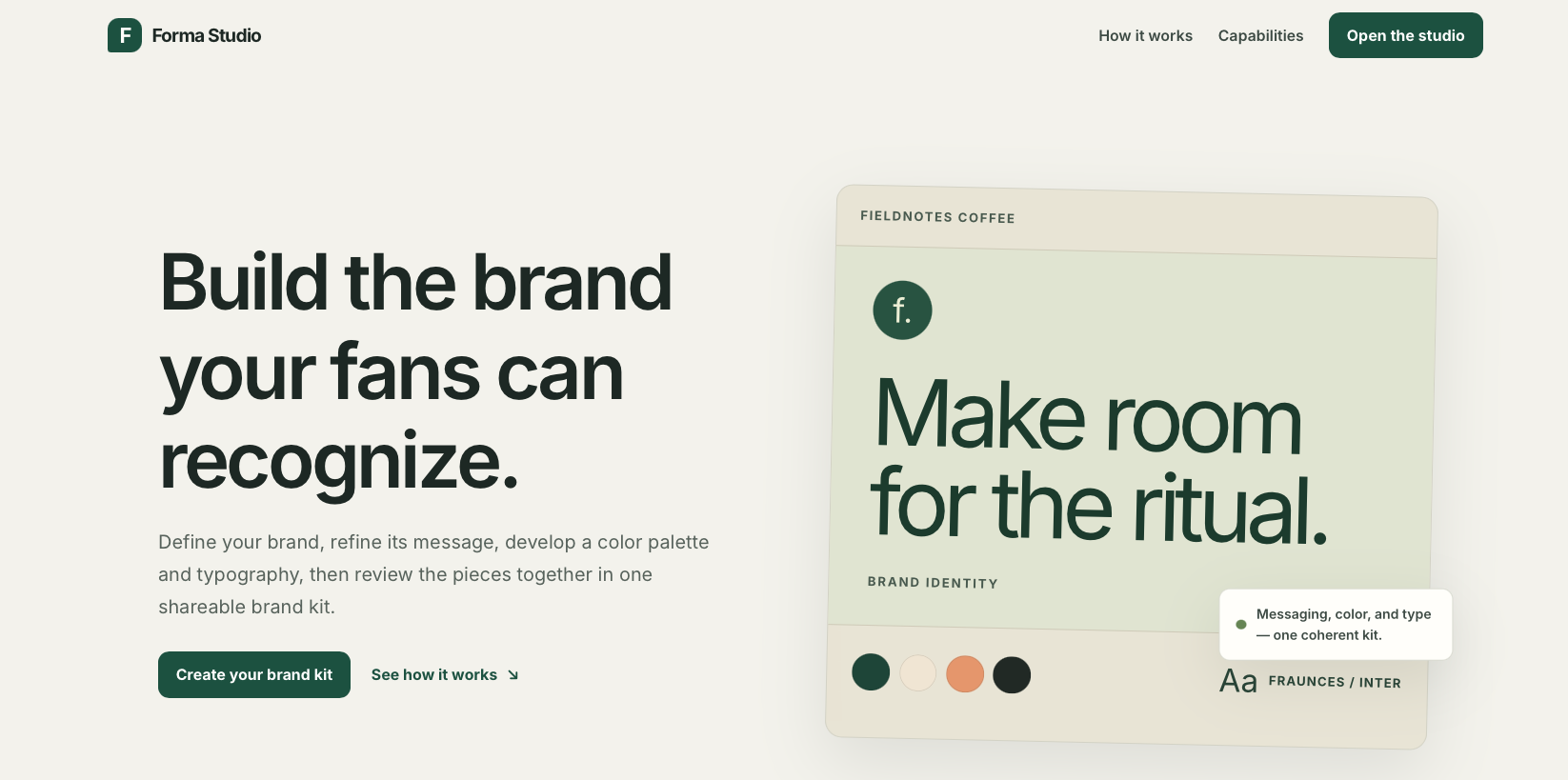
forma Studio - Build the brand your fans can recognize
Problem
Brand decisions are often scattered across documents, messages, slide decks, and design files. This creates disconnected messaging and visual choices, inconsistent brand descriptions, and uncertainty about which version is current.
Smaller teams, founders, and organizations may also lack an affordable, structured process for turning an early idea into a usable brand direction. They need a way to define their brand, develop its messaging, establish a visual direction, and share the result without repeatedly rebuilding brand guidelines.
Solution
Forma Studio is a brand-kit workspace that brings brand definition, core messaging, colors, and typography into one editable environment. Users can create a brand kit from an initial brief or use AI-assisted brand direction to establish an editable starting point. They can then refine the brand's messaging and visual choices, review populated sections together, and publish a shareable brand kit. AI is used to assist with drafting and refinement. Users remain responsible for reviewing generated content and deciding what to apply.
Key Features
Login Info
username:client
Password:FormaClient!2026
- Brand Kit creation: Users can start a brand kit from information they already know or use guided AI assistance to develop an initial brand direction.
- Create and manage brand kits from a central workspace.
- Generate an editable starting point from an early brand brief.
- Track whether brand kits are in progress or published.
- Brand Definition: Establish the foundation of the brand by recording its name, category, and primary audience. Guided creation can use the initial brief to help establish the brand's direction, while the current definition form allows users to refine the available brand information.
- Brand Messaging: Develop the brand's core written identity through three components:
- Tagline: Write manually or generate a draft from a description. The draft can be edited before applying it.
- Elevator Pitch: Create a concise explanation of the brand's offering and value, either manually or with description-based AI assistance.
- Brand Story: Write the story in the brand's own words and optionally use AI to reframe it for cohesion. The original content remains unchanged until the user applies the revised version.
- Brand Components: Define the core visual direction through two currently supported component editors.
- Colors: Create and refine a named color palette using hexadecimal color values.
- Typography: Select headline and body typefaces from 50 curated font options and preview the pairing. The app interface uses Inter, while brand-specific typefaces are shown in the typography preview.
- Design Review: Bring populated brand information together in a single review. The review can include brand definition, tagline, elevator pitch, colors, typography, and brand story. Cultural Lens results and a saved Legal Kit report summary can also appear when available. Empty sections are omitted, allowing the review to focus on the content that has actually been developed.
- Cultural Lens; Explore cultural signals related to the brand's category, audience, messaging, and selected geographic market. Users select a country and state, province, or territory to obtain contextual information through the Qloo API. Gemini can optionally help interpret returned signals. The results are prompts for further research and consideration, not definitive claims about an entire population or market.
- Legal Kit: Evaluate finalized tagline, elevator pitch, and brand story wording against selected framework themes:
- GDPR
- ISO 27001
- SOC 2 Type II The feature produces a saved alignment report with findings and suggested content changes. It is a messaging review, not legal advice, an operational compliance audit, or certification.
- Publishing and sharing: Publish a brand kit to create a stable share URL that displays the latest saved published version. The current interface supports publishing, unpublishing, and copying the share link.
Tech Stack
- Backend: Python, FastAPI, Uvicorn
- Frontend: Jinja2, HTML, CSS, vanilla JavaScript
- AI assistance: Google Gen AI SDK, Gemini
- Cultural intelligence: Qloo API
- Workspace persistence: Supabase Postgres REST API
- Asset storage: Private Supabase Storage
- Sessions: Starlette SessionMiddleware, itsdangerous
- Testing: pytest
Unfair Advantage
Forma Studio's potential advantage is its connected brand-development workflow, rather than a single AI-generated deliverable. Brand definition, messaging, visual direction, market context, and messaging review are attached to the same saved brand kit. This reduces the need to move between a brief, a copywriting tool, design files, and static guideline documents. The product also keeps AI in an assistive role. Generated content is editable, users choose when to apply it, and review features provide inputs for human judgment rather than claiming authoritative decisions. This is a differentiation hypothesis, not a proven competitive moat. Its strength will depend on the quality of generated content, the usefulness of review findings, and whether teams prefer the workflow to their existing tools.
Vision
Become a practical single source of truth for a brand's intent: what it stands for, whom it serves, how it communicates, and how its core visual choices work together. The long-term goal is to make brand guidelines easier to create, refine, review, and share, with changes reflected in a single working kit instead of repeatedly rebuilding documents and presentations.
Potential Next Steps
- Production-ready identity and permissions: Replace fixed evaluation accounts with managed authentication, password reset, account lifecycle controls, and tested owner/client authorization.
- Complete sharing permissions: Decide which access modes should be supported and implement and validate public, password-protected, and email-verified sharing where appropriate.
- Complete accessibility validation: Conduct automated and manual keyboard, screen-reader, contrast, focus, zoom, and responsive-reflow testing against the deployed application.
- Improve review workflow: Consider version history, comments, approval states, and change comparisons for brand messaging and visual settings.
- Validate cultural insights: Test Cultural Lens output with real users and ensure that the contextual signals are relevant, understandable, and appropriately qualified.
- Validate product-market fit: Test the focused workflow with founders, designers, agencies, and brand teams before expanding into additional component editors or broader compliance capabilities.
Built With
- css
- fastapi
- gemini-flash
- javascript
- jinja
- python
- qloo
- supabase
- vercel

Log in or sign up for Devpost to join the conversation.