-
-
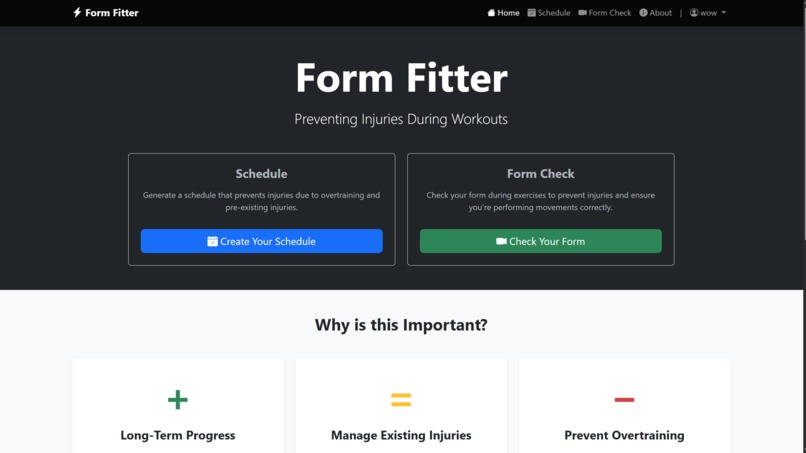
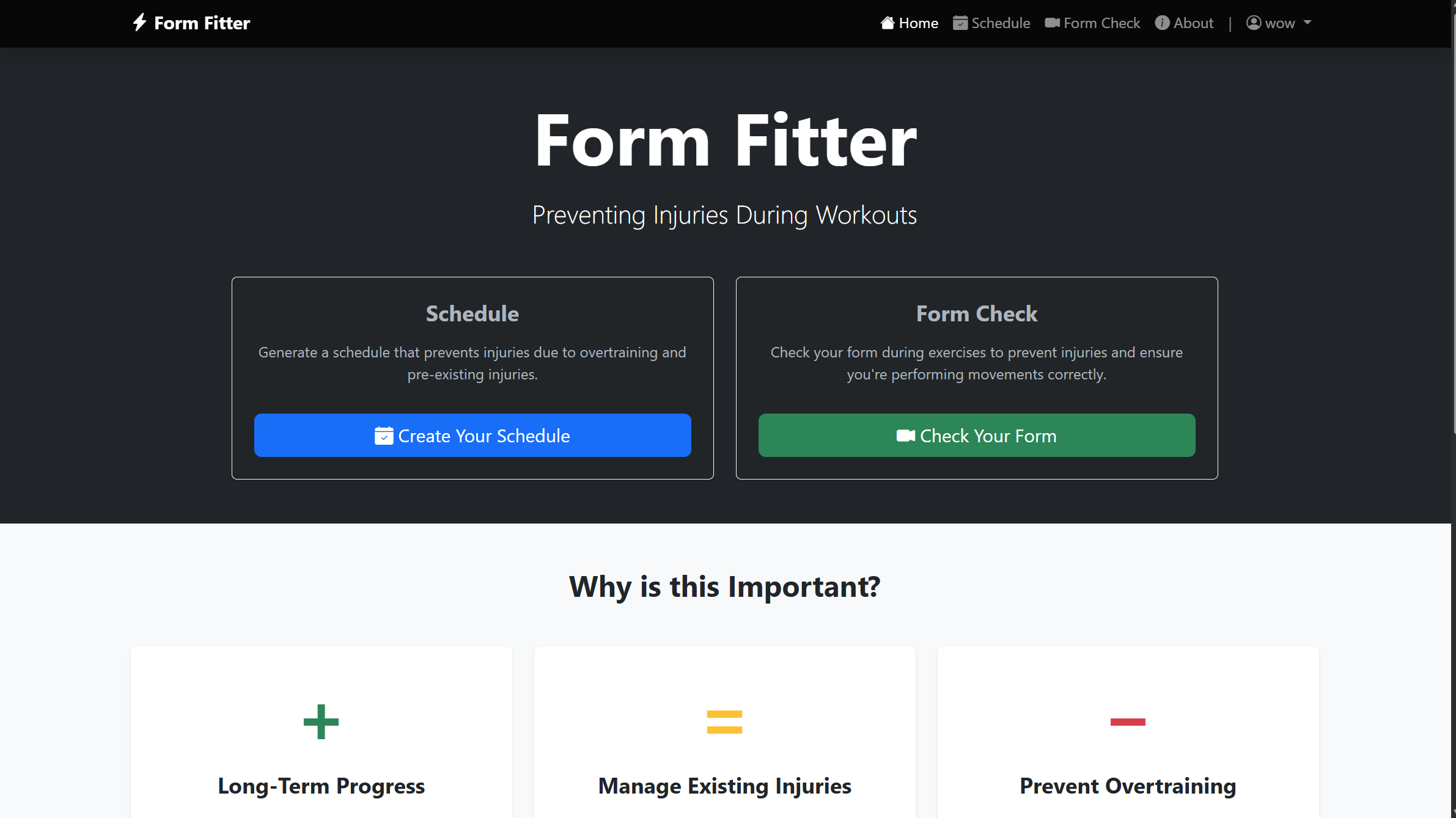
Home Page
-
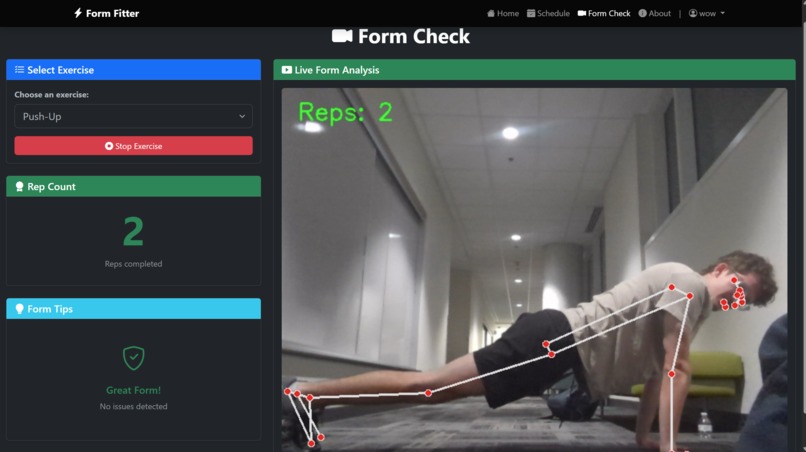
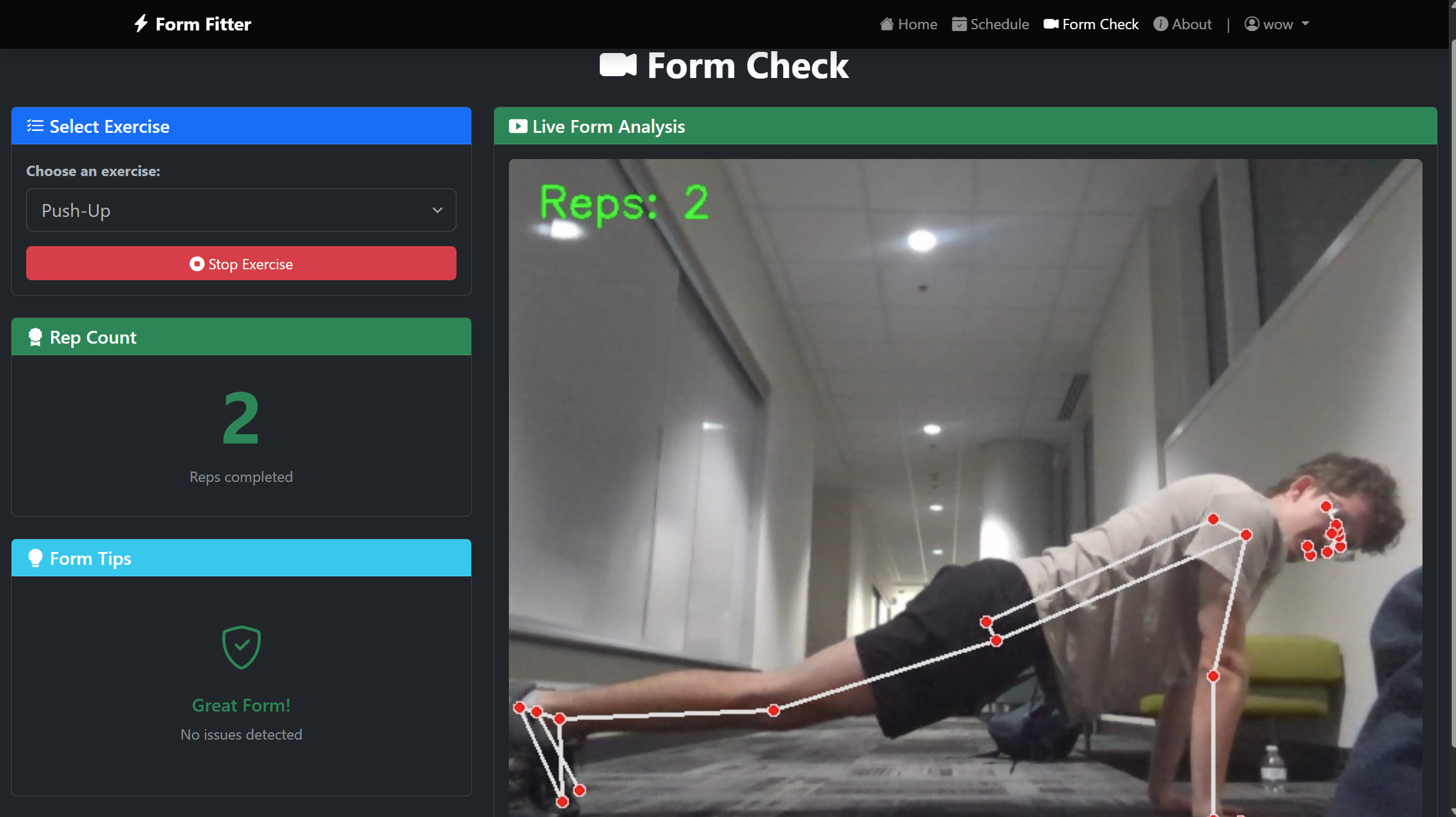
Good Form Detection
-
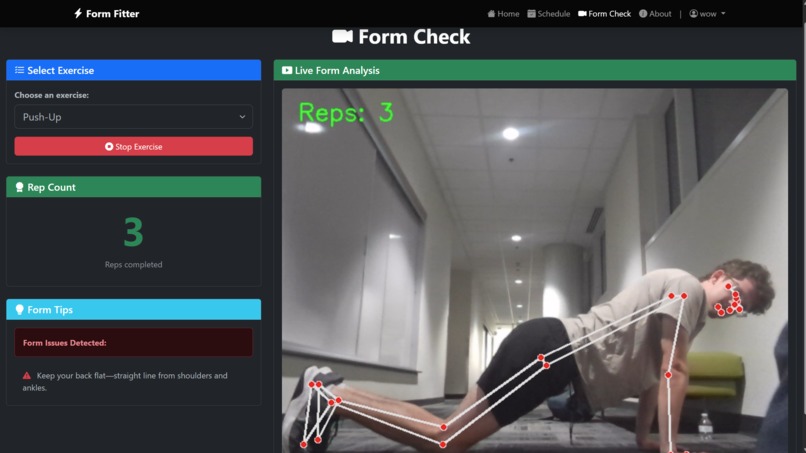
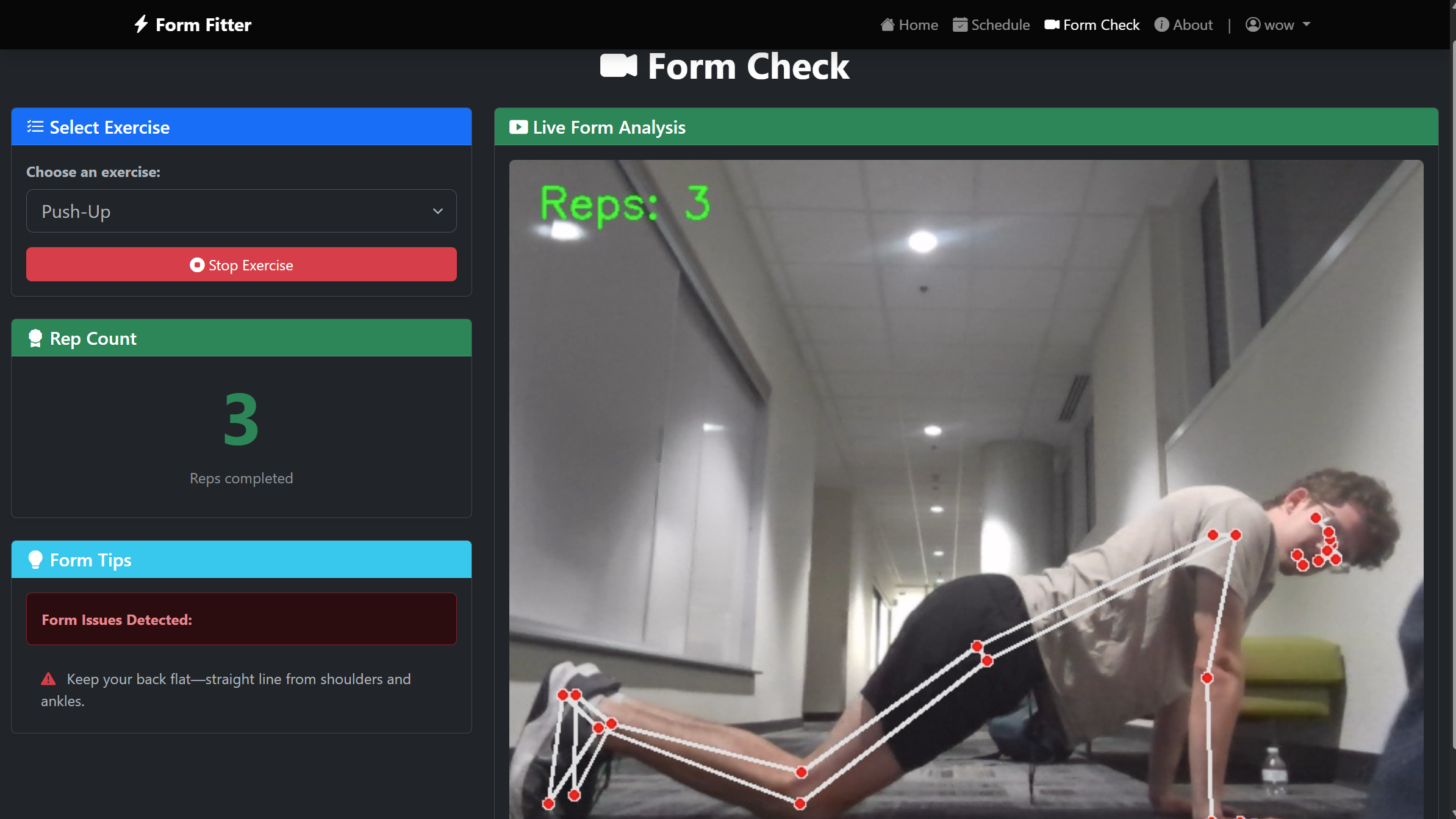
Bad Form Detection
-
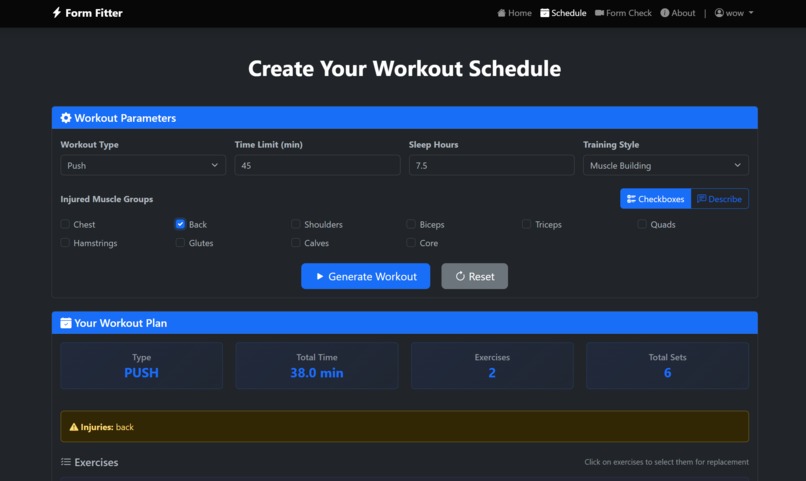
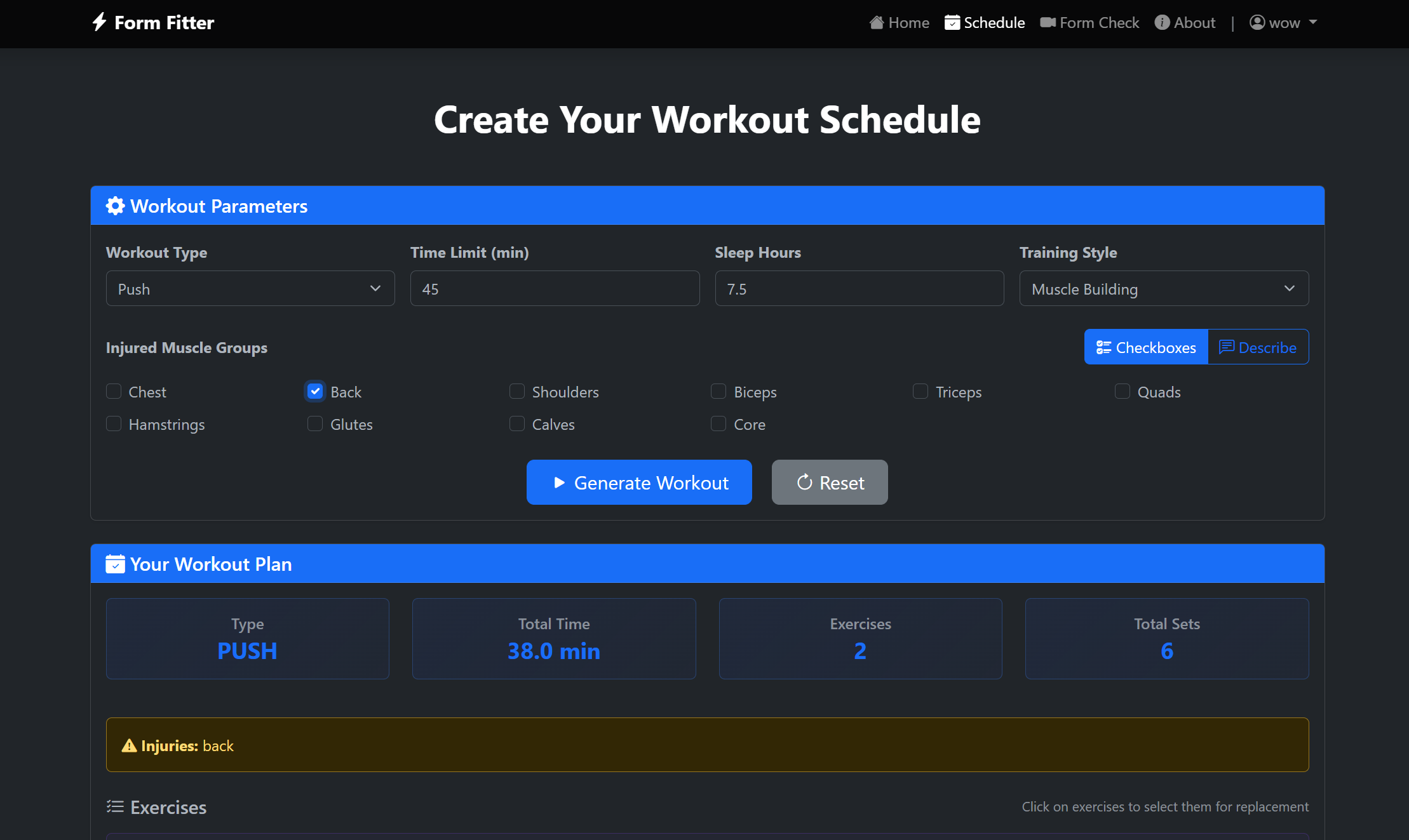
Schedule Creation
-
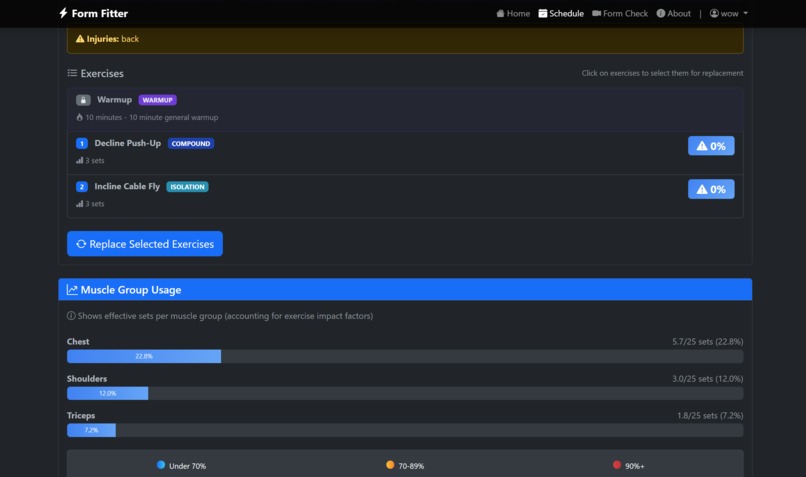
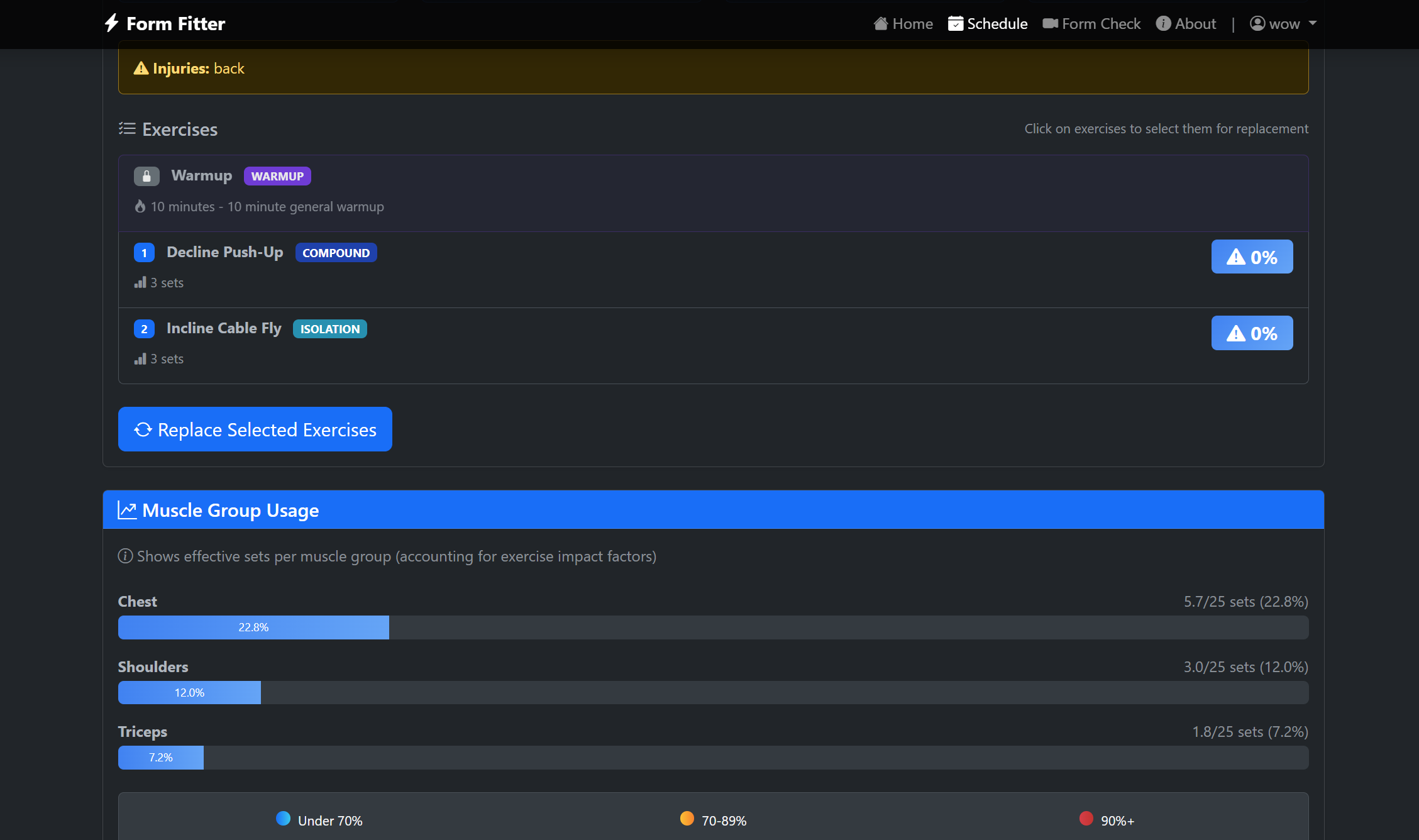
List of exercises and muscle group split
-
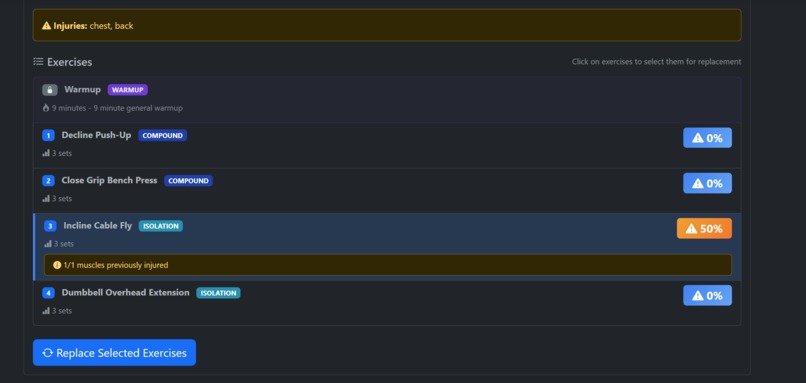
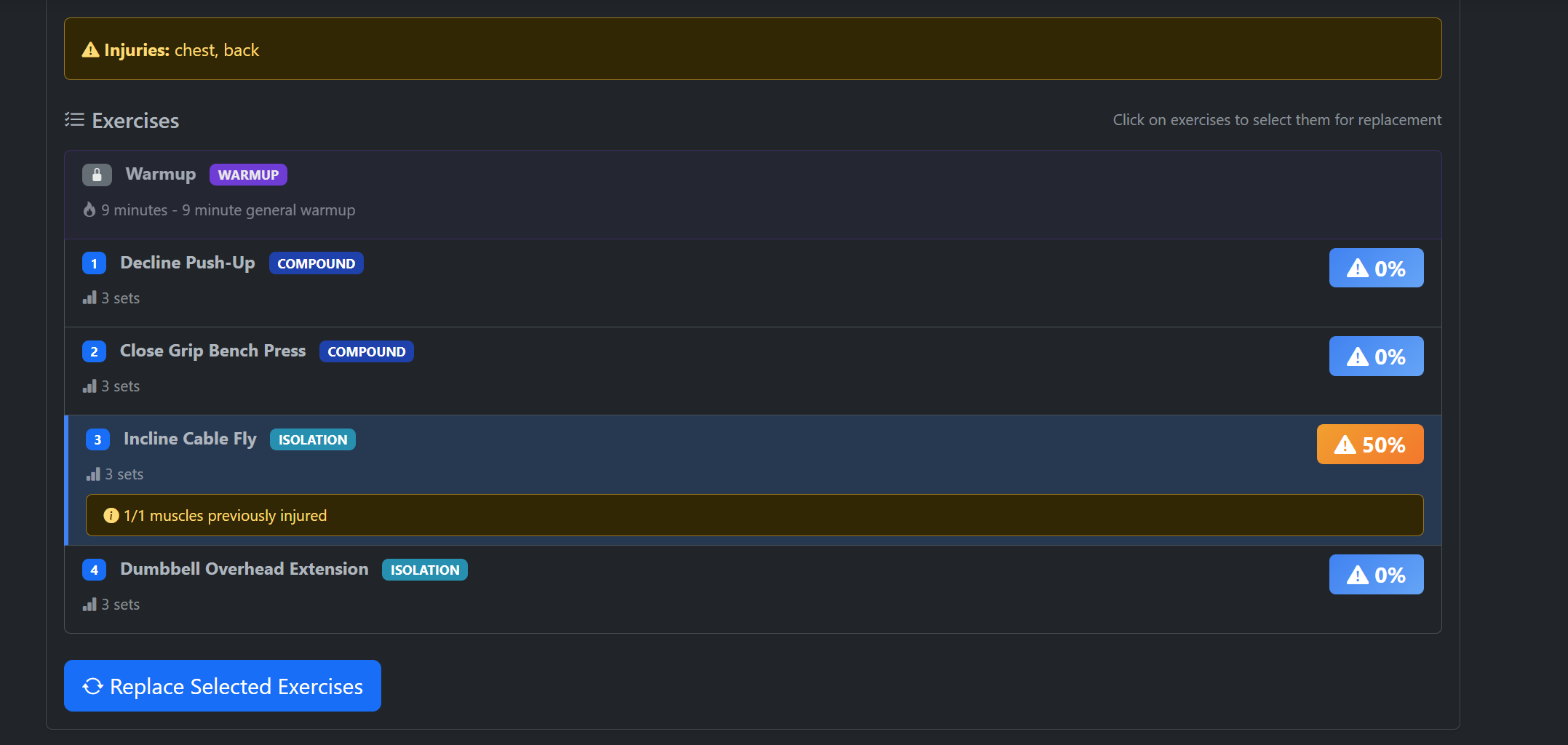
List of exercises with high risk
-
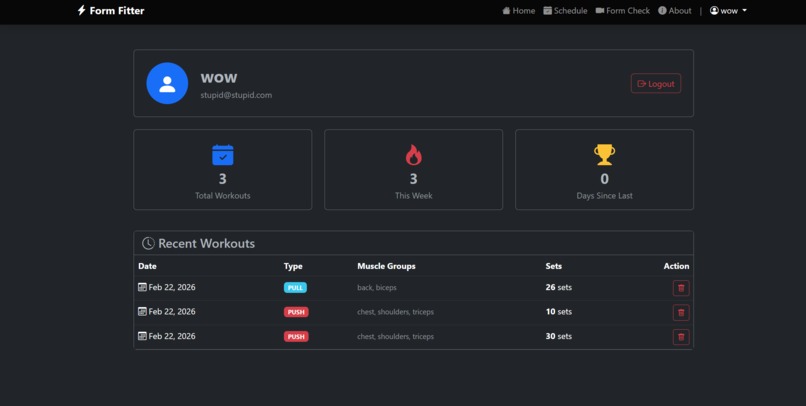
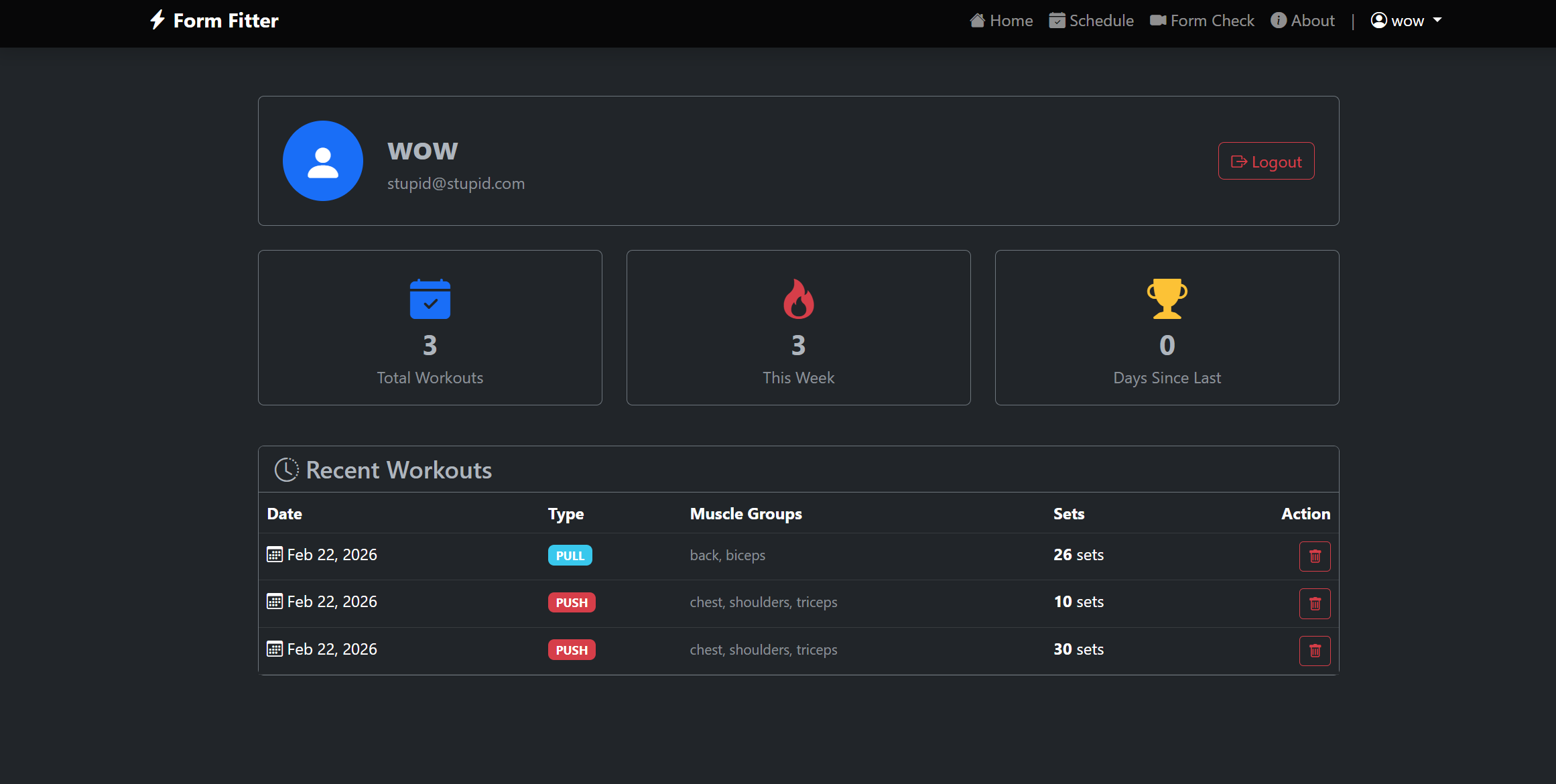
User Profile
Inspiration
Me and Artur have recently started extensively exercising. Pretty early on, I injured my shoulder during a push exercise. After researching the importance of form and experiencing pain first hand, we decided to build a project that will help prevent injury and create workout schedules for people new to exercising and weightlifting.
What it does
Form Fitter has "Schedule" and "Form check" features. "Schedule" helps create a workout schedule for the user; it takes in what type of workout (push, pull, or legs), how much time you have to workout, how much sleep you get, and what training style you want (muscle building, strength, and endurance). Additionally, you can specify if any body parts currently are injured, or type into a description box in which AI will analyze your description and identify affected muscle groups. Afterwards, a workout plan will be generated with exercises for you with specified rep counts and percent chance of injury. Users can click on an exercise to replace it if the injury chance is too high or they want a different option. These generated workouts will be saved to the user's account, which tracks their progress.
"Form Check" allows the user to use their webcam to record themselves performing from a list of exercises. For the purposes of this Hackathon, we have only implemented pushups as a proof of concept. This will draw markers around the user's body parts, calibrate, and then increase a reps counter as you perform pushups. If you begin to have bad form, the website will display an alert (for example, keeping your back straight).
How we built it
"Schedule" was made with a machine learning model of Random Forest. We used random forest for risk calculation of injury when doing exercises, based on a variety of factors. We also used Gemini for translation from text to injuries, moving away from checkboxes into textboxes. For saving workouts and tracking weekly load, we used SQLalchemy.
"Form Check" was constructed using Google's MediaPipe for pose tracking. To determine if the user has a form mistake, the program checks the angles for specific body parts. To determine the thresholds we should use, we made a script that processed a data set found online from Kaggle: https://www.kaggle.com/datasets/mohamadashrafsalama/pushup This script processed a set of "correct" and "wrong" form videos, and outputted average thresholds to a JSON file to then be used in our pushup.py file to check for valid ranges and raise flags when certain criteria are met (for example, if your hip value is greater than your back, it will raise the "butt_high" flag).
Challenges we ran into
Artur did most of the development for Schedule and Noah for Form Check. When merging, we realized Noah had an older version of Python than Artur, which required installation of a different version of MediaPipe. Eventually, we had to create a virtual environment to have the program run for Artur. Additionally, finding a dataset to extract thresholds from took an extensive amount of time.
Accomplishments that we're proud of
Artur: I'm proud of the website we created, and the functionality and smoothness of Schedule. I'm also proud we were able to finish on time and have a project that can help us.
Noah: I am quite proud of Form Check. I have never used MediaPipe before, and having my program and bug testing being doing pushups and seeing what happens was very fun. Extracting the data from an existing sample set to train a model with practical, observable use felt like I was making a true "data science" project.
What we learned
Make sure you're on the same version of python prior to starting a group project! We also learned extensively about several new technologies: MediaPipe, SQLAlchemy, SCIkit-learn, RandomForestClassifier, and Bootstrap (CSS framework).
What's next for Form Fitter
Our next steps are to expand the form check to include more exercises, as well as hosting our website for public use.
Built With
- html/css
- javascript
- mediapipe
- python

Log in or sign up for Devpost to join the conversation.