-
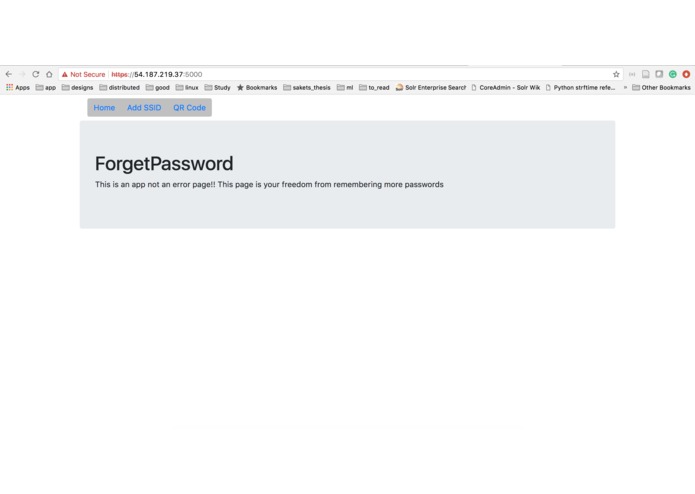
ForgetPassword
-
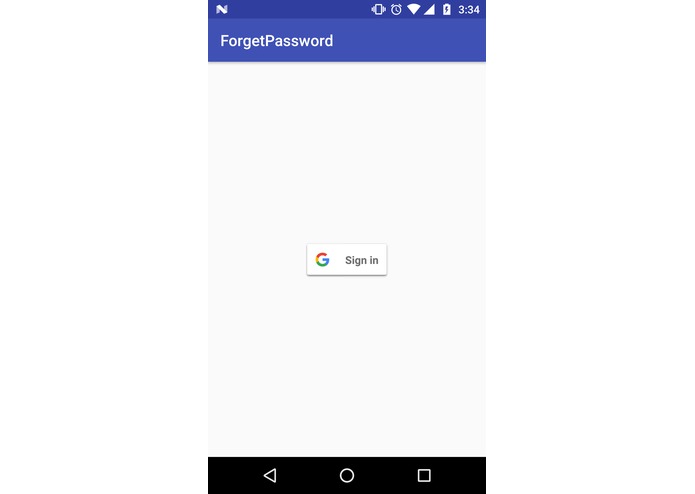
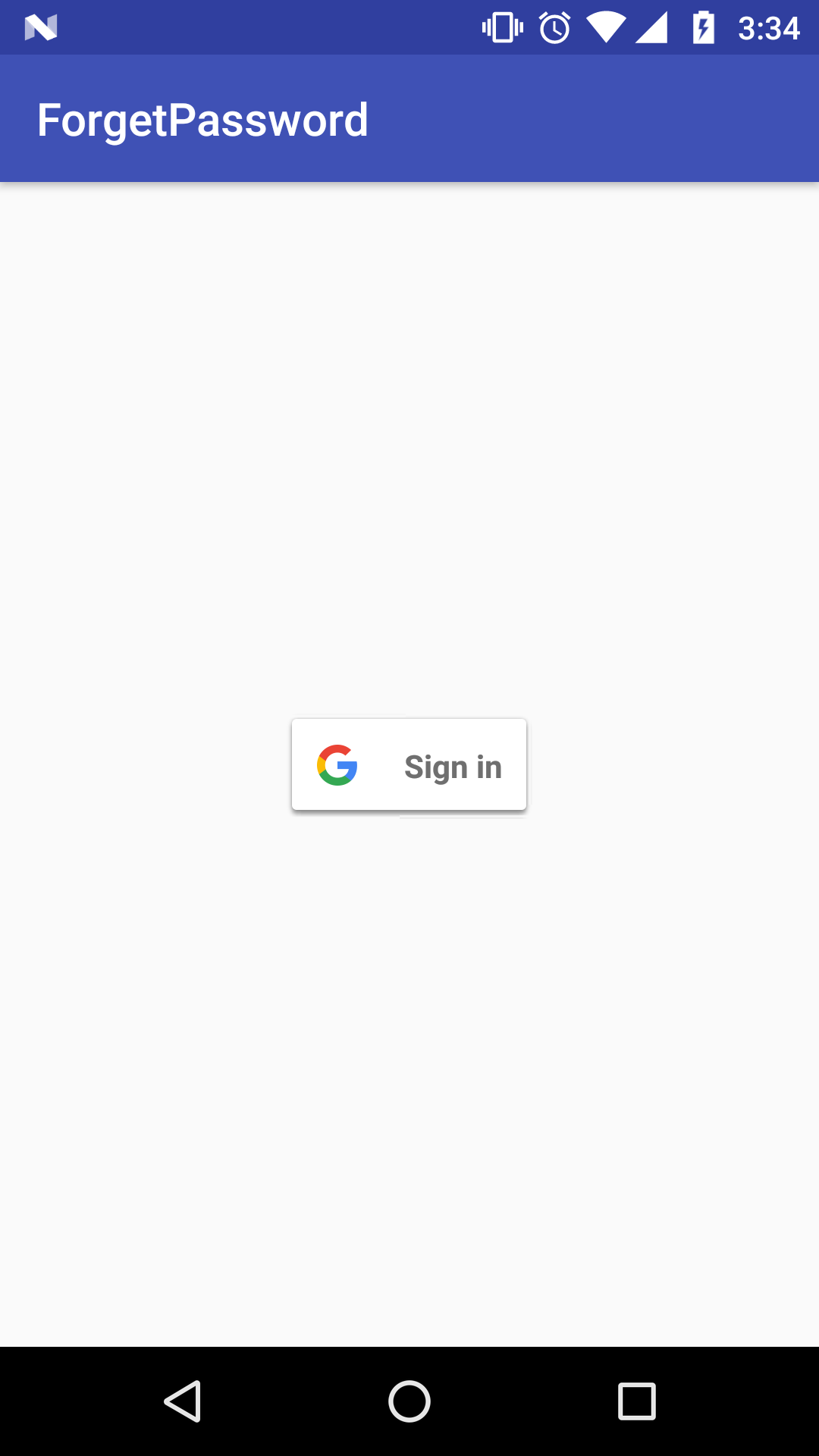
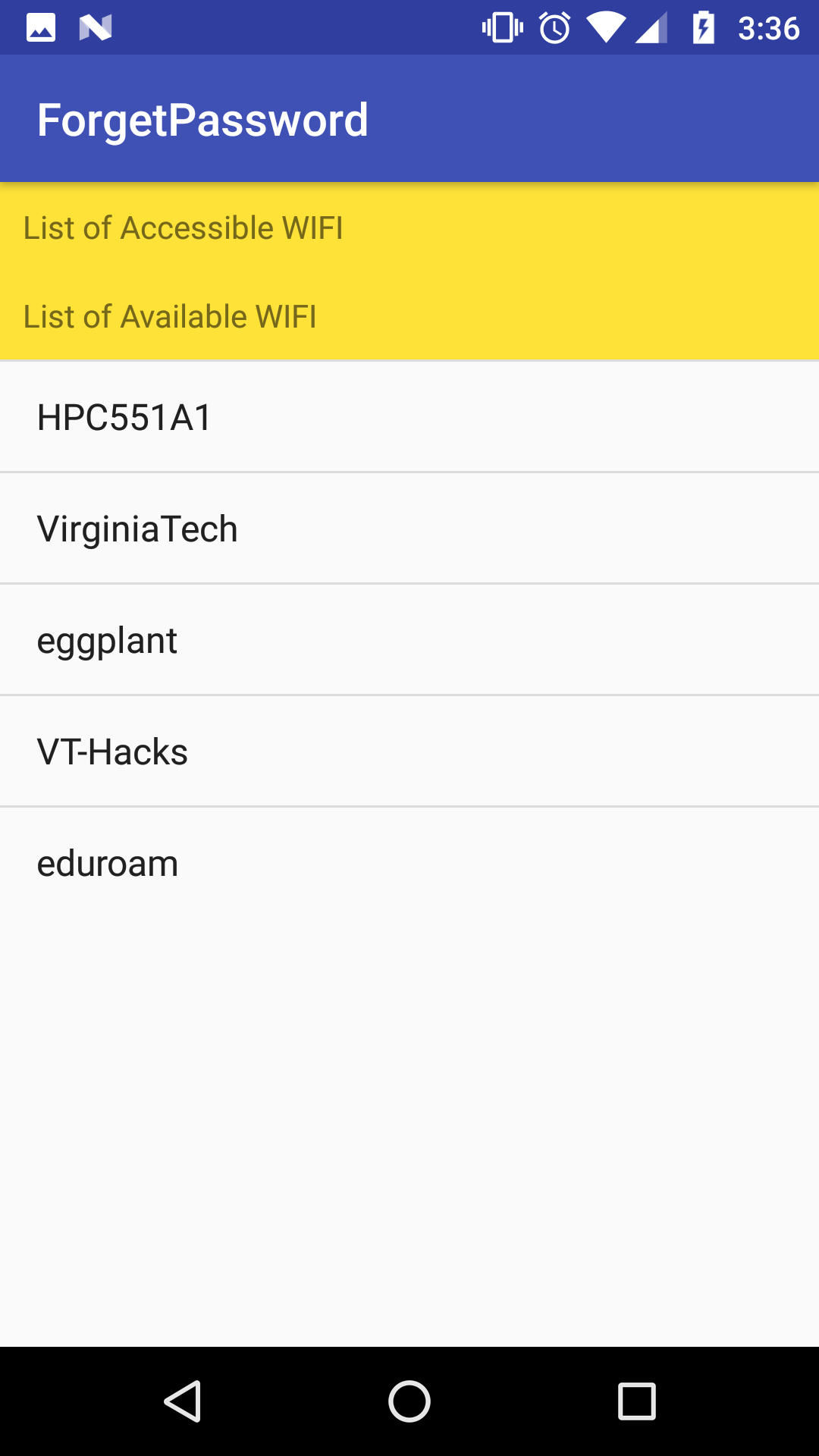
Initial state of mobile app
-
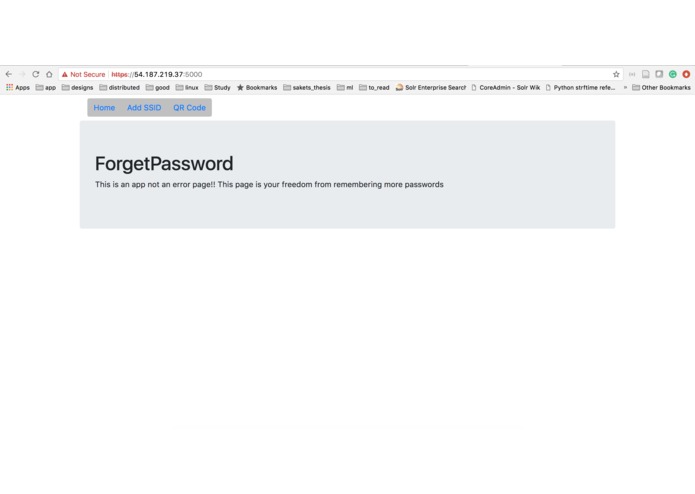
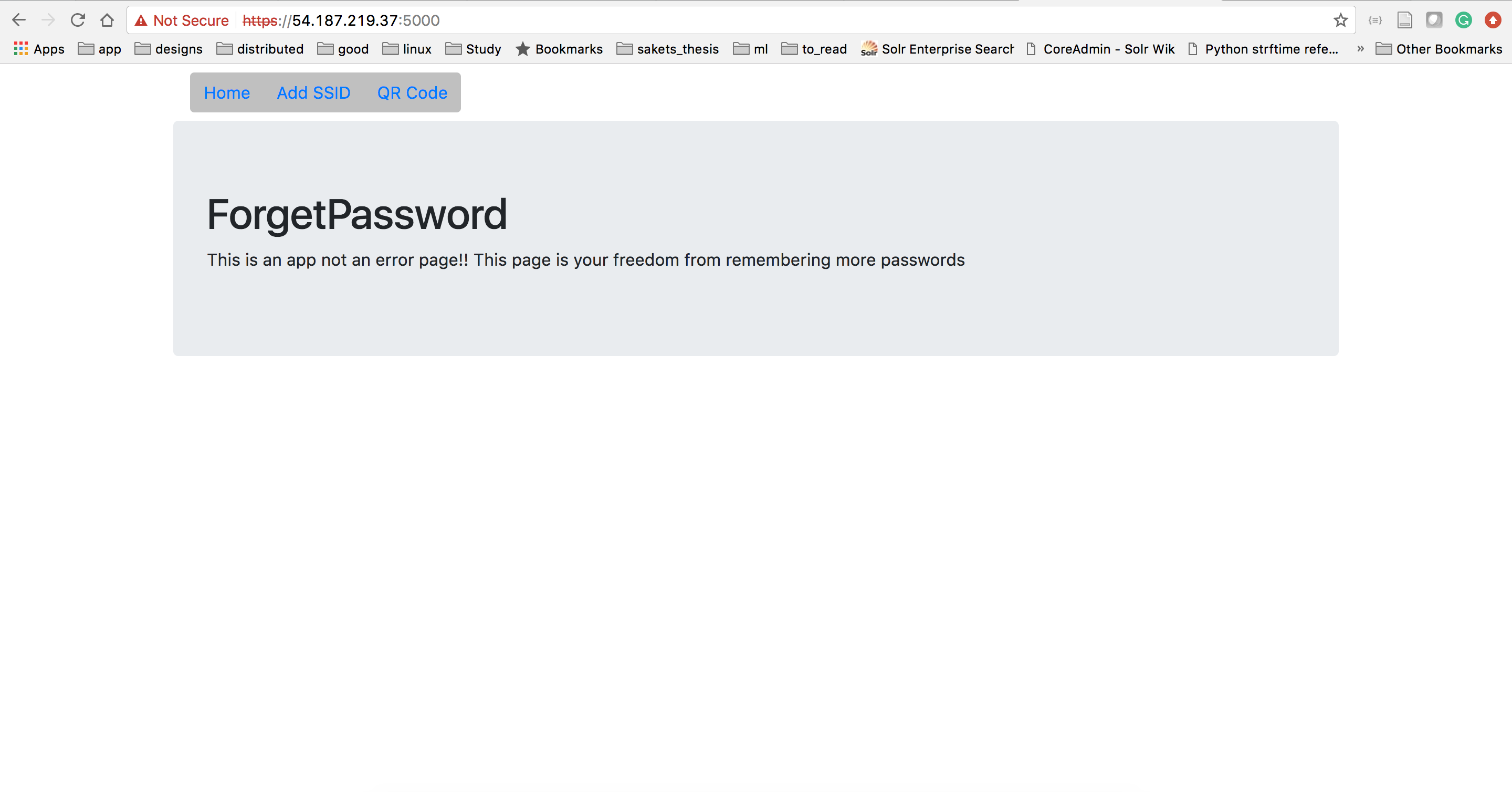
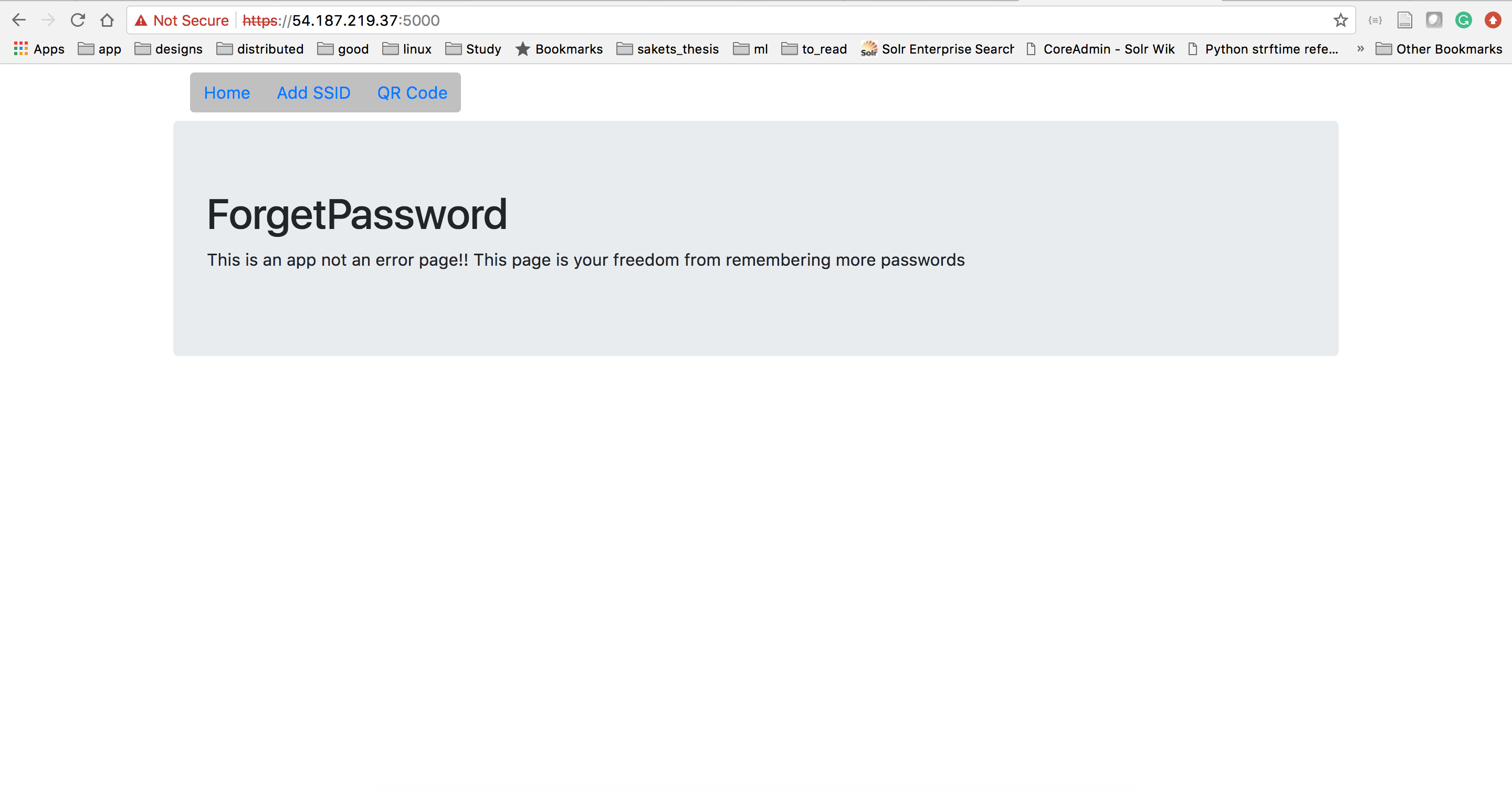
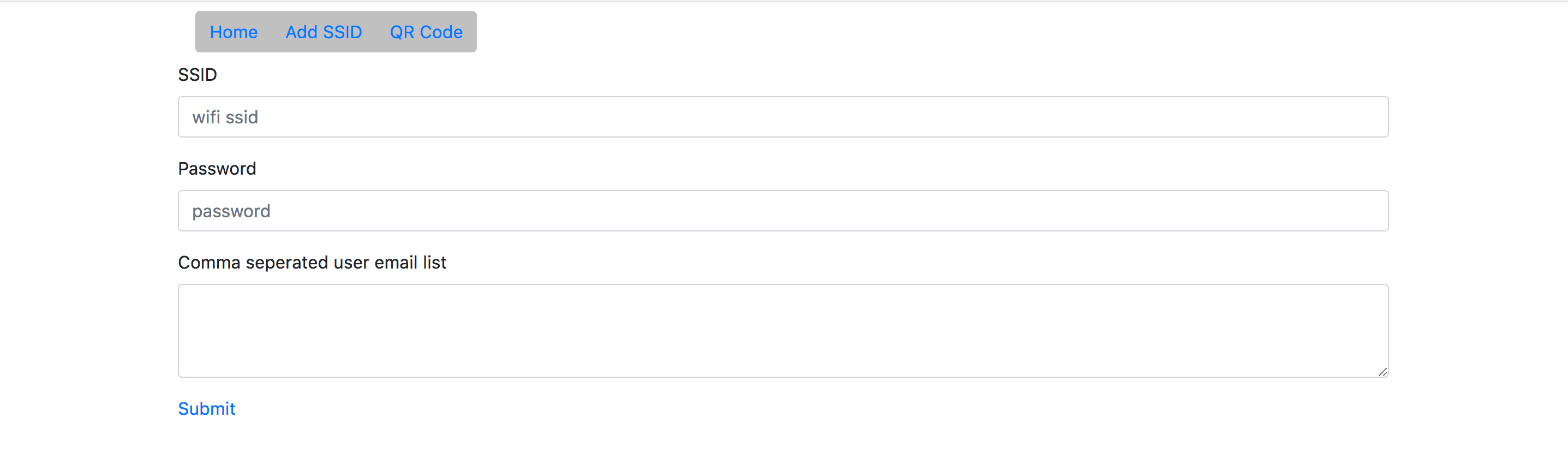
Initial state of web app
-
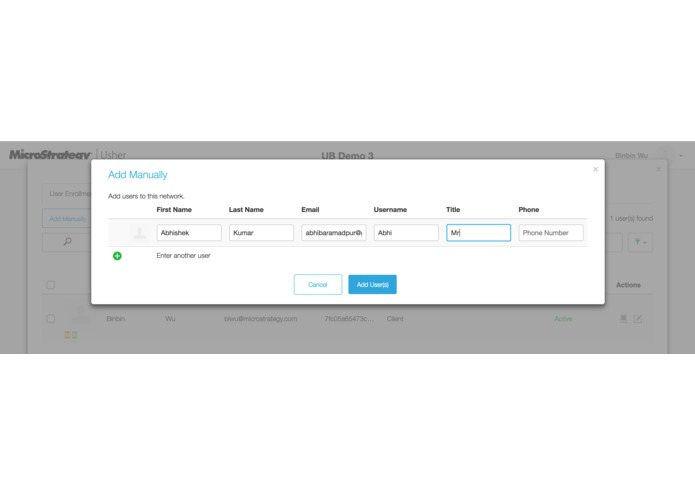
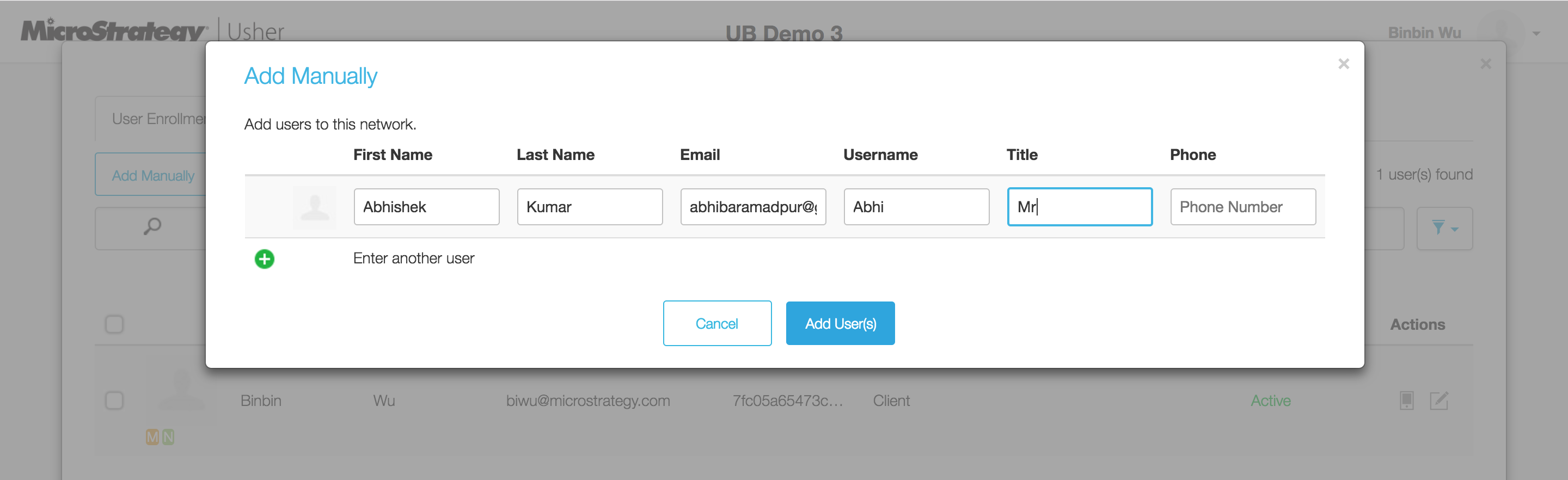
Create Usher badge for the user
-
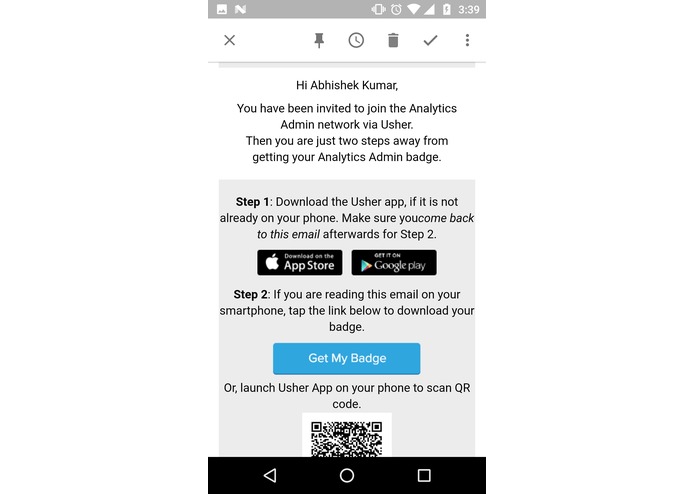
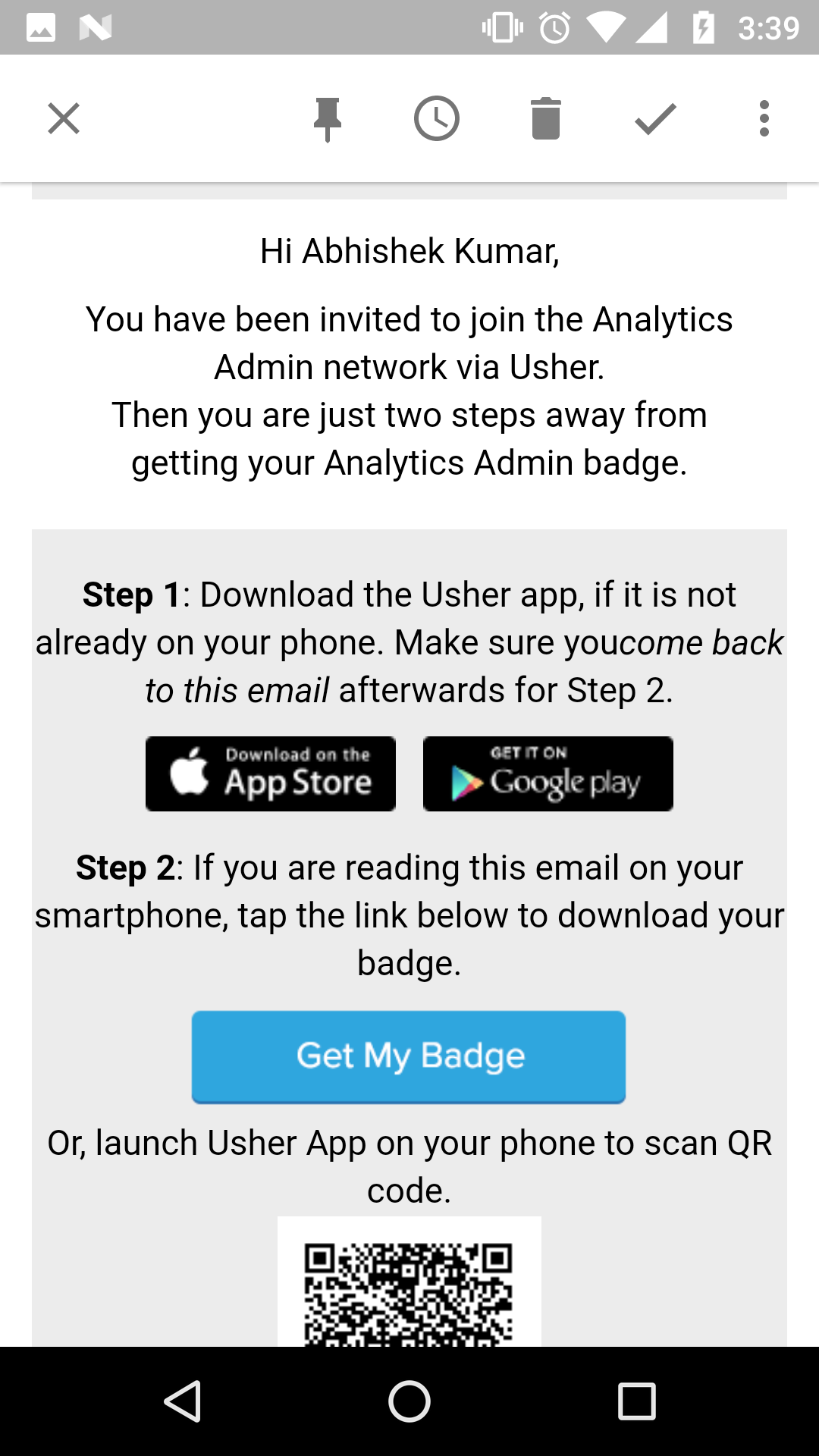
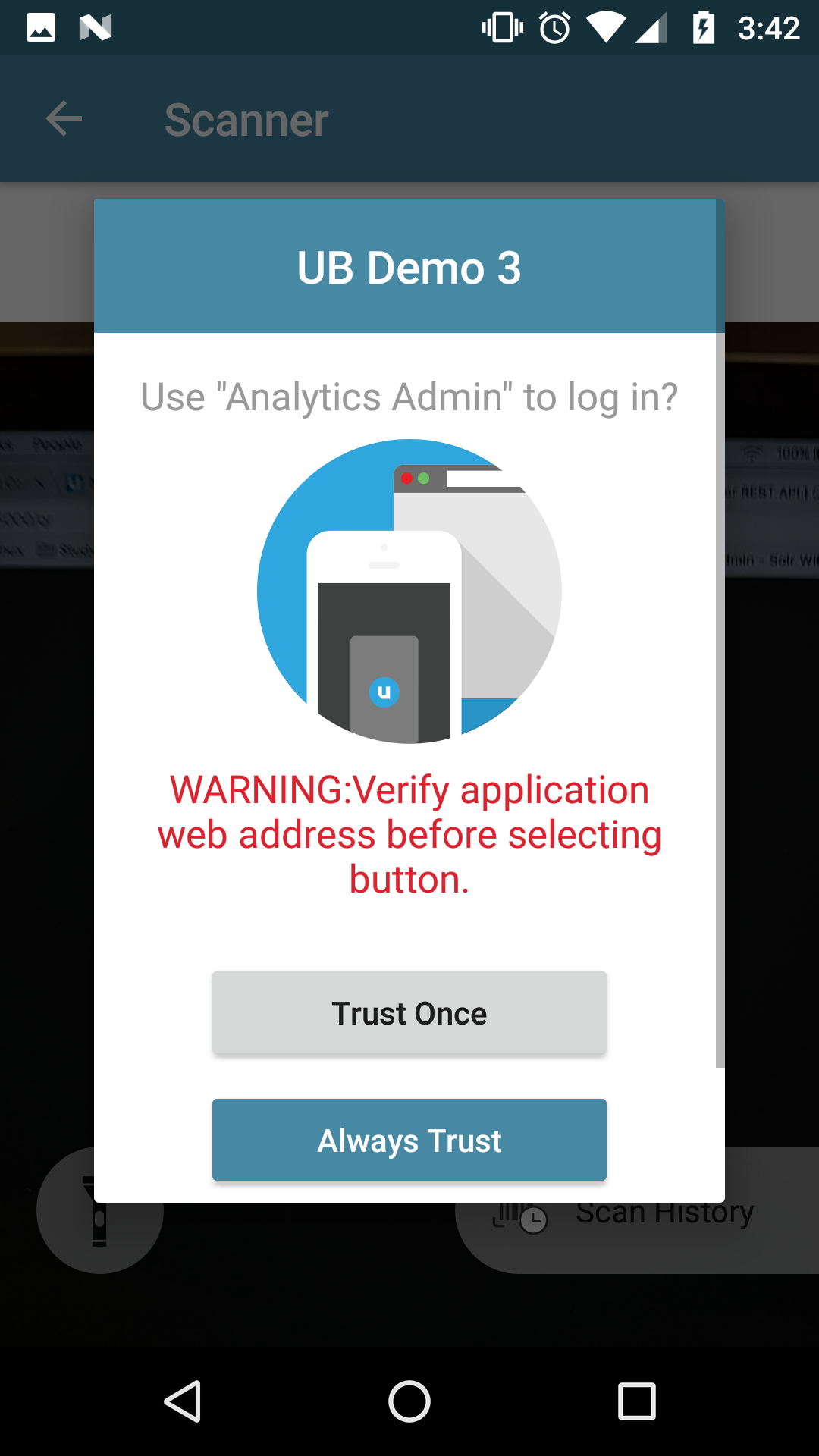
User accepts the Usher Badge
-
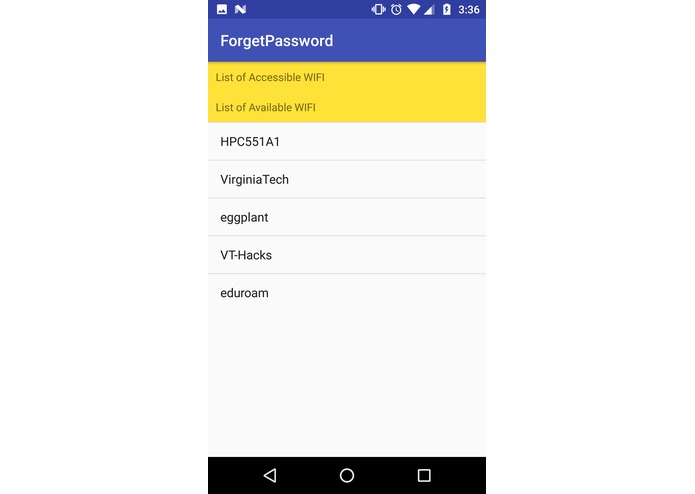
App showing no accessible Wifi's available. Because the user is still not in our system
-
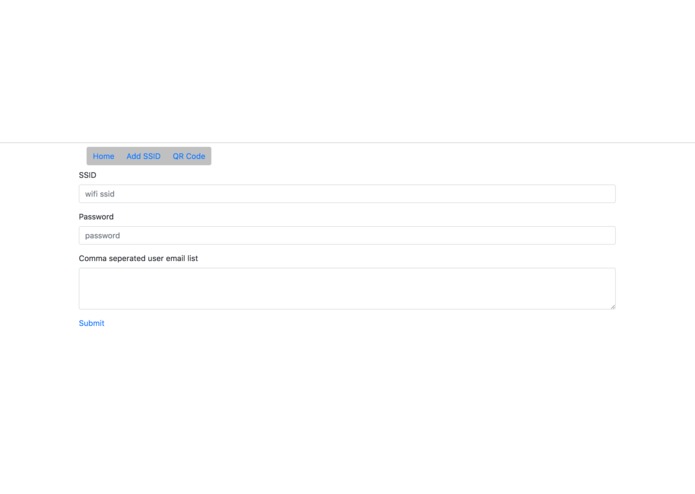
Enter wifi info into our system
-
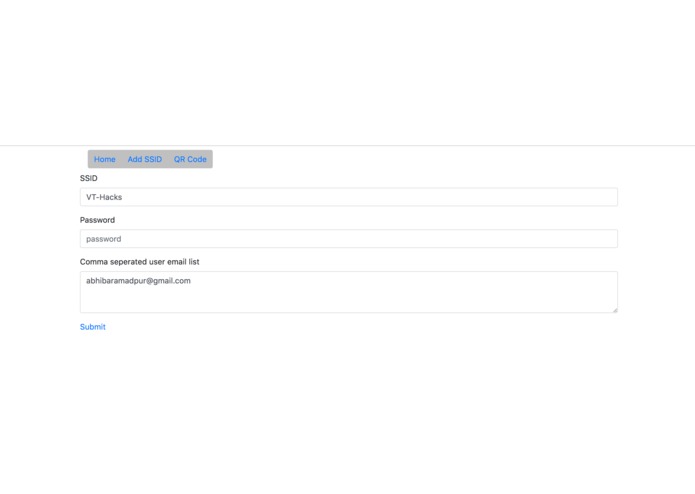
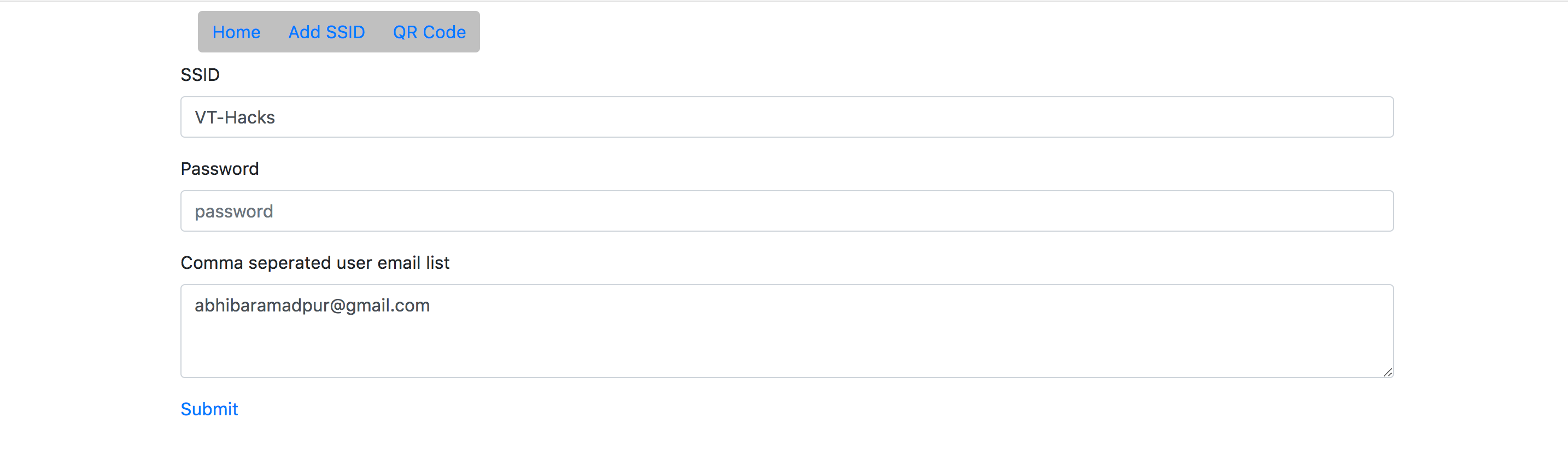
State after entering wifi and user info
-
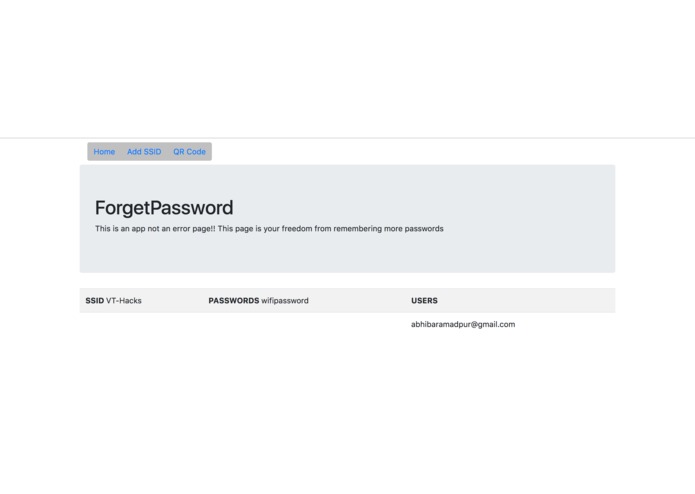
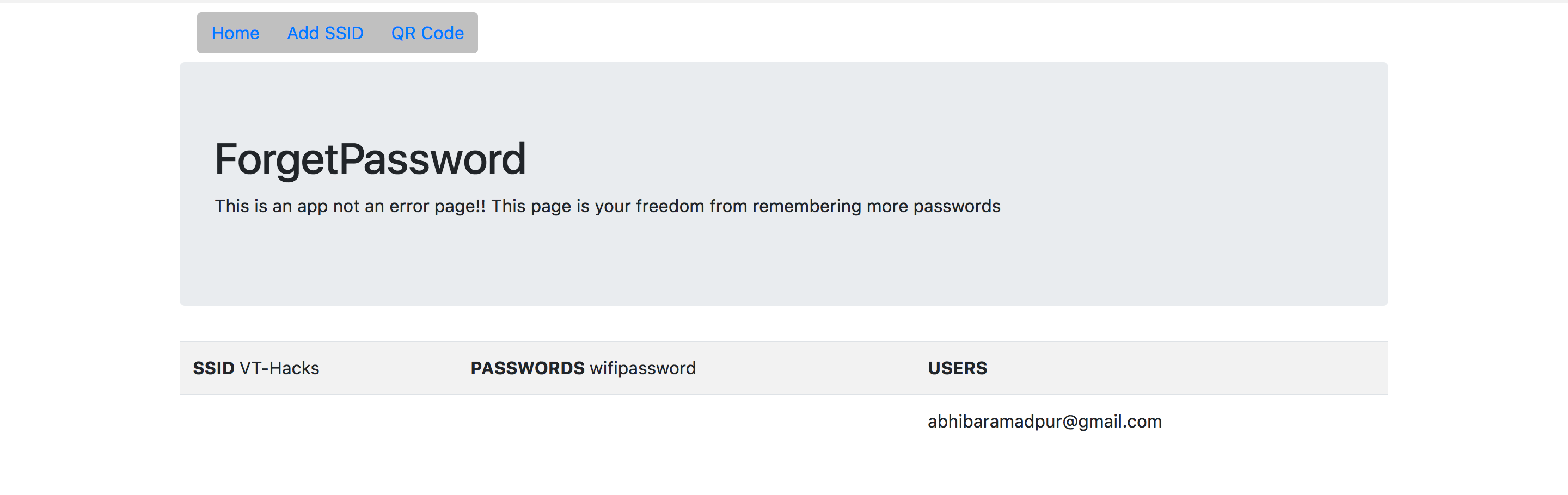
Now you can see your wifi and users
-
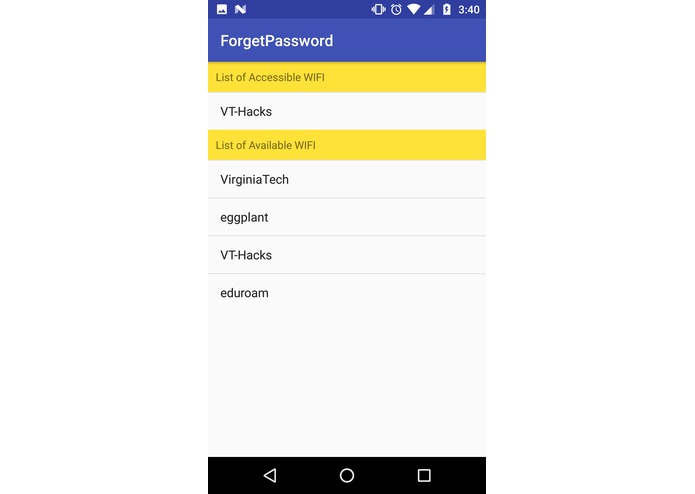
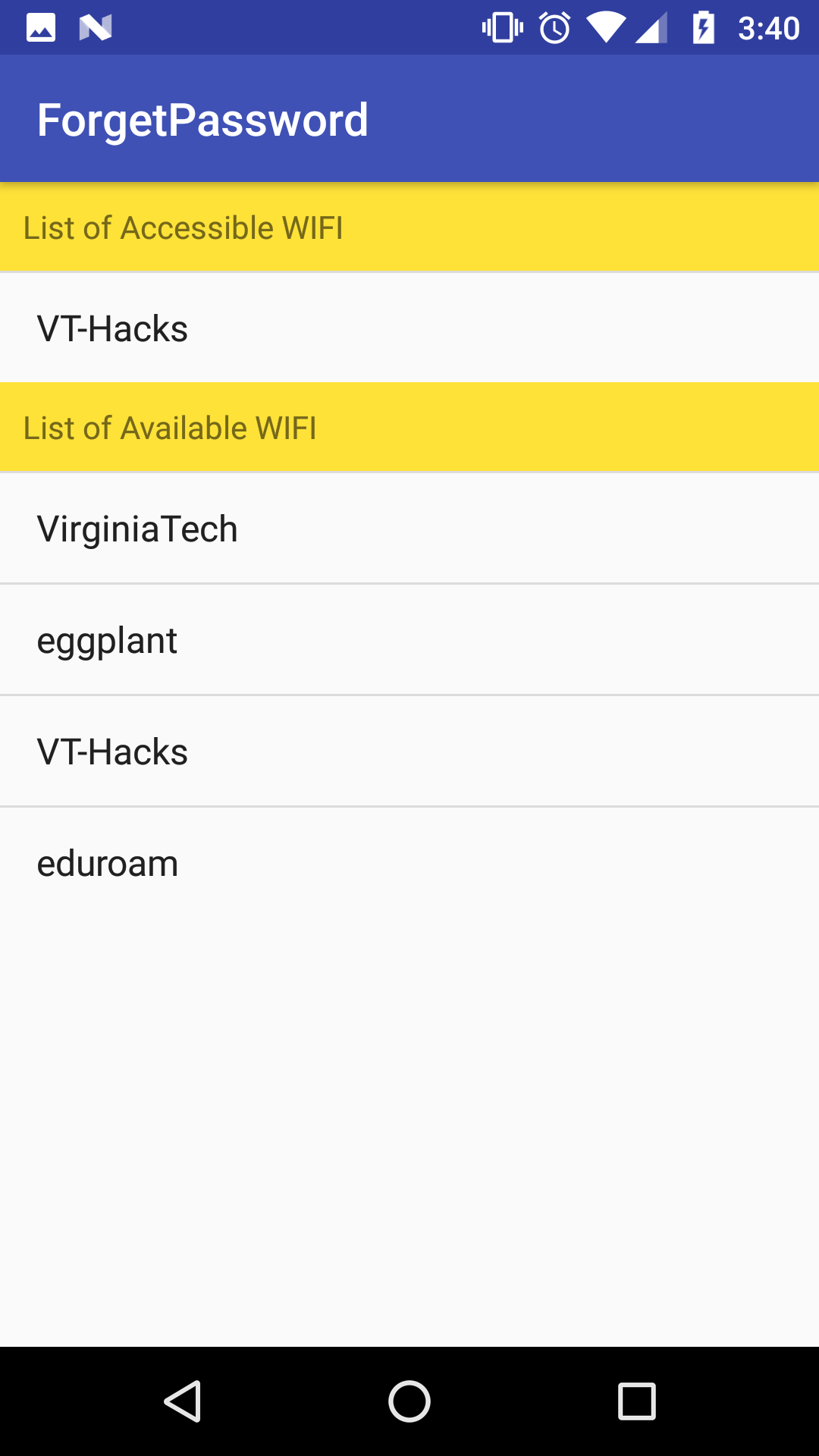
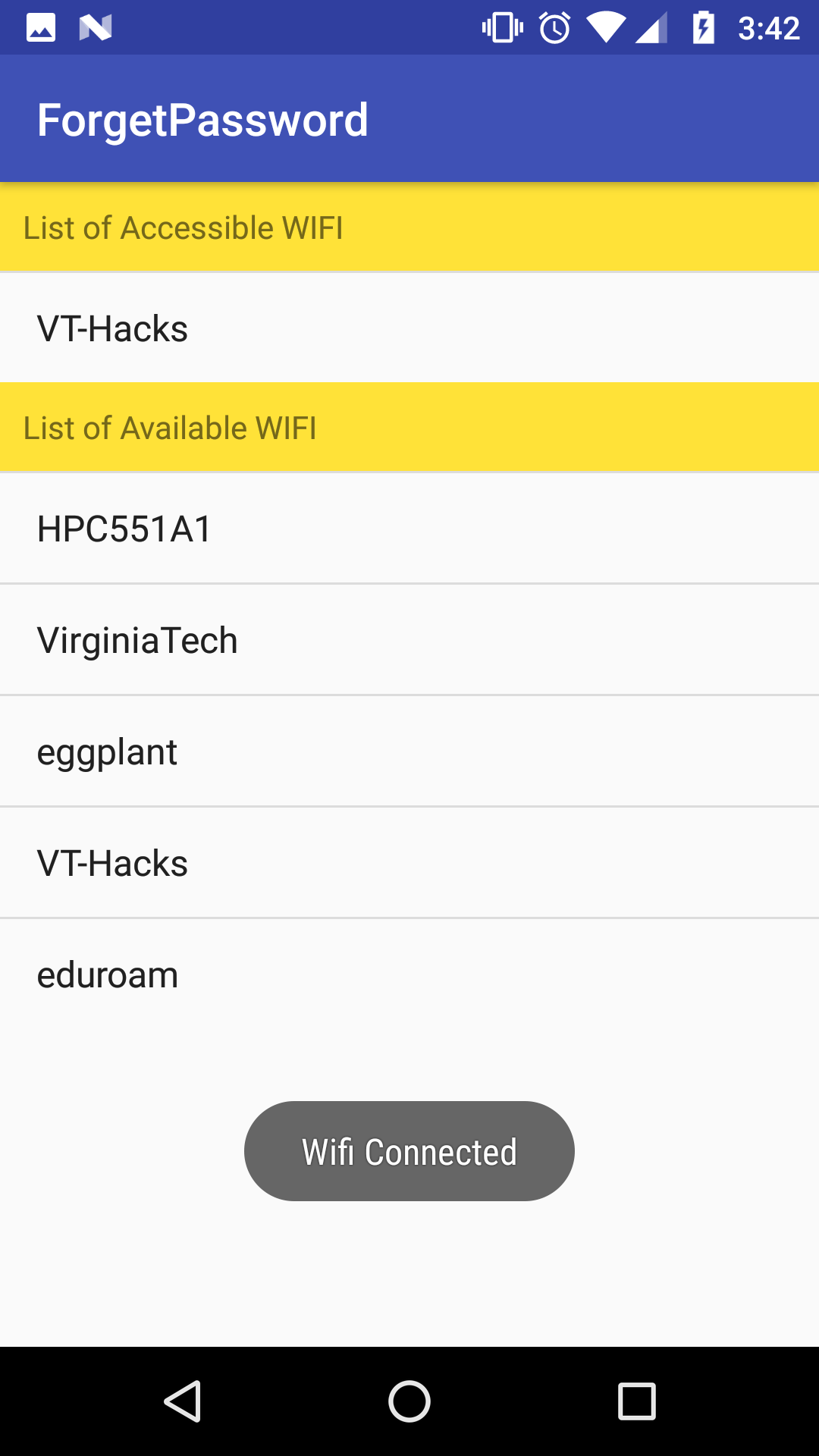
After user in our system, they can see all accessible Wifi's
-
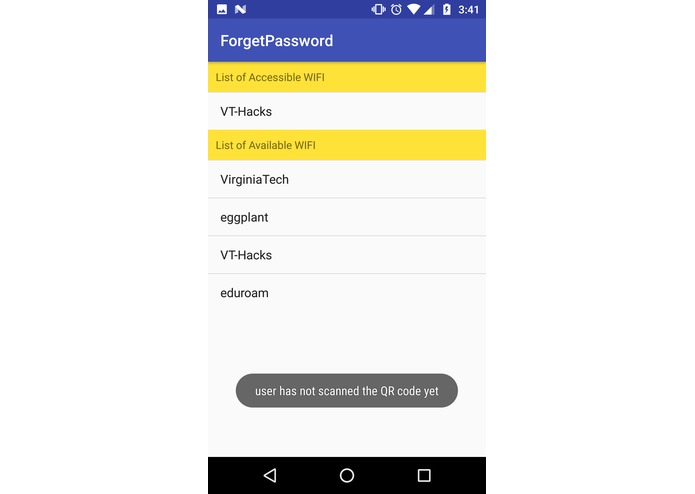
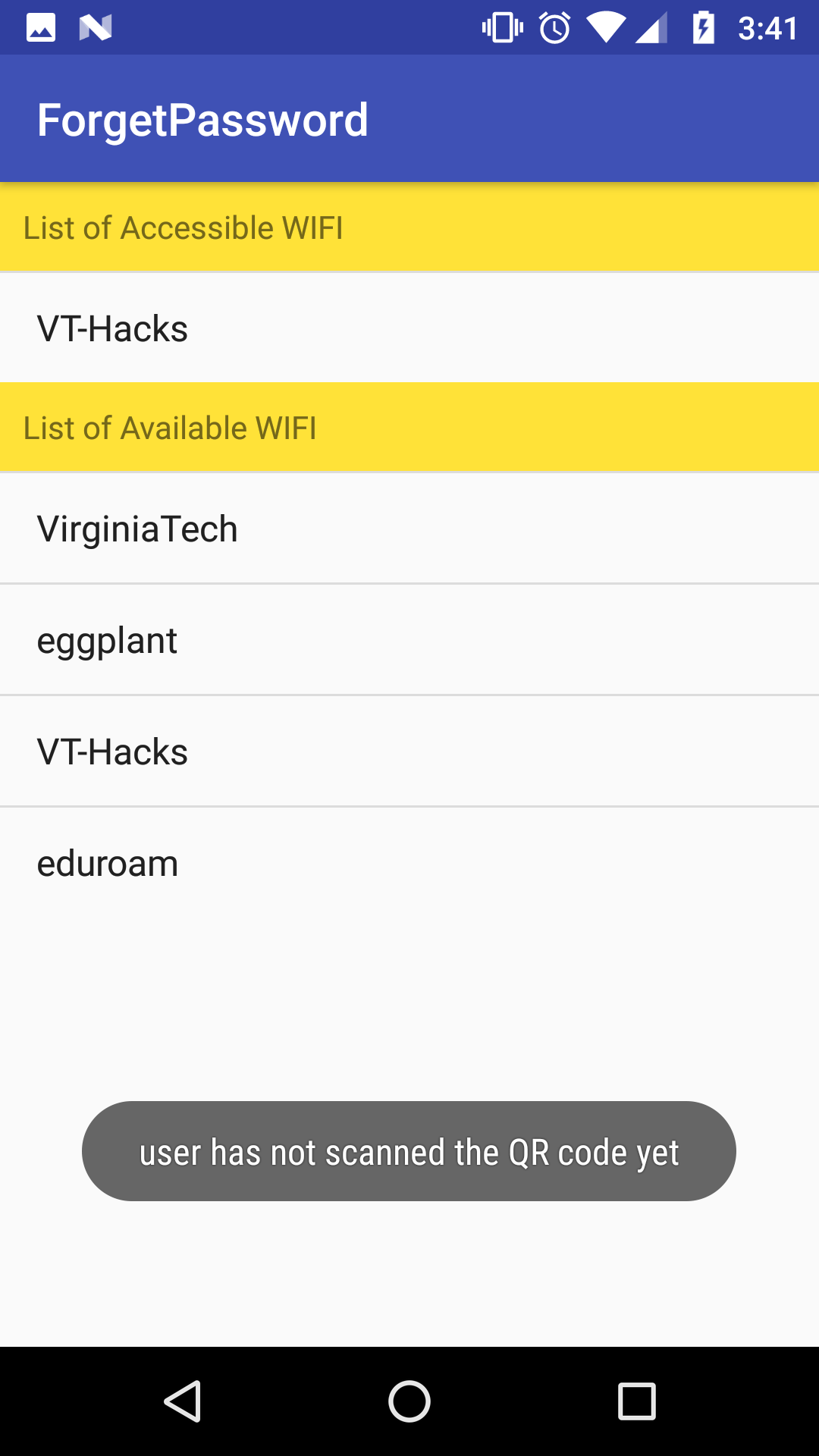
But they can't login without scanning the QR code
-
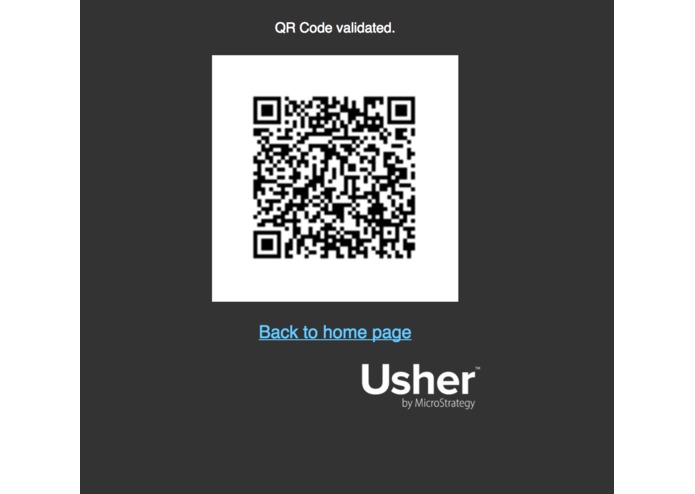
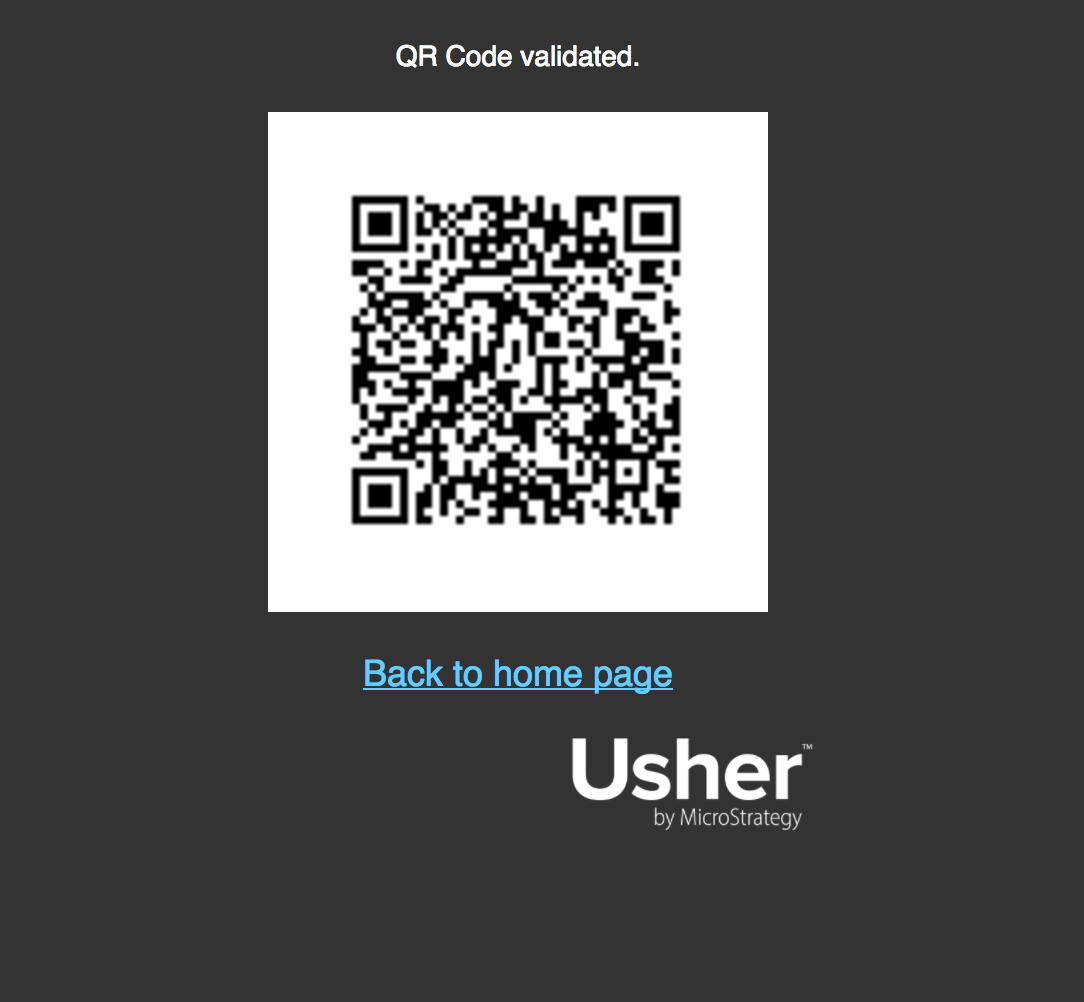
QR code for authentication
-
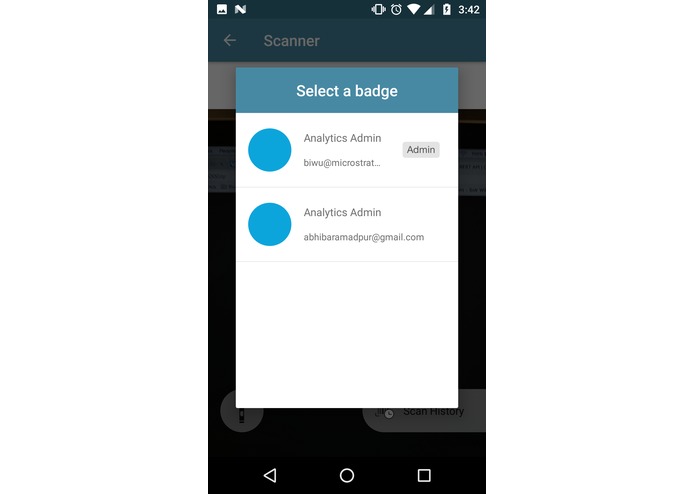
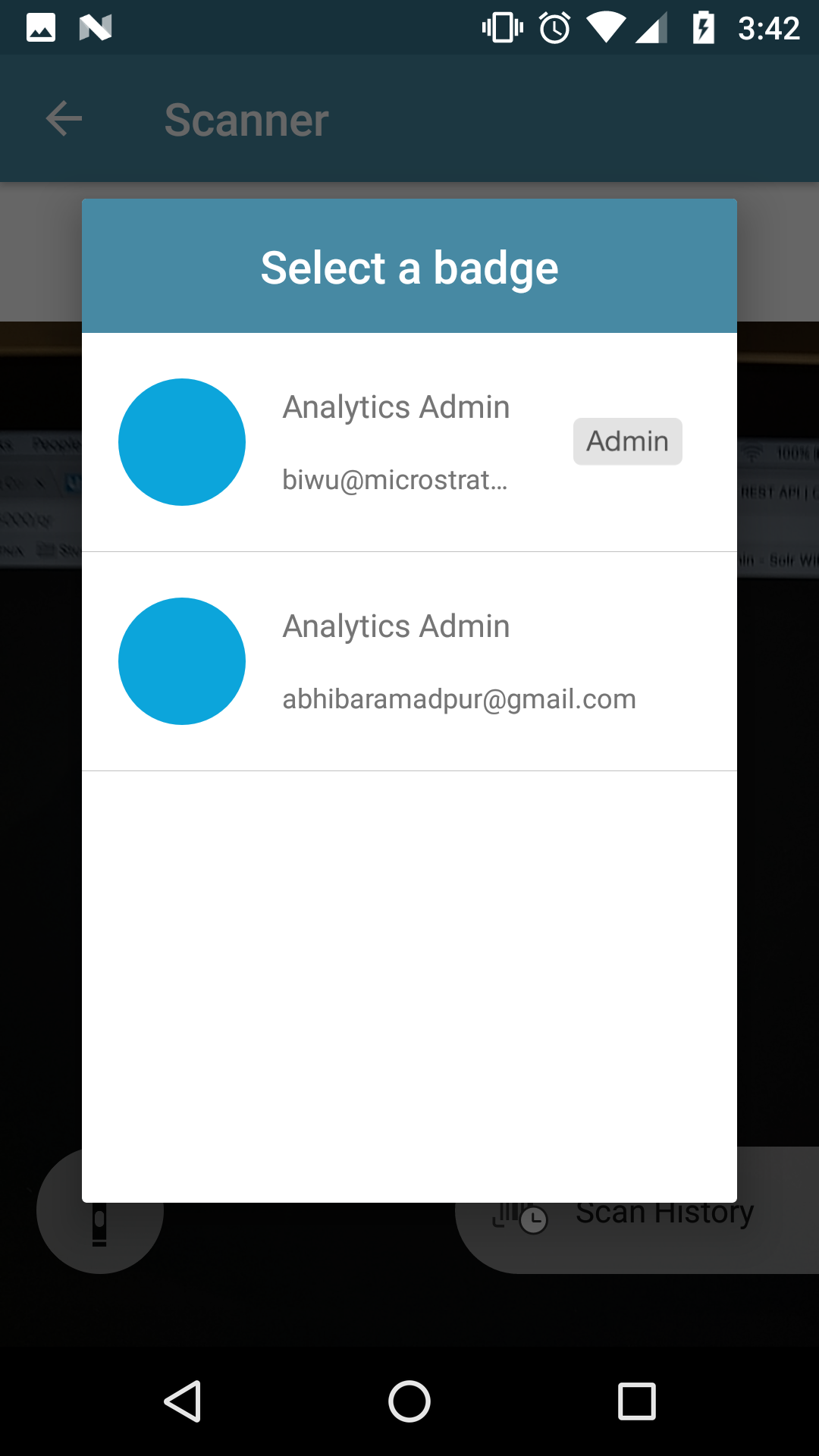
Authentication using a valid Usher Badge
-
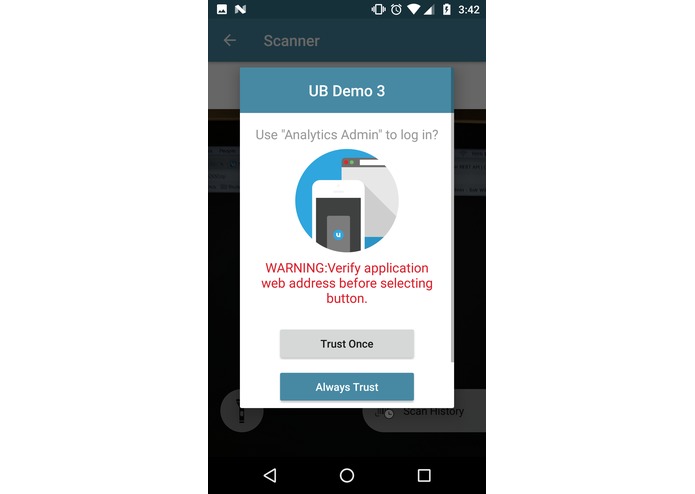
Authentication done
-
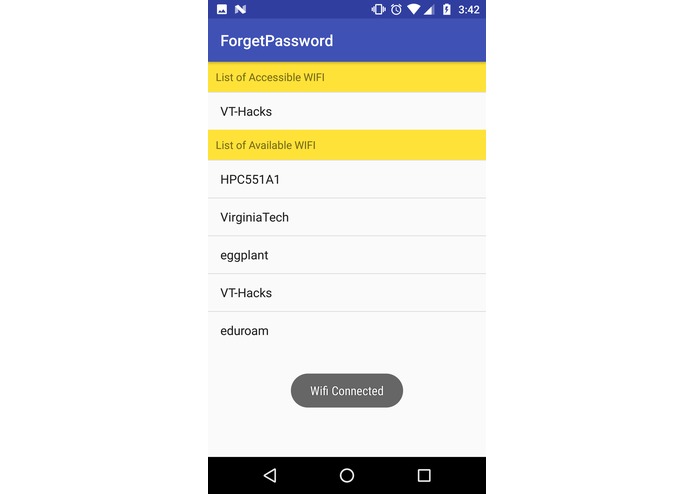
Now user can connected to Wifi by the app
Inspiration
This project is inspired to solve 2 basic problems with the WIFI world:
- Participants need to specifically ask for passwords and then type it out during any event
- Organizations(such as VT-Hack) need to publically tell their WIFI passwords. This leads to lots of freeloaders and eventually slow speed.
What it does
This project has 2 components:
ForgetPassword web application (https://54.187.219.37:5000/). This enables organizations to store
- Wifi names (or SSID)
- Wifi passwords
- List of email id of their users It also generates a QR code using Microstrategy's Usher Web API. This will act as an Authentication mechanism for users who have an Usher Badge provided by the organization.
ForgetPasswordApp which is an Android application. This app requires the user to scan QR code generated above. It then lists out all the Wifi's available the user depending on his/her badge. Once the user is authenticated, app fetches the Wifi password from ForgetPassword's web server and logs him/her in.
Throughout this process, the user never receives any passwords and there is no manual signing process.
How I built it
Mobile App
- Platform: Android
- minSdkVersion: 22
- IDE: Android Studio
- External Libraries: Retrofit, play-services-auth, wifiutils
- App Authentication: Google sign in
Web Application
- Platform: Ubuntu(16.04)
- Hosting: AWS EC2 instance(t2.micro)
- Framework: Flask
- Language: Python
- API: Usher REST API
- Database: Local file based
- Version Control: Git
- Repository: GitHub
Challenges I ran into
There were multiple challenges throughout the project.
- Understanding Usher architecture and workflow
- Understanding Android's Wifi manager API
- Developing a SAML enabled web application
Accomplishments that I'm proud of
I feel proud that I was able to finish this project and come up with a working prototype. I thought about this idea after the opening ceremony and going through all the API's provided by the sponsors. I feel my solution solves a unique issue in a very simple way.
What I learned
I learned a lot about Usher. I found it to be a unique solution with wide range of applications. Another important learning for me was how Microstrategy is assisting the Data Analytics ecosystem.
What's next for ForgetPasswordApp
With a little more efforts and collaboration with Microstrategy, ForgetPasswordApp can become a powerful solution for distributing wifi passwords. This will help organizations to track their hotspot usage and provide better services if certain areas are more constrained than others. This will save users from the hassle of remembering passwords for each wifi. We will be spreading convenience one passwords at a time.
Built With
- amazon-web-services
- android
- android-studio
- java
- microstrategy-usher
- python


Log in or sign up for Devpost to join the conversation.