-
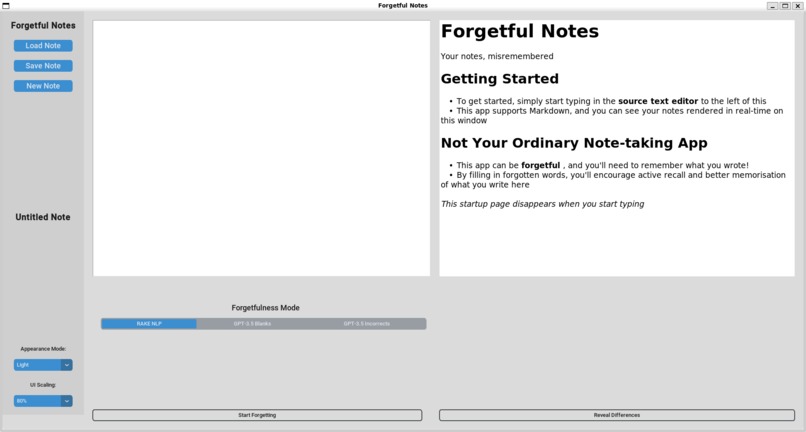
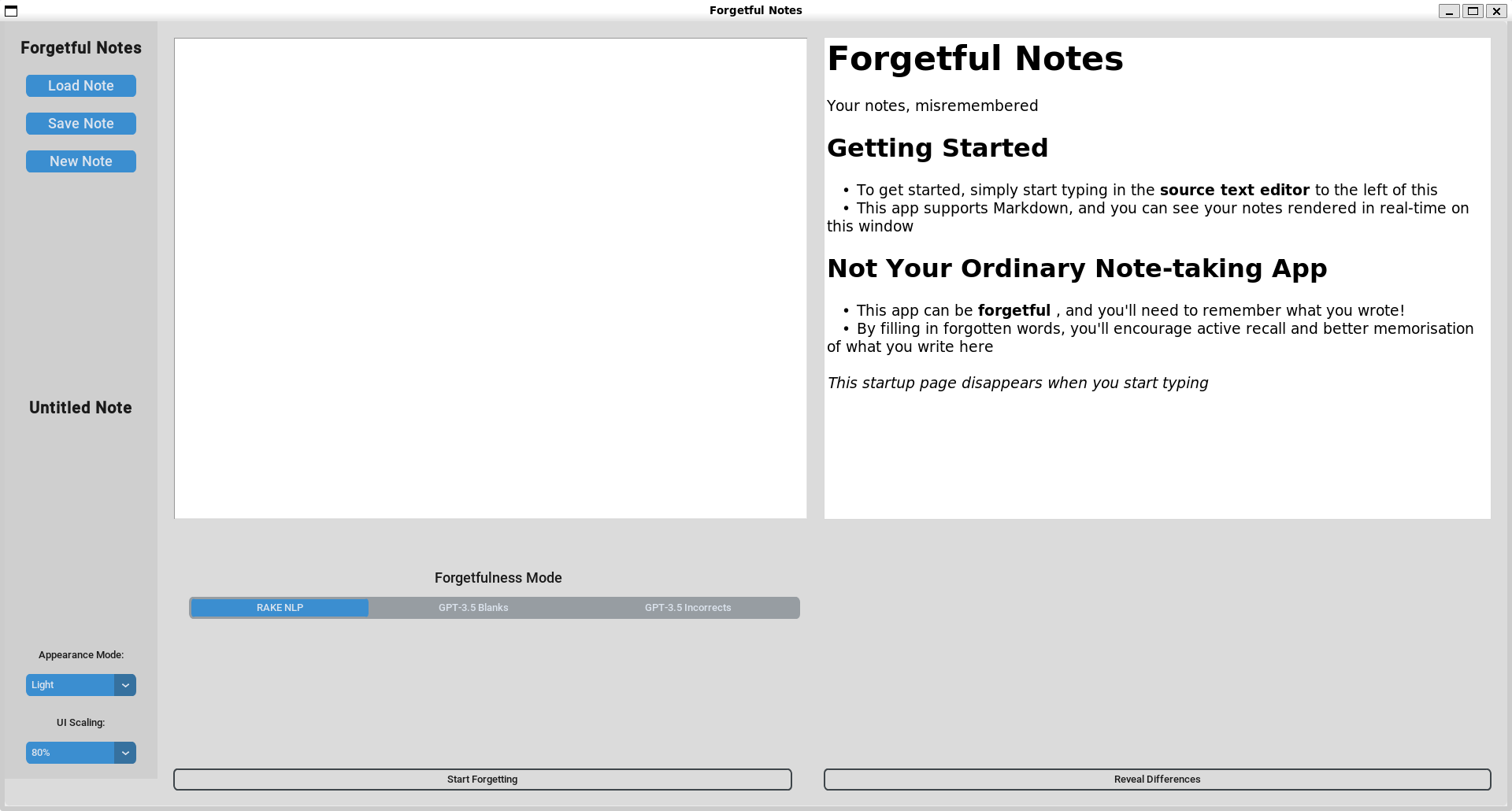
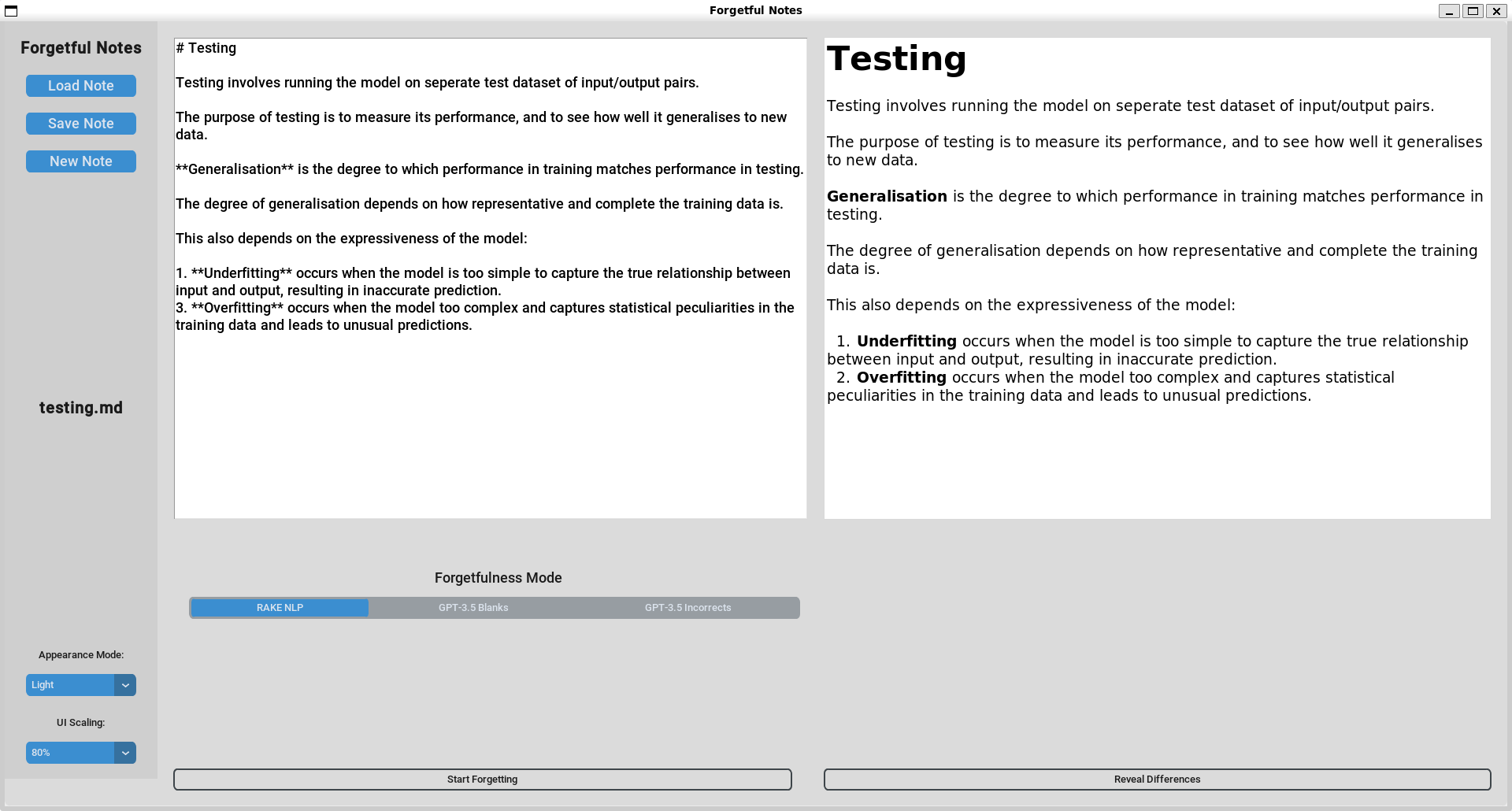
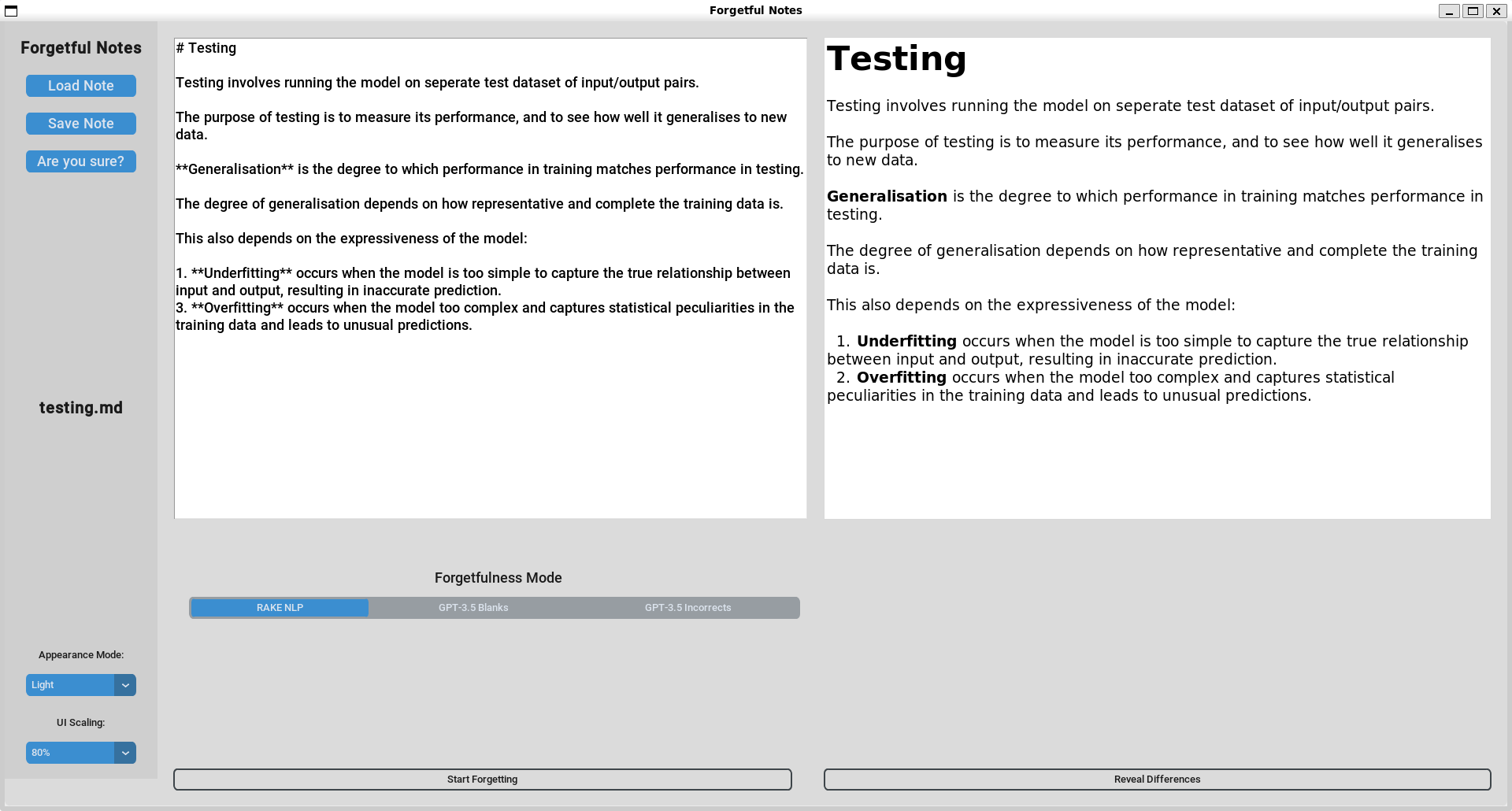
Startup Screen
-
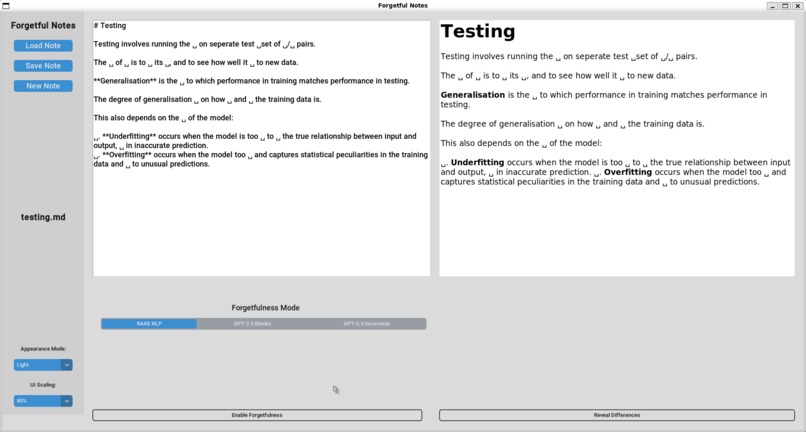
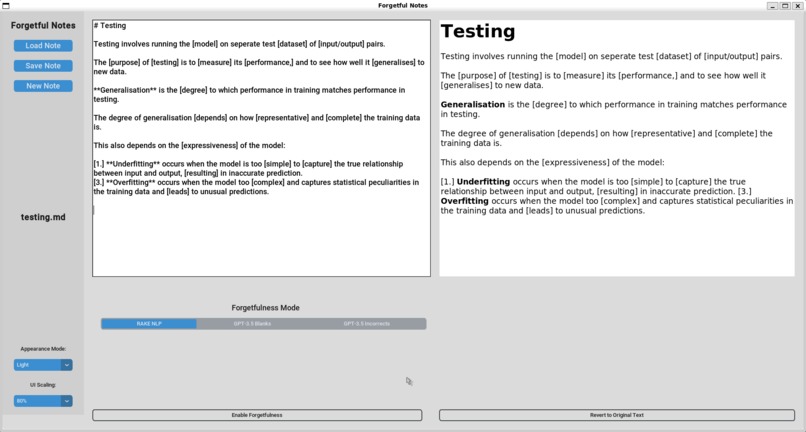
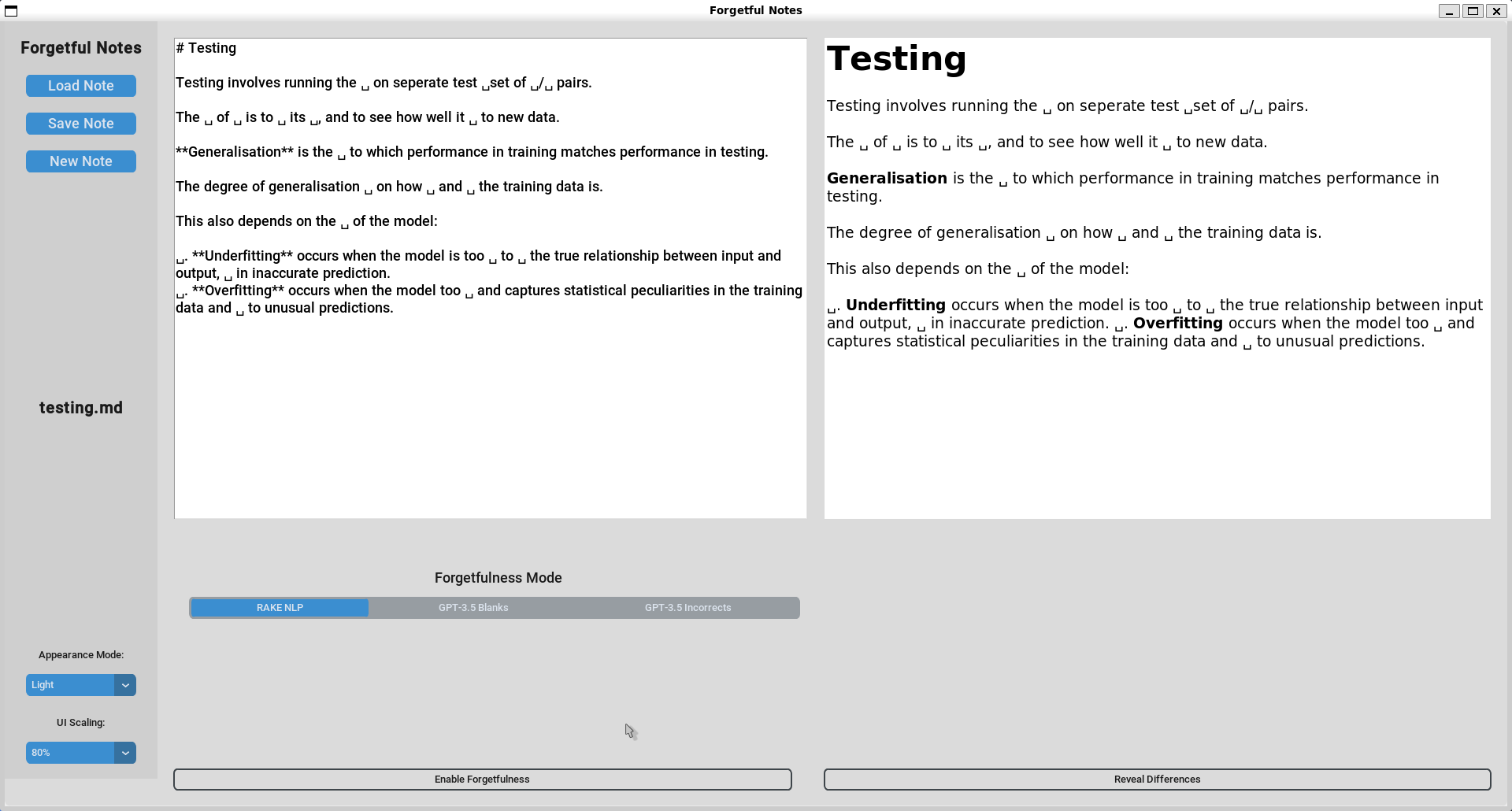
RAKE NLP Forgotten Notes: Super-fast performance compared to AI-based modes
-
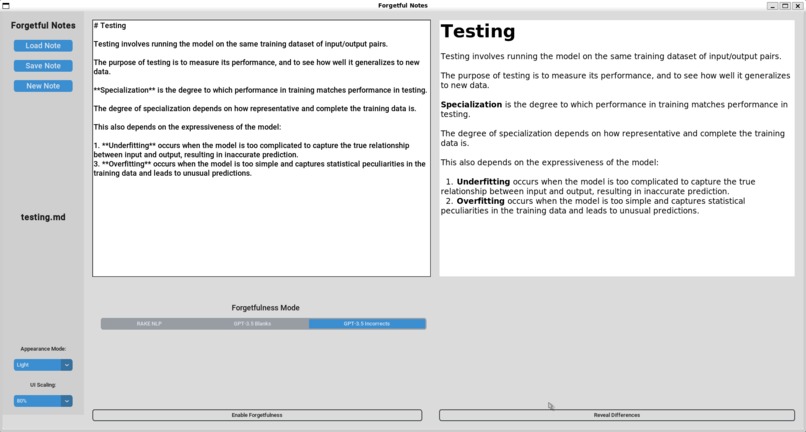
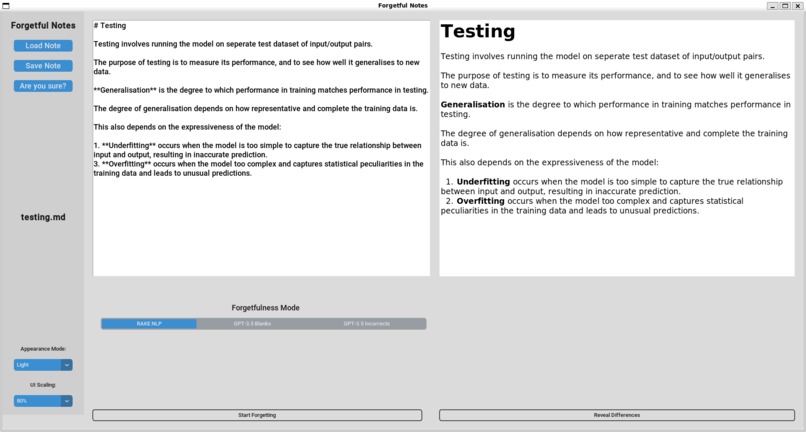
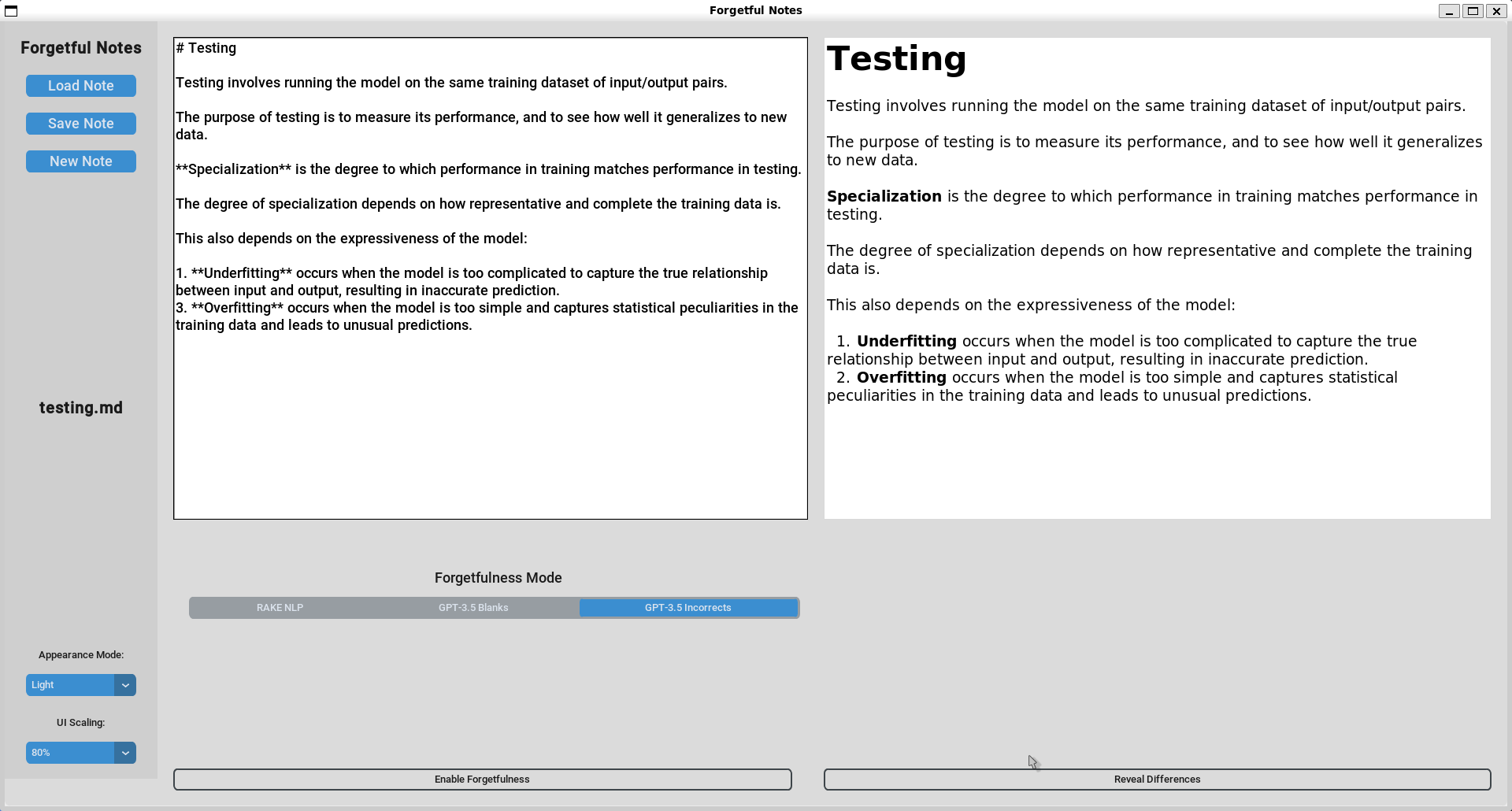
GPT-3.5 Incorrect Notes: Spot what's wrong
-
-
-
-
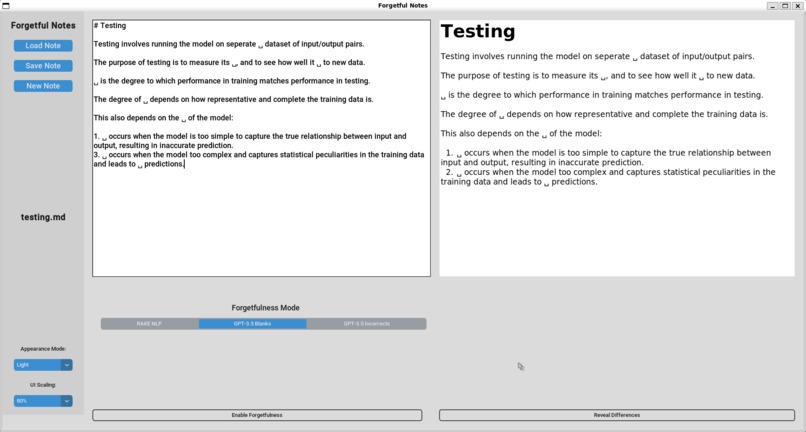
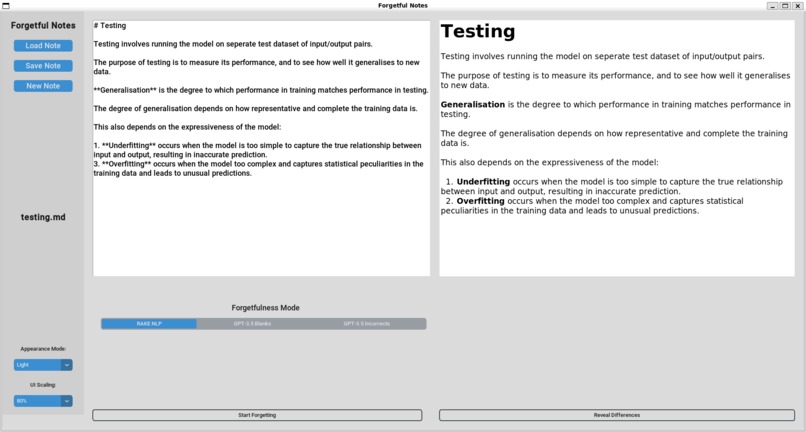
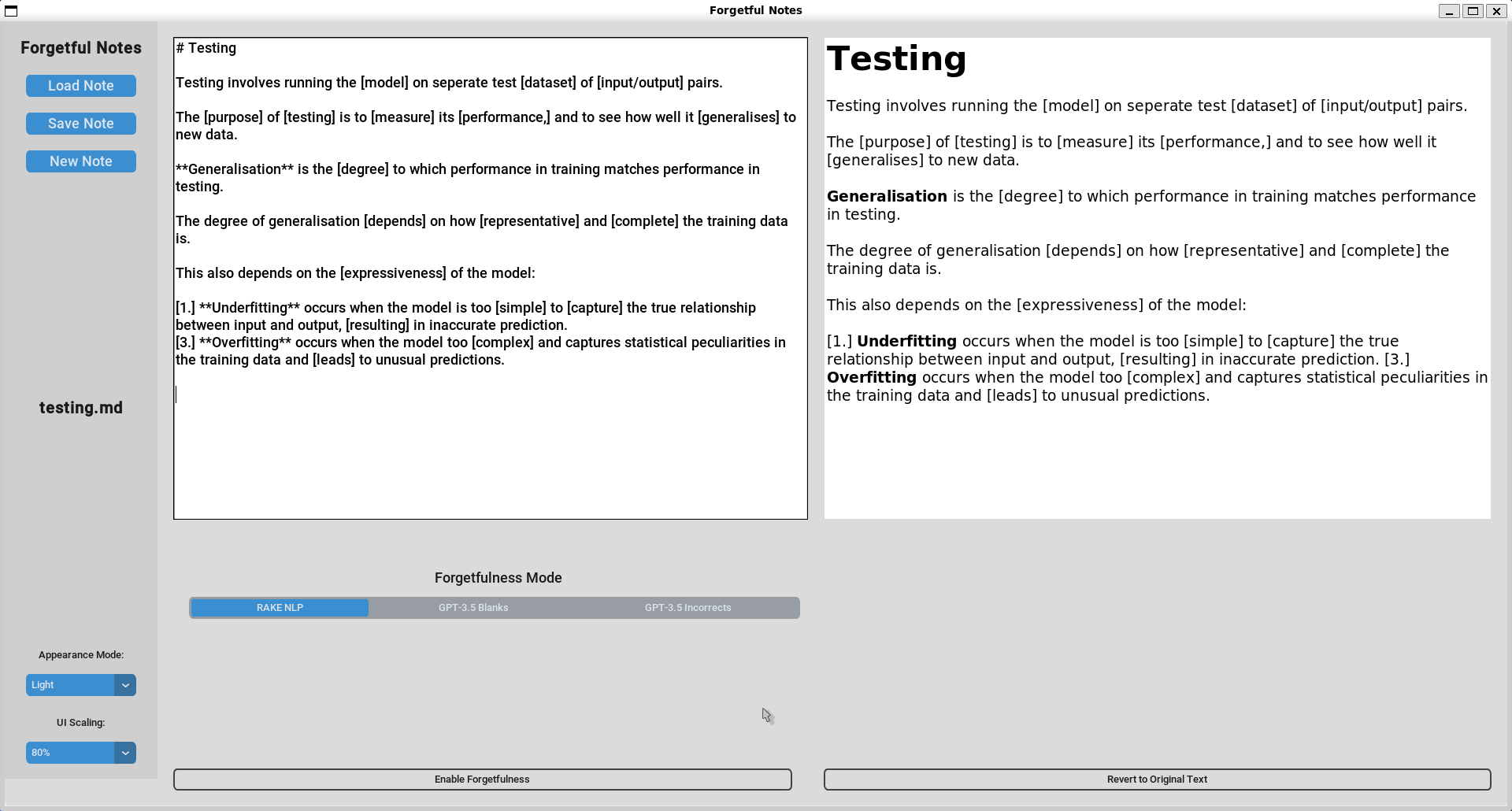
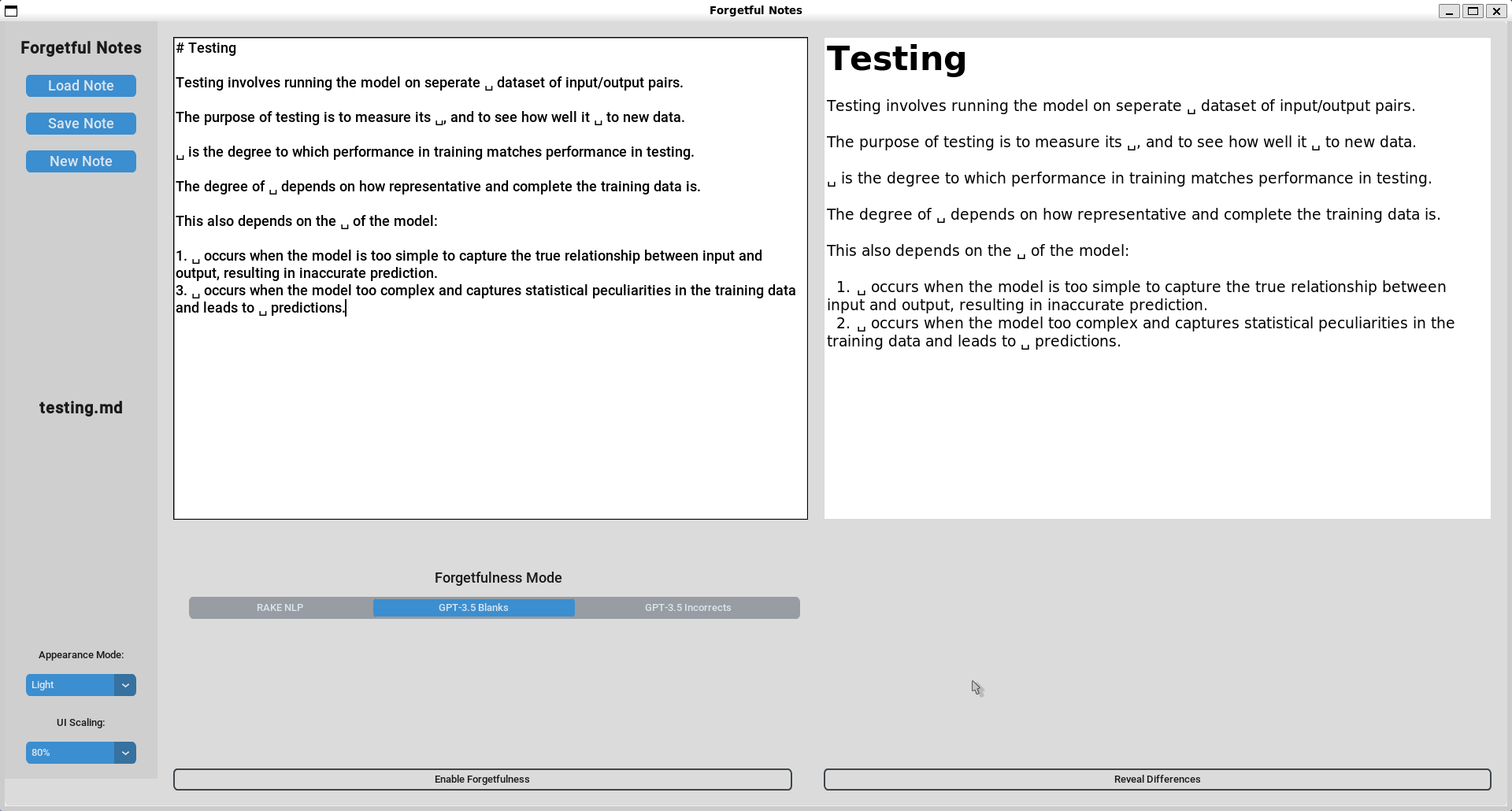
GPT-3.5 Forgotten Notes: GPT-3.5 selects more important terminology at the cost of slightly longer processing times
Inspiration
A lot of note-taking is done in lectures, using apps such as Notion, Obsidian, Microsoft Word, etc. But how much that's written down is actually absorbed or remembered? Instead of the user forgetting content, what if it was the app instead?
Our original idea was to create something simple yet effective for learning. We turned towards note-taking, and one thing we saw was how much time was spent on making notes only to be easily forgotten about. We introduce a new active-recall and memorisation system embedded into a note-taking app.
What it does
Being a revision and note-taking app simultaneously, Forgetful Notes allows the user to write their notes down and save them as files. As for the revision part, Forgetful Notes analyses the selected notes file and can do two things to it: conceal keywords by turning them into blanks OR alter keywords.
The first feature promotes active recall from the user. The user is required to fill in the blanks; this is unlike most generic revision apps, as they tend to use flashcards which are usually hefty with text. Moreover, this method is based off the user's original notes, which introduces a sense of familiarity, rather than it seeming textbook and rigid-like.
The second feature promotes critical thinking. Keywords are altered and their meanings are changed. For example, the sentence "The elephant is big" will be changed to "The elephant is small". Changes like this will be littered throughout the original paragraphs of notes, and the user has to keep a clear mind and eye out for all these mistakes. This serves as a proofreading exercise and reminds the user to not take notes for granted, as "knowledge" that is simply perceived visually can change, but rather appreciate the knowledge that will be forever embedded in them if they revise the right way, and we believe Forgetful Notes does just that.
How we built it
We turned to the Controller-Model-View design structure for our app. We built the views and controllers using TKinter and CustomTkinter and with Python to introduce interactivity to the GUI elements. In addition, we used RAKE NLP libraries and SciKit Learn to detect and identify key terms and definitions that we wish the app to "forget". This formed the basis of our model. For the Live Markdown Renderer, we converted the Markdown to HTML which then we could render on the app.
Challenges we ran into
Frequency - Inverse Document Frequency (TF-IDF) method. This statistical method assigns each word in a text a weight, and we hoped the keywords can be found by this way. We used a database on Kaggle and obtained the frequencies of all English words used. Then we compared it to the frequency of words in a trial paragraph to compute the weighting of each word. However, we ran into challenges when we analysed a paragraph on quantum entanglement, where the appearances of the words "Alice" and "Bob", a classic naming example in Physics, were higher than most words. Clearly, the names of example characters should not be keywords of the paragraph, and this method very much relied on the number of words appearing rather than also taking into account of the type of word and the context of the paragraph, hence we decided to discard it, but nevertheless we were glad we tried it.
It was a little tricky attempting to integrate the OpenAI API because of issues with the API key, but in the end we successfully implemented it into our app.
Accomplishments that we're proud of
We are very happy that we have put together a working app in less than 24 hours. The live Markdown renderer was something very nice to see on our app. Also we have successfully managed to weave NLP and LLM methods into a note-taking app. We are proud of the fact that we aspire to help many other students like us, and have managed to come up with such an idea in this time. We were able to look past the limits of many generic revision apps and create a more ideal version of studying that ensures knowledge STICKS to the user. While proofreading and fill-in-the-blank exercises are nothing new, we want the users to appreciate the fact that they can generate such exercises on ANY topic of their liking in a matter of seconds, with just the click of a button. There is no need to go out of the way to buy external exercise notes or book: it is all contained within Forgetful Notes, with notes and practice questions on standby any time.
What we learned
We learned to sort our ideas in an orderly manner. When everyone is bubbling with different ideas, it is often hard to reject or accept them right after one's pitch, and see more than one idea at the same time. We created a shared document and spent around twenty minutes typing out our ideas in silence: no discussion, no questions. When all that is done, we came together to go over each idea on the page one by one, which was way more calm and organised.
We learned a lot about Python desktop app development and the use of Git/Github. The CMV model helped modularise and simplify our code files.
What's next for Forgetful Notes
We plan to introduce full text-editor features to this app, as well as more advanced active-recall systems, such as increasing the number of forgotten terms near the top of the page, the further a user types down a page. There is also the potential to create false-looking graphs in STEM subjects that look similar to the right graph, which also aids in active recall of the user. This project has a potential to be quite useful in the future.
Built With
- customtkinter
- gpt-3.5
- html
- llm
- markdown
- natural-language-processing
- openai
- python
- rake
- scikit-learn
- tkinter

Log in or sign up for Devpost to join the conversation.