Inspiration
Most WebMCP demos are a cart, a booking form, or a guestbook. An agent clicks a button and the page updates. That proves the API. It does not prove collaboration.
Research is messier. You collect sources, argue with claims, and reshape an outline over time. Chat transcripts bury that work. Docs live in one tab. The agent lives in another. We wanted one document that a human and an agent both write, with the human still in charge.
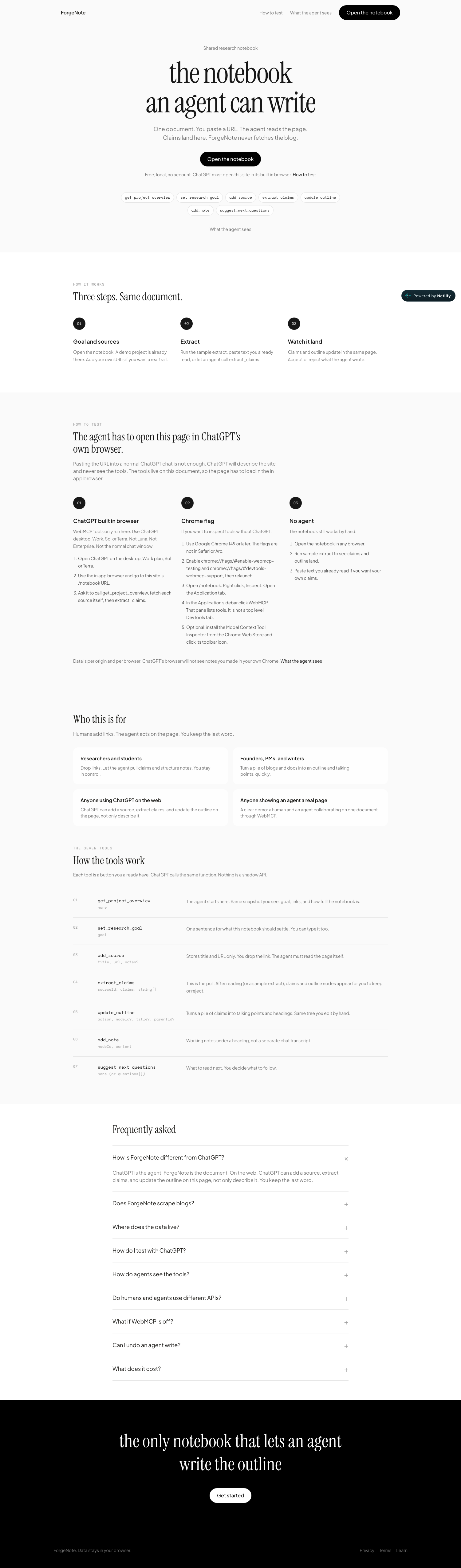
ForgeNote is that document: a research notebook where extract_claims is not a summary in chat. It is a row on the page.
What it does
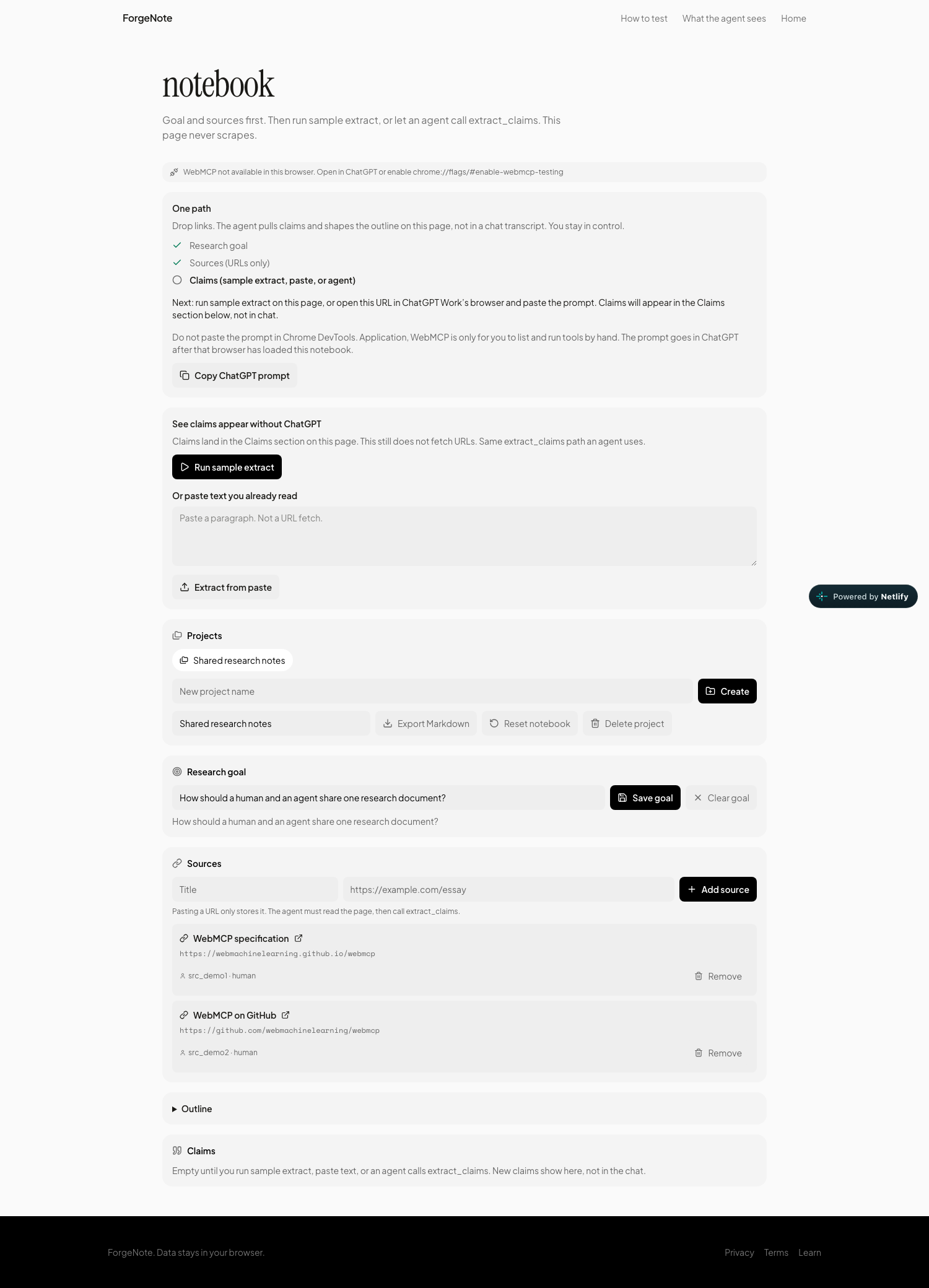
ForgeNote is a live research notebook for humans and WebMCP agents.
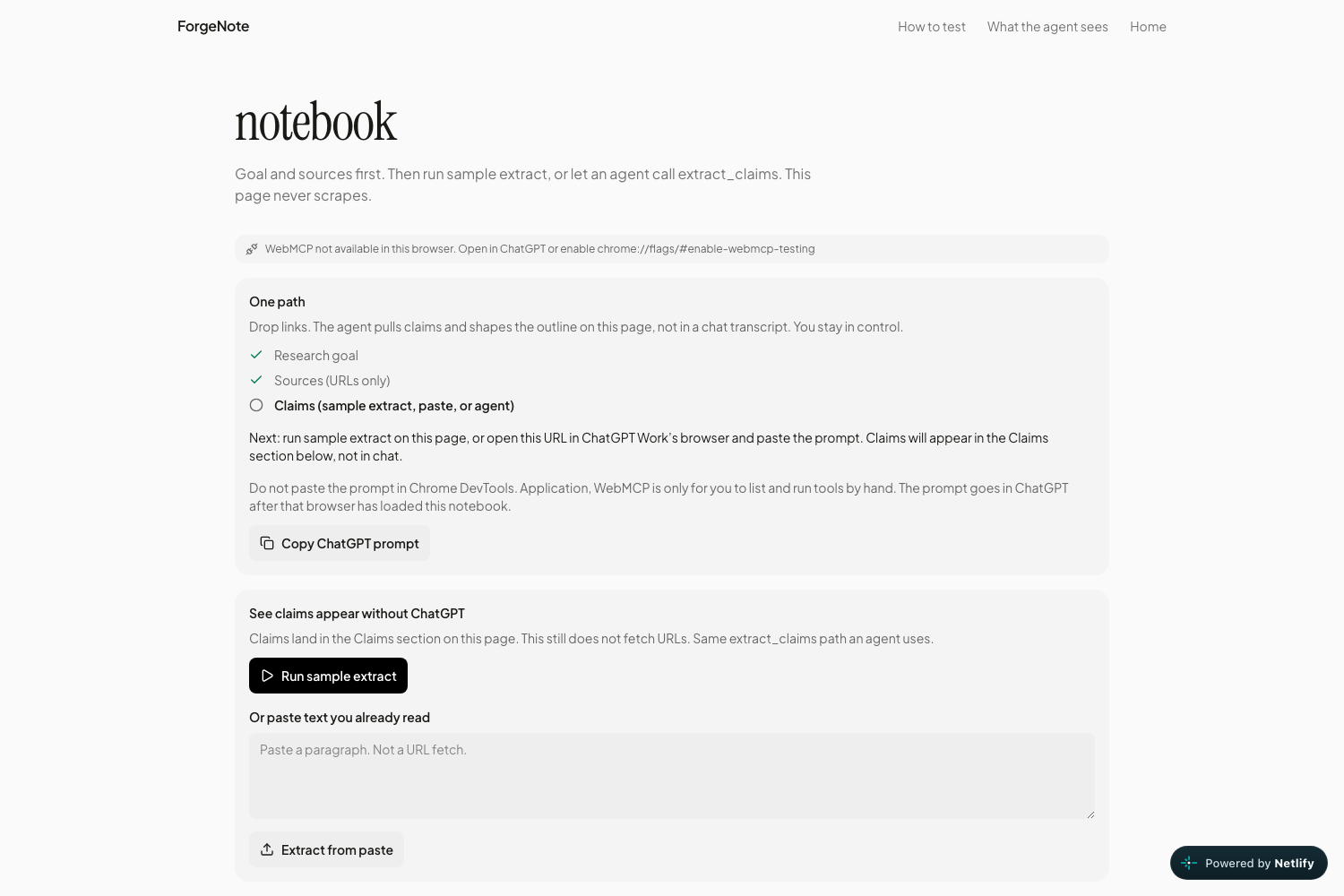
• You set a goal and paste source URLs. The app never fetches those pages. • An agent (ChatGPT in its built-in browser, or you in Chrome with WebMCP flags) calls tools on document.modelContext. • The agent reads each URL itself, then calls extract_claims and update_outline. Claims and headings land on this page. • You accept, edit, or reject agent writes in the inbox. Reject undoes the change. • If ChatGPT is not available, Run sample extract still shows claims appearing in the Claims section.
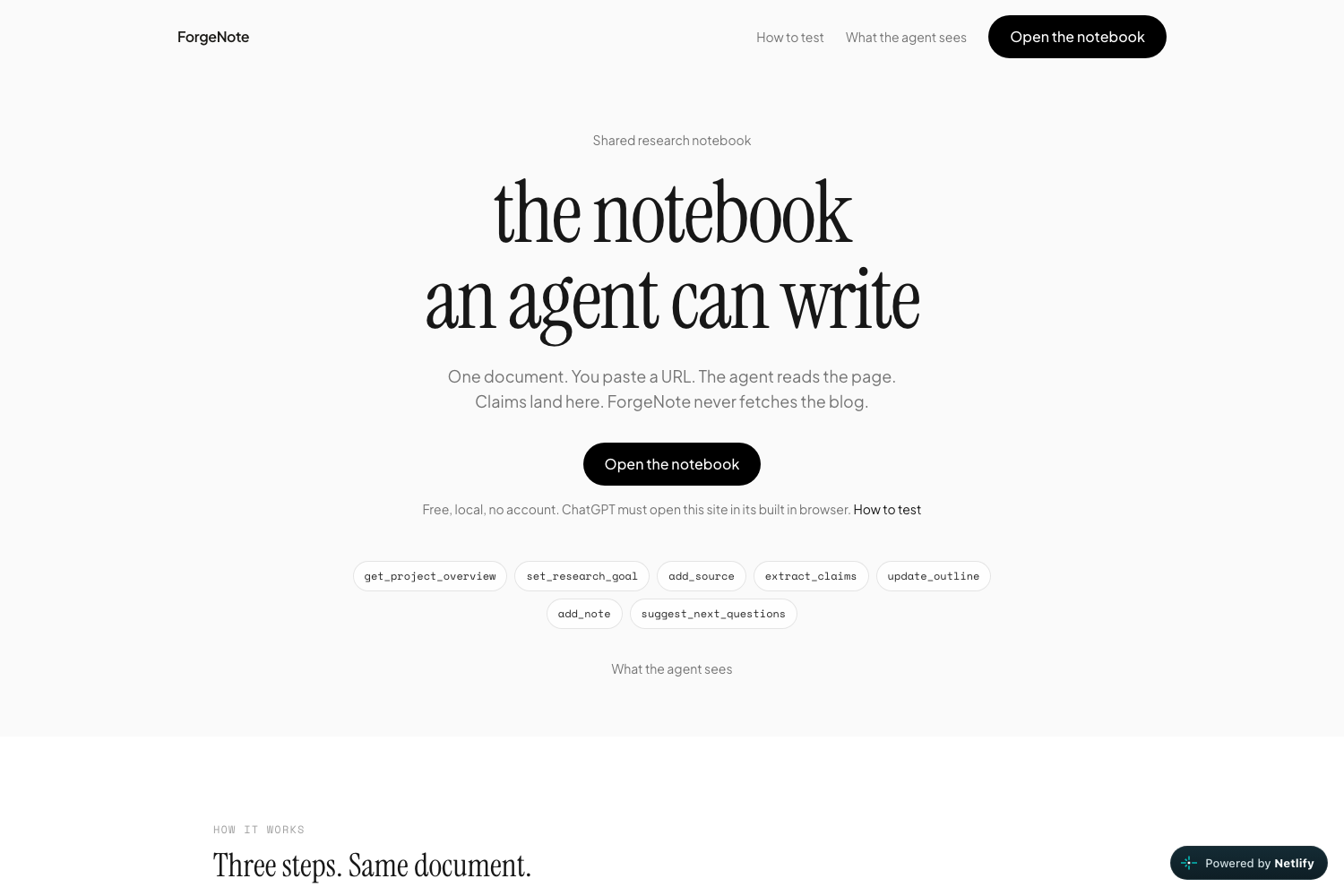
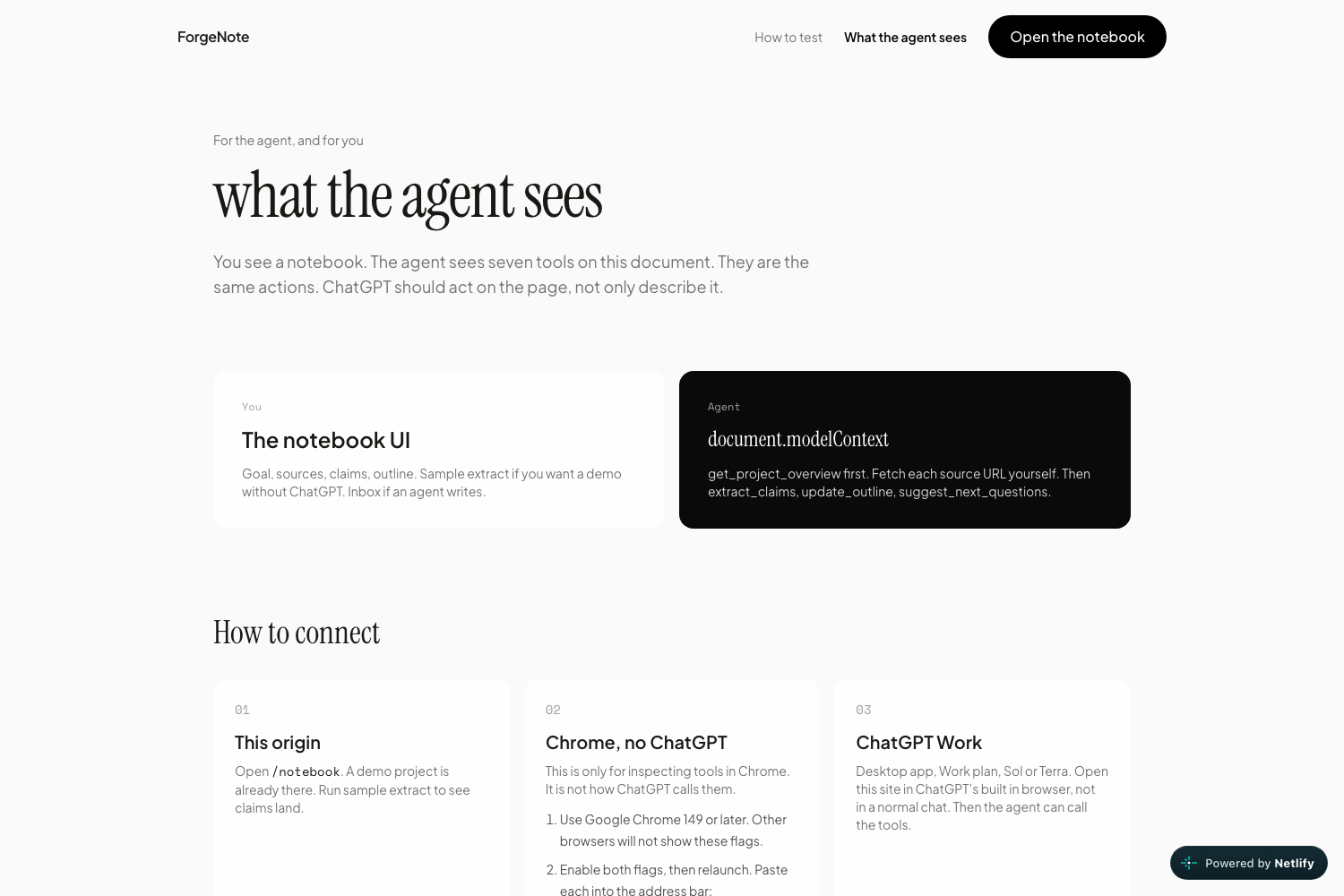
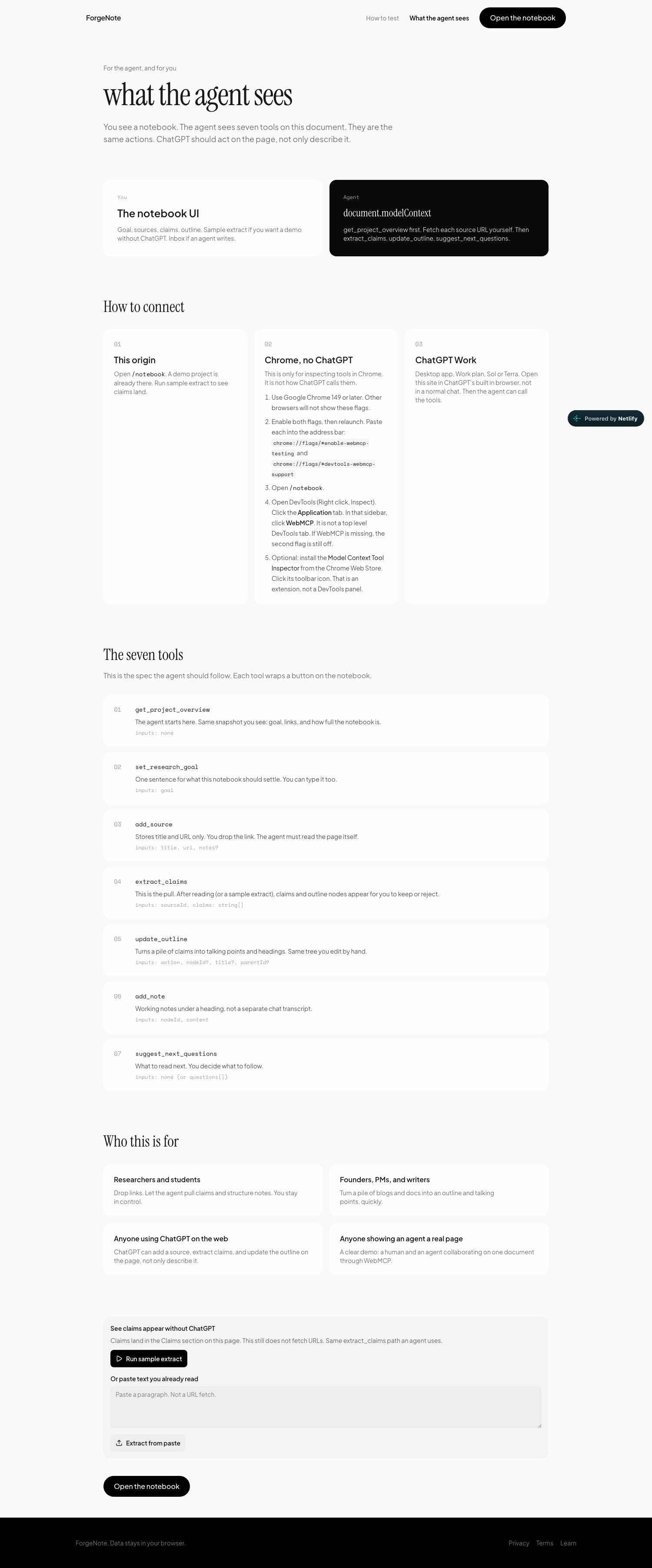
Seven tools wrap the same Zustand actions as the UI: get_project_overview, set_research_goal, add_source, extract_claims, update_outline, add_note, suggest_next_questions.
How I built it
• Next.js App Router, Tailwind, Zustand persisted to localStorage • WebMCP via document.modelContext ?? navigator.modelContext and registerTool(def, { signal }) • Headers: Origin-Agent-Cluster: ?1 and Permissions-Policy: tools=(self) • Netlify (@netlify/plugin-nextjs) • Landing and notebook share one chrome. Typecheck on pre-commit, full next build on pre-push, so deploys do not fail the way an early Netlify build did
The rule we kept: a pasted URL is storage only. Scraping would fake the agent loop. The agent has to read.
Challenges we ran into
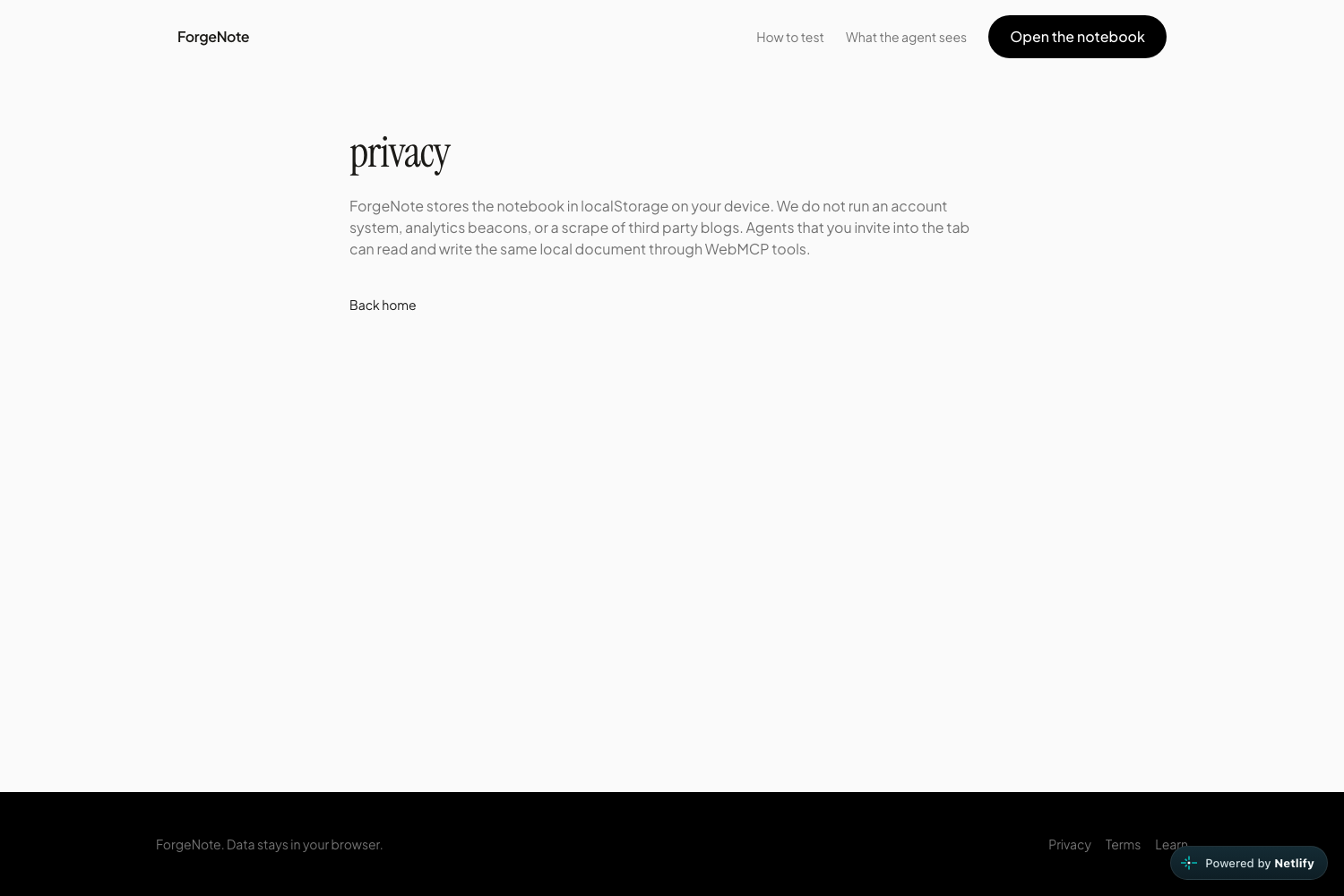
WebMCP only exists on the loaded page. Pasting the site URL into normal ChatGPT does nothing. The agent has to open ForgeNote in ChatGPT’s built-in browser (Work, Sol or Terra). We spent a lot of time making that obvious.
Storage is per origin and per browser. Goal and sources in Chrome do not appear in ChatGPT’s browser. Judges (and we) had to treat the in-app tab as the live notebook.
Chrome debugging is easy to get wrong. The Model Context Tool Inspector is a Web Store extension, not a DevTools tab. Native inspection is Application → WebMCP, and it needs both enable-webmcp-testing and devtools-webmcp-support.
Claims were easy to miss. They sat in a collapsed block. We made Claims always visible and scroll to it after extract.
Accomplishments that I'm proud of
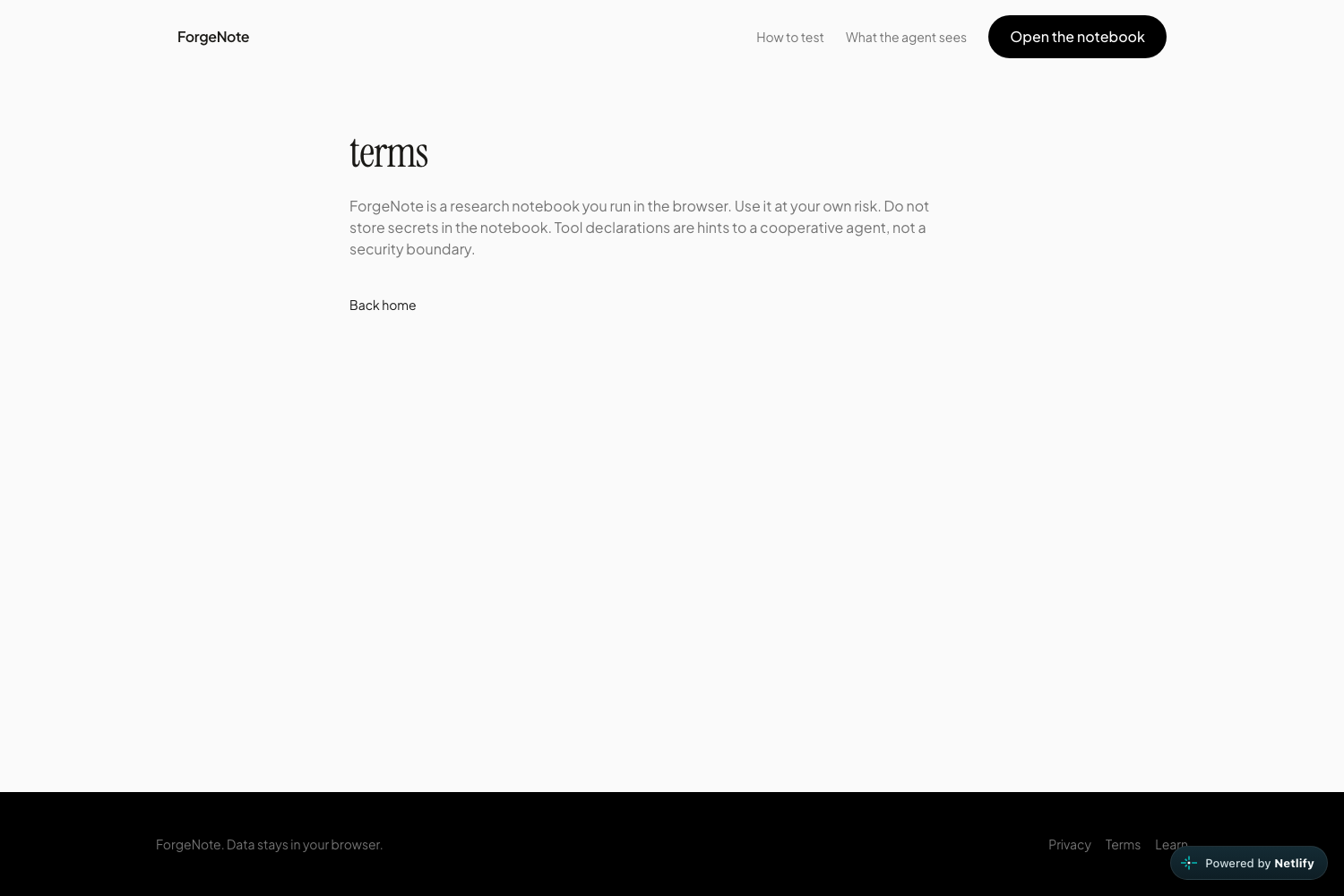
• A full research loop on one document, not a toy tool list • Humans and agents on the same functions, with undo • A landing page that tells you how to test, including what not to do • Sample extract so the product is demoable without ChatGPT • Shipping the no-scrape contract for real
What I learned
WebMCP is a document API, not a chatbot plugin. If the page is not in the agent’s browser, there are no tools.
Local-first is honest and also brutal for demos: two browsers, two notebooks.
Copy is part of the product. “Open DevTools” is useless if the pane is under Application. “Claims appeared” is useless if Claims is collapsed.
What's next for Forgenote
• Snapshot share so a Chrome notebook can load in ChatGPT’s browser without re-entering sources • Optional cloud persist (still no scrape) for the same project across devices • Richer outline editing and cite-back from claims to sources • Keep following the WebMCP spec as registerTool and DevTools settle
Built With
- chatgpt
- chrome-devtools
- husky
- lucide
- netlify
- next.js
- react
- tailwind-css
- typescript
- webmcp
- zustand

Log in or sign up for Devpost to join the conversation.