-
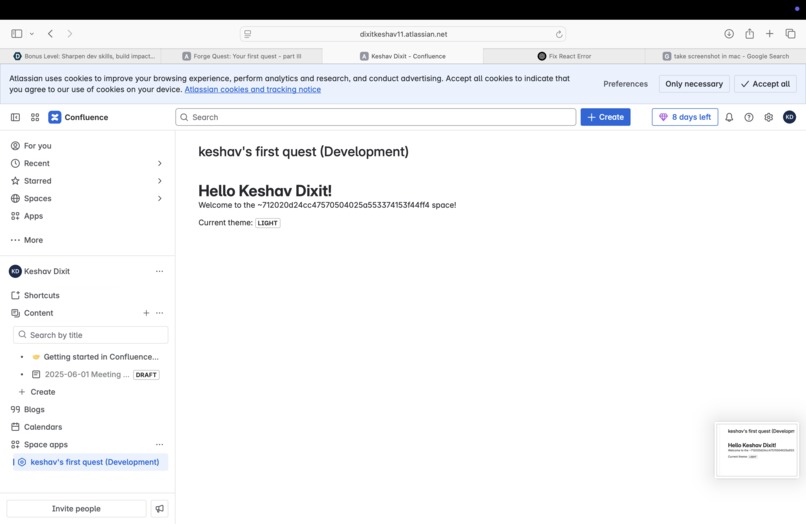
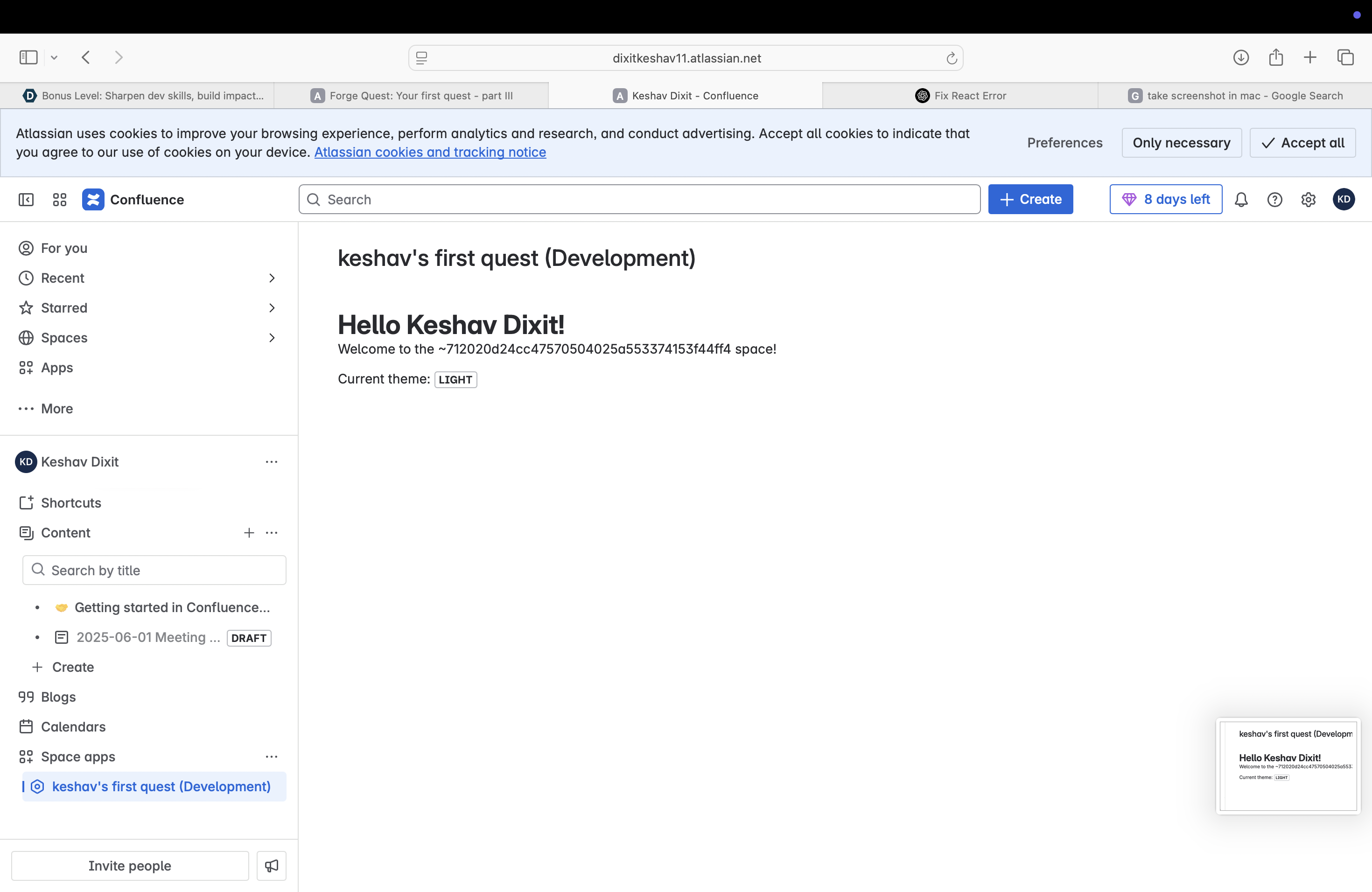
Level 1 - Novice
-
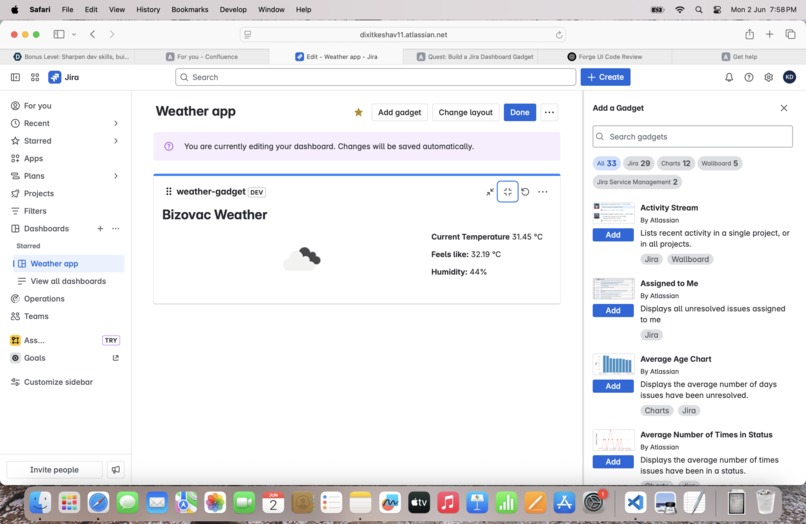
Level 2- Apprentice
Inspiration
As daily Jira users, we often found ourselves checking weather apps separately before planning work—especially for outdoor teams, remote workers, or global collaborators. This inspired us to bring live weather data directly into the Jira dashboard, making it part of the workflow. The goal was simple: reduce context-switching and add a touch of personalization to the Jira experience.
What it does
The Jira Weather Gadget App allows users to:
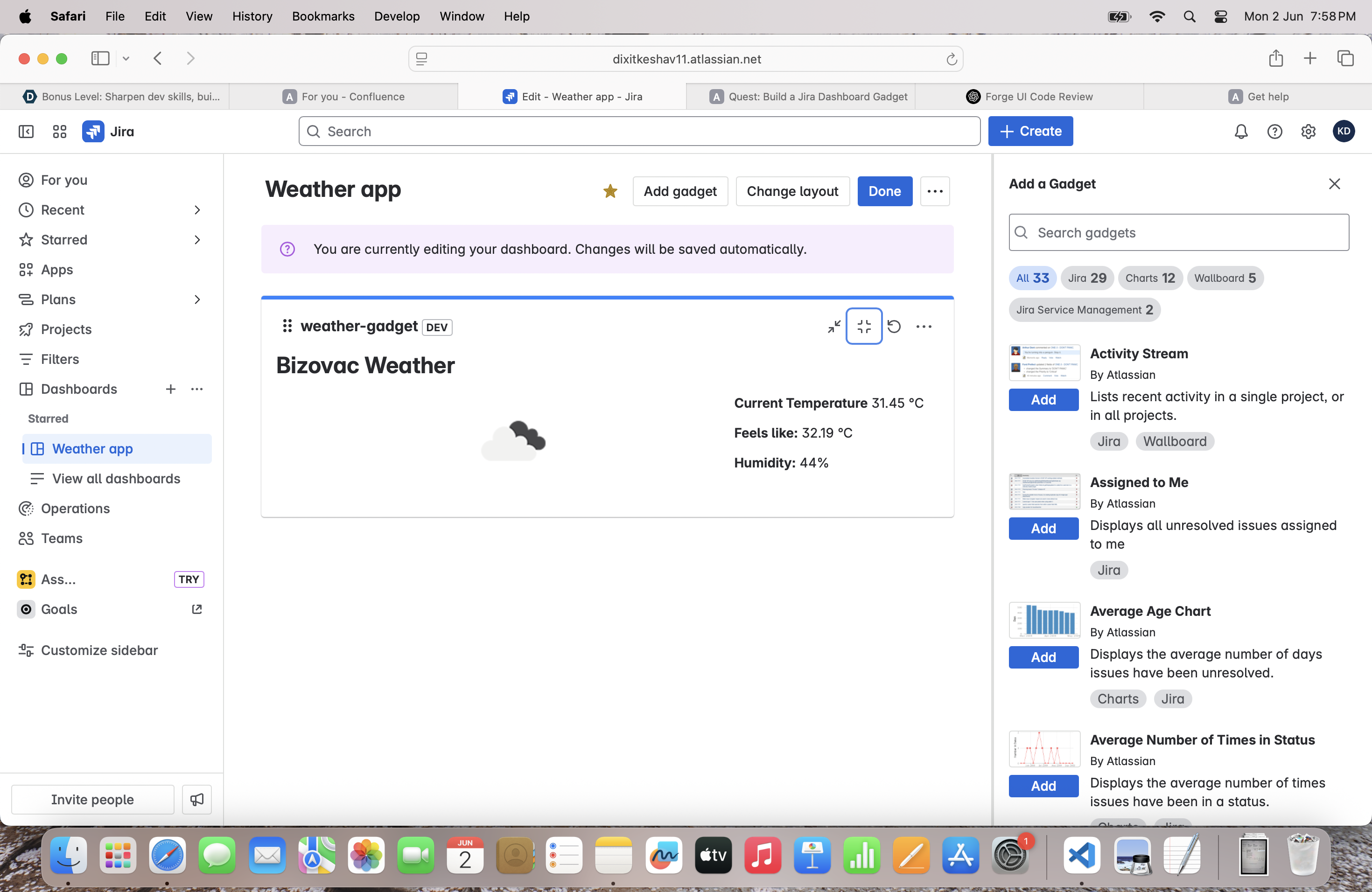
Enter their city and country. Choose the correct location from OpenWeather's geolocation results. See live weather data like city name, coordinates, and temperature fetched from the OpenWeather API. View this data inside a Forge dashboard gadget on Jira Cloud.
How we built it
Platform: Atlassian Forge Frontend: Forge UI Kit with components like Textfield, Form, RadioGroup, Text, and Button. Backend: Forge resolver functions using @forge/api to fetch: Geolocation data from OpenWeather's /geo/1.0/direct API. Live weather data from /data/2.5/weather. Configuration Storage: Uses context.extension.gadgetConfiguration to persist selected location. Security: The OpenWeather API key is securely stored and accessed via Forge environment variables.
Challenges we ran into
App ID Confusion: Initially, I used an invalid UUID format in manifest.yml. Understanding and fixing the required ari: format was tricky but educational.
Dynamic Option Handling: Fetching multiple location matches and dynamically rendering them as selectable radio options required careful use of useState, useForm, and onChange handlers.
Debugging Forge Contexts: Accessing and validating context.extension.gadgetConfiguration took experimentation—especially when fetching data in the backend.
Accomplishments that we're proud of
Built a fully functional weather dashboard gadget using Atlassian Forge. Implemented real-time API integration securely and cleanly. Created a smooth user experience with live search, selection, and display of weather data. Followed Forge’s strict validation and deployment standards successfully.
What we learned
How to structure and deploy a complete Forge app. How to use Forge’s resolver functions and context system effectively. Best practices for secure API integration using @forge/api and process.env. Real-world form handling in React with Forge's limited UI Kit.
What's next for forge quest
We’d love to enhance this app with: Weather icons and better UI/UX. Caching to reduce API calls. Support for multiple locations or time-based forecasts. We also plan to build AI-based Forge apps, workflow validators, and Confluence macros using what we’ve learned here.


Log in or sign up for Devpost to join the conversation.