-
-
-
-
-
-
-
-
Novus Image
-
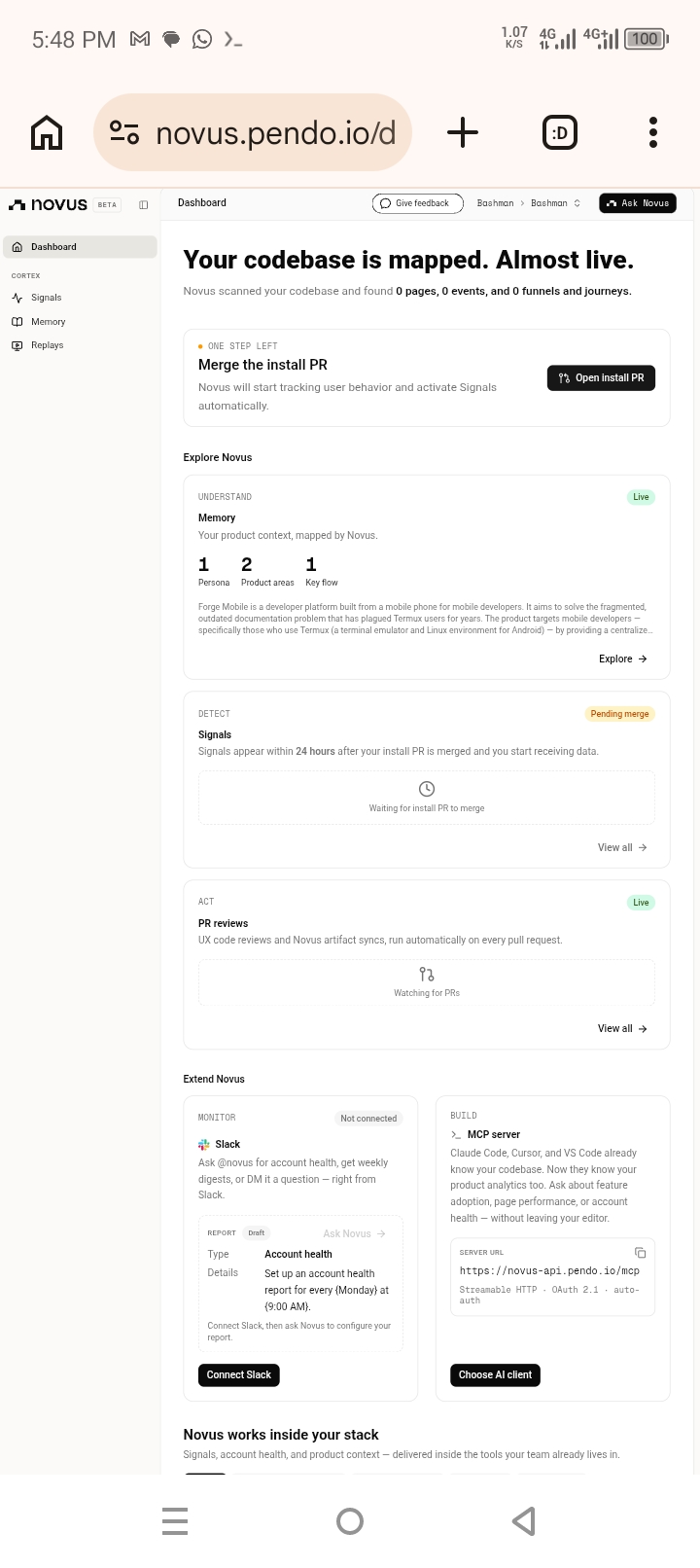
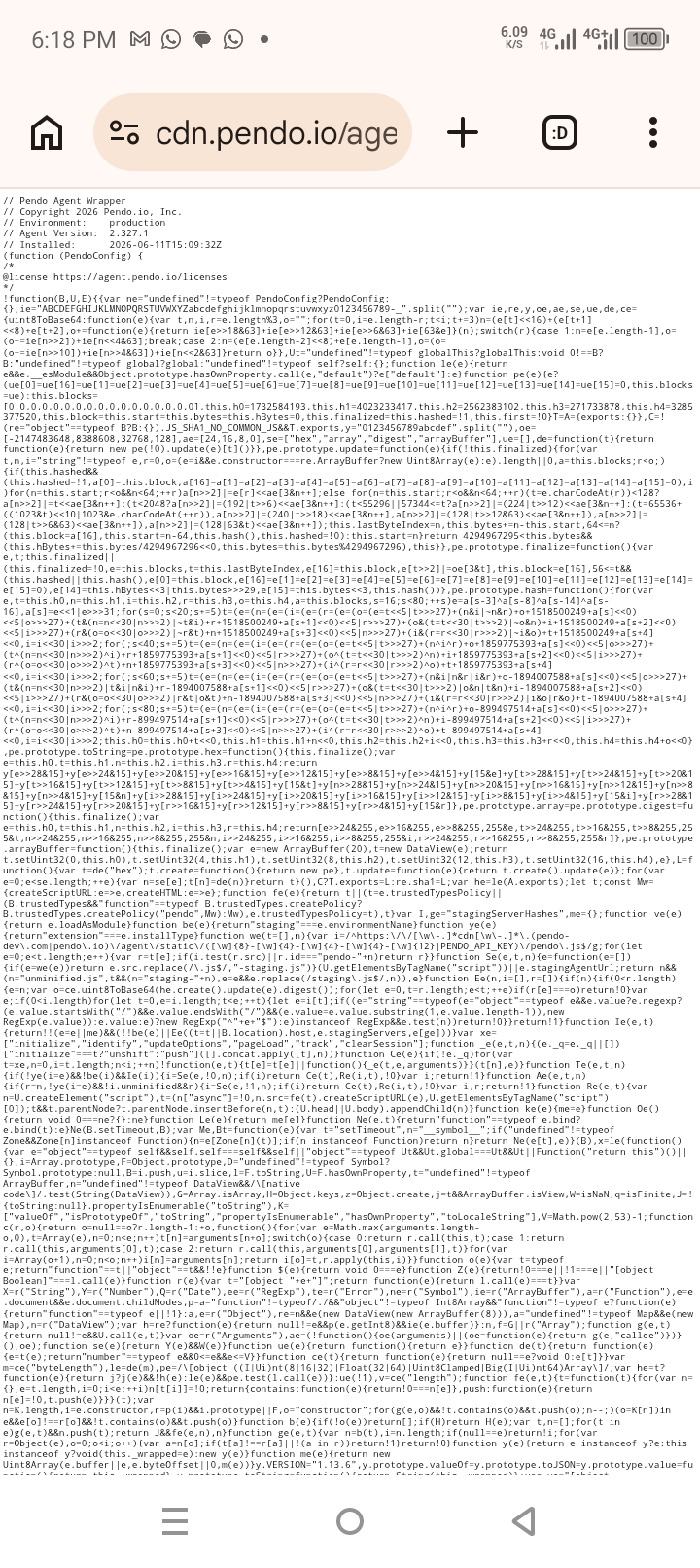
Novus/ pendo installed successfully
Inspiration
I own a smartphone. Not a laptop. Not a computer. Just an Android phone with Termux installed. For months, I wanted to learn coding and build real projects, but every tutorial assumed I had a MacBook or a Windows PC. The documentation for Termux was scattered, outdated, and incomplete.
Then I saw this hackathon: "Everyone Ships Now." The message was clear - you don't need permission, you don't need a team, you don't need expensive hardware. You just need an idea and roughly a month.
So I decided to build something that I wished existed: a centralized platform with one-line install scripts for Termux users. A place where anyone with a phone could get a complete development environment running in seconds.
What it does
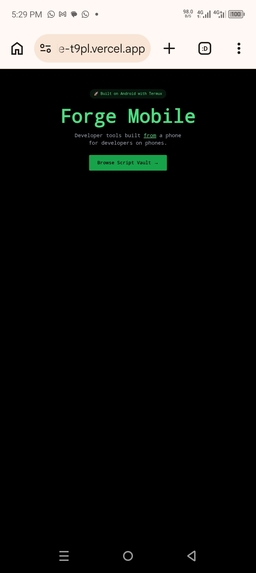
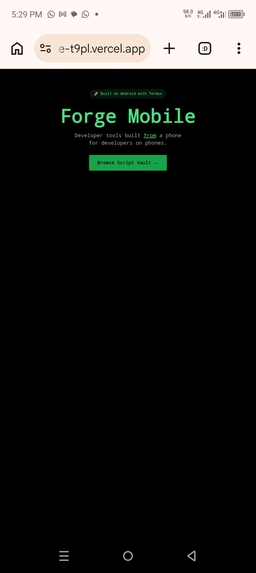
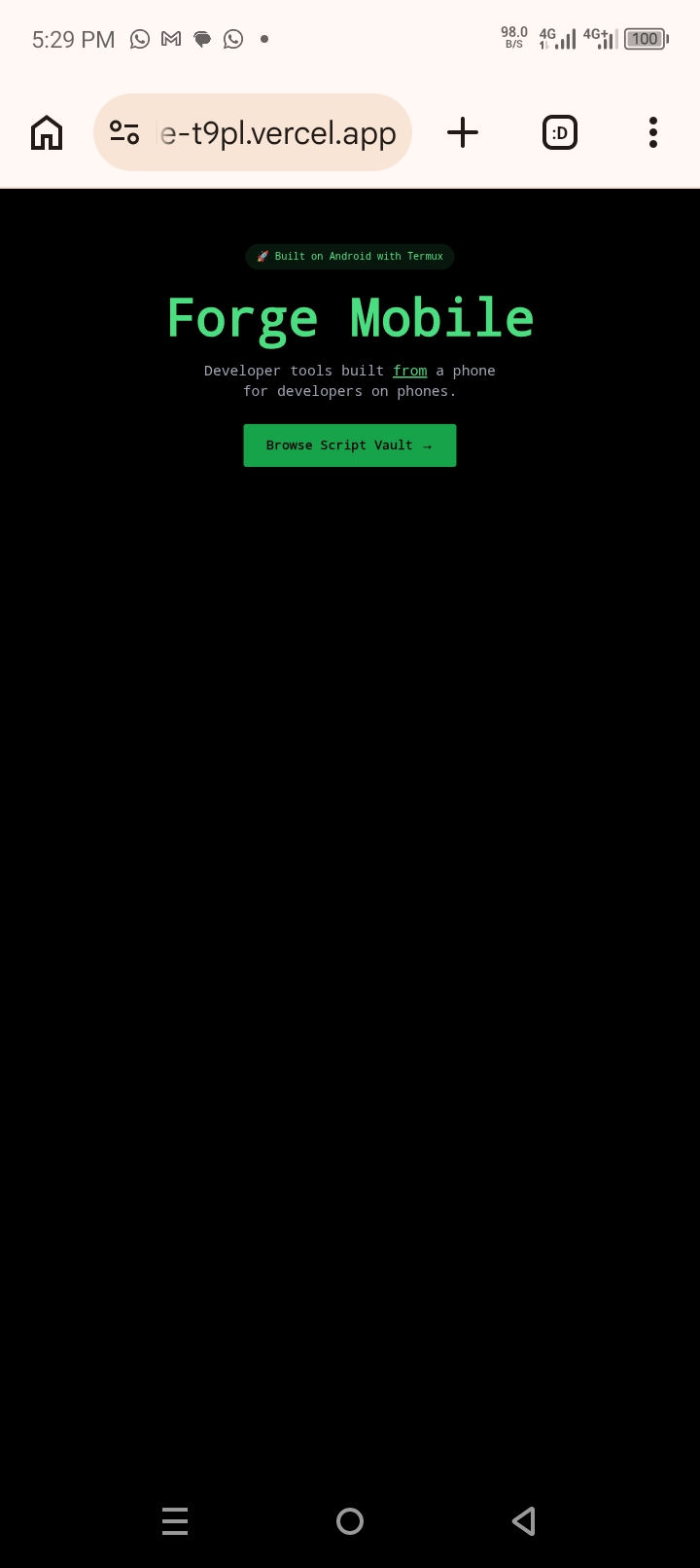
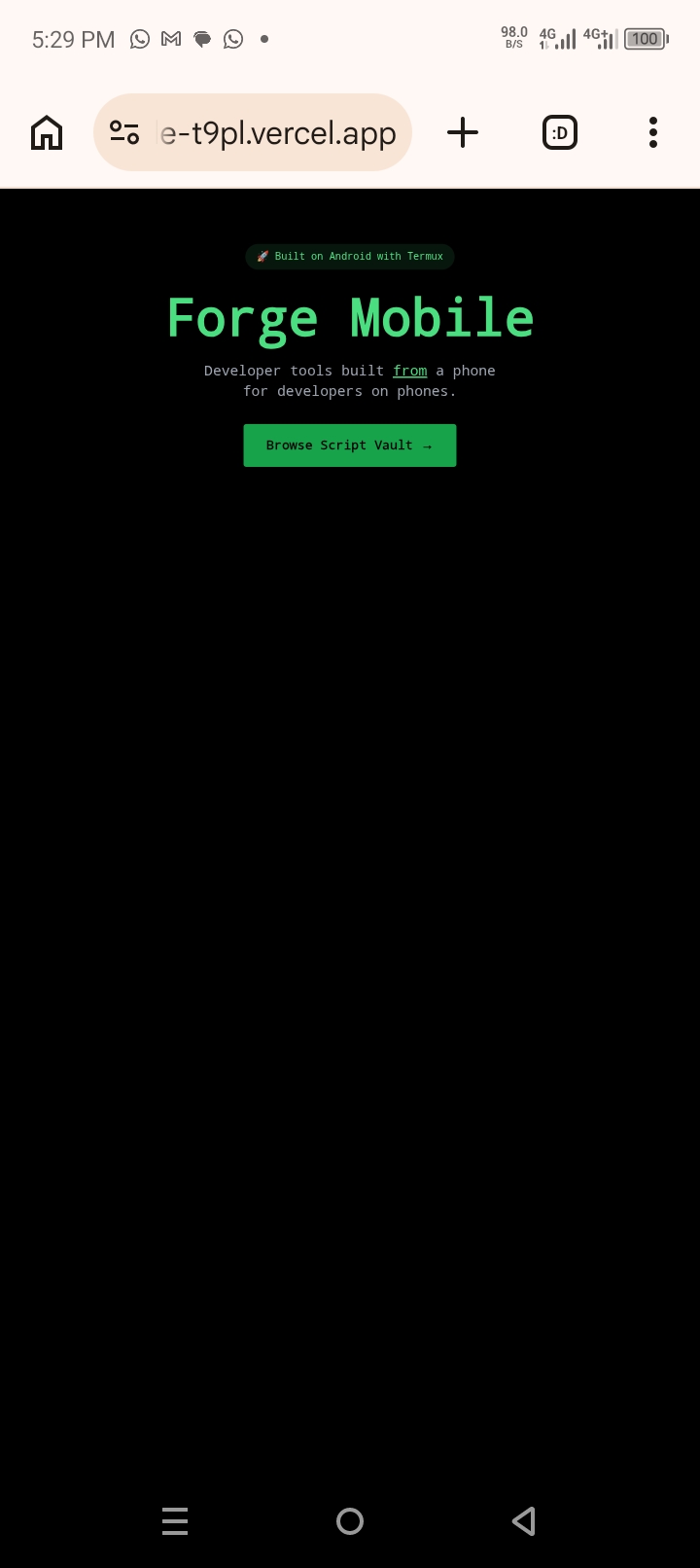
Forge Mobile provides one-line install scripts for Termux users on Android. Visit the Script Vault, copy any command, paste it into Termux, and your development environment installs automatically.
Current scripts include:
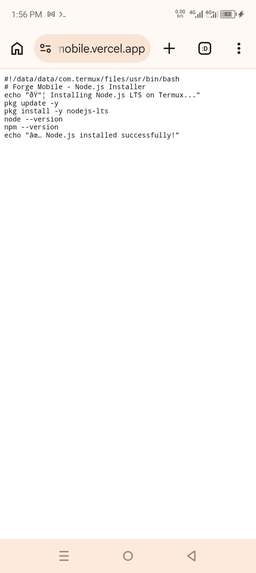
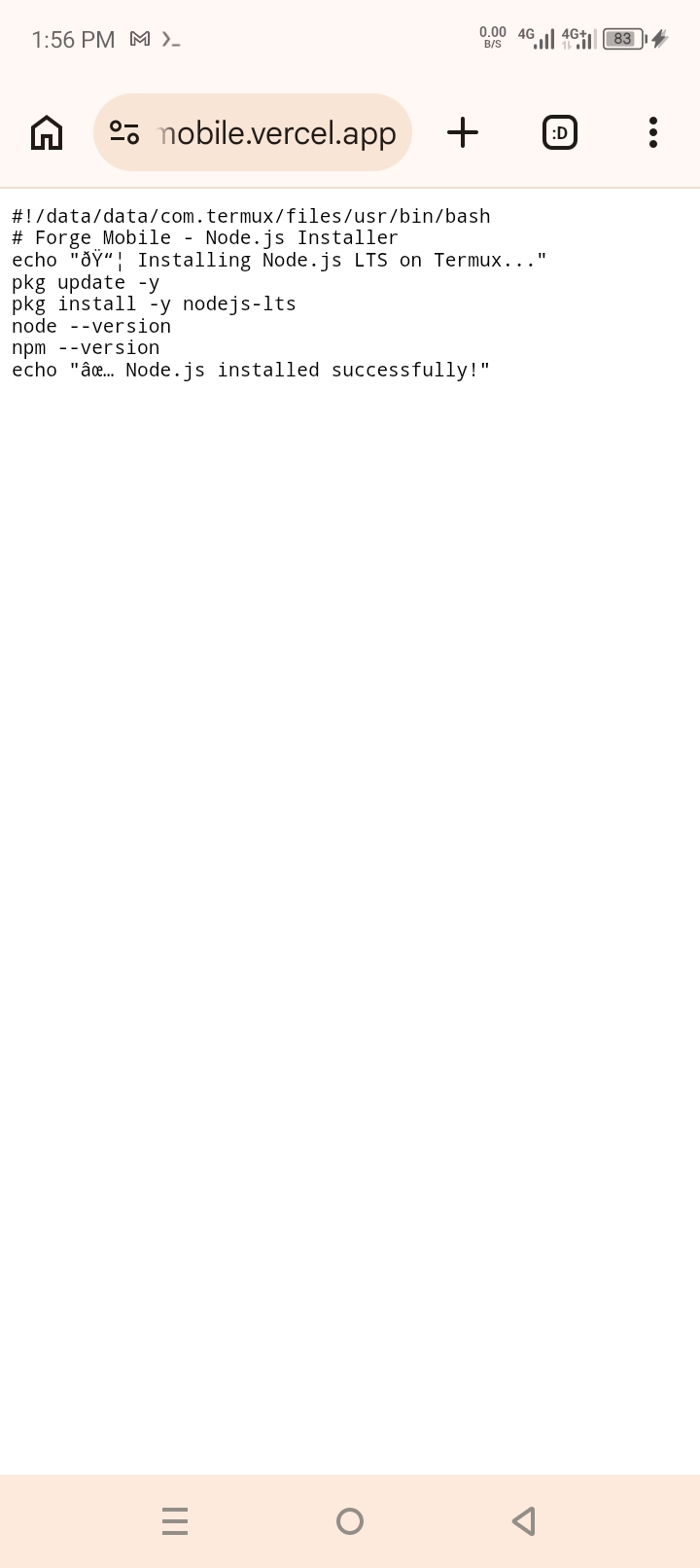
- Node.js LTS - Complete Node.js environment with npm
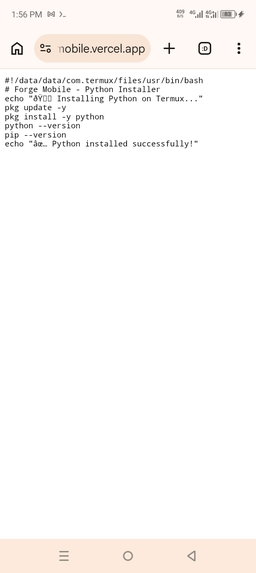
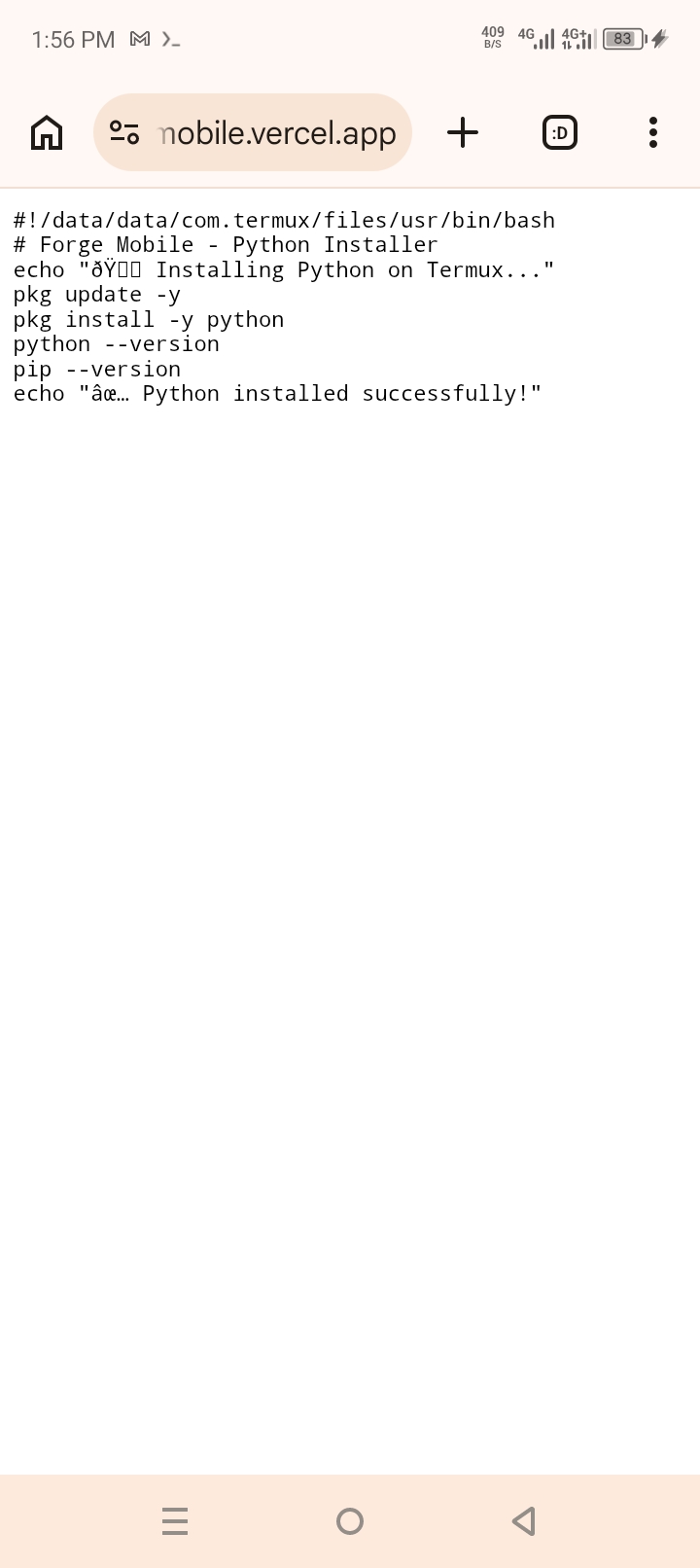
- Python + pip - Python 3.11 with pip package manager
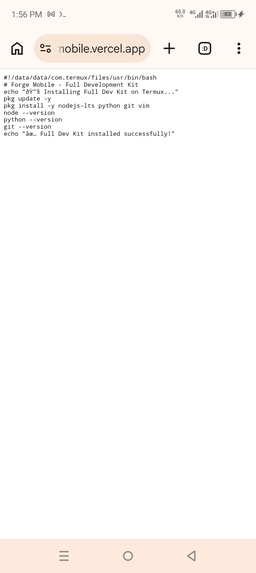
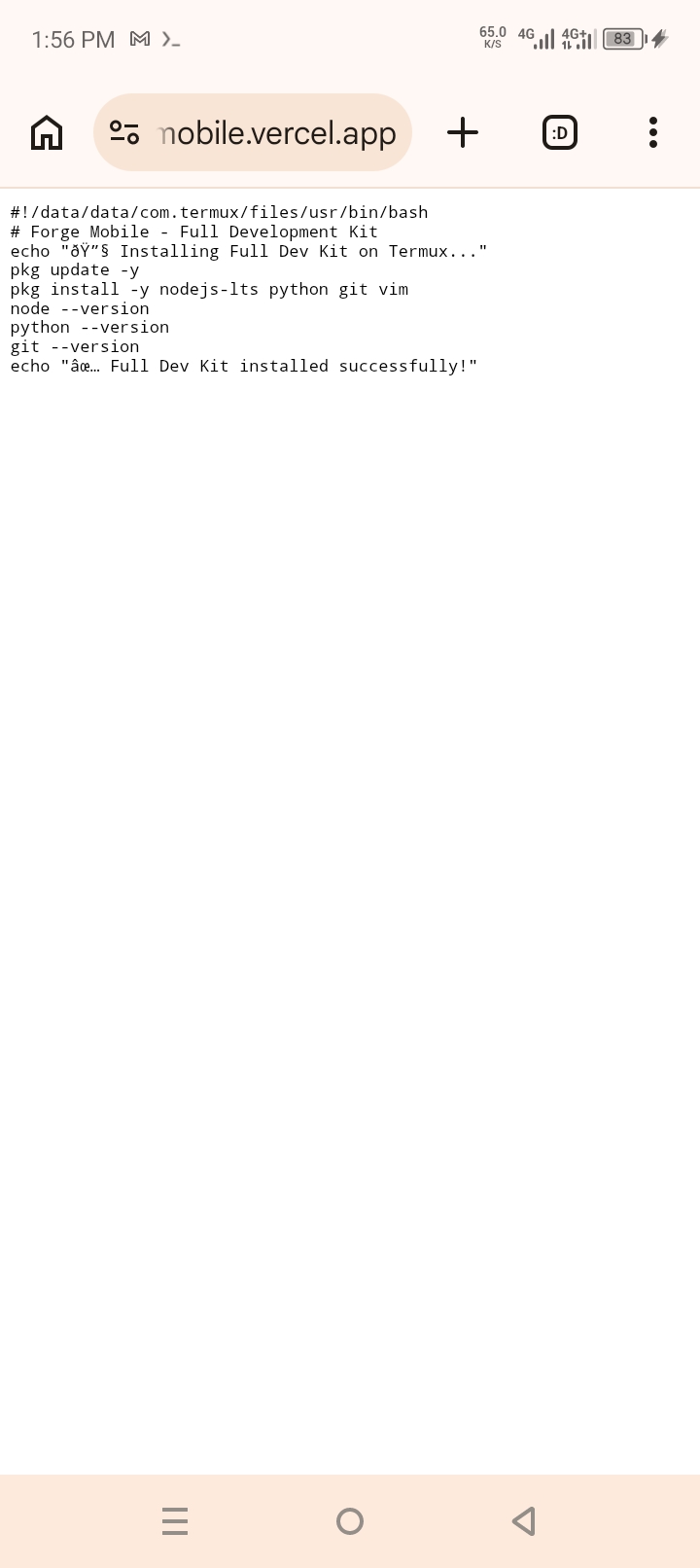
- Full Dev Kit - Node.js, Python, Git, and essential tools
Each script runs directly in Termux with no additional setup. The website works on any device, but it's optimized for mobile viewing because that's where the users are.
How we built it
Every single line of code was written in Termux on my Android phone. No laptop. No computer. No VS Code. Just a terminal and determination.
Tech Stack:
- Termux - Terminal emulator for Android where all coding happened
- Next.js 14 with TypeScript - React framework for the frontend and API routes
- Tailwind CSS - Styling with hacker-themed green-on-black aesthetic
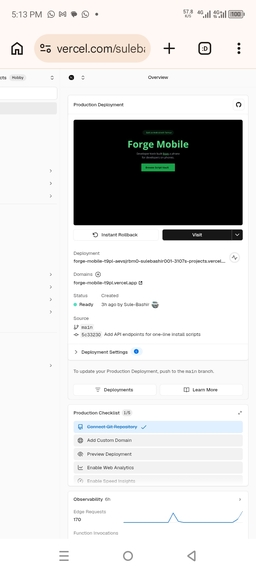
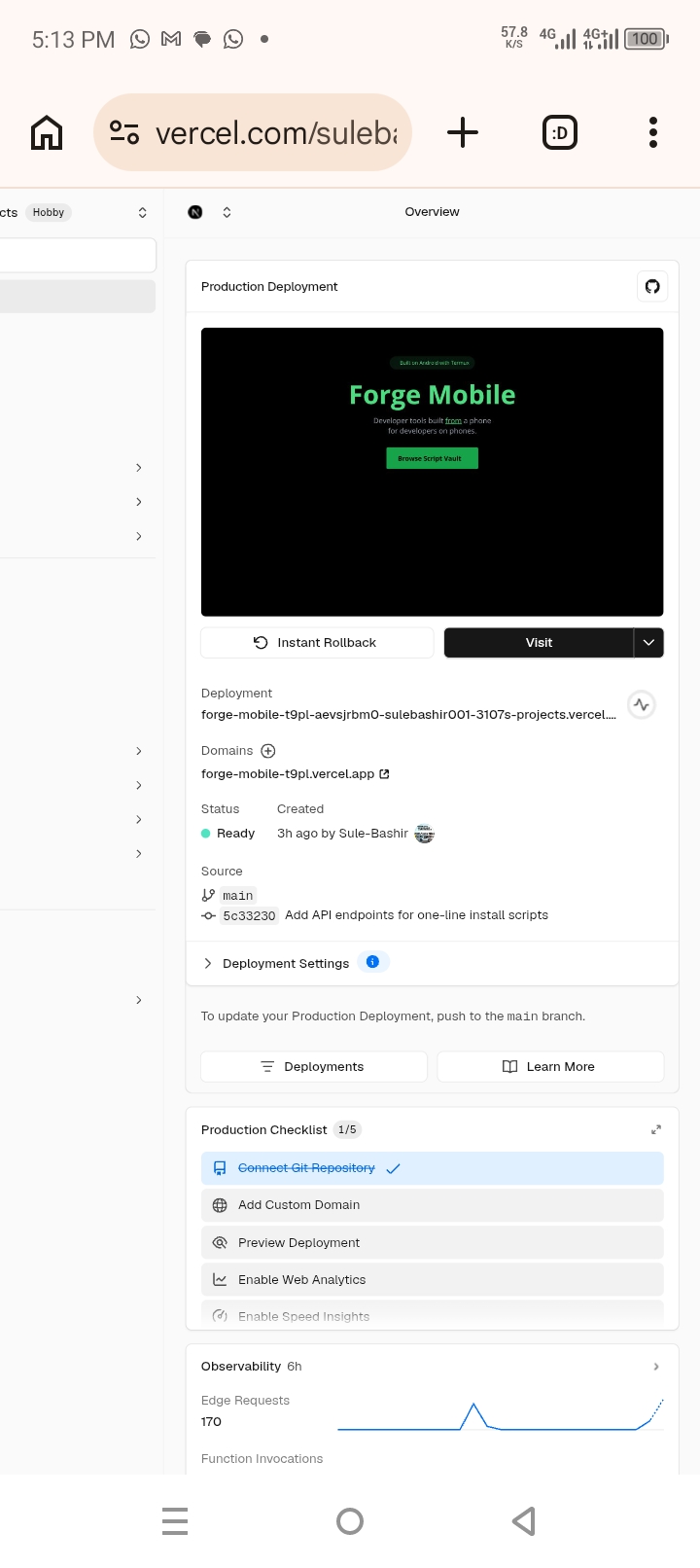
- Vercel - Deployment and hosting (free tier)
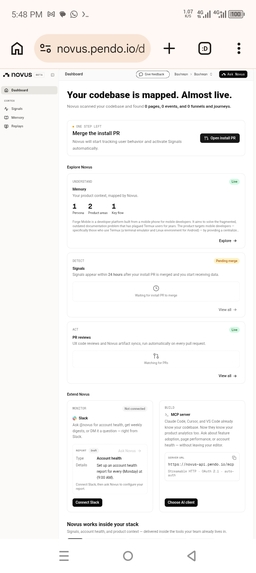
- Novus.ai - Analytics to track user behavior
- GitHub - Version control (commits pushed directly from Termux)
Development Process:
- Set up Node.js and git in Termux
- Created Next.js app using
pnpm create next-app - Built the Script Vault page with copy-to-clipboard functionality
- Created API endpoints that return bash scripts for Termux
- Added Novus analytics via inline script tag
- Deployed to Vercel directly from the terminal
Challenges we ran into
The Novus integration was the biggest challenge. The hackathon required Novus.ai installation, but the free plan had no visible API keys. The dashboard showed "Connect & scan your codebase" with no clear way to get an install script. After hours of searching, I found the API key hidden in Organization Settings → App Settings. Even then, the TypeScript compiler rejected the Novus script because of implicit 'any' types. I had to simplify the component and use @ts-ignore comments to get it working.
Vercel deployment on mobile was slow. The Vercel CLI took minutes to respond in Termux, and sometimes timed out. I switched to deploying through the Vercel website on my phone browser, which was faster and more reliable.
Git authentication without a laptop. GitHub no longer accepts passwords for git operations. I had to create a Personal Access Token entirely on my phone browser, copying the 40-character token and pasting it into Termux - which is surprisingly difficult without a mouse.
The API endpoints returned 404 errors initially. I forgot to create the actual route.ts files for the setup endpoints. Once I added them with proper bash script responses, everything worked.
Proving authenticity. The judges might doubt that this was truly built on a phone. I made sure my git commits show today's date from localhost and recorded my Termux screen to prove it.
Accomplishments that we're proud of
I shipped a working product from a phone. That's the accomplishment. No laptop. No computer. Just an Android phone with Termux. The hackathon said "Everyone Ships Now" - I proved that includes people who only own a smartphone.
The API endpoints work flawlessly. Run curl -fsSL https://forge-mobile.vercel.app/api/setup/node | bash in Termux and Node.js installs automatically. End-to-end functionality.
0% error rate on Vercel. The deployment shows 0% errors across 10+ edge requests. Clean build, no runtime crashes.
I learned to read documentation carefully. The Novus setup took hours because I missed the App Settings section. Now I know to explore every menu option.
The project solves a real problem. The Termux community has been asking for centralized, up-to-date documentation for years. Forge Mobile is the beginning of that solution.
What we learned
You don't need expensive hardware to build software. My phone cost $150. It has Termux, Node.js, git, and a browser. That's everything I needed. The laptop is a luxury, not a requirement.
Deployment is the hardest part, not coding. Getting code from Termux to GitHub to Vercel with proper authentication was more challenging than writing the Next.js components. Once I set up the GitHub token and connected Vercel, everything became automatic.
Analytics integration requires patience. Novus/Pendo has a complex dashboard with multiple sections. The API key wasn't where I expected it to be. Reading the docs thoroughly (not just skimming) saved me.
TypeScript is stricter than I thought. The implicit 'any' type error on p[d] forced me to understand TypeScript's type system better. Adding @ts-ignore is a workaround, but proper typing would be better.
Community matters. The hackathon encouraged building in public. Posting progress on social media kept me accountable. Knowing that others were watching pushed me to ship.
What's next for Forge Mobile
More scripts. I want to add Go, Rust, Ruby, and PHP installers. The community can submit their own scripts via GitHub pull requests.
Interactive guides. Step-by-step tutorials for setting up complete development workflows on Termux - web development, mobile development, data science.
User accounts. Allow users to save their favorite scripts, track their installation history, and get personalized recommendations.
Better analytics. Novus will show which scripts are most popular. I'll use that data to prioritize which guides to write first.
Mobile-first community. A forum or discussion section where Termux users can share tips, ask questions, and showcase what they've built - all accessible from their phones.
Open source everything. The entire codebase is already public on GitHub. I want to encourage contributions from other mobile developers who build on their phones.
Scale to other mobile terminals. iSH on iOS, UserLAnd, Andronix - any terminal emulator that runs Linux commands could benefit from Forge Mobile.
The ultimate goal: Prove that a phone is enough. You don't need a laptop to learn to code, build projects, join hackathons, or start a tech career. Forge Mobile is just the beginning.

Log in or sign up for Devpost to join the conversation.