-
-
-
-
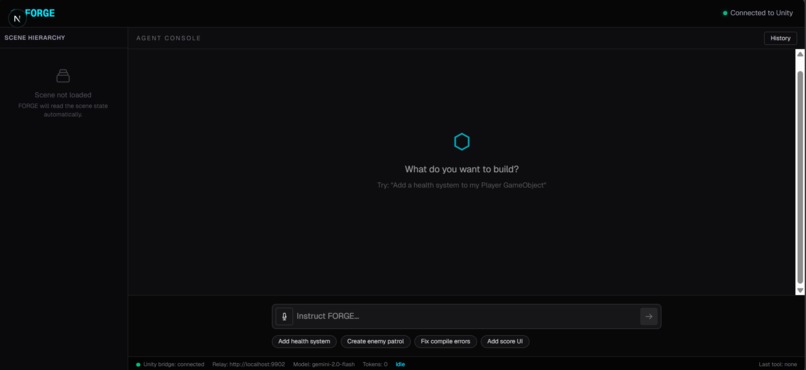
Web Interface
-
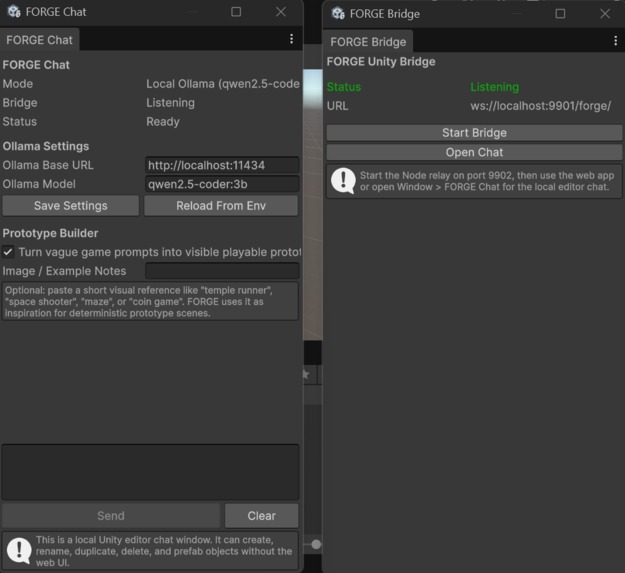
Unity Interface
FORGE - Unity Custom Coding Agent
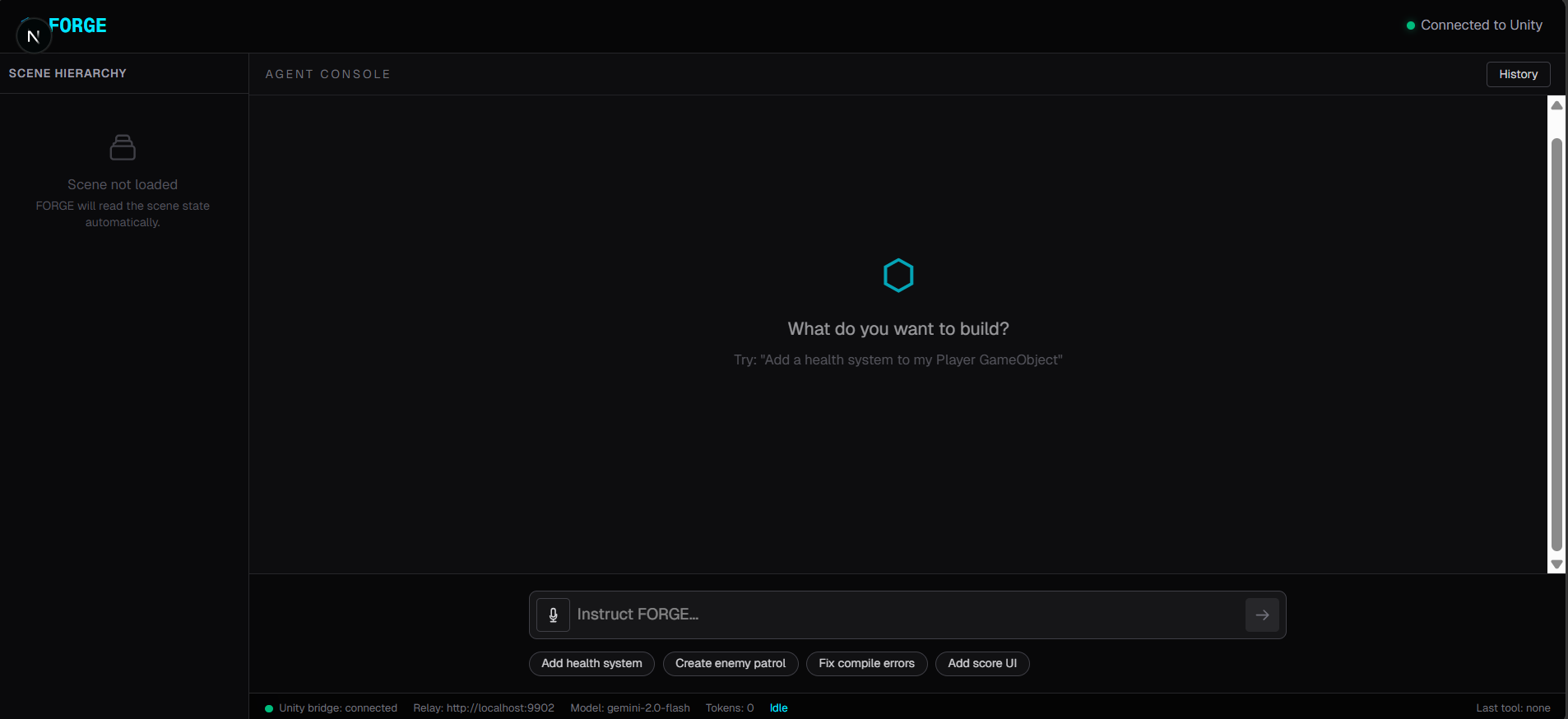
FORGE is a web-based AI custom coding agent that connects directly to a live Unity Editor session. Instead of switching between docs, your IDE, and the Unity Inspector, you simply describe what you want to build in plain English, and FORGE autonomously reads your scene, writes C# scripts, wires up components, and verifies the result without you ever leaving your browser tab.
What It Does
The core loop is straightforward but powerful:
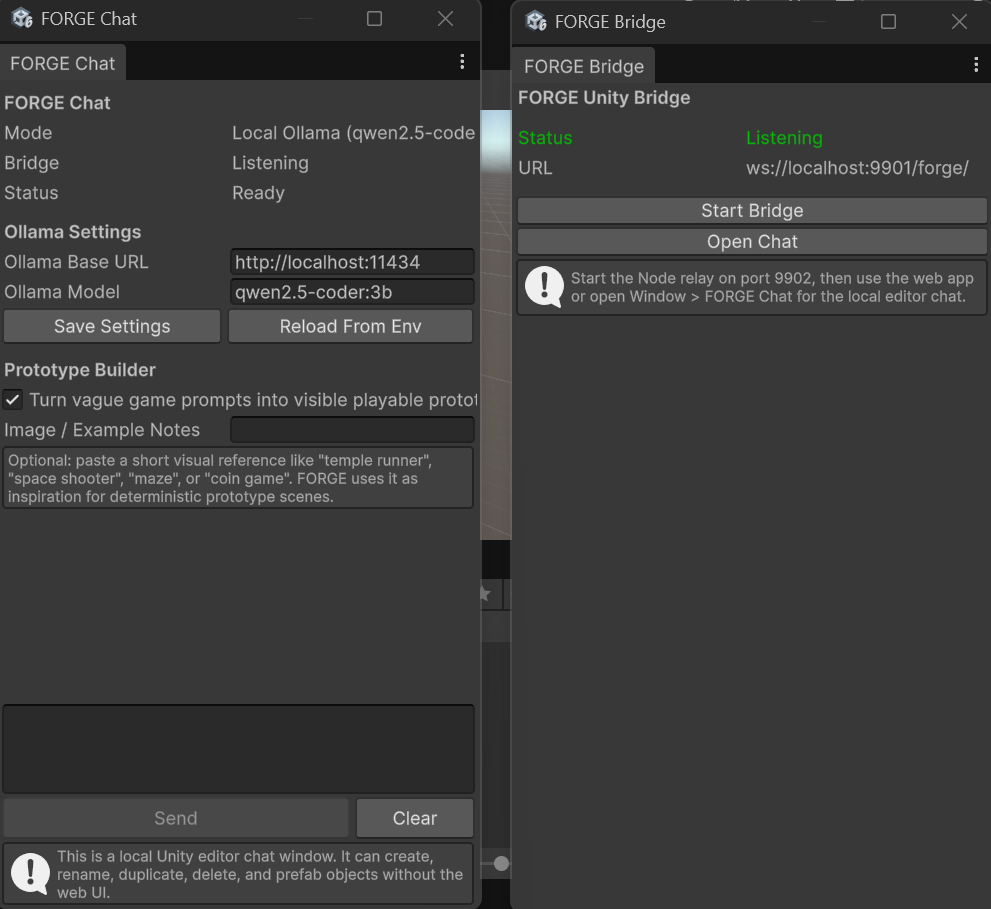
- Open the FORGE web app or the Unity Editor chat window.
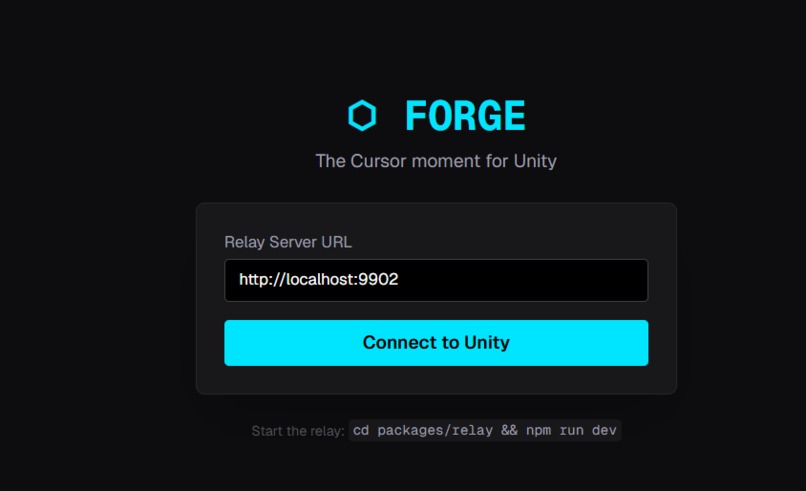
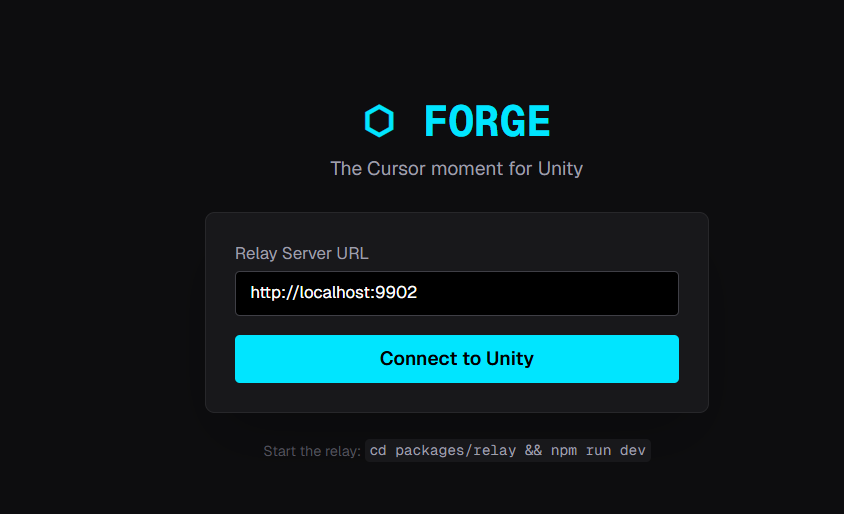
- Paste your FORGE Bridge URL, a local WebSocket relay that connects to your Unity Editor, or connect to the local FORGE Bridge running in Unity through the relay.
- Type something like: "Add a health system to my Player GameObject."
- FORGE presents a step-by-step plan and asks for your approval.
- On approval, the agent calls Unity tools: reads the scene, creates
HealthSystem.cs, attaches the component, and checks for compile errors. - You see a live diff of every file changed and a clear success / fail verdict.
No boilerplate. No copy-pasting. No context-switching.
AI / LLM
- Google Gemini 2.0 Flash (
gemini-2.0-flash) powers the main agent loop via native function-calling. - Ollama fallback is supported when Gemini fails due to quota, network, or API errors, so the demo can keep running locally.
The agent uses the model's function-calling to invoke the core MCP tools:
get_scene_state        → Full Unity hierarchy as JSON
get_object_components  → Component list + property values for a GameObject
create_gameobject      → Create a new GameObject in the scene
delete_gameobject      → Remove a GameObject from the scene
duplicate_gameobject   → Duplicate an existing GameObject
rename_gameobject      → Rename a GameObject in the scene
save_as_prefab         → Save a GameObject as a prefab asset
instantiate_prefab     → Spawn a prefab into the active scene
set_component_property → Mutate a property live in the Editor
create_script          → Write a new C# file and get compile errors back
edit_script            → Apply a diff or replacement to an existing script
get_compile_errors     → Poll the Unity compiler for errors
enter_play_mode /
exit_play_mode         → Trigger and stop runtime from the agent
Architecture
The system has three packages working in concert:
packages/
├── bridge/   → Unity C# EditorWindow — listens on ws://localhost:9901
├── relay/    → Node.js TypeScript server — MCP tool handlers on port 9902
└── web/      → Next.js 14 chat UI — deployed to Vercel
The web app streams agent thoughts and tool calls to your browser in real time. The relay translates MCP tool calls into WebSocket commands. The bridge executes them inside the running Unity Editor and returns structured JSON.
User Prompt → Gemini → Tool Plan → relay → Unity Editor → JSON → Diff + Verdict
Why It Matters
Unity has over 1.1 million active developers. Every one of them loses time to the same loop: write code in an external editor, switch to Unity, wait for compile, debug, repeat. FORGE collapses that loop into a single conversational interface, making it the first web-based AI agent to operate a live Unity Editor via MCP.
"Add a health system to my Player." → Working C# component, zero boilerplate, verified in under 30 seconds.
Features
- Unity-aware chat agent with plan approval before tool execution.
- Animated plan steps that move through pending, active, and done states.
- Local WebSocket relay between the web app and Unity Editor.
- Scene hierarchy viewer and live tool call log.
- GameObject lifecycle tools: create, delete, duplicate, rename, and prefab workflows.
- C# script creation and editing with syntax-highlighted diff previews.
- Auto-fix loop after
create_scriptoredit_script: FORGE checks compile errors, sends the errors plus source code back to the model, and retries fixes up to 3 times. - Voice input using the browser Web Speech API.
- Prompt chips for common tasks: health system, enemy patrol, compile fixes, and score UI.
- Session replay saved in
localStorage, with a History panel for reviewing past runs. - Running Gemini token counter in the status bar.
- Ollama fallback when Gemini fails due to quota, network, or API errors.
- Sample Unity project under
demo/sample-unity-projectwith the bridge already installed.
Create a Player GameObject, then add a health system to it
FORGE will:
- Propose a plan.
- Wait for approval.
- Execute Unity tool calls.
- Show live plan progress.
- Render generated C# in the diff viewer.
- Check compile errors automatically.
- Retry fixes up to 3 times if Unity reports compile errors.
- Save the completed run to History.
Tool Surface
The Unity bridge supports:
get_scene_stateget_object_componentscreate_gameobjectdelete_gameobjectduplicate_gameobjectrename_gameobjectsave_as_prefabinstantiate_prefabcreate_scriptedit_scriptset_component_propertyget_compile_errorsenter_play_modeexit_play_mode
Future MCP Tools I am adding in few days
FORGE is already useful for scene edits and script generation, and I’m building the next wave of MCP tools to make it even more capable:
get_project_assets- browse scripts, prefabs, materials, textures, and other assets.search_assets- locate assets by name, folder, label, or type.open_script- fetch a script with metadata before editing it.add_component/remove_component- attach or detach components directly.set_serialized_property- handle nested fields, arrays, and more complex serialized values.get_console_logs- read Unity Console warnings, errors, and exceptions in one call.clear_console- clear the console before a verification pass.save_scene- persist successful scene changes automatically.get_selected_objects- inspect the current Unity selection.capture_scene_screenshot- return a visual snapshot for faster verification.run_playmode_test- run targeted checks from the agent.run_menu_command- execute safe editor menu actions that do not have a direct API.
These future tools would make FORGE feel less like a script writer and more like a full Unity copilot that can inspect, modify, verify, and persist work across the entire project.
Vision
FORGE aims to make Unity development accessible to both experienced developers and non-technical creators. By combining conversational AI, MCP tooling, and live Unity integration, FORGE enables users to focus on ideas rather than engine complexity.
Built With
- c#
- next.js
- ollama
- tailwind
- typescript
- vercel

Log in or sign up for Devpost to join the conversation.