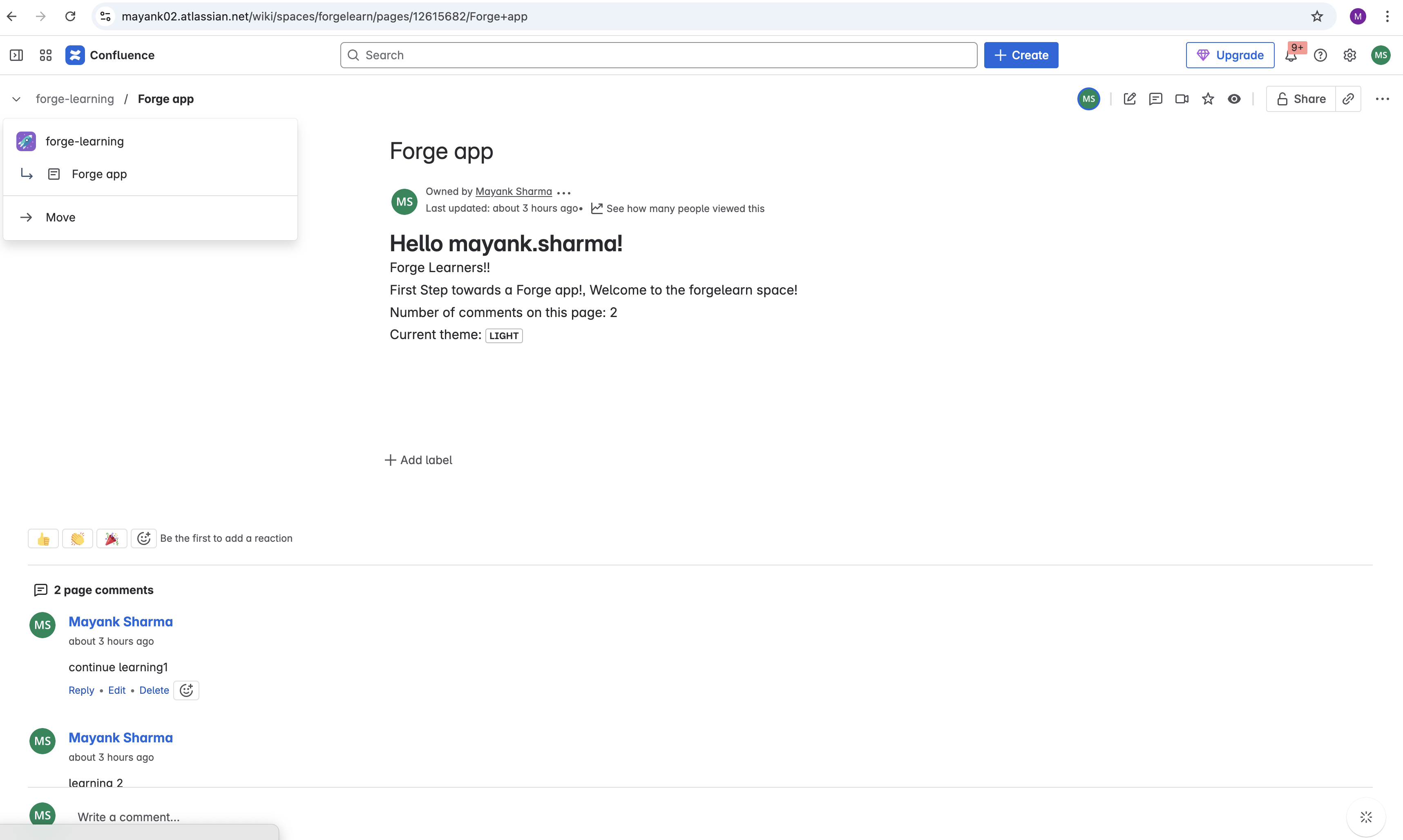
Building a Confluence Macro with Forge
Overview
I built a Confluence macro using Atlassian Forge that displays personalized information including user name, page comments count, and theme settings. This project helped me learn the fundamentals of Forge development and Confluence app integration.
What I Learned
- Setting up a Forge project structure with frontend (
frontend/index.jsx) and backend (resolvers/index.js) components - Using Forge's UI Kit components like
Heading,Text, andLozengefrom@forge/react - Working with Confluence's REST APIs through
@forge/bridgeand@forge/api - Managing app permissions and scopes in the
manifest.yml
Key Features
- Personalized greeting using Confluence user data
- Comment count display for the current page
- Theme awareness (light/dark mode detection)
- Macro export functionality for different content types
Technical Implementation
- Used React hooks for state management and API calls
- Implemented resolver functions for backend communication
- Configured ADF (Atlassian Document Format) exports
- Set up proper authentication using
asApp()context
Challenges Faced
- Understanding Forge's security model and permission scopes
- Managing asynchronous API calls properly
- Handling different Confluence contexts (user, page, theme)
- Setting up proper error handling for API responses
Next Steps
- Add more interactive features
- Improve error handling
- Add unit tests
- Implement caching for API calls

Log in or sign up for Devpost to join the conversation.