-
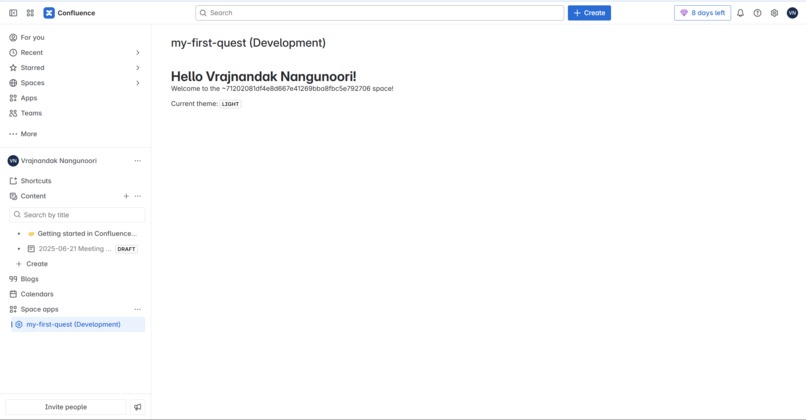
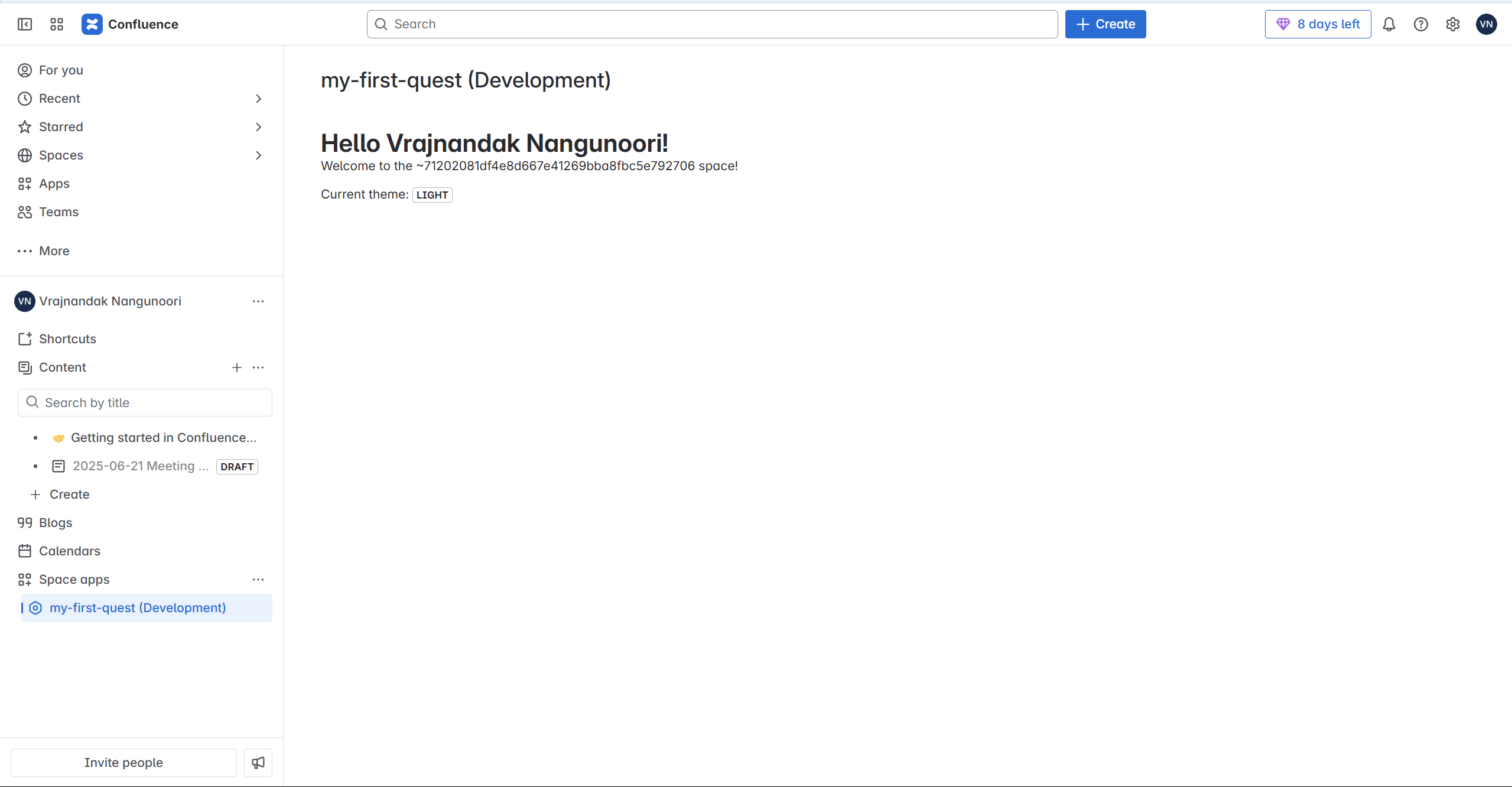
Screenshot of Hello User App
Inspiration
What it does# 🚀 My First ForgeQuest App
A demo application built as part of the ForgeQuest novice-level tutorial using Atlassian Forge. It showcases how to quickly scaffold and deploy a functional Forge app with a secure serverless backend, UI Kit-based frontend, and Atlassian product integration.
✅ Features & Functionality
- UI Kit-based front end: Displays a greeting—“Hello, [user name]!”—using Atlassian UI components like
HeadingandText. - Resolver & invoke: Implements a backend resolver with
@forge/resolver, and calls it from the UI usinginvoke(). - Secure user context: Retrieves the current user’s name via Forge's context without manual OAuth.
- Automatic permission setup: Manages
read:userscope inmanifest.yml, allowing Forge to inject permissions during install. - One-command deployment: Use
forge deployandforge installto build, deploy, and install on your Atlassian dev site.
🎓 What I Learned from Forge
- Fast scaffolding: Forge CLI scaffolds projects in minutes with structured templates and built-in tooling
- Secure serverless backend: Backend code runs securely on the Forge runtime under strict permissions.
- Clean frontend-backend pattern: The resolver/invoke pattern cleanly separates UI concerns from server logic.
- Built-in authentication & permission handling: Forge manages OAuth and scope auto-granting—no additional auth code needed.
- Integrated Atlassian experience: Apps feel native to Jira/Confluence and use platform context automatically.
🌟 What I'm Excited to Build Next
- Context-aware UI: Enhance greetings to show user-specific data (e.g. "You have X open issues").
- API integrations: Use
api.asUser().requestJira()orrequestConfluence()within resolvers to fetch real-time product data. - Permission-based views: Create UI variations based on user roles via Forge's secure context.
- Custom UI modules: Move beyond UI Kit into Custom UI for richer interactive UIs using React and the Forge bridge.
- Event-driven automations: Use triggers to respond to product events (e.g. issue creation) and execute background logic.

Log in or sign up for Devpost to join the conversation.