-
-
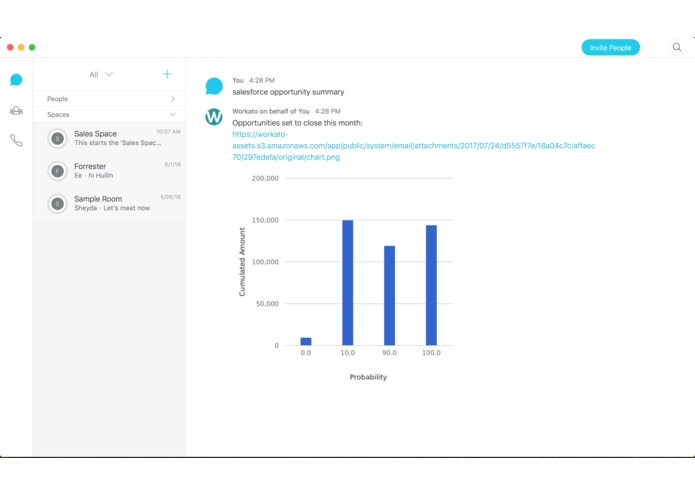
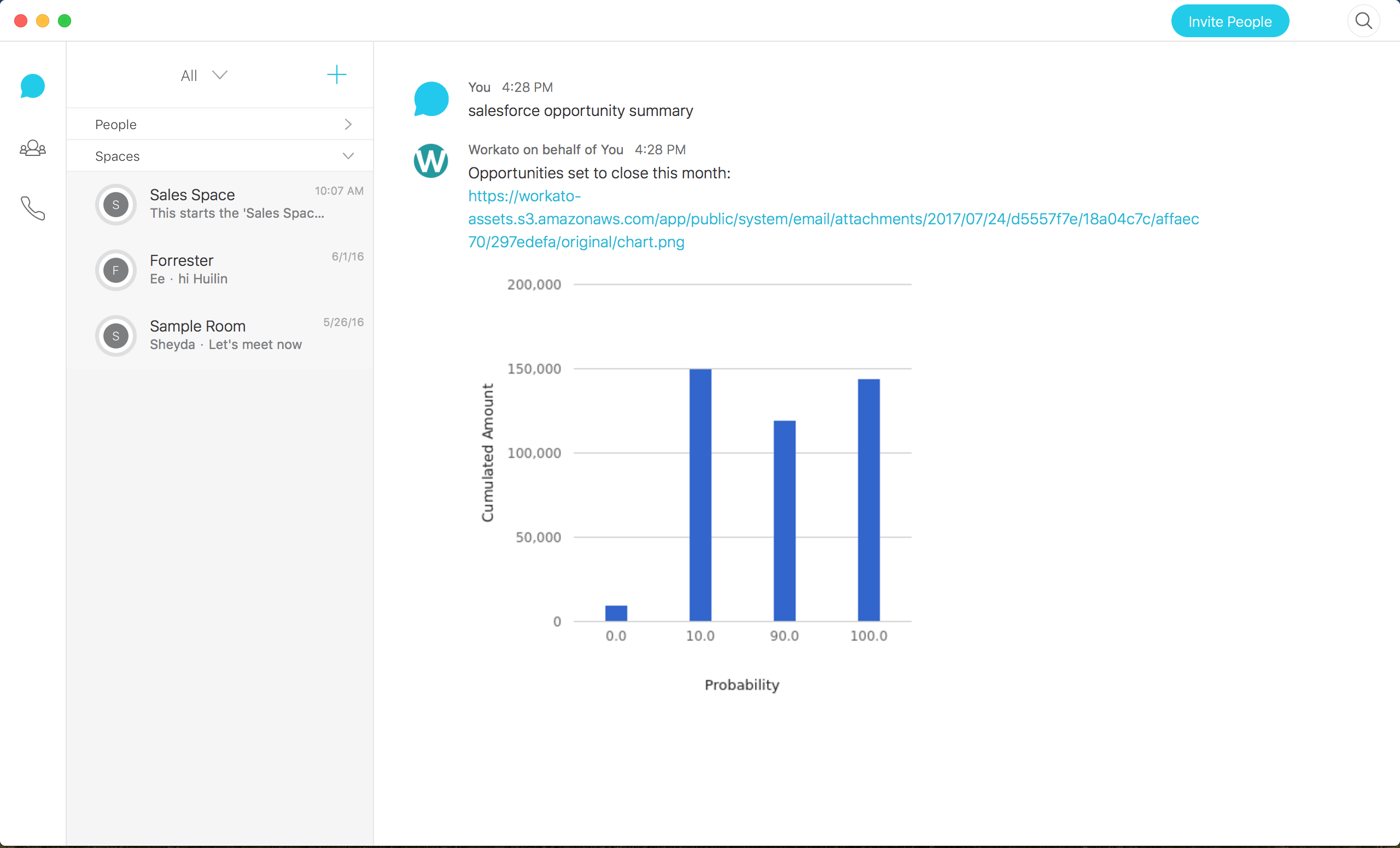
Summarize all Opportunities closing this month in a Bar Chart
-
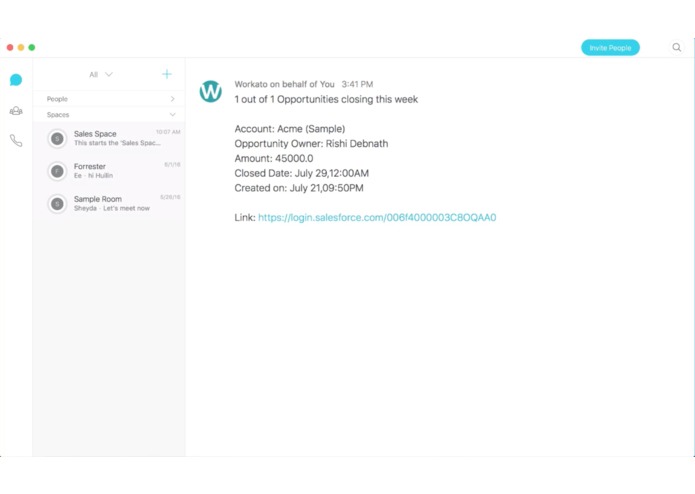
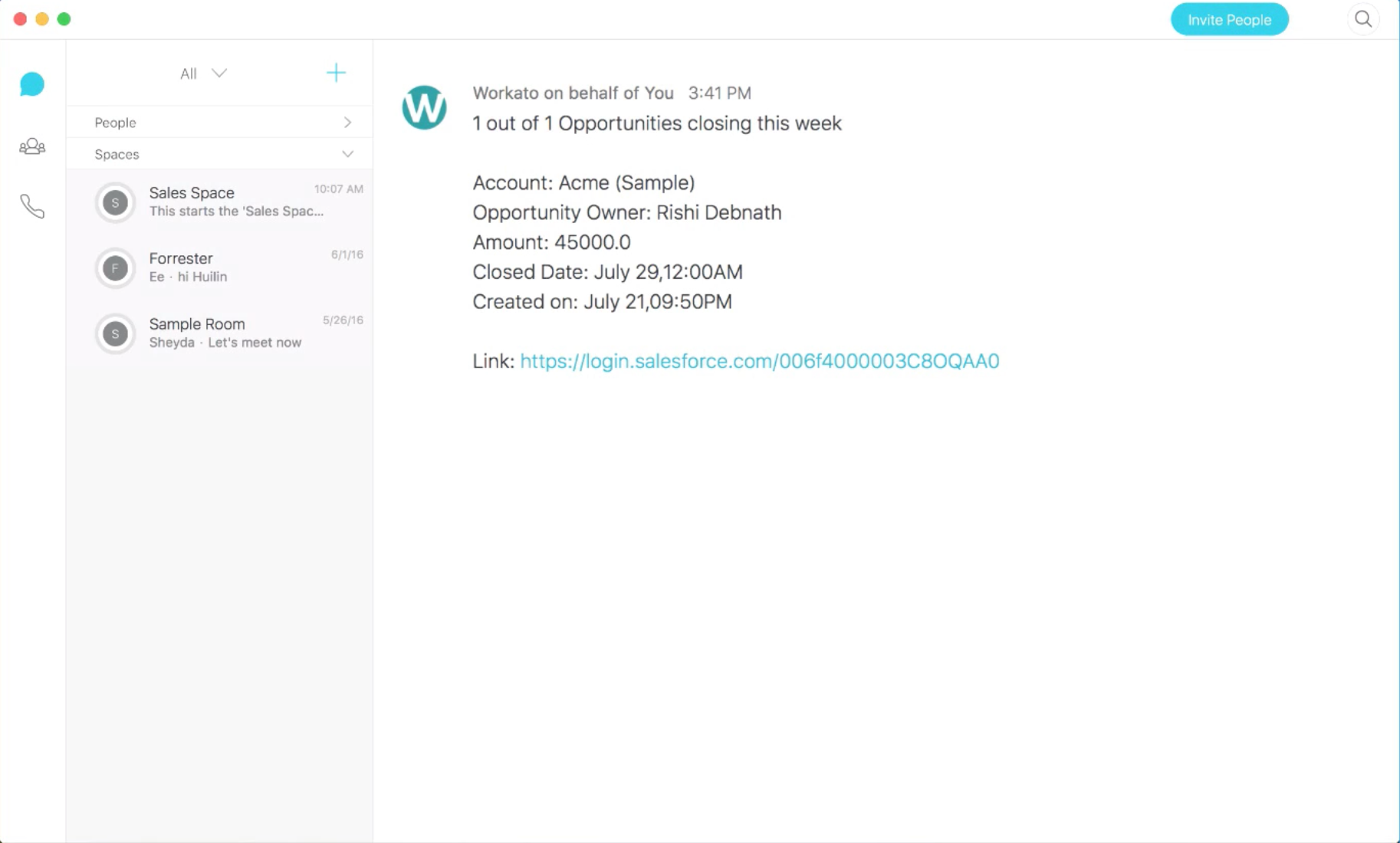
Show Opportunities closing this week
-
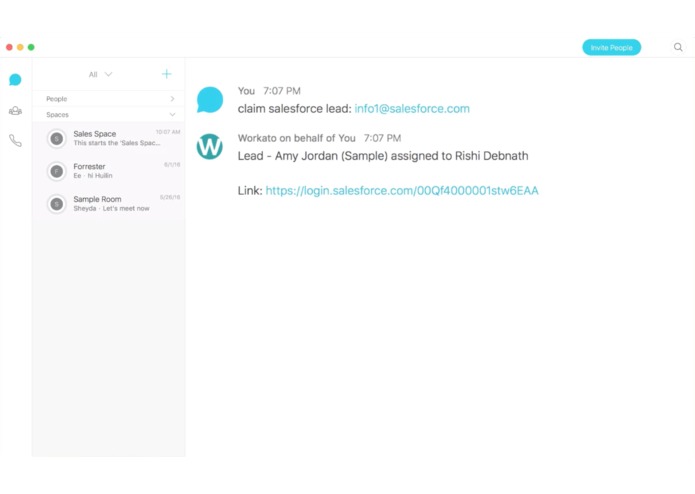
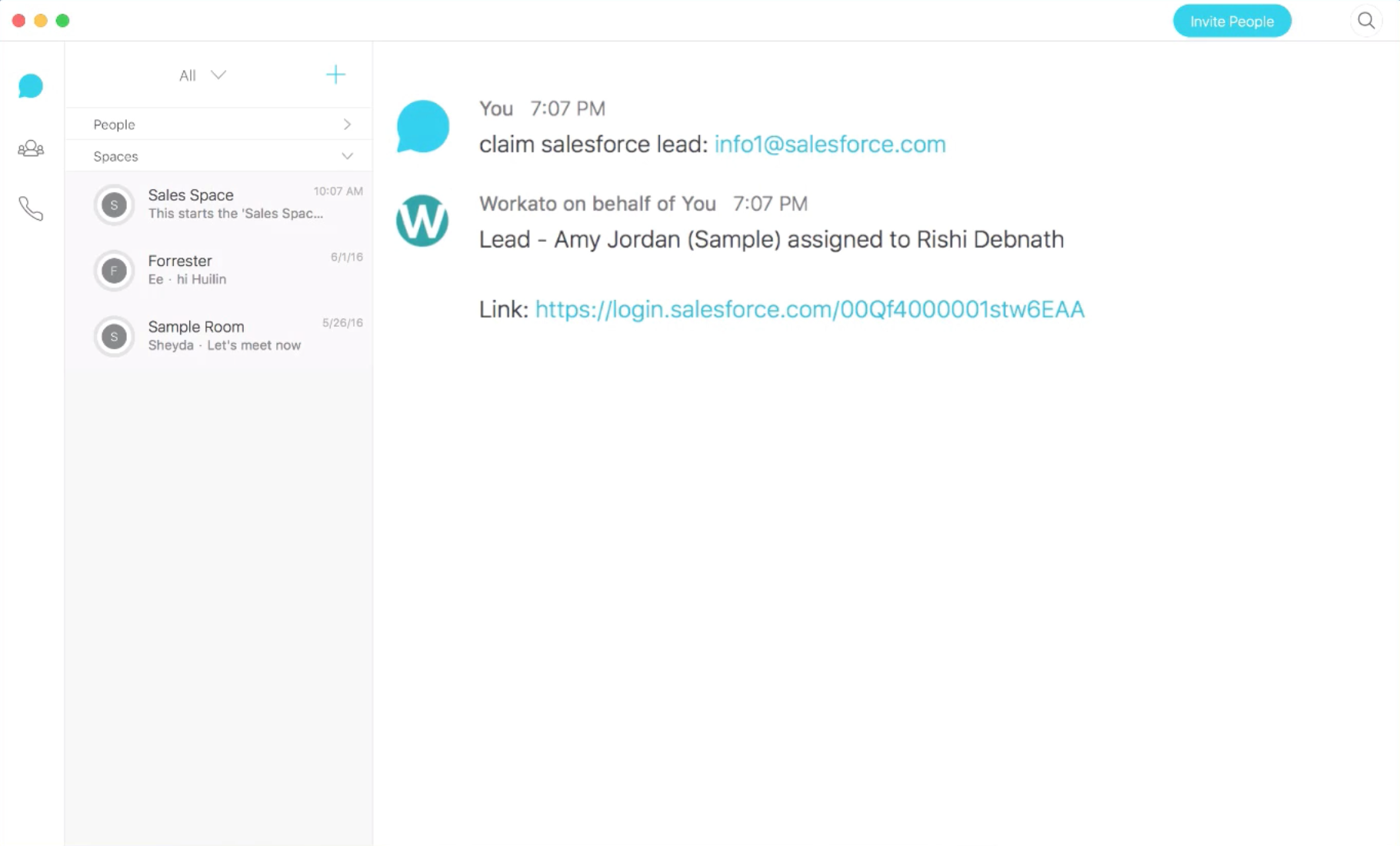
Claim a lead
-
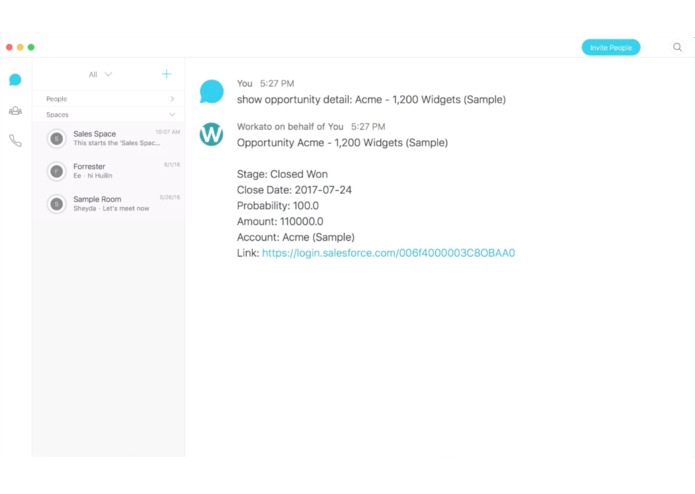
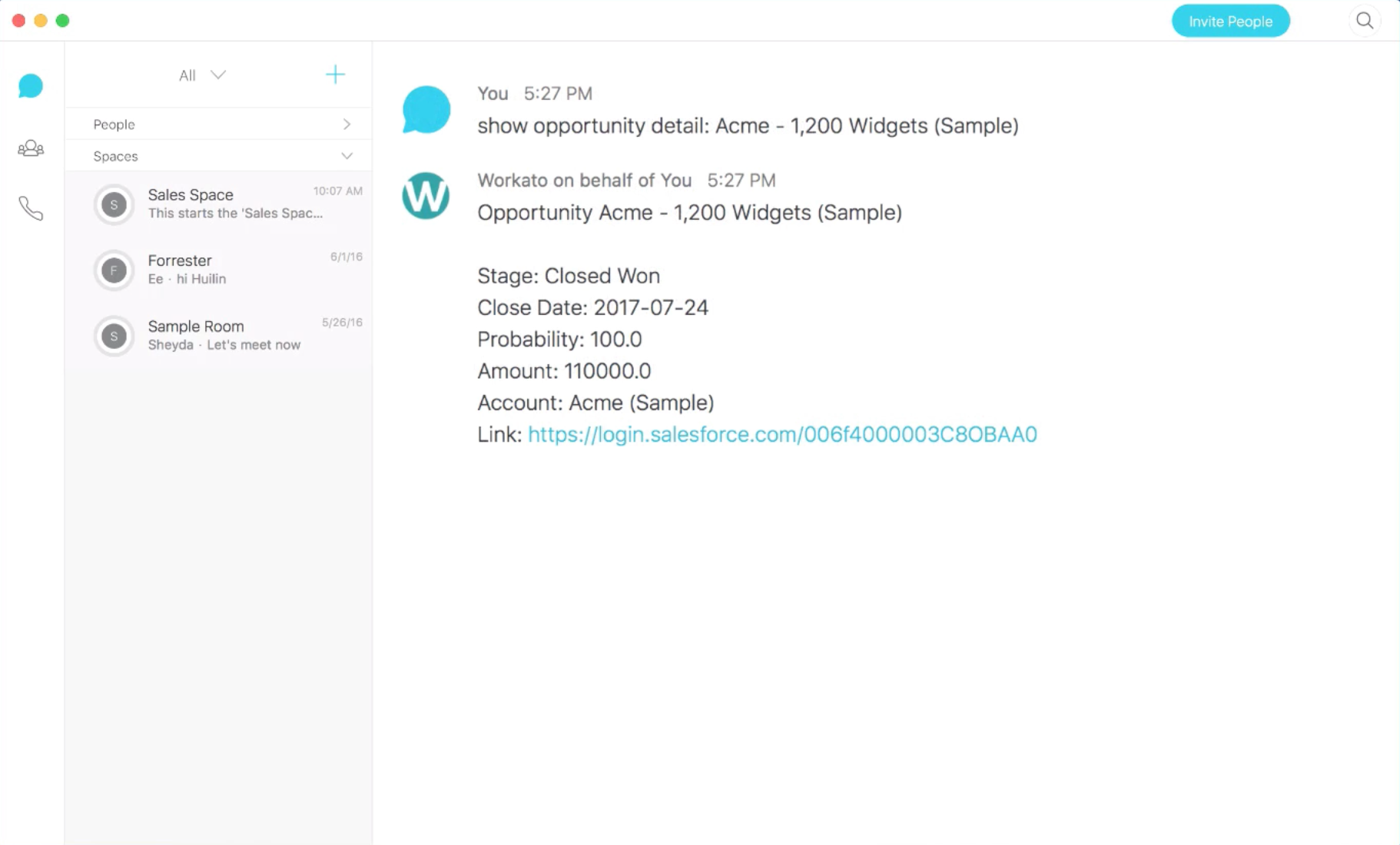
Show Opportunity details
-
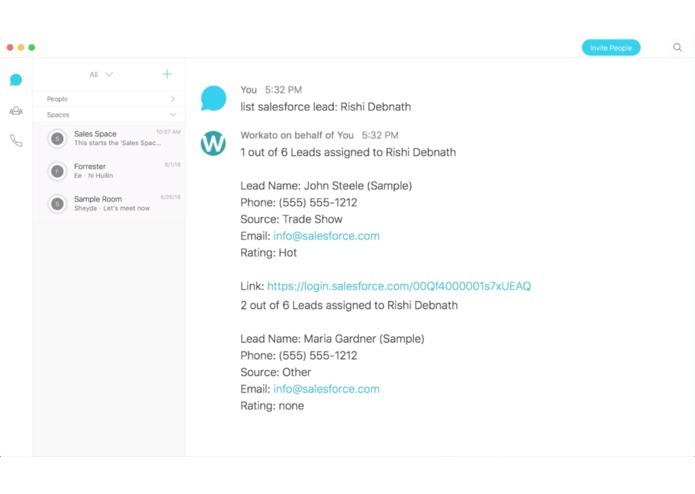
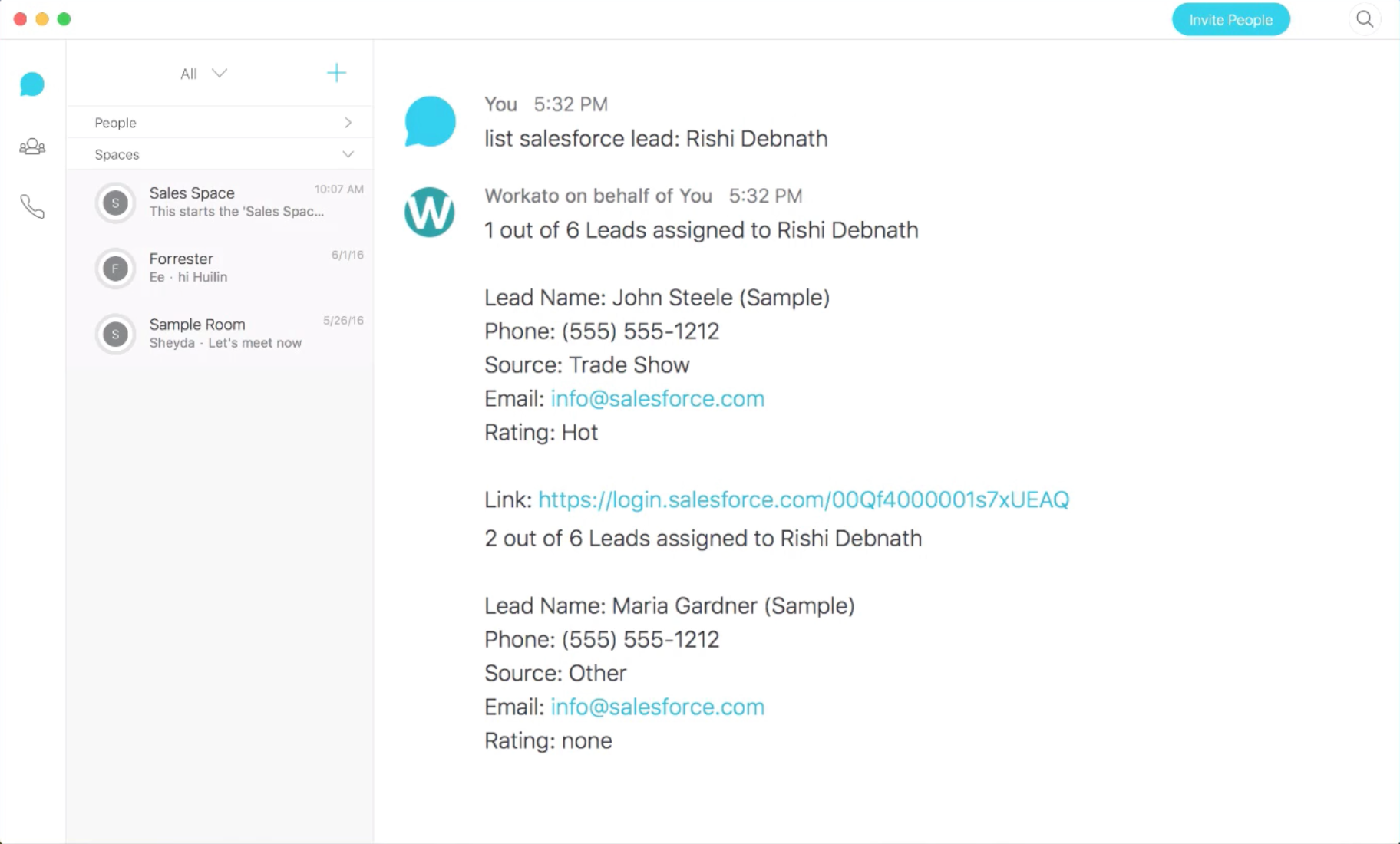
List an assigned lead
Inspiration
Business users already collaborate with their colleagues on Cisco Spark. Forcebot for Cisco Spark was built to eliminate the app-hopping so users can quickly bring up information right from the chat console itself. This also avoids the multiple clicks needed in Salesforce, which is a big productivity drain. Forcebot also allows you to customize your notifications in the specific Space so people don't get swamped with unrelated notifications. Further, sales people should have the ability to get a quick snapshot of their sales progress from Cisco Spark. We've built Forcebot to enable sales people to work better, including the ability to chart all Opportunities closing in a bar chart, get notifications on tasks due today, claim leads right in Cisco Spark and more.
What it does
- Show Accounts
- Show Opportunity
- List open Cases
- List Leads assigned to a rep
- List unread Leads created and assigned today
- Claim Leads
- Summarize all Opportunities closing this month in a Bar Chart
- Get the following notifications:
- Tasks due today
- Open Cases (weekly)
- New hot lead in Salesforce
- Closed Won Opportunity
- Opportunities closing this week
How we built it
We created bot commands using Workato recipes, which is a tool for writing scripting logic for the Cisco Spark commands.
Accomplishments that we're proud of
- Being able to consolidate data from Salesforce and turn them into charts within the Cisco Spark chat console.
- The ability to handle ALL Salesforce customizations including all custom objects and fields.
- The ability to perform useful actions in Salesforce within the chat console itself so context is not lost.
What's next for Forcebot for Cisco Spark?
Right now, any actions taken with Forcebot would be attributed to the person who installed the bot. We'd like to enable a feature called Verified User Access, which allows the ability to attribute user actions based on each individual person, instead of attributing all to the person who installed the bot. When a user wants to take an action via the bot, he/she will be required to authenticate his app credentials and the bot will attribute the action to the person.
Built With
- cisco-spark-api
- salesforce
- workato-platform


Log in or sign up for Devpost to join the conversation.