Scenario
When a record is updated in Salesforce, the date, time and user who made the modification is recorded, but what about the numerous times a record in Salesforce is viewed without any changes being made?
Not having a record of who is viewing information about Accounts, Contacts and Opportunities leaves a big gap in the picture of knowing if employees are putting their efforts into the most appropriate customers and deals.
Being able to make sure that the business is focused on the right customers relies on knowing which information is being accessed by different roles in the business, and how frequently that access is taking place.
Our app, Footprint for Salesforce1 makes a record of each time a user views an Account, Contact or Opportunity. This information can then be used to guide individual users in their daily tasks and to inform key metrics for the business at large.
How It Works
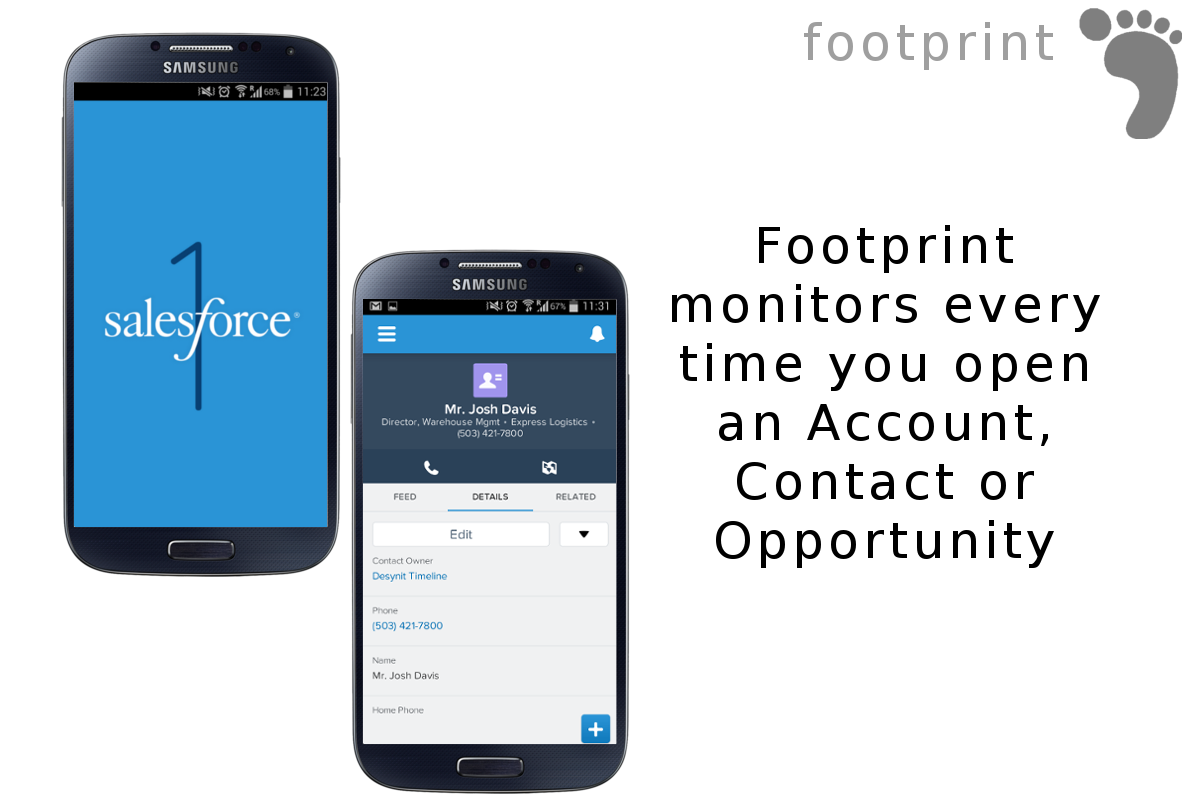
Each time a record is viewed in Salesforce, the Footprint application records the view. We call this a record view footprint.
This information about record view footprints can then be summarised and displayed to:
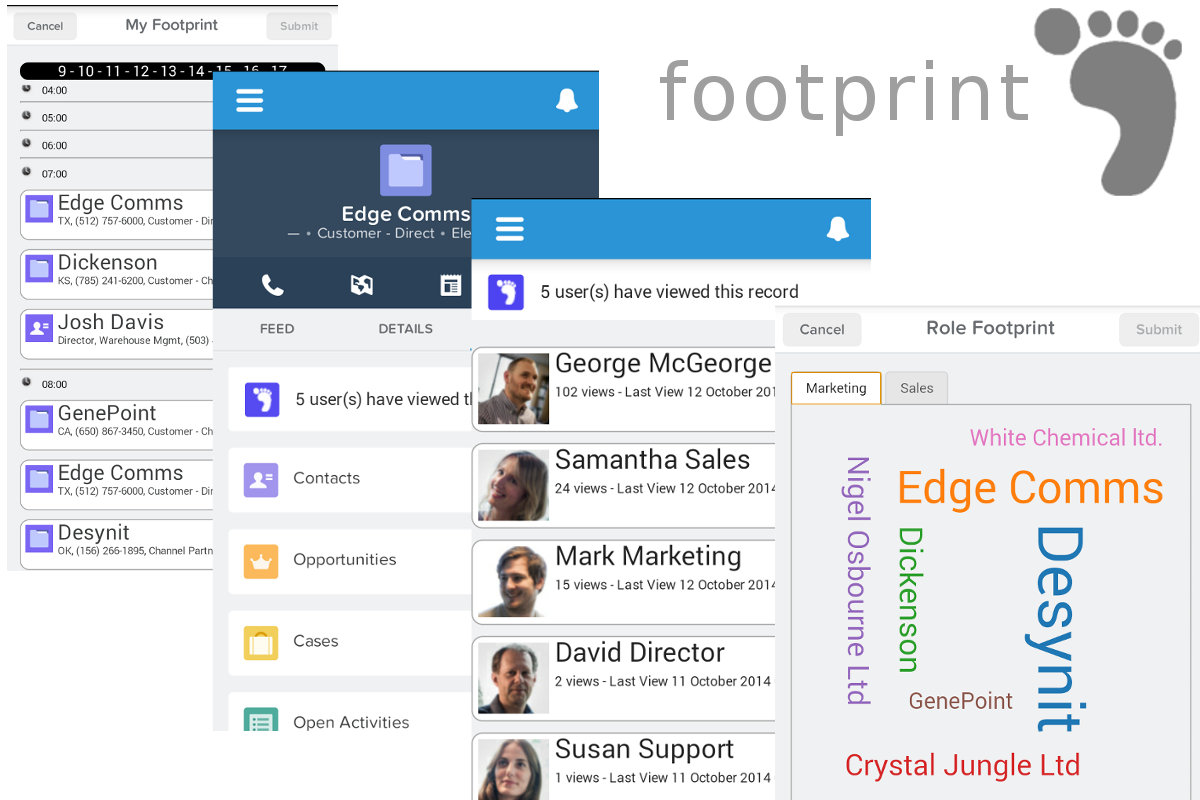
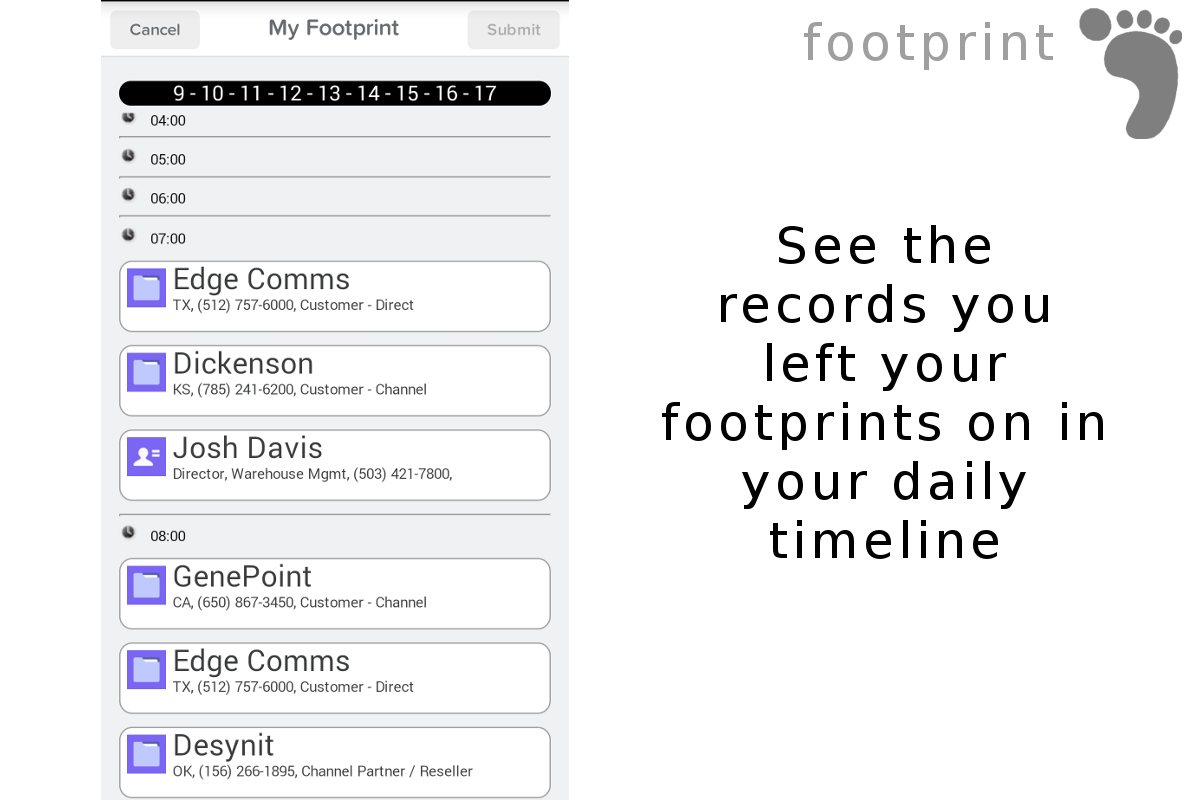
- See a timeline of the Accounts, Contacts and Opportunities which a user has viewed today
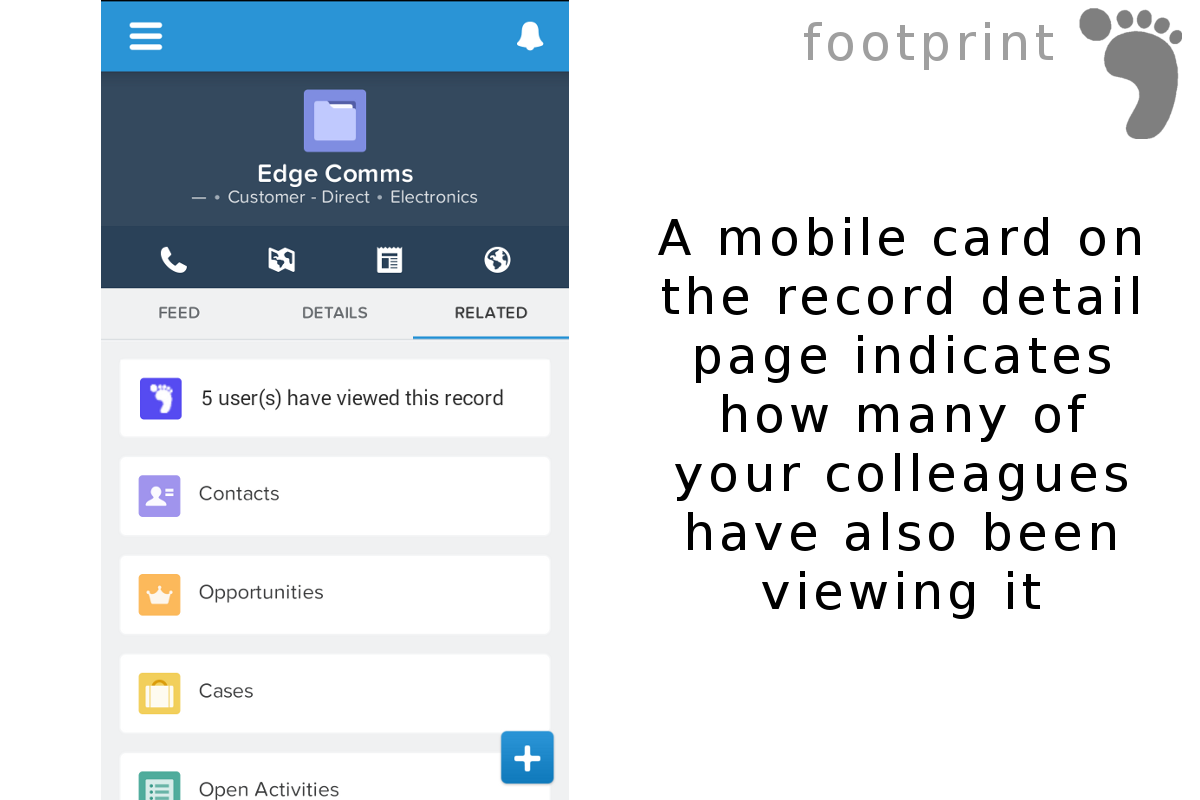
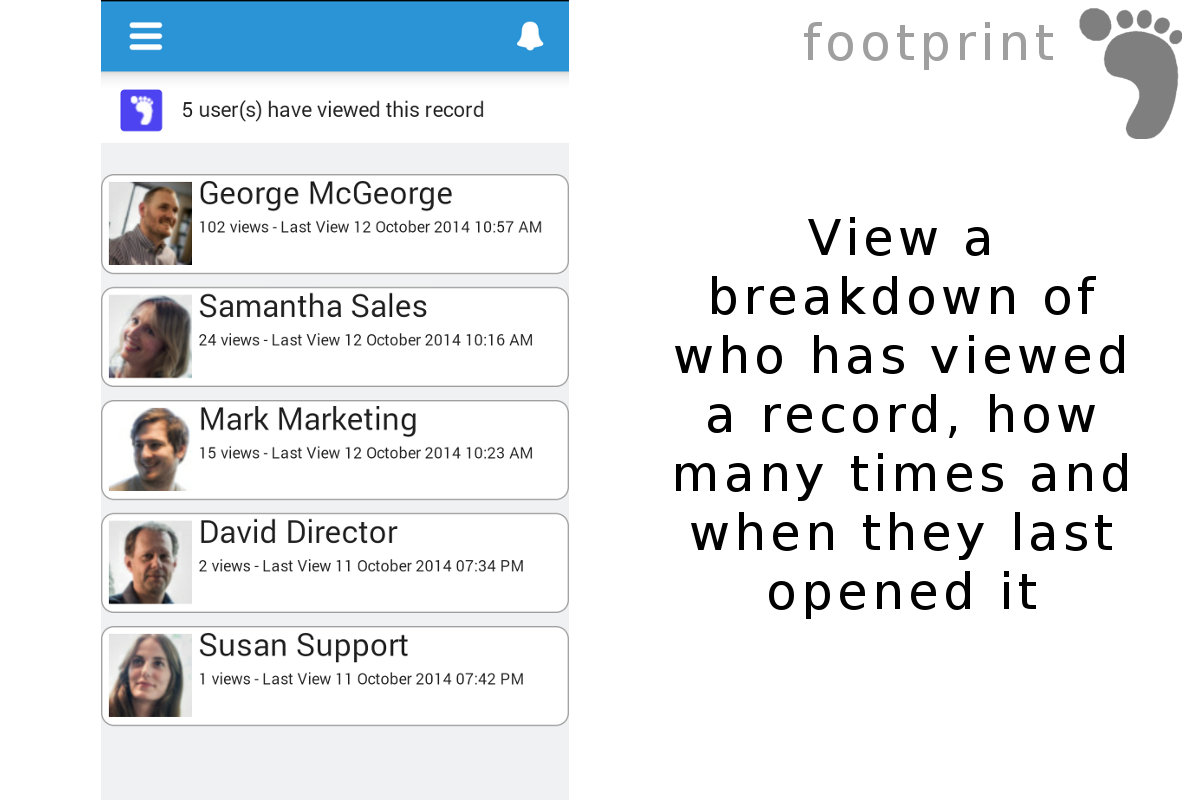
- See the other Salesforce users who have has been viewing a particular Account, Contact or Opportunity
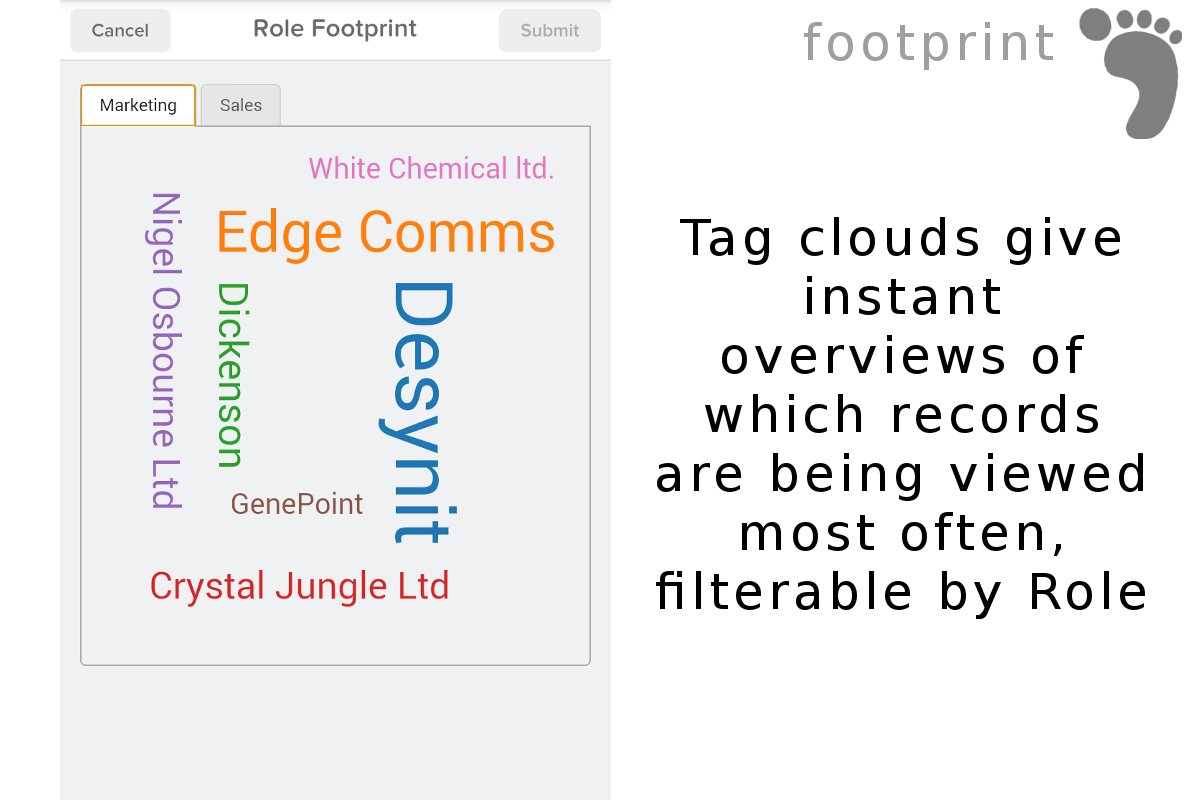
- See which Accounts in an organization are most frequently viewed by different roles in the company, for example are the sales team aware which Accounts are being viewed a lot by their colleagues in the marketing department
How Footprint helps Sales People
A salesperson can see the footprints they left when viewing Accounts, Contacts and Opportunities in a daily timeline view. They can use the timeline to quickly navigate back to the records which they were viewing earlier in the day. The history of their day as a timeline also makes it simple to prepare for a review meeting with their boss. They know exactly where they spent their time that day.
When looking at a single record, for example an Account, the salesperson can see the footprints of any of their colleagues who have also viewed the same information. If a colleague has viewed the record multiple times, it is a signal that a conversation is required.
Sales people can also make use of the role based footprint visualization feature to see at a glance which Accounts are currently of interest to the marketing department. If they see one of their own Accounts displayed prominently which they were not expecting it is an indicator that they may need to collaborate with marketing on a campaign or bid that they were not previously aware of.
How Footprint helps Executives
The role based footprint visualization allows executives to compare the effect of viewing priorities of different departments within their organisation, allowing them to spot when priorities are not aligned with the objectives of the business. There is also the potential to identify when Accounts are being neglected and are not being engaged with. The footprint information also allows executives to make a better assessment of the ROI of their investment in Salesforce licenses or third party apps. Not all users in an organisation are active contributors in updating Salesforce records, but they may be avid consumers of the information about Accounts, Contacts etc. and derive great benefit for using Salesforce. Only when both update and viewing activity are taken into account can an accurate ROI be calculated.
Future potential
Capturing the activity of viewing records provides a springboard to tie into other features of the Salesforce1 platform. One example for this is in the area of collaboration using Chatter and topics. When connections between different peoples’ viewing habits are made they can collaborate around a topic or record using Chatter. The Footprint app could be enhanced to facilitate this as a single click action.
Another example, is in the area of compliance for the financial services industry. Currently there is no trail left in the situation when a user abuses their system access to obtain information which they go on to exploit for their own personal gain. The Footprint application records all the records viewed by all users, and this information could be backed up on a regular basis for audit purposes.
Technical Features
- Salesforce1 Mobile Cards
- Visualforce & Apex
- Custom objects
- Javascript libraries: ** jQuery ** d3-cloud (https://github.com/jasondavies/d3-cloud)
Built With
- android
- ios
- s1moble
- salesforce

Log in or sign up for Devpost to join the conversation.