-
-

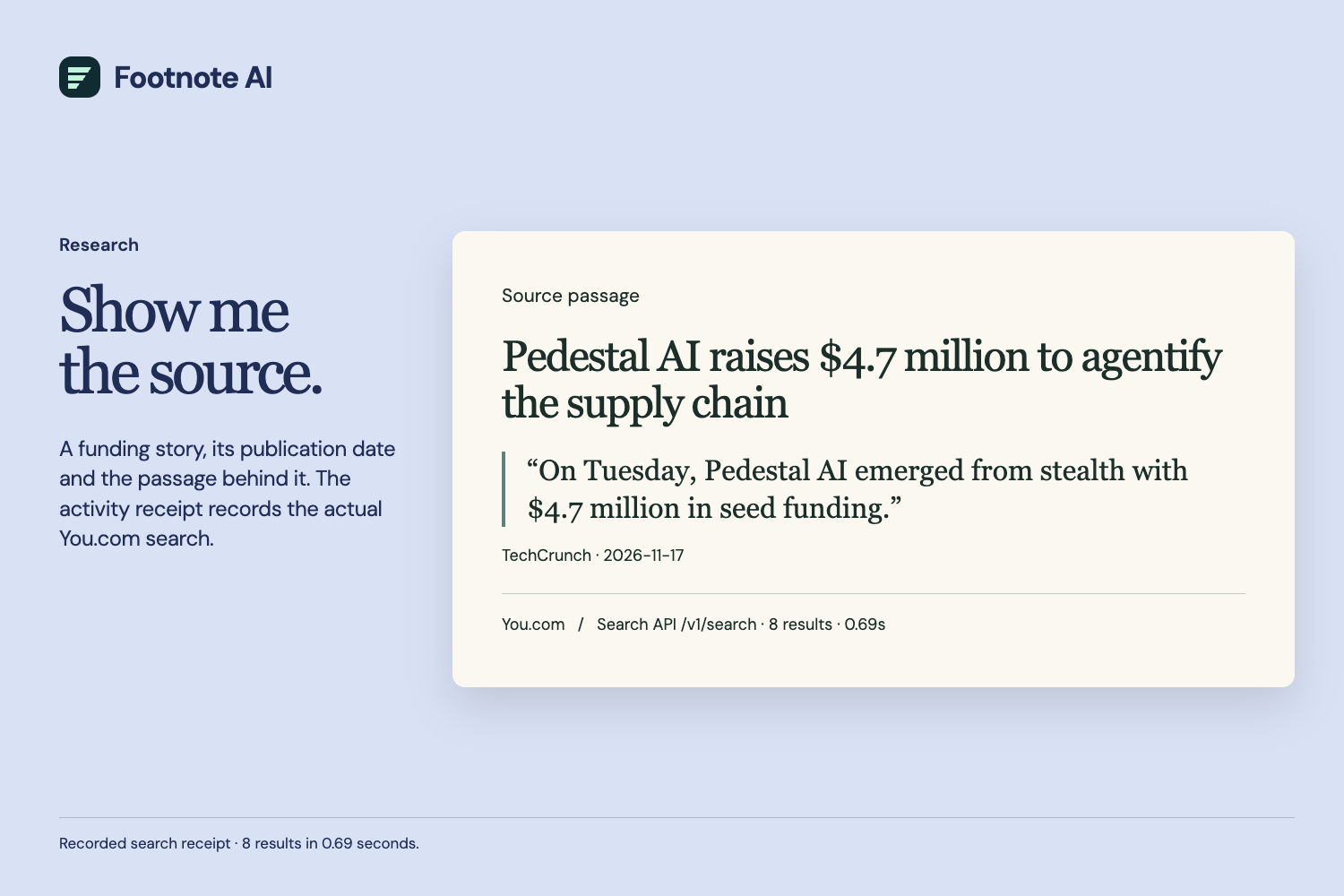
Show me source
-
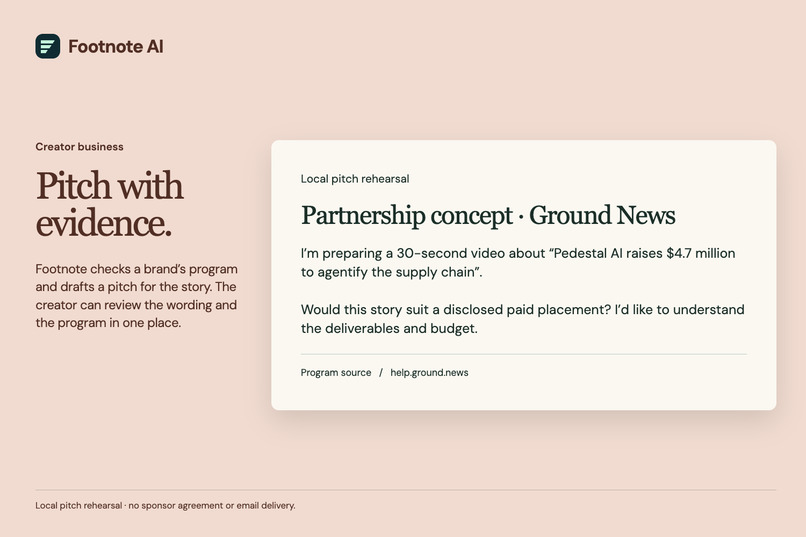
Pitch with evidence
-
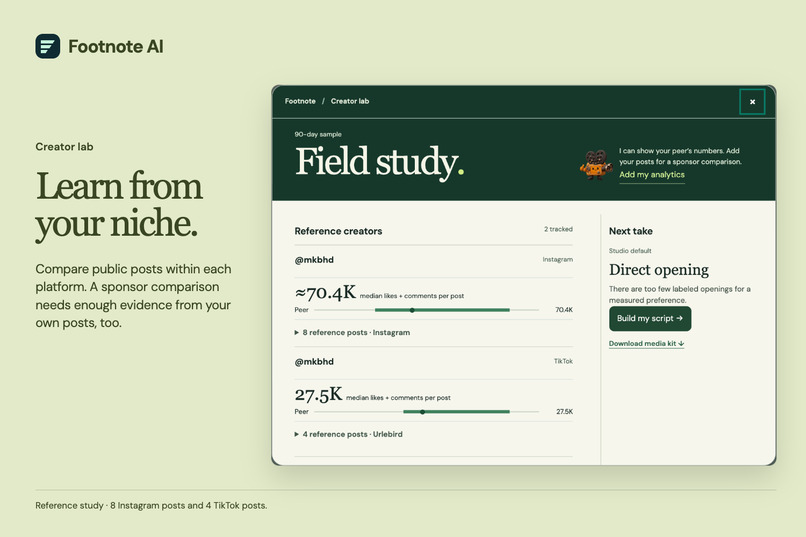
Learn from your niche
-
The cut room
Inspiration
We asked an early version of Footnote to find a story for a startup celebrating its founding anniversary and a recent win. It returned a well-sourced headline about climate talks.
The citation was real. The answer was wrong.
That moment shaped Footnote. In an era where AI can generate compelling narratives in seconds, creators need more than a convincing script. Before putting their face and voice behind a story, they should be able to see exactly what supports it.
We wanted to bridge the gap between AI-generated content and verifiable journalism—without slowing creators down.
What It Does
Footnote turns research-backed stories into ready-to-publish short-form videos.
Creators can:
- Discover stories. Request a story within their niche and receive relevant, dated research.
- Verify claims. Inspect the source passage behind each claim instead of trusting a generated summary.
- Create scripts. Generate a concise, camera-ready script alongside a teleprompter.
- Record naturally. Record their take in their own voice, without needing to deliver the script perfectly.
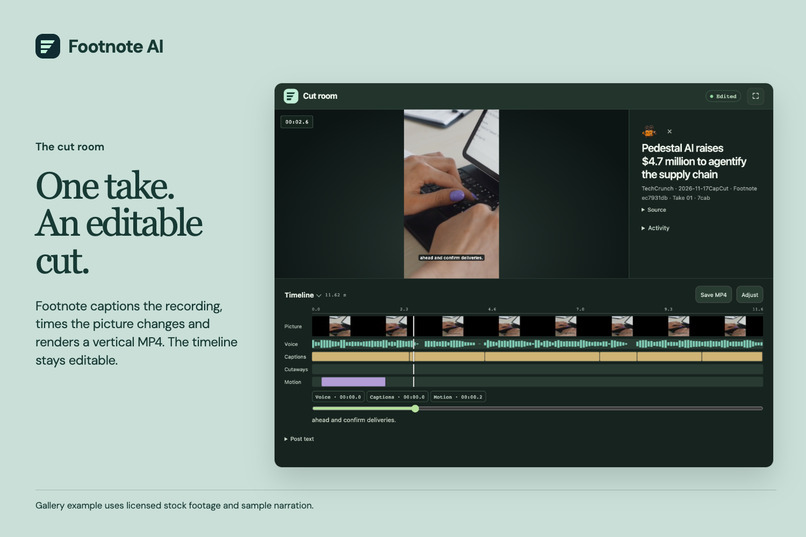
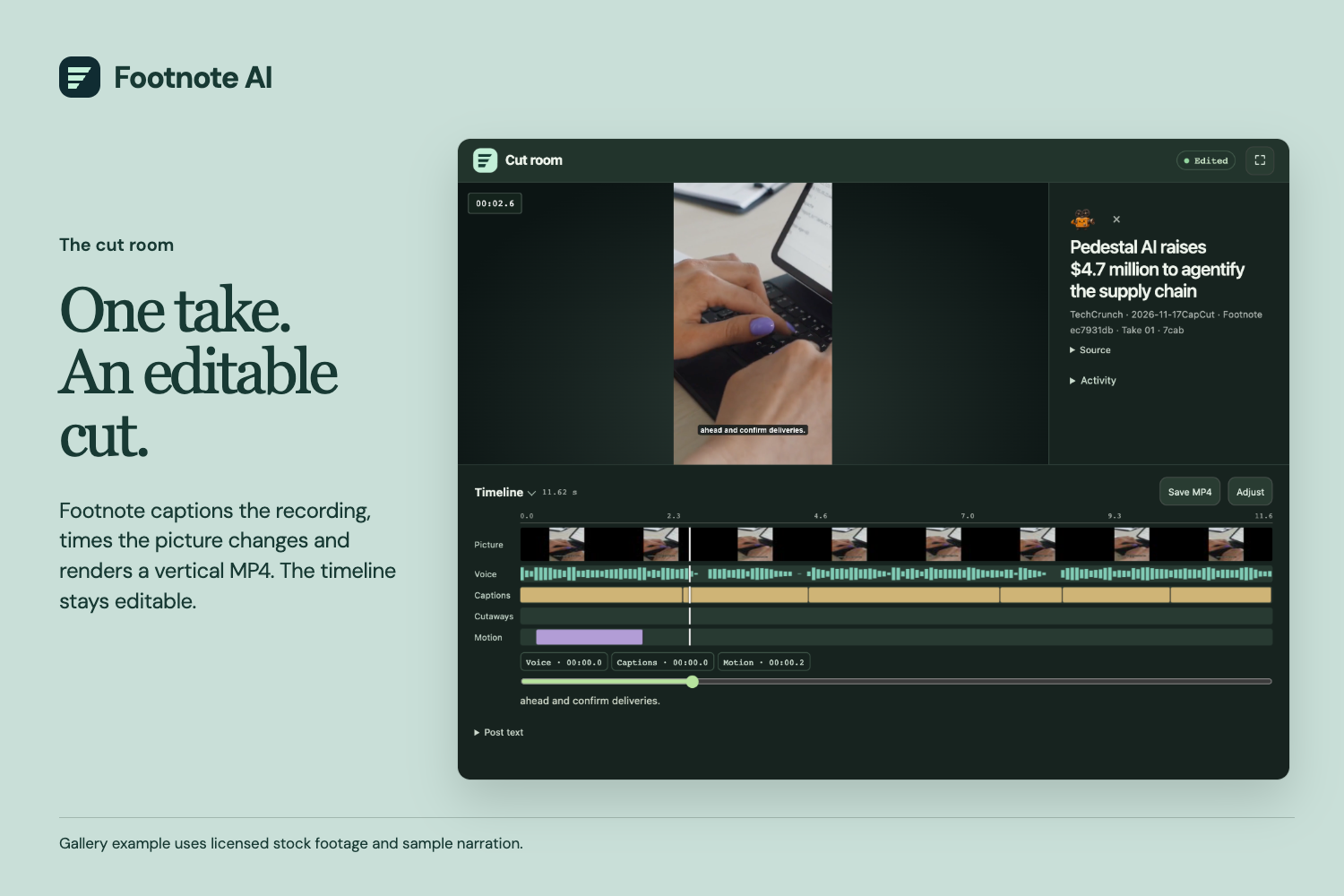
- Edit intelligently. Review captions, cutaways, and zooms in an interactive cut room.
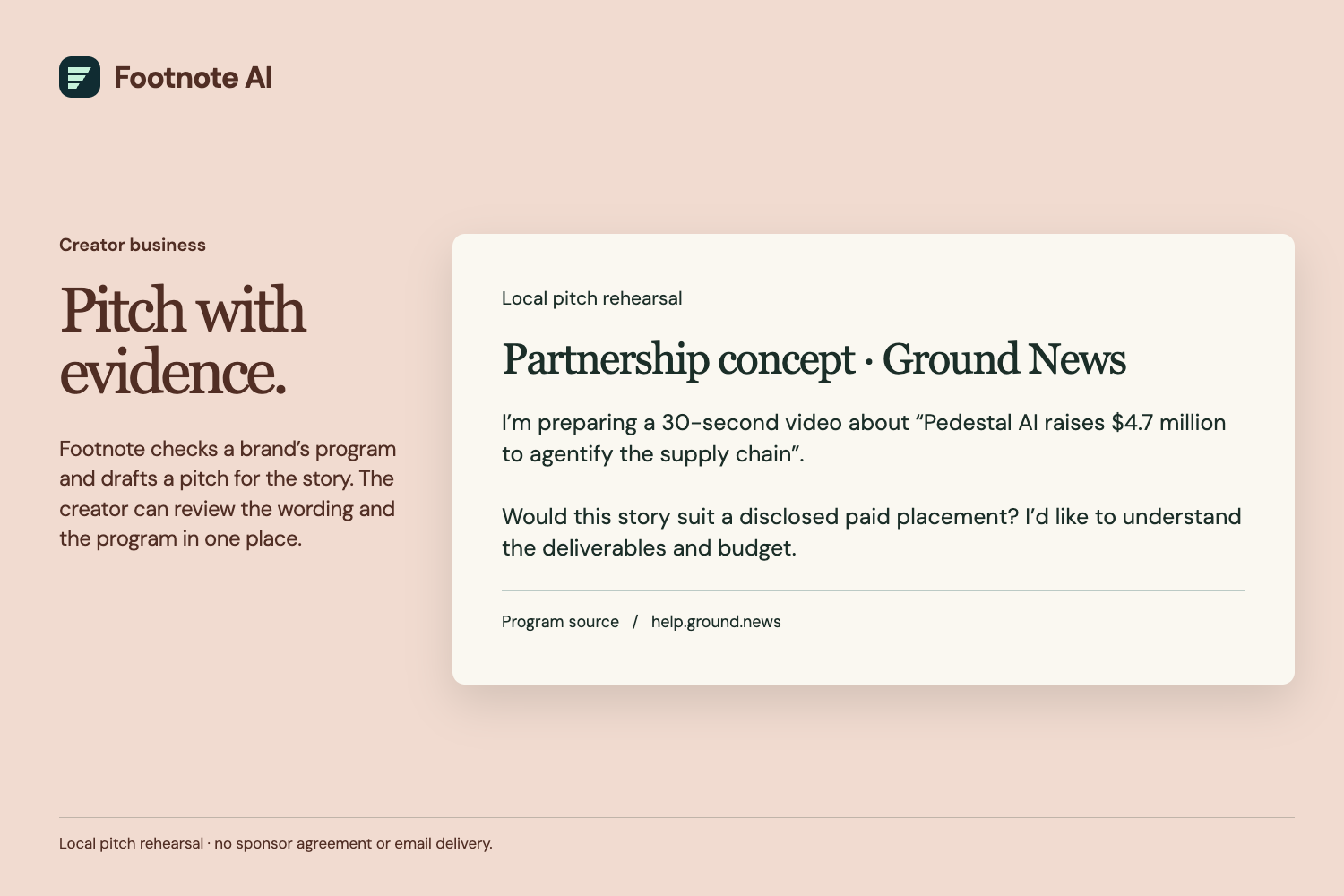
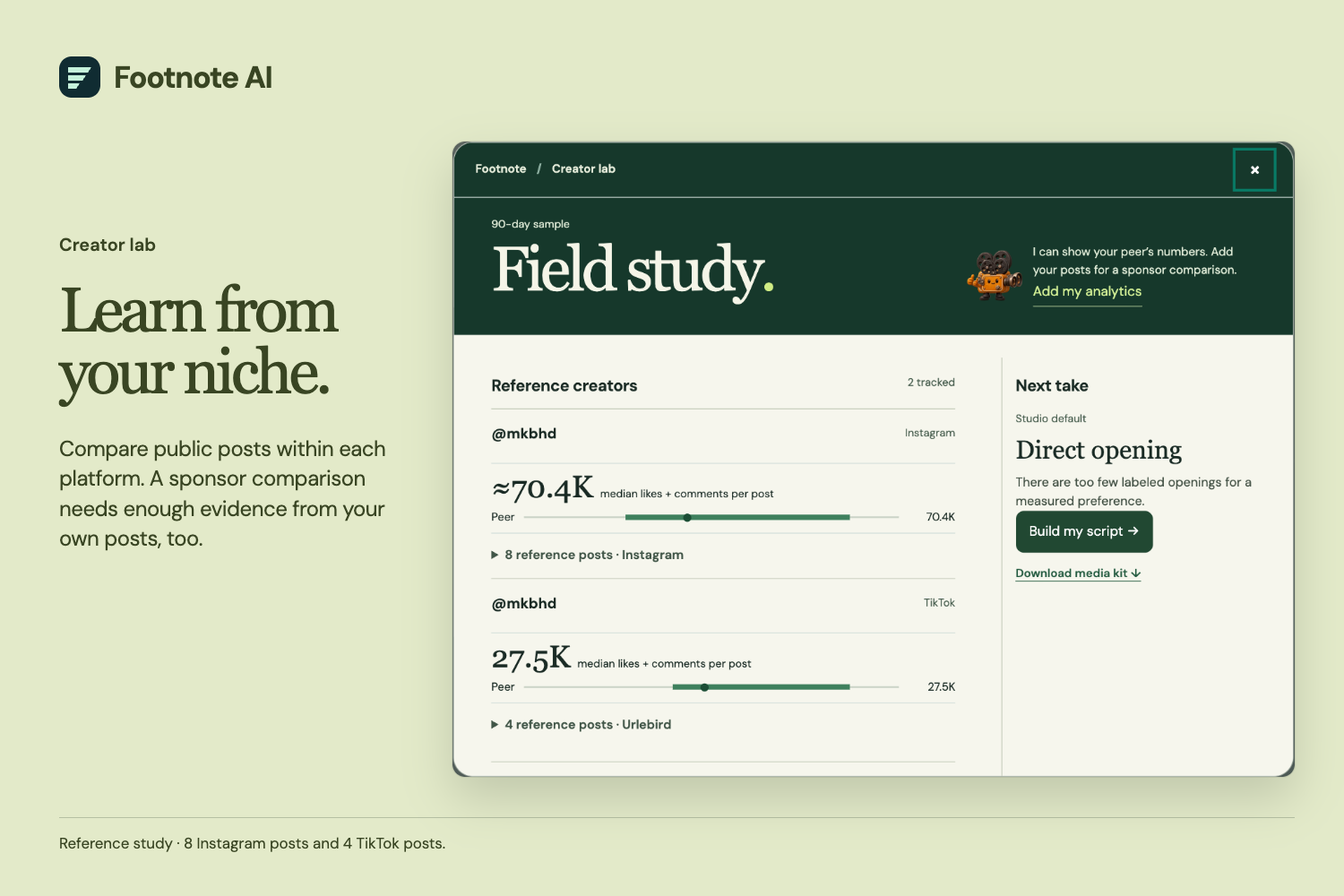
- Export content. Generate a vertical video with captions, post copy, hashtags, and source links. Footnote also explores creator monetization. It checks publicly available brand partnership programs and drafts a story-specific pitch that creators can rehearse inside the studio. The creator remains in control of whether to pursue the opportunity.
How We Built It
We connected a local Python production studio to AI assistants through the Model Context Protocol (MCP), creating a workflow that bridges research, recording, transcription, editing, and export.
The pipeline is designed around:
$$ \text{Research} \rightarrow \text{Script} \rightarrow \text{Record} \rightarrow \text{Transcribe} \rightarrow \text{Edit} \rightarrow \text{Export} $$
- You.com — Story research and source discovery.
- MCP — Connects AI assistants to the local production studio and tools.
- Python — Powers the studio workflow and orchestration.
- whisper.cpp — Transcribes the creator's actual recording.
- FFmpeg — Renders and assembles the final vertical video.
- CapCut — Receives an editable project draft for further creative work. The assistant can prepare the script, open the Mac teleprompter, and retrieve the recording as soon as the take finishes. The same editing timeline drives both the final MP4 and an editable CapCut draft.
Challenges We Ran Into
1. The creator doesn't speak like the script.
People pause, skip words, restart sentences, and change their delivery. Aligning captions to the original script caused timing drift.
We solved this by transcribing the actual microphone recording and adjusting caption timestamps after trimming. The captions now follow what the creator really said—not what the script expected them to say.
2. Keeping editing workflows reliable.
CapCut can keep its project library open and unavailable to external modifications. Instead of making the entire workflow dependent on the library being accessible, Footnote preserves the rendered MP4 and can generate a separate editable draft.
This gave us a more resilient pipeline without sacrificing the ability to continue editing.
Accomplishments That We're Proud Of
We built a workflow that lets creators inspect both sides of the story: the evidence behind what they say and the actual footage viewers see.
- During one rehearsal, You.com returned 8 research results in 0.69 seconds.
- One result led us to TechCrunch's coverage of Pedestal AI's $4.7 million seed round.
- In an editing test, we inspected exported frames and verified that CapCut placed the planned cutaway at the 4.1-second mark. Instead of blindly trusting the generated script or edit, we could inspect the sources, listen to the recording, and verify the rendered output.
What We Learned
Two questions fundamentally shaped the product:
"Where did that number come from?"
That led us to surface the supporting source passage directly beneath the teleprompter.
"Can I change just that cut?"
That led us to versioned, granular edits.
Creators shouldn't have to redo an entire video because one sentence, caption, cutaway, or zoom needs correction. Footnote lets them change one decision while preserving the original take and the rest of the edit.
What's Next for Footnote AI
We want to test Footnote with 10 independent tech creators using two comparable briefs:
- One brief completed using their usual tools.
- One brief completed using Footnote. We'll alternate which workflow creators use first to reduce order effects.
We plan to measure how much production time each creator saves.
$$ \text{Minutes saved per video} = T_{\mathrm{usual}} - T_{\mathrm{Footnote}} $$
Here, each time runs from receiving the brief to a clip the creator would publish. We will also count corrections and ask creators to rate their confidence in the sources.
Our goal is to determine whether Footnote meaningfully reduces production time, improves confidence in sourcing, and produces videos creators would actually publish—and whether they would pay $19/month for the workflow.
The long-term vision: creators should spend less time researching, stitching together tools, and correcting AI outputs—and more time telling stories they believe in.
Built With
- appkit
- capcut-cli
- ffmpeg
- javascript
- masko
- model-context-protocol-(mcp)
- ollama
- pillow
- playwright
- python
- qwen
- swift
- treg
- webkit
- whisper.cpp
- you.com-search-api
