-
-
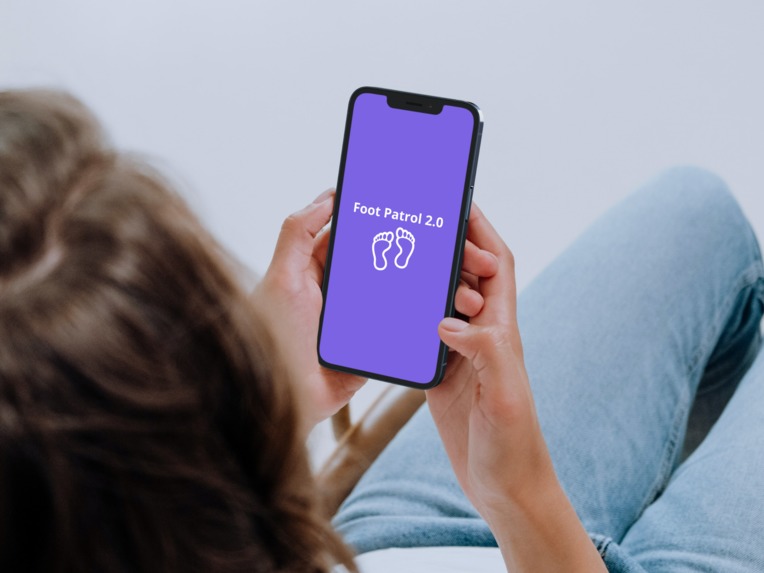
Home page when opening app.
-

Page to choose the university the user is attending.
-
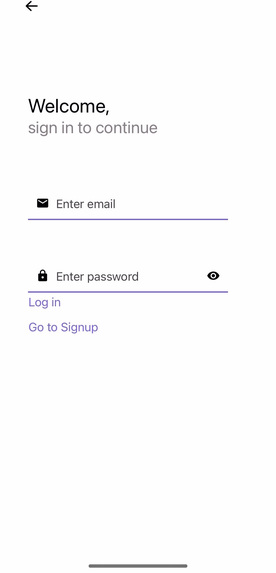
Student and patroller sign-in page.
-
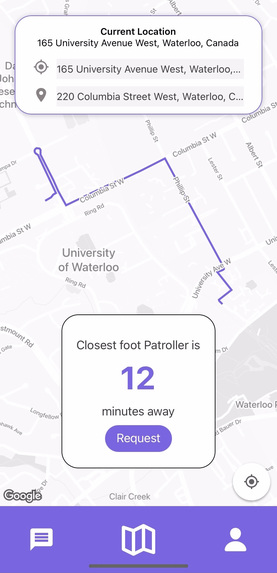
User has entered pick-up drop-off points.
-
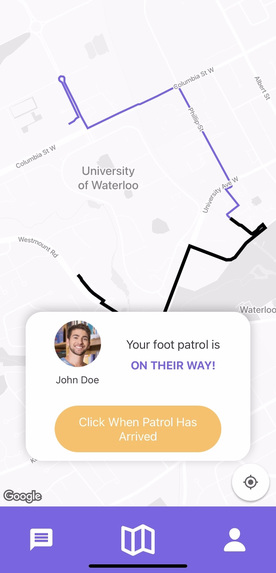
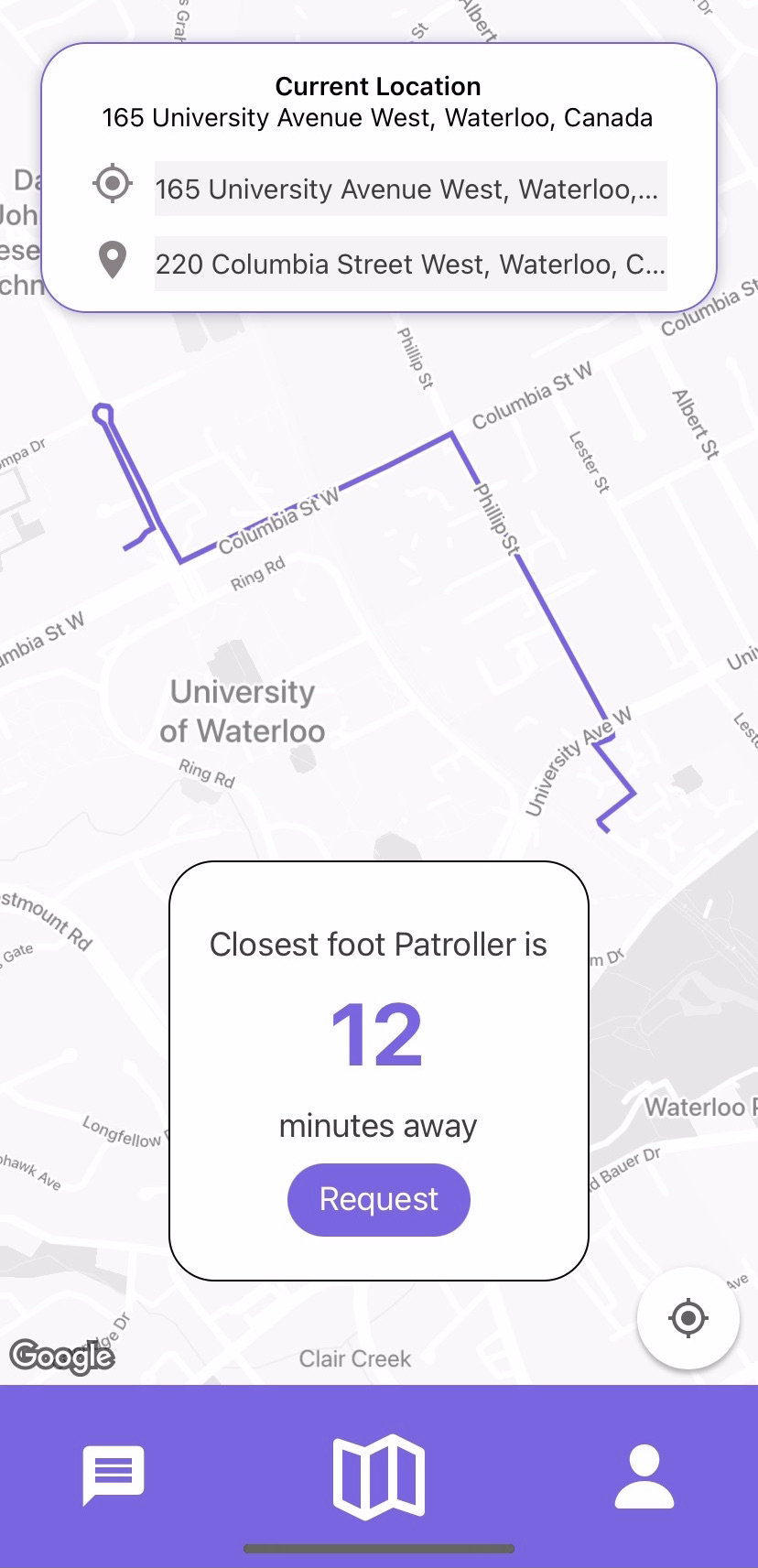
User is awaiting patroller's arrival.
-
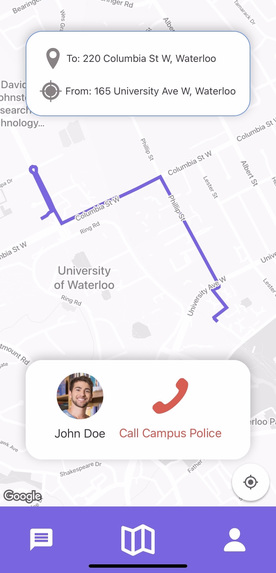
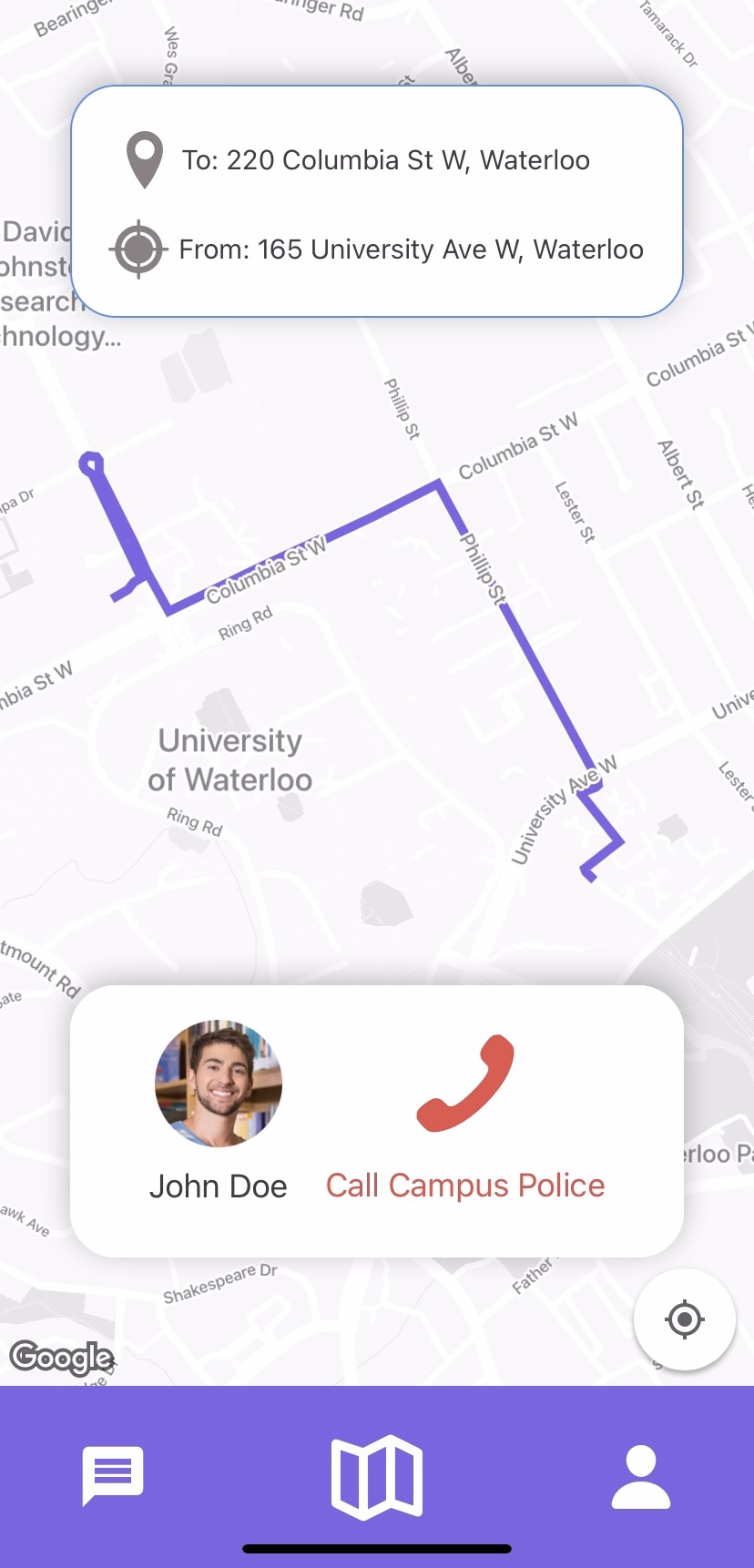
Safety feature to call campus police while walking.
-
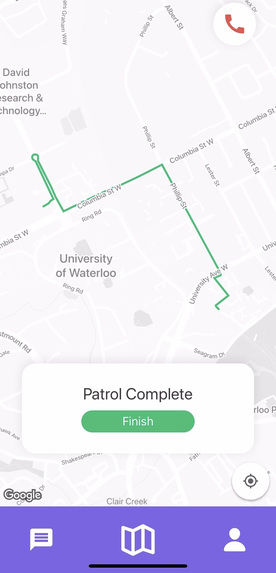
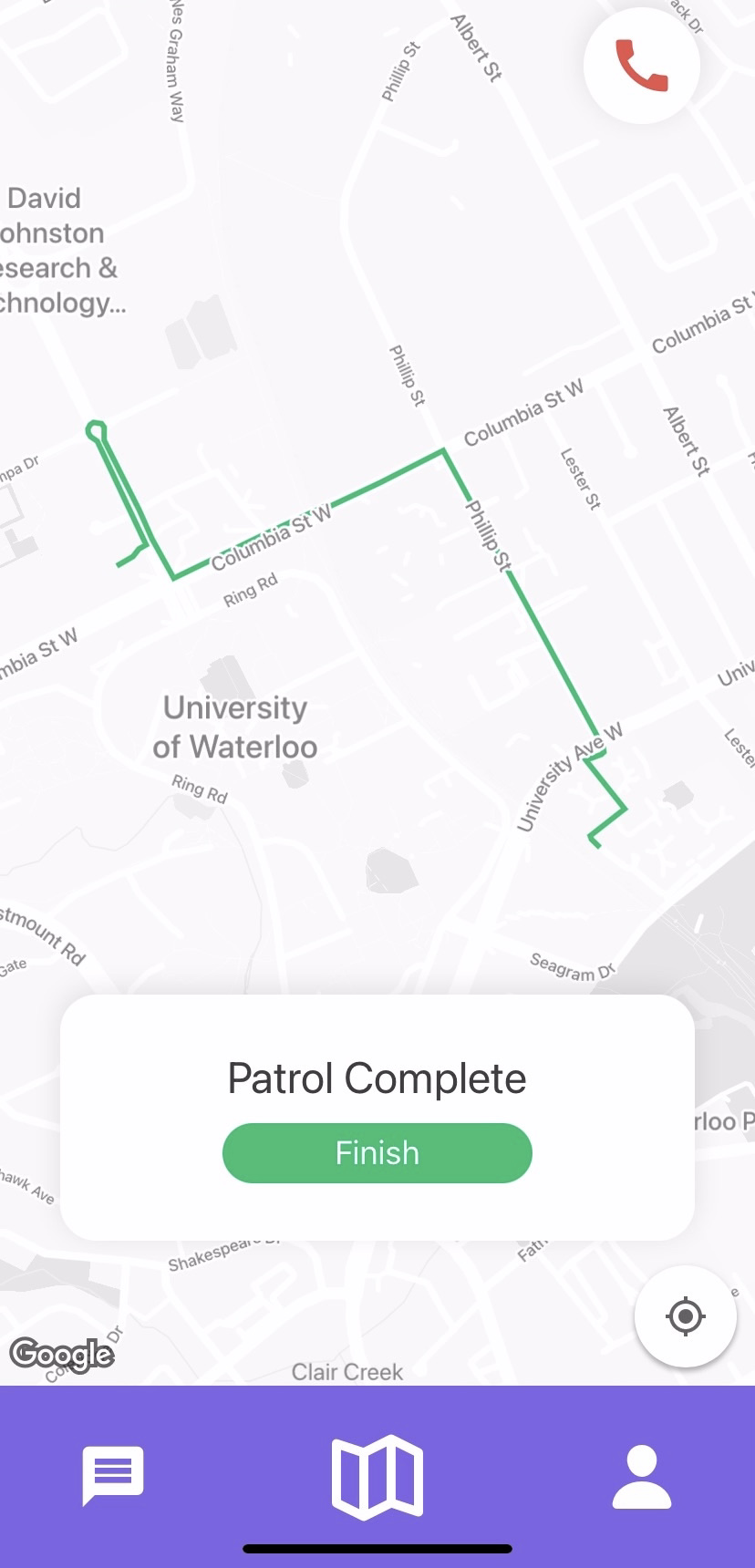
Patroller and user have reached destination.
-
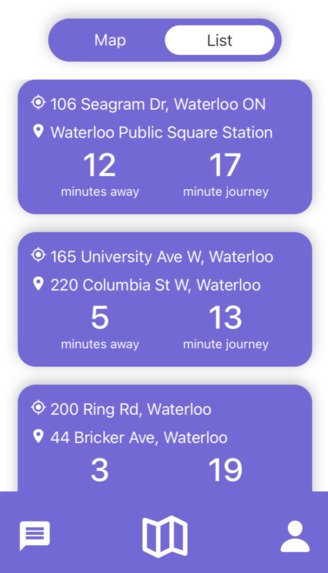
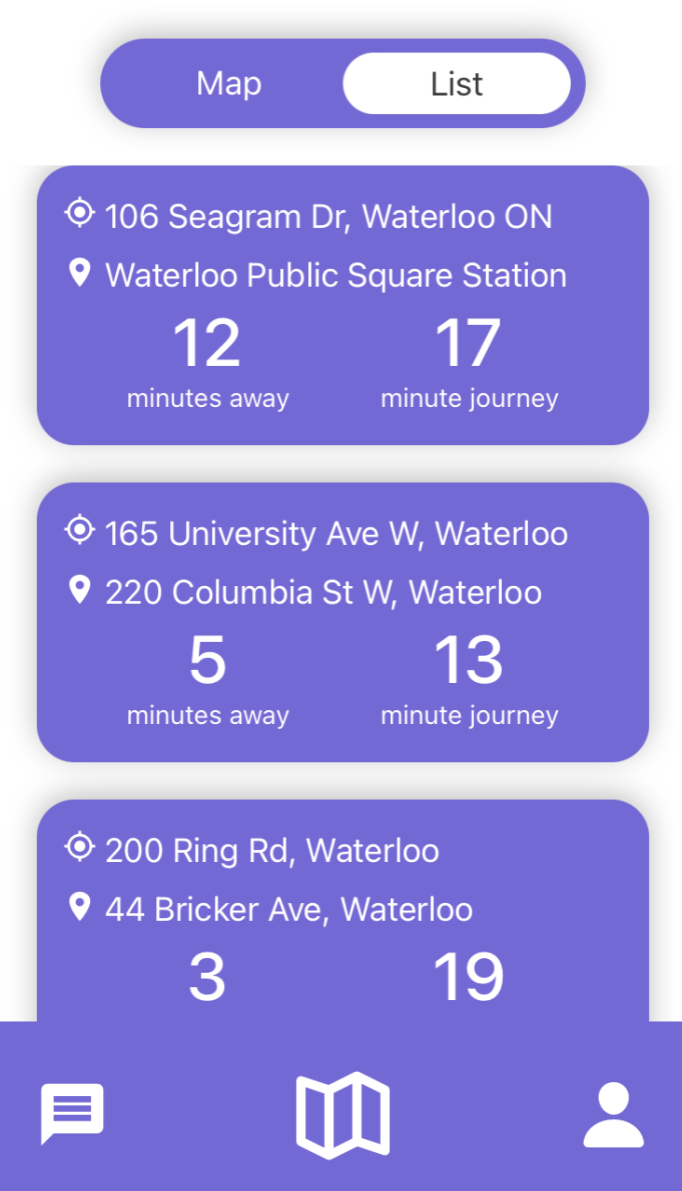
List view of tasks available for patrollers.
-
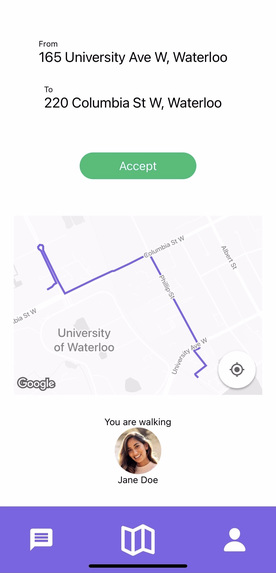
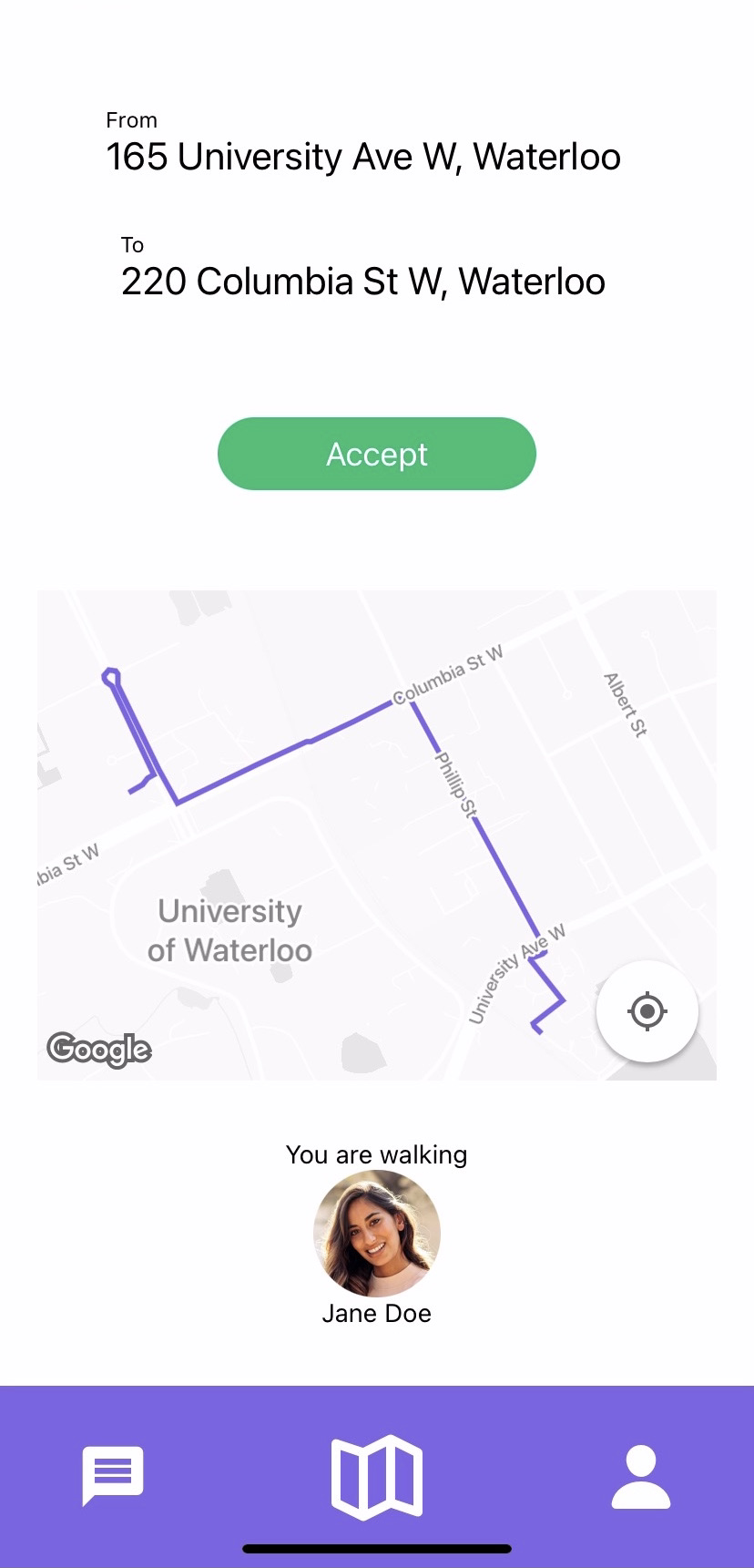
Detailed task view for patrollers.
-
Foot Patrol 2.0 app.



💡 Inspiration
Foot Patrol 2.0 was inspired by a program called Foot Patrol which many Canadian universities have implemented to promote and ensure safety on college campuses. Foot Patrol is a service for undergraduates that provides safe escorts for students walking alone at night.
These programs can be extremely useful for reducing the number of dangerous situations occurring on and around campus after dark. However, from our personal experiences, our group was able to identify a few major issues with these programs. Firstly, students need to call these campus organizations directly and arrange to meet with volunteers at a specific location. The overall process is time-consuming resulting in students choosing the shorter option of walking back alone.
The act of picking up a phone to call someone can also be stressful to certain students — influencing their decision to not utilize the safety program. The largest shock to our group members is that this type of program is not accessible at all universities. As young women, we believe having a form of these safety programs at every university is extremely important. That is why we decided to build Foot Patrol 2.0.
⚙️ What it does
Foot Patrol 2.0 is a safety app that connects university volunteers with students looking for a safe escort to walk them home at night. It is as easy to use as Uber! Students simply open our app, choose their university, log in for safety with their university email, and can request a foot patroller all in less than a few minutes.
Volunteers log in with unique credentials and will get alerted when a request nearby is made. Foot Patrol 2.0 is designed to be used at any university, hence our verification system to ensure neither volunteers nor students are matched with a potentially dangerous individual.
🔨 How we built it
Foot Patrol 2.0 is a mobile app for Android and iOS made with React Native.
The initial design of the app was made using Figma.
The front-end components, including references to pages and interactive features, were built through React Native.
To build the back end, we used Firebase to store user login information and location information. The Google Maps API and Directions API were used for all map functionality.
⛰️ Challenges we ran into
There were two primary challenges we ran into while creating Foot Patrol 2.0.
Firstly, none of us had used React Native prior to ElleHacks which led to a large learning curve. However, having all been familiar with JavaScript, we were able to quickly pick up the framework. It was very rewarding to see the beautiful layout we created at the end.
The second challenge was using the Google Maps API which presented many difficulties. A large part of the difficulty yet again was a result of using React Native. There was not much documentation that worked for React Native online - slowing down the process. In addition, multiple APIs needed to be used for the functionality we wanted to implement.
🏆 Accomplishments that we're proud of
Prior to this hackathon, we had very limited mobile app development. Elements such as coding the back end of a mobile app and figuring out how to use the Google Map API within 36 hours proved to be quite the challenge. However, after hard work and collaboration, we were able to successfully implement Foot Patrol 2.0. We’re proud of creating a solution to a problem we’re passionate about.
💭 What we learned
- Creating a responsive, clean, and user-friendly UI using React Native.
- Displaying a custom map and directions for a journey with the Google Maps API and Directions API.
- Storing and retrieving data, as well as handling authentication, using Firebase.
👟 What's next for Foot Patrol 2.0
In the future, we are looking to expand Foot Patrol 2.0 to provide an optimal all-around user experience. We want our map to provide users with detailed instructions on how to get from point A to point B, as well as to implement a live chat function so users can communicate with their foot patroller as they are on their way. A live chat would allow a volunteer and student to, for example, communicate in case a meeting spot needed to change. We would also like to create a detailed user profile page that could be used as an additional safety feature. If volunteers and students had profiles, it could allow both parties to verify one another’s identities and feel safe knowing they are meeting a legitimate foot patroller or university student.


Log in or sign up for Devpost to join the conversation.