-
-
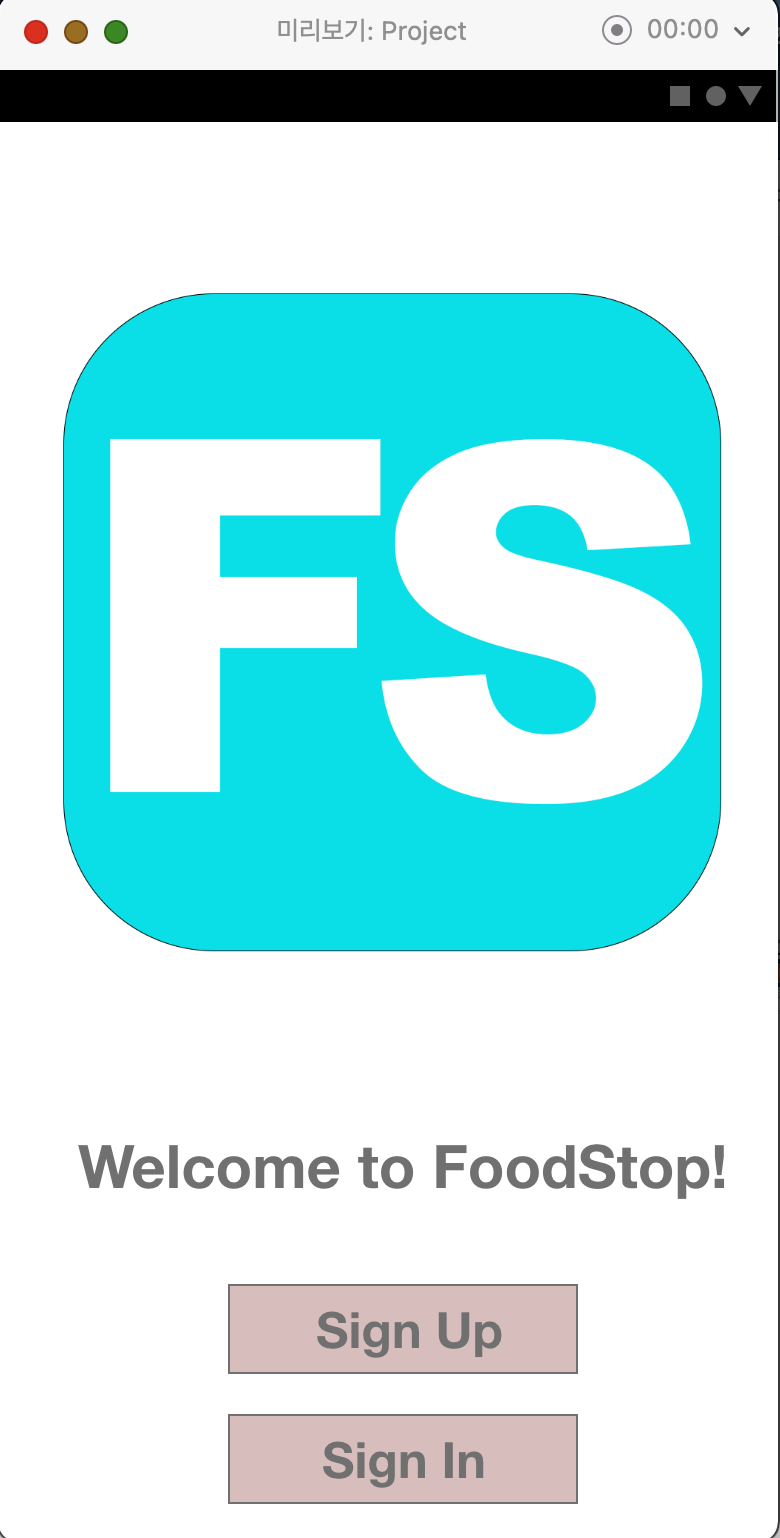
This the the front page of our app. We put the logo and "sign in" and "sign up" button.
-
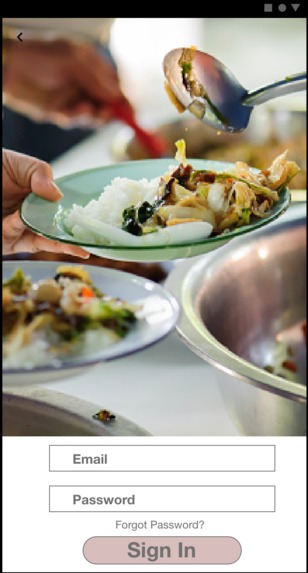
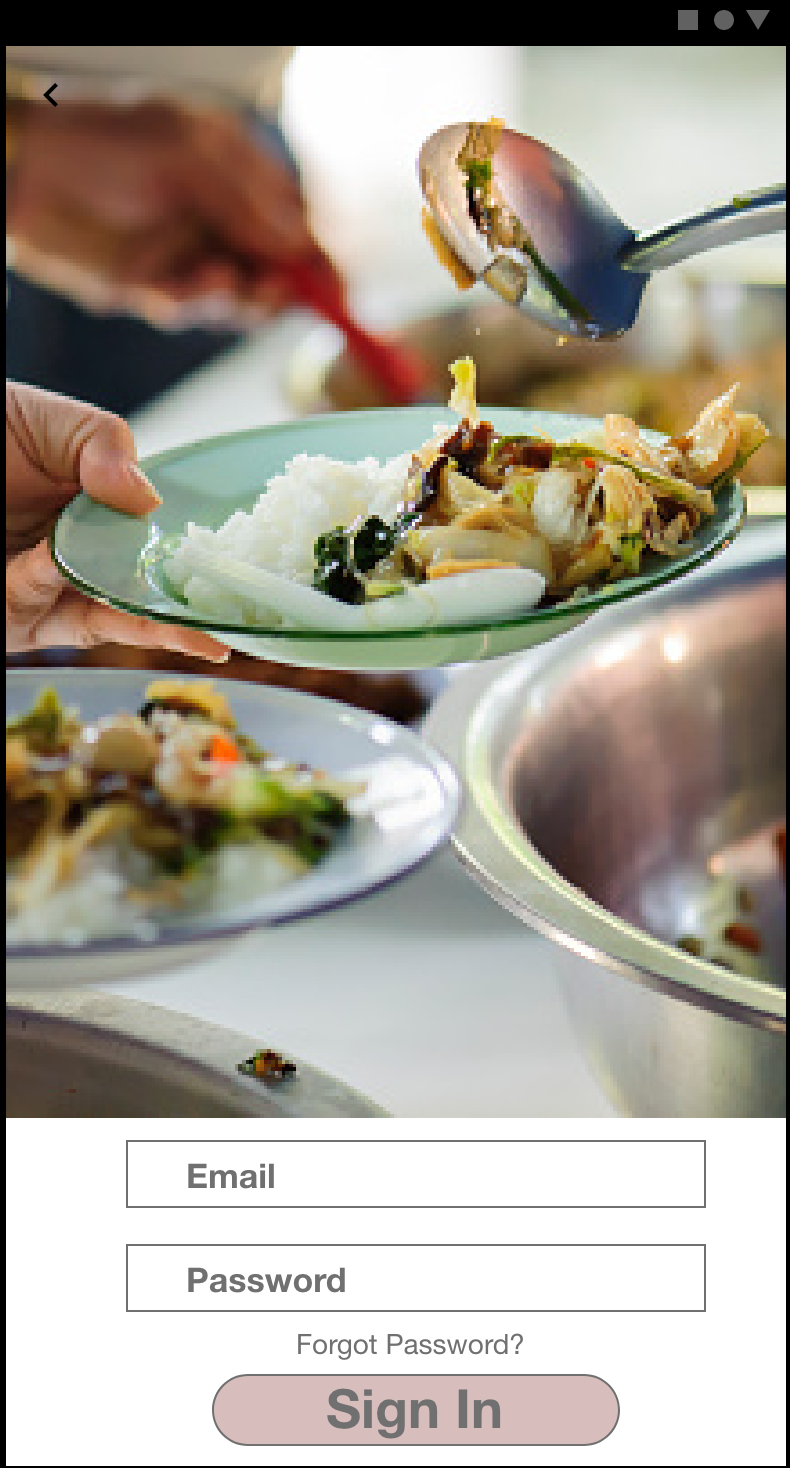
This is the log in page.
-
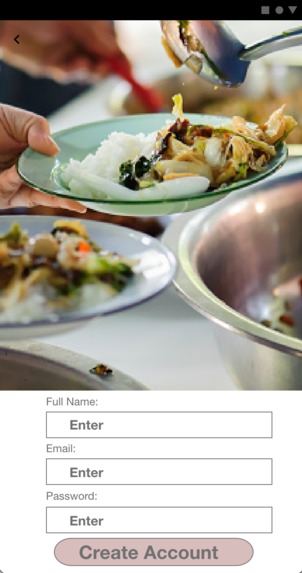
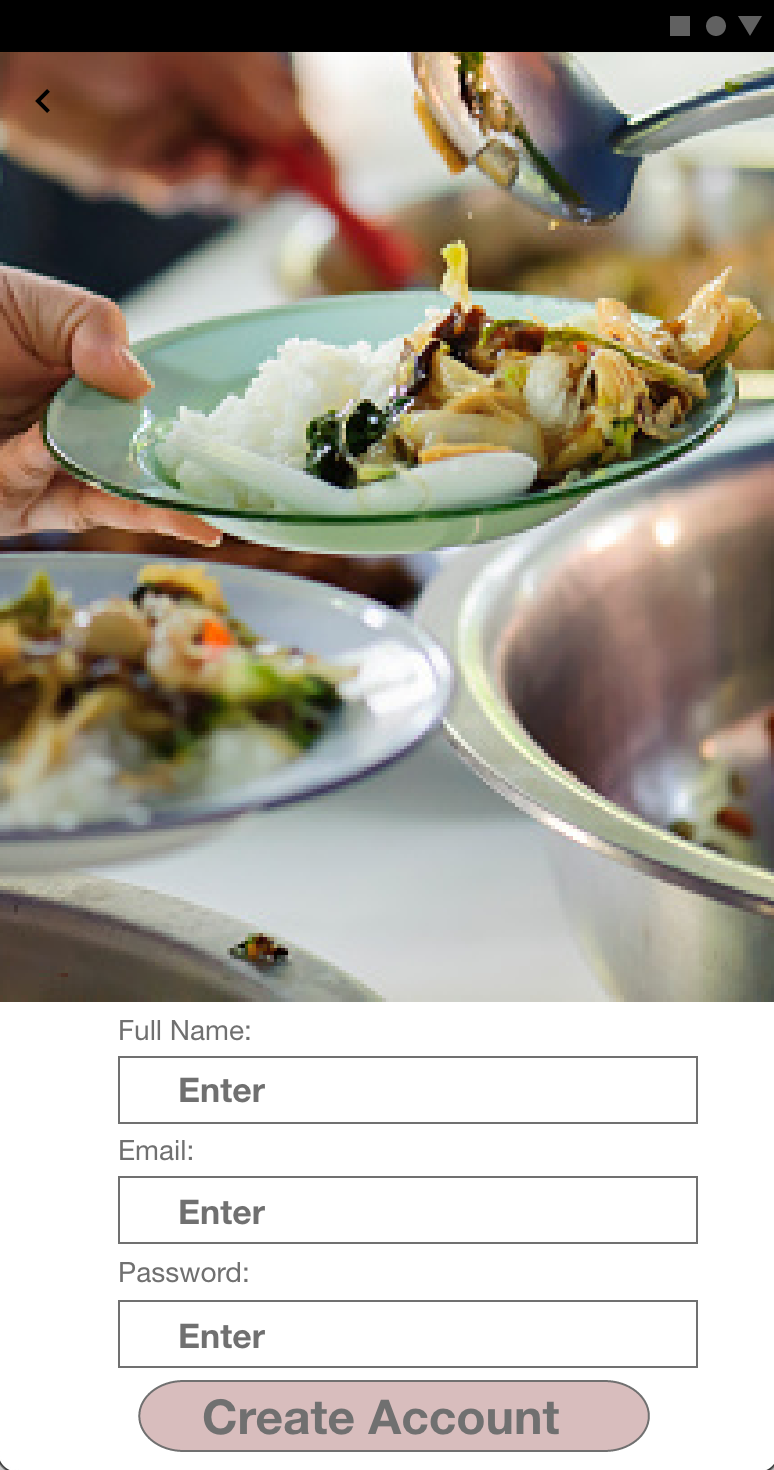
This is the "sign up" page
-
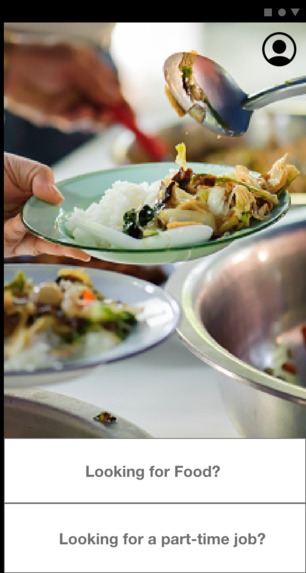
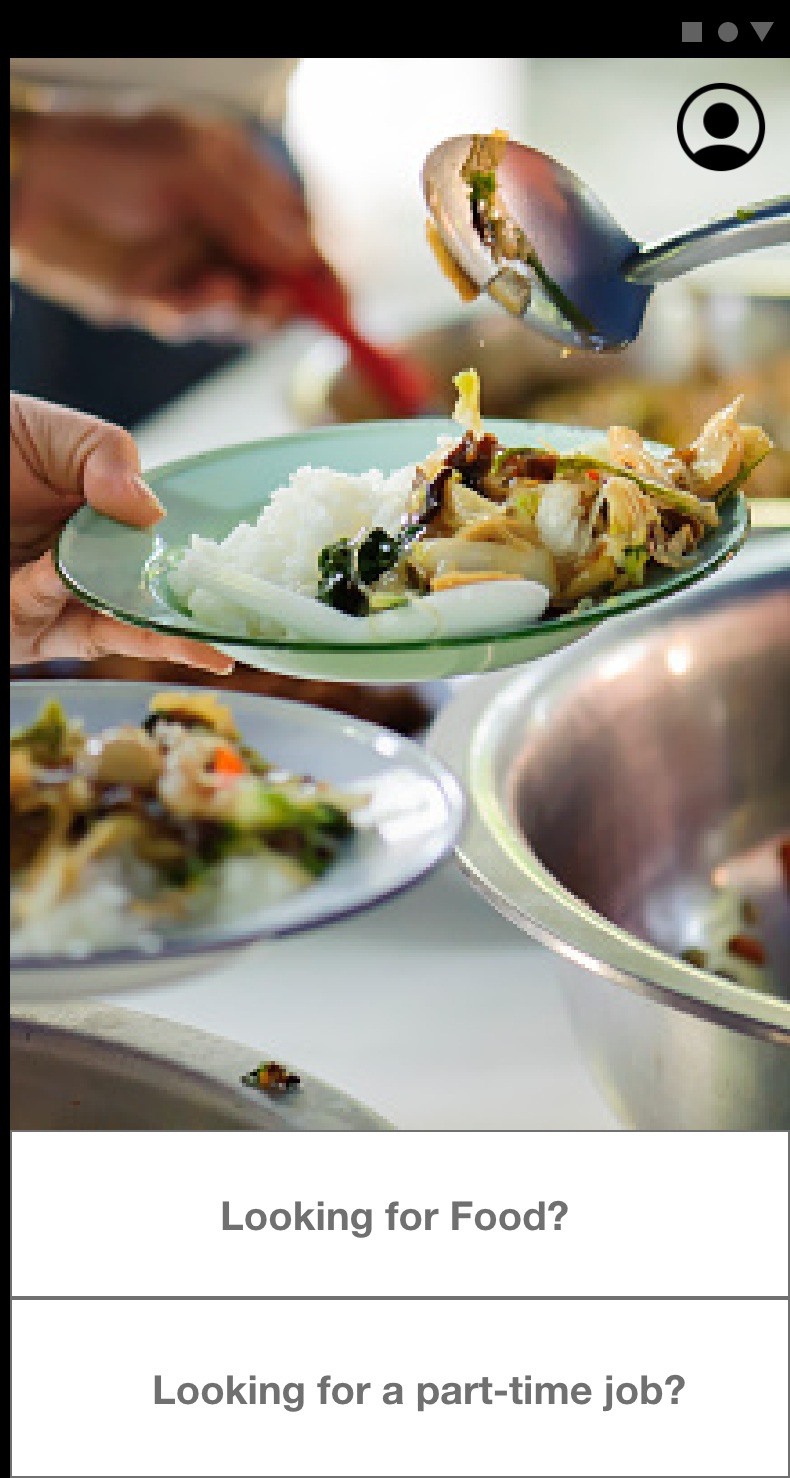
This is where the users will choose whether they want a part time job, or food.
-
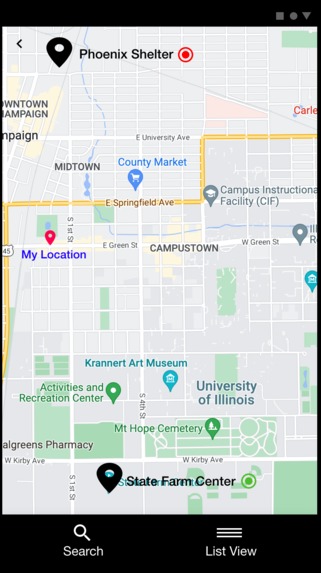
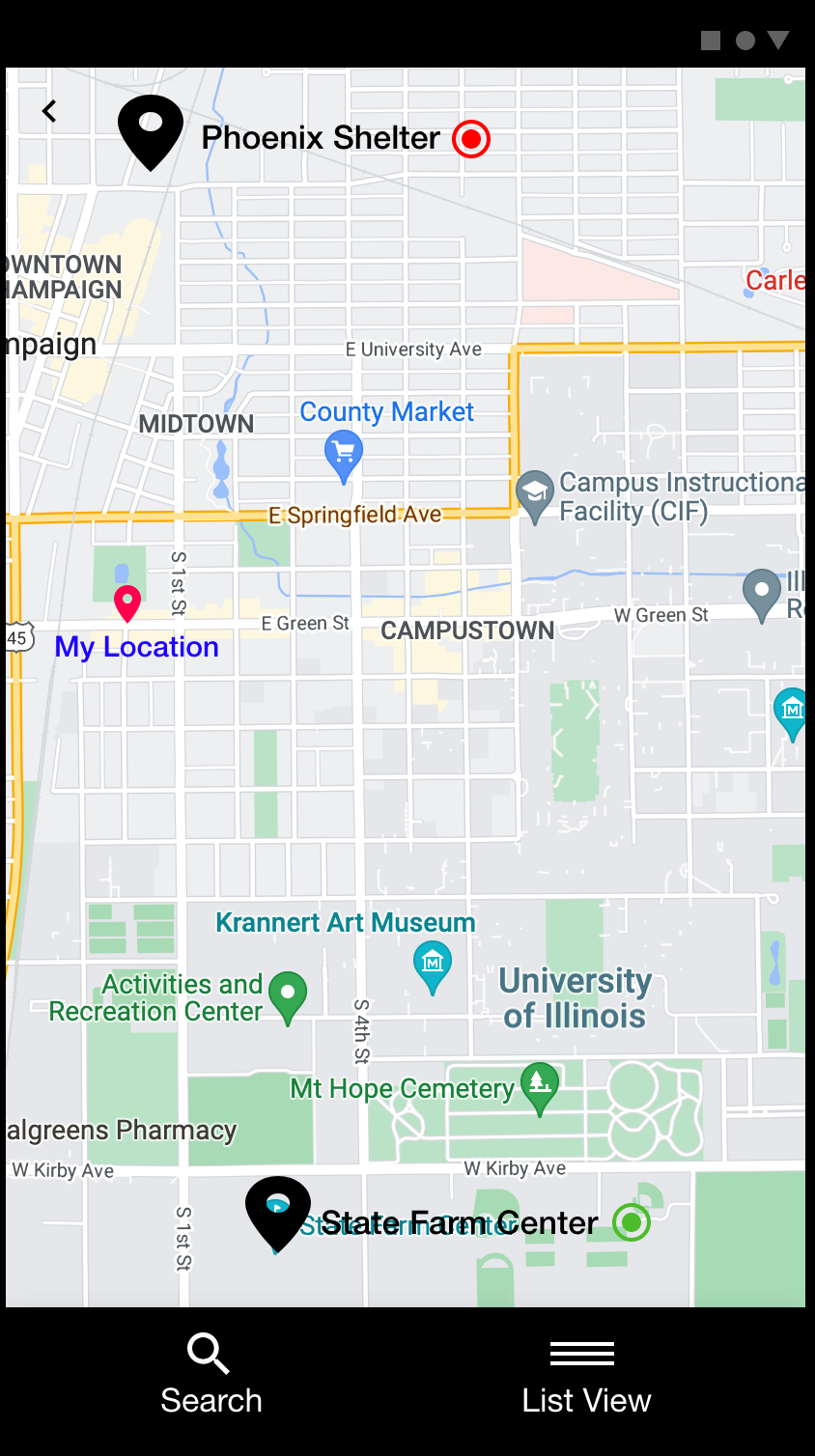
When the user choose food, then the map will be shown with available places.
-
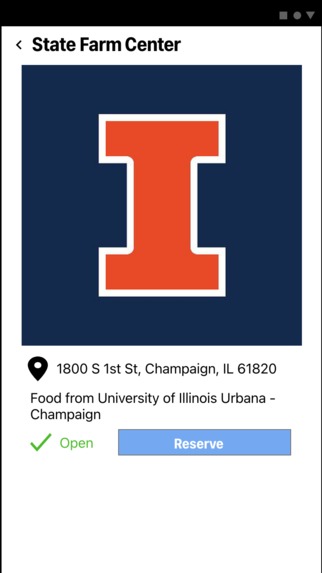
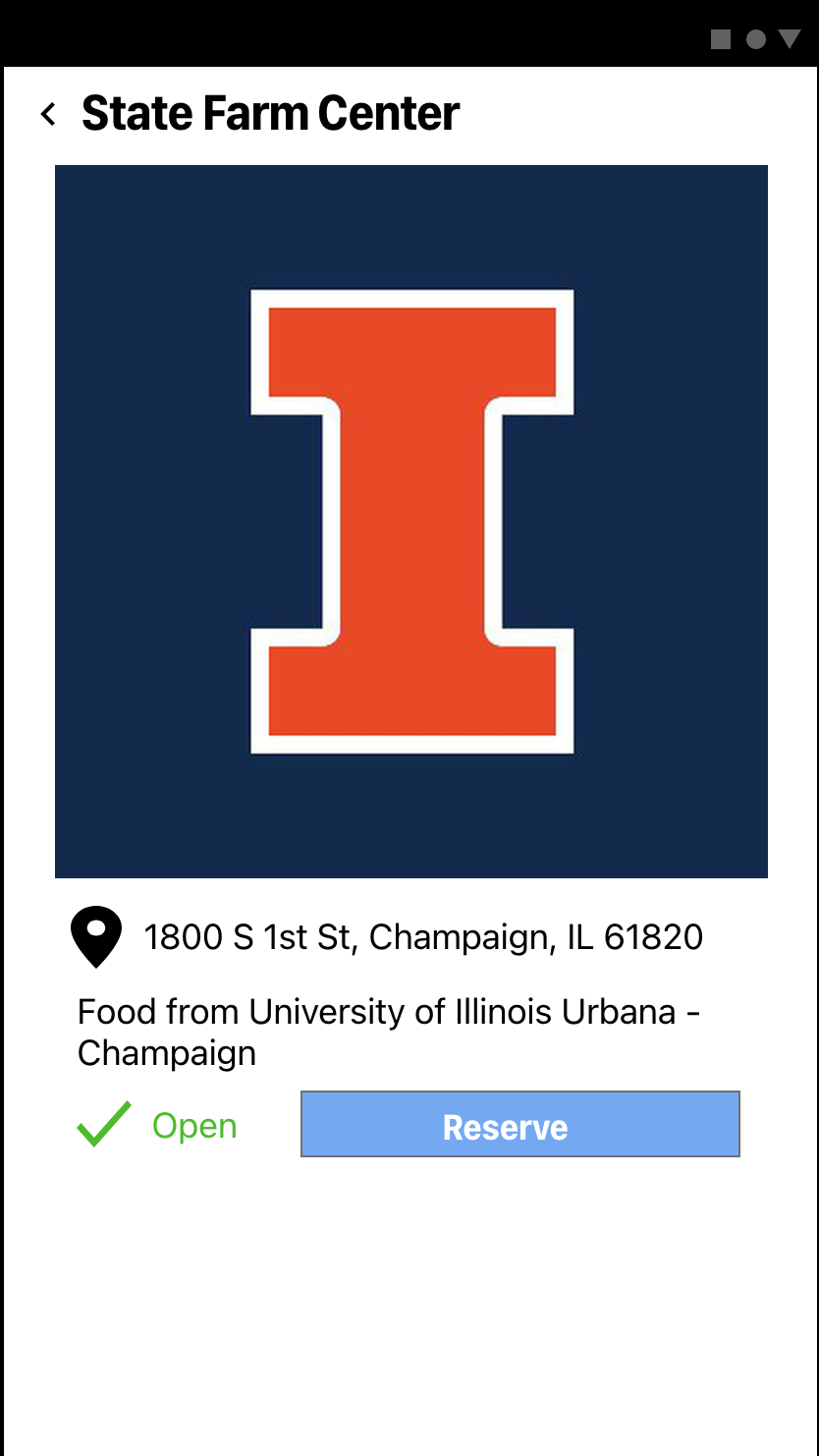
When the user clicks the available place, then the user can get the QR code.
-
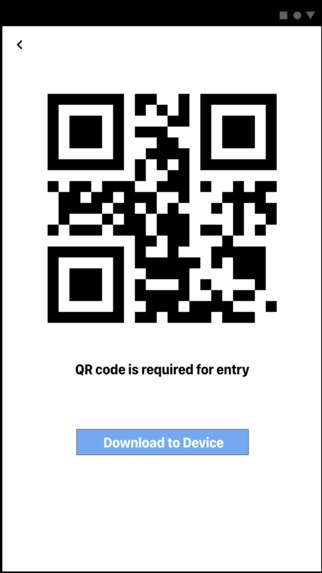
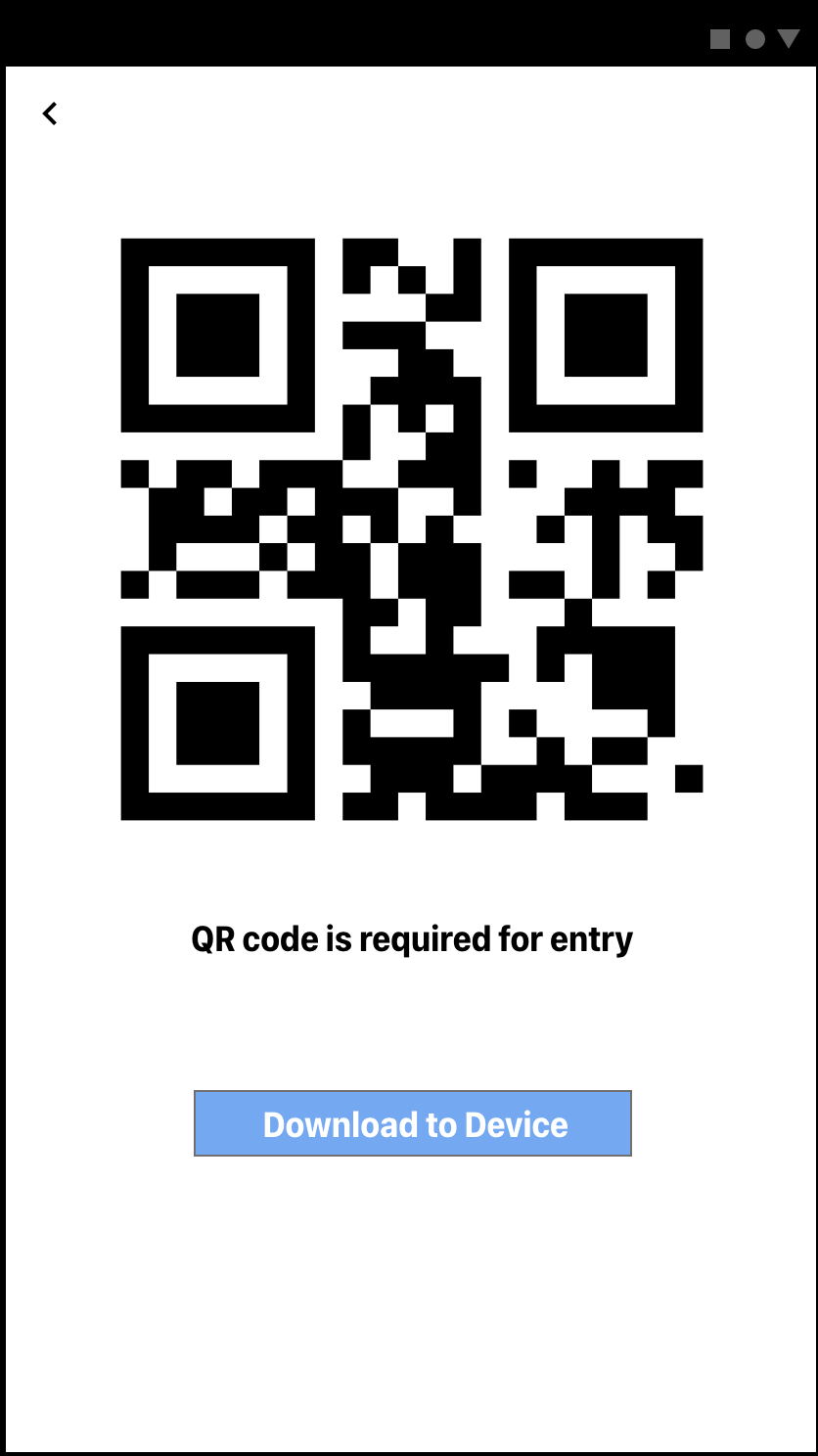
This is the QR code (Don't try to scan it, it is nothing)
-
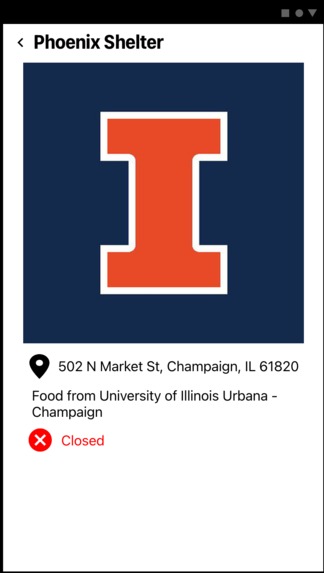
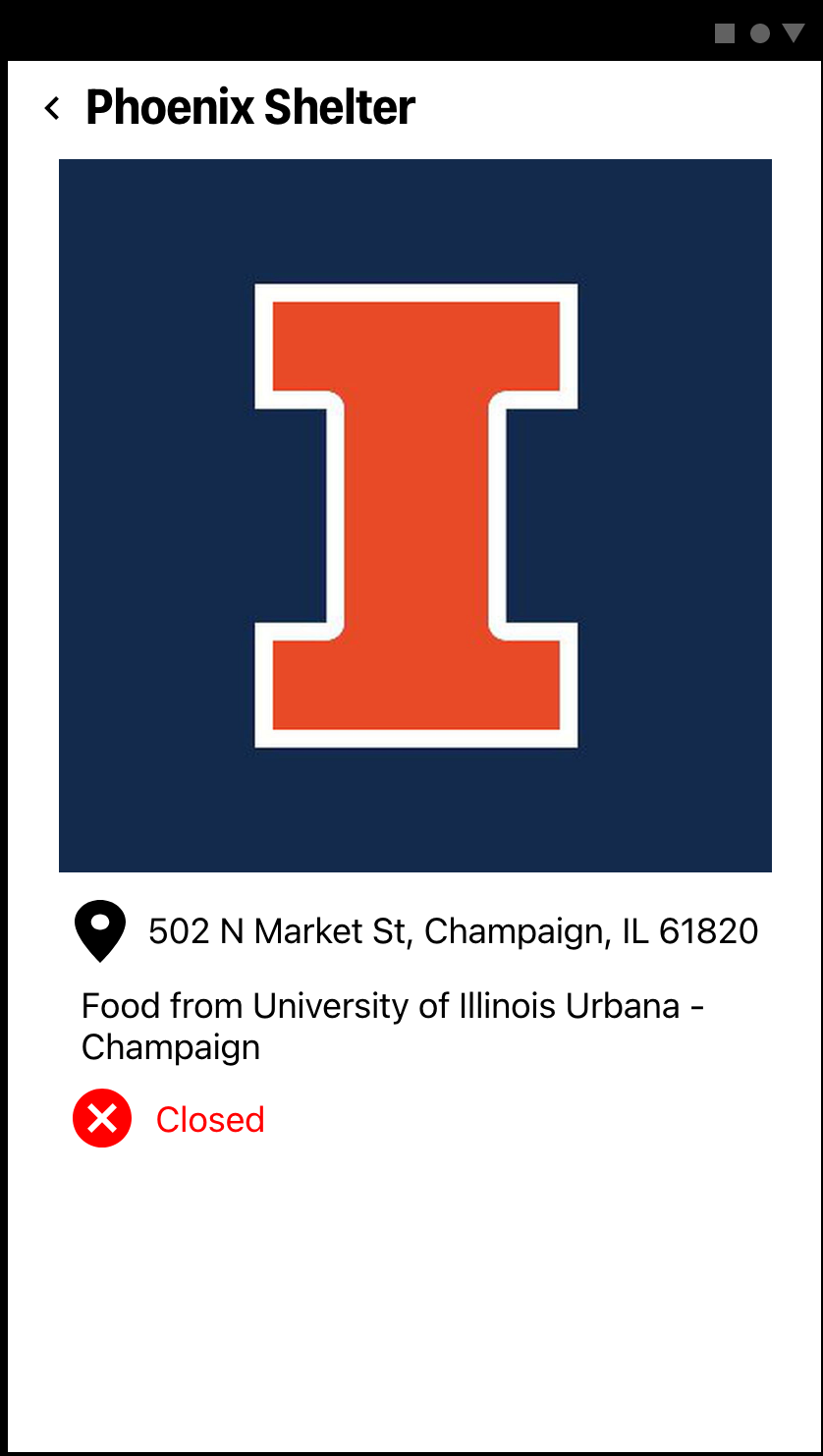
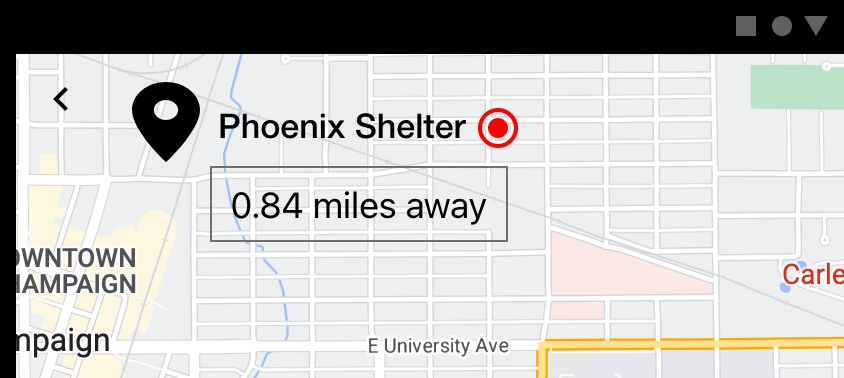
This is when the user clicks the unavailable place.
-
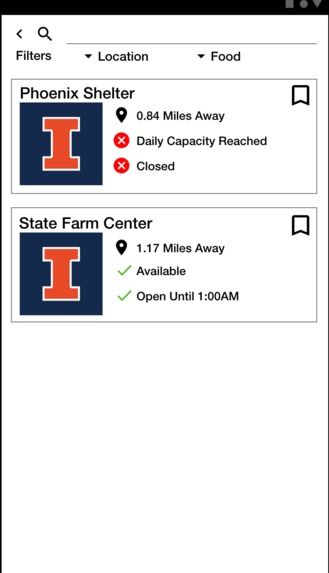
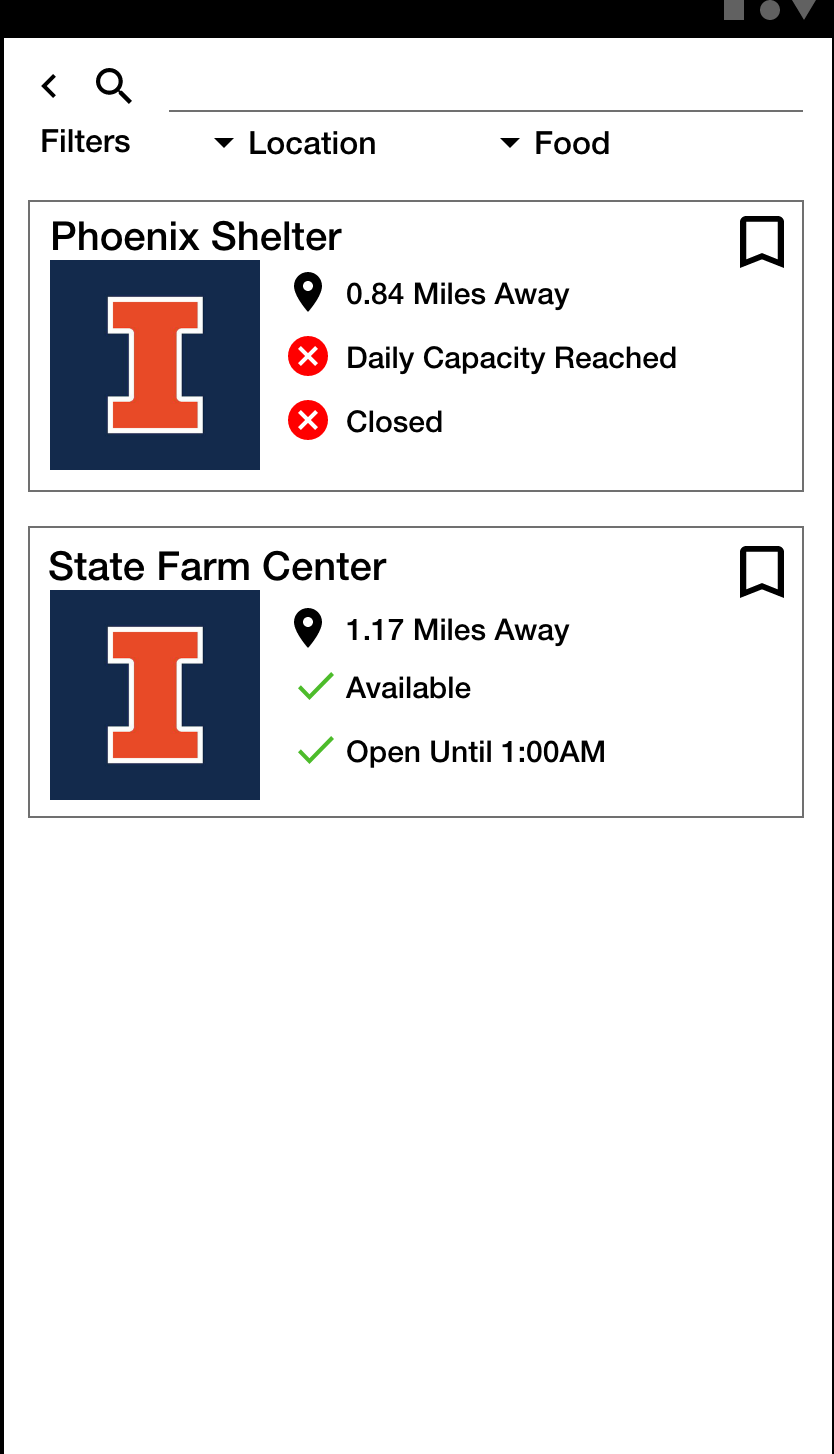
When the user click the "list" button on the bottom of the app, the user would be able to see the lists of available places.
-
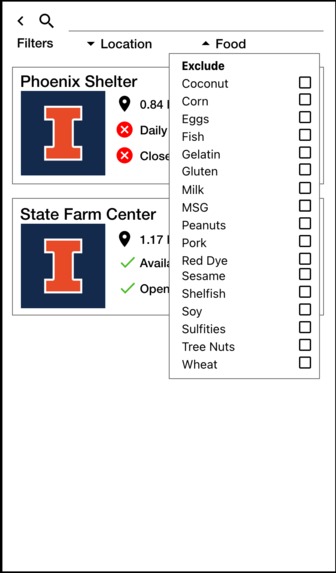
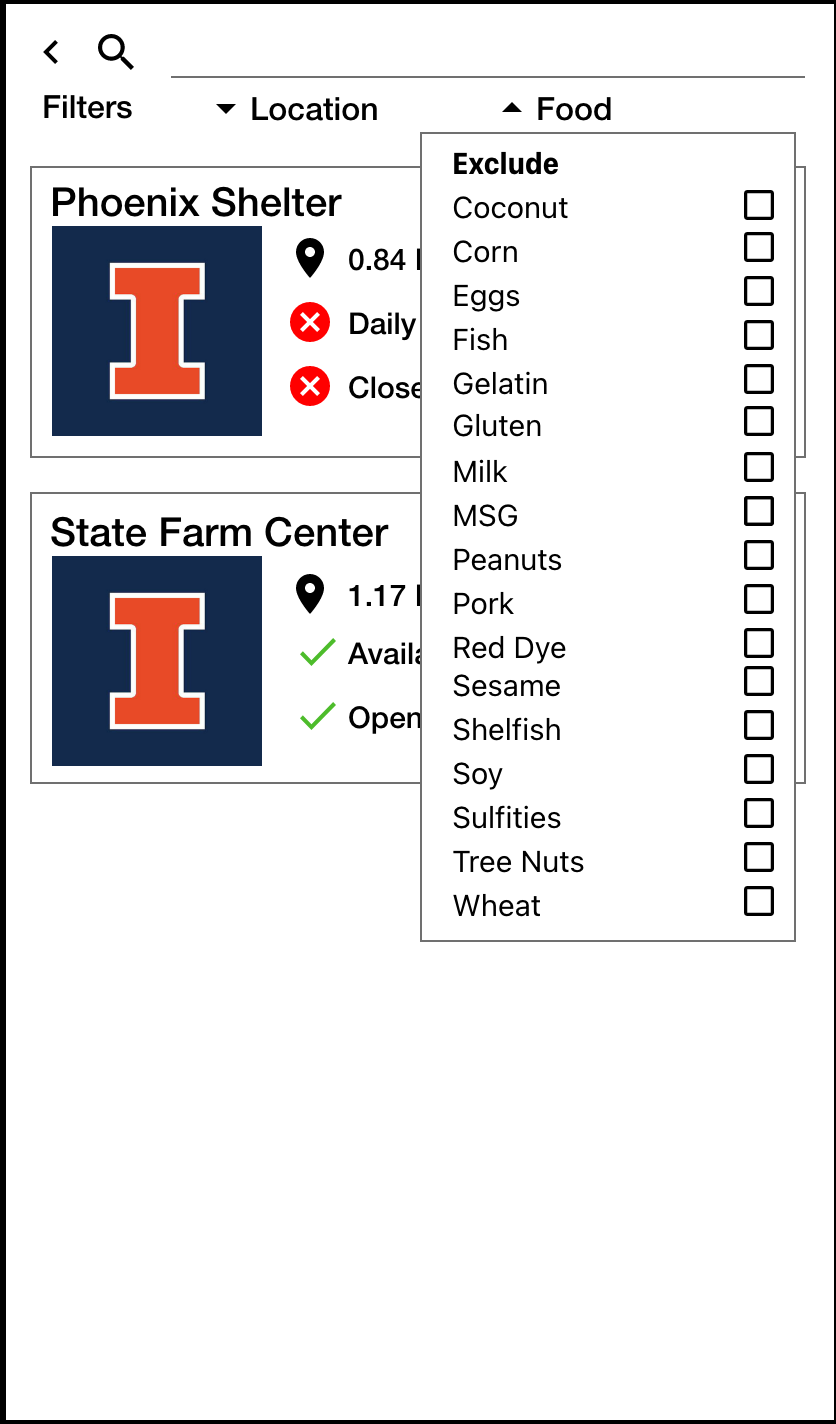
This is the list of foods or ingredients that the the user wants to exclude.
-
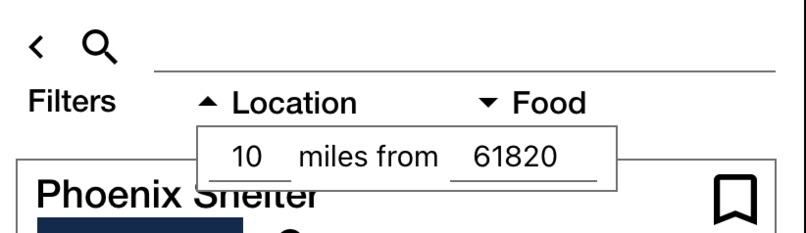
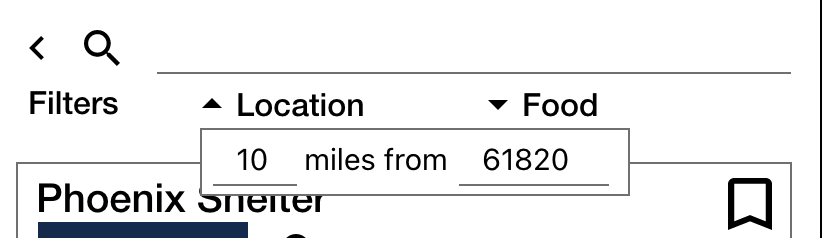
When the user clicks the "location" button, then the user can select the range of the distance.
-
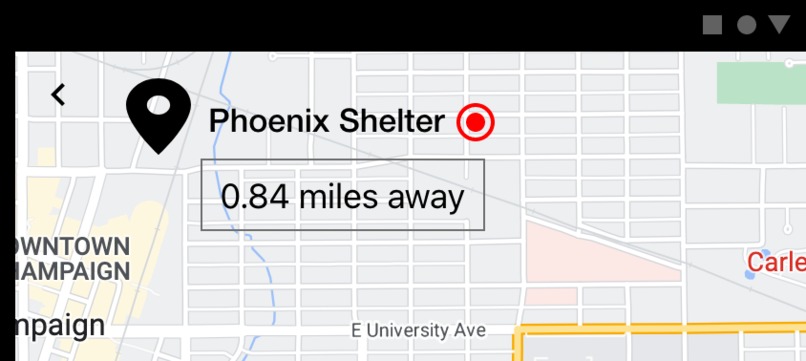
This is the image of unavailable place. It will have a red circle next to the name of the place.
Inspiration
We had an opportunity to conduct a broad research on the environmental impact of food waste in a university environment. Since large amounts of food are not only wasted by students, but also by the dining hall itself due to totally usable but unserved food, our research dug in to find practical solutions to the problem. One of our takeaways was to utilize a tech-based product to establish a better food management system, and our hackathon project aimed to expand on our previous research.
What it does
FoodStop tackles the poverty issue and food waste issue simultaneously by connecting the starving people to the place where a large amount of unused food is wasted. By doing so, starving people would be able to get free food, and the caterers would be able to reduce the food waste costs. Moreover, the food waste would decrease which will end up having a positive long-term effect on the environment. Our app will first let the user choose whether they want to have a part time job (serving the foods) or whether they want to have free food. Then, when the user selects food, the app will display the user the list of FoodStop places that are providing the service, and make them register for a spot. The users will be given a QR code for the ticket to get free food, and will be able to enjoy their food.
How we built it
Since our teammates were mostly beginners in programming, we had to find ways to effectively convey our idea without actually integrating a working project. Thus, we decided to use Adobe XD, which let us design a working UI/UX without having to tackle actual code. Our mockup program not only shows how the whole app would look design-wise, but it also contains most of the key functionalities of our desired app. However, we did not settle for the prototype, but actually worked within our team to come up with snippets of code that represents the key algorithms of our program.
Challenges we ran into
The biggest challenge within our team was that most of us had no prior experience making computer based projects on our own. While we had great ideas lurking within our team, since we did not have the tools to actually develop a working project, we had to find alternate ways to simulate the output. While Adobe XD provided a great framework, it was not even close to perfect. Since we could not control all the cases based on the user input, we had to leave some parts of the app not working on purpose.
Accomplishments that we're proud of
We were proud that we could have made a close working prototype of our app (a mock-up) by using Adobe-XD. Even though it did not have all the functionalities, we were still able to show the key concepts of our project, and what features we wanted to include in our app. We are proud that we utilized the skills that were new to us, and that our efforts led to a meaningful result.
What we learned
We could have got some key takeaways from the project. The first is to never stop challenging yourself. We knew we lacked the technical skills, but the brainstorming process of the project let us think about problems and ideas we can actually work on, and the effort we put in the project provided us a better understanding of the CS development process.
What's next for FoodStop
The next step for FoodStop would be actually developing the app. Currently, we only have the ideas, some sub-functions, and UI/UX that we think our app should look like. Now it is time for us to actually build up the app and try launching it for datas, update the missing parts, and so on. Moreover, it would be a great honor if we can implement some business side of the problem to see if our solution actually works in a real world setting.
Built With
- adobe-xd
- java


Log in or sign up for Devpost to join the conversation.