Inspiration
Owen was in a fancy restaurant and didn't understand many parts of a menu. He spent a lot of time typing and googling individual words and eventually came to a conclusion that there must be a better way.
What it does
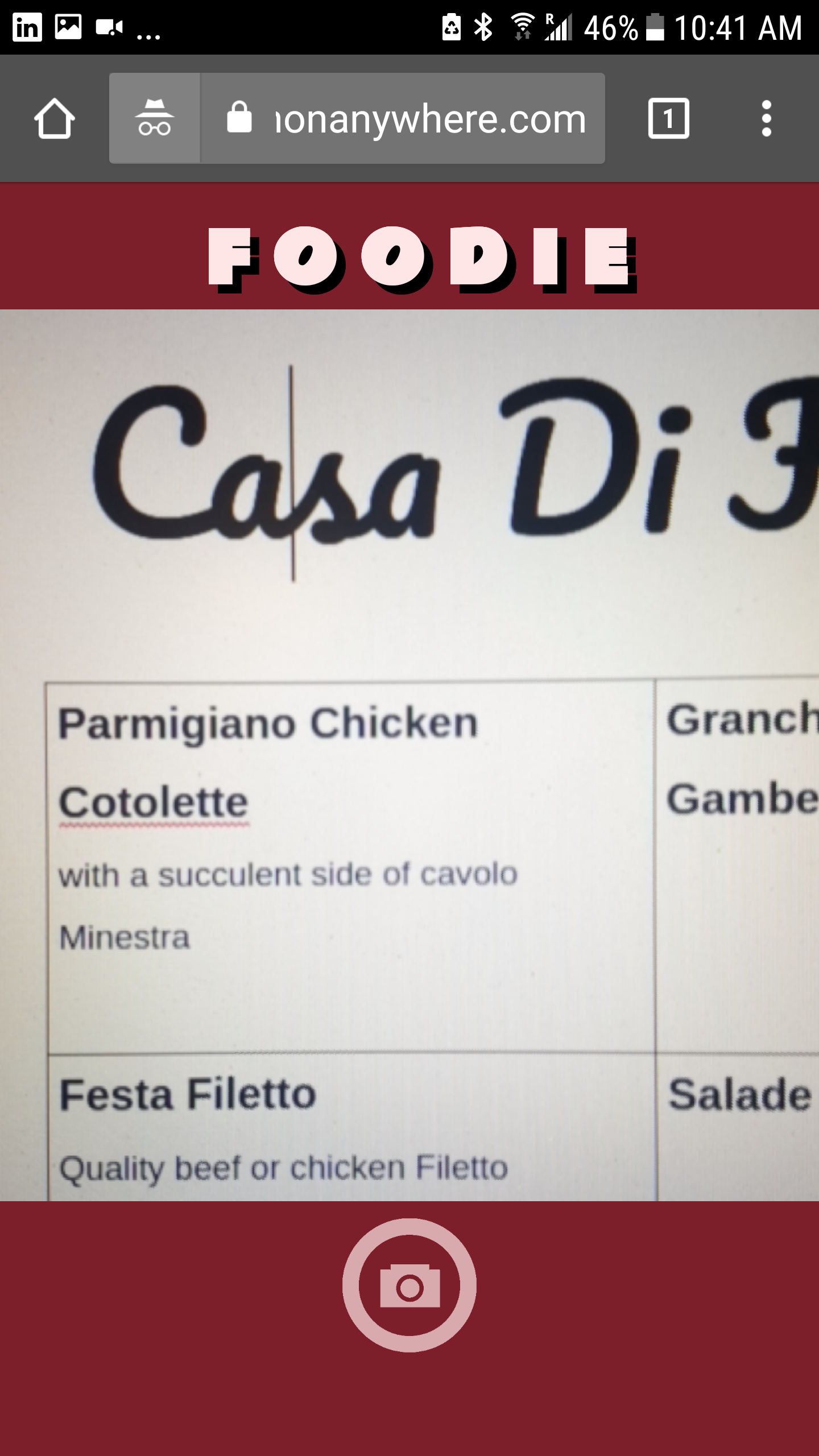
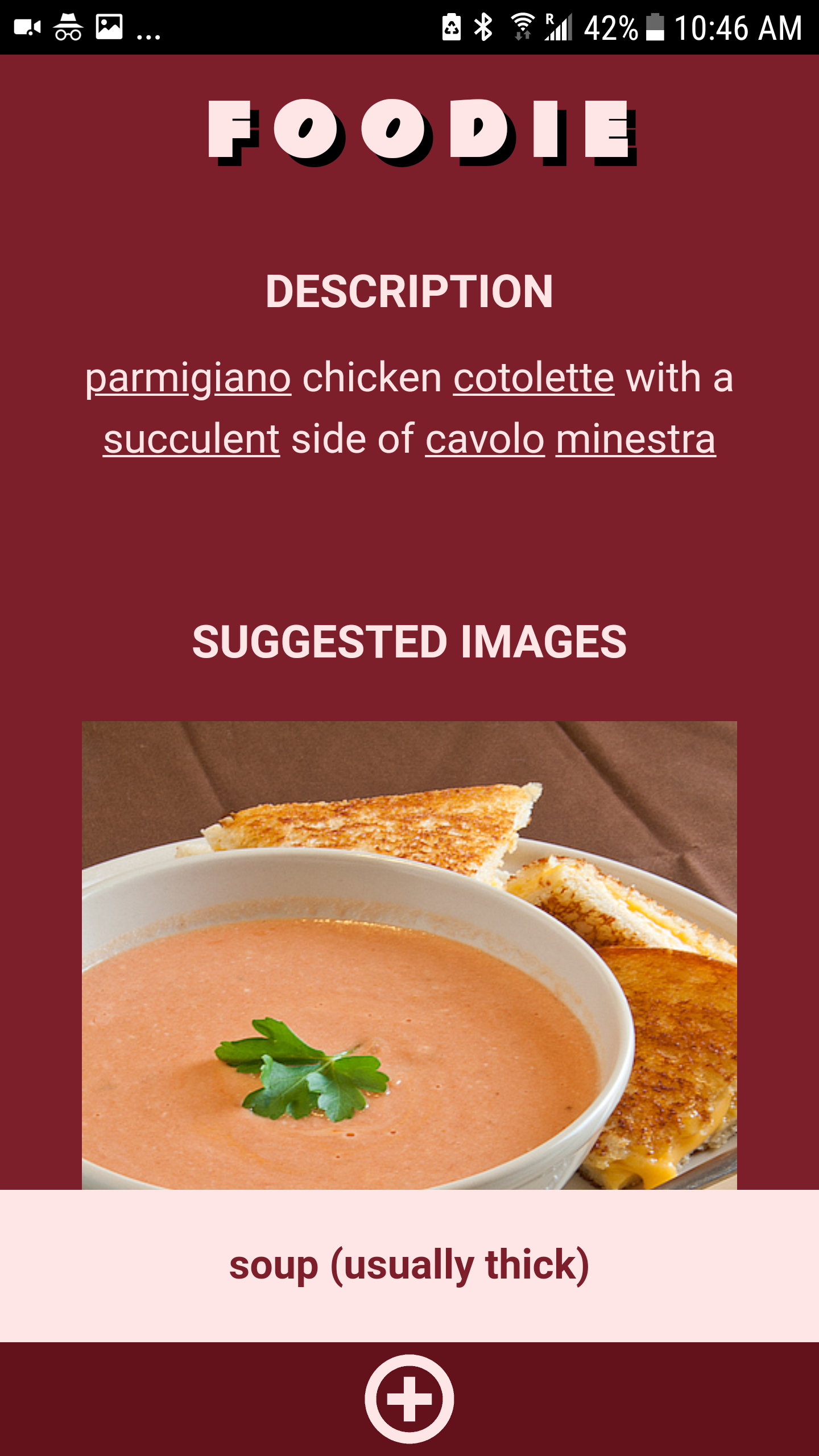
Foodie takes an image of a menu item and converts it into text. it then translates and puts the words into layman's terms so that you can go to fancy restaurants without a worry of ordering something gross.
How we built it
- we used javascript media streams to camputer the video input from the camera
- We used flask and AWS / GOOGLE apis in the backend
- We used jquery and javascript
Challenges we ran into
- we had to run the public facing domain on HTTPS otherwise we wouldn't be allowed to access the camera.
- sending the image and converting it from base64 to bytes took time
- working with multiple APIs like AWS-DetectText, Google-Translate, and Google-Image Search
- building a registry of culinary words and there descriptions required web-scraping from multiple sources and immense formatting of text
- design choices in a rushed timeline proved to be difficult
Accomplishments that we're proud of
- we finished
What we learned
- video streams and taking of snapshots of them with javascript
- Optical character recognition
What's next for Foodie
We may consider building a better web app, creating a mobile app on a platform such as Cordova, attaining a better domain name and implementing better practices. We are very proud of what we have created and will keep the production service running.


Log in or sign up for Devpost to join the conversation.