-
-
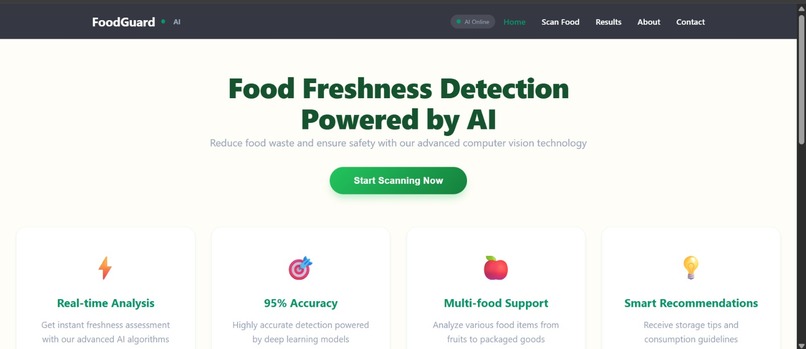
home-page
-
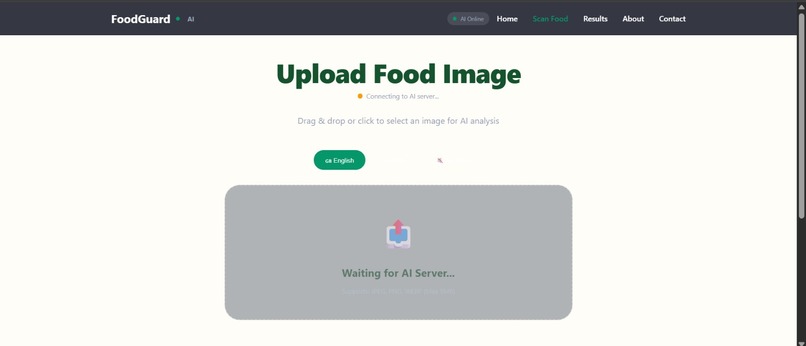
upload-image-page
-
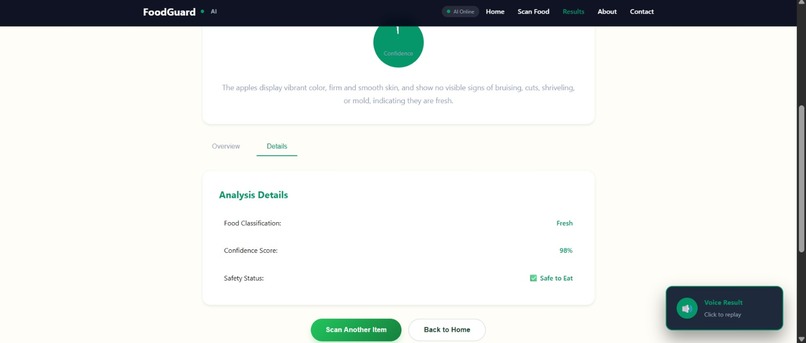
result-page
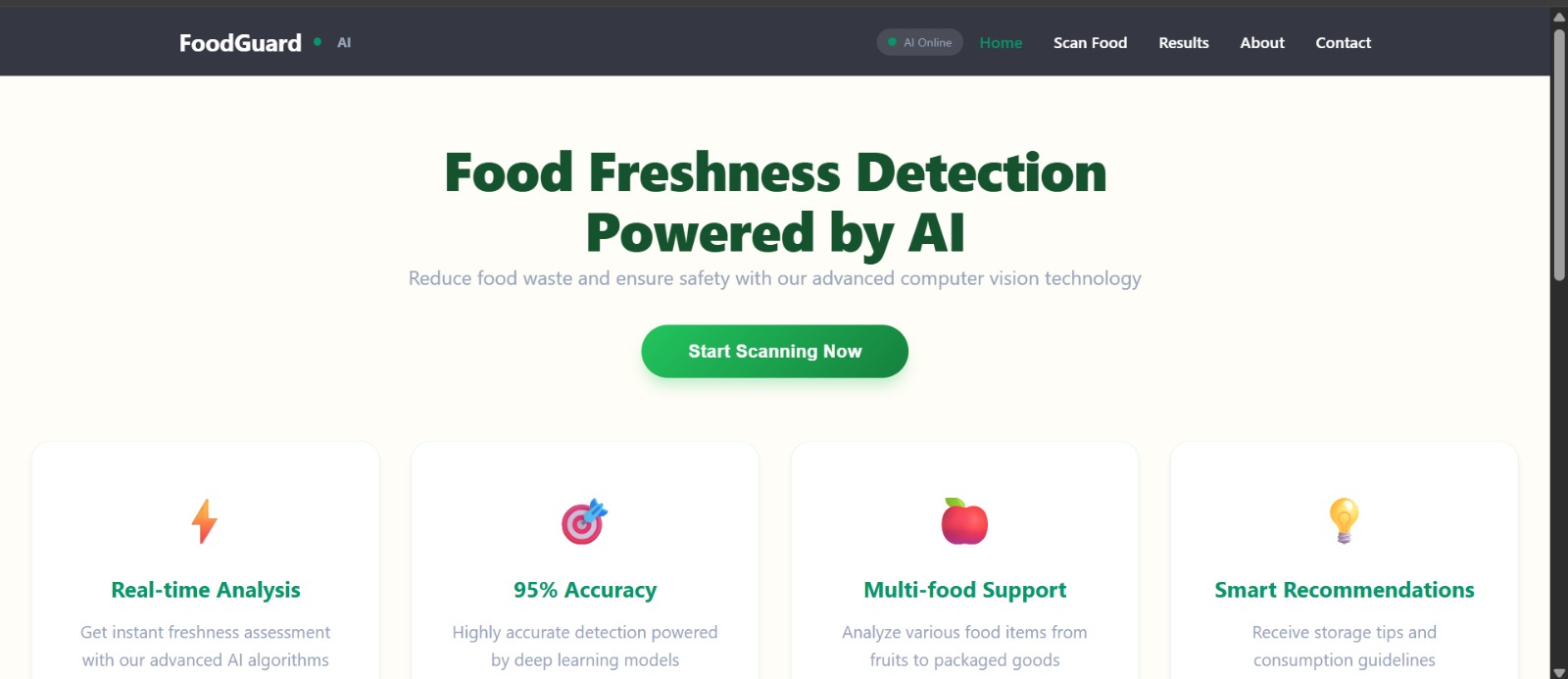
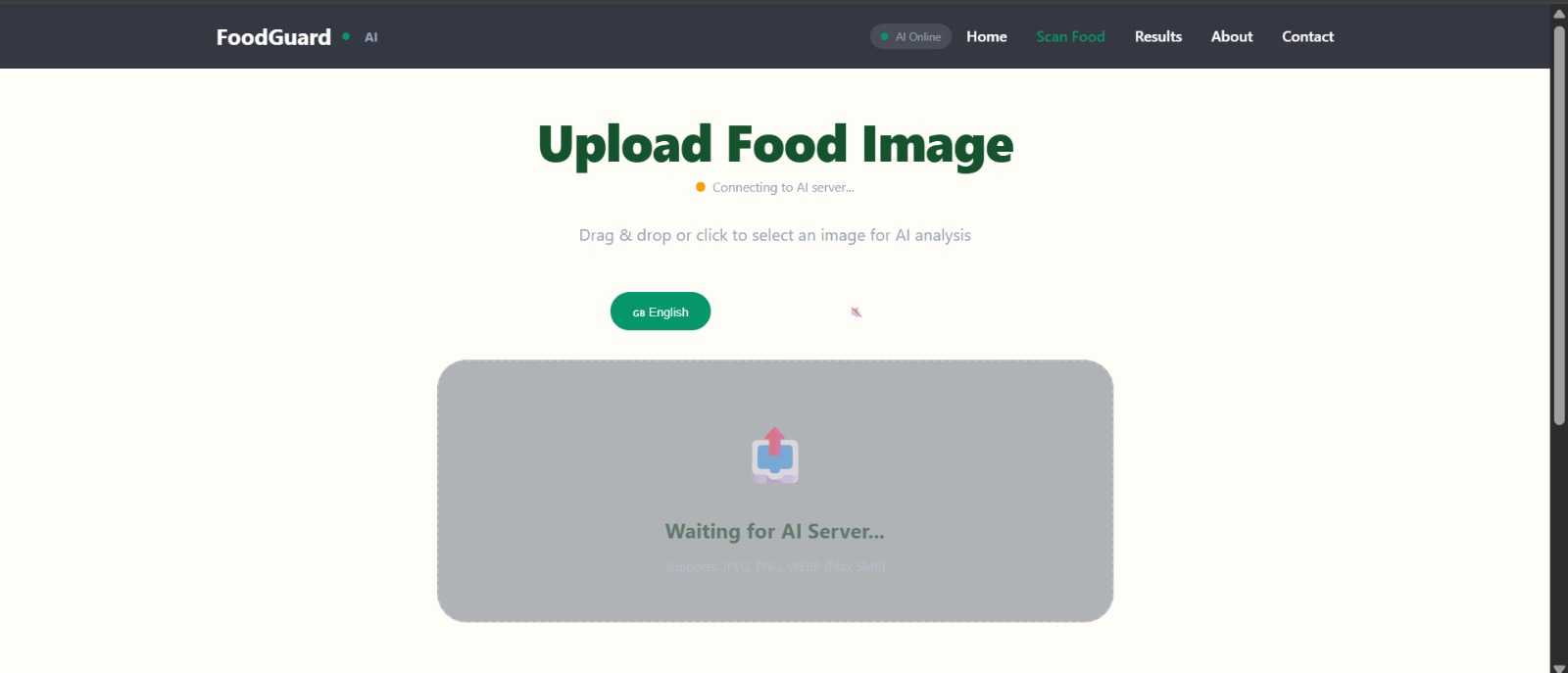
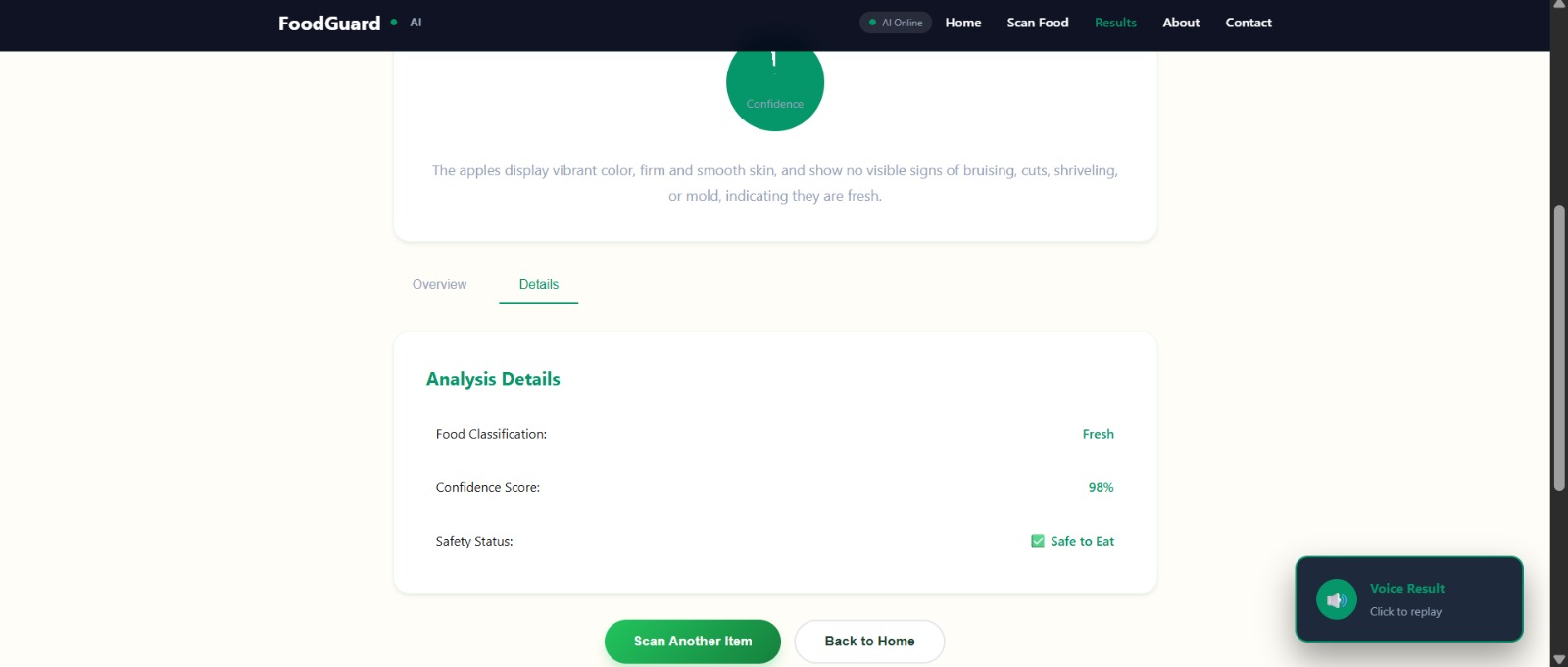
FoodGuard-AI
Inspiration
This problem contributes to two major issues: food waste and food-related health risks. Large amounts of food are discarded every day simply because people cannot confidently judge its condition. At the same time, consuming spoiled food can lead to serious health problems.
FoodGuard-AI was inspired by the idea of using artificial intelligence to assist people in making safer food decisions. By analyzing food images using computer vision and machine learning, the system can help users quickly check whether food is safe to eat.
The goal of this project is to provide a simple and intelligent tool that reduces food waste while improving food safety awareness.
What it does
FoodGuard-AI is an AI-powered food freshness detection system that analyzes images of food and determines its freshness level.
- The user uploads or captures an image of food using the system.
- The AI model then analyzes visual features such as:
- Color changes
- Mold growth
- Surface texture deterioration
- Color changes
These visual indicators are commonly associated with food spoilage.
Based on this analysis, the system classifies the food into three categories:
- Fresh – The food appears safe and suitable for consumption
- Moderate Risk – The food may be starting to spoil and should be consumed with caution
- Spoiled – The food shows strong signs of spoilage and should not be eaten
After classification, the system provides a recommendation to the user explaining whether the food is safe to eat or should be discarded. This helps users make better decisions and avoid unnecessary food waste.
Additionally, the system integrates a Live AI Agent powered by the Google Gemini API, allowing users to ask questions about:
- Food safety
- Spoilage indicators
- Storage recommendations
How we built it
FoodGuard-AI was developed using AI-based image analysis to detect food freshness.
System Pipeline:
User Interface (React) → Backend Server (Python) → Image Processing → AI Model → Freshness Classification → Safety Recommendation → Gemini AI Live Agent
Frontend
- React.js – For building the user interface and handling image uploads/captures
Backend
- Python – Core programming language for backend development
- FastAPI – Modern web framework for building APIs
- Uvicorn – ASGI server for running the FastAPI application
- Pillow – Python Imaging Library for image preprocessing and manipulation
- NumPy – For numerical operations and image data normalization
Image Processing Steps
- Image size adjustment
- Image clarity improvement
- Noise reduction
- Image normalization for analysis
Artificial Intelligence
- Google Gemini API – AI model for analyzing visual features and detecting food freshness, also powers the Live AI Agent
DevOps & Cloud Deployment
- Docker – Containerization of the application for consistent deployment
- Google Cloud Build – CI/CD pipeline for automated builds and testing
- Artifact Registry – Storing and managing Docker container images
- Google Cloud Run – Serverless deployment platform for running containerized applications
After preprocessing, the processed image data is sent to the Google Gemini AI API, which analyzes visual features such as color variations, surface texture, and possible signs of spoilage like mold or unusual spots.
The result is then returned to the frontend as a JSON response containing the predicted freshness category and food safety advice. The React.js interface then displays the result to the user in an easy-to-understand format.
Challenges we ran into
One of the main challenges we encountered during the development of FoodGuard-AI was identifying reliable visual indicators of food spoilage. Different foods spoil in different ways, which makes it difficult for a single AI model to generalize across multiple food types.
Image quality also presented challenges. Variations in lighting conditions, camera quality, and background environments can significantly affect how the AI model interprets food images.
These variations required careful preprocessing and normalization using Pillow and NumPy to ensure the model could focus on the relevant features of the food.
Additionally, integrating the different layers of the application — frontend, backend, and AI processing required careful API design and error handling to ensure smooth communication between components.
Image quality also presented challenges. Variations in:
- Lighting conditions
- Camera quality
- Background environments
These variations required careful preprocessing and normalization using Pillow and NumPy to ensure the model could focus on the relevant features of the food.
Additionally, integrating the different layers of the application frontend, backend, and AI processing required careful API design and error handling to ensure smooth communication between components.
What we have learned
Working on FoodGuard-AI provided valuable insights into how artificial intelligence can be applied to solve real-world problems. We learned how computer vision techniques can be used to process and analyze images in order to detect meaningful patterns, including preprocessing methods such as resizing, normalization, and noise reduction using Pillow and NumPy.
The project also helped us gain experience in building a full-stack AI application using modern technologies such as React.js for frontend development, FastAPI (Python) for backend API development, and Google Gemini API for AI-powered image analysis.
Another important lesson was understanding the importance of data processing and efficient API integration when building AI-based systems. Handling image data, sending it to AI services, and processing the results required careful design of the backend pipeline. Overall, the project strengthened our understanding of artificial intelligence, computer vision workflows, full-stack AI system development, and the potential of AI technologies to support smarter and safer everyday decision-making.
Future improvements
FoodGuard-AI can be expanded with several improvements in the future to make the system more powerful and practical.
Custom Model Training: Training a custom model on a larger and more diverse dataset of food images, rather than relying solely on the Gemini API. This would help the system better recognize spoilage patterns across a wider range of food types.
Real-Time Detection: Implementing real-time freshness detection using a mobile device camera. Users could simply point their phone at food items and instantly receive AI-based freshness predictions.
User Accounts: Adding user accounts to track food freshness history
Barcode Scanning: Implementing barcode scanning to identify food types automatically
Expiry Date Tracking: Adding expiry date tracking and notifications
Multi-Language Support: Expanding accessibility with multi-language support
Smart Kitchen Integration: Integration with smart kitchen devices
Automated Monitoring: Automated food monitoring systems for restaurants or households
Continuous Model Improvement: Using real-world data for ongoing model enhancement
Built With
- dockor
- fastapi
- google-cloud
- google-gemini
- image-processing
- javascript
- python
- tensorflow
- uvicorn
- vercel


Log in or sign up for Devpost to join the conversation.