-
-

Mobile app QR
-
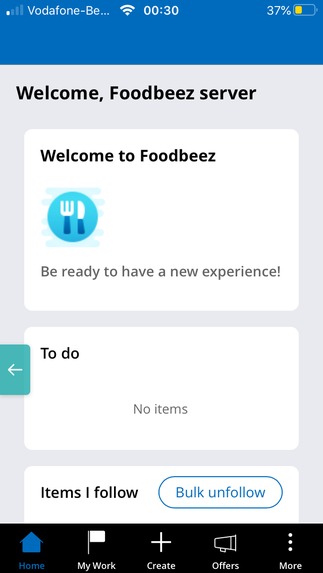
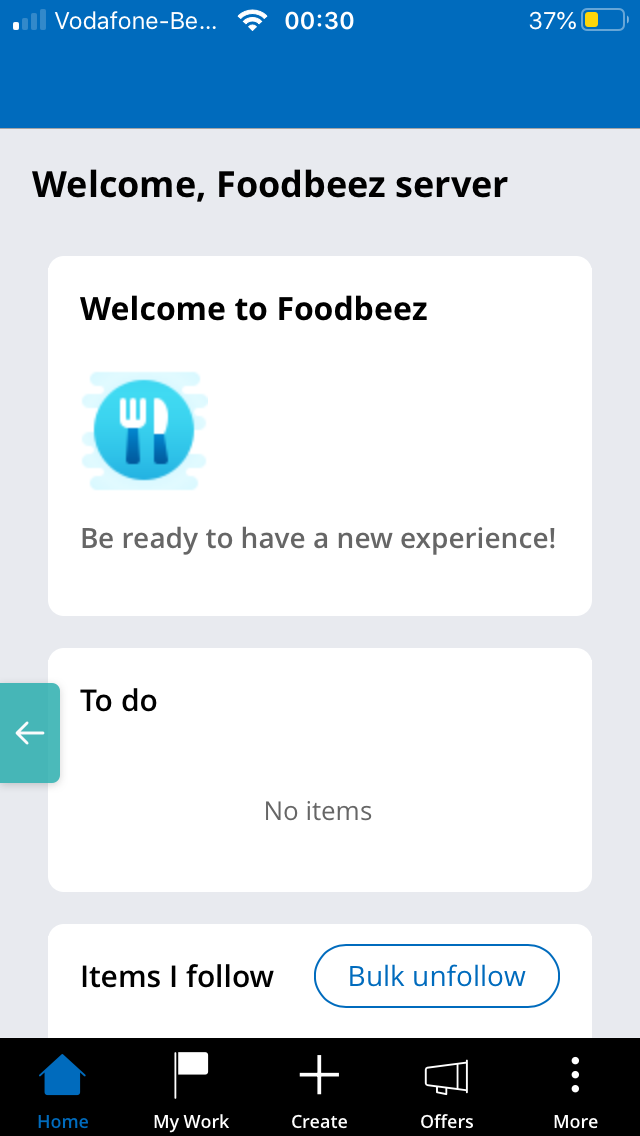
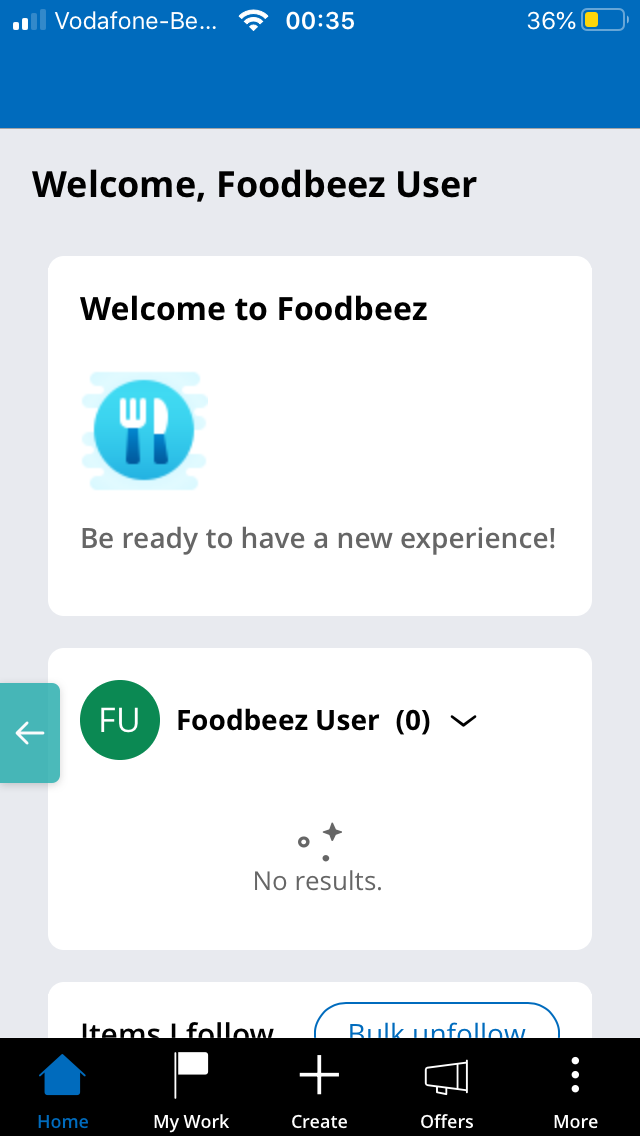
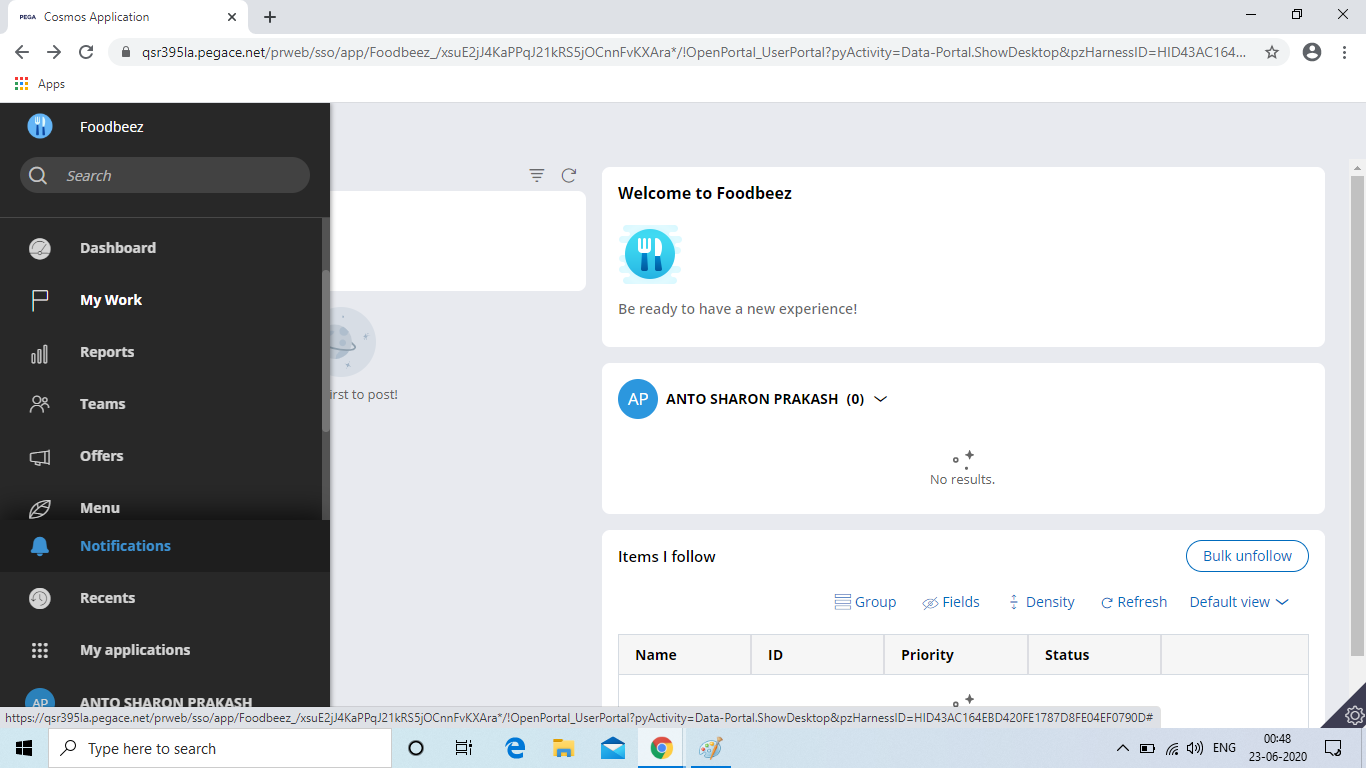
Home screen
-
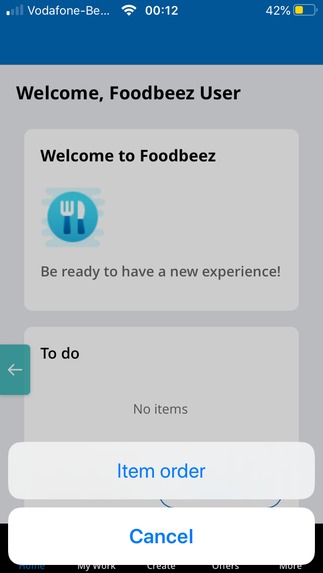
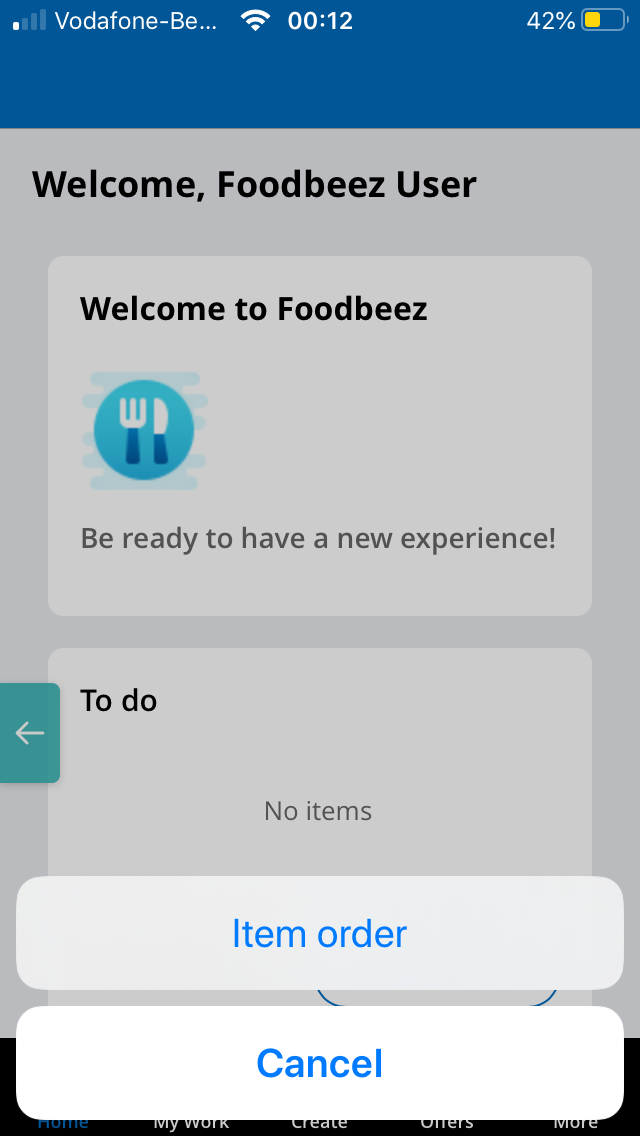
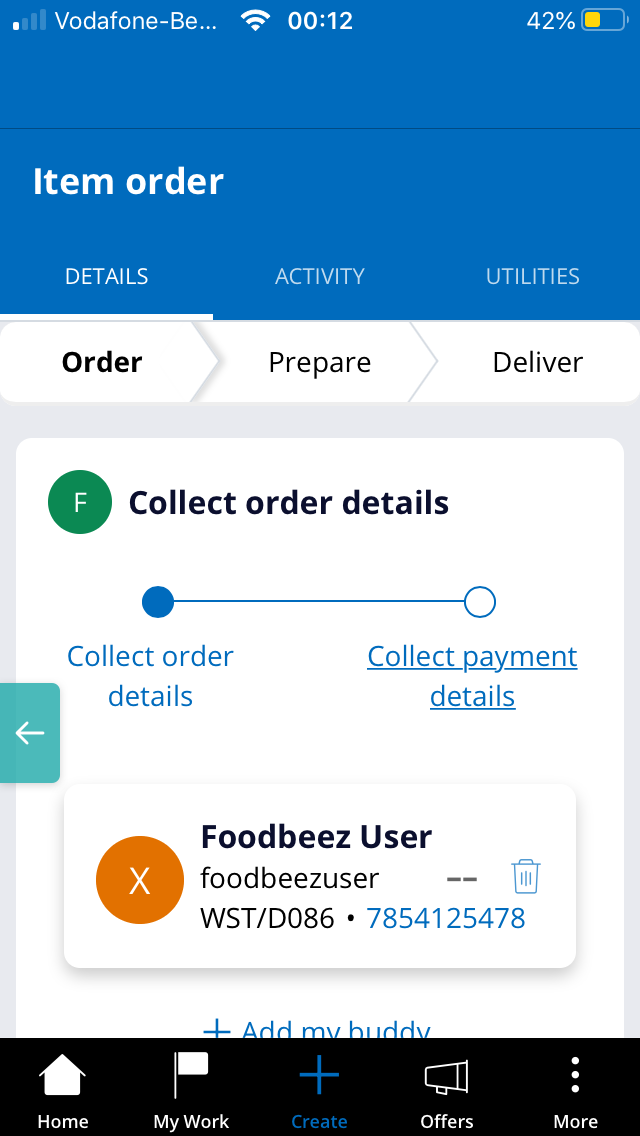
Creating an order
-
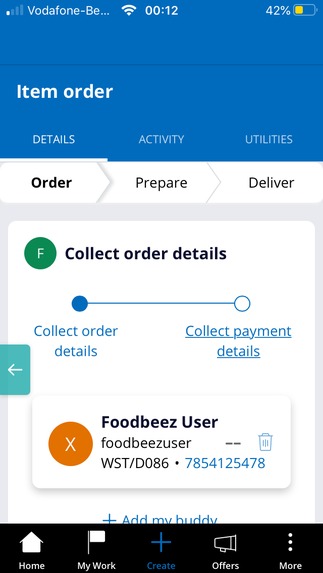
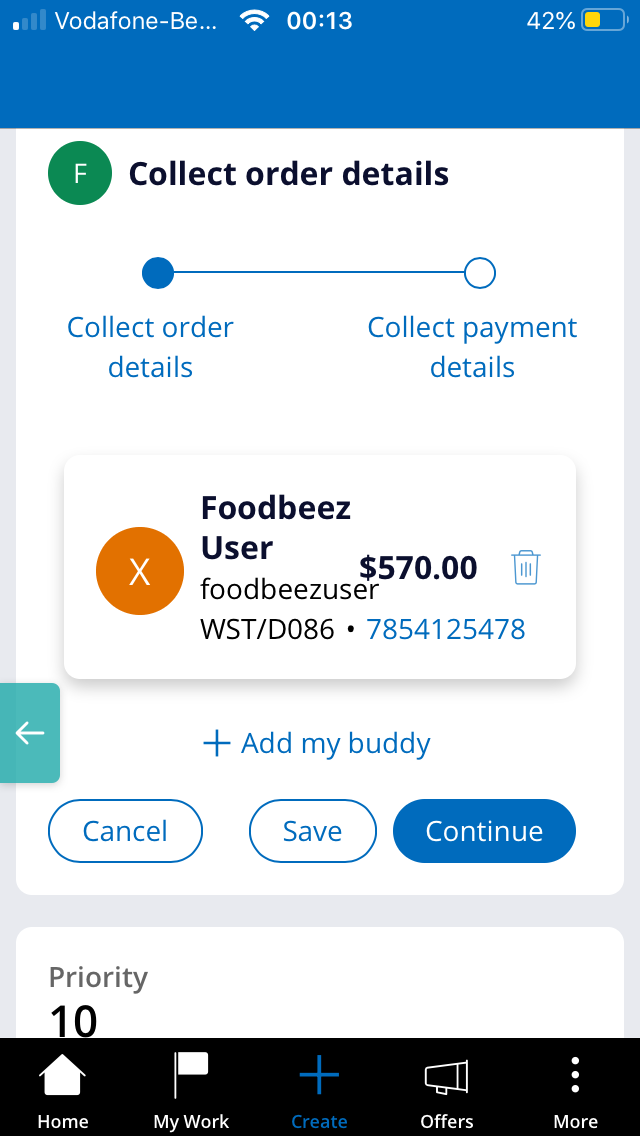
Give order details
-
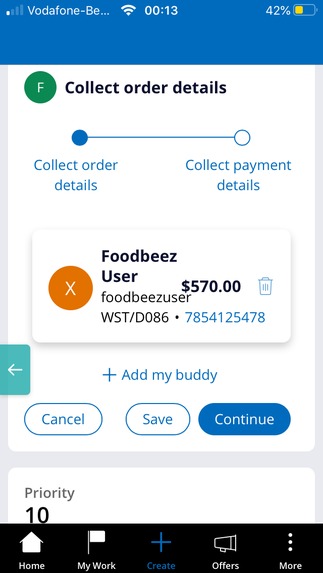
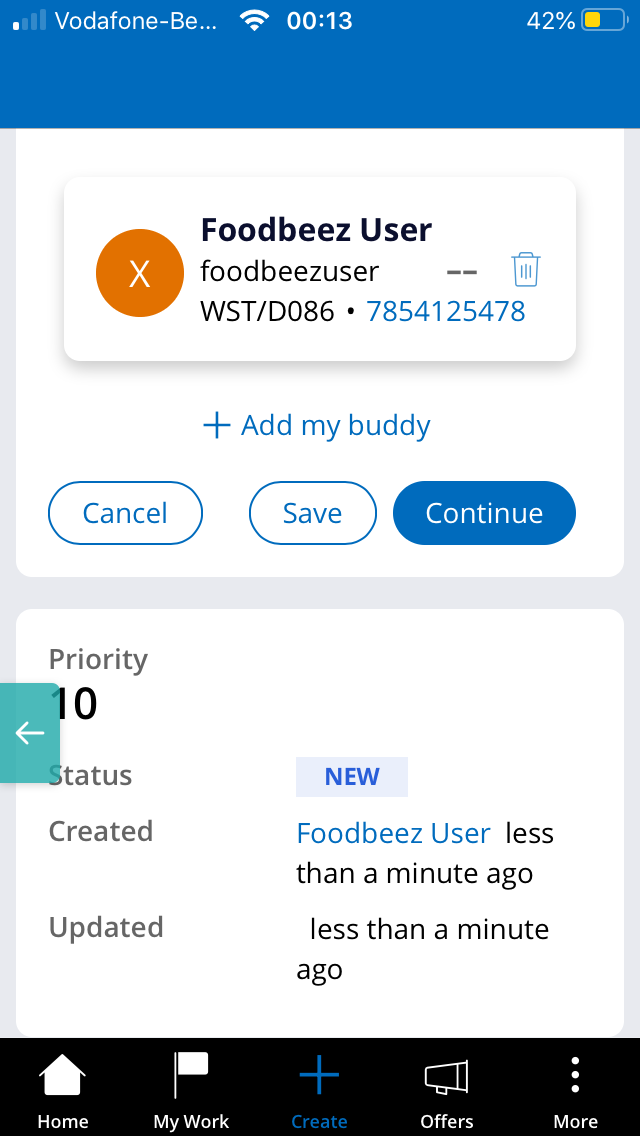
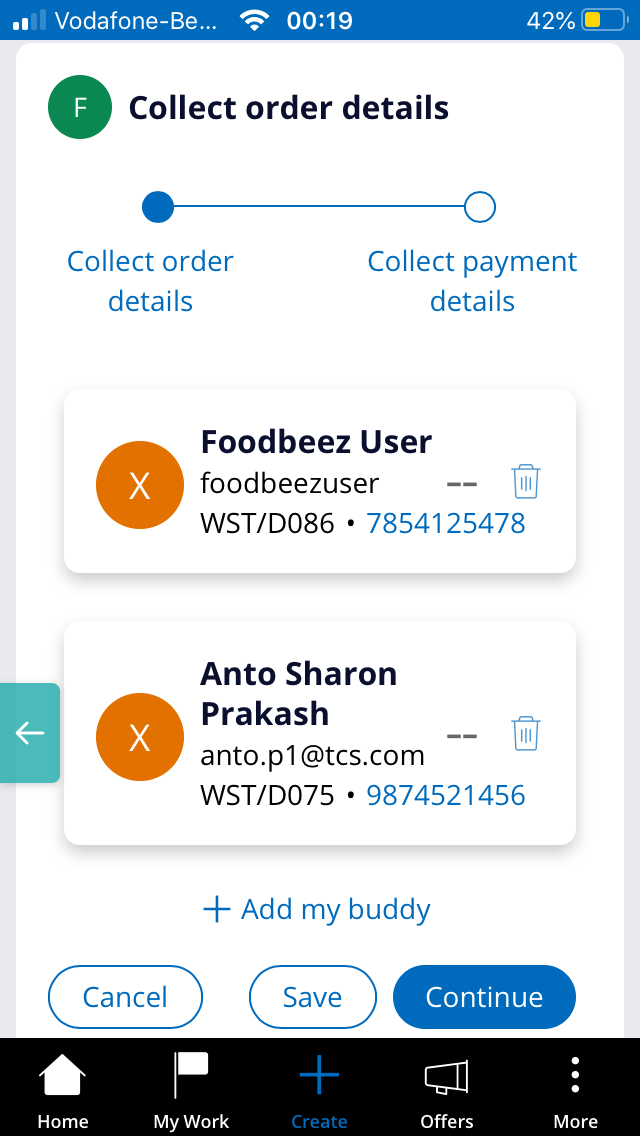
Can order for friends also using Add my buddy button
-
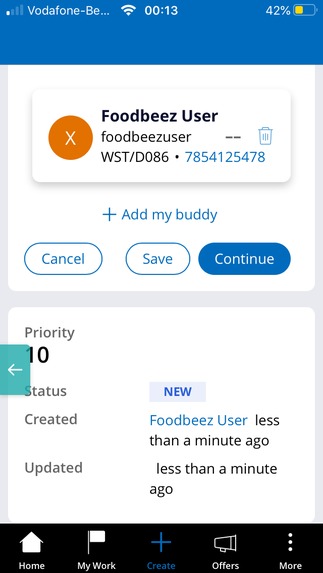
Adding buddies
-
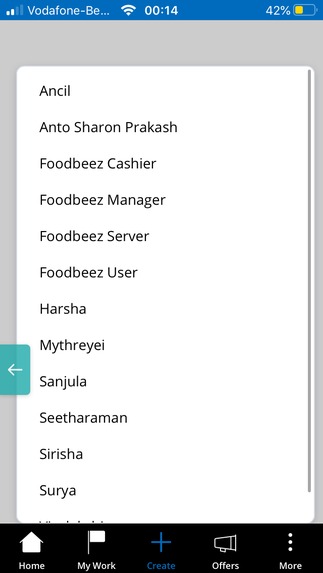
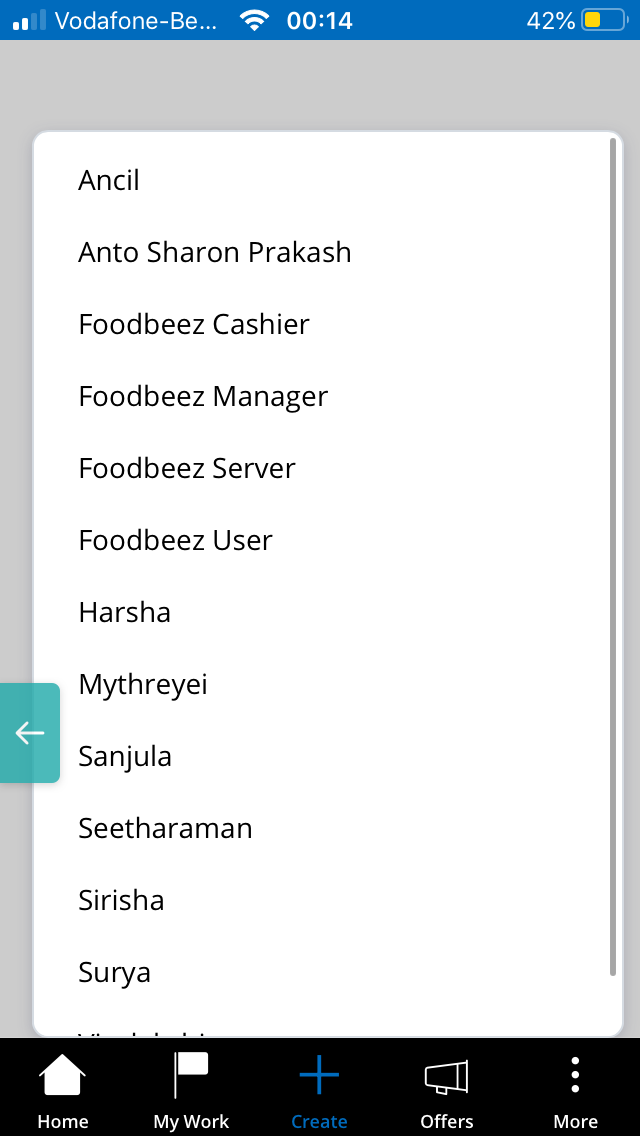
Buddies
-
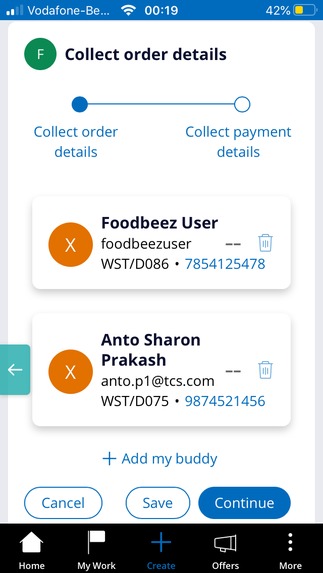
Added buddies
-
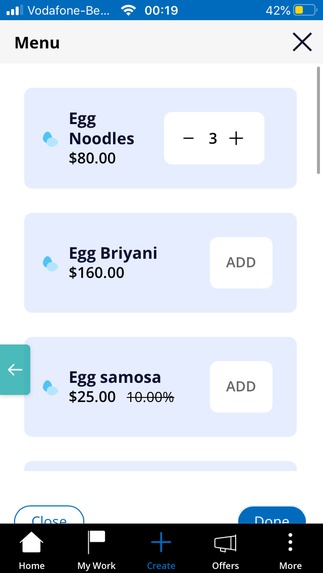
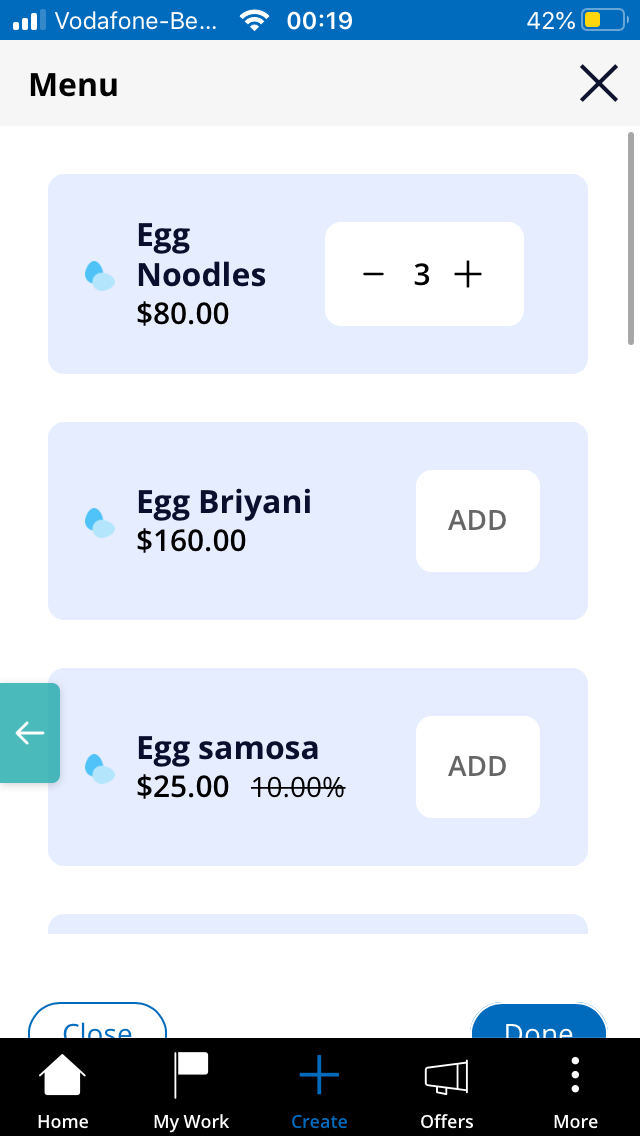
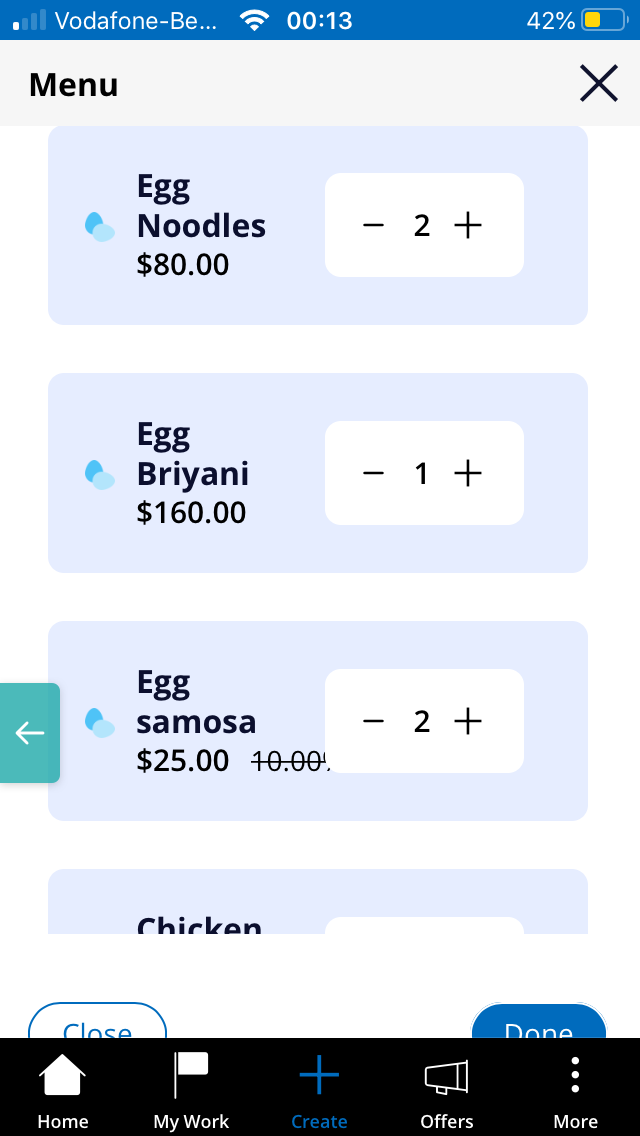
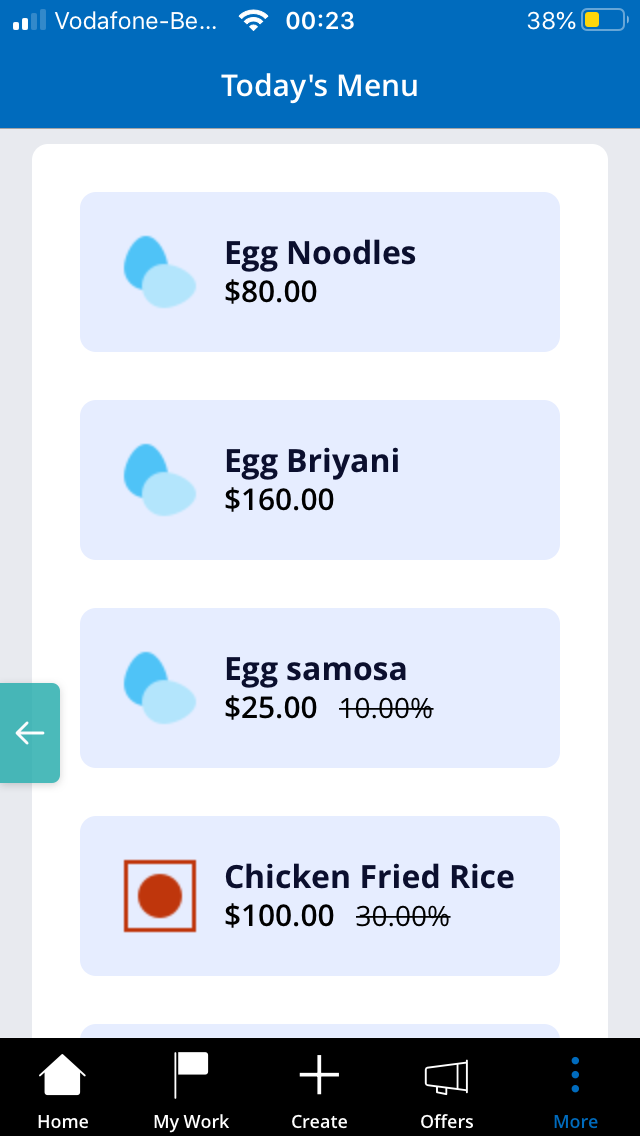
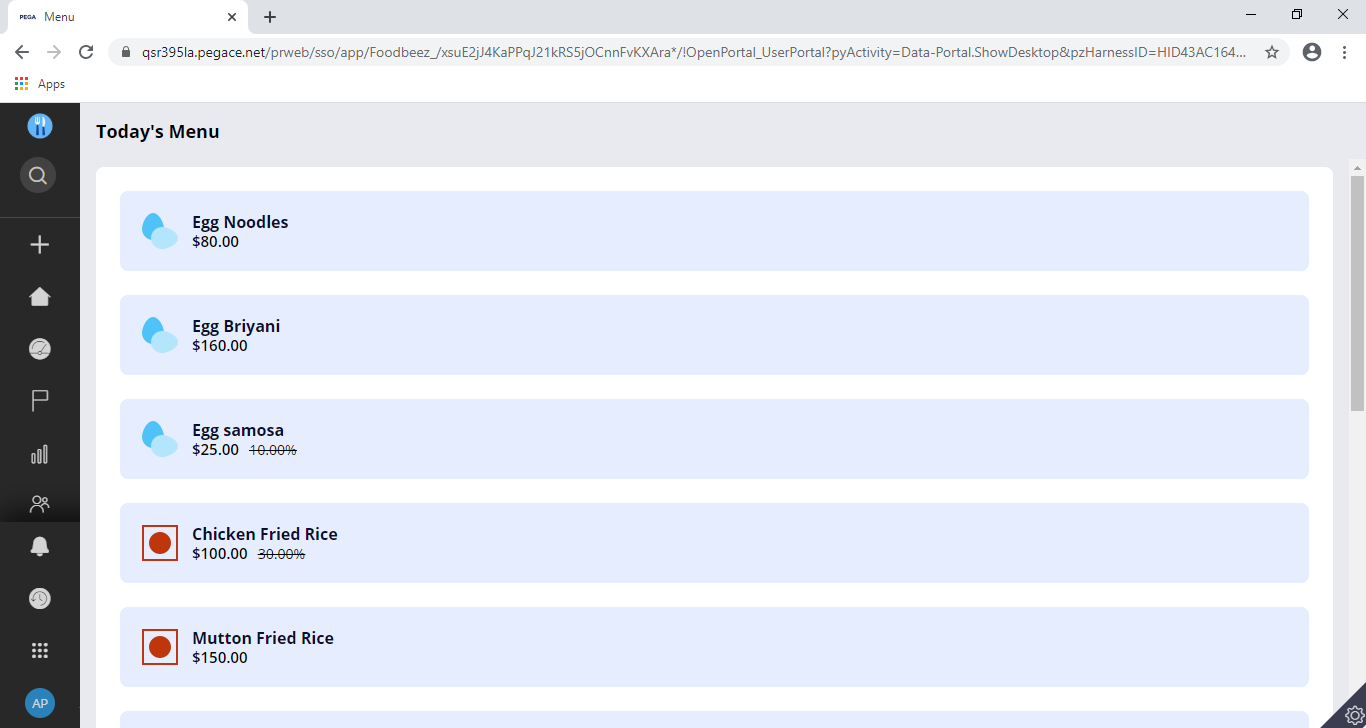
Menu list
-
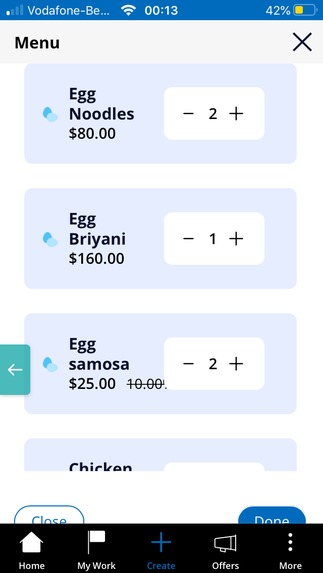
Adding order items
-
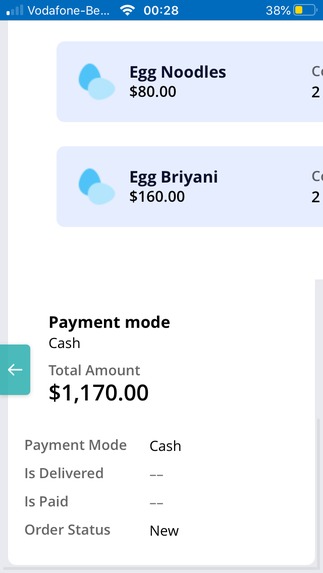
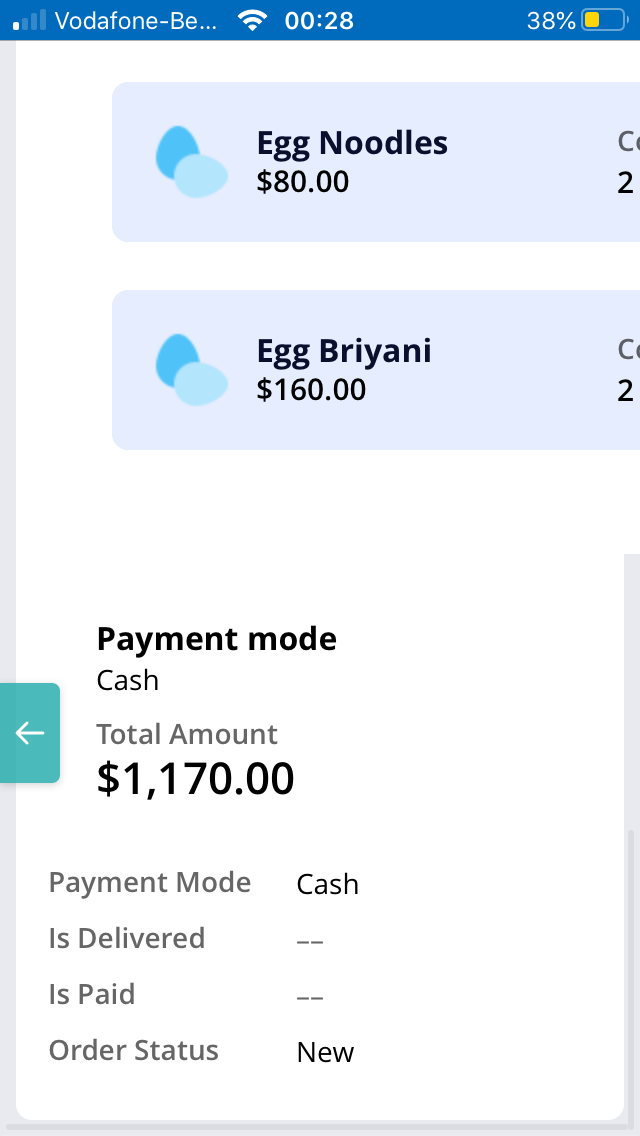
Payment mode
-
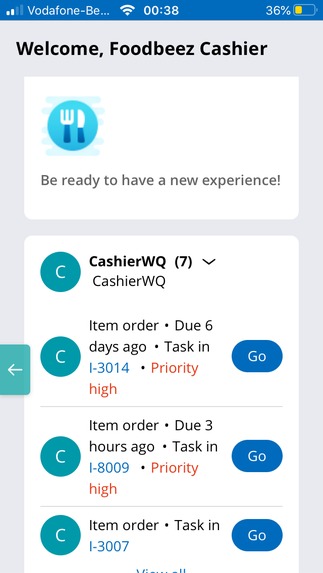
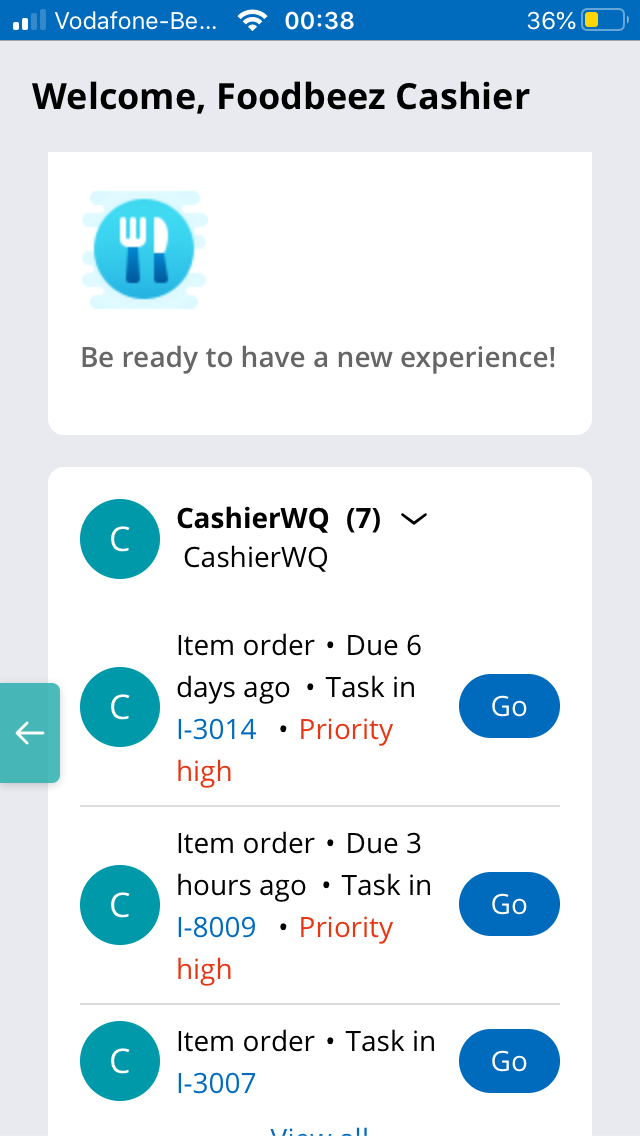
Cashier Work queue
-
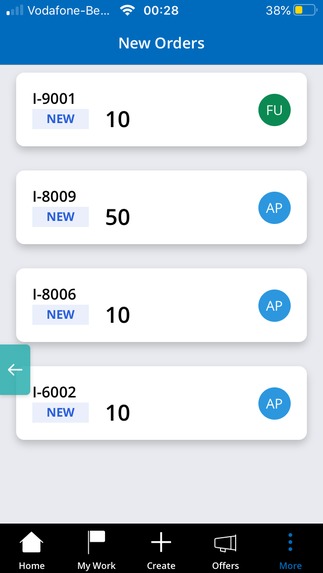
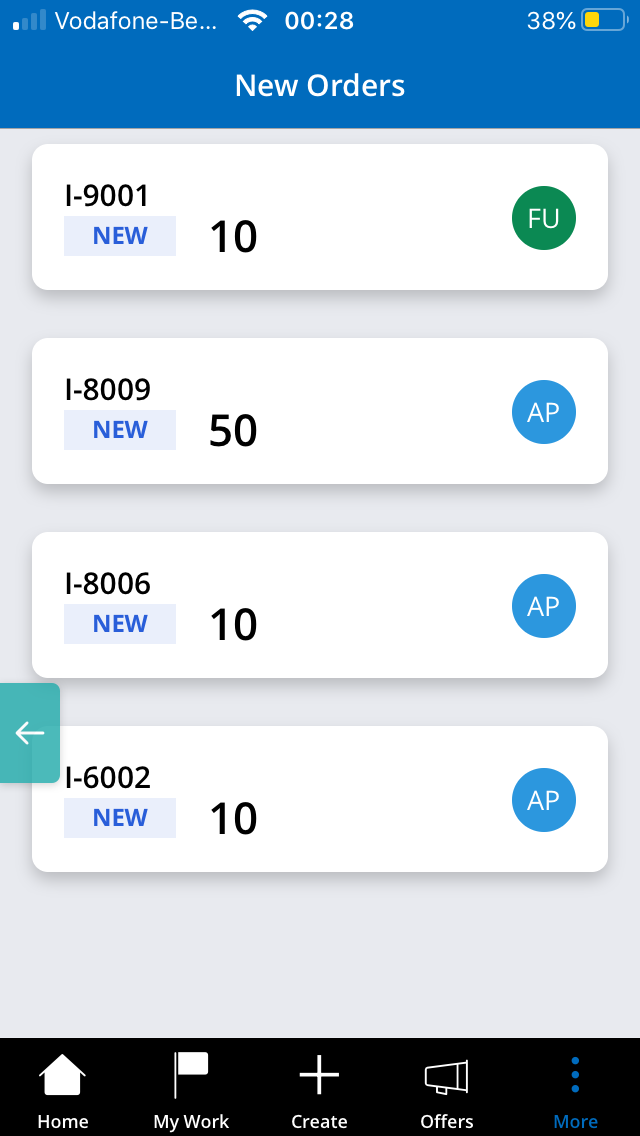
New items to be acted upon by cashiers
-
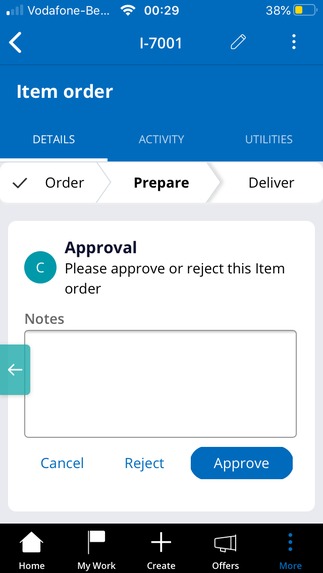
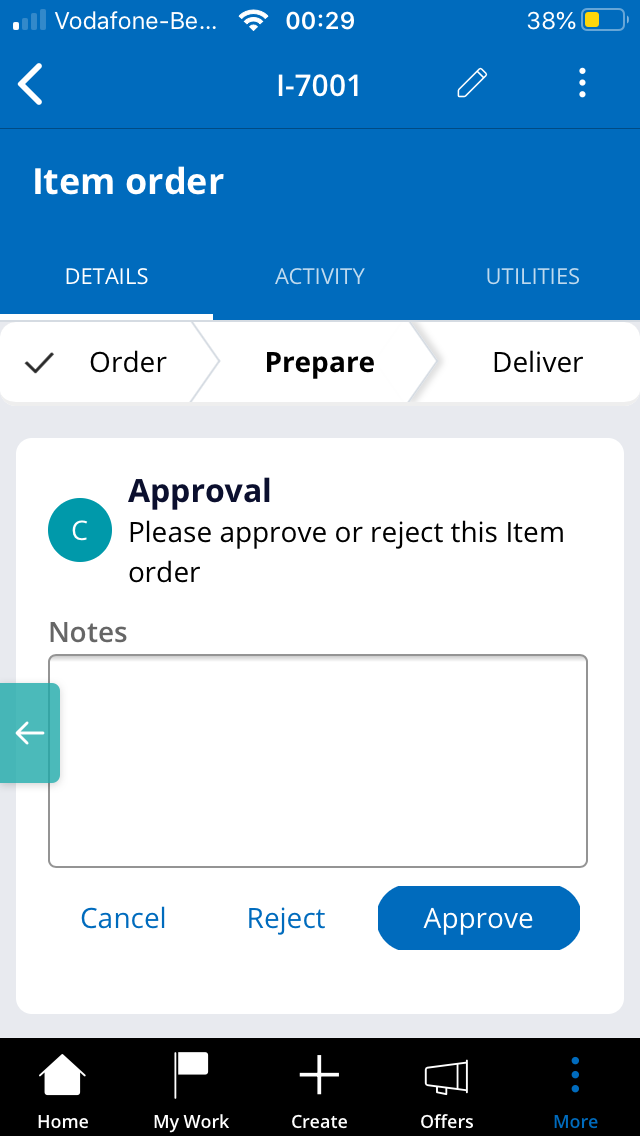
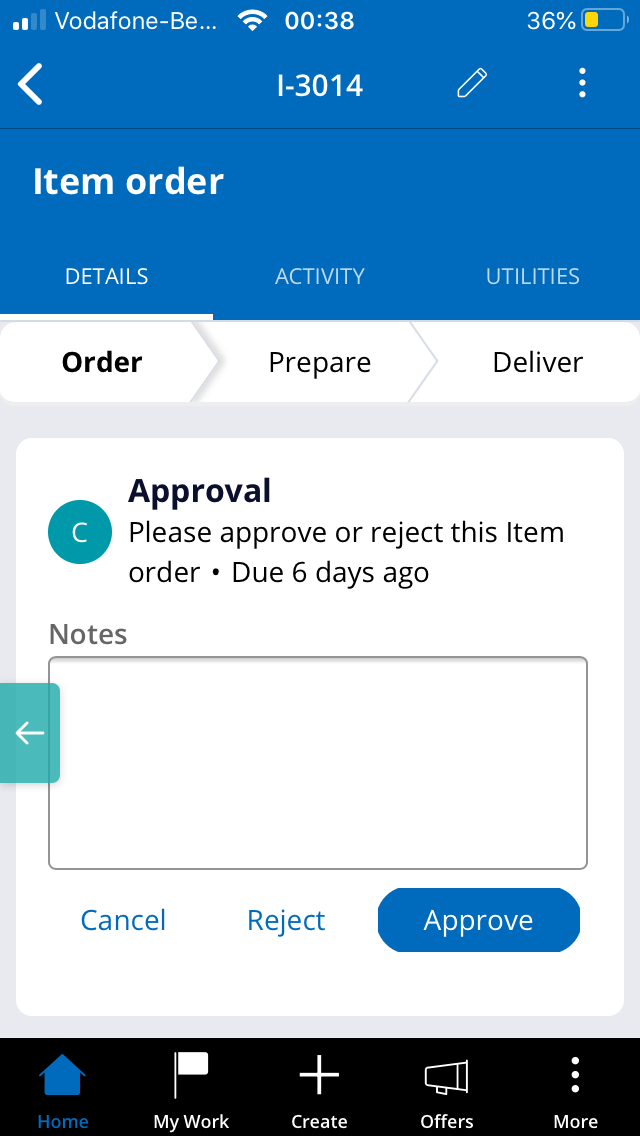
Approval of order by cashier
-
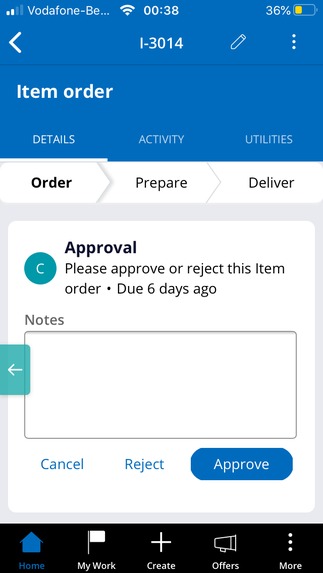
Confirming preparation of order by cashier
-
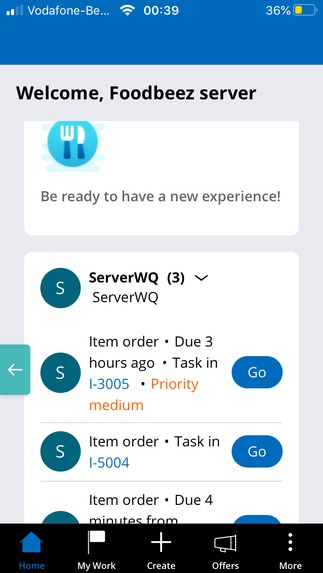
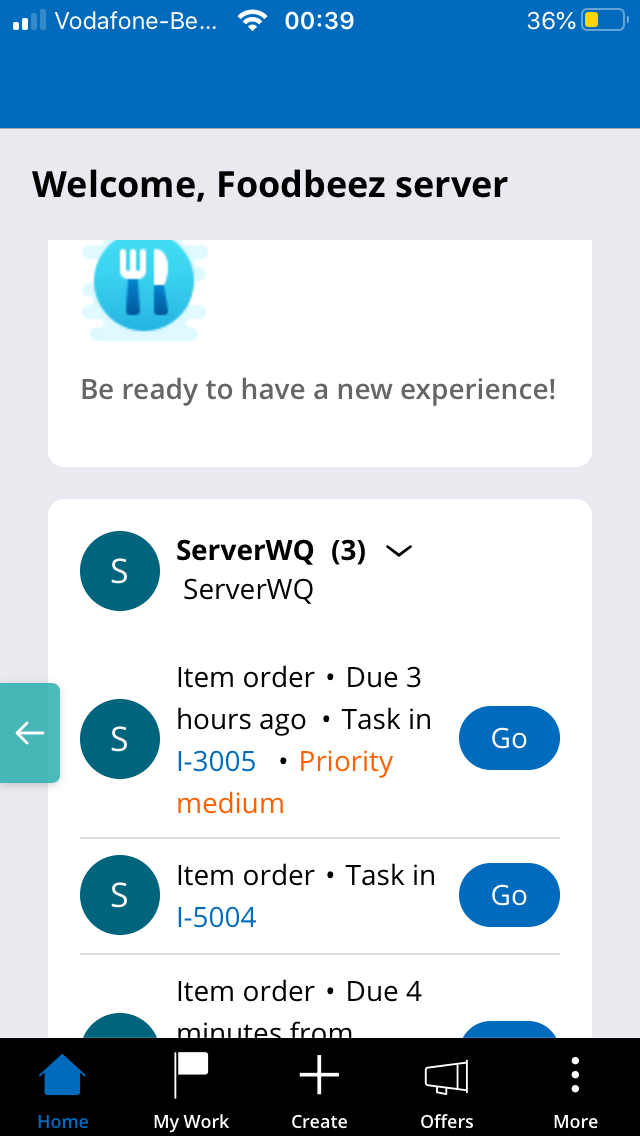
Server Work queue
-
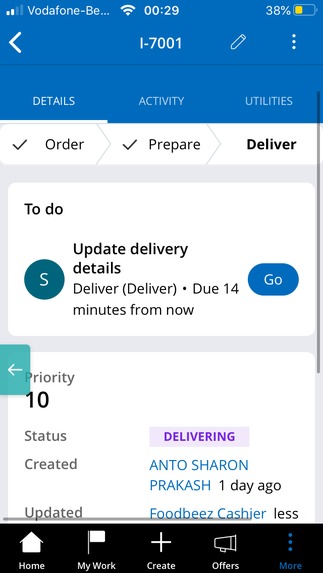
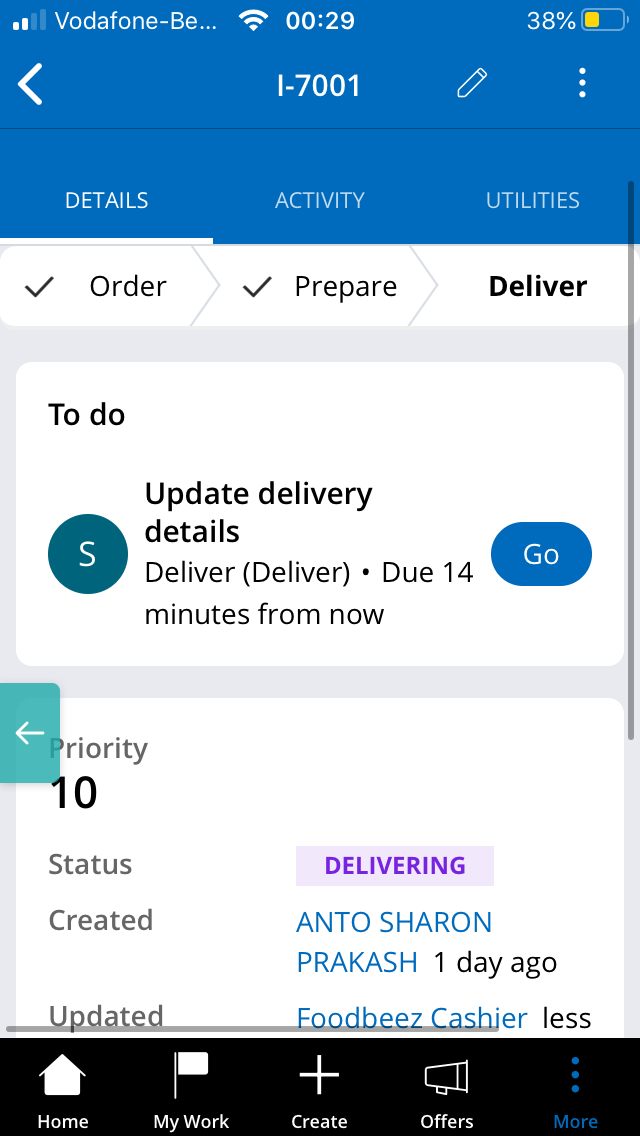
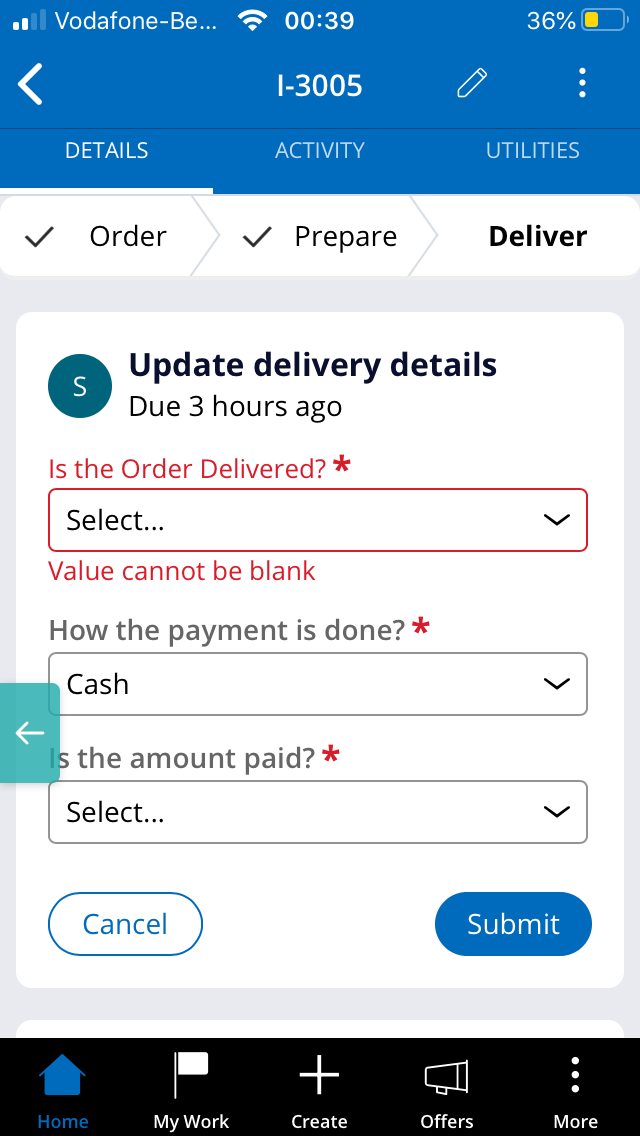
Server updates the delivery details
-
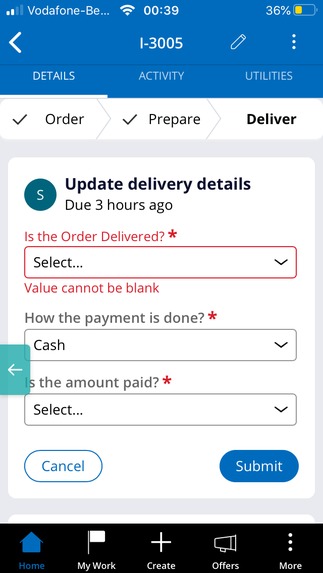
Server updates the delivery details
-
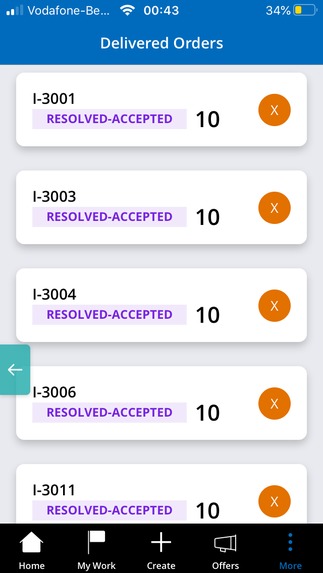
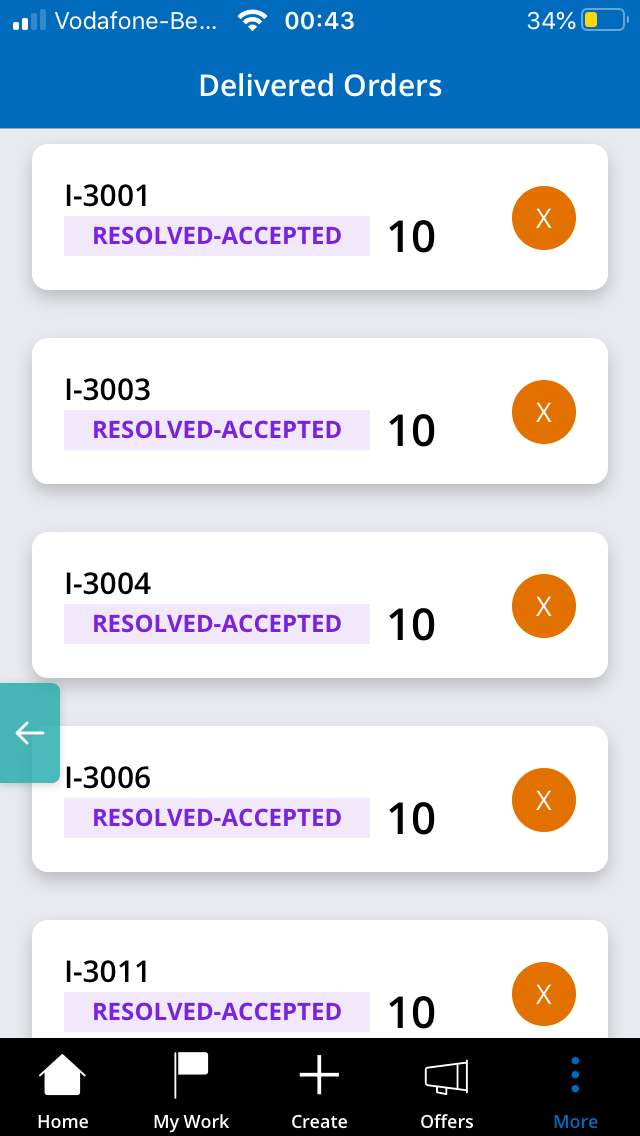
Delivered items list
-
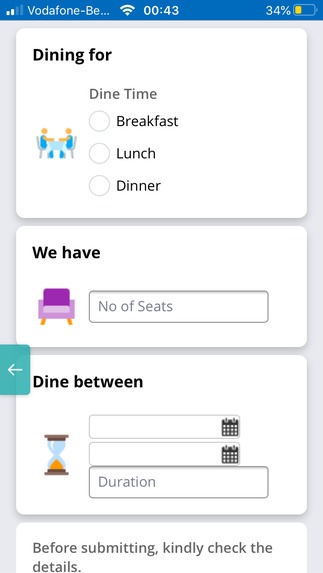
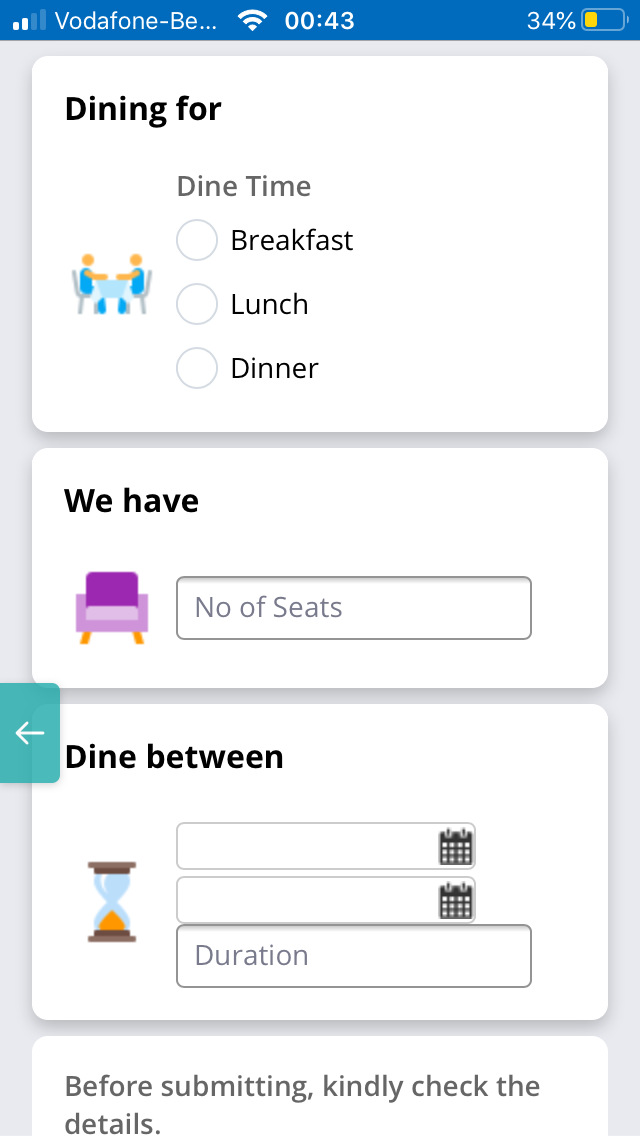
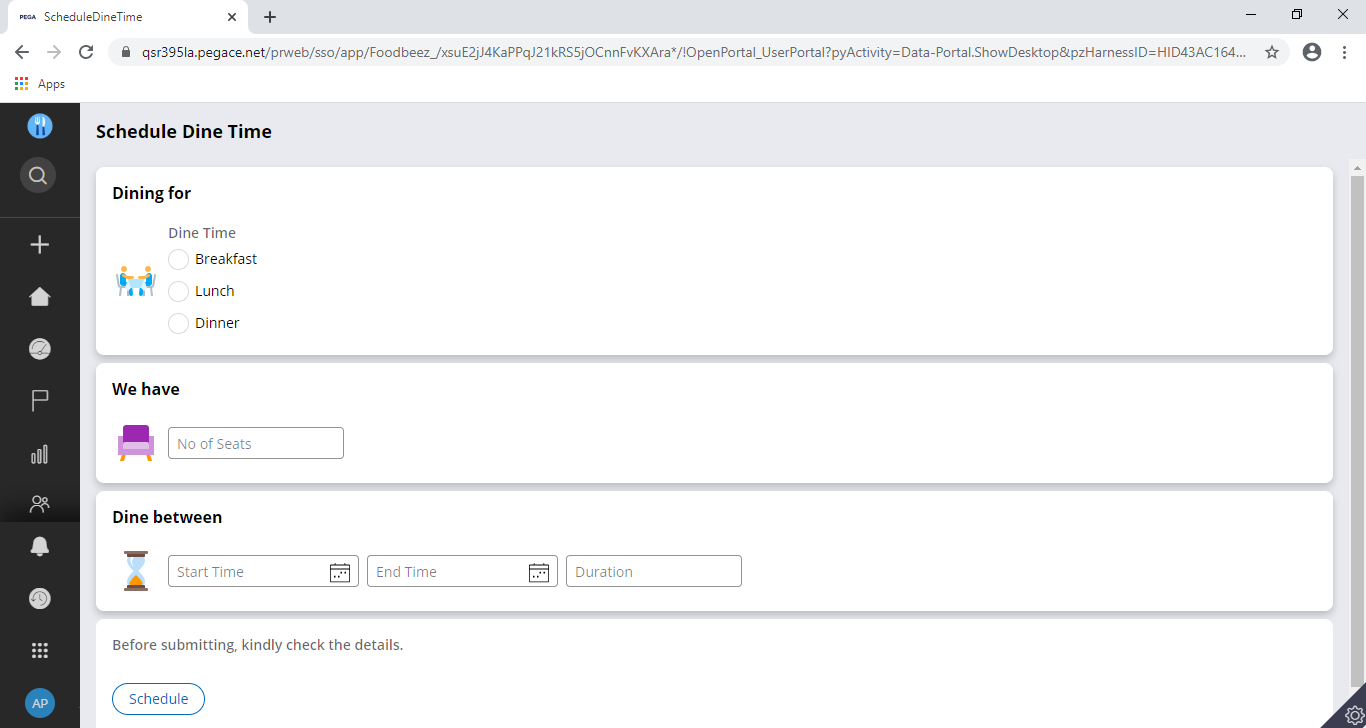
Manager can schedule dine time by filling necessary details
-
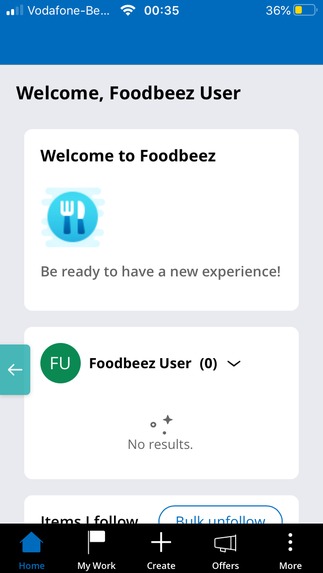
User log in page
-
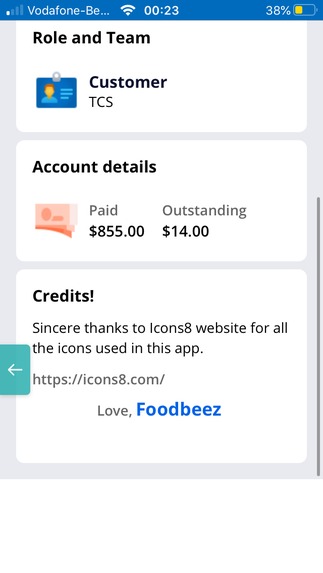
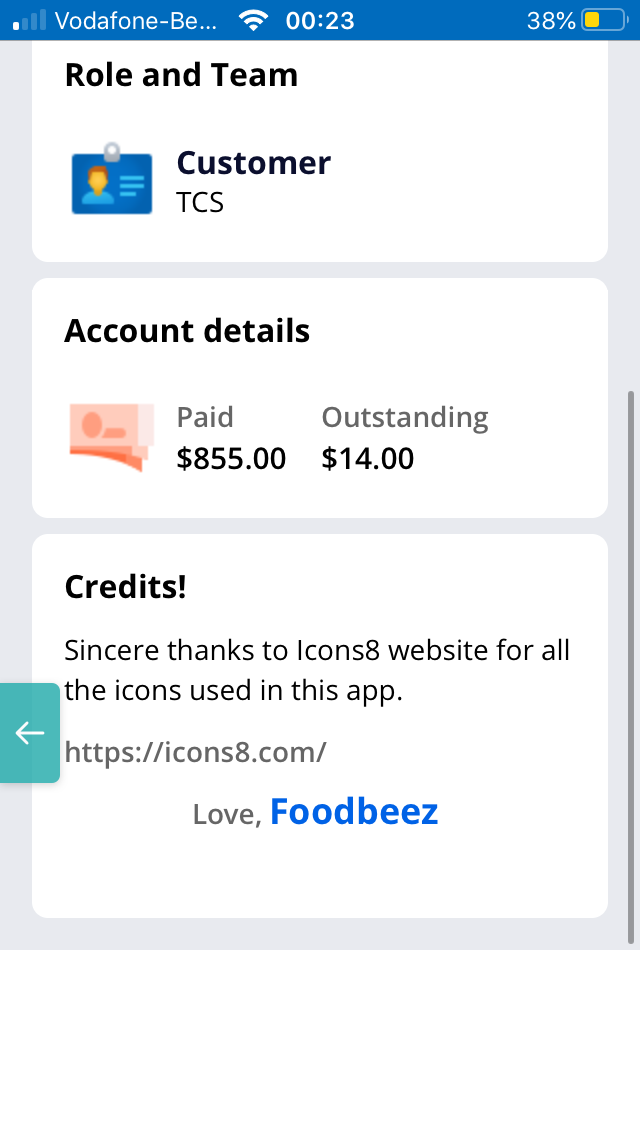
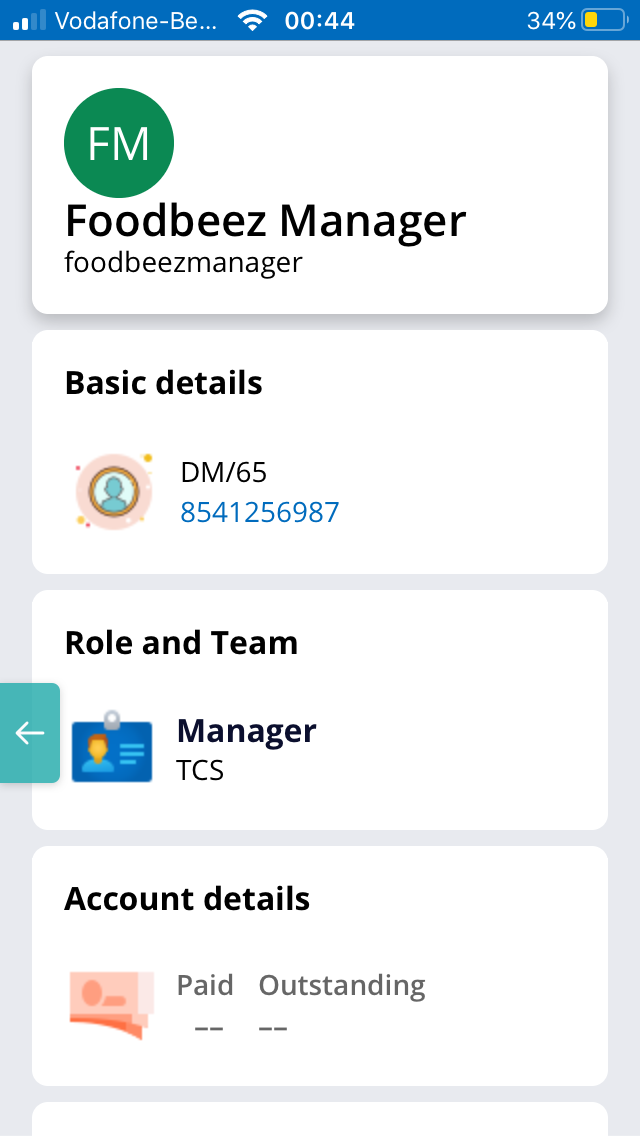
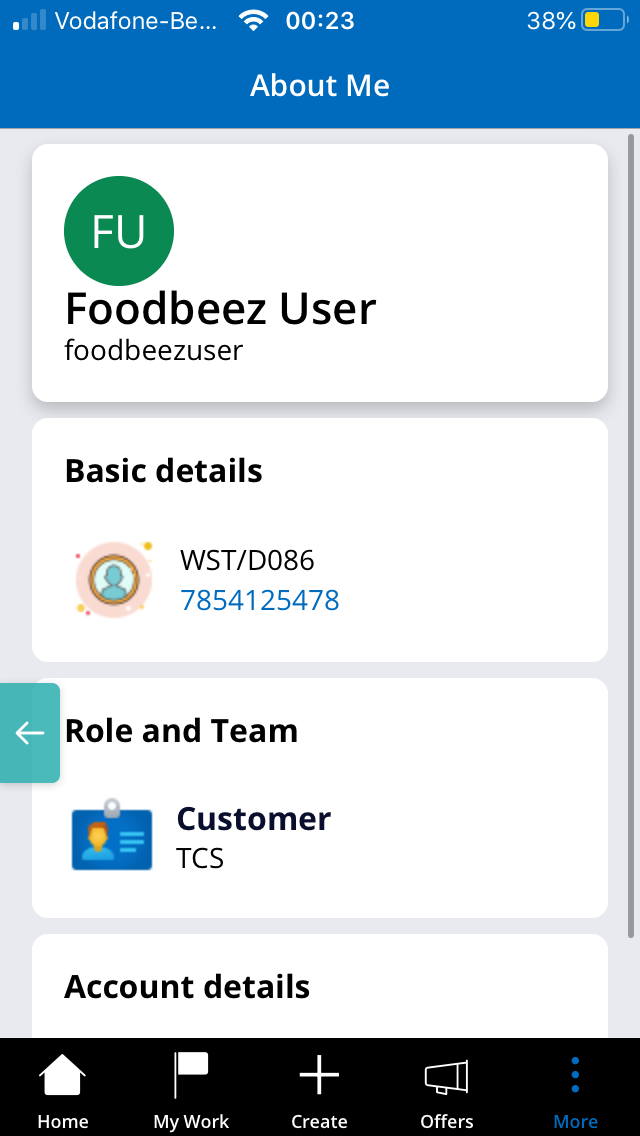
About me screen
-
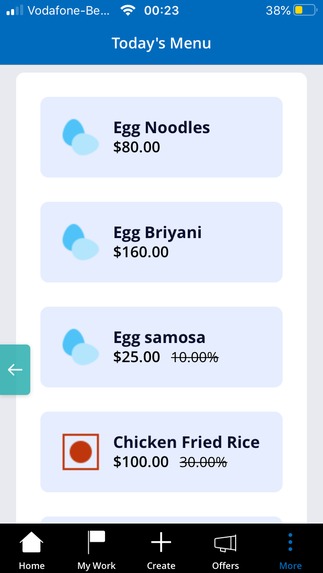
Menu list page
-
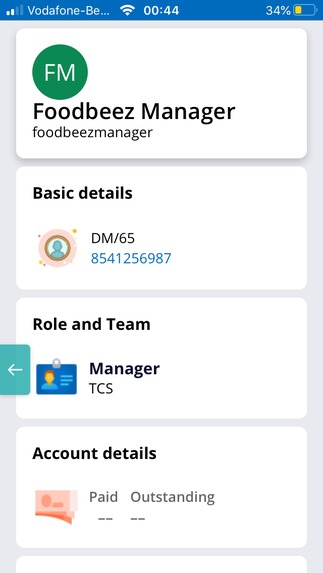
About me screen
-
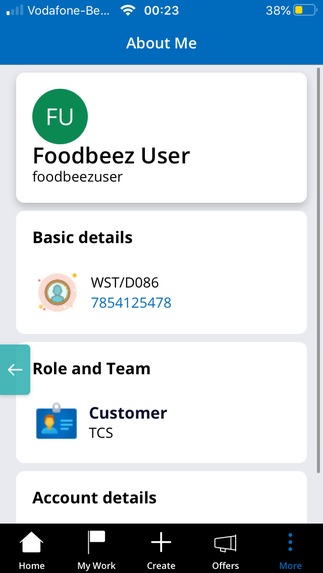
About me screen
-
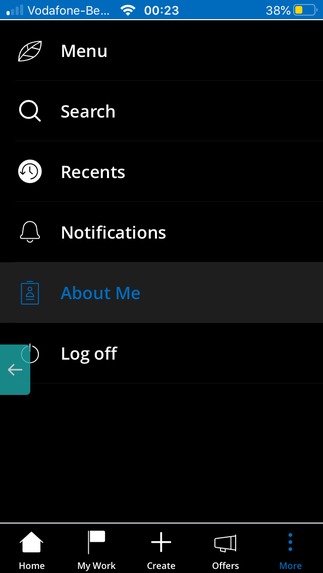
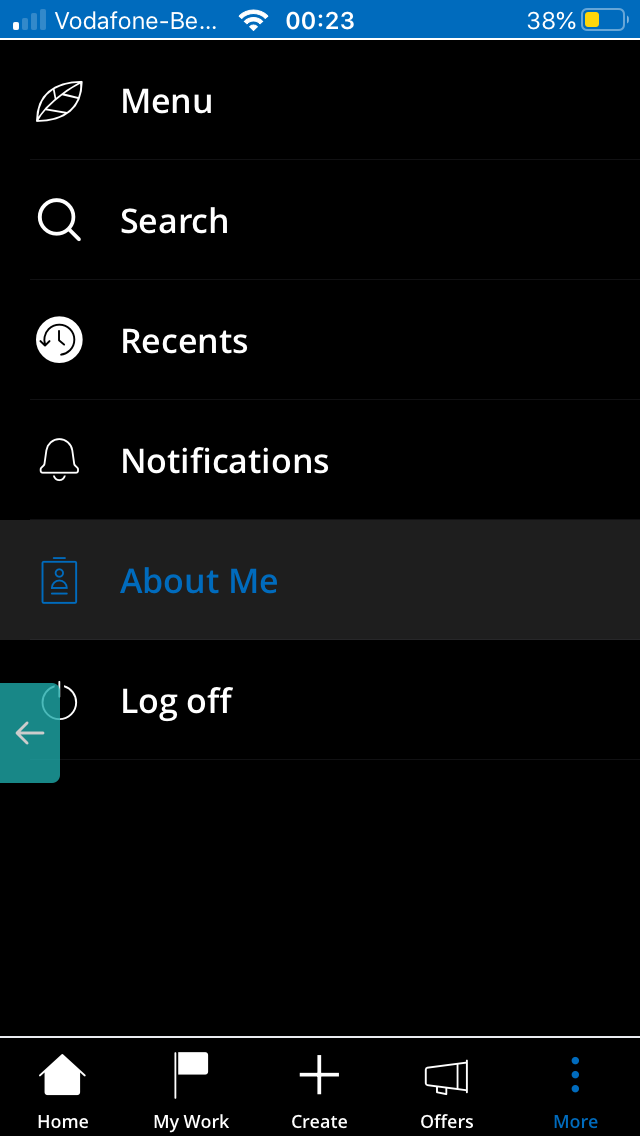
More Menu and log off
-
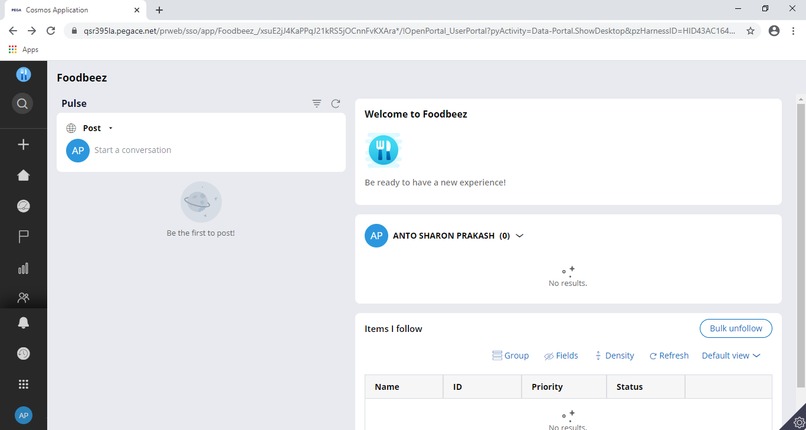
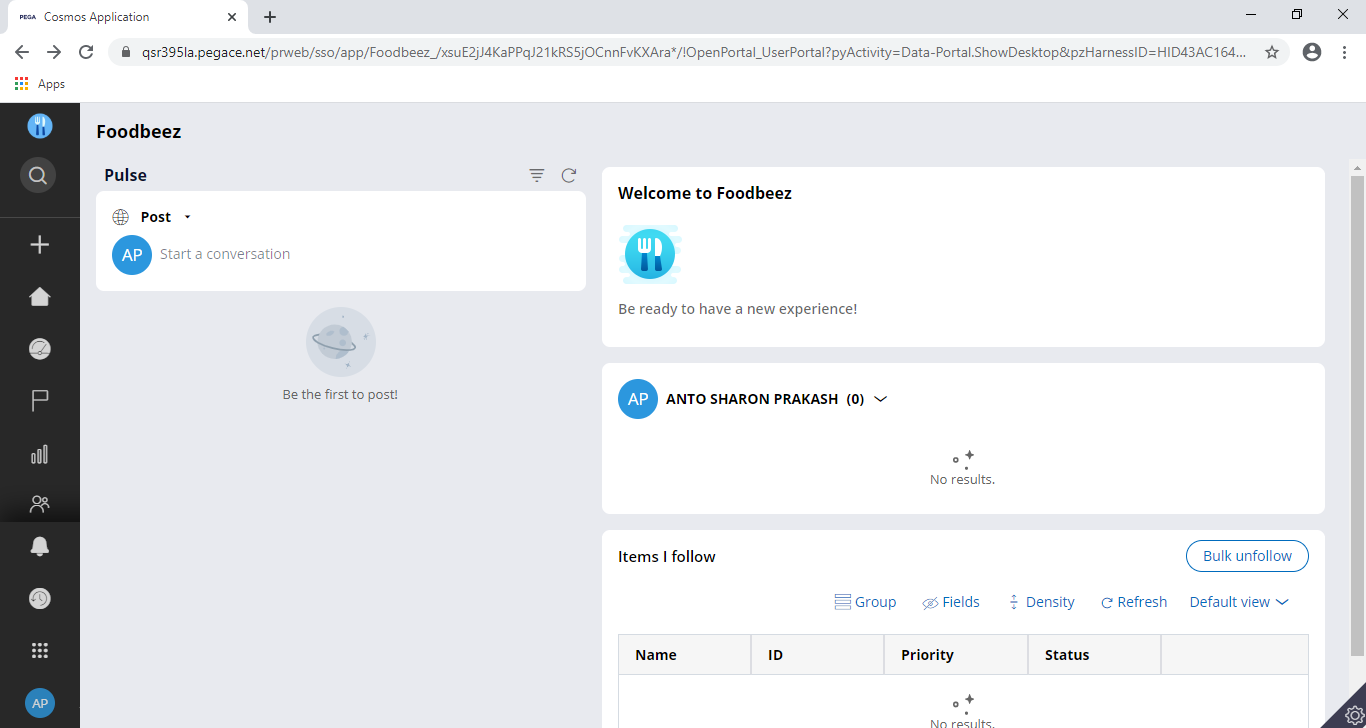
Home screen in large screen devices
-
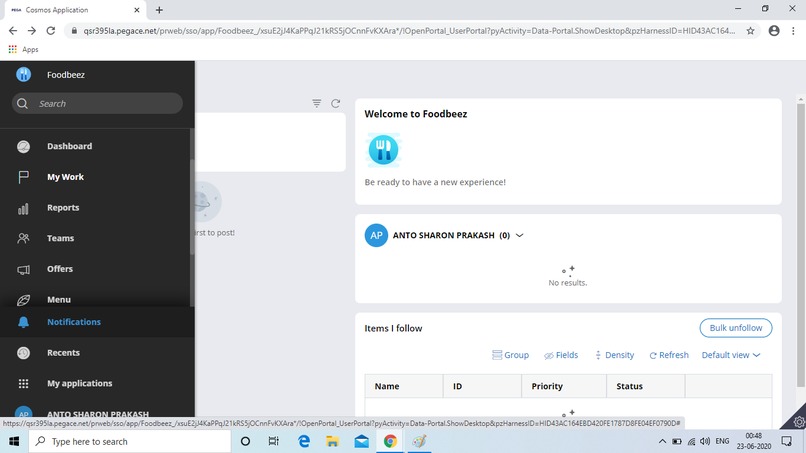
Menu navigation
-
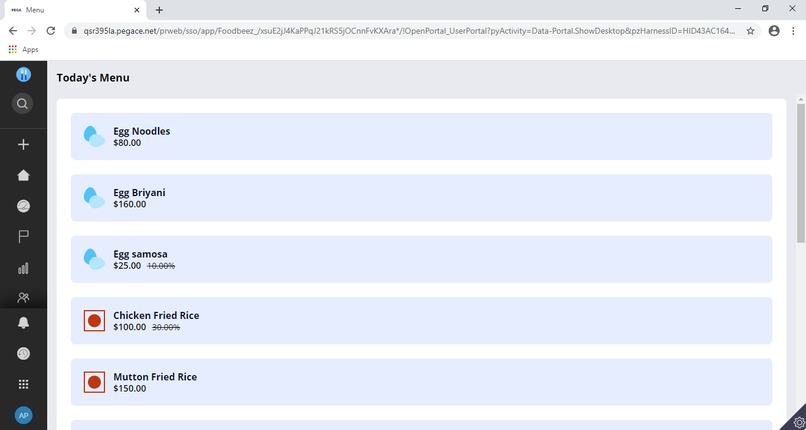
Menu screen in large screen devices
-
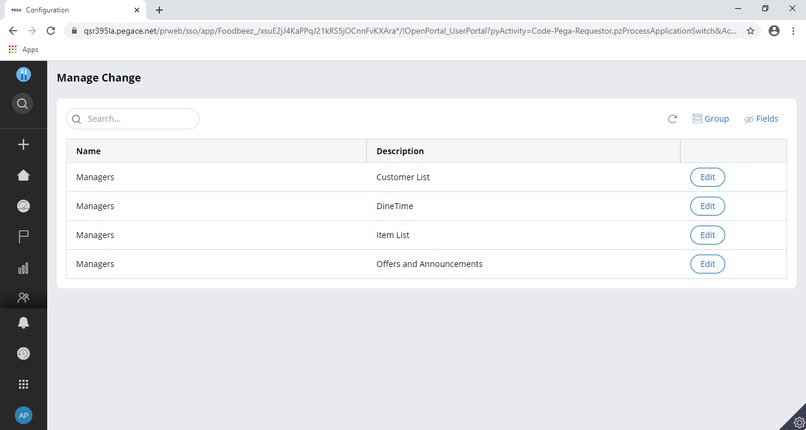
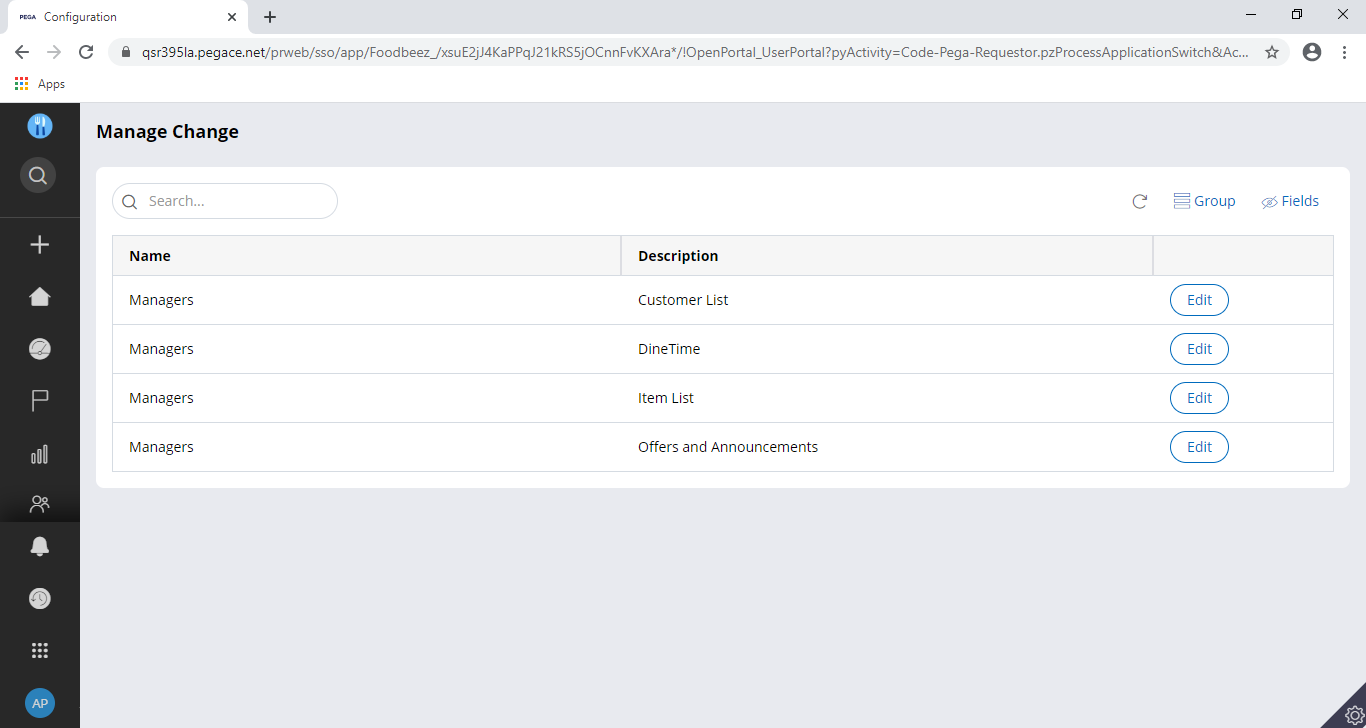
Configuraiton of tables by manager in large screen devices
-
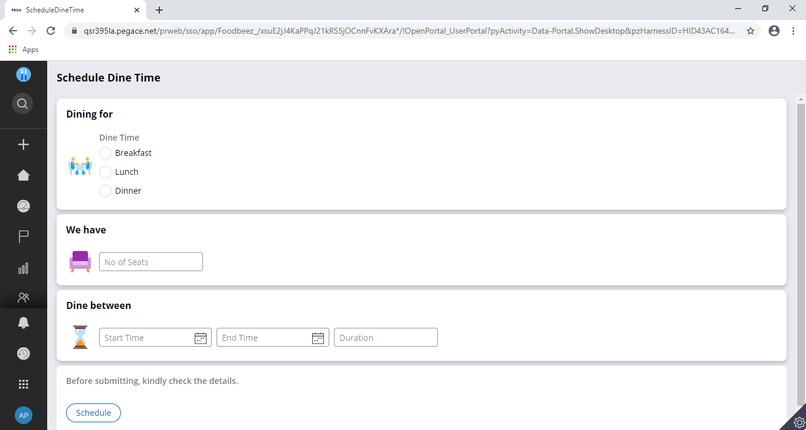
Scheduling dine time screen by manager in large screen devices
-
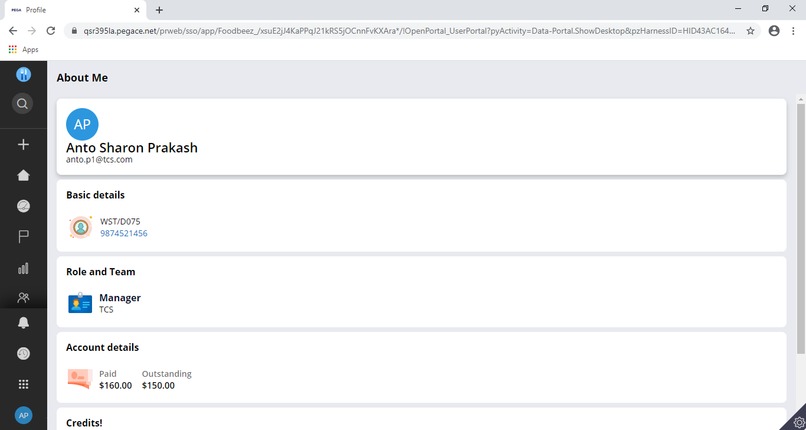
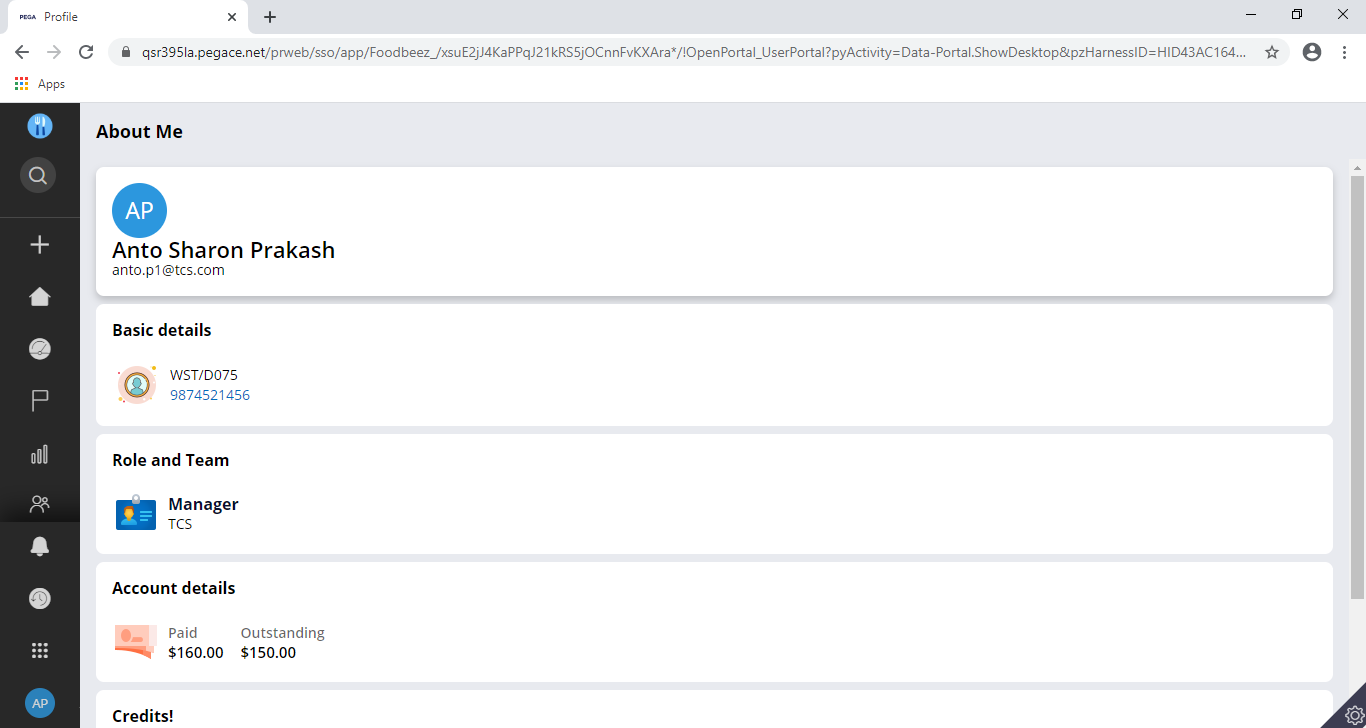
About me in large screen devices
-
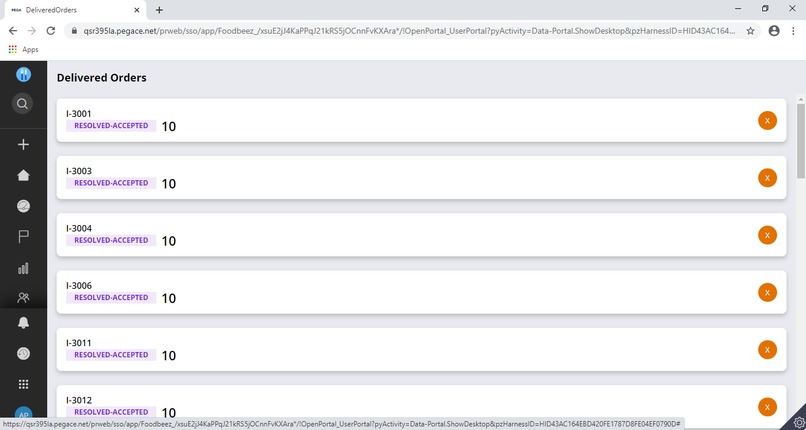
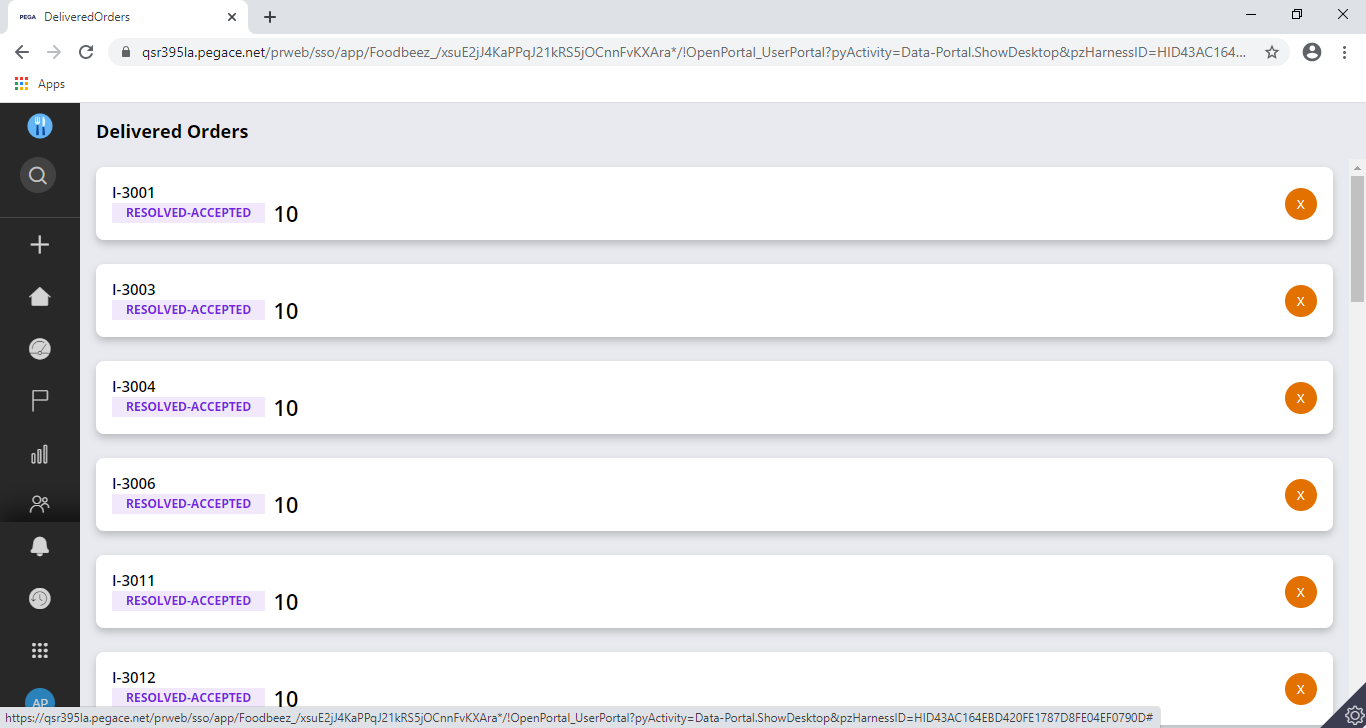
Delivered screen in large screen devices
-
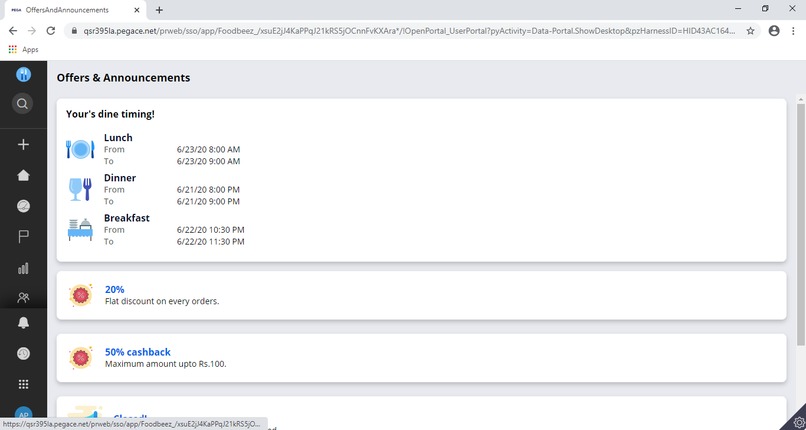
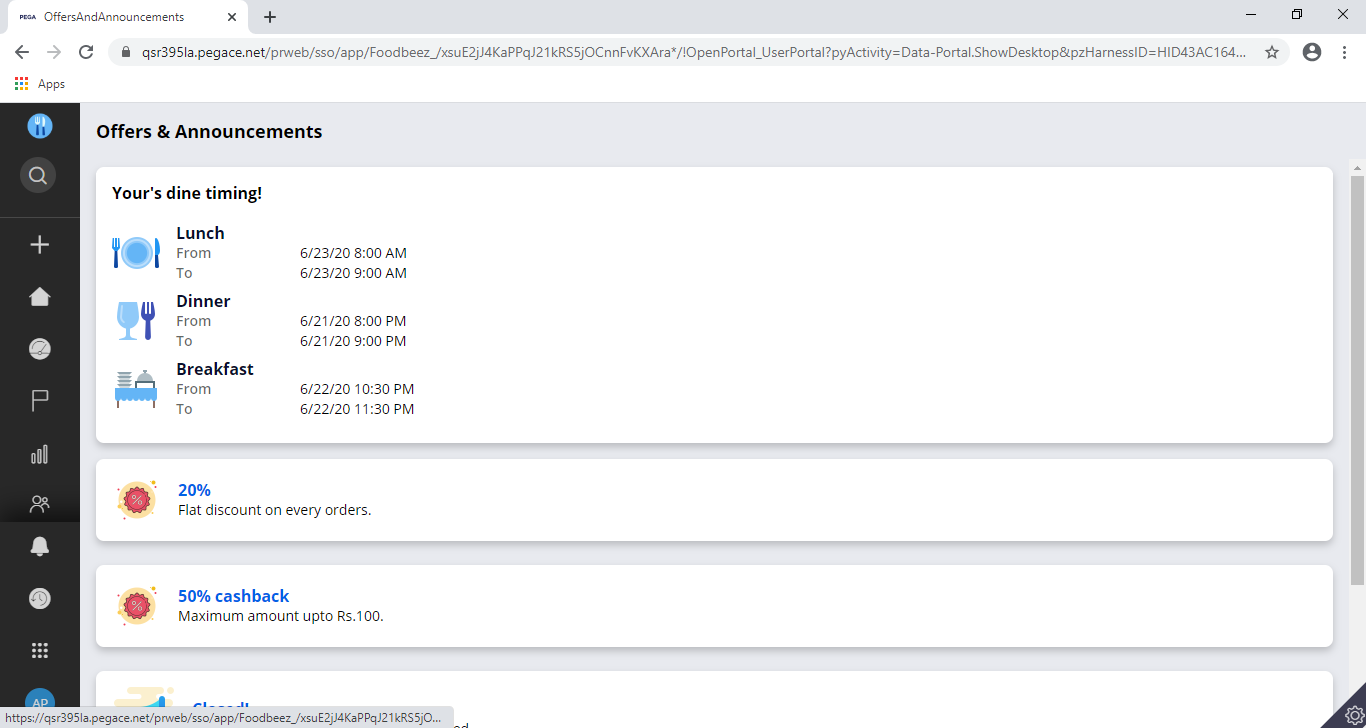
Offers announcements and dine time screen in large screen devices
-
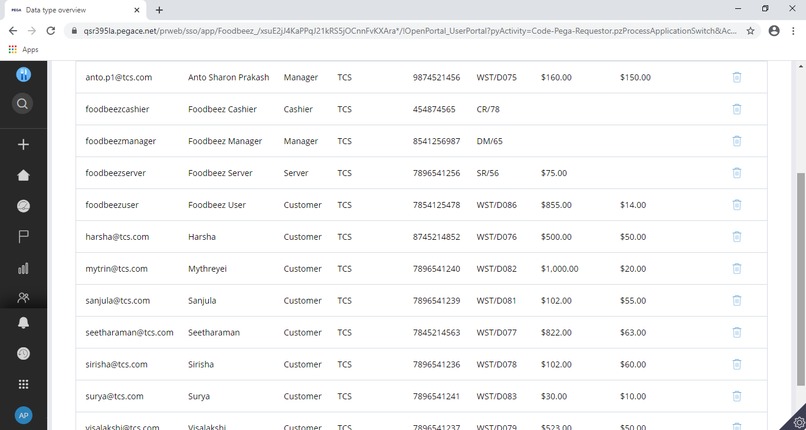
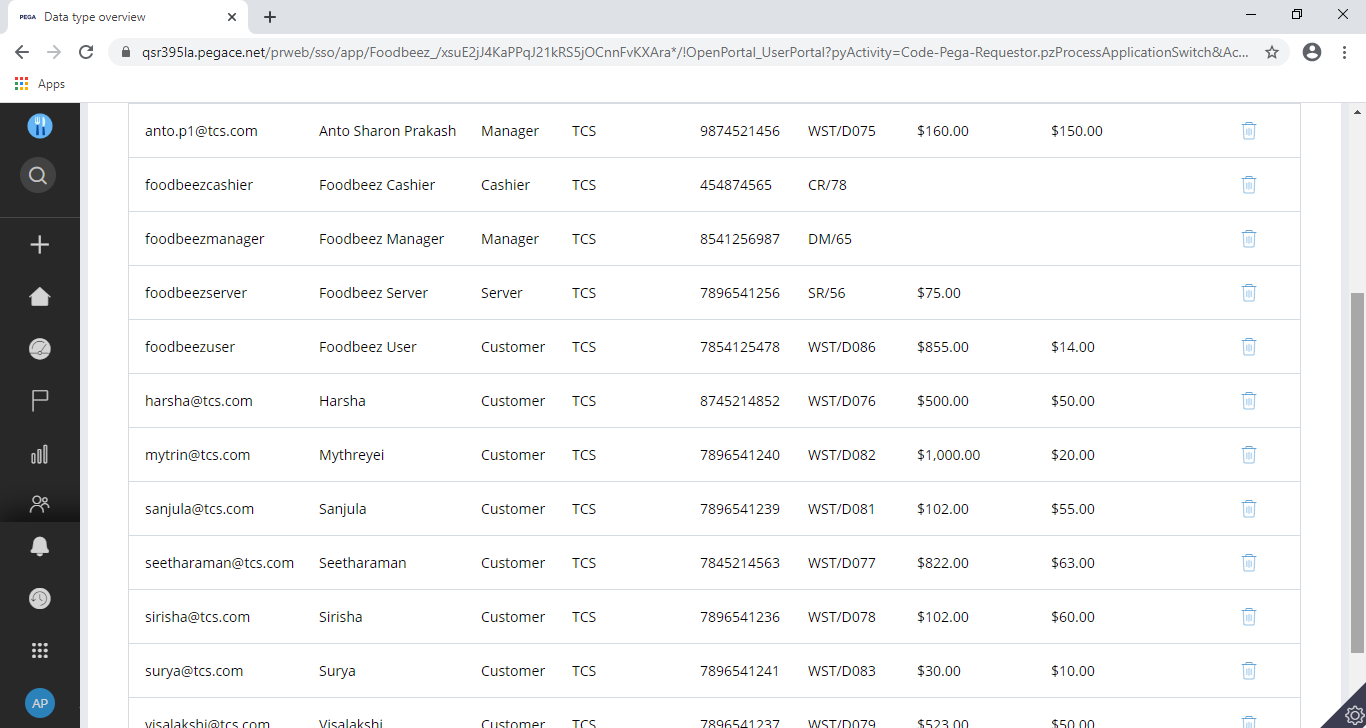
Example of table to be updated by manager in large screen devices

Inspired
It is a well known fact that we are terribly suffering from COVID 19. And we won’t be able to stay at home forever. We would need to go to office. But, what happens if the virus still prevails? What are we going to do ensure social distancing in work spaces? These are answered by our Foodbeez.
Learnt
Learning was an inherent process during this app development. Learnt about creating an app from scratch. Came to know about more functionalities and capabilities of Pega.
How was it built
Pega 8.4 edition was used to build the application. Mobile channel is used to build mobile app which can be experienced through Pega Mobile Preview.
Challenges faced
Making the application compatible with various types of devices was quite difficult. Everytime testing has be done for all types of devices.
To try
Use these: foodbeezuser- Buddy7@9 foodbeezserver- Buddy7@9 foodbeezcashier- Buddy7@9 foodbeezmanager- Buddy7@9
Three links are given:
- Complete app package exported from PEGA. Can be imported in PEGA and run.
- Pega mobile preview link. QR code is also given in images for easy accees.
- A presentation which details the use case and contains demo steps for using the app.
Built With
- cosmos
- pega


Log in or sign up for Devpost to join the conversation.