-
-

-
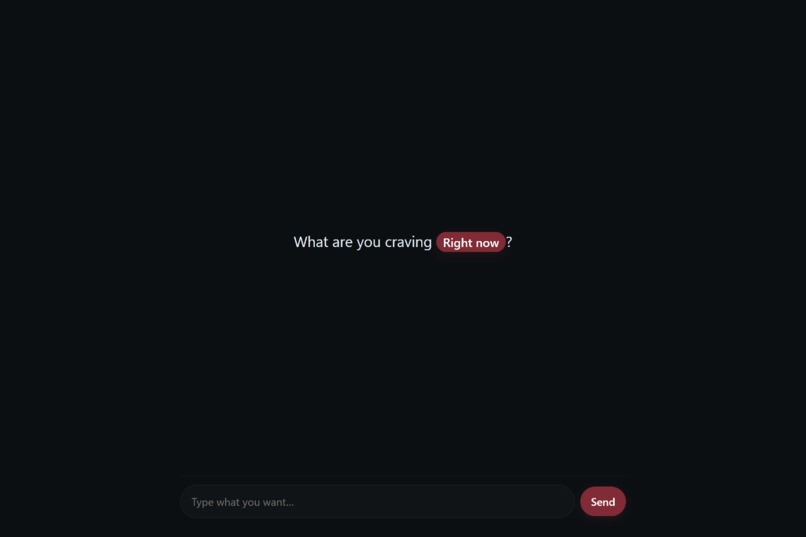
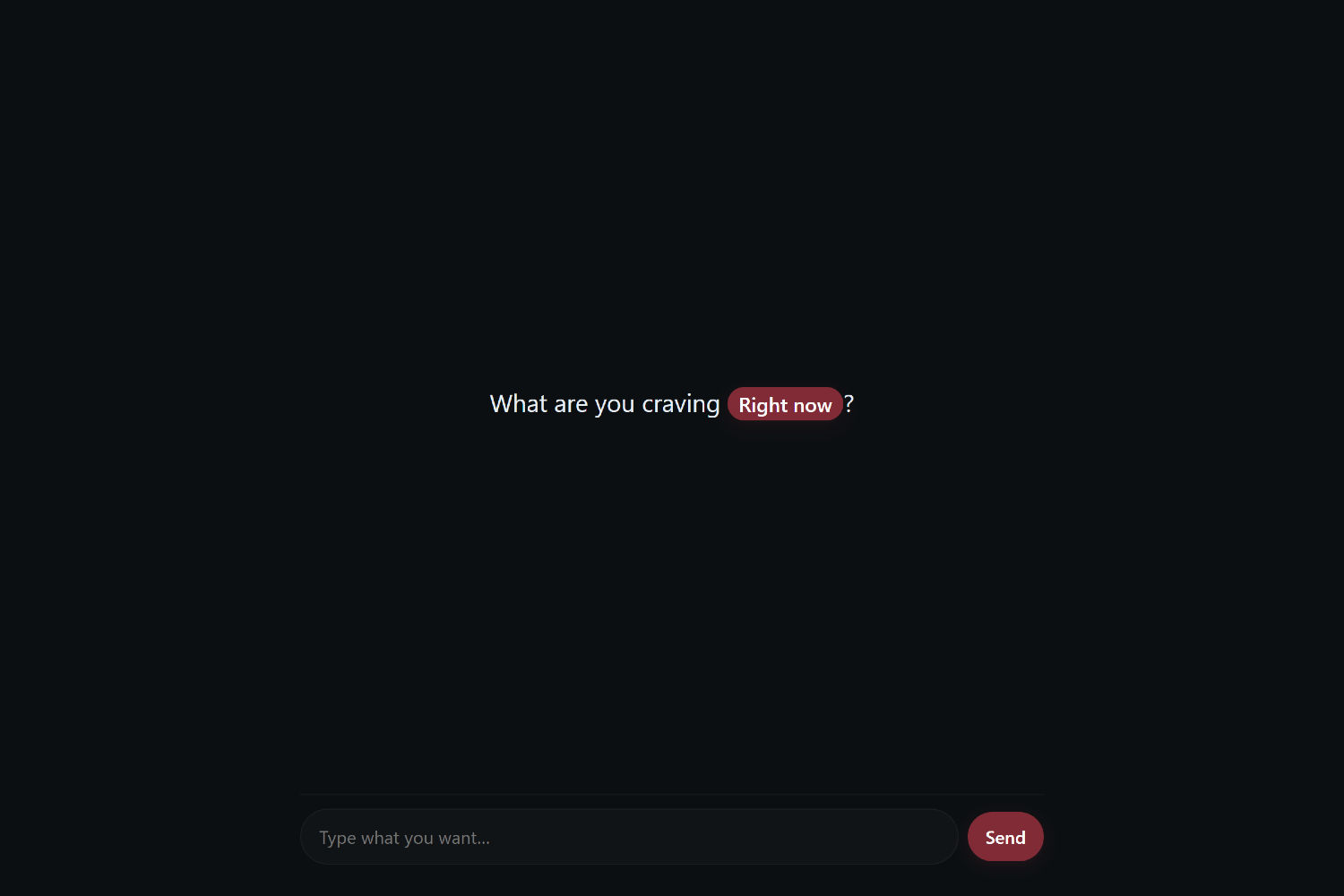
It's simple—just type what you want in plain text and press "Send"
-
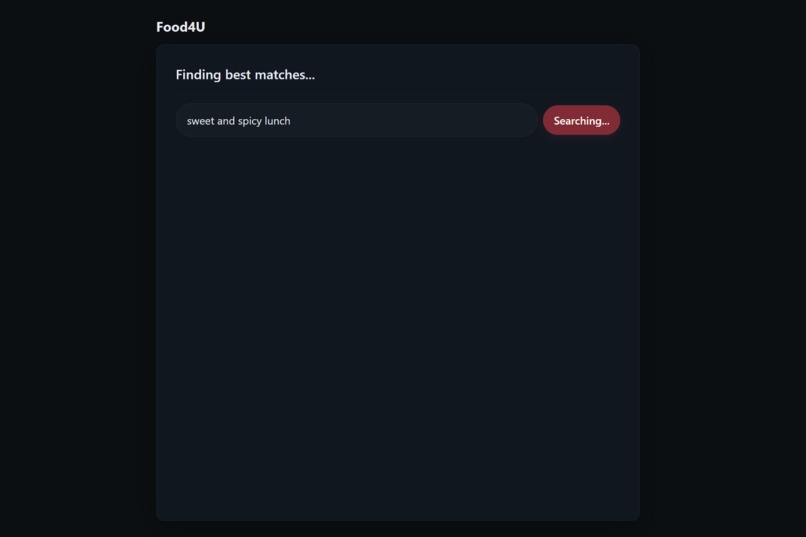
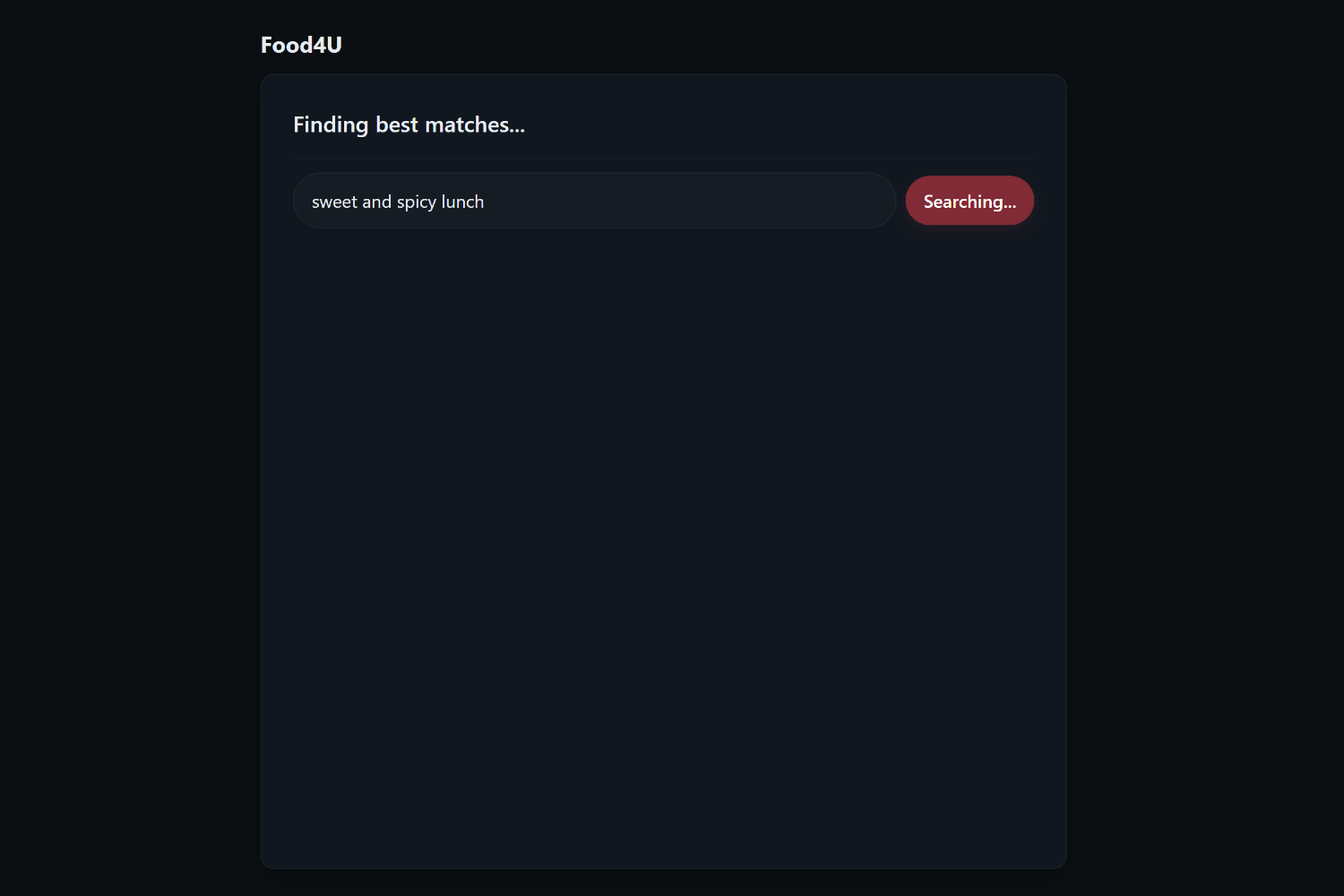
Food4U will use ChatGPT analysis to find current menu items 4 U
-
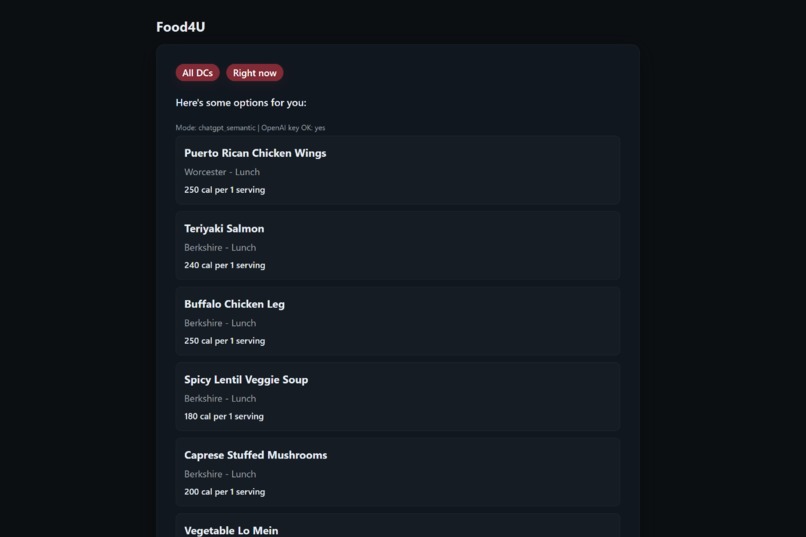
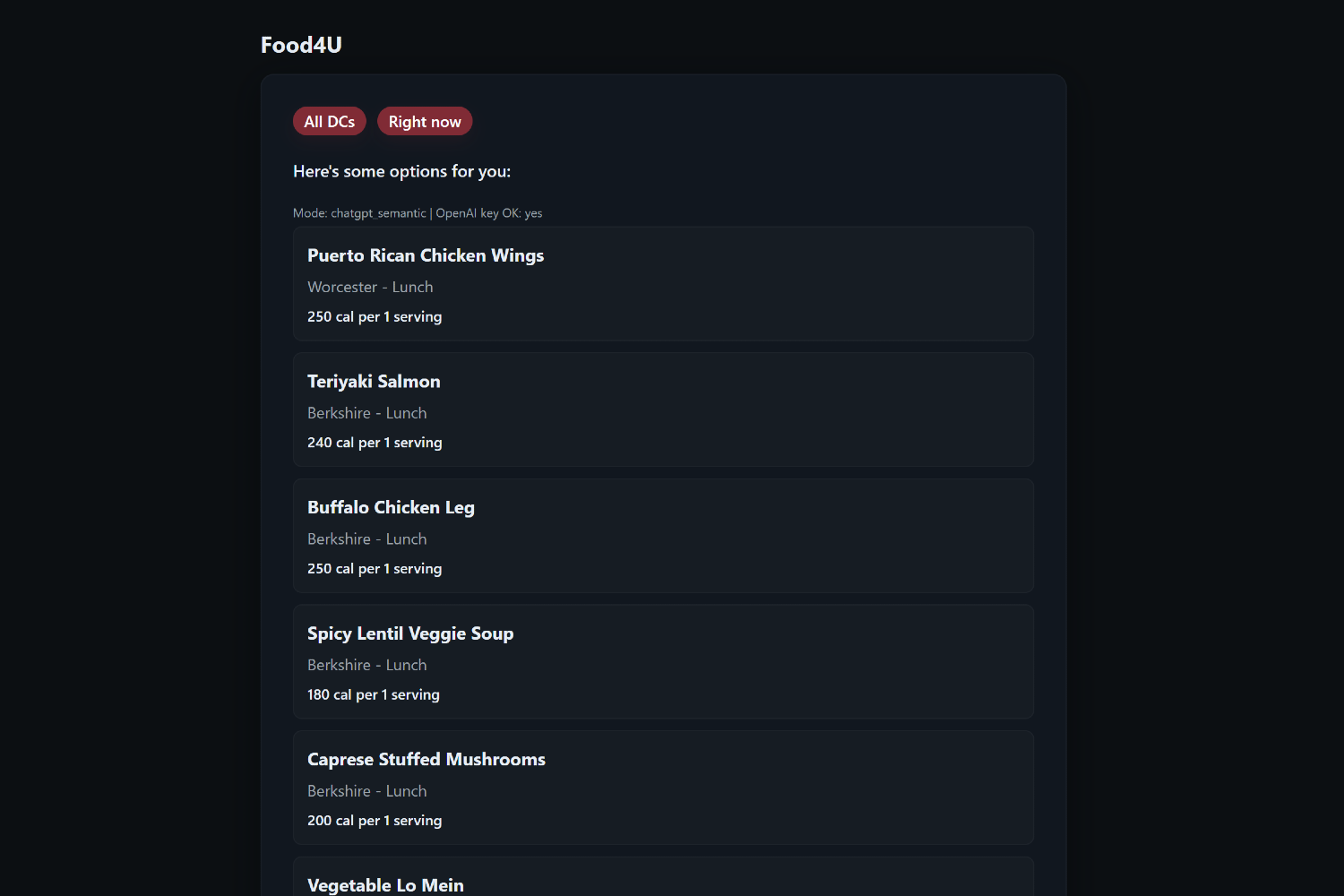
Looking for a sweet and spicy lunch? Food4U has U covered
-
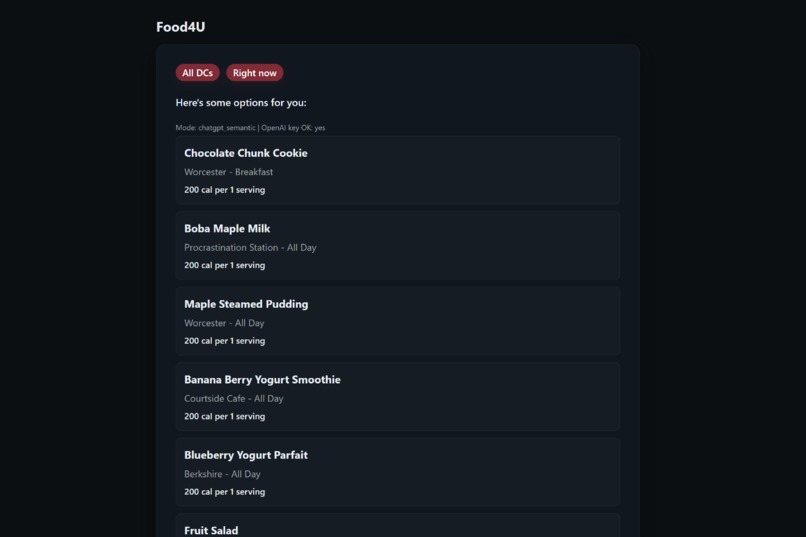
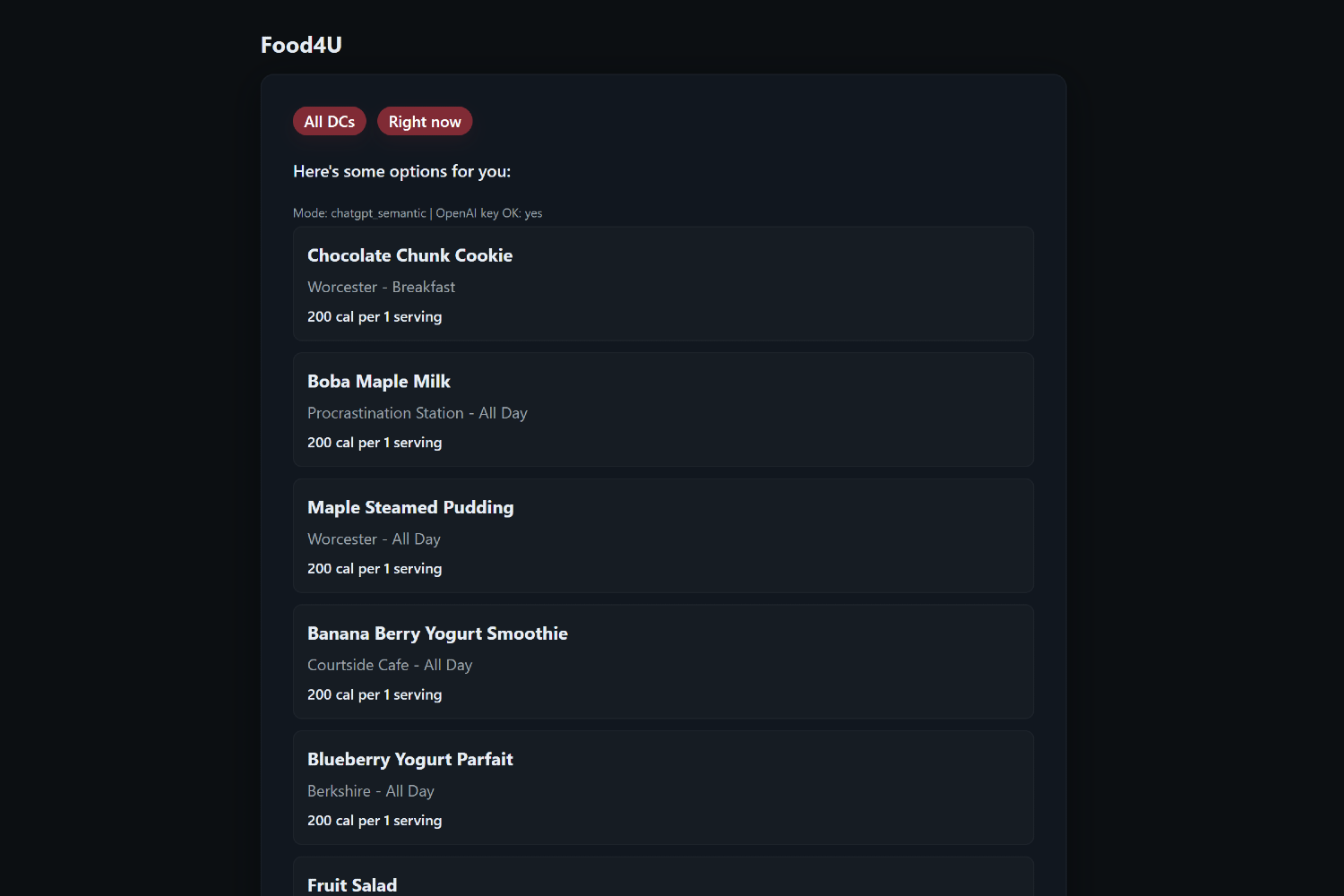
Need a quick sweet treat? Here are the best options 4 U

🍽️ Food4U
AI-powered dining recommendation system that helps UMass students find meals matching their nutrition goals and schedules.
Inspiration
As UMass students, we've noticed it can be difficult to find meals that fit our nutrition goals as well as our schedules. Across all the dining halls, restaurants, and cafes on campus, the menu is always changing. Because looking through every menu can be time-consuming, we wanted to create Food4U as an AI tool that helps us reach our goals by generating which dining hall can match our dietary needs.
What it does
The user types in what kind of food they're looking for. For example, "a low-sodium chicken dinner with 30g of protein." Food4U then reads the daily menus from across the dining halls, cafes, and restaurants and uses AI to interpret the user's request, considering the necessary macros, ingredients, and/or dietary requirements.
Food4U searches through the dining data and nutrition info and returns numerous potential lists:
- Free options from all 4 Dining Commons (or choose a specific DC)
- Paid options like those from the restaurants in Blue Wall and cafes
Each item displays its location (including where within its dining common) and calories per serving.
How we built it
| Component | Technology |
|---|---|
| Frontend | HTML, CSS, JavaScript (React, Vite) |
| Backend | Node.js, Express, Python (Playwright, BeautifulSoup) |
| Database | Supabase (PostgreSQL, PostgREST, pgvector) |
| AI Layer | OpenAI API (gpt-4o-mini) |
Challenges we ran into
As beginner hackers, we ran into several obstacles. Mainly, figuring out and using new technologies for the first time, whether that be Git or React. However, the most challenging was integrating the AI layer into our project as none of us had much experience with AI outside of using LLMs like ChatGPT.
Accomplishments we're proud of
- Created a functional AI-driven search engine in just 36 hours
- Successfully integrated live dining data for daily menu updates
- Delivered a clean, user-friendly frontend UI that adapts to various devices
- Built a tool that genuinely helps students make fast, craving-friendly meal choices
What we learned
In building Food4U, we learned how to connect AI with real-world data scraping and databases. As a team, we found that coordination and strong communication between the frontend, backend, and AI sectors proved crucial to our success and, more importantly, our growth and learning in our respective technologies.
What's next for Food4U
- Adding meal-planning and nutrition-tracking features to assist users in meeting their nutrition goals
- Integrating real-time wait times for dining halls to help users fit meals into their schedules
- Expanding restaurant and cafe coverage with more detailed menu items and ratings
Local Setup Instructions
Follow these steps to run Food4U locally. This setup uses our existing Supabase database and scraped dining data, so no additional scraping or configuration is required.
1. Clone the repository
git clone https://github.com/Team-Food4U/Food4U.git
cd Food4U
2. Set up the backend
cd backend
npm install
Create a .env file inside the backend folder:
SUPABASE_URL=https://tdvoyttslabrzcrdlutq.supabase.co
SUPABASE_SERVICE_ROLE_KEY=YOUR_SERVICE_ROLE_KEY_HERE
OPENAI_API_KEY=YOUR_OPENAI_KEY_HERE
PORT=8787
Start the backend server:
npm run dev
3. Set up the frontend
Open a new terminal:
cd frontend
npm install
Create a .env file inside the frontend folder:
VITE_API_URL=http://localhost:8787
Start the frontend:
npm run dev
4. Access the app
Open the URL printed in the frontend terminal, typically:
http://localhost:5173
Food4U should now be fully functional using the shared Supabase dataset and AI ranking system.

Log in or sign up for Devpost to join the conversation.