-
-
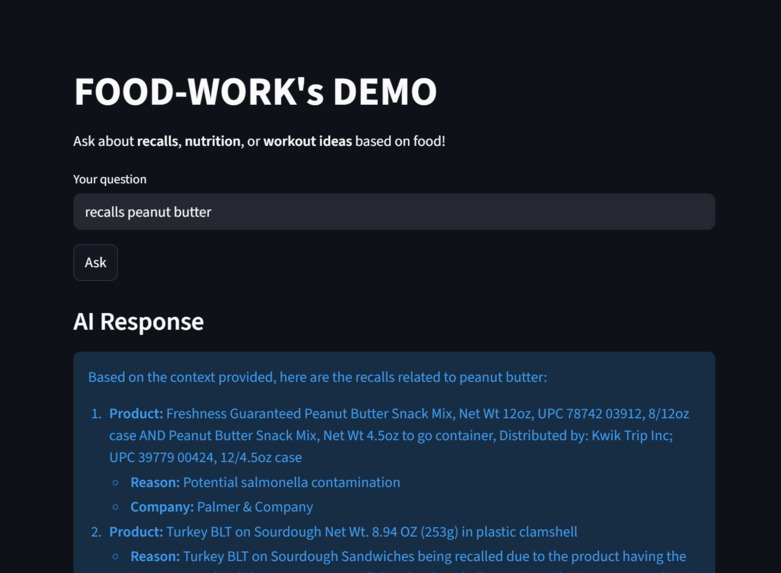
Our working mcp demonstrating recent recalls on peanut butter
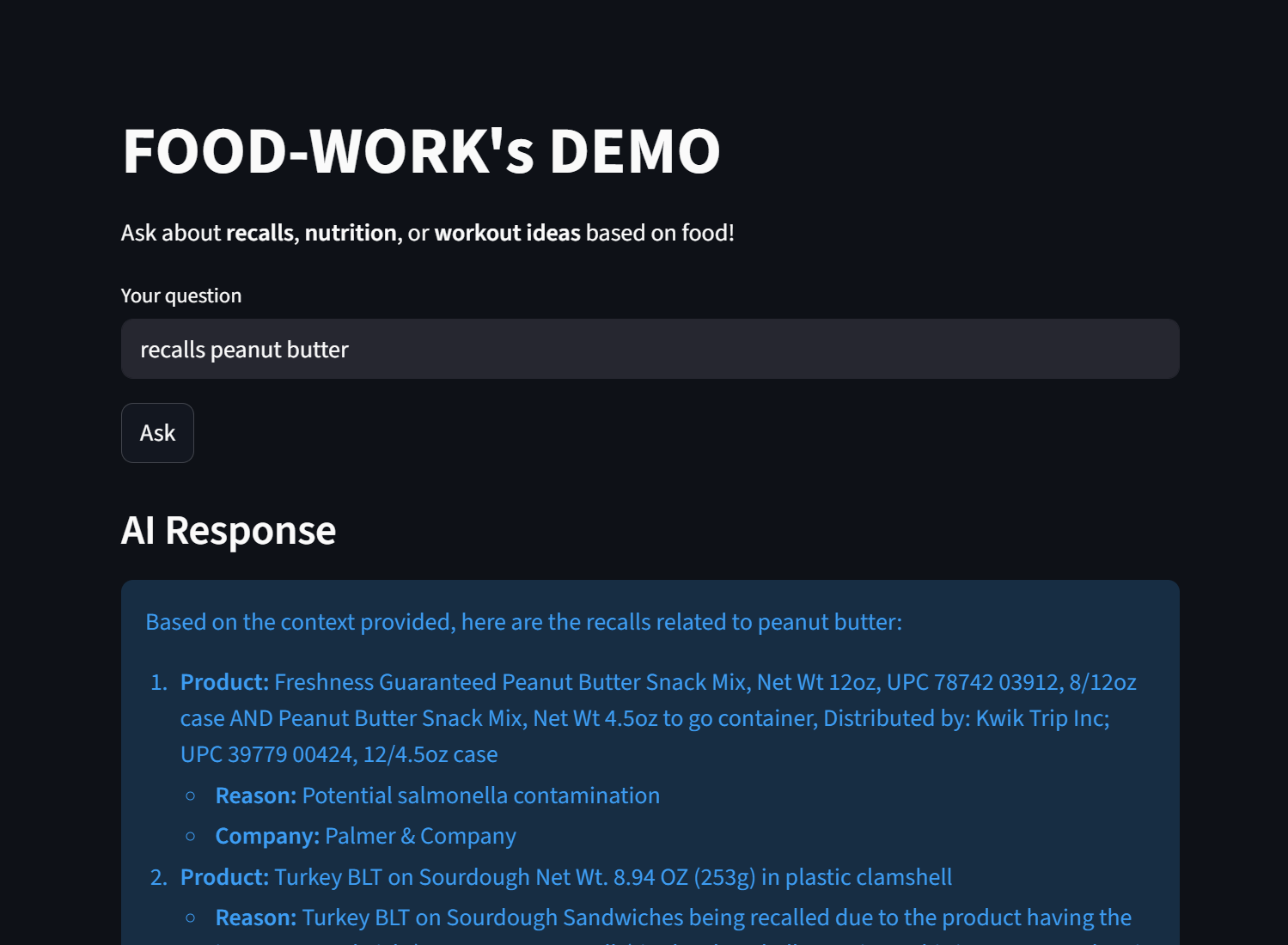
Howdy!
Through lots of effort and many hours, finally our MCP is here!
Our contributers are - Mayesh Mohapatra, Muhammad Ibrahime, and Jayden Guajardo
OUR MCP IS CALLED FOOD-WORK's and is a very innovative approach to exercise. Most people try their hardest to create a diet that is tailored to their exercise regimen, but few people
Firstly before I give instructions on how to run the MCP yourself, you are going to have to install a few libraries.
Make sure you have the following ----------------------------------------
fastapi uvicorn dotenv requests google os re requests typing functools spacy
Now to run the MCP ----------------------------------------
First, right click on the simple simple-mcp
Next you will want to open a split terminal while in the main.py file. On one terminal run:
uvicorn main:app --reload
until you see a "Application startup complete." response
On the other terminal run:
streamlit run ui.pyp
This should launch the MCP server on your primary browser, this is hosted using streamlit and is great for debugging and demos :).
More explanation ----------------------------------------
So our devloplment process revolved heavily around what free API's were available, and we knew that the USDA, and FDA had really good nutrition and food safety databases we could use. We also chose to use a hardcoded approach to workout recommendations, as there are only a small set of workouts and the free excercise API's were difficult to work with. We also tried using the model itself, but without a good API it has a hard time grasping context, making it give random gibberish.
In order to use the server correctly, you will ned to generate three API's in a new .env file you create in your own environemnt. This file sould be formatted as the following -
GEMINI_API_KEY=XXXXXXXXXXXXXXXXXXXXX
USDA_API_KEY=XXXXXXXXXXXXXXXXXXXXX
OPENFDA_API_KEY=XXXXXXXXXXXXXXXXXXXXX
Where the X's represent your KEY, and you have one for Gemini, one from the USDA, and one from OPENFDA!


Log in or sign up for Devpost to join the conversation.