-
-
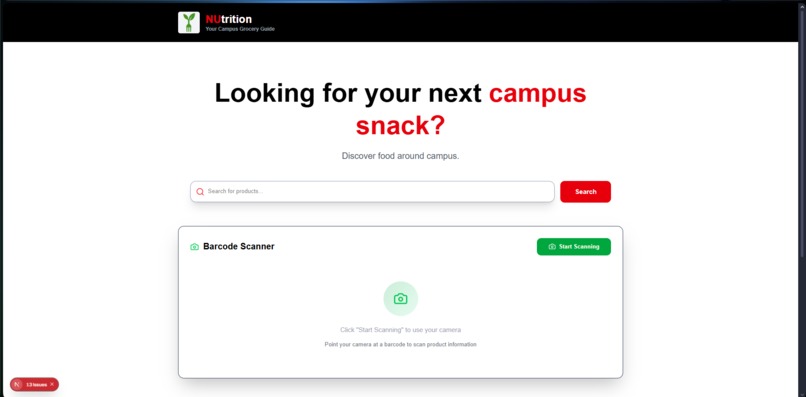
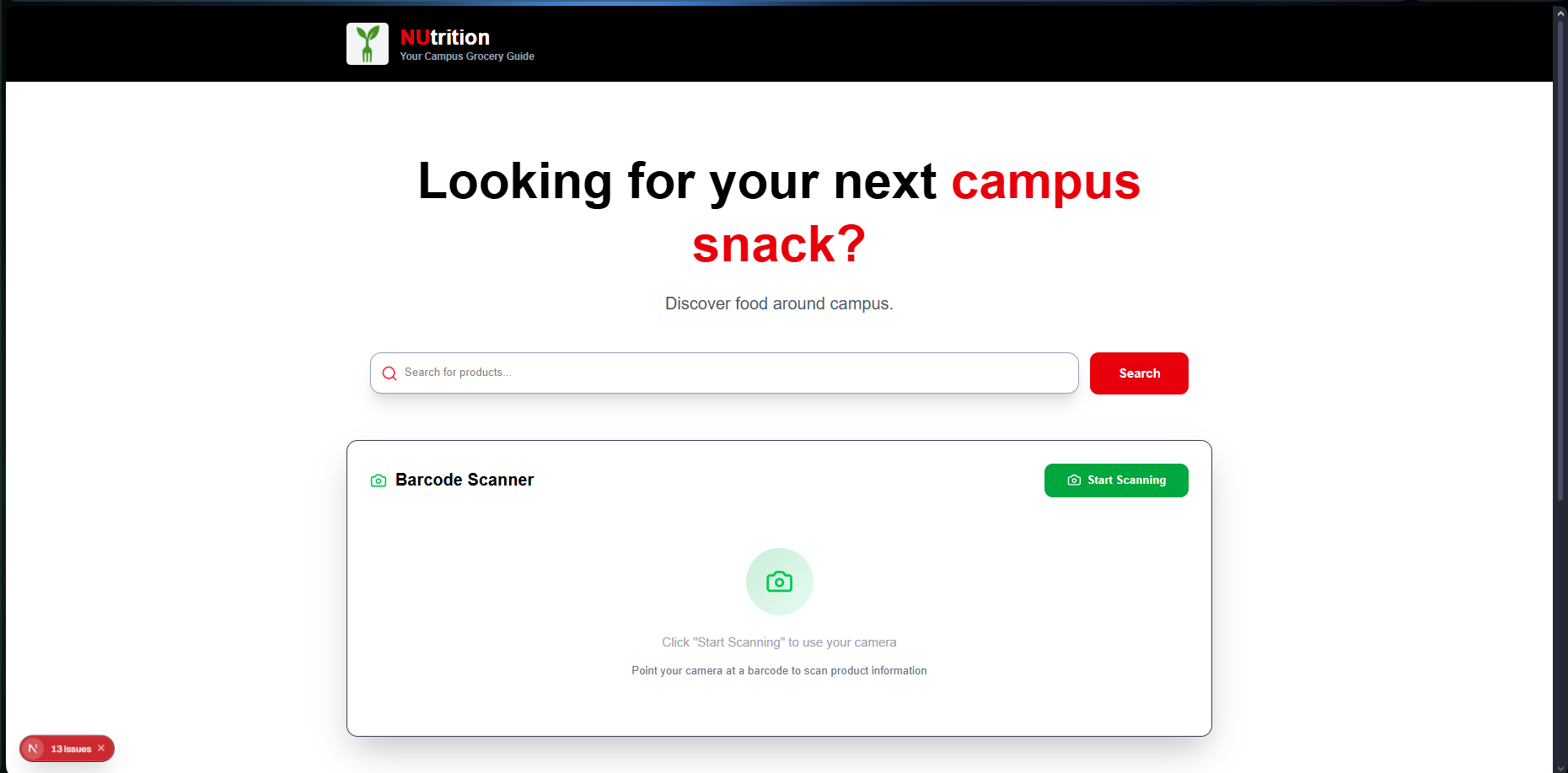
Homepage
-
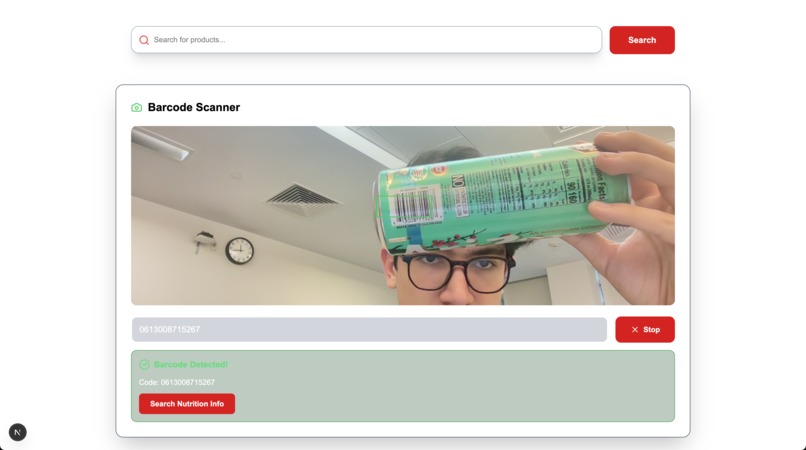
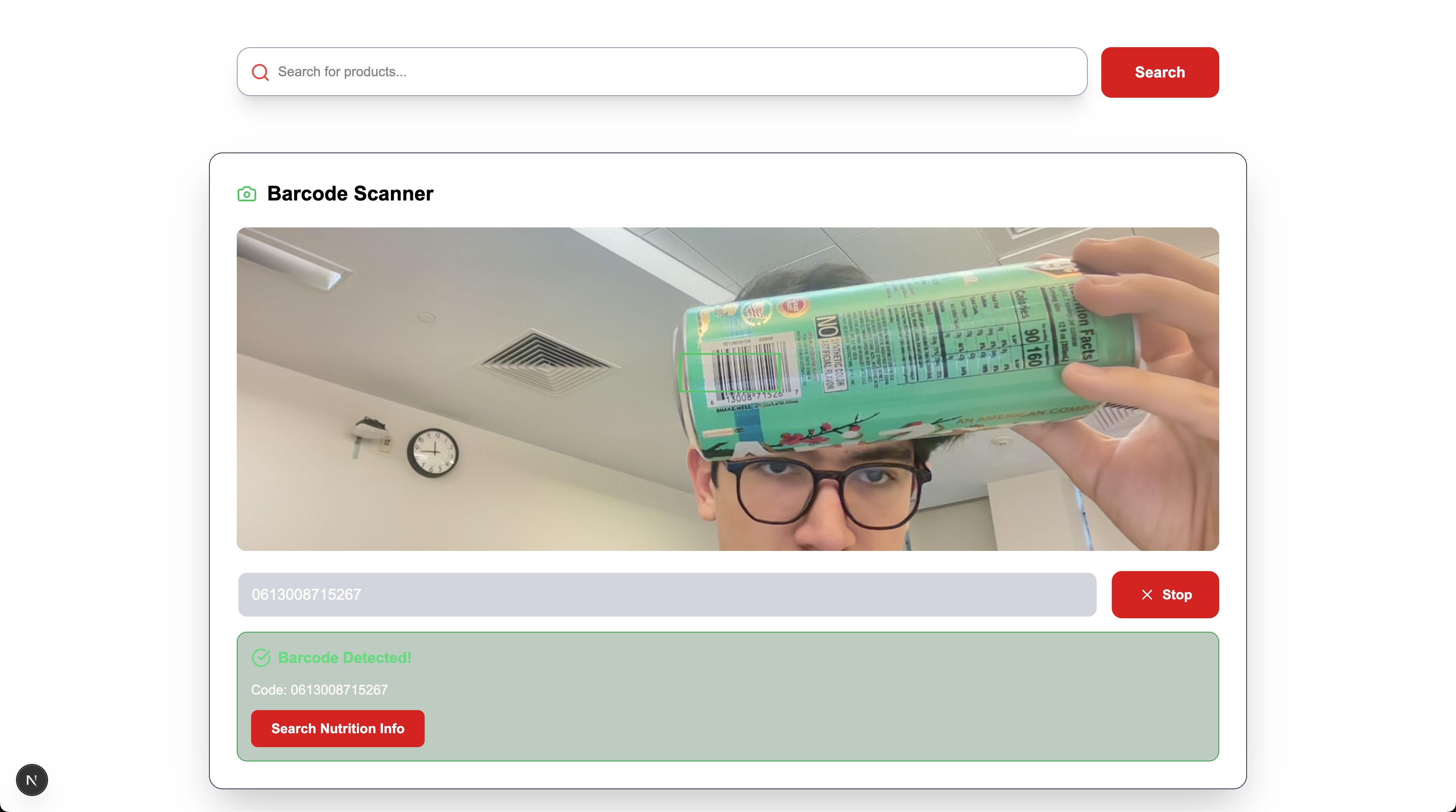
Scanning a barcode
-
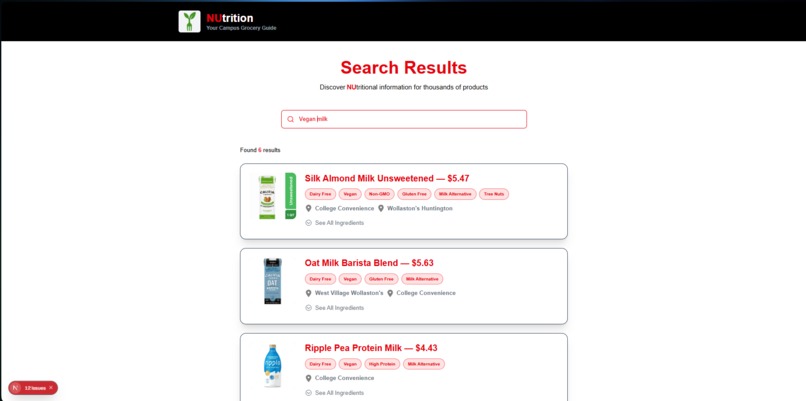
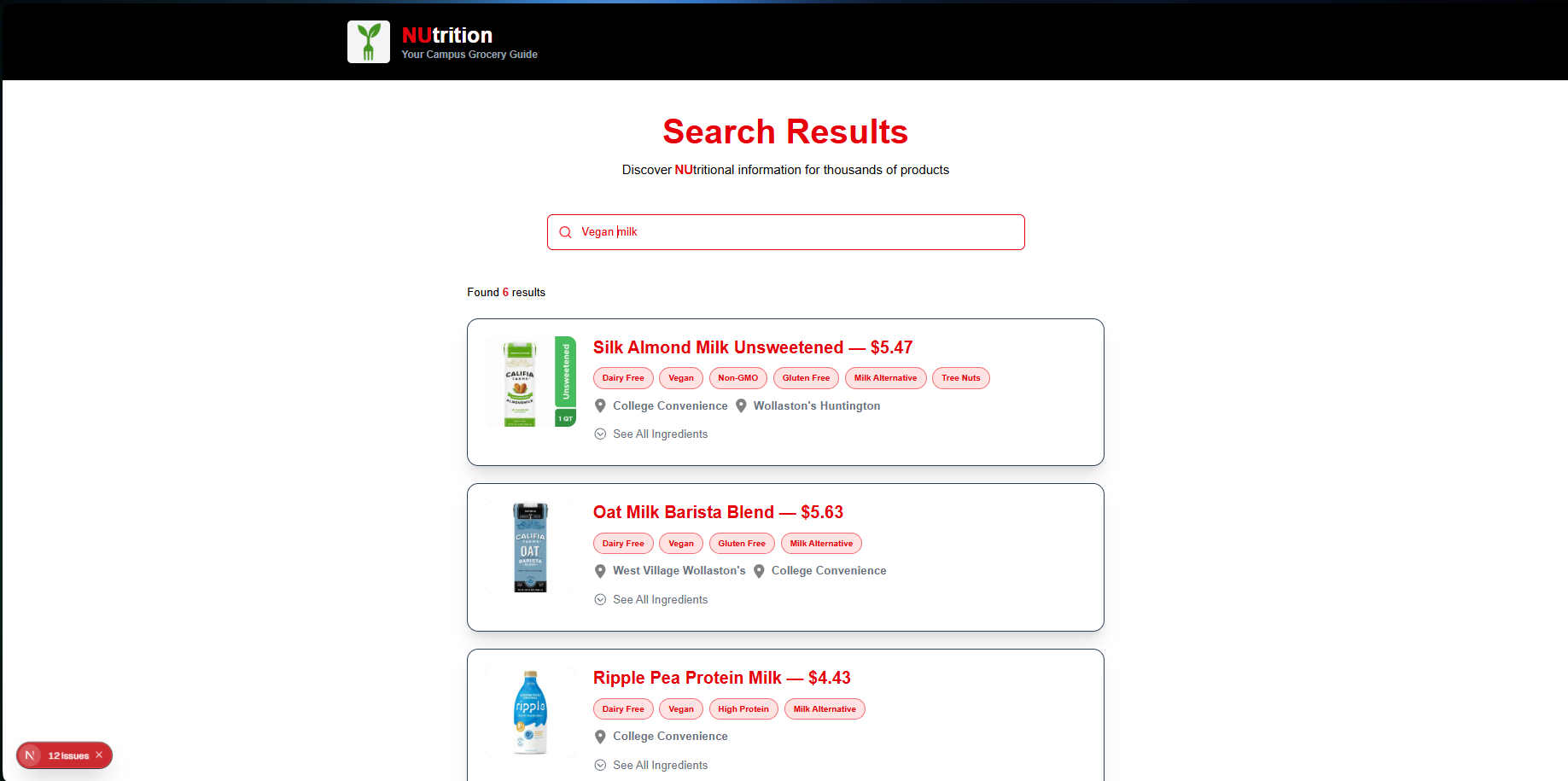
Search page
-
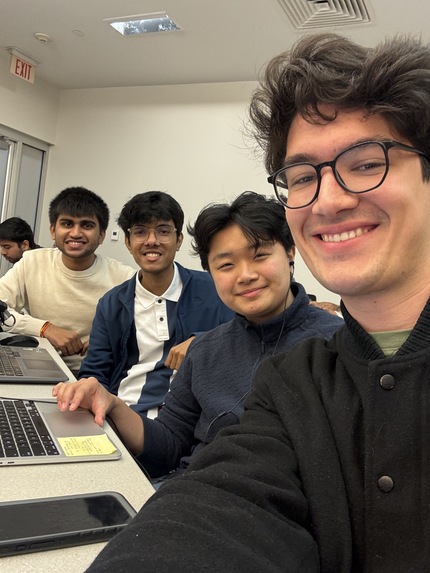
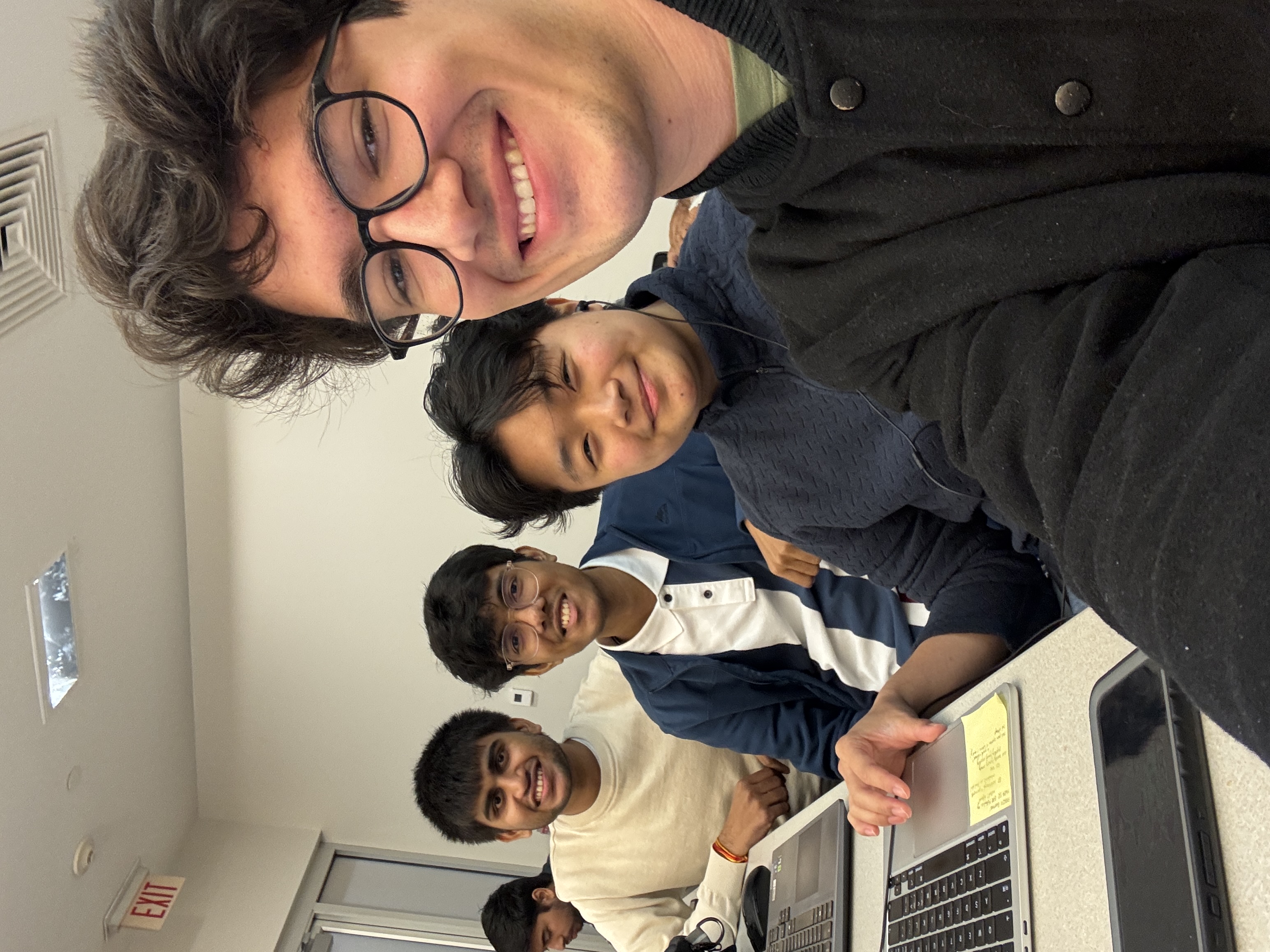
The four of us
Inspiration NUtrition
Overview
NUtrition is a web application built with Next.js that helps students and staff easily identify ingredients and allergens in foods available on campus. The platform connects to a MongoDB database that stores detailed information about each food item, including ingredients, common allergens, and dietary tags.
Users can search for specific allergens or dietary needs (for example, “vegan milk”) and can also scan barcodes to instantly retrieve information about a product. The goal is to make on-campus dining more transparent, accessible, and safe for people with dietary restrictions.
Features
Search and Filtering
- Search for food items by name, allergen, or dietary restriction.
- Filter results to show only foods that meet certain needs (e.g., vegan, nut-free, gluten-free).
- Fast, responsive search powered by server-side queries to MongoDB.
Barcode Scanning
- Scan a product’s barcode directly from your phone or computer camera.
- The system looks up the item in the database and displays ingredients, allergens, and dietary suitability.
- Built with accessibility and simplicity in mind — no separate app required.
Ingredient and Allergen Display
- Clear, structured display of ingredients and allergen information.
- Key allergens are highlighted for quick identification.
- Designed for fast reference in dining halls or campus cafés.
Technology Stack
| Component | Technology | Purpose |
|---|---|---|
| Frontend | Next.js (React) | Framework for building the website and handling server-side rendering |
| Styling | Tailwind CSS | Utility-first CSS framework for a clean, modern interface |
| Backend | Node.js (Next.js API routes) | API endpoints for barcode scanning and search |
| Database | MongoDB | Stores food items, ingredients, and allergen data |
| Deployment | Vercel | Continuous deployment and hosting platform |
Data Model Example
Each food item in the MongoDB collection includes key fields such as:
{
  "name": "Oat Milk Latte",
  "category": "Beverage",
  "ingredients": ["Oat milk", "Espresso", "Vanilla syrup"],
  "allergens": ["Oats"],
  "barcode": "0123456789012",
  "location": "Campus Cafe"
}
Type Definition
The frontend uses the following TypeScript type for food search results returned by the API:
type SearchResult = {
  barcode: string,
  product_name: string,
  ingredients_text: string,
  allergens: string[],
  image_url: string,
  labels: string[],
  locations: string[],
  price: string
}
How It Works
- Users can browse or search for foods available on campus.
- If scanning a barcode, the app reads the code from an image or live camera feed.
- The backend queries MongoDB for the corresponding item.
- The site displays the name, ingredients, and allergen information in a simple, readable layout.
Future Improvements
- Add user accounts to save dietary preferences and track safe foods.
- Integrate real-time dining hall inventory APIs.
- Implement OCR to extract nutrition data from labels automatically.
- Add offline functionality and caching for mobile use.
Contributors
Developed by Jack Greenwald, Heidi Jiang, Dev Harshadkumar Chauhan, and Ansh Kanungo using Next.js, MongoDB, and Tailwind CSS.
Built With
- fastapi
- mongodb
- nextjs
- python
- typescript
- uvicorn


Log in or sign up for Devpost to join the conversation.