FridgeChef 🍳
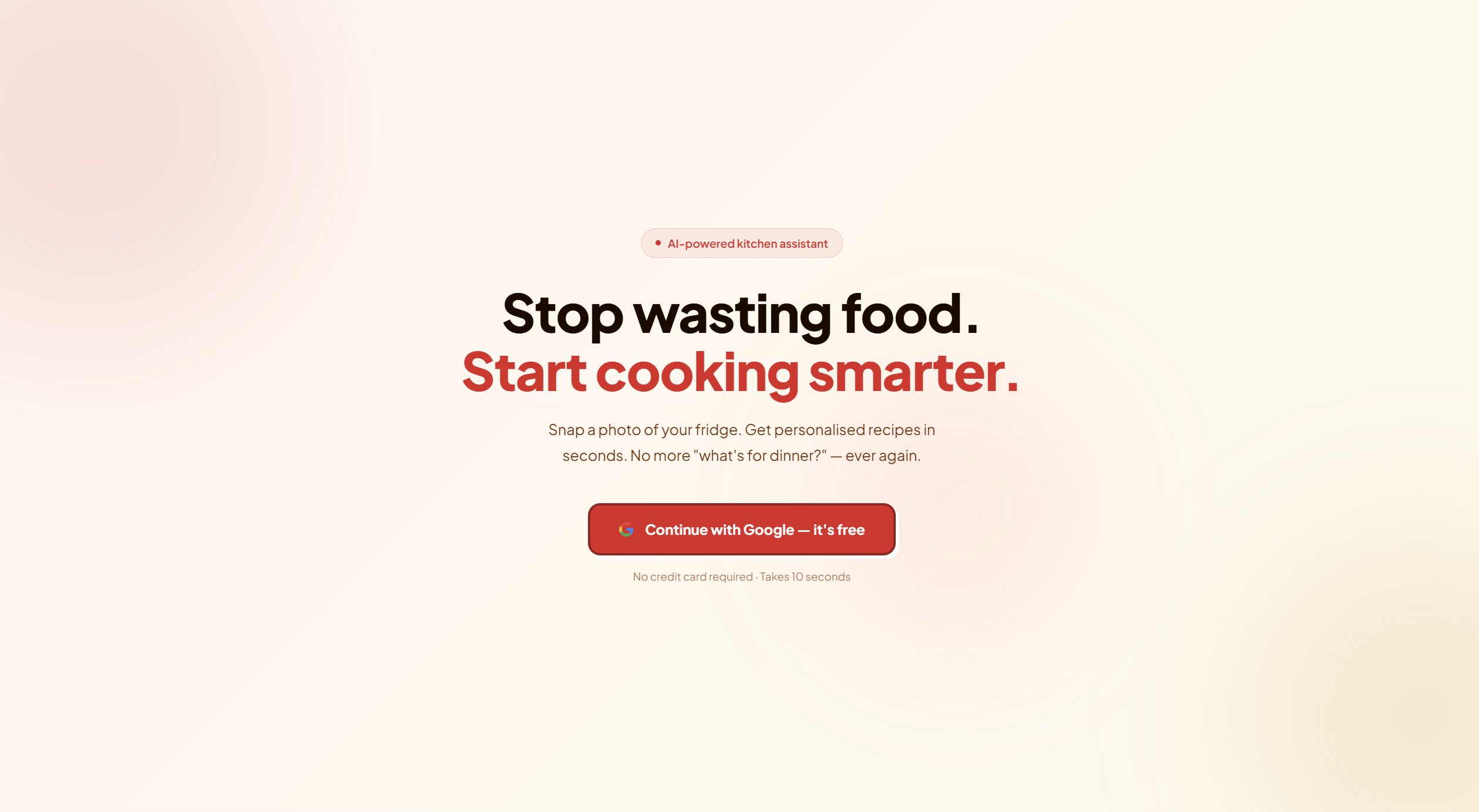
Scan your fridge. Get a recipe. Waste less food.
Inspiration
As students there are plenty of times when we are looking at your fridge and have no clue what to make or even what you can make? That was what inspired us to make an app that could streamline this process for us as busy students who sometimes can't always plan out a proper healthy meal.
Food waste is also a genuinely massive problem — roughly $1 in every $3 worth of food produced globally goes to waste, and a huge portion of that happens at home. Not because people don't care, but because they open the fridge, see a bunch of random ingredients, and give up. We wanted to solve that with one photo.
What It Does
FridgeChef is a web app that turns a photo of your fridge into a full meal plan in seconds.
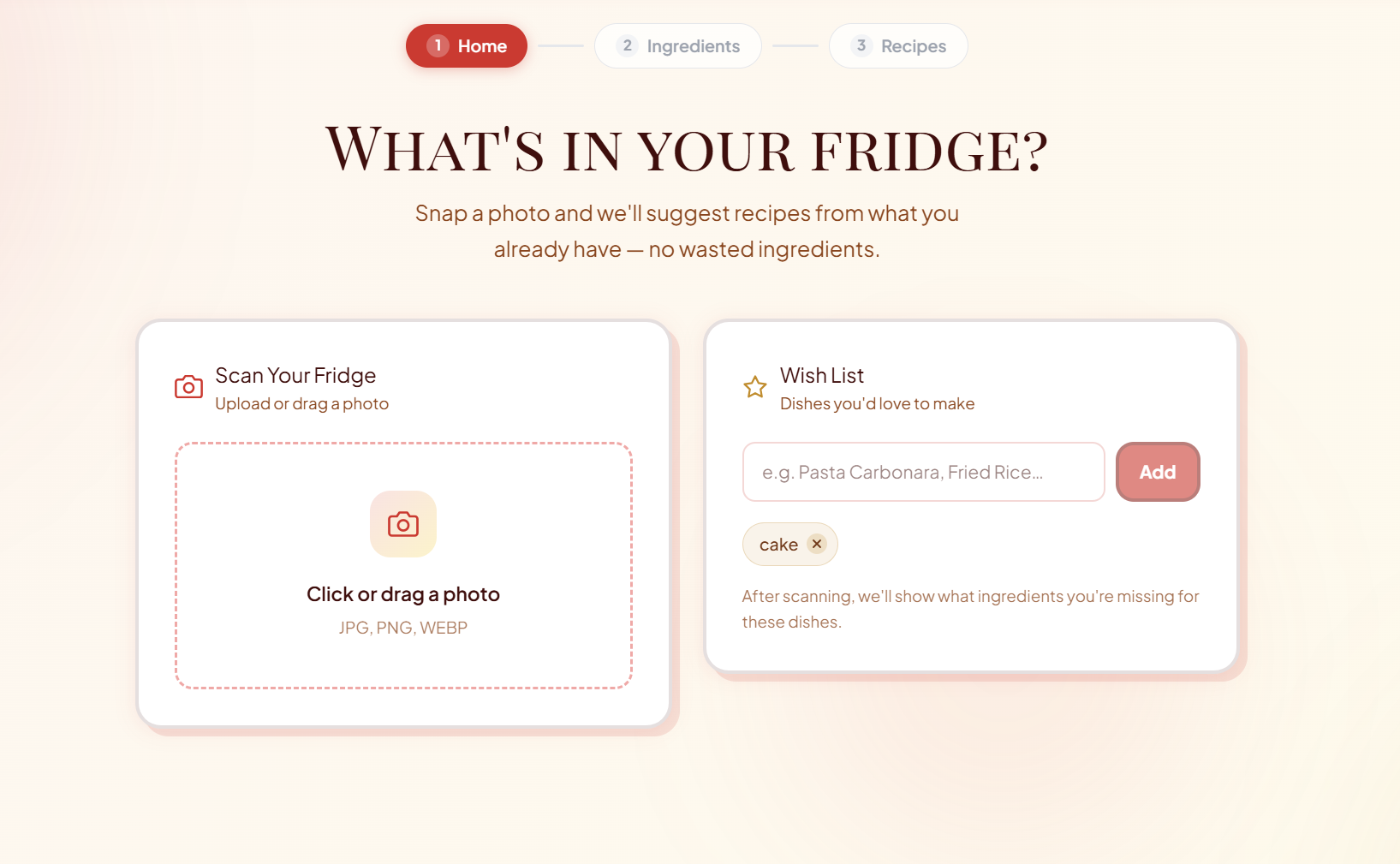
- Scan — take or upload a photo of your fridge
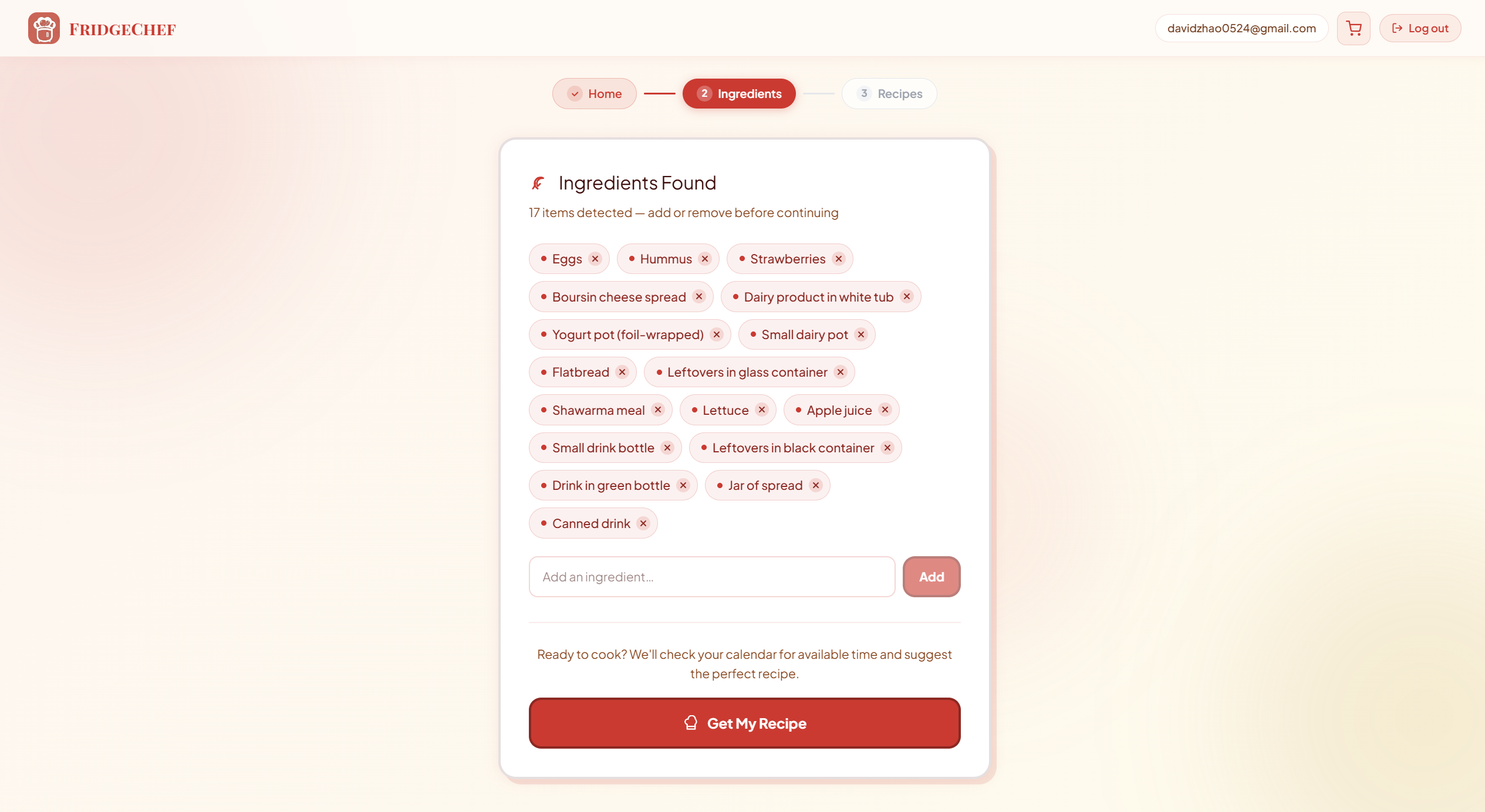
- Detect — Gemini Vision AI identifies every ingredient it can see
- Schedule-aware — the app checks your Google Calendar to see how much free time you have tonight
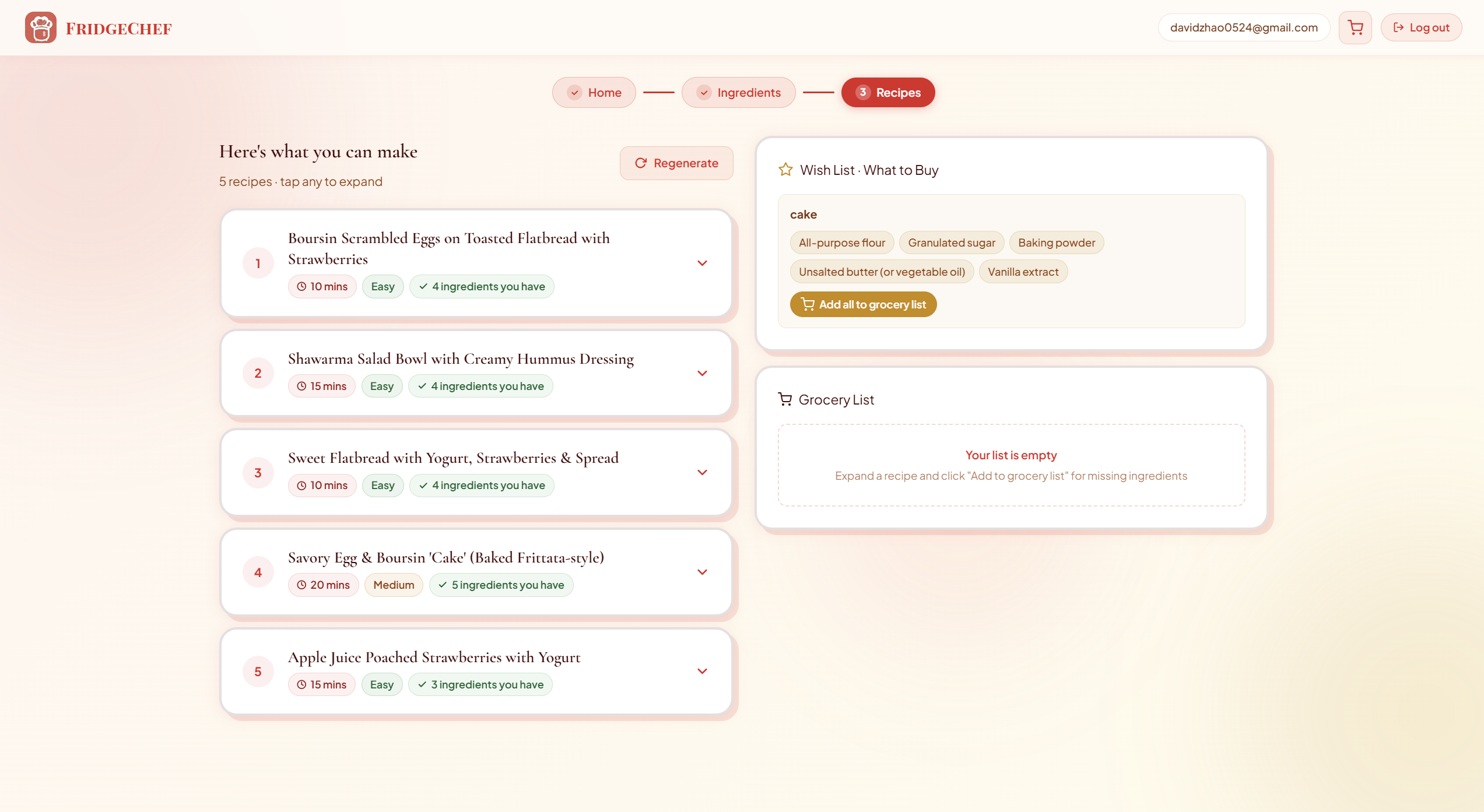
- Suggest — five recipes are generated based on what you have, tailored to your available cooking time (quick meals if you're busy, something more elaborate if you're free)
- Deliver — email yourself the recipe and a shopping list for any missing ingredients, all in one click
You can also add a "wish list" of cravings (like fried chicken or pasta) and FridgeChef will try to match recipes to those too.
How We Built It
+-------------------------------------------------------------------------+
|                       Frontend (React 19 + Vite)                        |
|  +----------------+  +----------------+  +--------------+  +-----------+|
|  | Tailwind       |  | React          |  | Google       |  | Clay-     ||
|  | CSS v4         |  | Components     |  | OAuth 2.0    |  | morphism  ||
|  +----------------+  +----------------+  +--------------+  +-----------+|
+-------------------------------------------------------------------------+
                                    |
                                    v
+-------------------------------------------------------------------------+
|                  API Layer (Vercel Serverless Functions)                |
|  +------------------+  +----------------+  +----------+  +-----------+ |
|  | /detect-         |  | /generate-     |  | /email-  |  | /send-    | |
|  | ingredients      |  | recipe         |  | recipe   |  | email     | |
|  +------------------+  +----------------+  +----------+  +-----------+ |
+-------------------------------------------------------------------------+
               |                                       |
               v                                       v
+--------------------------------+    +---------------------------------+
|           AI Layer             |    |         Services Layer          |
|  +--------------------------+  |    |  +-------------+  +---------+  |
|  | Gemini 2.5 Flash         |  |    |  | Google      |  | Resend  |  |
|  | - Vision detection       |  |    |  | Calendar    |  | Email   |  |
|  | - Recipe generation      |  |    |  | API         |  | SDK     |  |
|  | - Structured JSON output |  |    |  +-------------+  +---------+  |
|  +--------------------------+  |    +---------------------------------+
+--------------------------------+
We built FridgeChef as a React + Vite web app, with all AI calls handled server-side through Vercel serverless functions so our API keys stay safe.
AI layer: We used Gemini 2.5 Flash for both vision (ingredient detection from the fridge photo) and text (recipe generation). The image is converted to base64 on the client, sent to a /api/detect-ingredients function, and the result is a structured JSON list of ingredients. We then feed that into /api/generate-recipe along with how many free minutes the user has tonight, their wish list, and a list of recipes to exclude so the Regenerate button never repeats itself.
Google integrations: We used the Google Calendar API to check the user's evening schedule (5pm–9pm) and calculate their free time. That number directly influences whether Gemini generates a 15-minute weeknight meal or a proper hour-long recipe. We use OAuth 2.0 for authentication, so one Google sign-in covers both Calendar and email.
Email: We used Resend to send recipe emails and grocery lists. We built two serverless functions — one for a full styled recipe email, and one for a grocery list split into "still need" and "already have" sections.
Frontend: The UI uses a claymorphism design system — white clay cards with colored offset shadows and bold borders — built with Tailwind CSS. We used Plus Jakarta Sans and Playfair Display SC for typography and added subtle page transition animations between steps. All state is persisted to localStorage so a refresh never loses your progress.
The math for recipe matching was straightforward. If the user has $n$ detected ingredients and a recipe requires $r$ of them, the match score is:
$$\text{match} = \frac{|\text{detected} \cap \text{required}|}{r}$$
Gemini uses this implicitly to prioritize recipes that maximize ingredient usage and minimize waste.
Challenges We Ran Into
Keeping the API key out of the browser. Our first instinct was to call Gemini directly from the React frontend, but that would have exposed our API key in the browser bundle. We had to refactor everything into Vercel serverless functions, which took longer than expected but was the right call.
Getting consistent JSON from Gemini. Vision models sometimes return markdown-formatted JSON wrapped in code fences, or add a preamble like "Here are the ingredients I detected...". We had to be very explicit in our prompts — "respond ONLY in this JSON format, no extra text, no markdown" — and strip any stray backticks before parsing. We also wrapped every parse in a try/catch with a fallback so a bad response doesn't crash the whole app.
Wiring up Google OAuth correctly. The implicit OAuth flow (getting an access token from the URL hash after redirect) is a bit fiddly. We had to handle the token being in window.location.hash, strip it from the URL after reading it, and persist it to sessionStorage so it survives a soft reload without re-triggering the OAuth flow on every page visit.
Time pressure. We had three people with very different strengths and a tight deadline. Getting everyone's work to integrate cleanly at the end required clear interfaces defined upfront — specifically, agreeing on the exact JSON shapes our API functions would return before anyone started building.
Accomplishments That We're Proud Of
- End-to-end working demo — the full flow from photo to recipe to email works in production, not just locally
- Smart recipe generation — five recipes with difficulty ratings, prep times, ingredient match counts, and chef's tips, all generated from a single fridge photo
- Calendar-aware cooking — the app actually adapts what it suggests based on your real schedule, which makes the "daily life" angle feel genuine and not bolted on
- Clean UI — the claymorphism design system looks polished and distinct, which matters a lot for a live hackathon demo
- No API key leakage — we did this properly with serverless functions, which is a real production concern most hackathon projects ignore
What We Learned
Prompt engineering is real engineering. Getting Gemini to reliably return clean JSON, handle edge cases like blurry photos or near-empty fridges, and generate recipes that actually match your ingredients required a lot of iteration on the prompt wording. Small changes had outsized effects.
Server-side API calls matter from day one. Moving Gemini calls to serverless functions midway through was painful. Starting with that architecture would have saved a lot of time.
Scope control is a superpower. We stubbed the Google Calendar integration early (hardcoded 60 free minutes) to keep the demo stable while we polished everything else. Shipping a clean, working demo of the core features beats a buggy demo of every feature.
Framing shapes how judges see your project. "A recipe app" is forgettable. "An app that reduces food waste by turning what you already have into a meal" hits differently — same product, much stronger narrative.
What's Next for FridgeChef
Real Calendar integration — right now cooking time is stubbed at 60 minutes. Full Google Calendar integration is already scaffolded and ready to activate.
Expiry date detection — use OCR to read expiry dates directly from packaging and automatically prioritize ingredients that are about to go bad.
Nutritional tracking — integrate the Edamam Nutrition API to show macros and calories for each suggested recipe.
Meal planning mode — instead of one recipe at a time, plan your whole week based on what's currently in your fridge, minimizing trips to the grocery store.
Community recipes — let users share their "fridge finds" — recipes they made from random ingredients — so the suggestions get more creative over time.
Mobile app — the camera flow is core to the experience. A native mobile app would make the photo capture much smoother than uploading from a desktop browser.
Built With
- javascript
- next.js

Log in or sign up for Devpost to join the conversation.