-
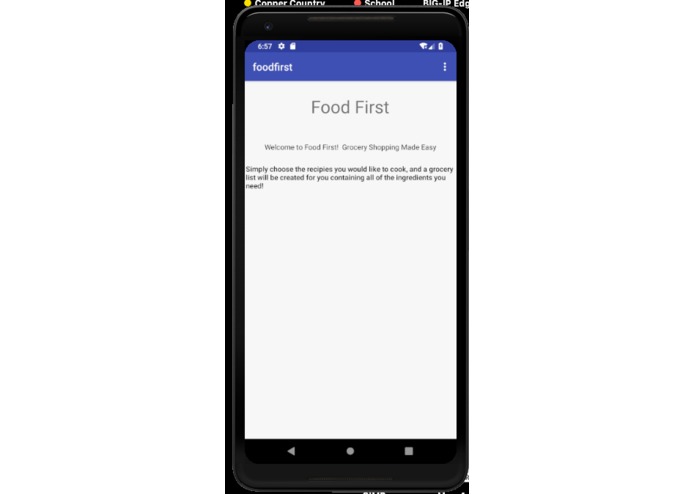
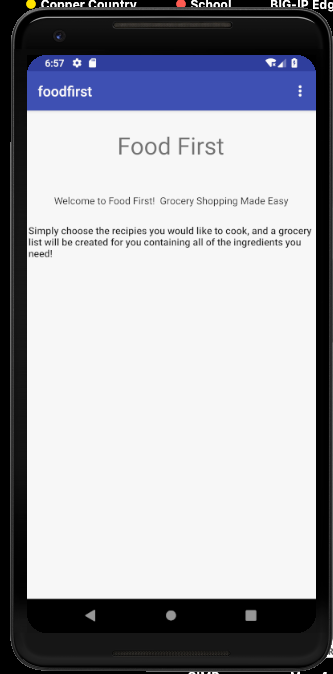
Main View
-
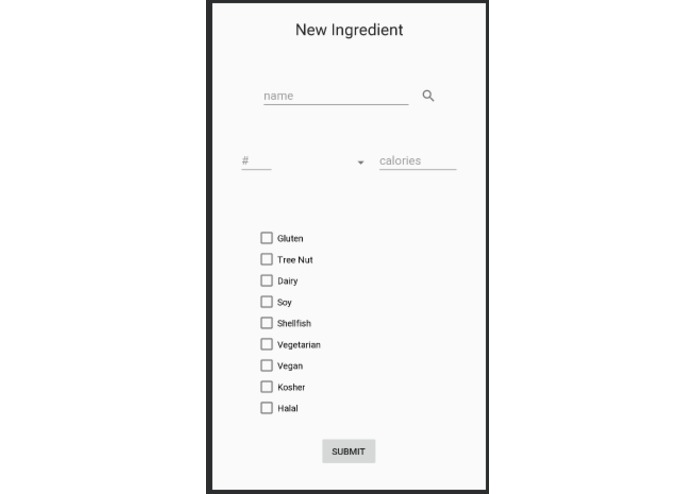
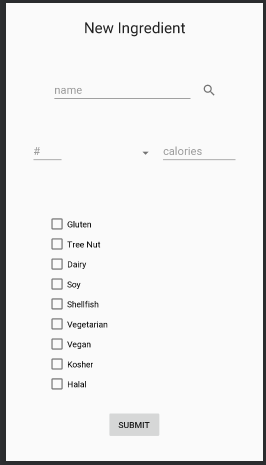
Add Ingredient
-
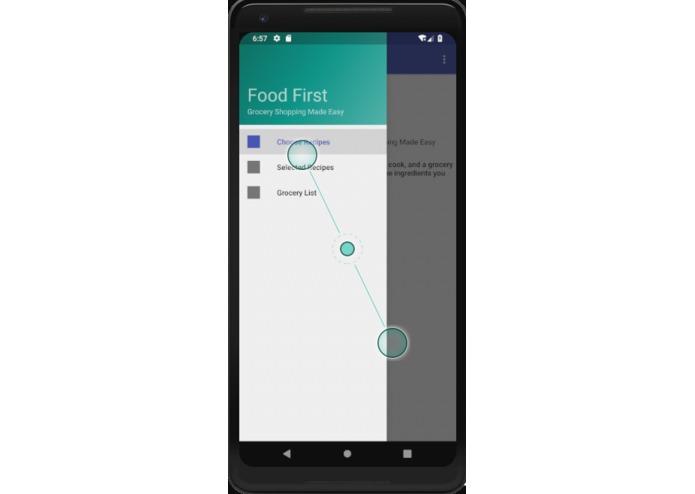
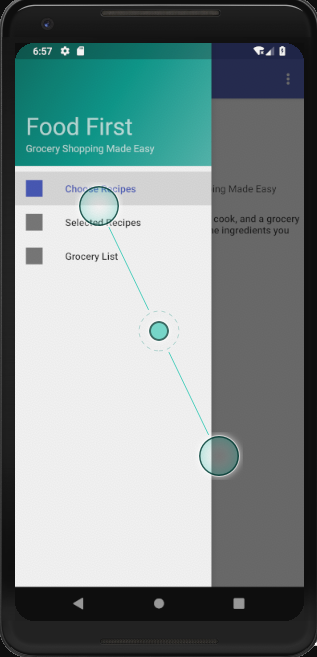
Navigation Drawer
-
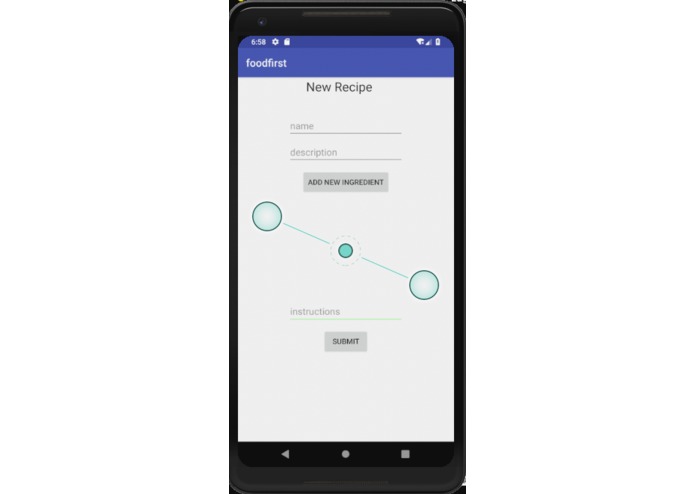
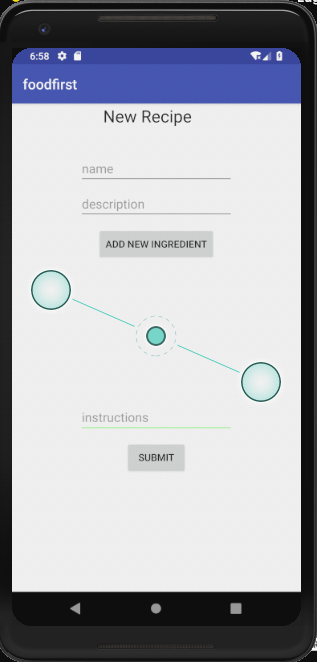
Add Recipe
-
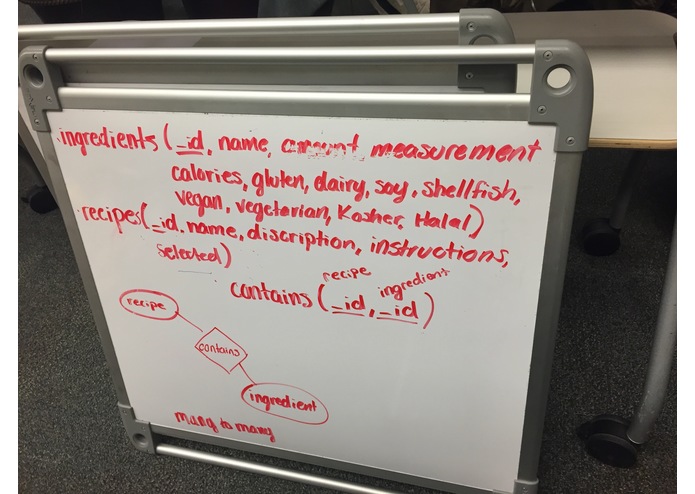
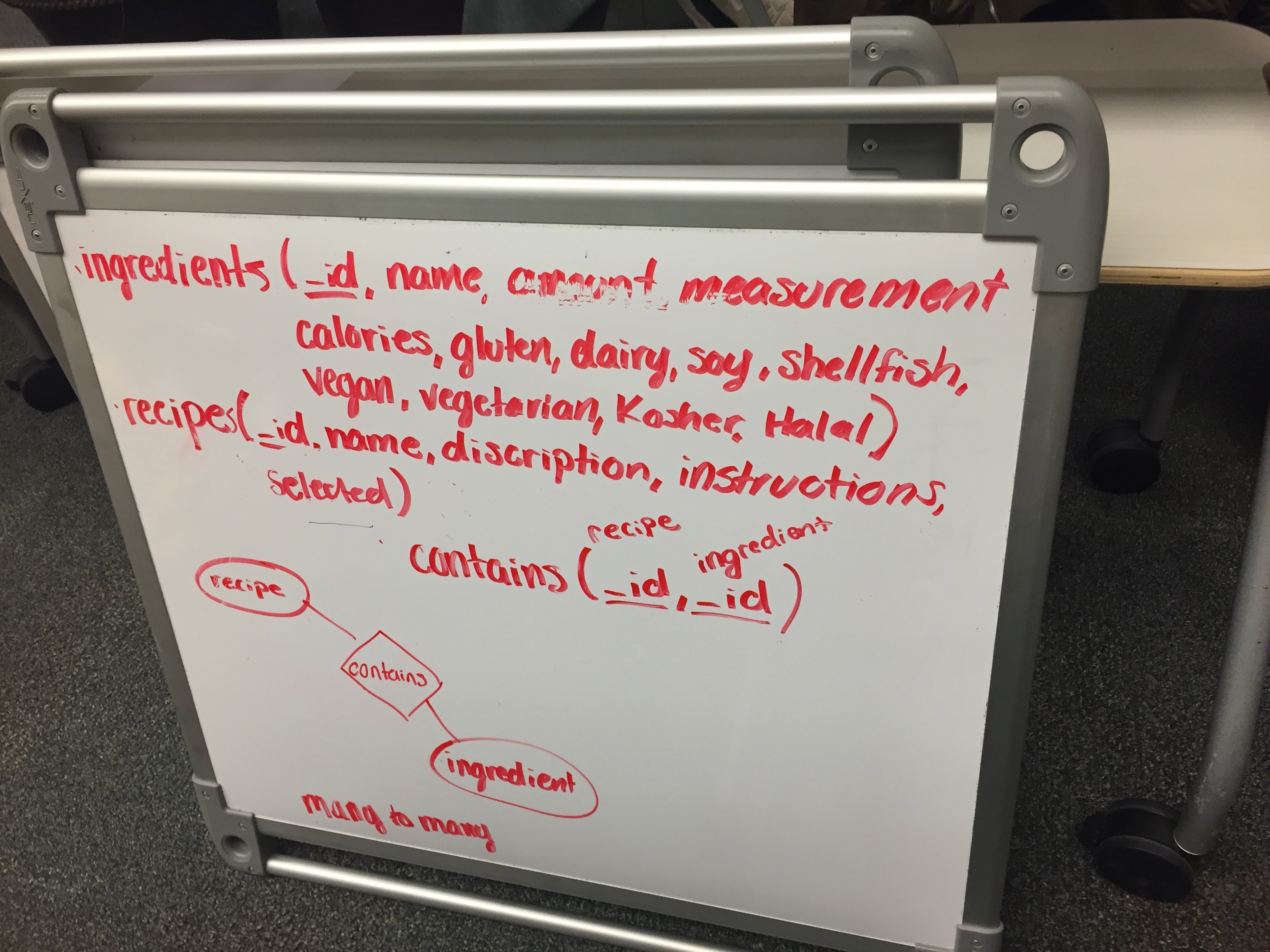
Database Structure
-
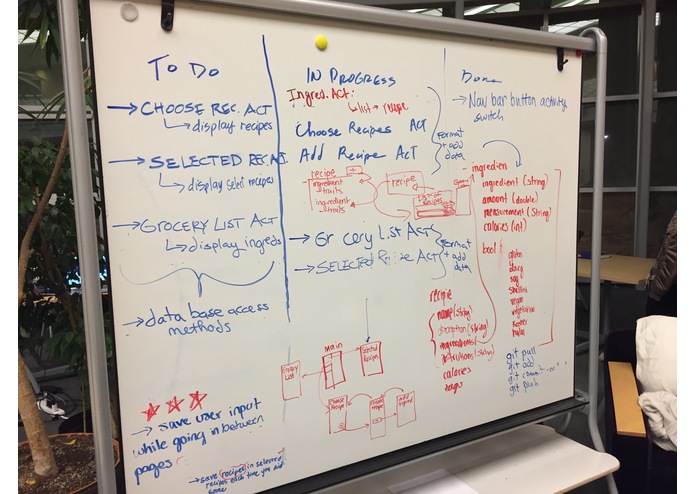
Concept Board
-
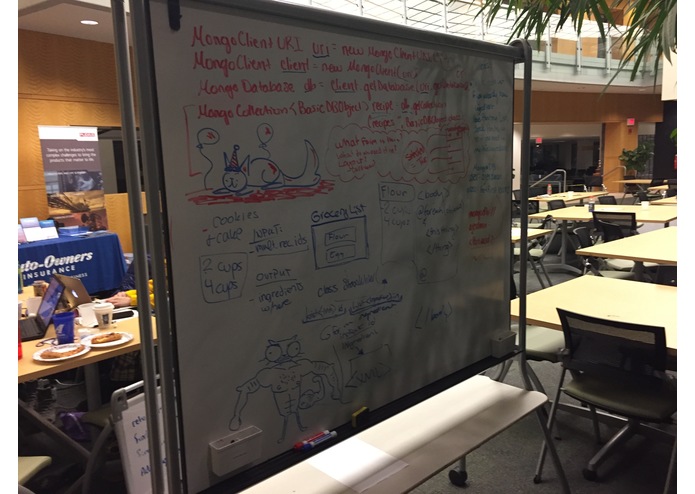
Concept Board
-
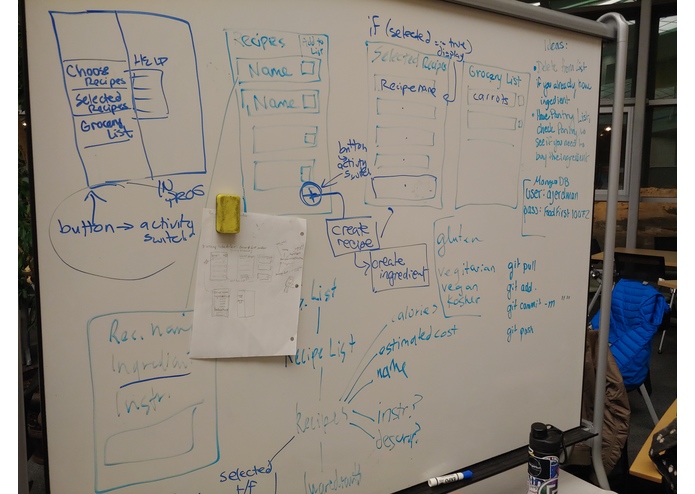
Concept Board
food-first
Goal This app is intended to create a grocery list based on selected recipes from a list that the user saved to the application. Recipes could be searched for by their type, so people with dietary restrictions, allergies, or dieting could search for those recipes which meet their needs. Feasibly at some point, this could extend to usage in disaster situations, so that people without access to something like clean water or other items could find the recipes that use little water, electricity, or common/cheap household ingredients, depending on the situation.
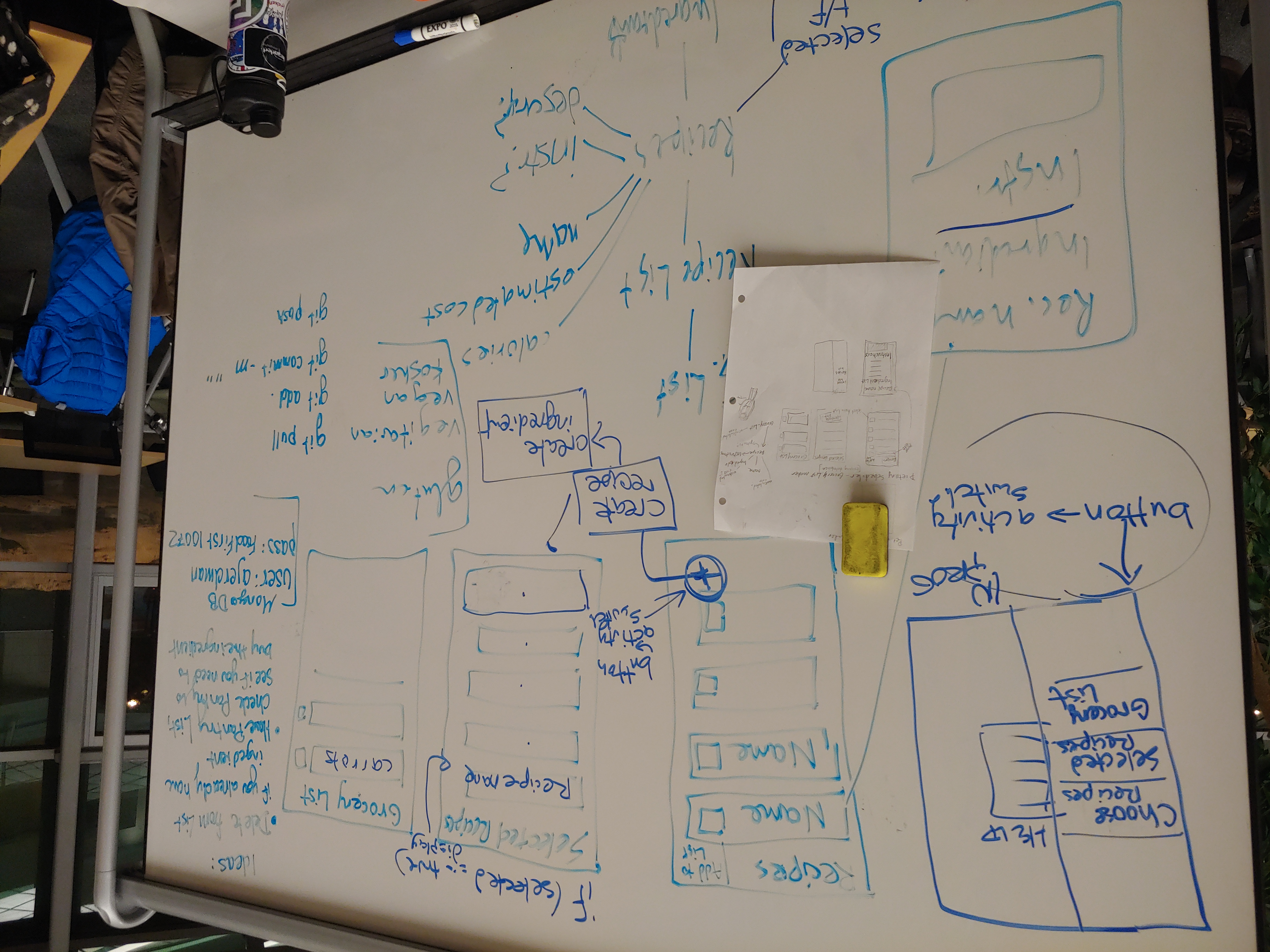
Layout The user opens the application to the main view, from which they can swipe right to open the navigation drawer. They can then select either "Choose Recipe" to choose a recipe from the existing list of recipes, and on that view, you can add a recipe by clicking the floating action button in the bottom right of the screen. On add recipe, the user adds a name, a description, instructions. They also add ingredients by pressing an add ingredients button, which takes the user to a view where they can create an ingredient for use in the recipe & database.
Once there are recipes on the choose recipe view, the user can select the recipes they want to add to their list of "Selected Recipes", which is accessible from the navigation drawer, by swiping. After a recipe has been selected from the Choose Recipe view, the user can access their selected recipes from the Selected Recipes View. Then, to access their grocery list, they select "Grocery List" from the navigation drawer and an automatically generated list of items to shop for is then available.
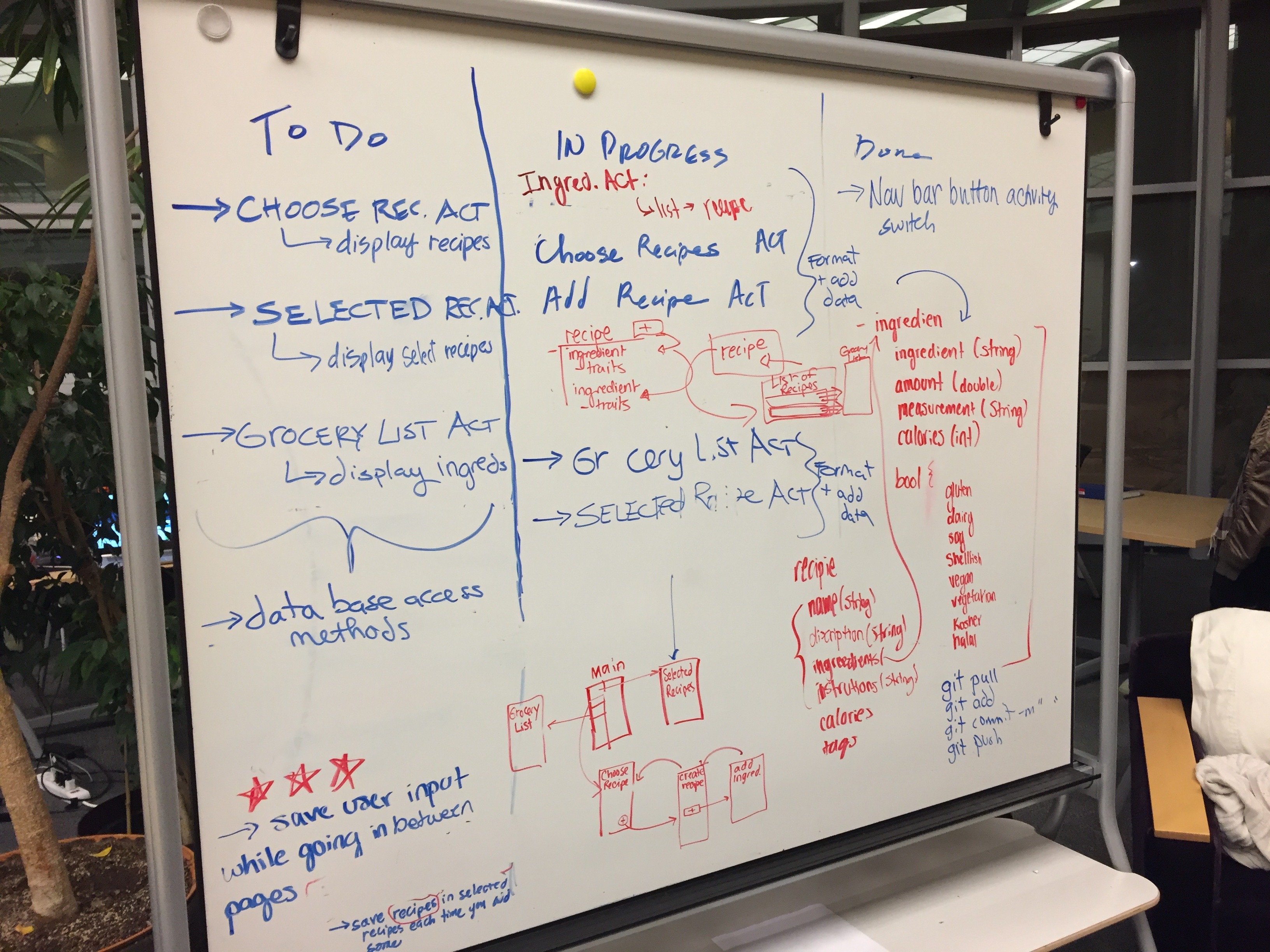
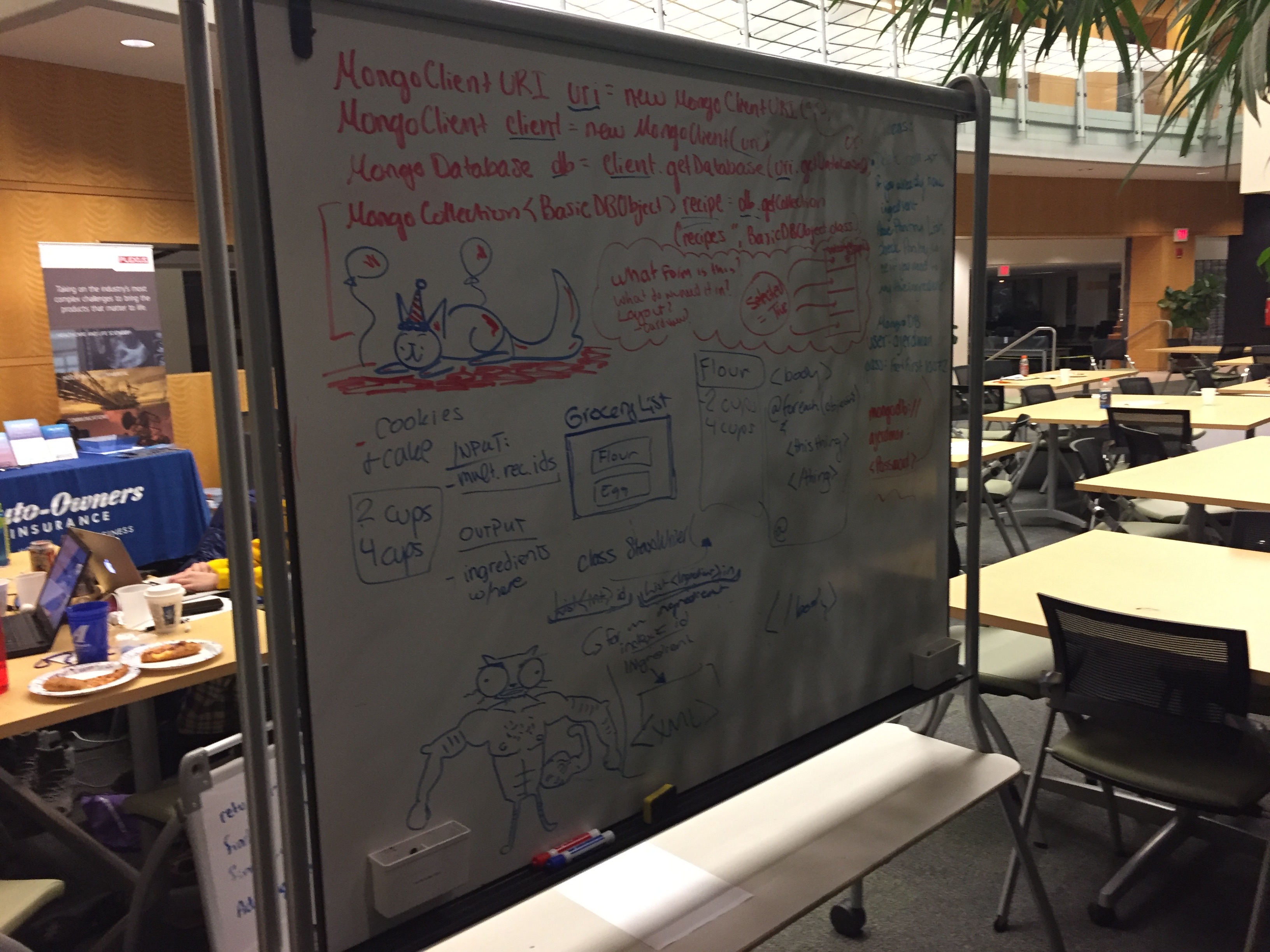
Development Process We started by assessing the level of familiarity of all team members with various programming languages. We decided Java was the best language to use because all members involved had experience using it. We then landed on the idea for the grocery-list-generator app, and due to the nature of the app and the language in use being Java, we opted to use android-studio to create an android application that served the desired purpose. One of our team members had experience with MongoDB, so we decided that that would be best for the database. In the first night we drew out some view ideas and set up the project on Github. We created a "Todo", "In Progress", and "Done" section of the whiteboard to keep track of progress). Going into the second day, we began work on all of the activities (views) and their transitions to and from one another. Amanda, being the one with the most experience with MongoDB, worked on creating the database, and laying out the add ingredient and add recipe pages for database use. We then got stuck with some database access and formatting issues (or so we thought) and proceeded to spend an inordinate amount of time solving a problem that could be attributed to a lagging emulator. We didn't finish most of the actual functionality and display of the app, but now that we know we have no problems with database access, it wouldn't be much of a stretch to continue the application at a later point in time.


Log in or sign up for Devpost to join the conversation.