-
-
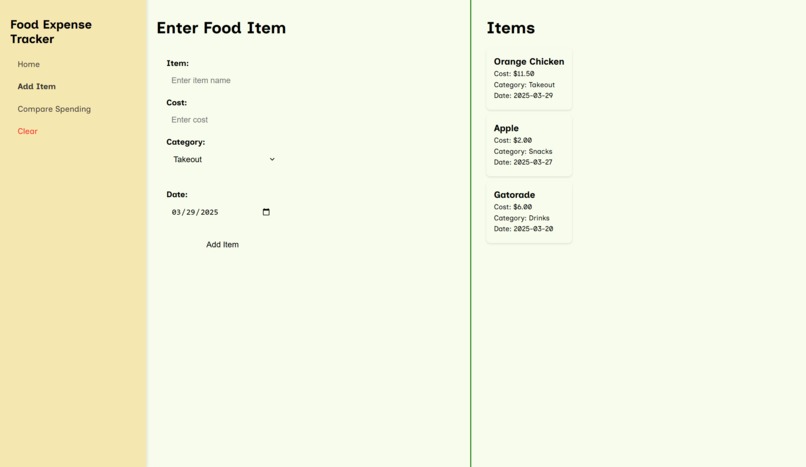
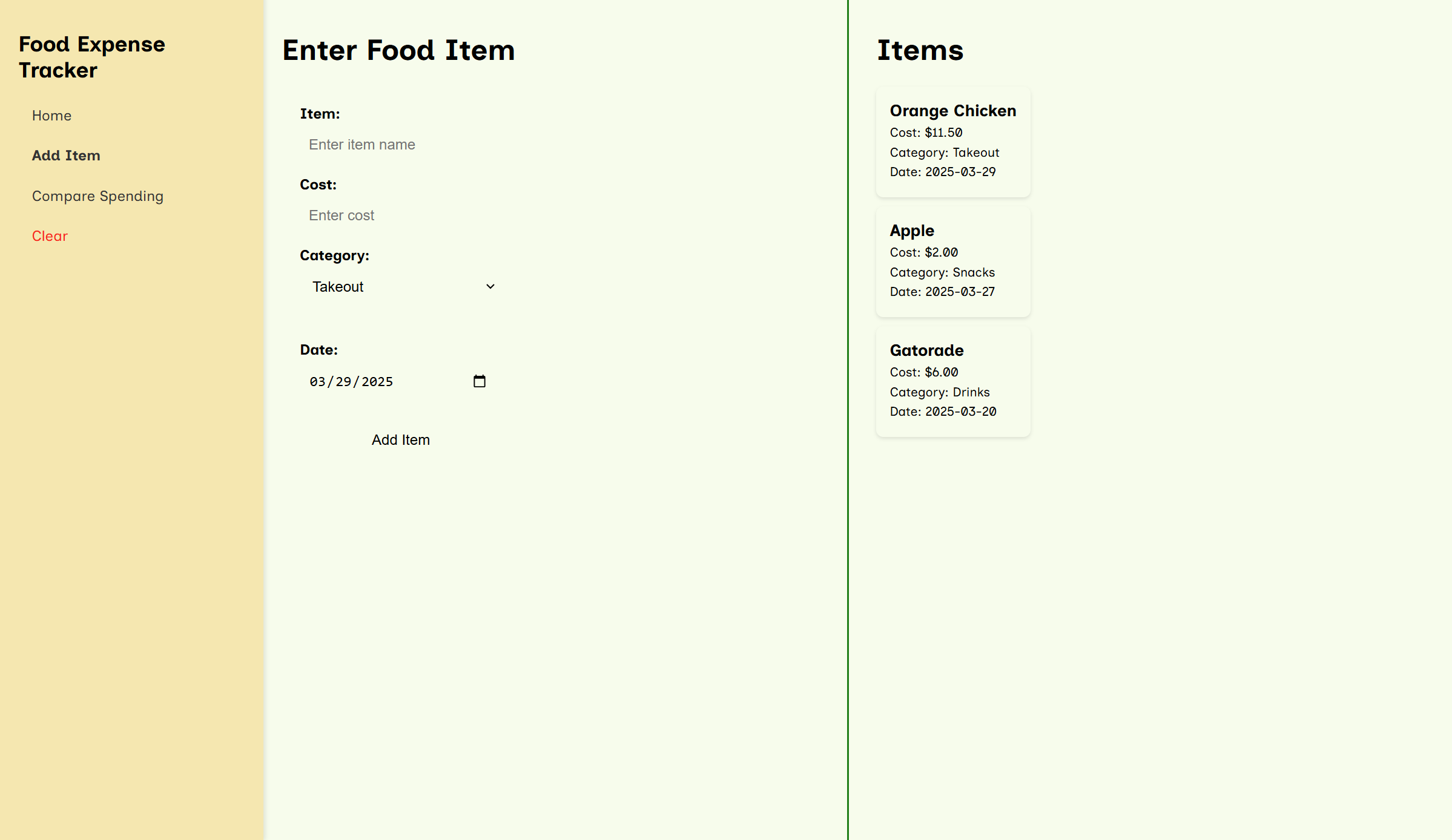
Entering Food Items
-
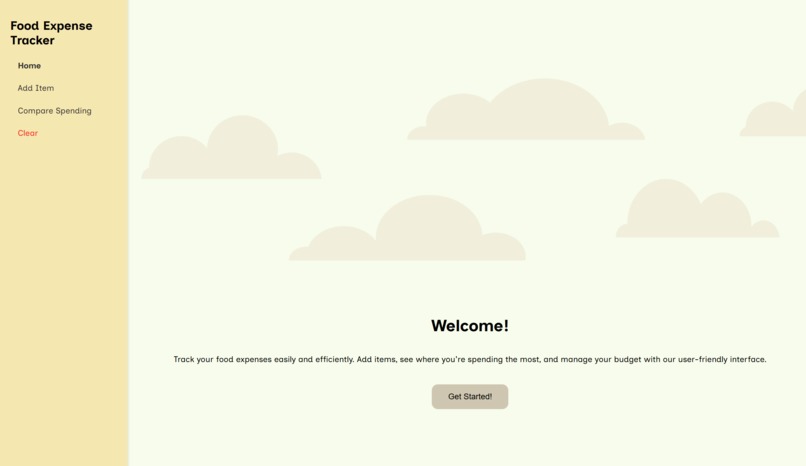
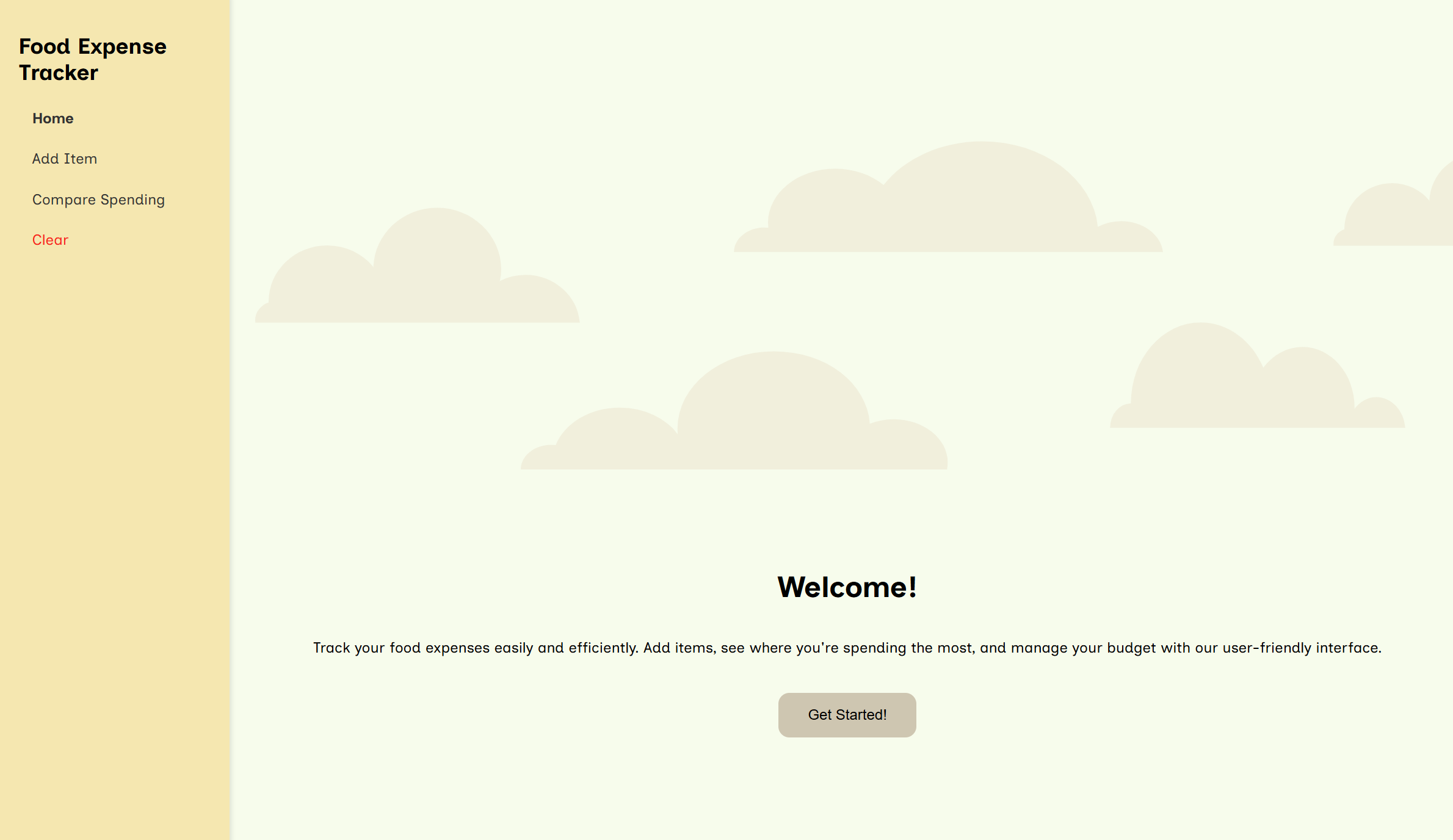
Project Homepage
-
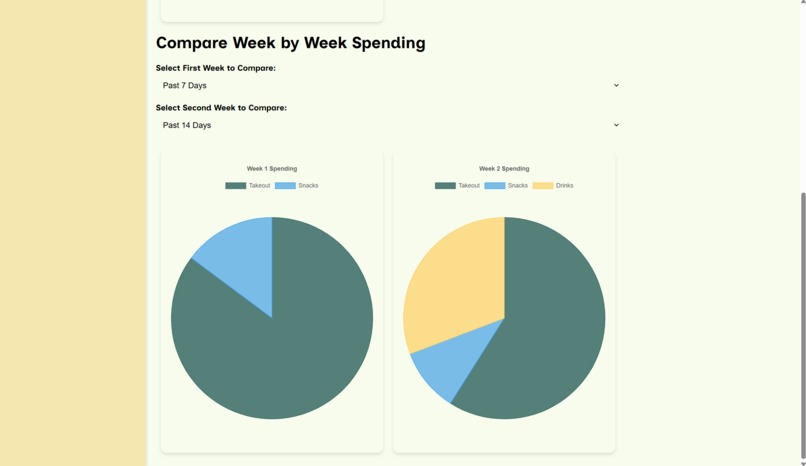
Tracking expenses
-
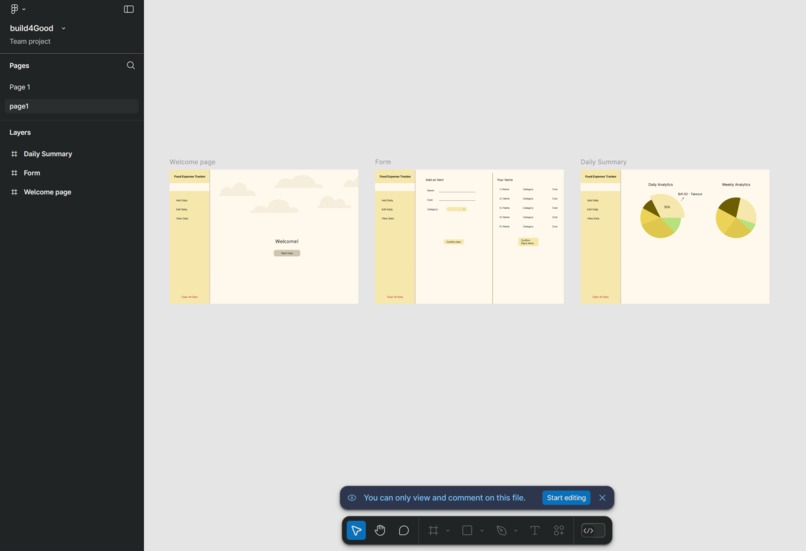
Figma design board


Inspiration
We were inspired to build this finance tracker by our own experience with spending more money than expected on food and wanting to have an easy way to visualize where our money was going. We also wanted the interface to be clean, fast, and reliable in contrast to many bulky finance trackers out there today.
What it does
This web app allows you to input your recent meals, how much they costed, what category of meal they fall into, and what date you purchased them on. This data is visible to the user as visually appealing cards. The user can also view pie chart visualizations of their all-time spending. And compare their sending over the past week to spending in the previous week. User input is saved between sessions so they do not have to re-input data every time they open the app.
How we built it
We built the app using Figma to create the overall design and HTML, CSS, and JavaScript to build the actual app, storing user data in JSON objects.
Challenges we ran into
We ran into challenges when we began to implement the CSS styling of our website since we needed to take all the work that we had already done and alter several parts of it so that it would fit with the design we wanted to achieve.
Accomplishments that we're proud of
We're proud of full completing the app within the time period and we're especially proud of the CSS implementation and the visuals of the app.
How we designed the app to be as user friendly as possible (UI/UX Submission)
We focused on creating a clean design with simple features for ease of use. Within Figma we created and exported a Material Theme from the Material Theme Builder plugin and used appropriate color roles so that our design was scalable and easy to adjust. We paid attention to details of the typography so that the information hierarchy was intuitive to the user. Other details like making the "Clear Data" text button red were implemented with the user in mind, so they wouldn't accidentally delete their progress.
What we learned
Most of our team had not interacted with HTML, CSS, and JavaScript before so our team as a whole learned a lot about working with those technologies. We also learned a lot about using Figma and how to build a website that aligns with UI/UX principles.
What's next for Food Expense Tracker
The next steps for the Food Expense Tracker are to clean up the spacing, giving consistent margins and padding so users aren't distracted by any inconsistencies, and to give details regarding the user's expenses such as trends over time and total cost differences between specific days and weeks.
Built With
- css
- figma
- html
- javascript


Log in or sign up for Devpost to join the conversation.