Inspiration
My inspiration for this project is very close to my heart: my partner has celiac disease, which means she cannot eat food containing gluten, or food that has had cross-contact with gluten. This disease has turned grocery shopping into a stressful experience. She has to read every ingredient label, and the often-overlooked "may contain" statements.
This is not only the experience of people with celiac disease. People with other dietary restrictions or severe food allergies have the same problem. AI-led online shopping does not make grocery shopping easier for them yet.
What it does
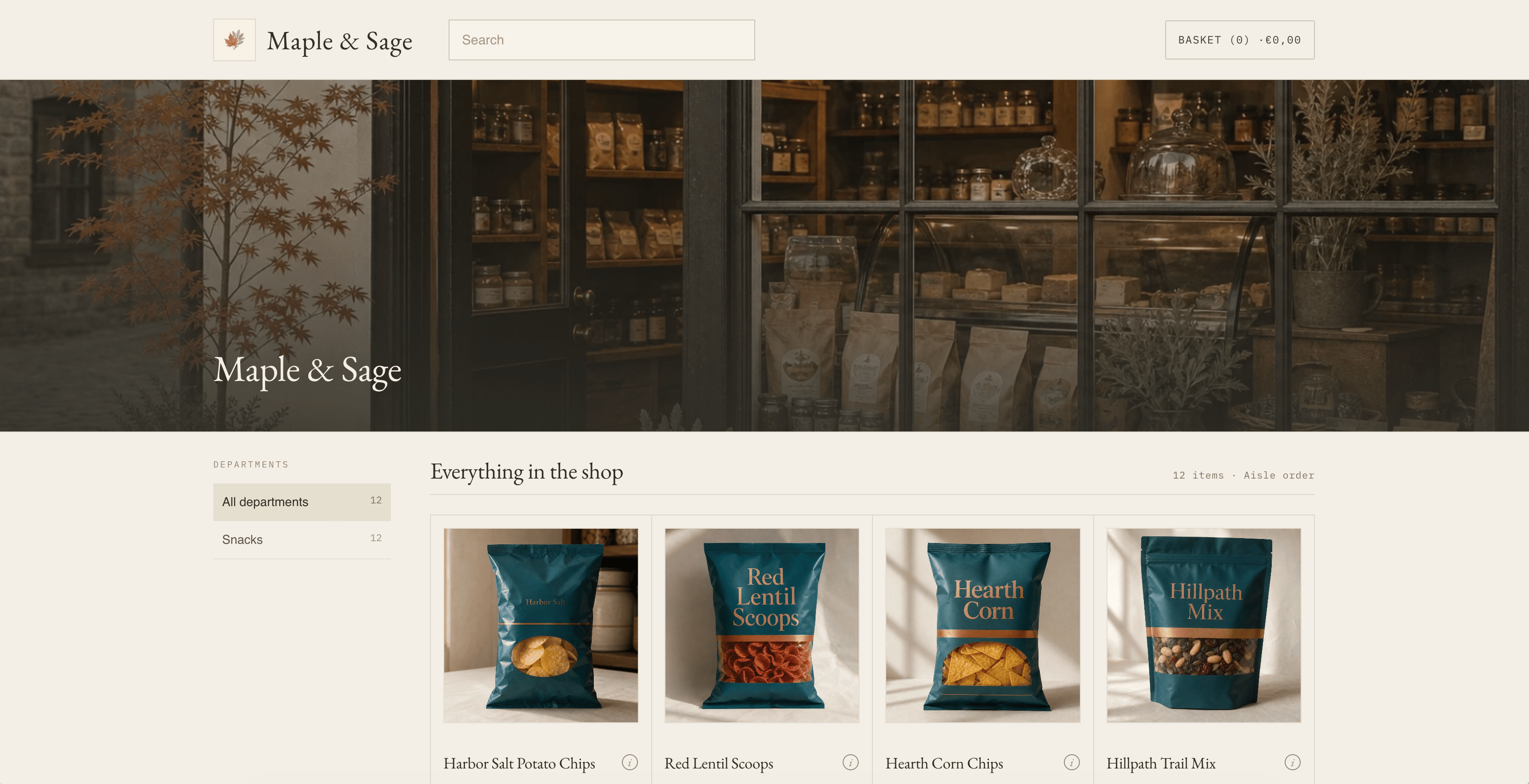
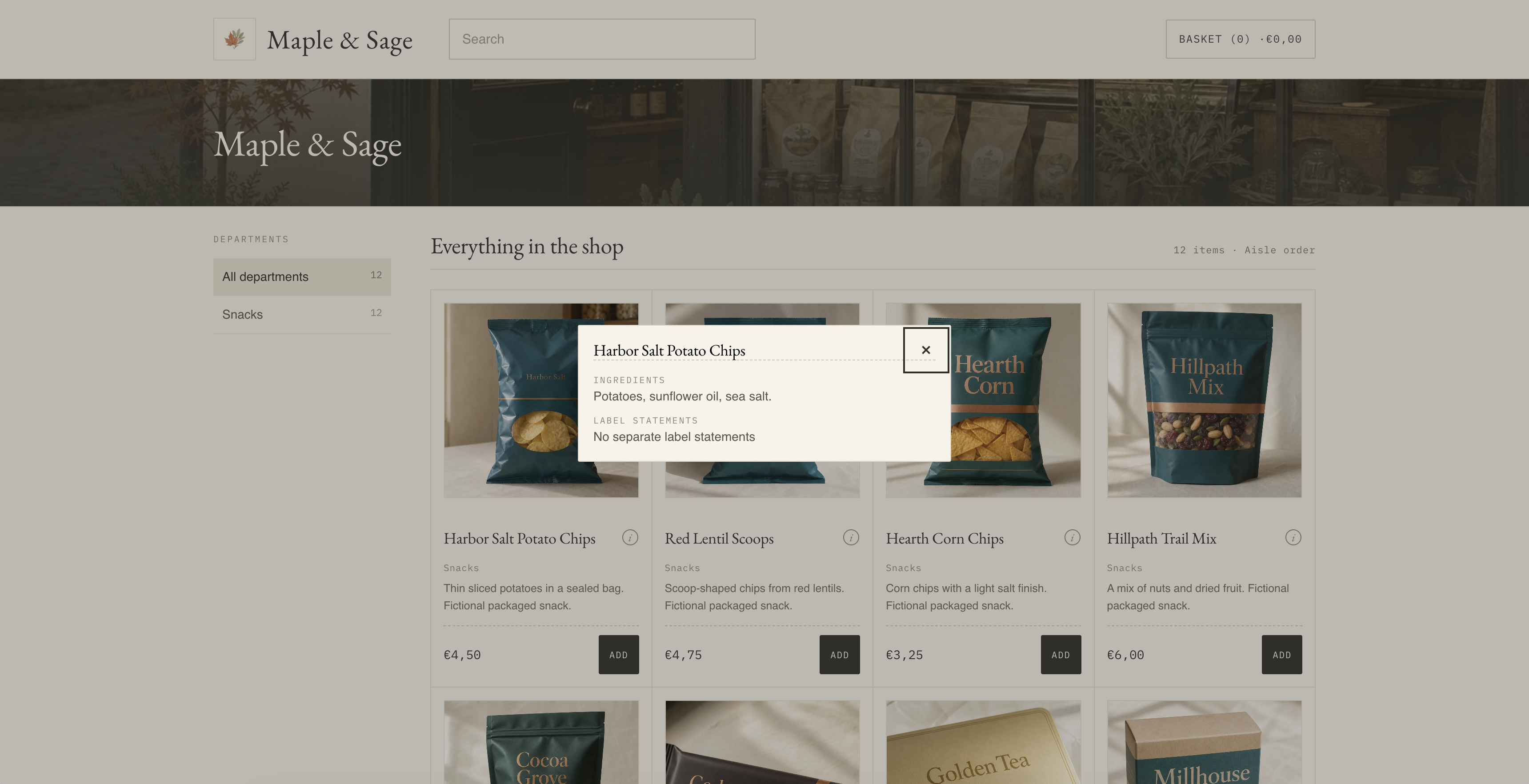
Label Check makes an agent retrieve a product’s ingredients and label statements before it can add that product to the cart. Maple & Sage is the grocery shop where that rule is live.
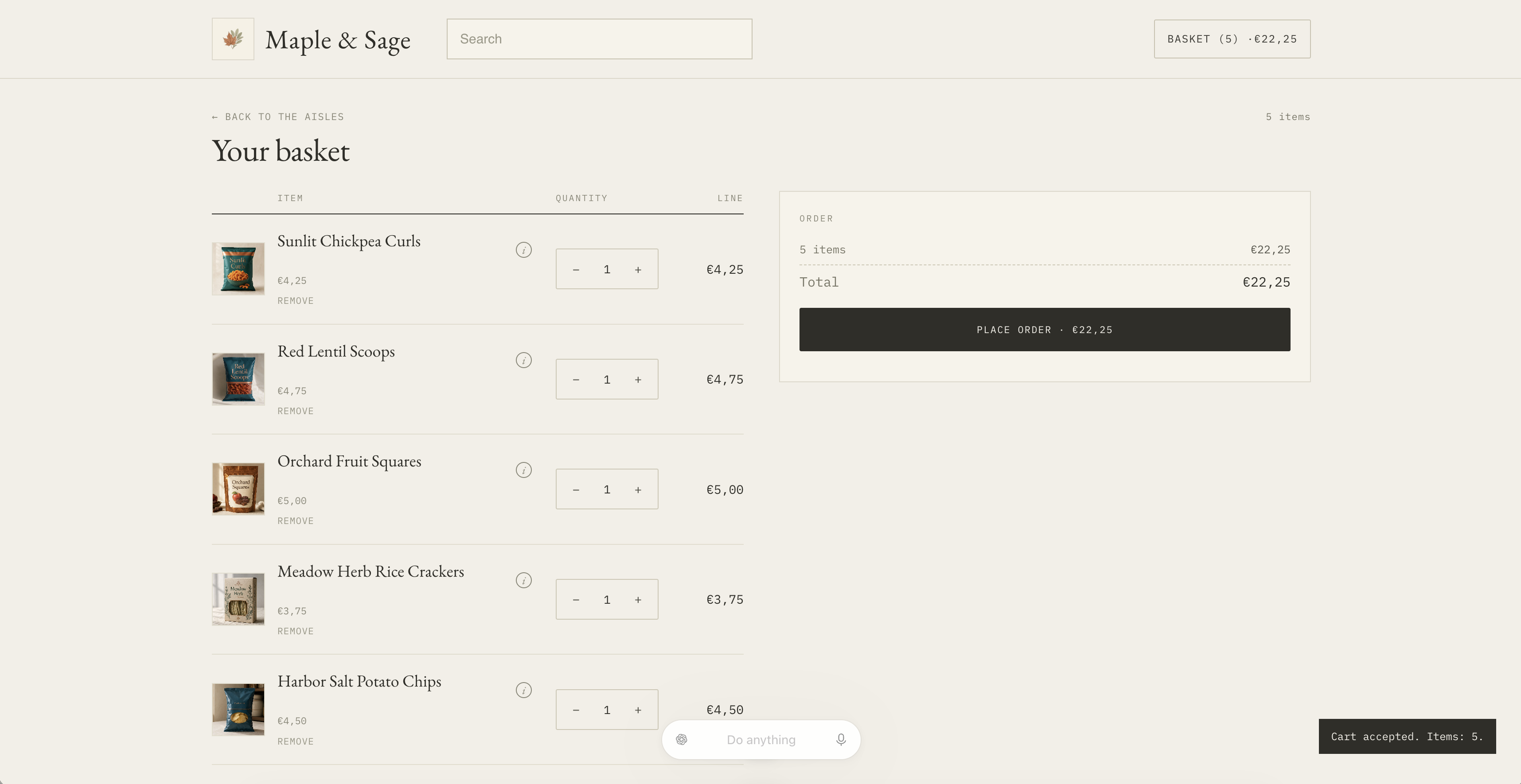
An agent can search through the product catalog and build a cart the same way it would on any online store. What it has to retrieve is the ingredients and the label statements, including when a field is missing. "null" is not the same as an empty list and it is not treated as "none".
Alongside the agent’s WebMCP path, the client can still use the ordinary "add" button to add products to their cart.
The store never decides whether a product is suitable. The client lists their restrictions for their AI agent, the merchant supplies the facts (ingredients and label information), and the AI agent compares them to make a decision.
How I built it
I built an original Online Store 2.0 theme, using the Shopify theme skeleton's GitHub repository. Each product’s ingredients and label statements are written into the page, so the custom tool can return them without a backend. A small script runs before Shopify’s WebMCP tools register, so the gate is already there when an agent calls update_cart.
There is one custom tool, get_product_food_disclosures. It returns ingredients and label_statements, including null. A receipt in the tab records that retrieval ran for that product version. Native update_cart can increase a line only when that receipt is current.
Challenges I ran into
Keeping null and [] distinct took more care than I initially thought. An empty "may contain" list is not the same as "the merchant did not supply this field". Collapsing them would hide the exact thing my partner has to look for.
And then naming this project was a fun one! Anything that sounded like Trust, Safe, or Verified would imply the store had judged the product. I chose Label Check because it was the best way for me to describe the action that the agent has to do. It's not a pass mark on the product.
Accomplishments that I'm proud of
I'm proud that I was able to use the WebMCP technology to build something that would actually help someone I love. Getting it working, on a real shop that an agent can use, is such a great feeling.
What I learned
Prior to this challenge, I didn't know what WebMCP was. I learned about it and its use cases, especially the ability for an agent to help us perform a task while we can still intervene at any time (kind of like co-building), which I find incredibly interesting.
I chose to use WebMCP to build Label Check, but I can also see it being useful in creative endeavors: editing a 3D model, a picture, or a video together with an agent.
What's next for Label Check
I would love ecommerce platforms such as Shopify to ship ingredients and label-statement fields that food shop owners can fill, the way they did with product taxonomy. Merchants used those fields to add more detail to their catalogs and consequently ranked better in searches. Doing the same for dietary information would help those products show up when someone asks an agent a specific question, like "recommend 5 gluten-free snacks that are safe for people with celiac disease".
Then I would love those ecommerce platforms to add a Label Check tool to their native WebMCP stack. This way, people with dietary restrictions would be able to point their AI agent at a shop and buy online confidently.
Built With
- css
- javascript
- liquid
- node.js
- shopify
- typescript
- webmcp

Log in or sign up for Devpost to join the conversation.