-
-
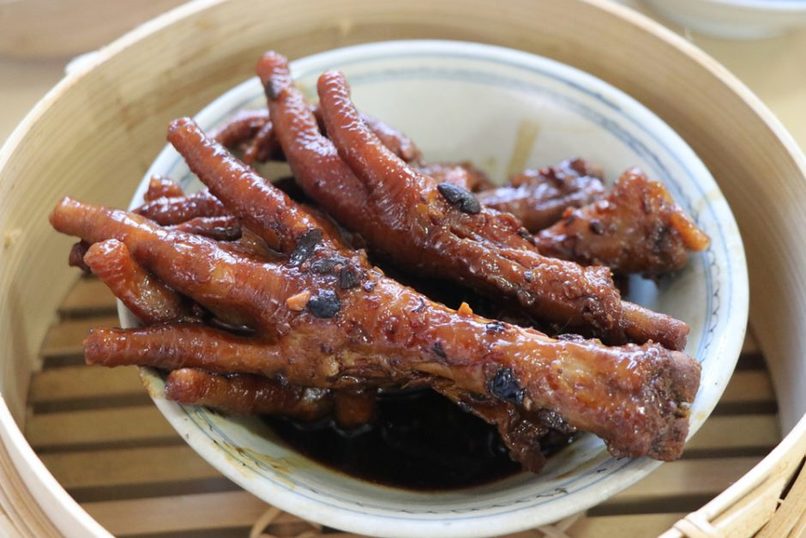
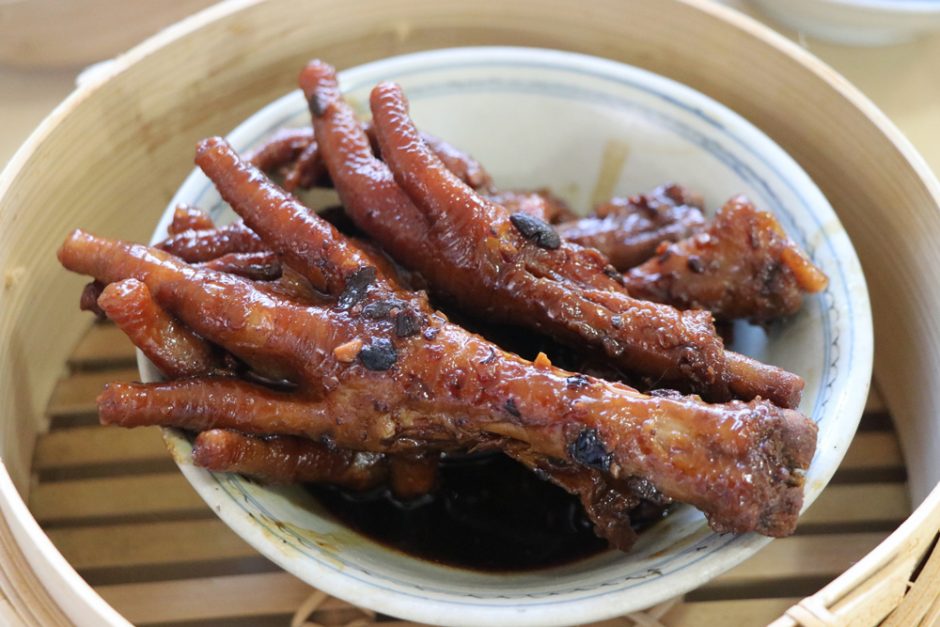
2. Input image
-
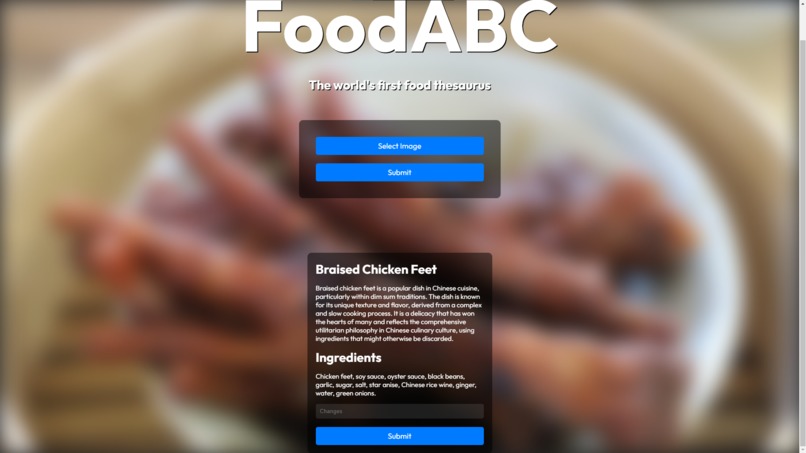
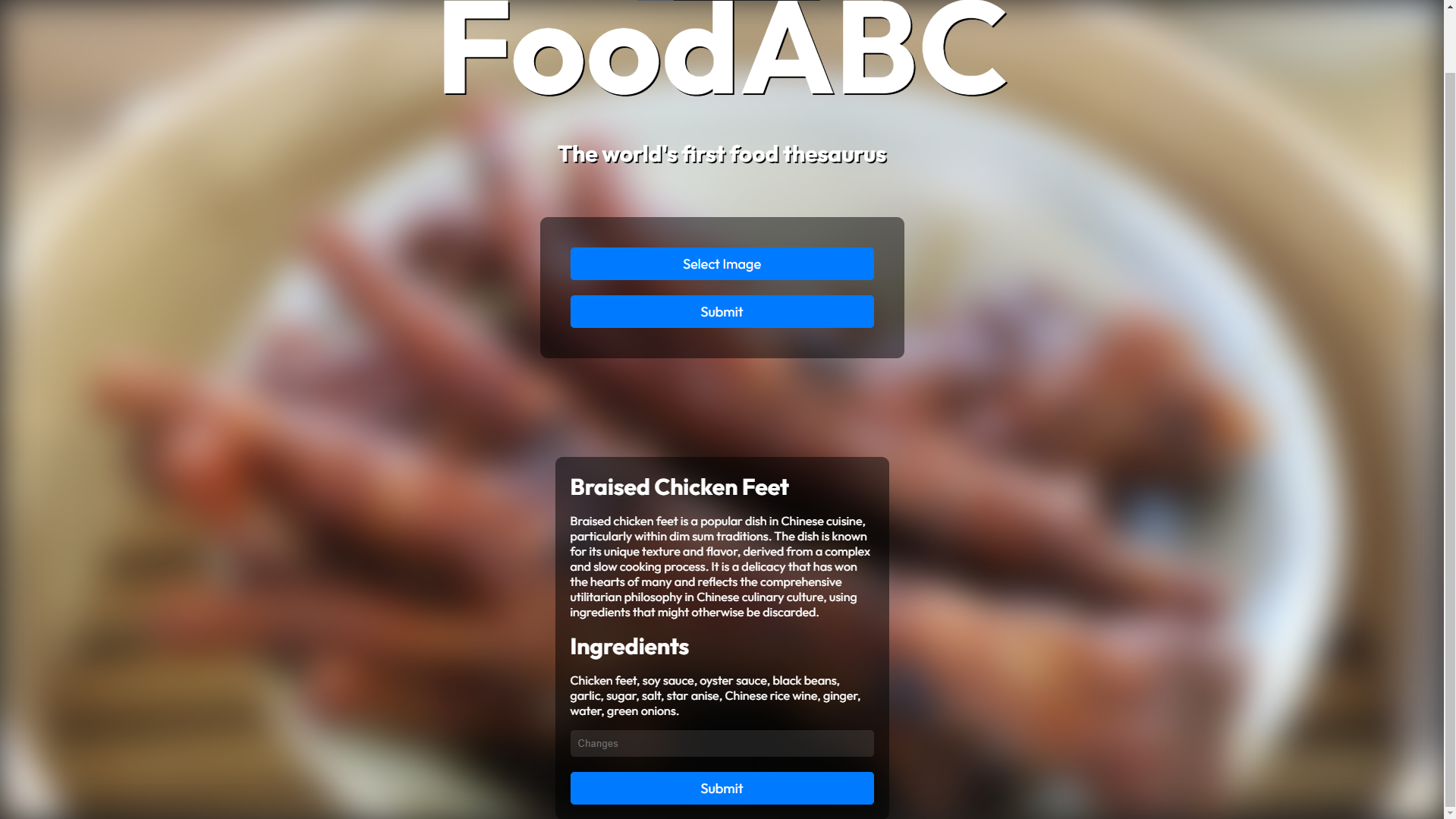
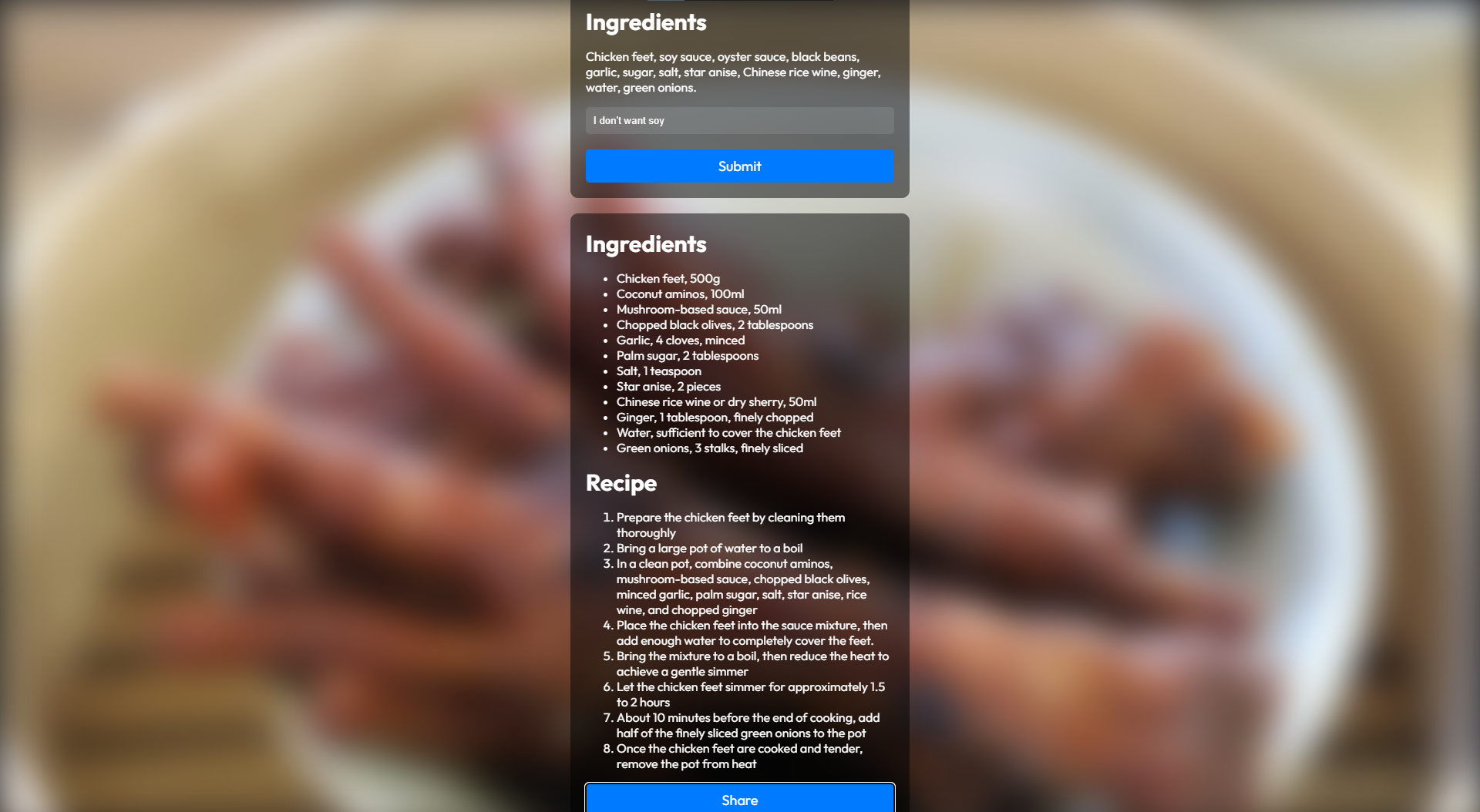
3. Received the cultural description/ingredients and identified the food
-
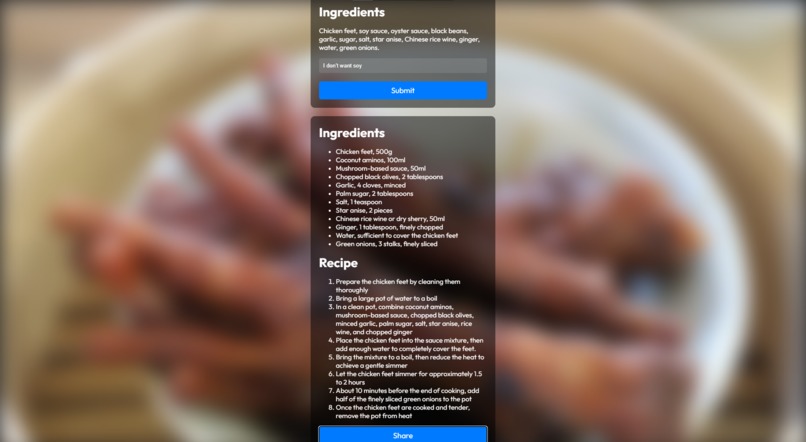
4. Getting the ingredients and recipe for the new version that avoids the inputted restrictions
-
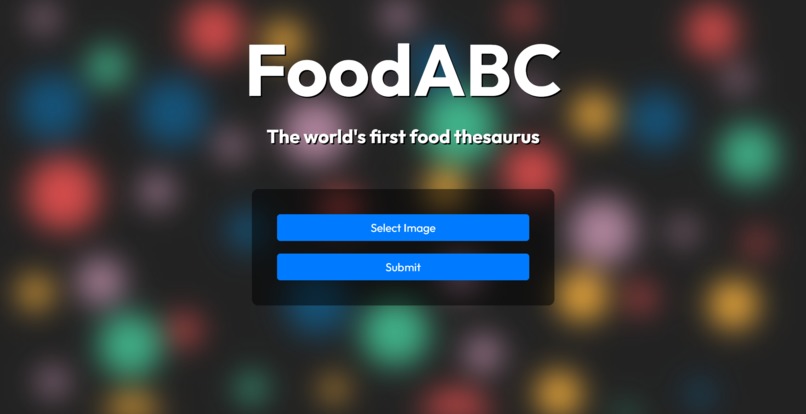
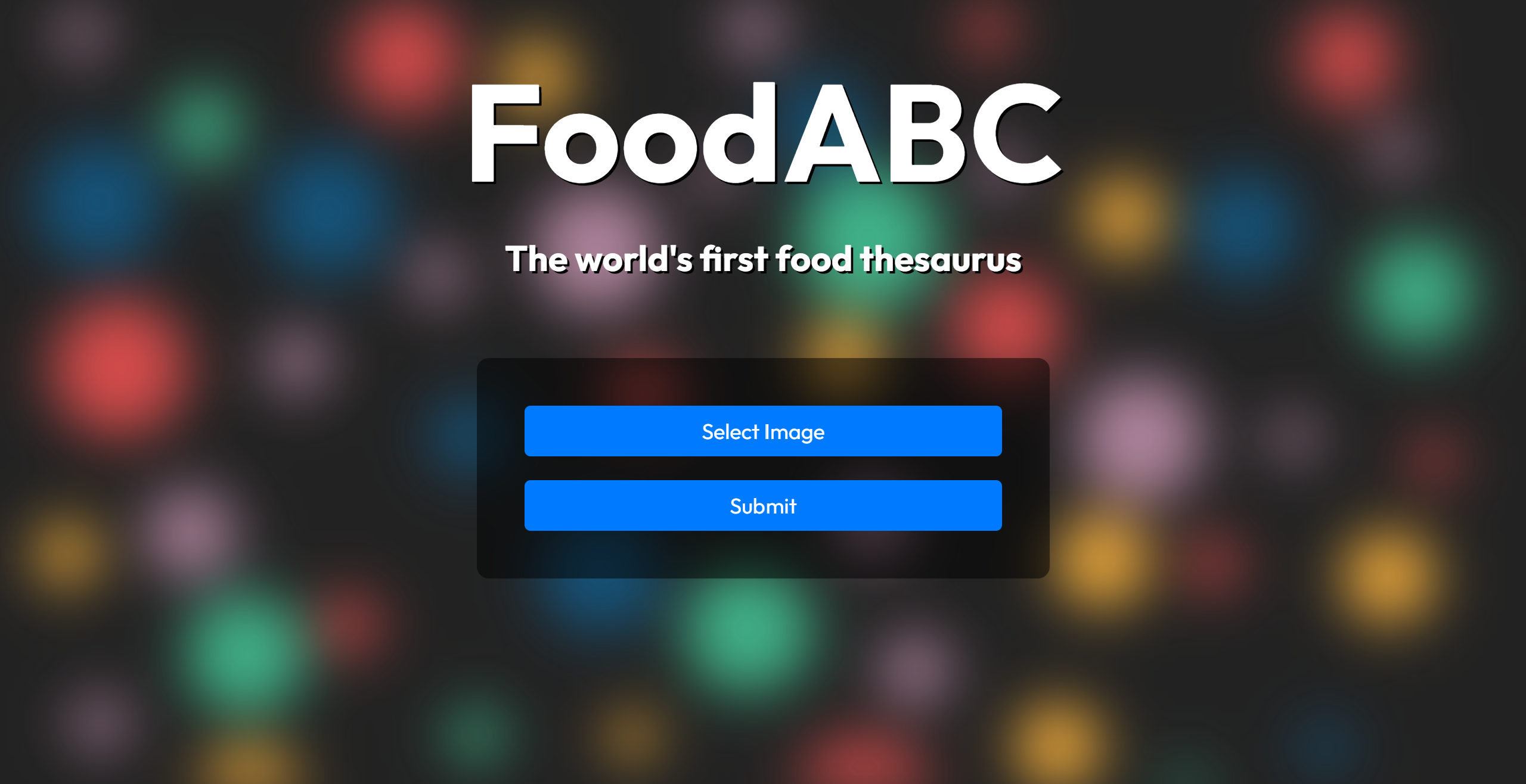
1. Home Page
-
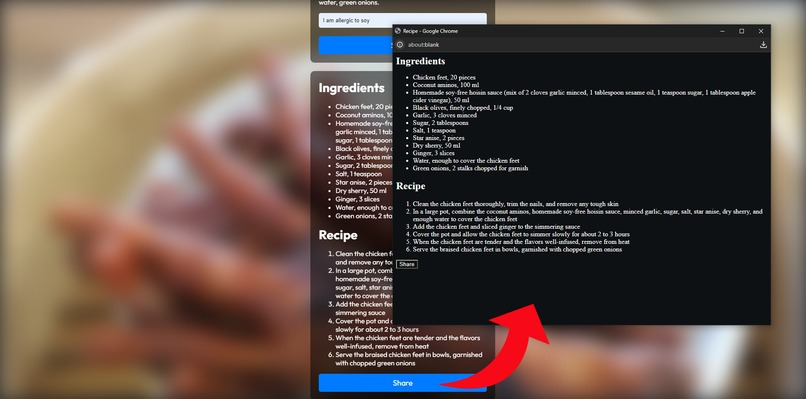
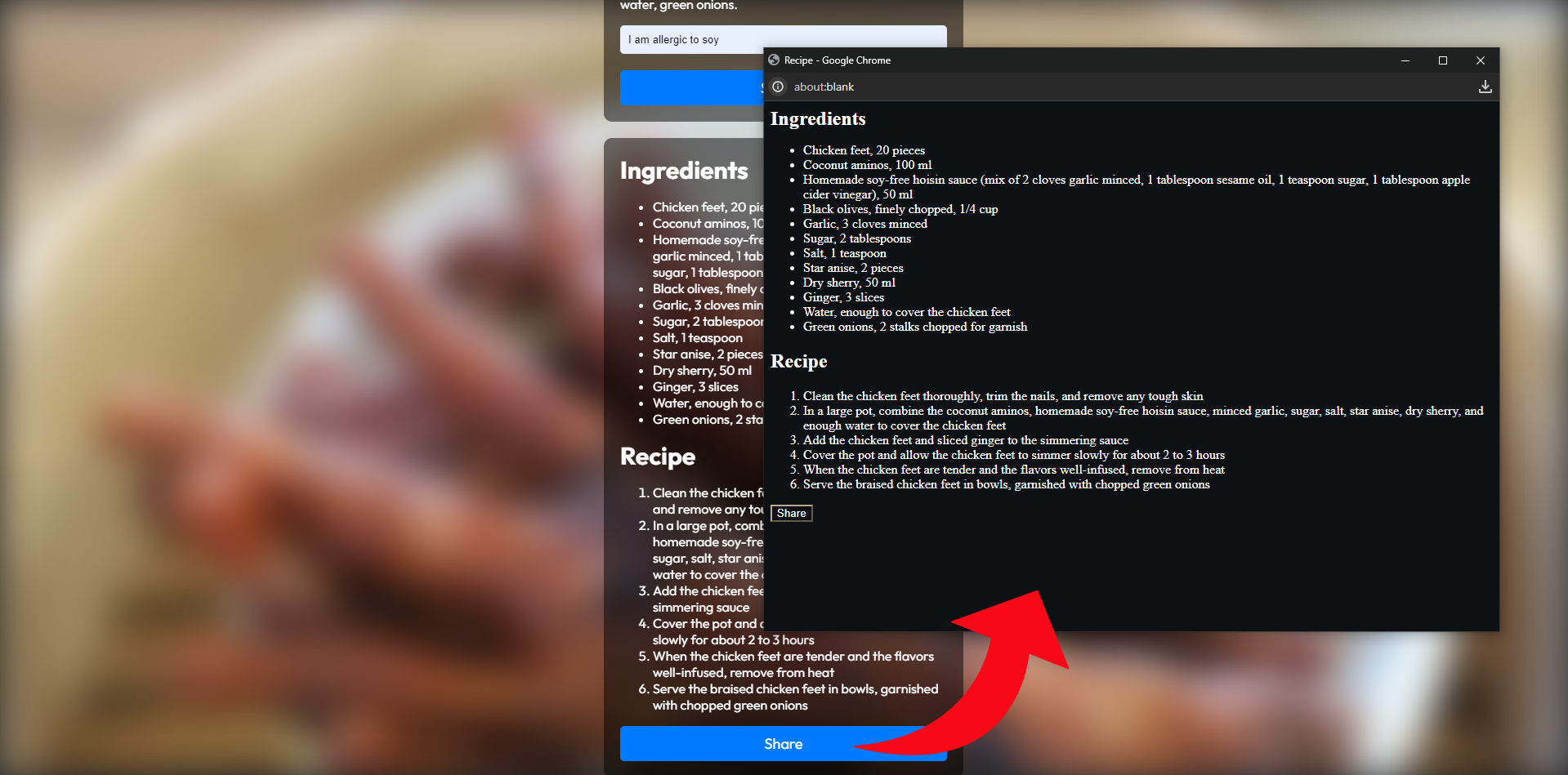
6. Additional sharing functionality which turns the new recipe and ingredients into bare text to be copied and pasted somewhere else
-
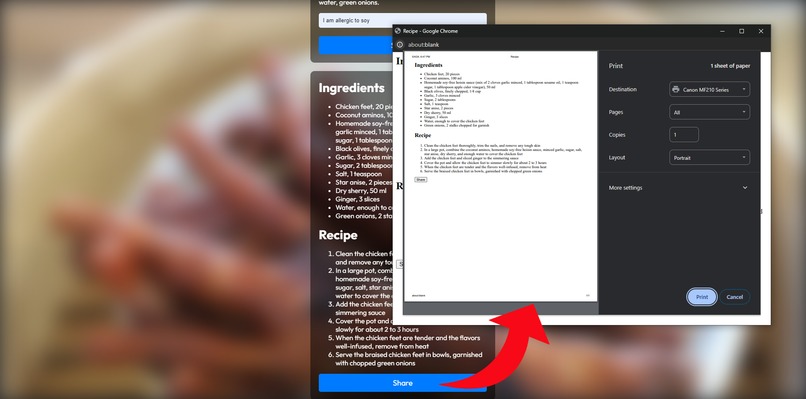
5. Share functionality opening a new window to print the recipe and ingredients for the new recipe

Inspiration
Food is a way for people to connect universally. It brings people together and is a way to share our unique cultures. However, most of our members, friends, and family have dietary restrictions that restrict us from eating the same things. We created our product to help people connect to each other through food, while abiding to their own dietary and health restrictions.
What it does
Our product is a website which receives a submitted picture of a food so that an AI model can recognize it. Next, it provides a brief description of the food's cultural importance. It also describes the ingredients. Then, the user gets the option to provide anything they want to remove for food or dietary restrictions which an AI model takes into account to generate a recipe that works around all restrictions.
How we built it
When we began, we looked at the topic of food and what things connect to it to create some ideas before settling on the idea of culture and dietary restrictions. We started by dividing the work to be more efficient. We made a basic frontend HTML website that took an image while also making the backend server to do the image processing to recognize the food. Next, we stylized the website and integrated the Javascript functionality to send the image in base 64 format to the backend server which successfully identified the food using the ChatGPT4.0 API before generating the cultural description for the food and sending it as a JSON to be parsed for the frontend. Then, We made the second part of the website that allowed the user to enter in any dietary restrictions in the frontend which would be sent to the backend server for the ChatGPT4.0 API to generate a recipe that avoids the entered in restrictions before sending this back in a JSON file to be parsed for the frontend and displayed to the user.
Challenges we ran into
We ran into many challenges during the making of this project. Originally, we were using a different ChatGPT API which ran out of tokens, so we had to acquire a new API and that took some time to configure. We ran into errors regarding Liveshare because it would not allow live servers which hindered collaboration but we went around it by using different types of localhost generating extensions. We also ran into some errors where the website would break on some OSs due to various formatting errors as we were testing the website on Windows, Linux, MacOS, and iOS. The CSS would also look quite weird on them due to different screen sizes so we changed the sizes to be relative instead of absolute. We ran into errors with the server not receiving and sending data properly before troubleshooting those. We ran into many other smaller errors such as not receiving an image properly from the user to use for the background and the user tools (buttons) breaking the entire server.
Accomplishments that we're proud of
- We were able to manage our time effectively by splitting up the work while helping each other and collaborating on the frontend and backend
- We were able to learn many things while being productive such as learning how to handle files effectively while using these skills in our product to send to the AI model for image recognition and generating information/recipes.
What we learned
- Effective file-handling
- Variety of CSS and Javascript techniques
- Collaborating on 1 big project while working on separate parts (frontend, backend)
- How to explain problems to break them down and understand how to solve them
What's next for Food ABC 2 XYZ
- Adding in sign-in functionality to save dietary restrictions and save recipes
- Optimizing request latency
- Adding splash text for an improved UI


Log in or sign up for Devpost to join the conversation.