-
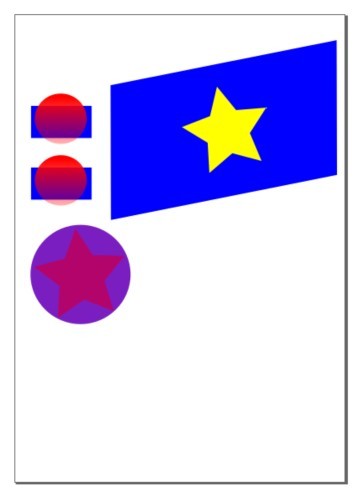
Screenshot of the svg I produced when following the Inkscape: Basic tutorial.
Inspiration
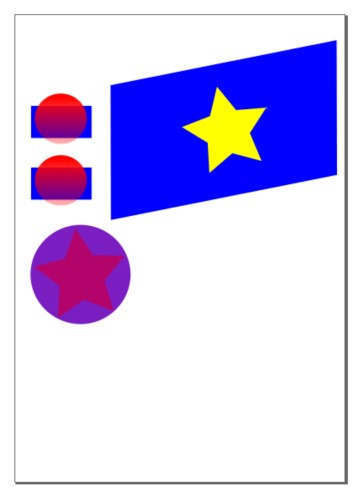
I am working on a graphic for a volunteer project and wanted to create an SVG whose colours I could manipulate during a timed event. I want to recreate the project client's logo, but this is a little complicated to produce when I have little SVG experience. So, after working through the basic SVG tutorials on w3 Schools last week, today I followed their advice to use Inkscape for the more complex shape I need to produce. My practice graphic is displayed on this Devpost as a jpg.
Anyone wishing to use Inkscape to produce SVGs for their web pages and applications can learn about Inkscape and download it from the Inkscape website.
What it does
My submission displays several shapes within a file. Each shape can be altered by changing its colour properties, rotation, opacity, grouping or layer.
How we built it
I used Inkscape, and followed the Inkscape Basic tutorial, accessed via the Help>Tutorials>Inkscape: Basic menu path within the Inkscape application.
Challenges we ran into
Inkscape is generally easy to navigate. However, as you can have multiple Inkscape windows open, it is possible to use a keyboard command with the wrong window selected, so I learned to be careful to check I had the desired active window selected before interacting with shapes.
Accomplishments that we're proud of
I completed the Inkscape: Basic tutorial and now know how to draw and transform several different standard shapes and alter their appearance.
What we learned
- how to create a new SVG file
- how to create a shape
- how to colour a shape's fill and outline
- how to rotate a shape
- how to group multiple shapes
- how to select an individual shape within a group and change the shape in some way
- how to cycle through layers
- how to align shapes in relation to each other
- and more
What's next for Follow Any Tutorial to Build Something New
I will use what I have learned today to produce the complex logo for the volunteer project I am working on. :)


Log in or sign up for Devpost to join the conversation.