-
-
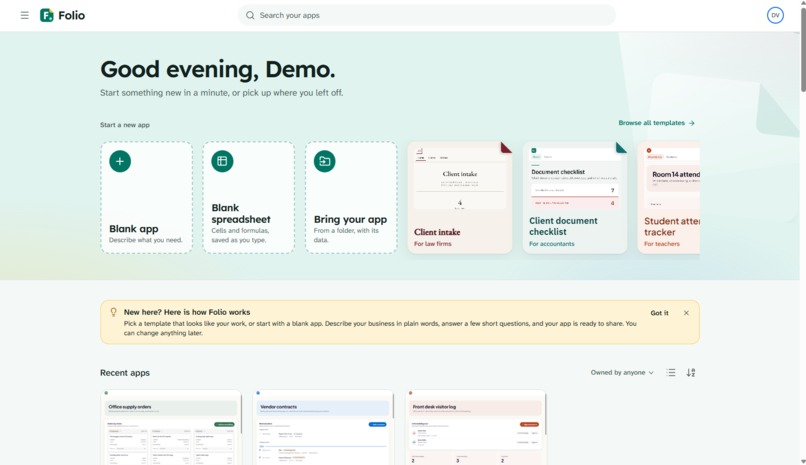
Homepage
-
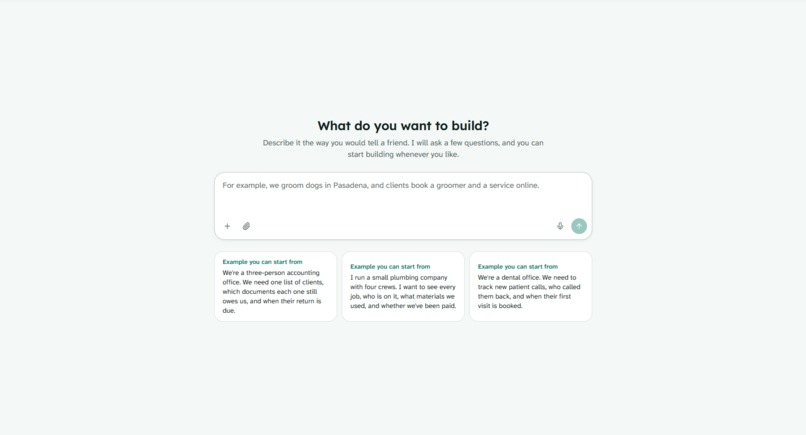
Building an app view
-
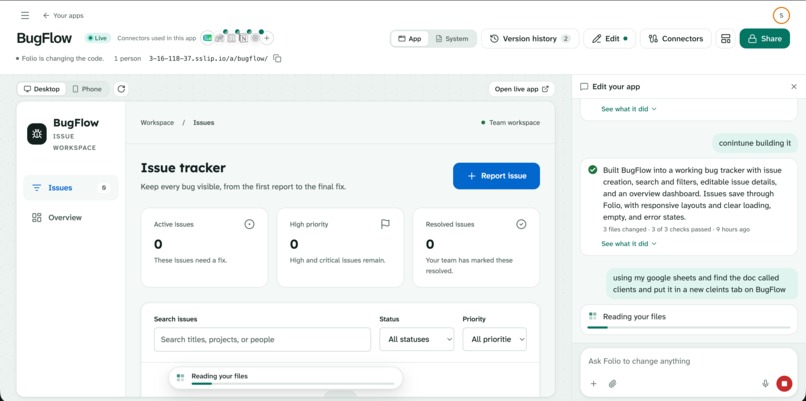
Editing an app
-
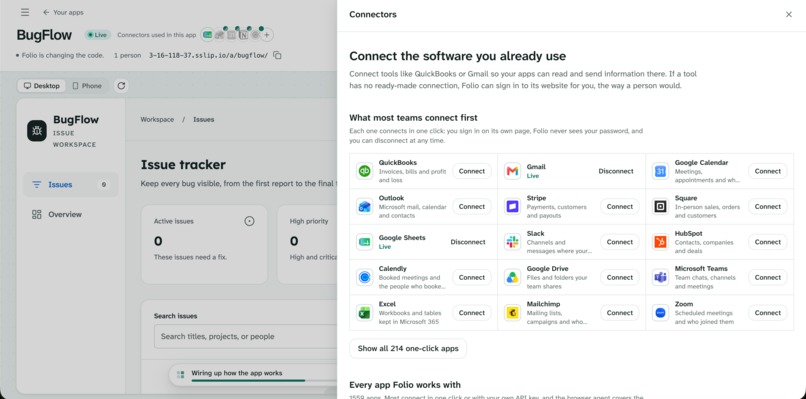
Automatically sets up connectors
-
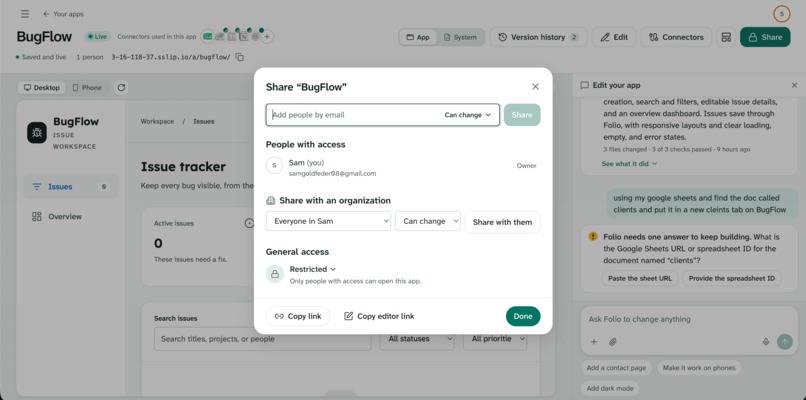
Sharing an app with others
-
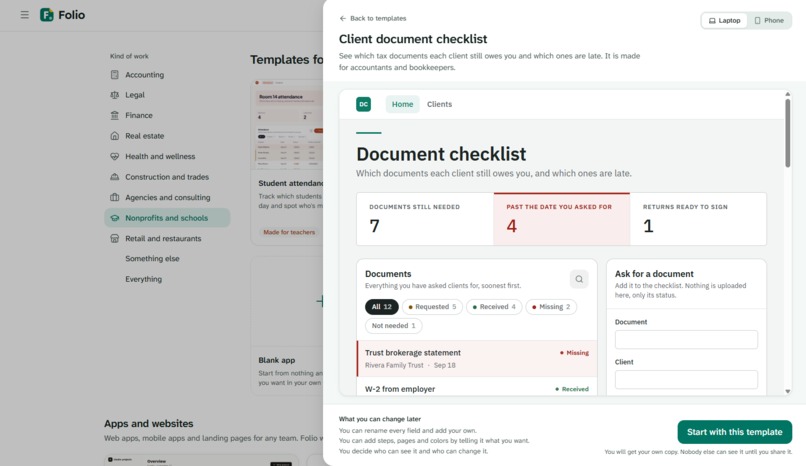
Nonprofit and schools template
-
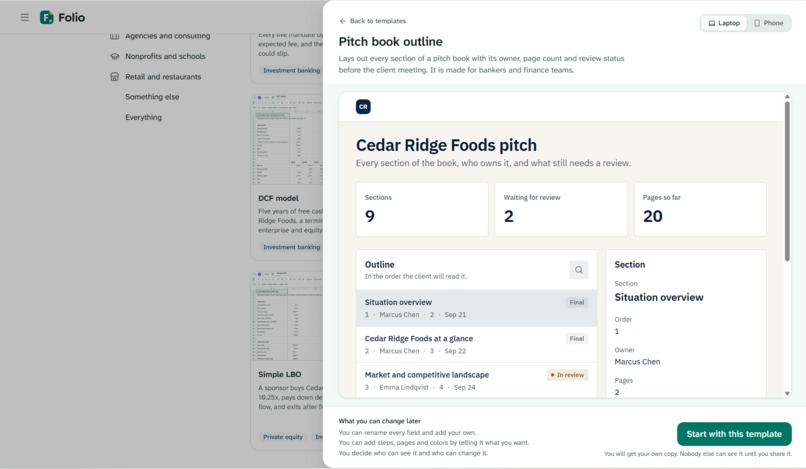
Finance template
-
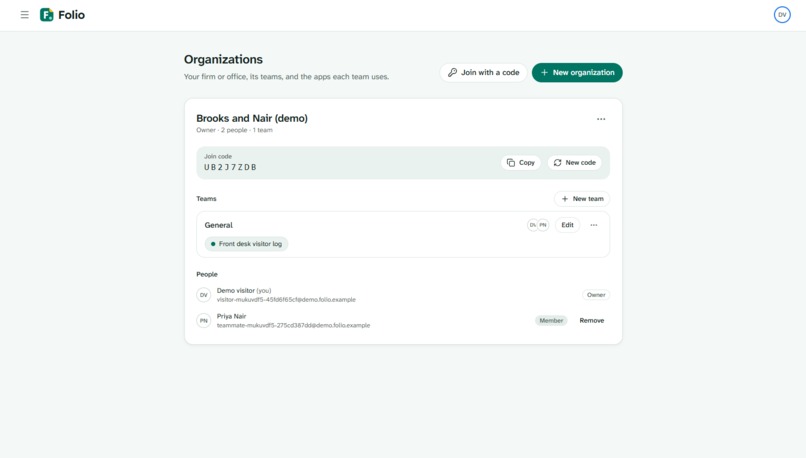
Manage your organizations
-
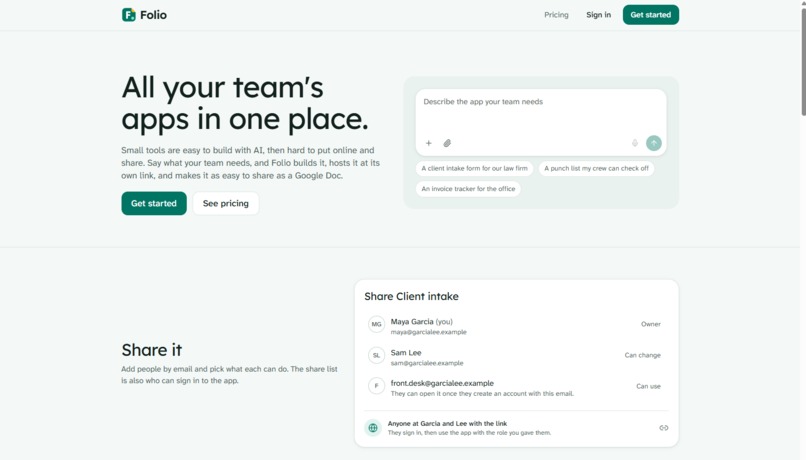
Landing page
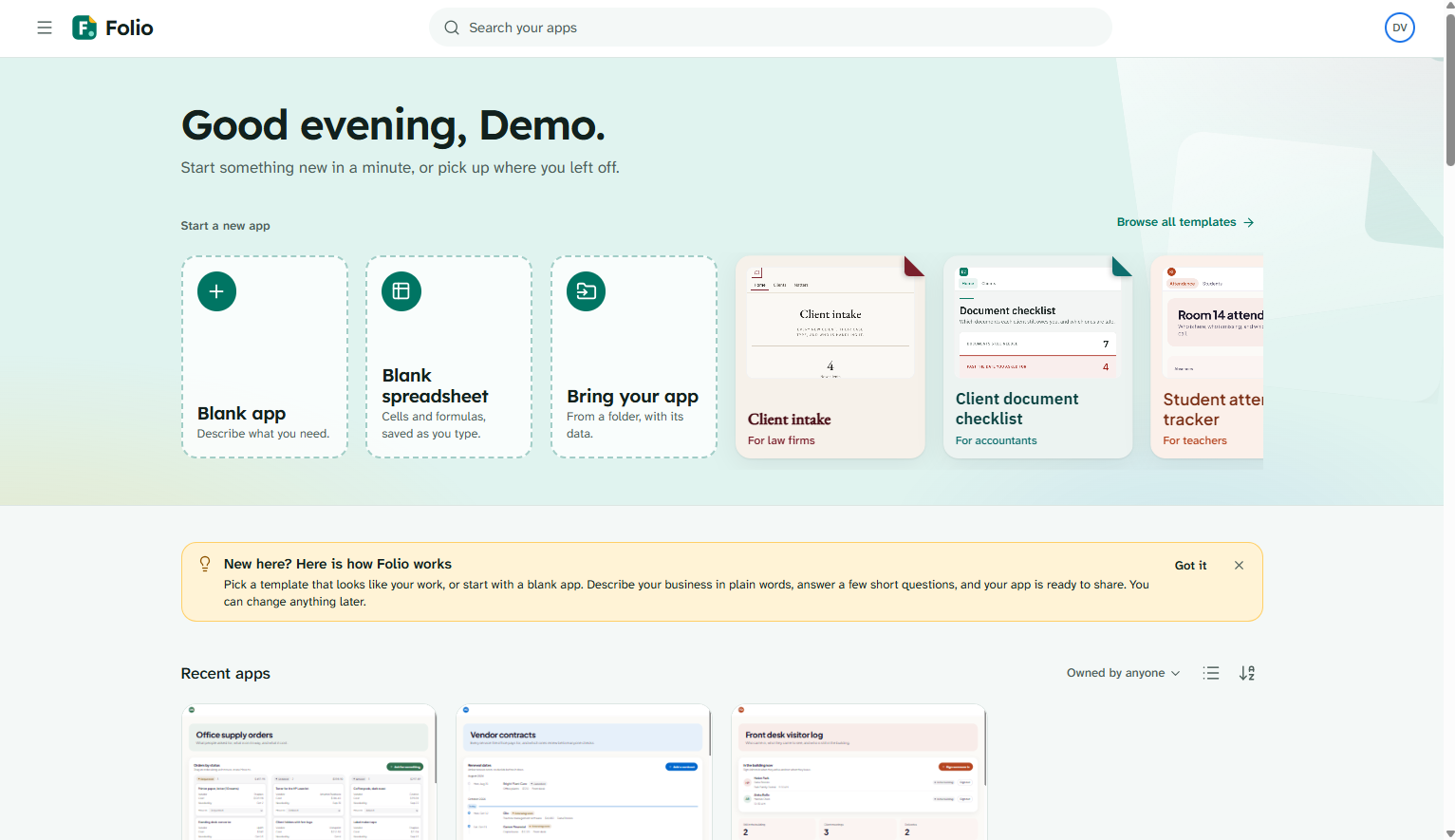
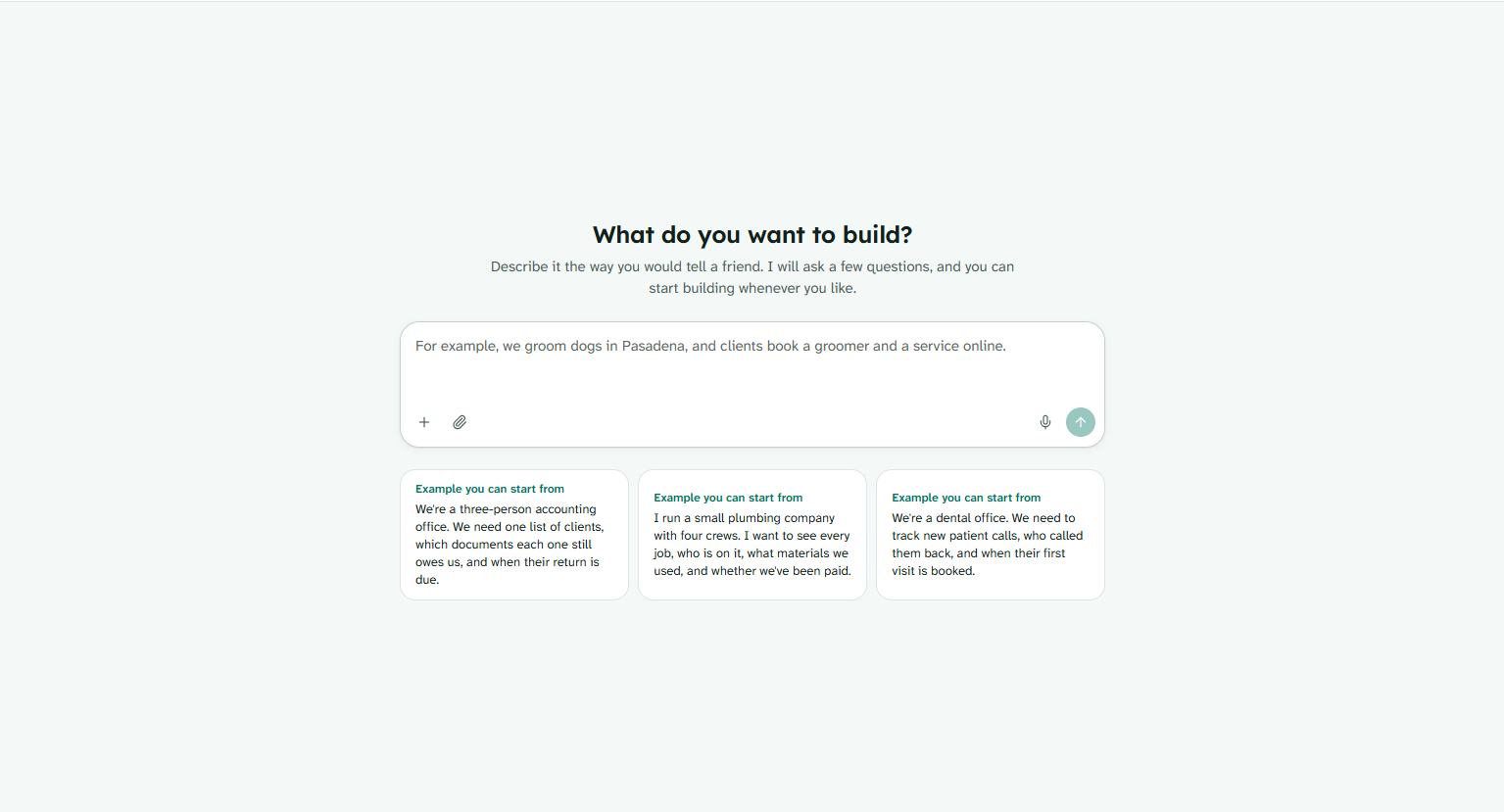
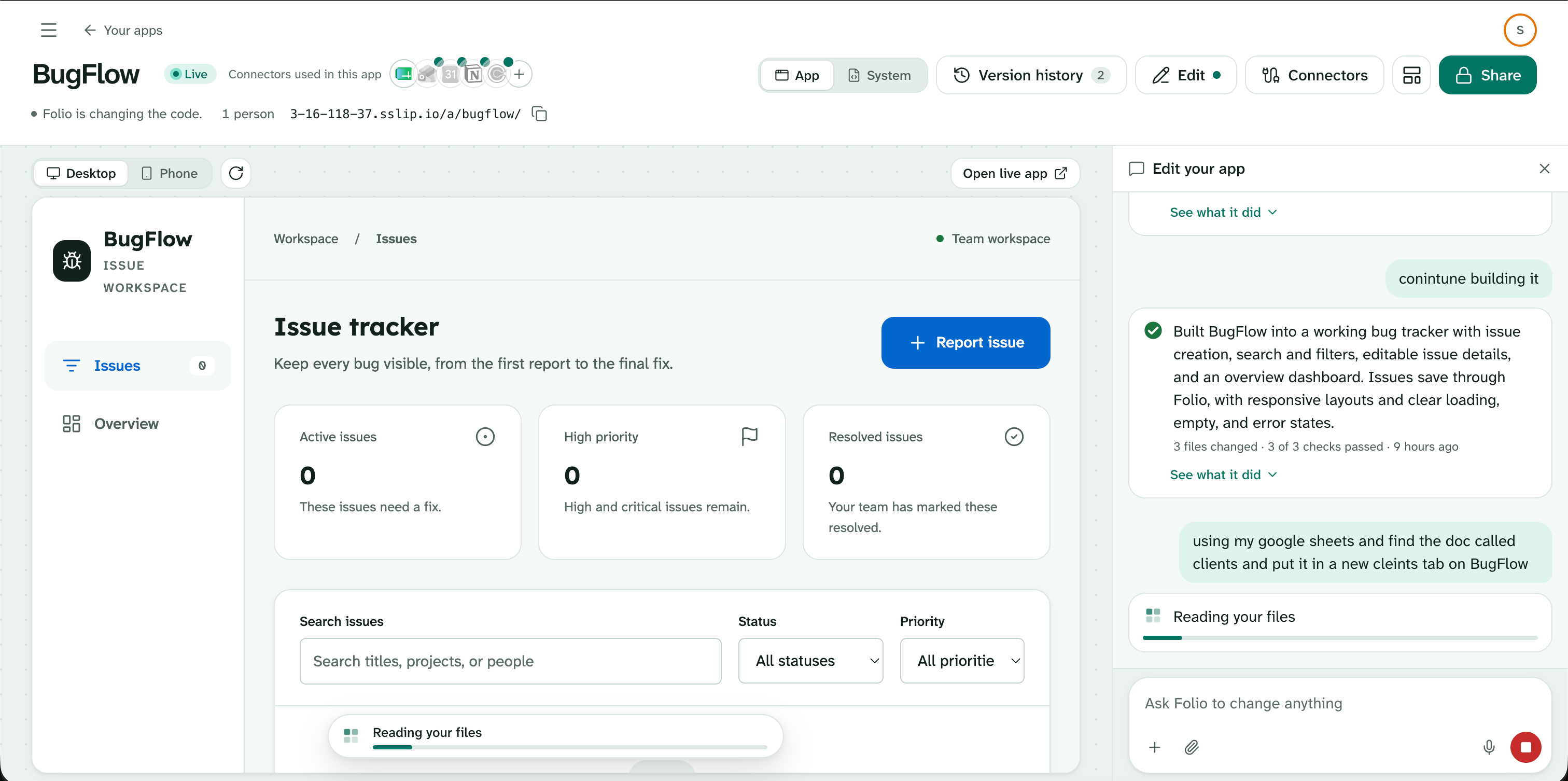
Inspiration
Every time we built an app for ourselves or for someone else, the writing part was the easy bit, and everything around it was the hard part. To get one small tool live we had to use Vercel for hosting, GitHub for the code, Claude Code to write it, a database somewhere else, and an auth provider for logins, each with its own account, its own subscription and its own dashboard, and each one another thing that could break. That is manageable if you are a developer, but it shuts out the people who actually know what their team needs and have never had to think about hosting or a deploy pipeline.
We wanted to put building, hosting and sharing in one place, so that someone who is not technical can go from an idea to a working app their coworkers can open, without signing up for five services or learning what any of them do. We focused Folio on the workplace specifically, because that is where small software matters most. Every team has its own workflows, pipelines and numbers to track, and the tools that fit them best are the ones built around exactly how that team works, which can then be shared and worked on together with no setup.
What it does
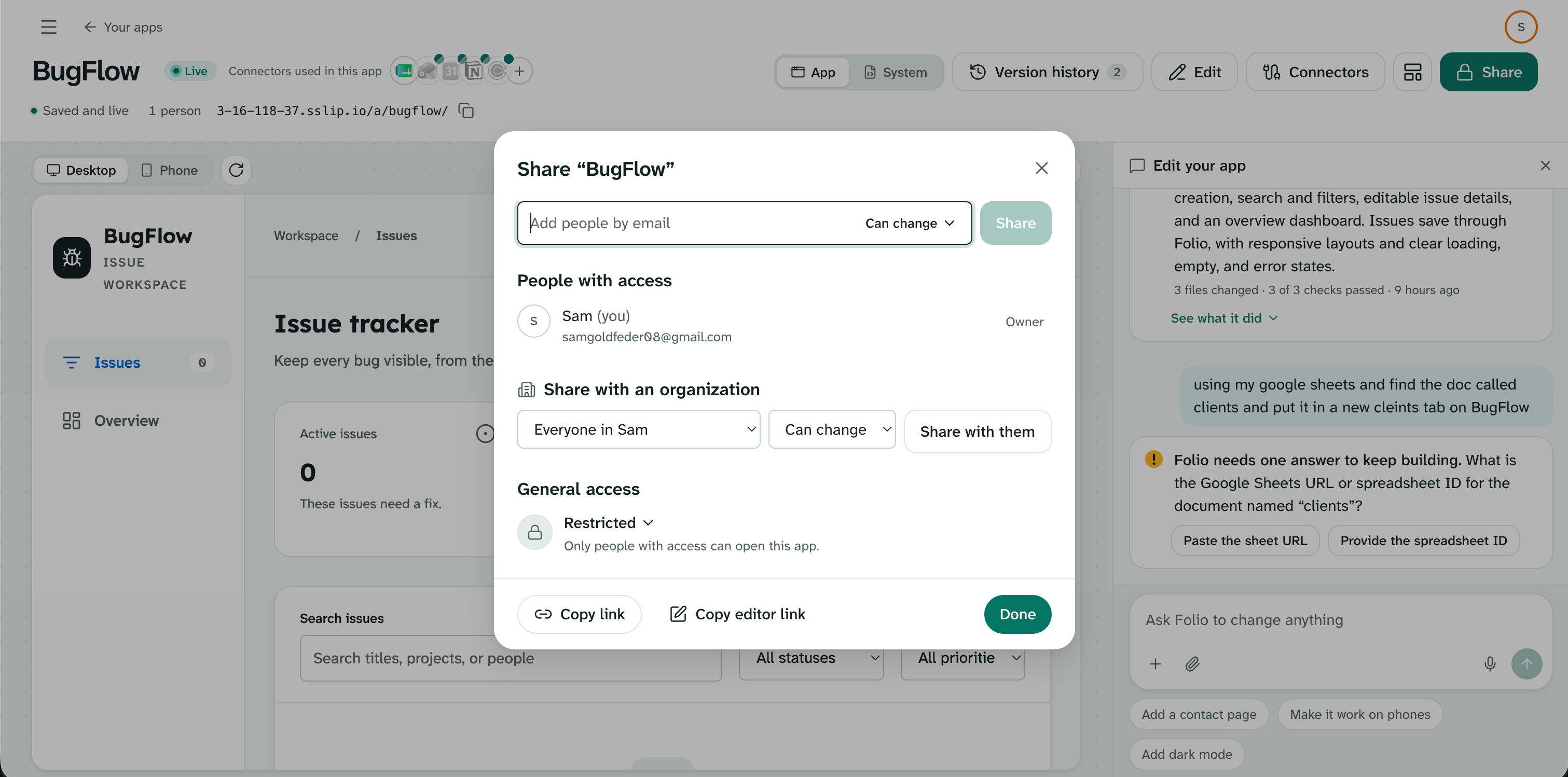
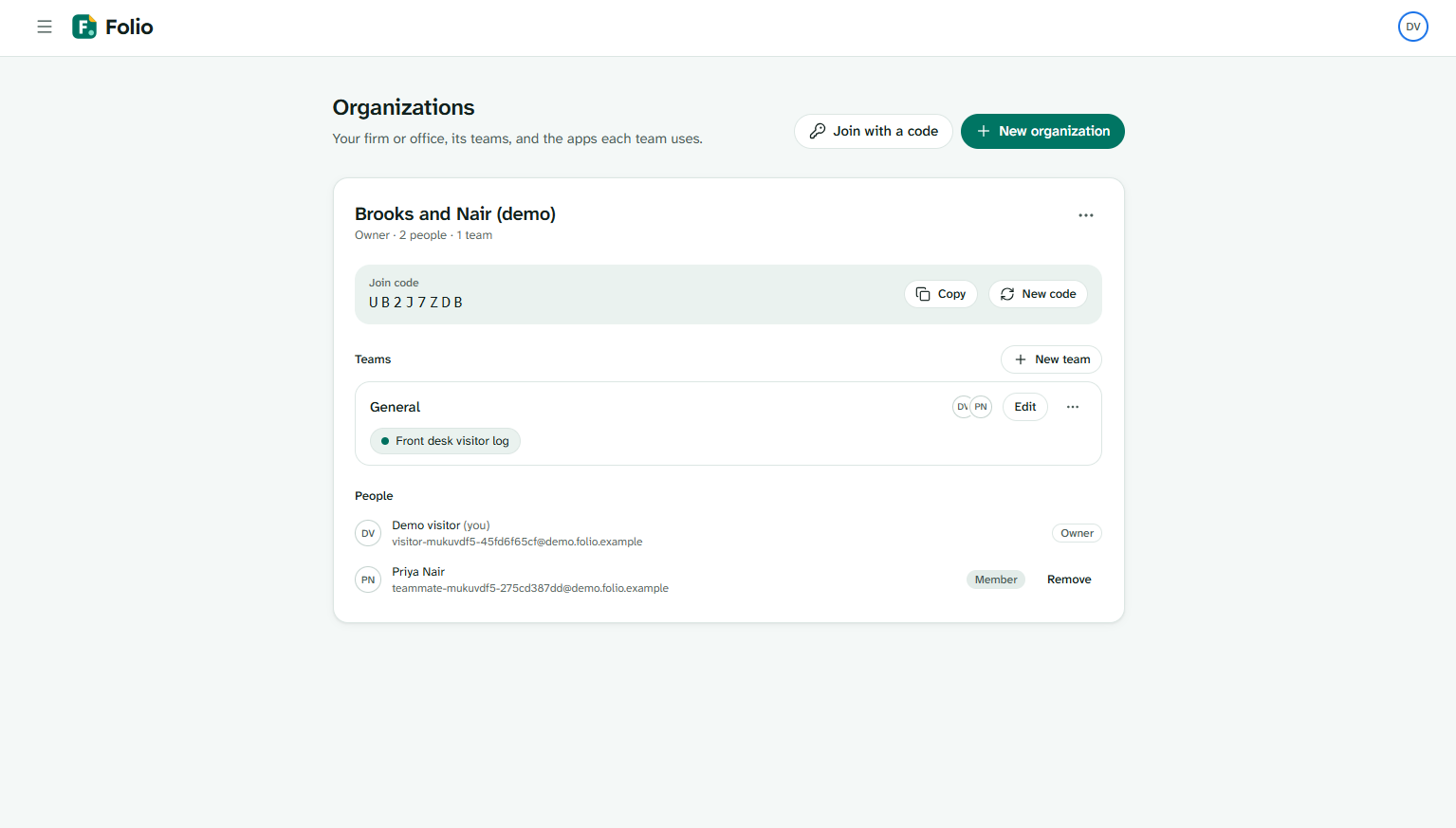
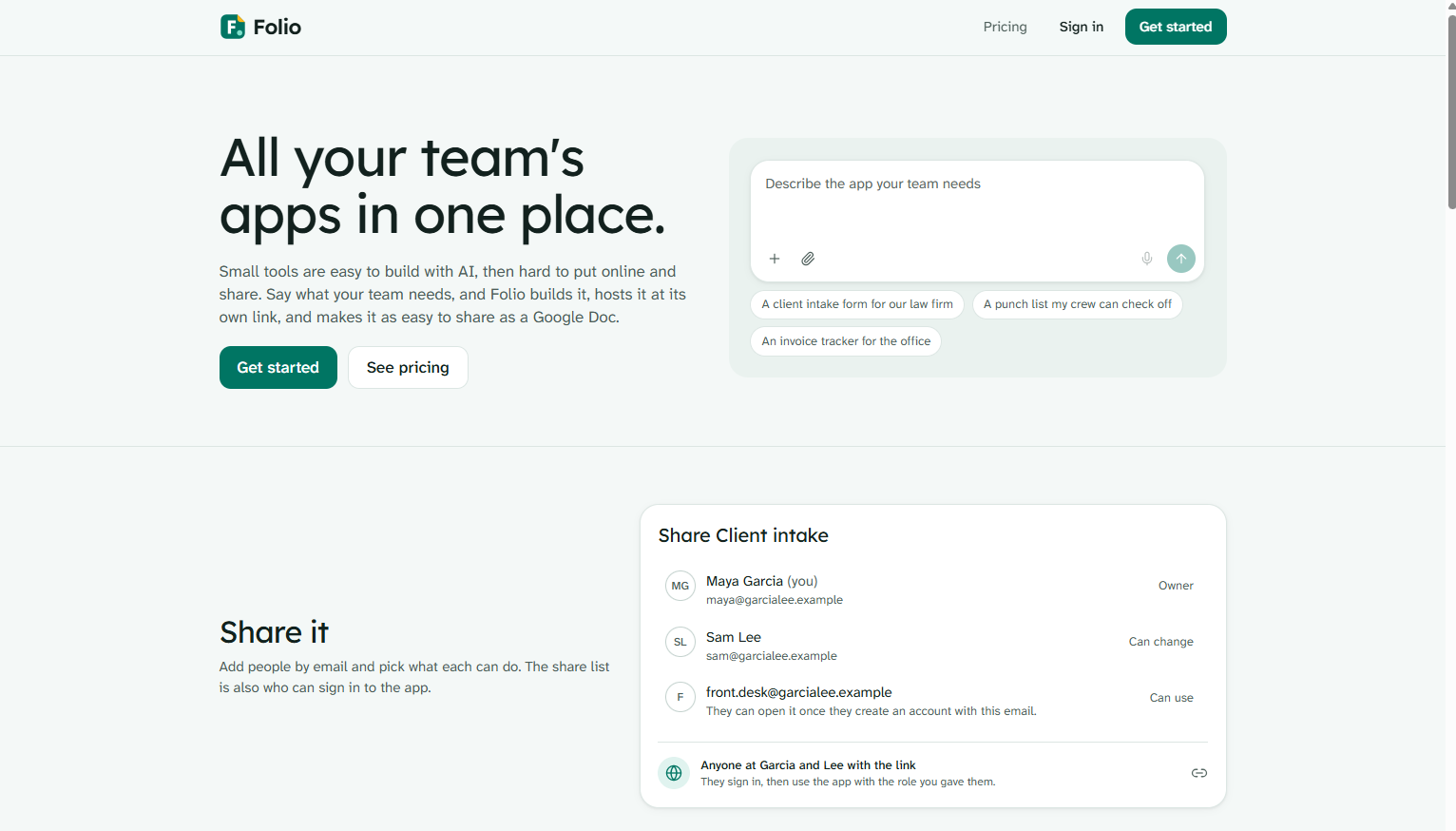
Folio lets someone who has never written code describe the tool they need, either by typing or by talking, and it asks them questions until it understands what the business actually tracks and who uses it. It then writes a real web app, runs it at its own live link, and gives it a Share button, so the people you add can use the app or change it and everyone else is kept out, without you ever setting up a login system. You can share an app with your whole organization or with one team, every change the AI makes shows up in a chat beside the app with what it changed, every version can be restored, and you can keep asking for changes in plain English for as long as you want.
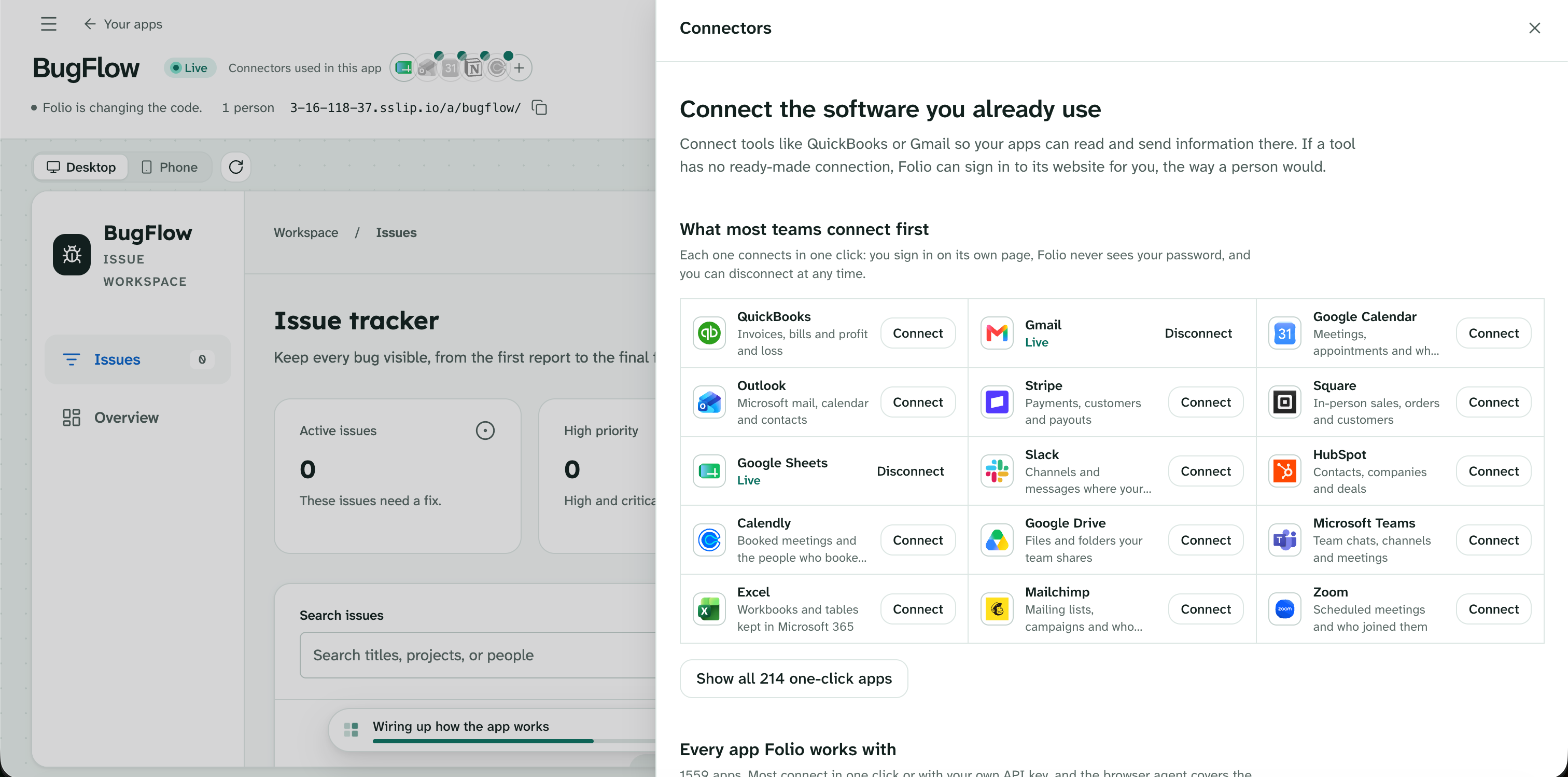
Apps can also use your connected accounts, so an app can pull your contacts from Gmail or keep a client list in sync with Google Sheets, through more than 1,500 apps we connect to through Composio. You can give Folio your logo and a design system, including real UI libraries like shadcn/ui, Radix and Material, and every app it builds for you follows that look.
How we built it
The web app is React 19 with Vite and Tailwind, and the server is TypeScript on Hono with SQLite, Better Auth for accounts, and Yjs with Hocuspocus so several people can edit the same app at once. The AI writes plain HTML, CSS and JavaScript, and we never run any of that code on our servers. Every app runs inside a sandboxed iframe with a strict content security policy, and it can only reach its data, the signed-in user and connected accounts through a small bridge that the trusted page around it answers, so a generated app cannot read cookies, reach other apps or touch another person's data.
Builds run as jobs on the server, so if you close the tab halfway through, the app keeps getting built and you can pick it back up later. Each build goes through a design check that catches things like unreadable contrast, missing form labels and filler copy, and fixes what it can before the person ever sees it. We deployed the whole thing on a single AWS EC2 instance that redeploys every time we push to main. Between Thursday and Sunday night our team made 436 commits, and the project has 2,279 automated tests that have to pass before anything ships.
Challenges we ran into
The hardest problem was letting apps use someone's connected accounts without creating a security hole. If a business owner shares an app that reads their Gmail, anyone who can open that app is using the owner's inbox through it. We ended up with rules where an app can only call the specific actions its own code names, anyone signed in who can use the app can read through the connection, only people the owner lets change the app can do anything that writes, and anything the connected service does not clearly mark as read-only is treated as a write.
Cost was the other one. Our first builds used the biggest model we had access to, and a single full build cost between 28 cents and a dollar, which does not work for a product where people are supposed to keep asking for small changes all day, so we moved every AI call to a much cheaper model and spent a lot of Sunday making the build instructions good enough that the output held up. We also ran out of API credits in the middle of Sunday afternoon, which was a good reminder of why that mattered.
What we learned
We learned that the interview matters more than the code generation. When Folio asks the right questions first about who uses the tool, what they track and what has to happen every week, the first build is usually close, and when it skips that step no amount of clever prompting fixes it later. We also learned that for this kind of software, sharing and permissions are the core of the product rather than something added at the end, because the moment a tool is shared with even one other person, everything about it has to be trustworthy.
What's next
The biggest thing we need to improve is the AI development itself. Right now Folio builds solid tools for tracking, intake and scheduling, but we want it to handle much more complex designs and functionality, like multi-step workflows, automations that run on their own, deeper integrations with the apps a team already uses, and interfaces that look custom-designed rather than generated. That means better build instructions, stronger checks on what the AI produces, and eventually using more capable models where the cost makes sense.
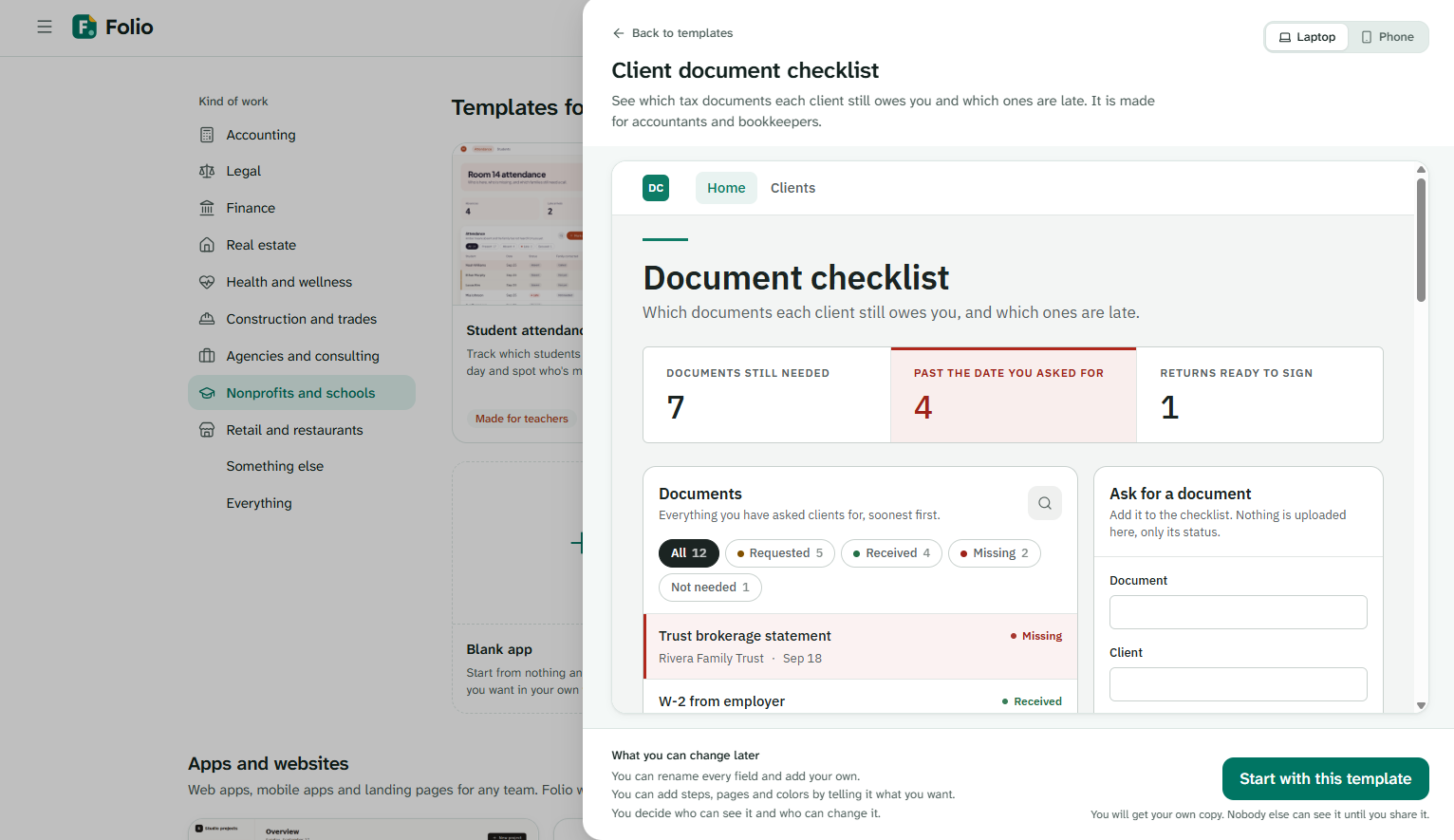
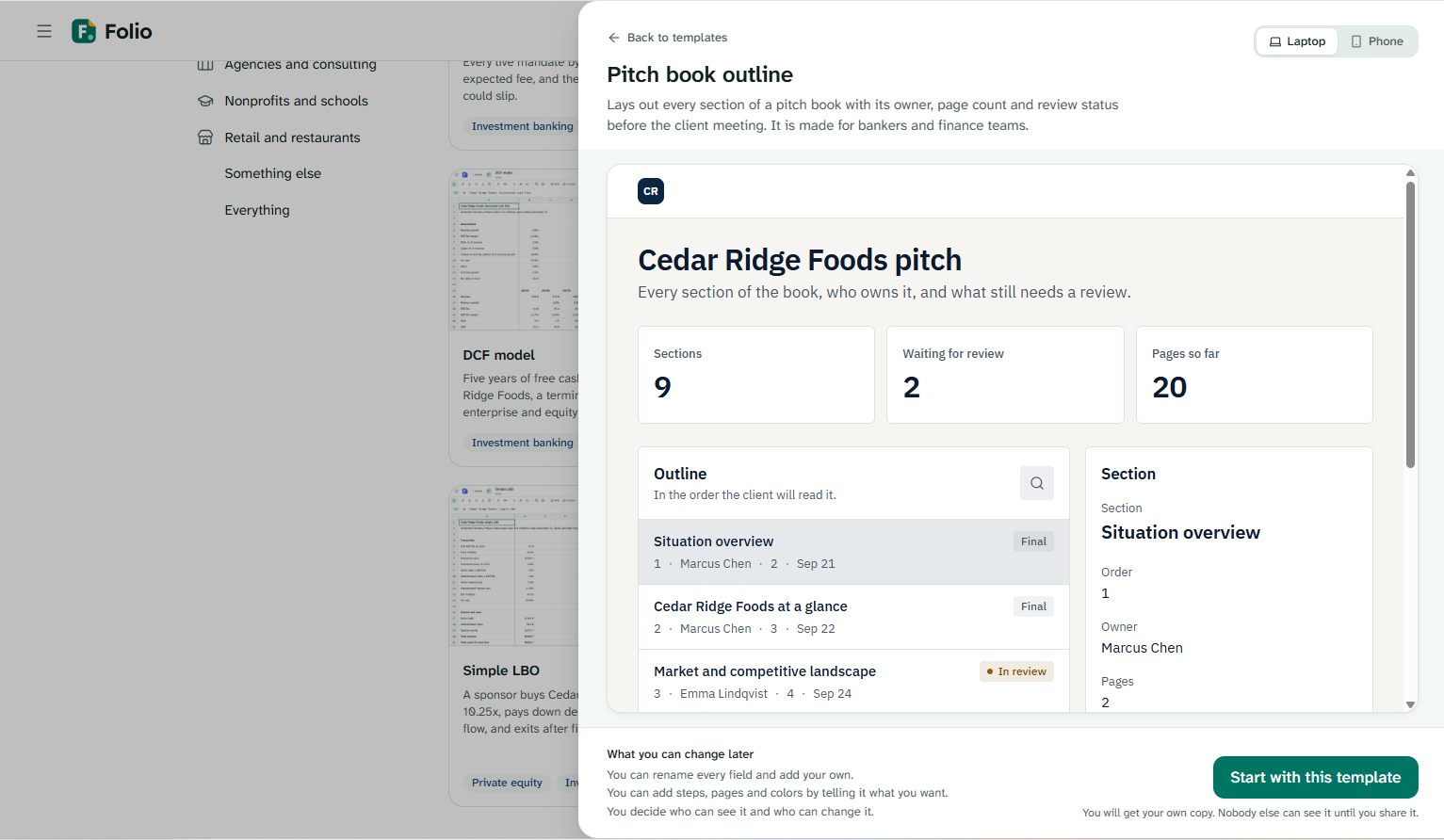
We also want to put Folio in front of small offices like law and accounting firms, starting with a short pilot where someone on the team builds one real tool for their coworkers, and watch what they try to build before we add anything else. After that come billing, a real domain instead of our test address, and letting teams publish the tools they make so other offices in the same line of work can start from them.
Built With
- amazon-web-services
- better-auth
- codemirror
- composio
- github-actions
- hocuspocus
- hono
- node.js
- openai
- playwright
- react
- sqlite
- tailwindcss
- typescript
- vite
- vitest
- yjs


Log in or sign up for Devpost to join the conversation.